Music Video Templates — Now Playing, Single Releases, Track IDs and Beat Drops
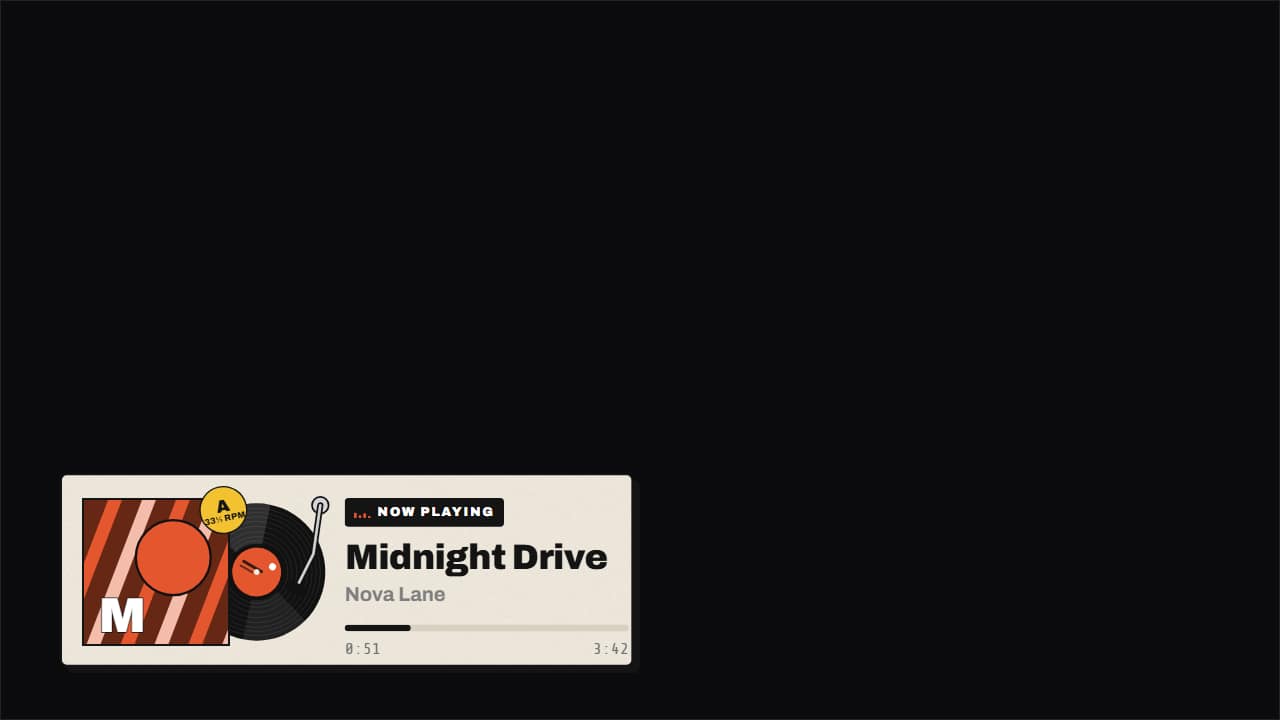 Now playing: vinyl, cassette or card
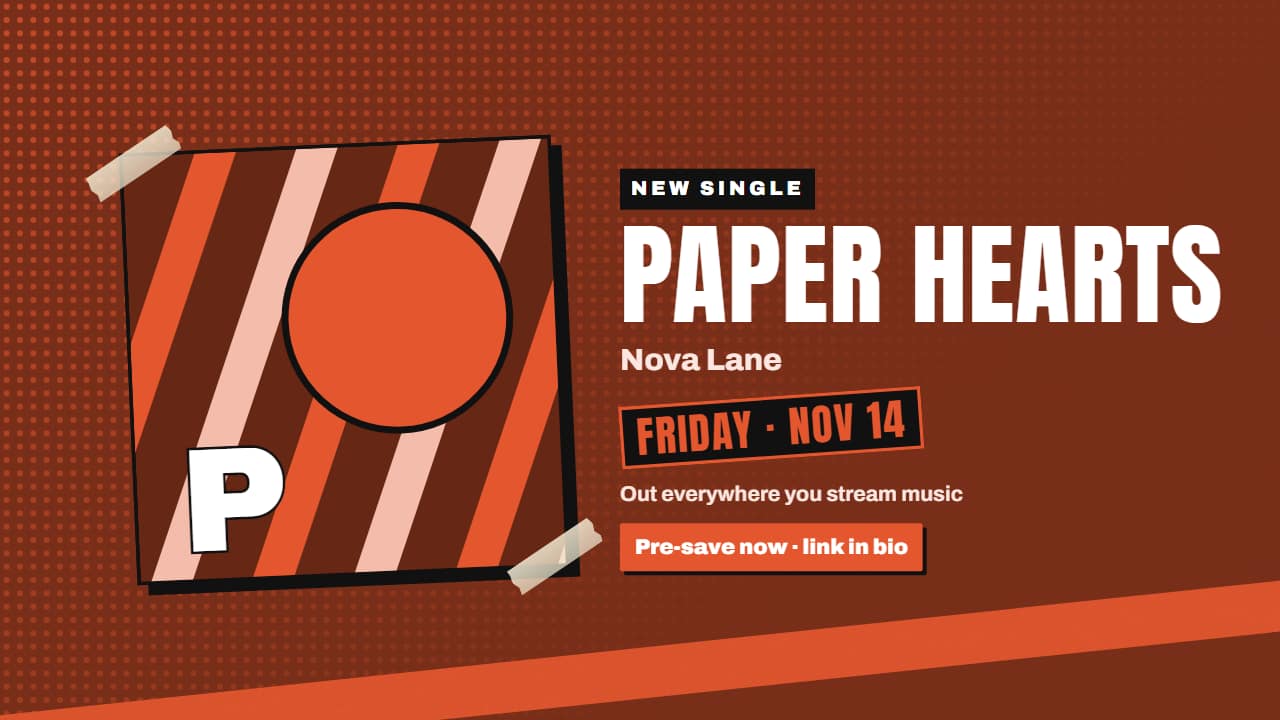 Single release announcement: «new song Friday»
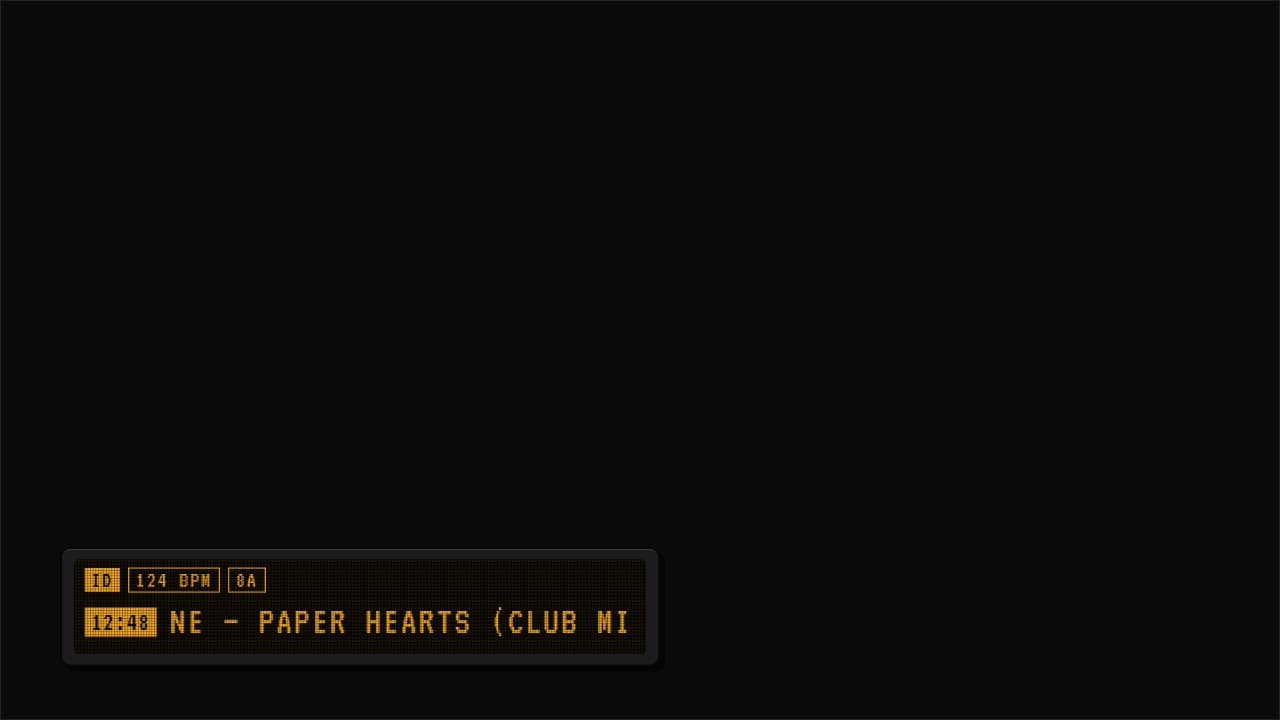 Track ID for DJ sets and mixes
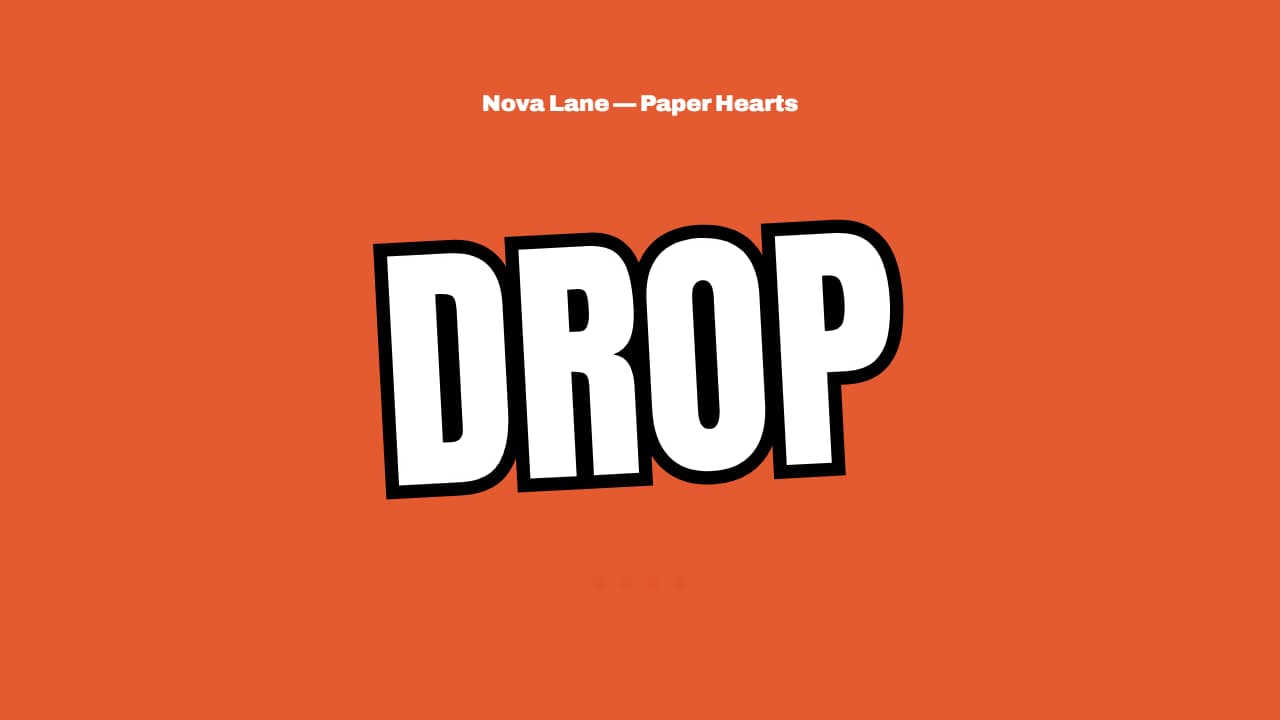 Beat drop countdown at your BPM
Music channels, DJs and anyone who puts a song in a vlog or a Short need the same graphics, and free ones look like a phone screenshot. These are built like objects instead: a record that slides out of its sleeve and spins at 33⅓, a cassette whose reels pass the tape from one side to the other as the song plays, a release poster that slams onto the screen with the date and where to listen, and the track ID strip every mix video uses.
The drop template counts down on the beat you type in, so the flashes land on the music without keyframes. Upload your cover art or let the template draw an abstract one in your color, then export it transparent to lay it over your footage in CapCut, Premiere, DaVinci or Final Cut. No logos of streaming services are drawn: you write where to listen.
9 templates · 16:9 · 9:16 · 1:1Open them in the library
- Now playing: vinyl, cassette or cardThe song that's playing, made into an object: the record slides out of its sleeve and spins at 33⅓ on a…
- Single release announcement: «new song Friday»Your new song announcement: the cover drops and slams the screen (which shakes), the title lands letter by…
- Track ID for DJ sets and mixesThe strip DJ set and mix videos show when a track comes in: timestamp, artist – title and up to three chips…
- Beat drop countdown at your BPM«4 · 3 · 2 · 1 · DROP» with each number landing exactly on a beat of the BPM you type: put the start on a…
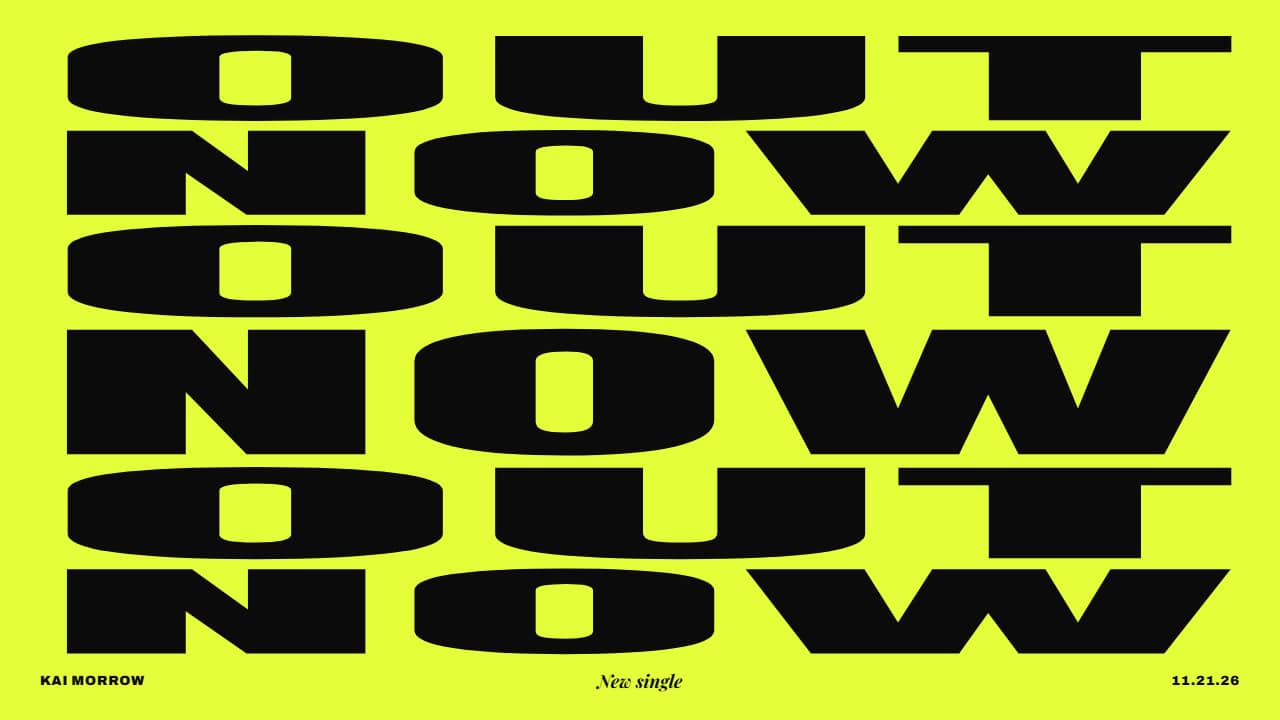 OUT NOW release poster pulsing to the beatYour new release as a type poster: the two words («OUT» and «NOW») alternate row by row in huge condensed…
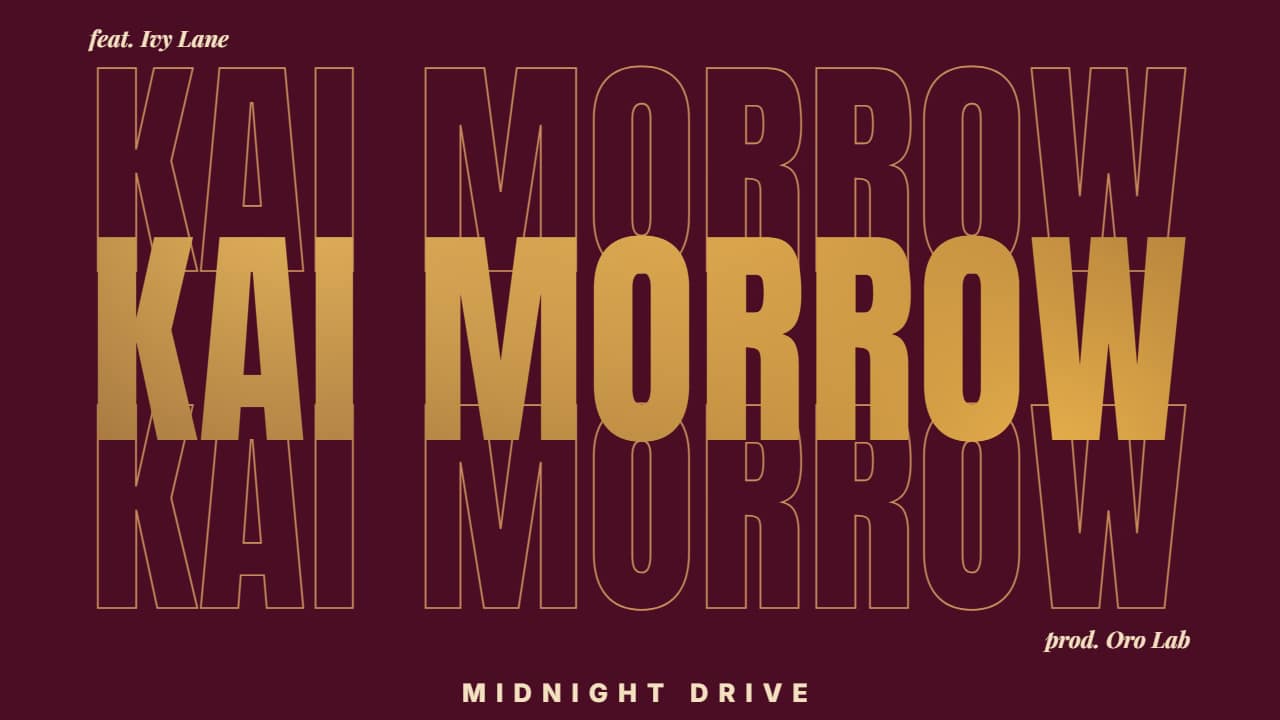 Artist name with your music video inside the lettersThe artist (or track) name in giant condensed type with your music video INSIDE the letters: it is uncovered…
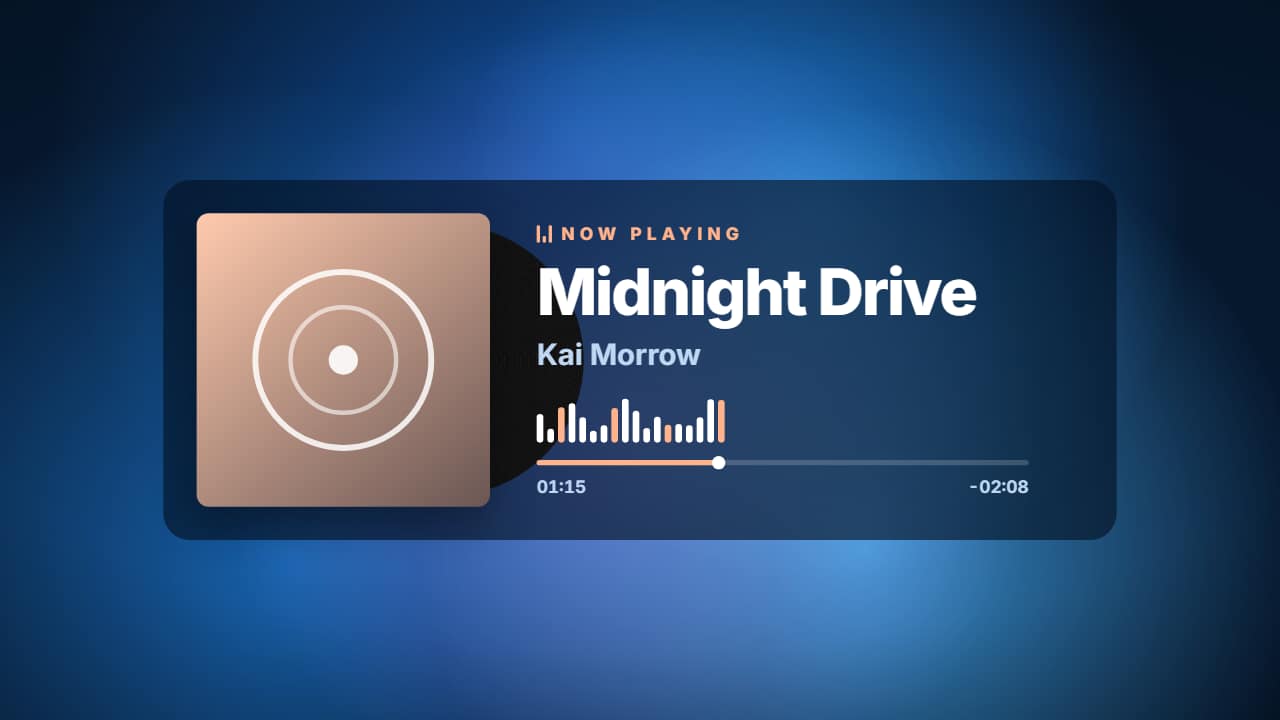 Now playing music player with cover art on a looping gradientA music player over looping color blobs: your cover art (with the vinyl peeking out and spinning), «NOW…
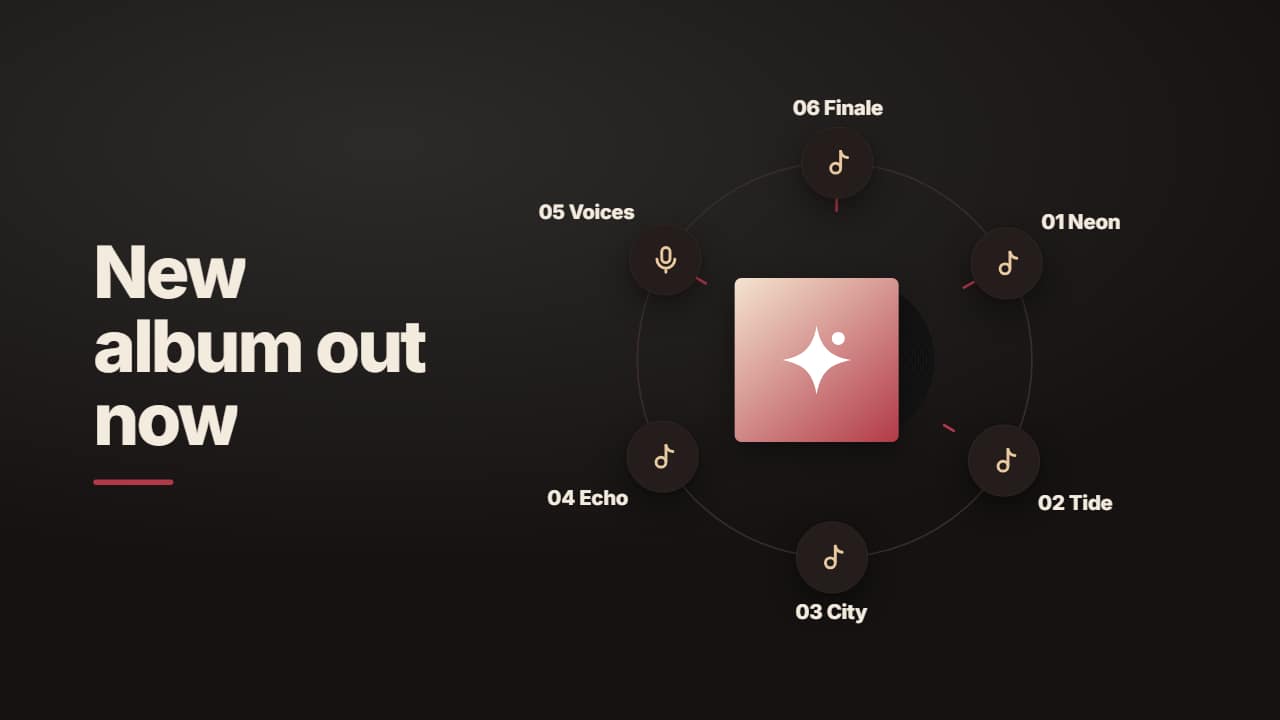 Album orbit: cover art in the middle with tracks circlingYour album cover in the middle with its spinning vinyl and up to 8 tracks (or places to listen) on orbiting…
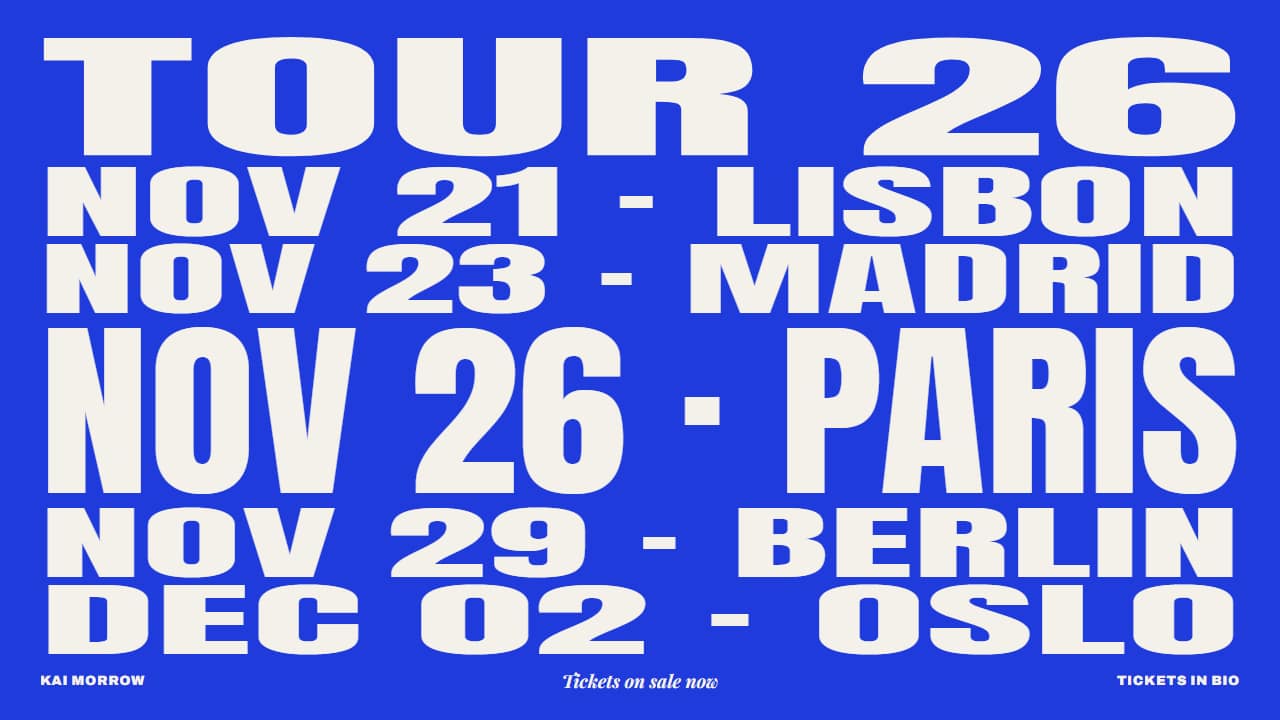 Tour poster: dates and cities that stretch in turnYour tour announcement as a type poster: «TOUR» on top and one full-width row per date and city; the dates…
Questions
- Does the timer follow the real song length?
- Yes. You type the song length and where it starts, and the clock and the progress bar advance one second per second of video.
- Can I sync the beat drop to my track?
- Type the BPM and how many beats before the drop. The flashes fall exactly on those beats, so line up the start of the template with a downbeat in your editor.
- Do I need After Effects?
- No. Every template is edited in your browser: type your text, choose colors and format (16:9, 9:16 or 1:1), watch the live preview and export.
- What do I export, and does it work in my editor?
- Most templates export as a ProRes 4444 .mov with a transparent background, which you place on a track above your clip in CapCut, Premiere Pro, DaVinci Resolve or Final Cut Pro. You can also export an MP4 with your own clip behind it. Always in Full HD.
- Is it free?
- Editing and previewing are free and need no account. To export you sign in with Google; during the open beta, new accounts get export credits at no cost.