Aspect ratio1920×1080this is how it downloads
Preview doesn't change the file
You'll download 1920×1080, 3.5 s, with no background (.mov).
BetaFree during the beta: create an account and export at no cost. No credit card.How it works →Free during the beta · no card →
You'll download 1920×1080, 3.5 s, with no background (.mov).
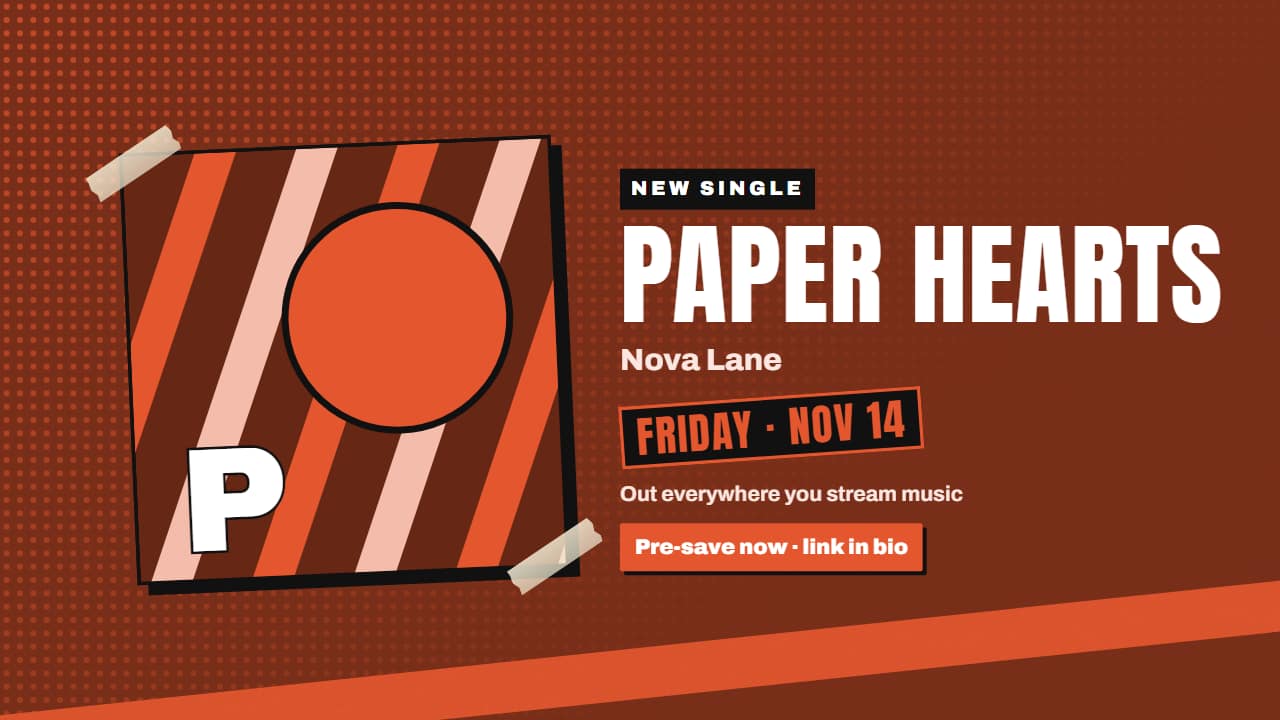
Your new song announcement: the cover drops and slams the screen (which shakes), the title lands letter by letter, the date stamps on like a seal, and below it where to listen and «pre-save». Three styles: gig poster with halftone dots and tape, Editorial 3D with the cover as a slab and the days to go on rolling wheels, and cinematic black. Upload your cover or keep an abstract one in your color. Works transparent too.
Plus the typeface and an optional letter outline, in every template.
Export it without background and put it on a track above your clip: the animation plays over your video.
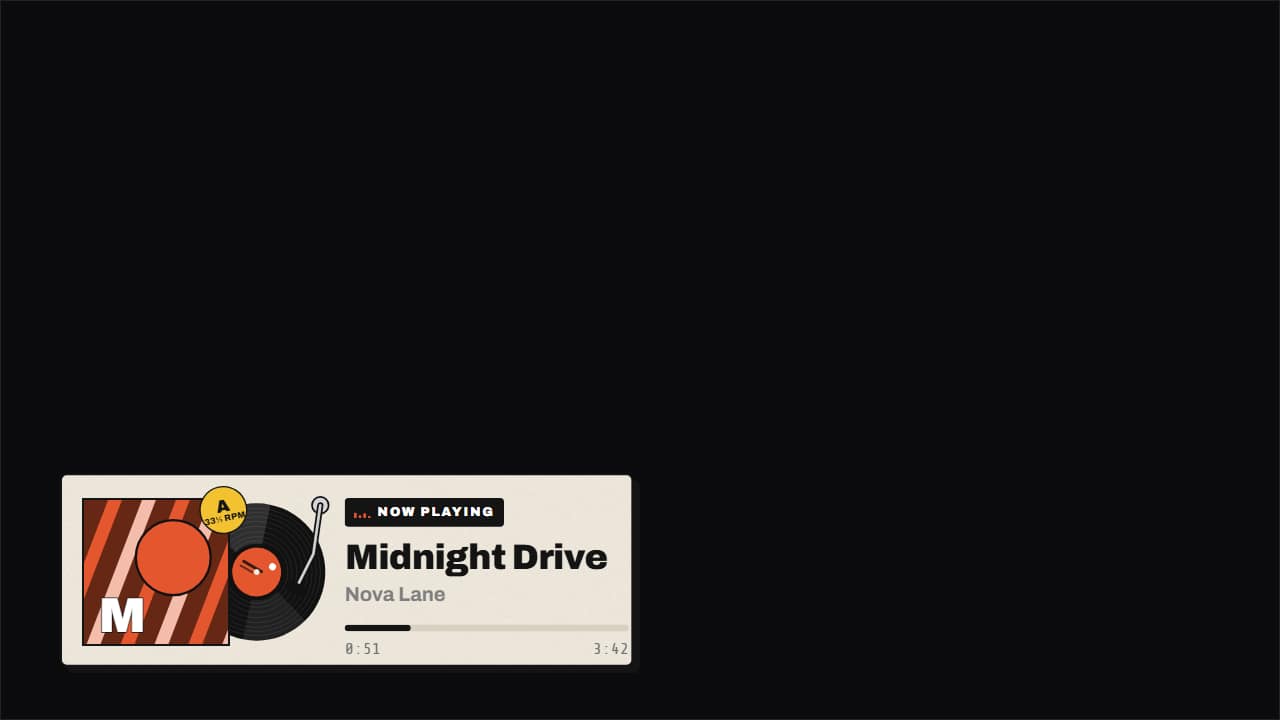 Now playing: vinyl, cassette or cardThe song that's playing, made into an object: the record slides out of its sleeve and spins at 33⅓ on a…
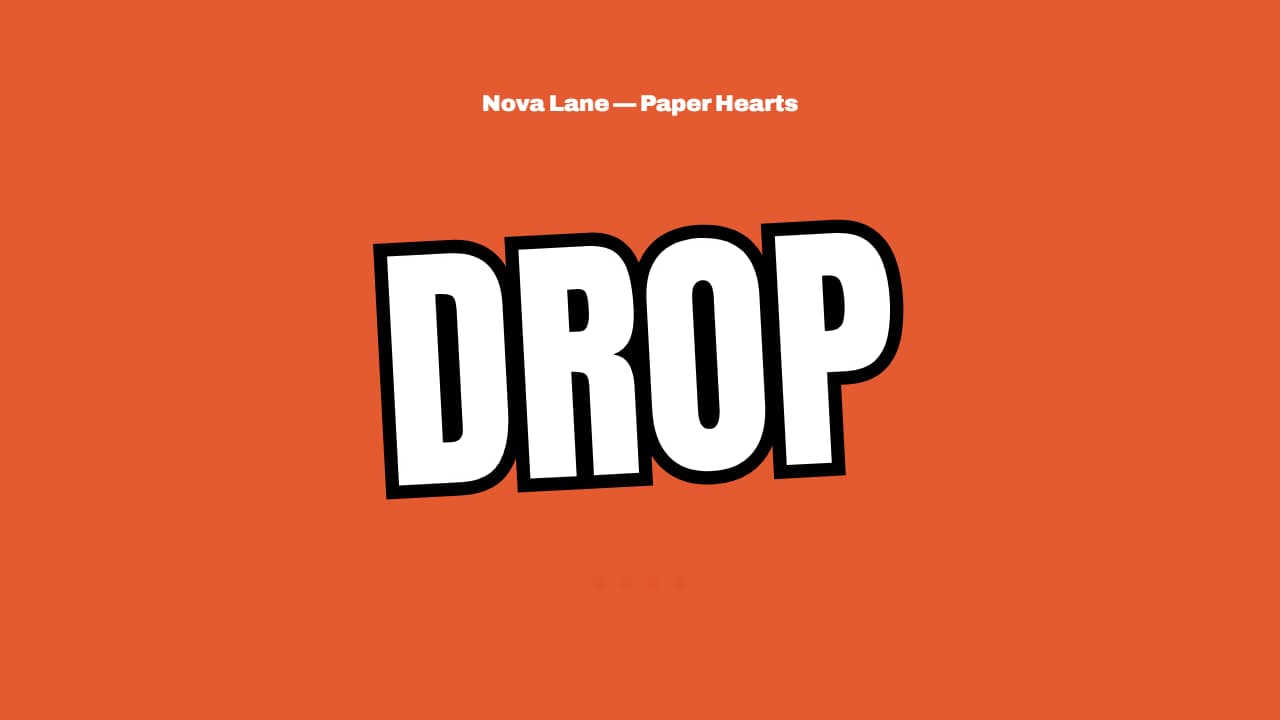 Beat drop countdown at your BPM«4 · 3 · 2 · 1 · DROP» with each number landing exactly on a beat of the BPM you type: put the start on a…
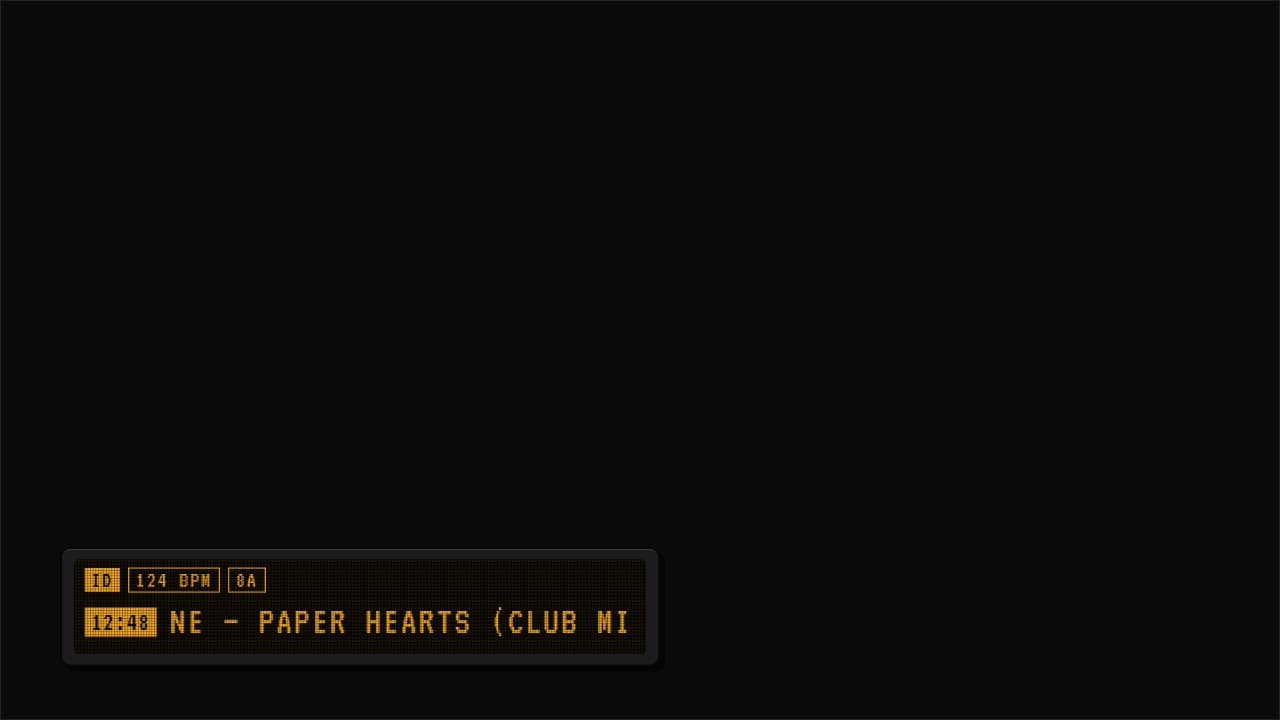 Track ID for DJ sets and mixesThe strip DJ set and mix videos show when a track comes in: timestamp, artist – title and up to three chips…
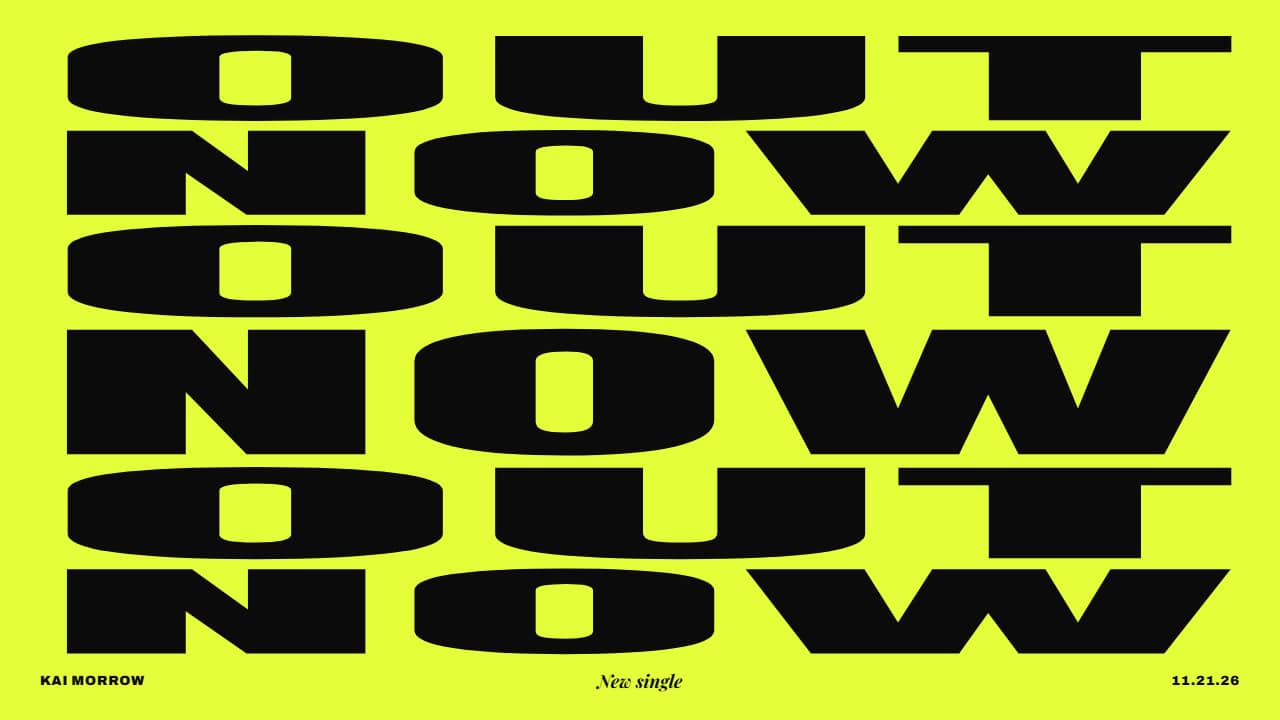 OUT NOW release poster pulsing to the beatYour new release as a type poster: the two words («OUT» and «NOW») alternate row by row in huge condensed…
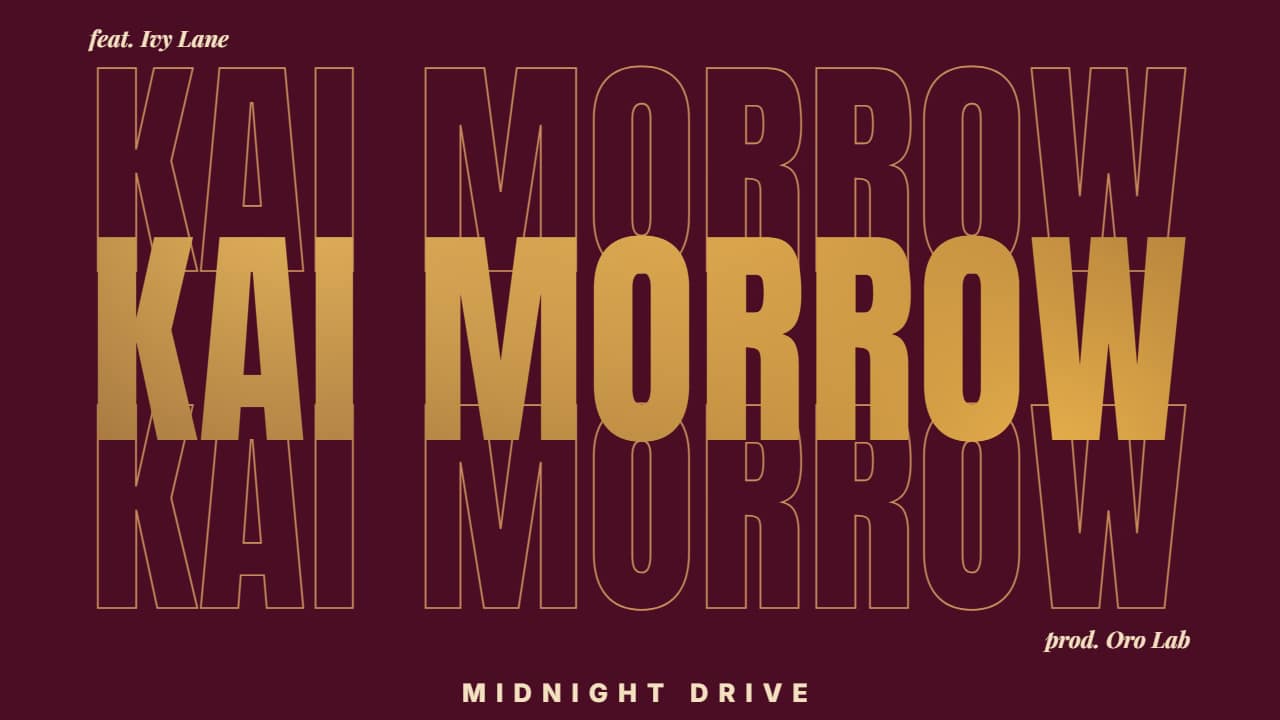 Artist name with your music video inside the lettersThe artist (or track) name in giant condensed type with your music video INSIDE the letters: it is uncovered…
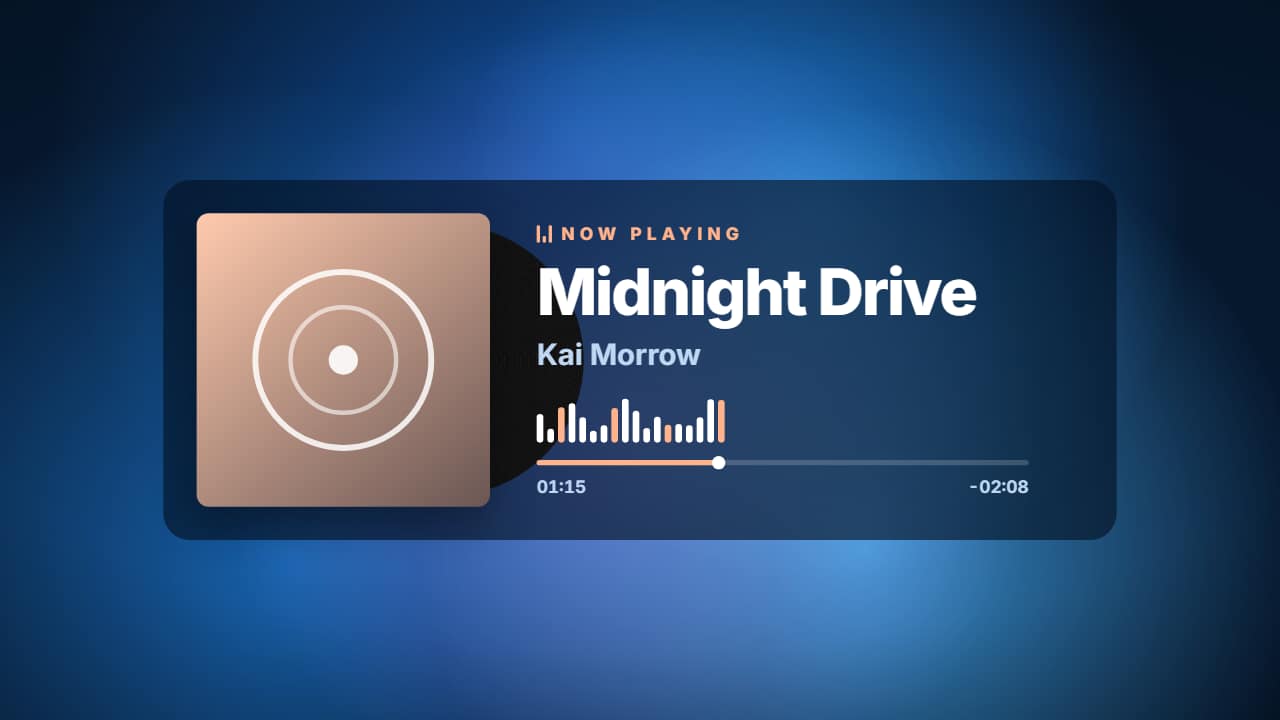 Now playing music player with cover art on a looping gradientA music player over looping color blobs: your cover art (with the vinyl peeking out and spinning), «NOW…
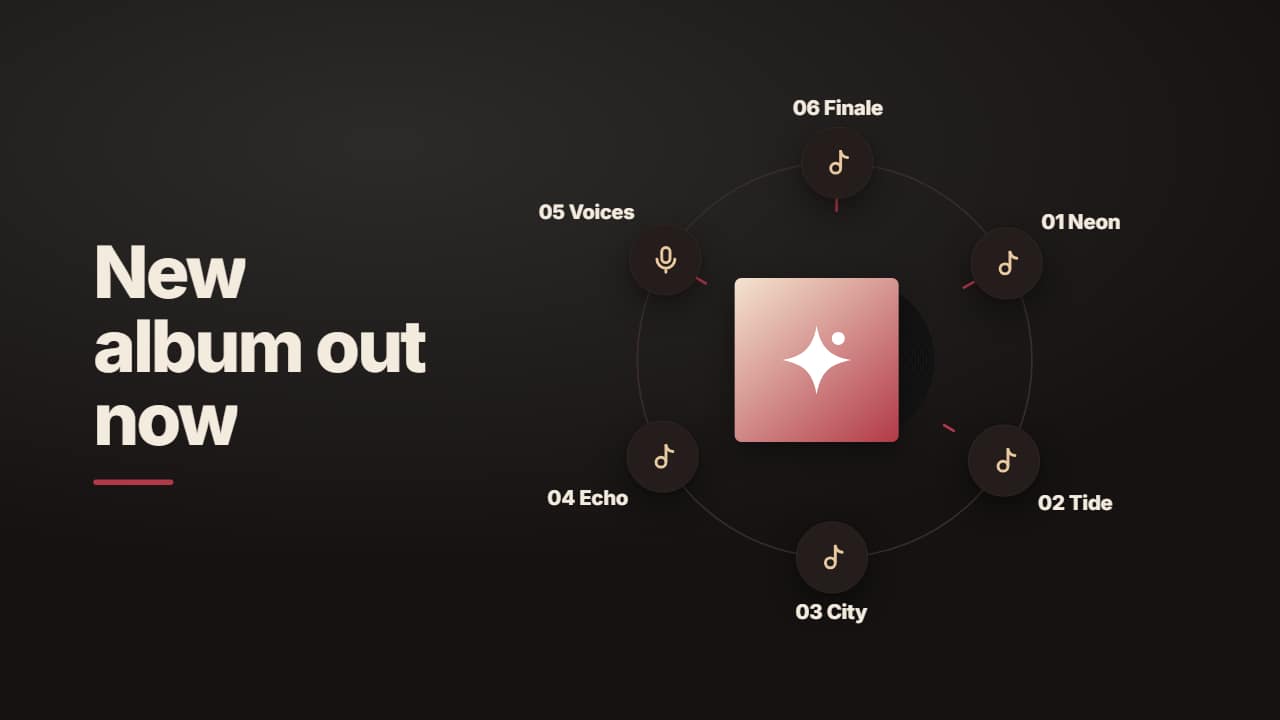 Album orbit: cover art in the middle with tracks circlingYour album cover in the middle with its spinning vinyl and up to 8 tracks (or places to listen) on orbiting…
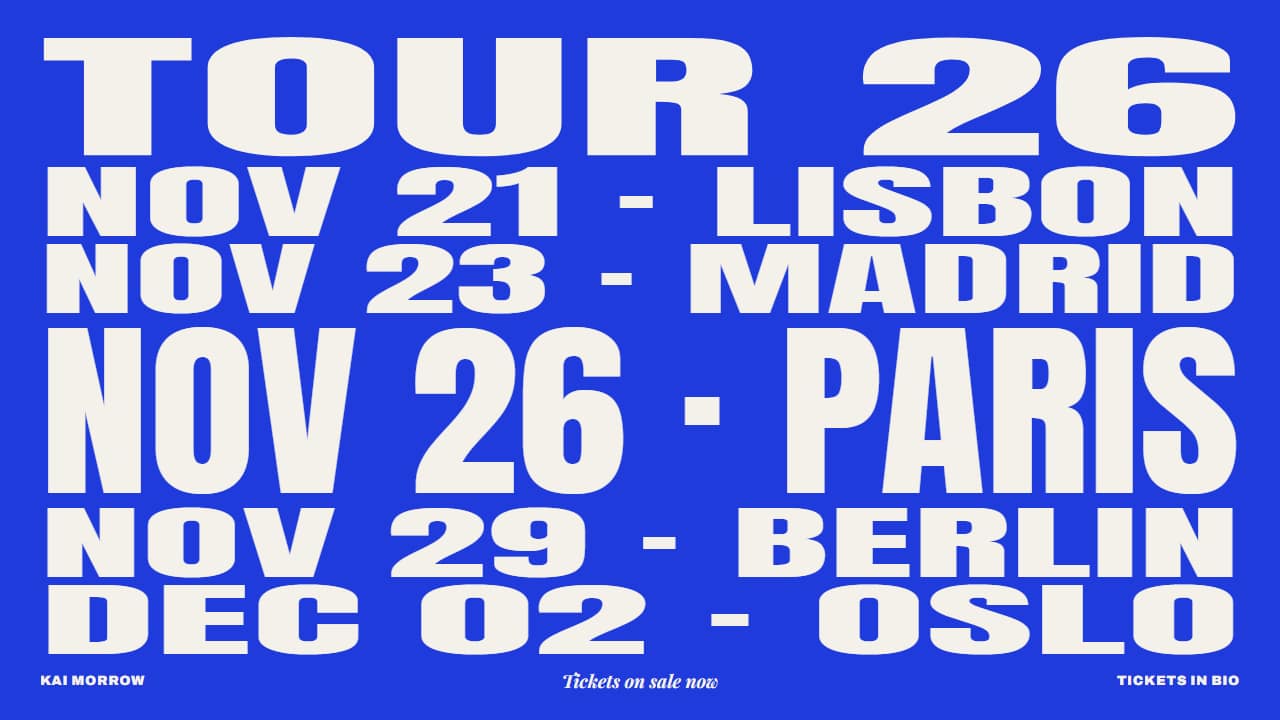 Tour poster: dates and cities that stretch in turnYour tour announcement as a type poster: «TOUR» on top and one full-width row per date and city; the dates…