Podcast Video Templates — Multi-Cam Frames, Guest Lower Thirds
A video podcast looks more professional with a few consistent graphics. The multi-cam frame places two or three of your cameras side by side, each with the speaker's name and role. The guest lower third introduces whoever is on the show with their photo, name and what they do.
When you cut clips for Shorts and Reels, the pull quote card puts the best line of the episode next to the photo of who said it. The topic tag tells viewers what is being discussed right now, which helps in long episodes. For more podcast-friendly pieces, see the two-speaker captions and the podcast clip layout.
4 templates · 16:9 · 9:16 · 1:1Open them in the library
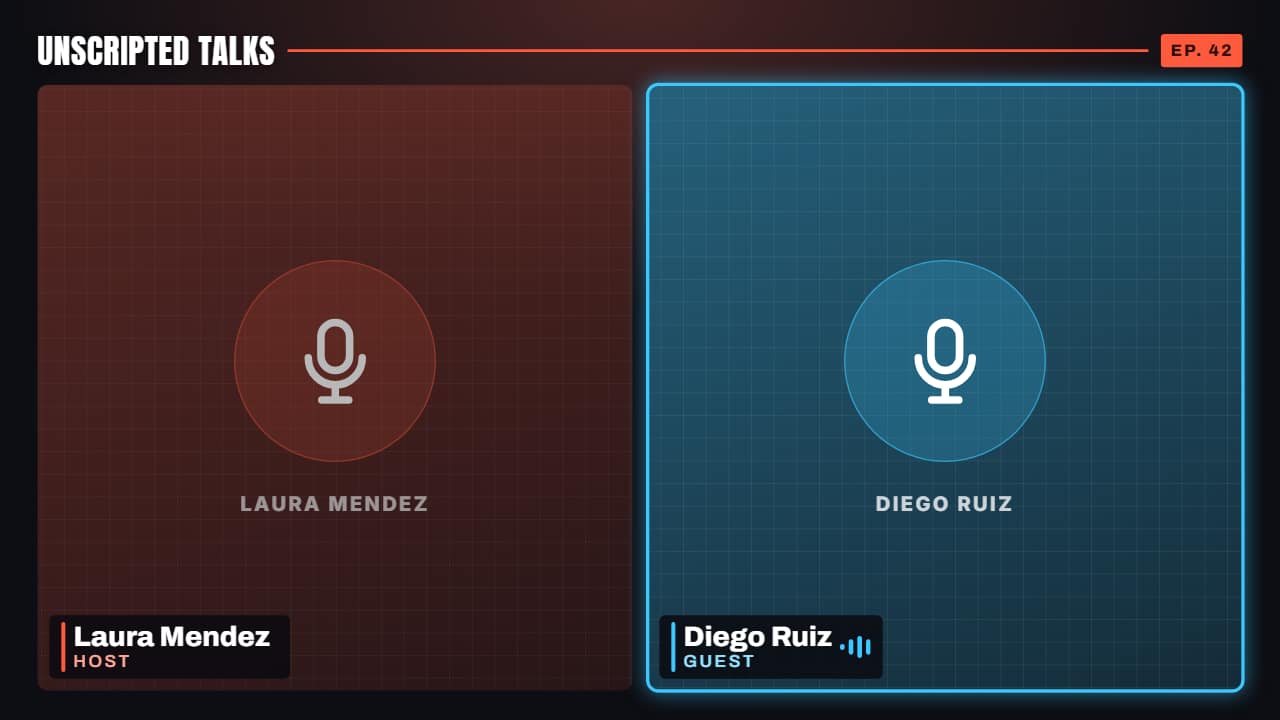 Multi-cam podcast frameTwo or three cameras from your podcast, each with its name and role, plus the show's name and the episode.
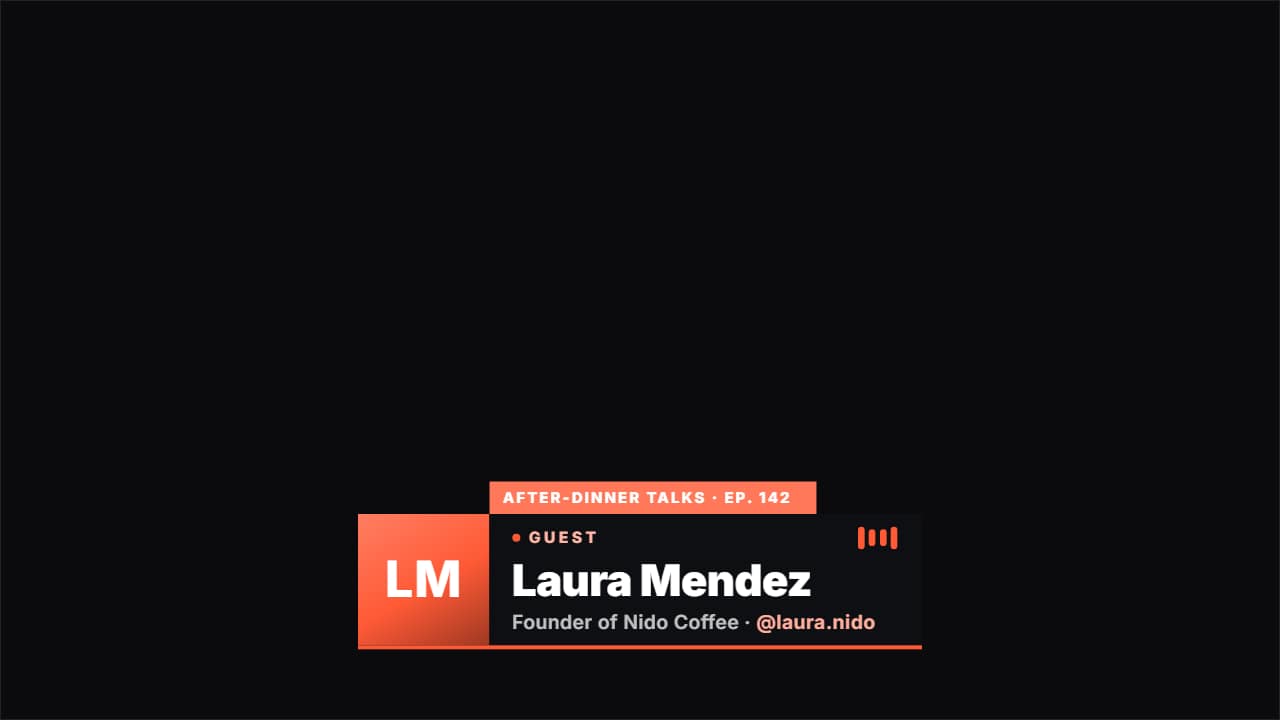 Podcast guest lower thirdIntroduces whoever is on the show: their photo, their name, what they do and their @, with a «GUEST» badge…
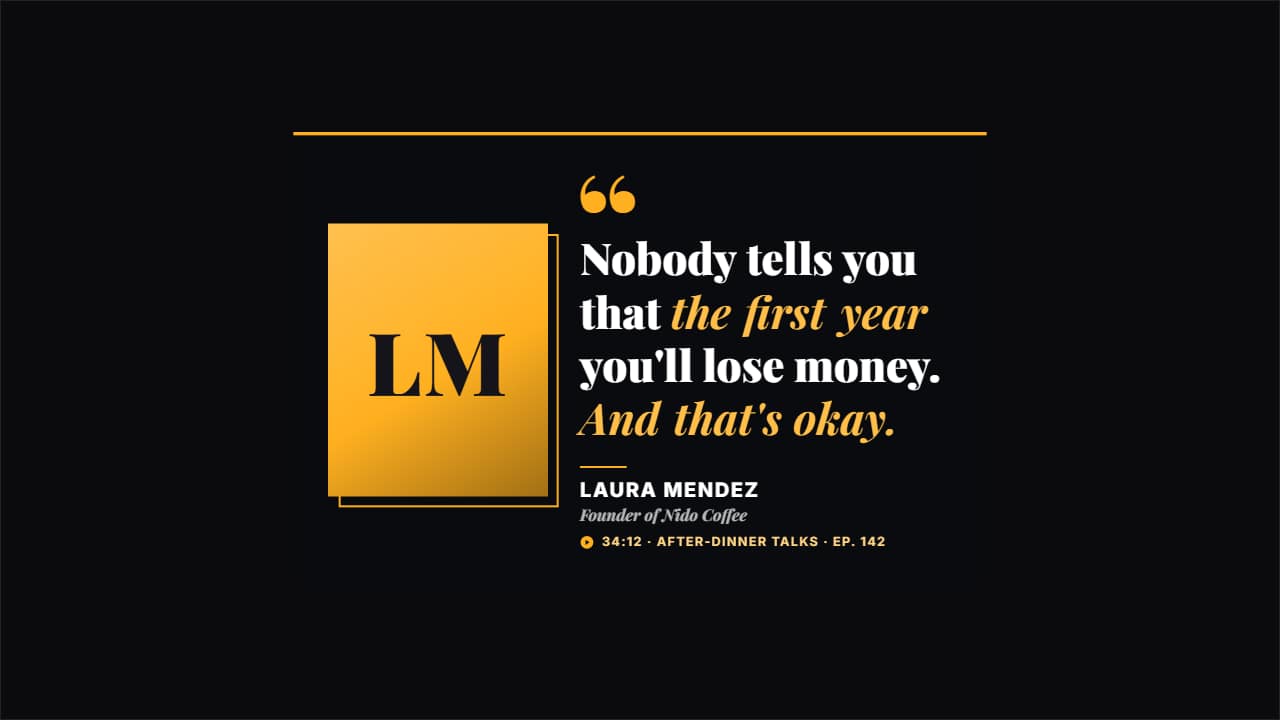 Guest pull quoteThe line from the episode worth clipping, with the photo of who said it, their name, what they do and where…
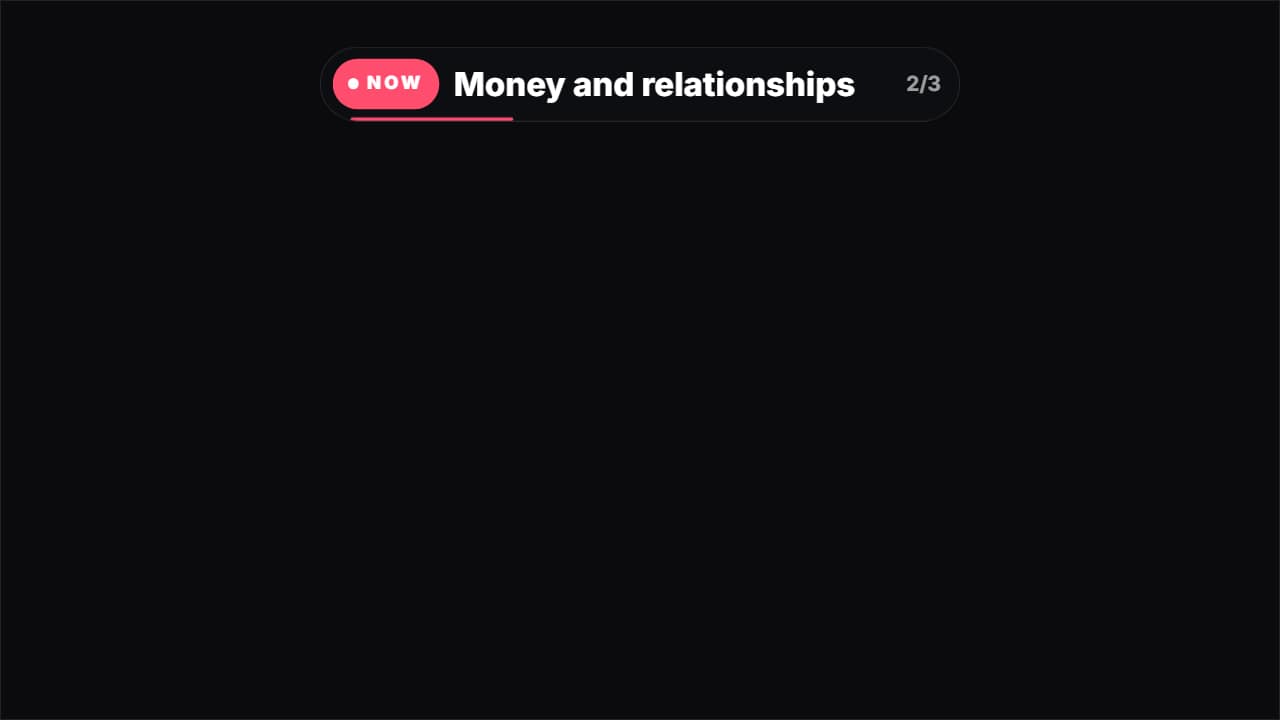 Current topic tagThe tag long podcasts use to say what's being discussed: «NOW · Money and relationships».
Questions
- How many cameras does the multi-cam frame support?
- Two or three, each with its own name and role.
- Are there captions for two speakers?
- Yes, in the captions category: you write each turn as «NAME: what they say» and each speaker gets their own color.
- Do I need After Effects?
- No. Every template is edited in your browser: type your text, choose colors and format (16:9, 9:16 or 1:1), watch the live preview and export.
- What do I export, and does it work in my editor?
- Most templates export as a ProRes 4444 .mov with a transparent background, which you place on a track above your clip in CapCut, Premiere Pro, DaVinci Resolve or Final Cut Pro. You can also export an MP4 with your own clip behind it. Always in Full HD.
- Is it free?
- Editing and previewing are free and need no account. To export you sign in with Google; during the open beta, new accounts get export credits at no cost.