Animated Caption Templates — Word-by-Word Subtitles
Captions keep people watching with the sound off. These styles follow your voice word by word: the word being spoken jumps and takes color, slams in when you mark it as a keyword, gets a highlighter swipe or lands in a solid color box like auto captions.
There are karaoke and bouncing-ball sing-along styles, typewriter captions, cinematic subtitles with letterbox bars, sticker captions, a single giant word at a time and minimal dark pills. For podcasts, two-speaker captions with a name per turn; for language channels, the sentence and its translation together. Write the text and time it to your clip.
14 templates · 16:9 · 9:16 · 1:1Open them in the library
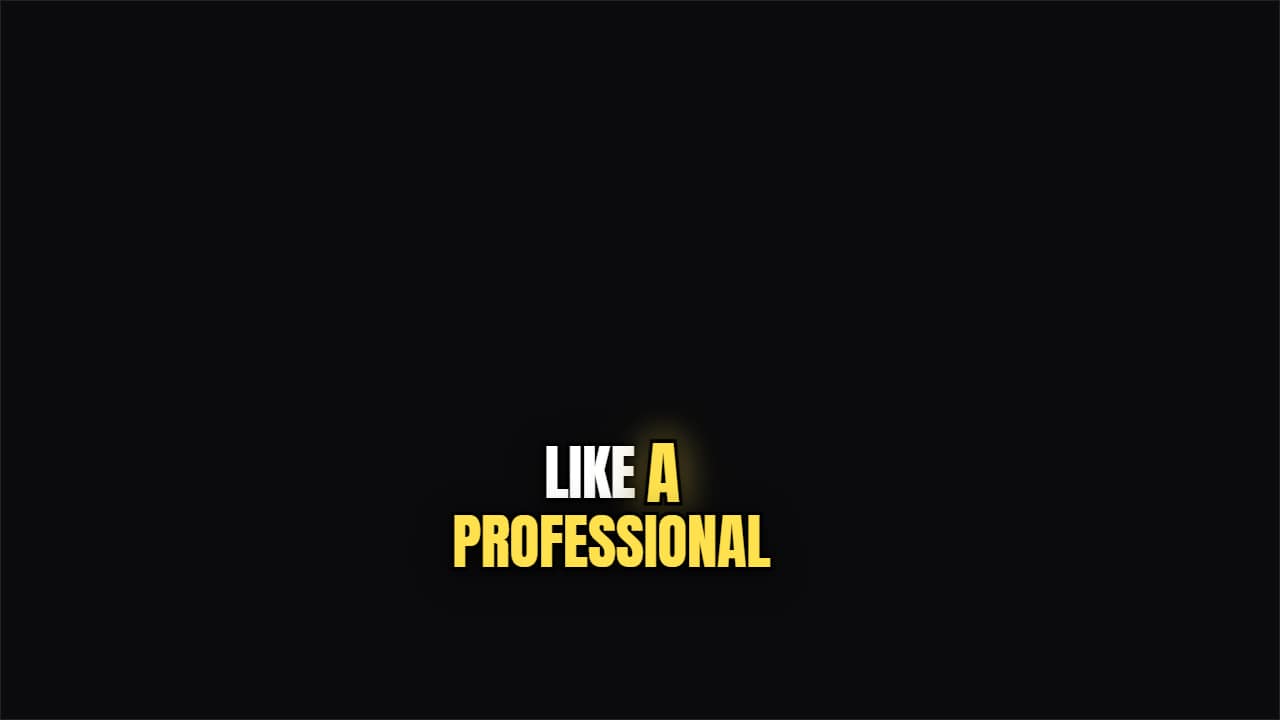 TikTok captionCondensed, thick outline, and the word being spoken jumps and takes color.
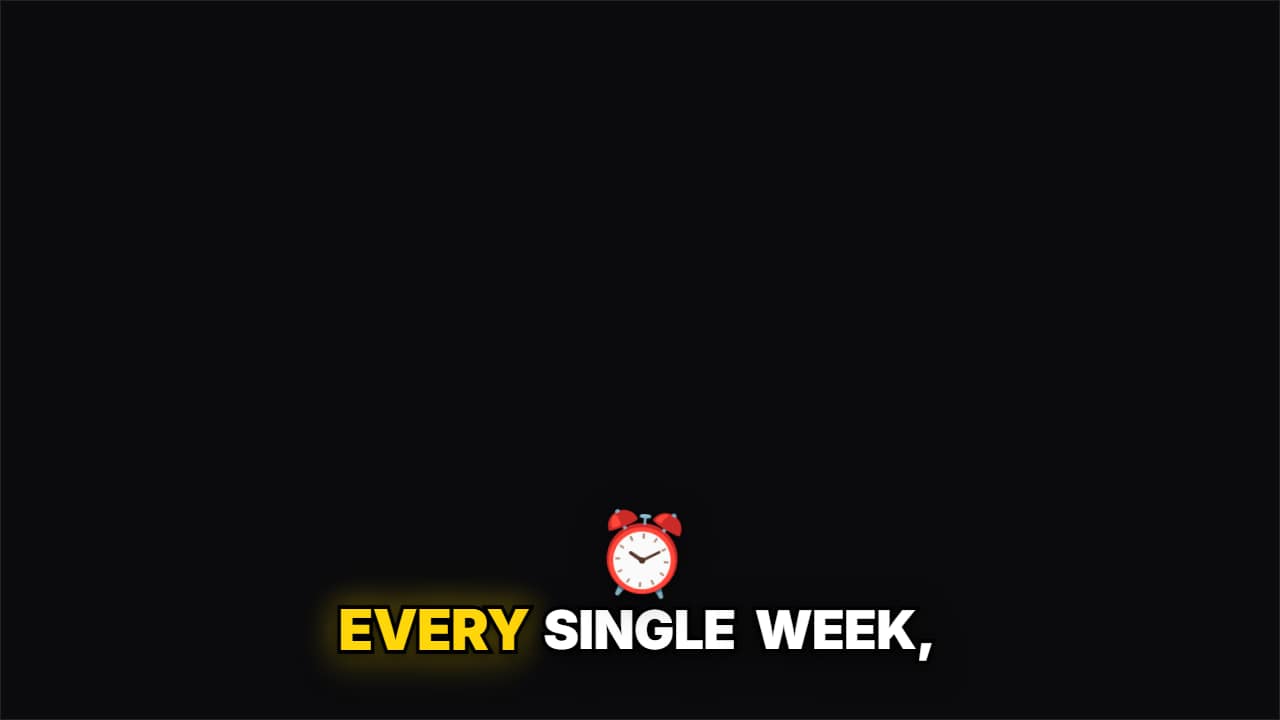 Emoji pop captionsThe classic word-by-word Shorts caption, and when you say a word from your list («money», «time»…) its emoji…
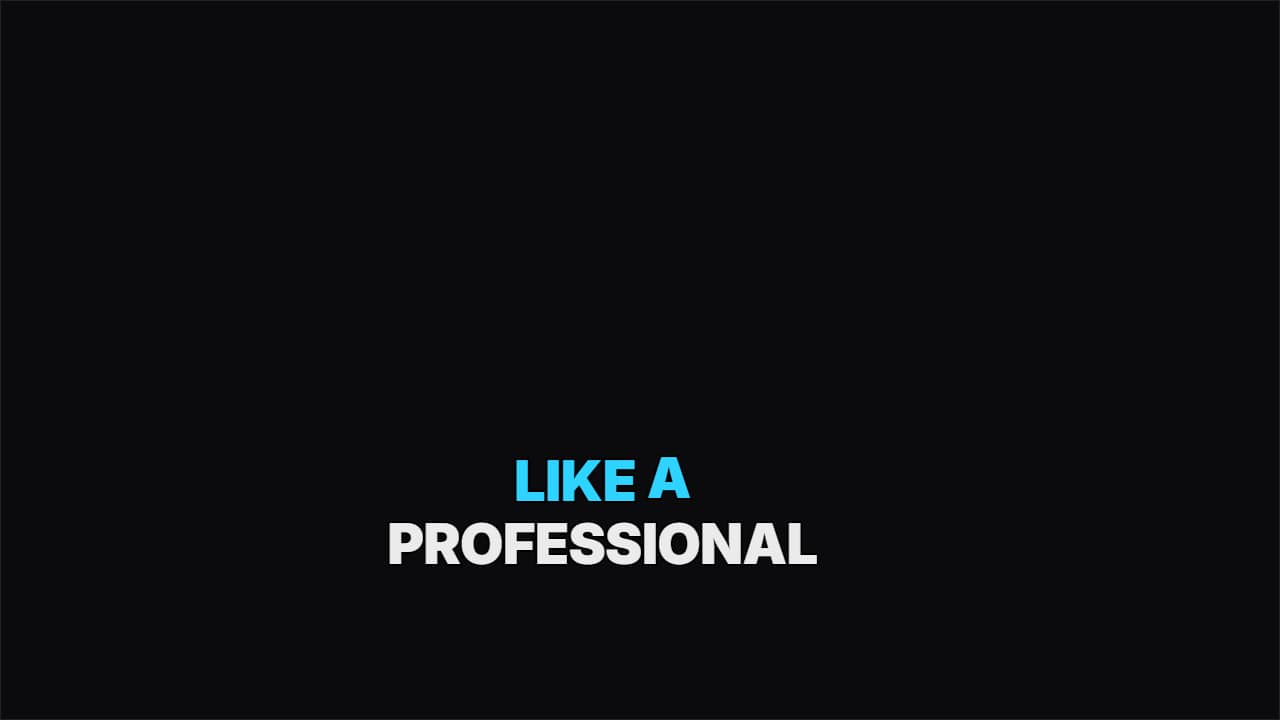 KaraokeWhat's already been said takes the accent color and what's left stays white. You read it following the voice.
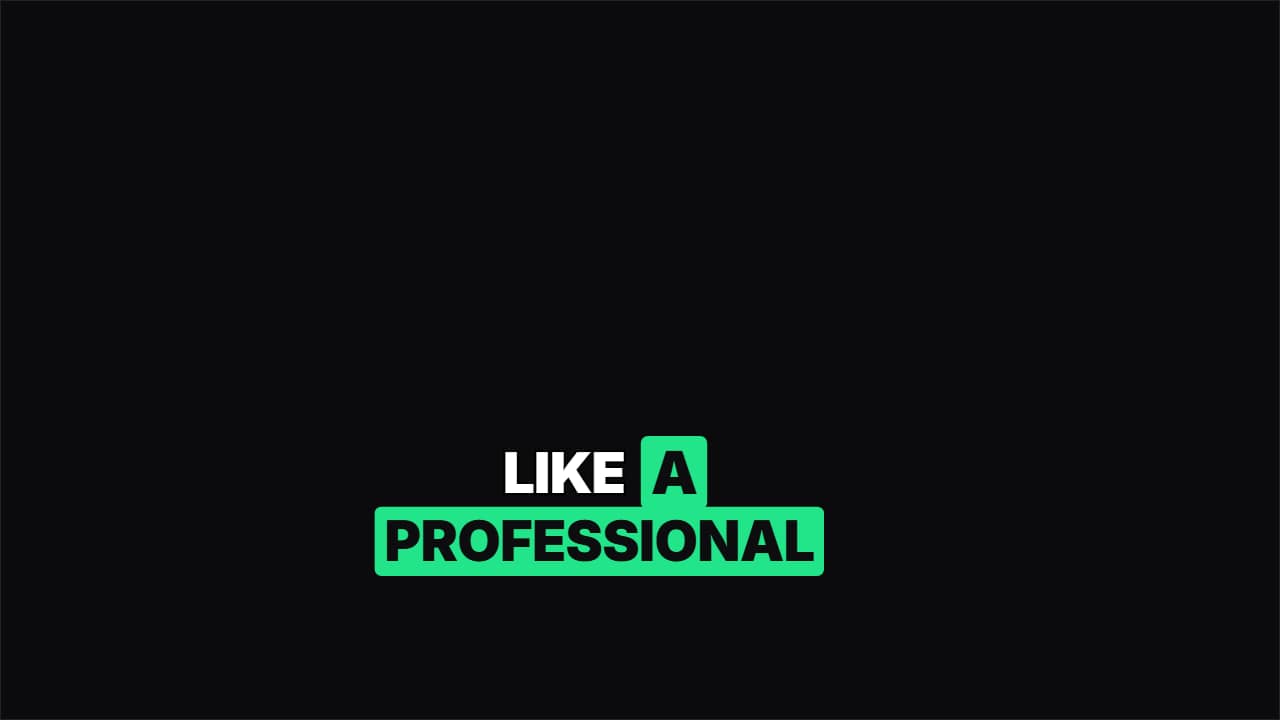 Color boxThe live word lands in a solid color box, like CapCut's auto captions but done properly.
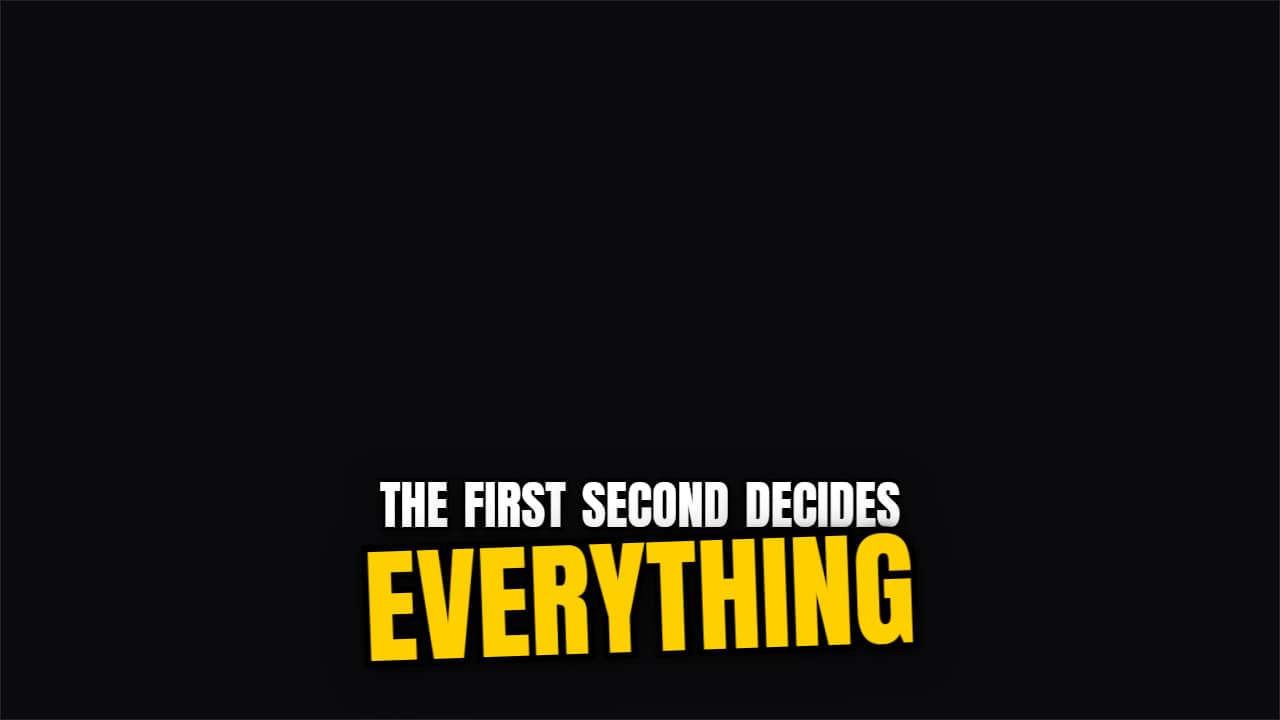 Keyword slam captionsA caption that writes itself word by word and, when the word you mark with *asterisks* arrives, it slams in…
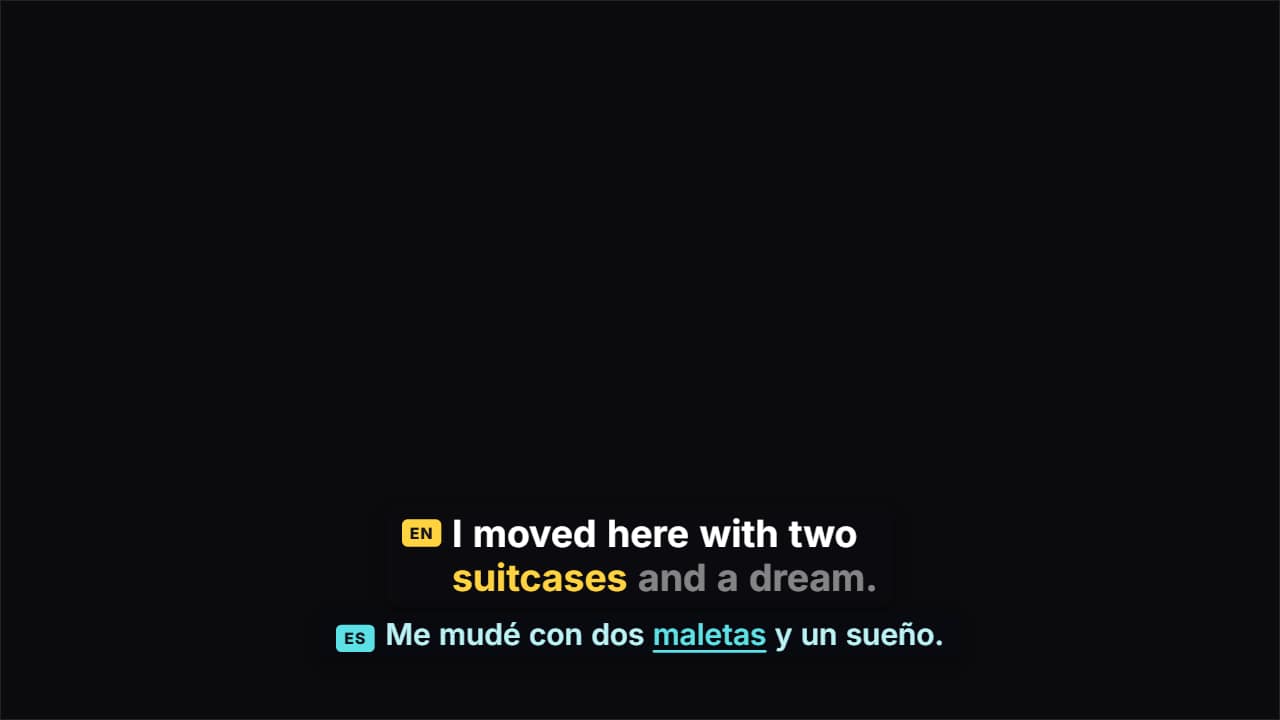 Dual-language captionsTwo lines at once: what you say, word by word, and its translation underneath, moving at the same pace with…
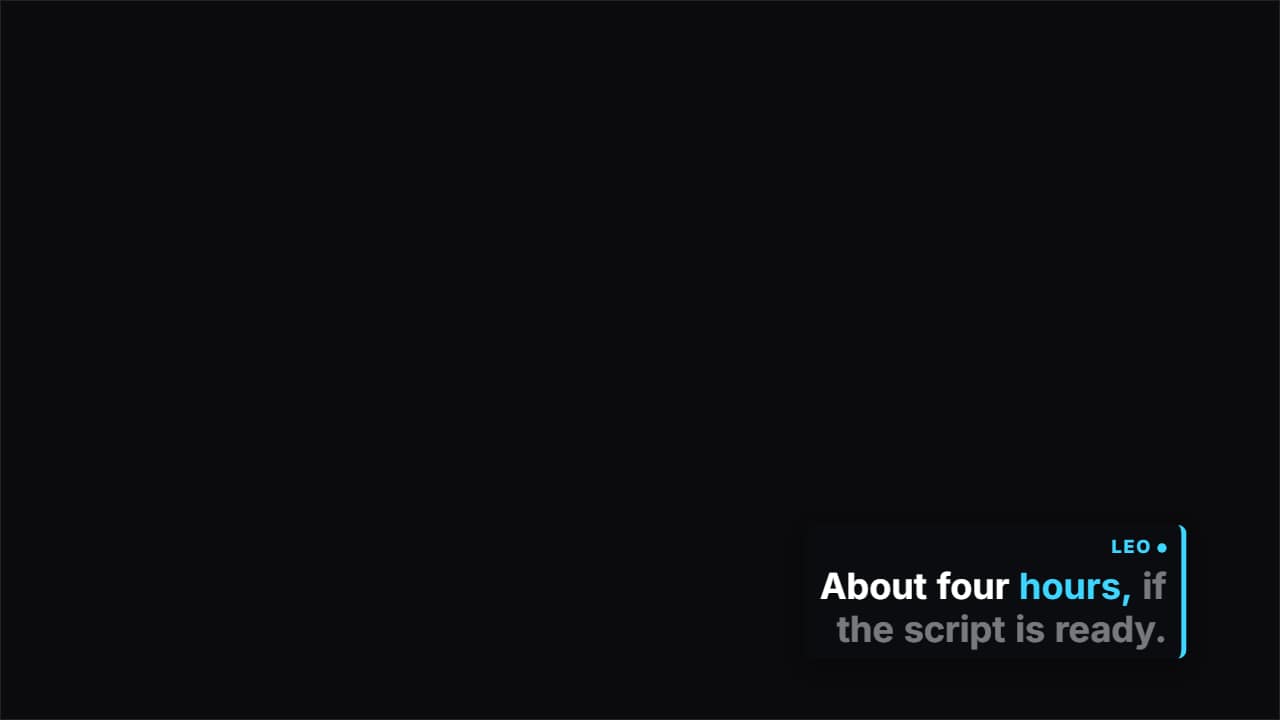 Two-speaker captionsFor podcasts and interviews: write each turn as «NAME: what they say».
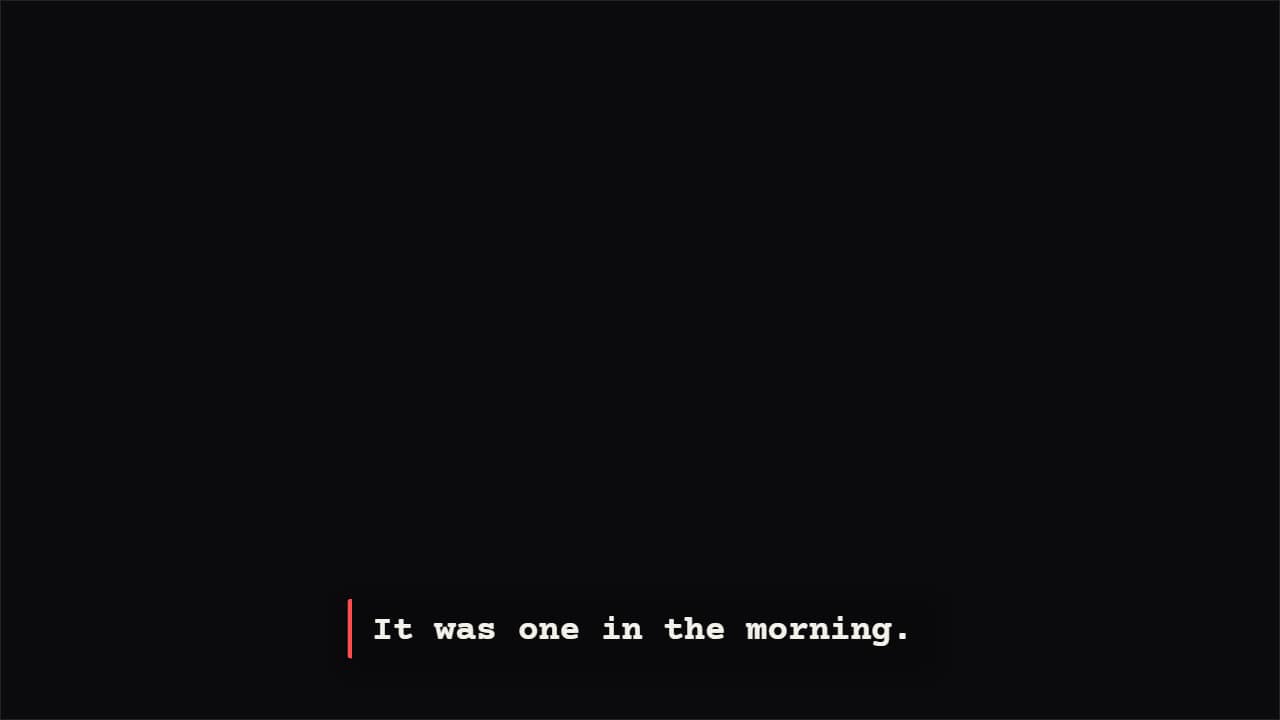 Typewriter captionsLetter by letter at the pace of your voice, with a cursor that blinks in the pauses.
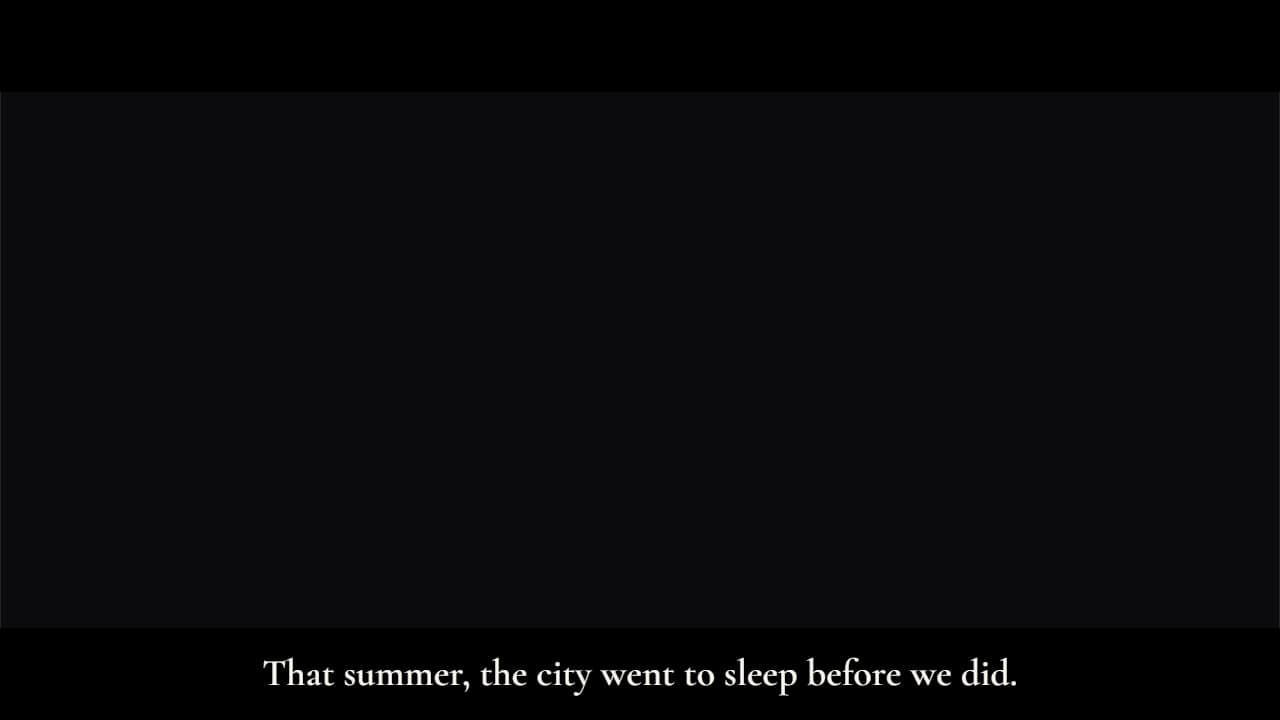 Cinematic subtitlesLike a film: the whole sentence at once, with slow fades, and black letterbox bars that slide in (in 16:9…
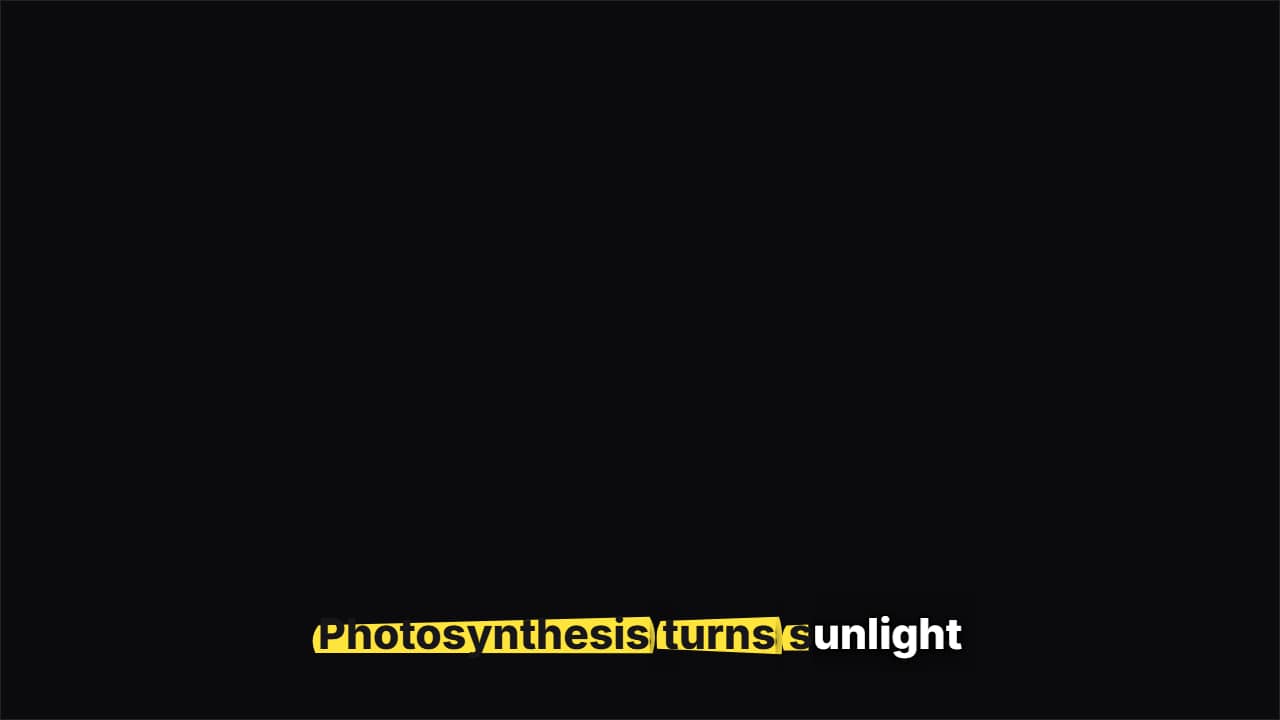 Highlighter captionsA highlighter swipes under each word as you say it and the letters turn to ink, like study notes.
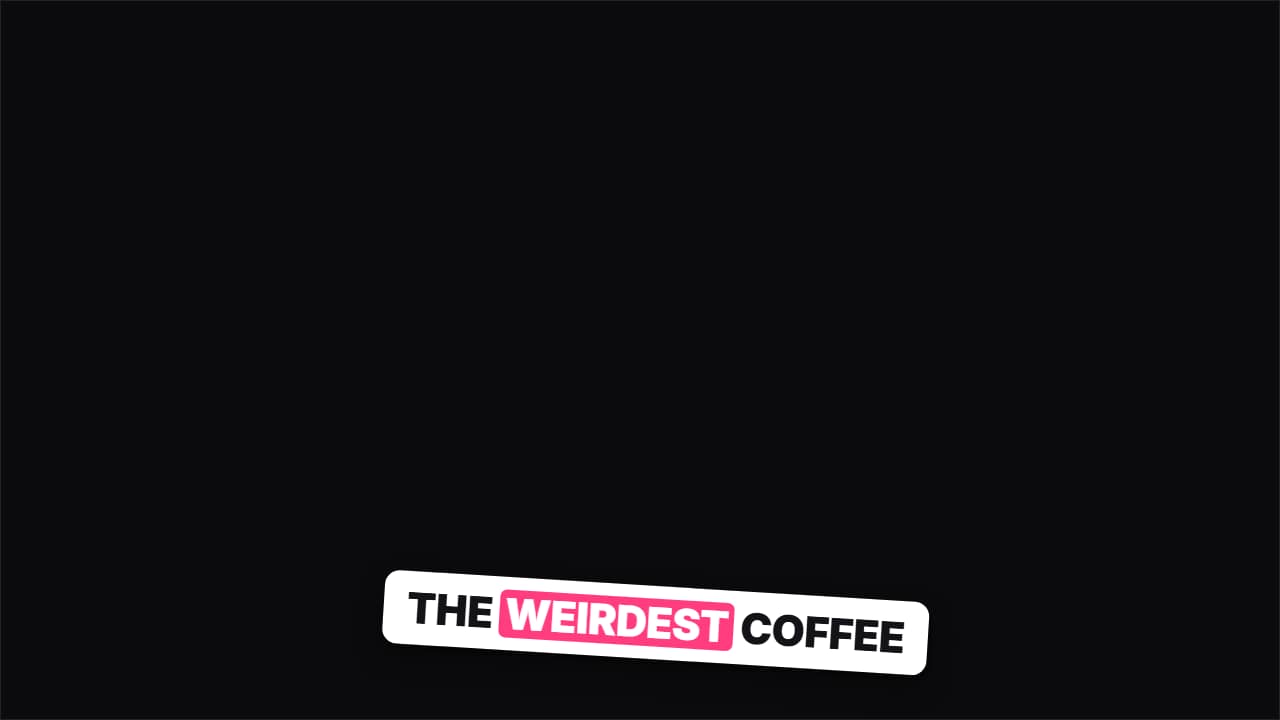 Sticker captionsEvery phrase is a tilted sticker that slaps onto the screen; the previous one stays underneath for a moment…
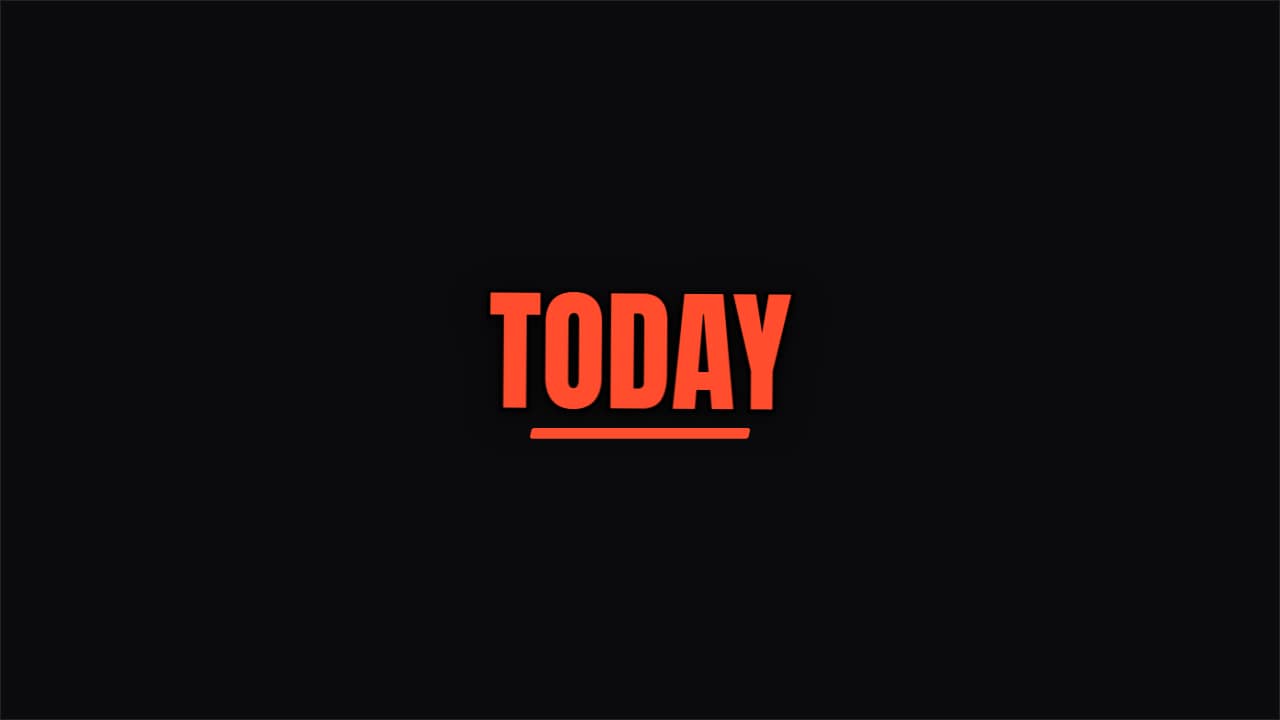 One word at a timeA single giant word in the middle, at the pace of your voice: the motivational Shorts format.
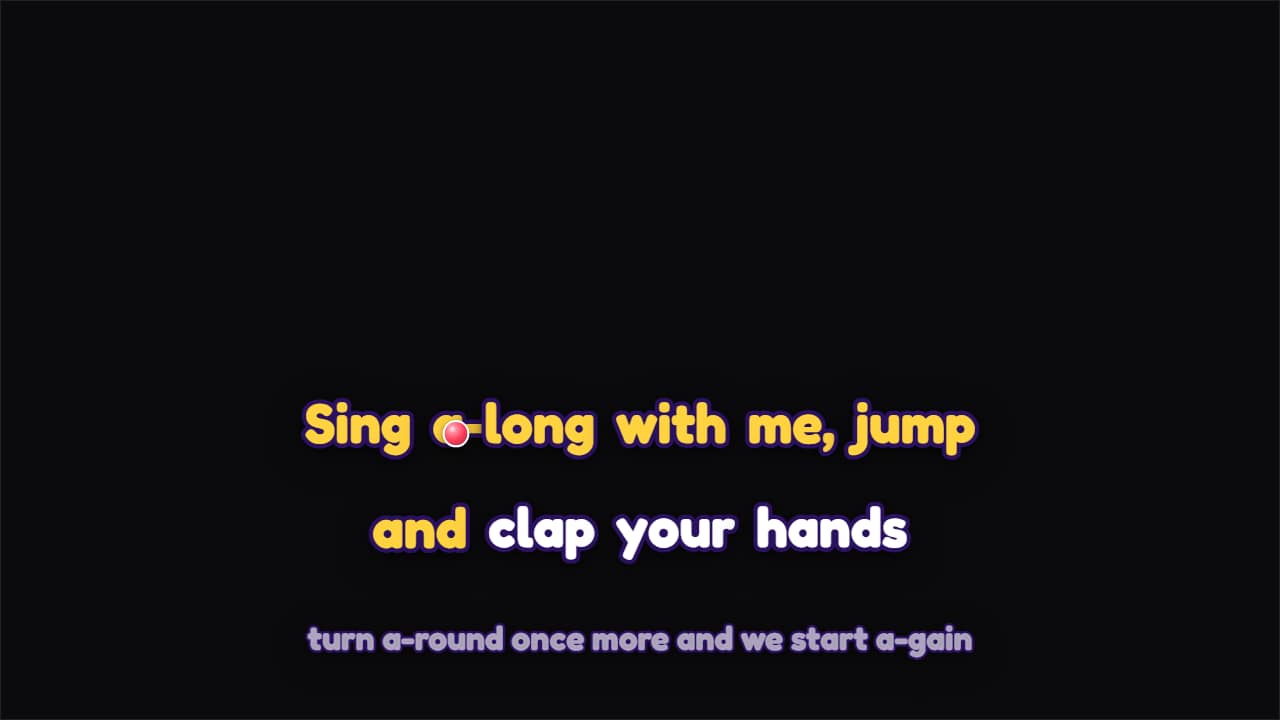 Bouncing-ball sing-alongLyrics split into syllables with hyphens («Sing a-long with me») and a ball that hops from syllable to…
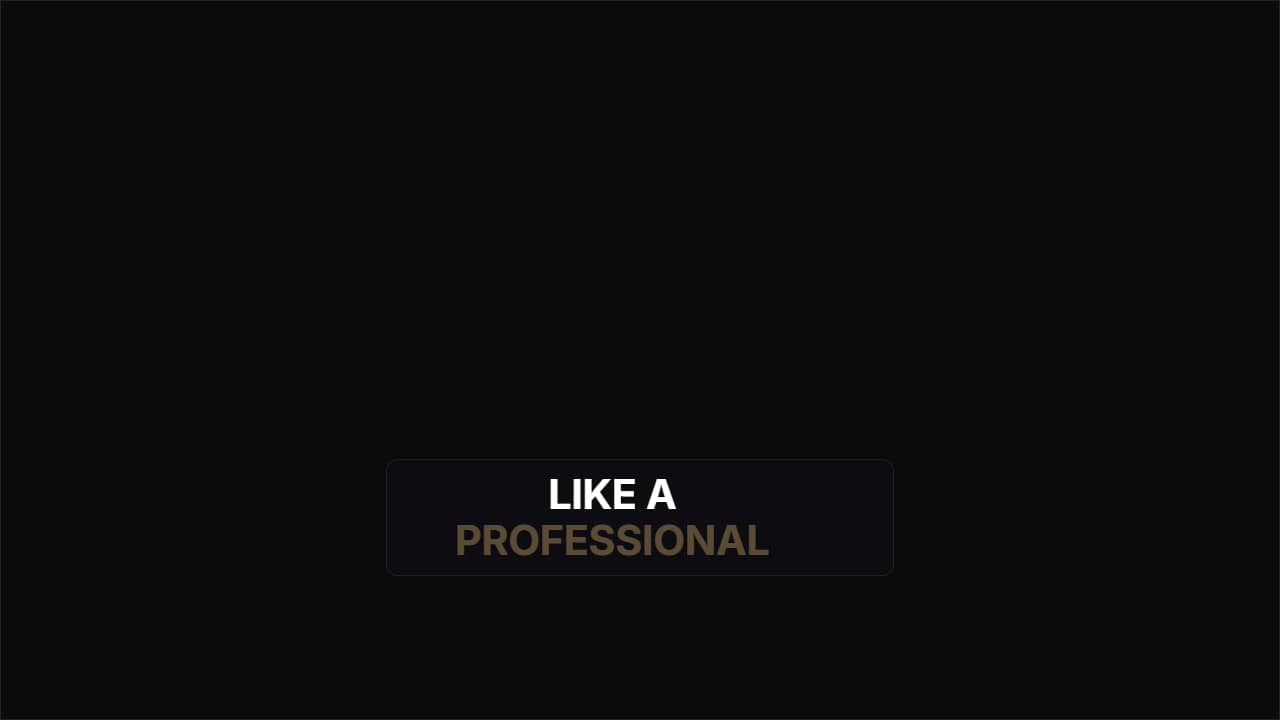 MinimalA dark pill and clean type; what's said lights up and what's coming stays dimmed. For serious content.
Questions
- Can the captions follow my voice?
- Yes. Upload your clip in the editor and use «Make it follow your voice»: it listens to the clip and puts every word on its exact second. It uses a few extra credits.
- Can I highlight certain words?
- Yes. In «Keyword slam captions» the words you mark hit harder, and in «Emoji pop captions» a word from your list brings its emoji with it.
- Do I need After Effects?
- No. Every template is edited in your browser: type your text, choose colors and format (16:9, 9:16 or 1:1), watch the live preview and export.
- What do I export, and does it work in my editor?
- Most templates export as a ProRes 4444 .mov with a transparent background, which you place on a track above your clip in CapCut, Premiere Pro, DaVinci Resolve or Final Cut Pro. You can also export an MP4 with your own clip behind it. Always in Full HD.
- Is it free?
- Editing and previewing are free and need no account. To export you sign in with Google; during the open beta, new accounts get export credits at no cost.