Animated Title Templates — Kinetic Text and Hooks
A title has one job: make people keep watching. These templates cover the main ways to open a video or a section. Kinetic typography slams in word by word, the Shorts hook is built for the first two seconds of a vertical video, and the marker title draws a stroke behind the word that matters.
For calmer videos there are editorial serif titles, a glass title card and brutalist color blocks; for kids' channels, bouncing letters and letter-by-letter spelling on colored tiles. You type the text, choose the typeface and an outline if it has to read over busy footage, and export it without a background.
11 templates · 16:9 · 9:16 · 1:1Open them in the library
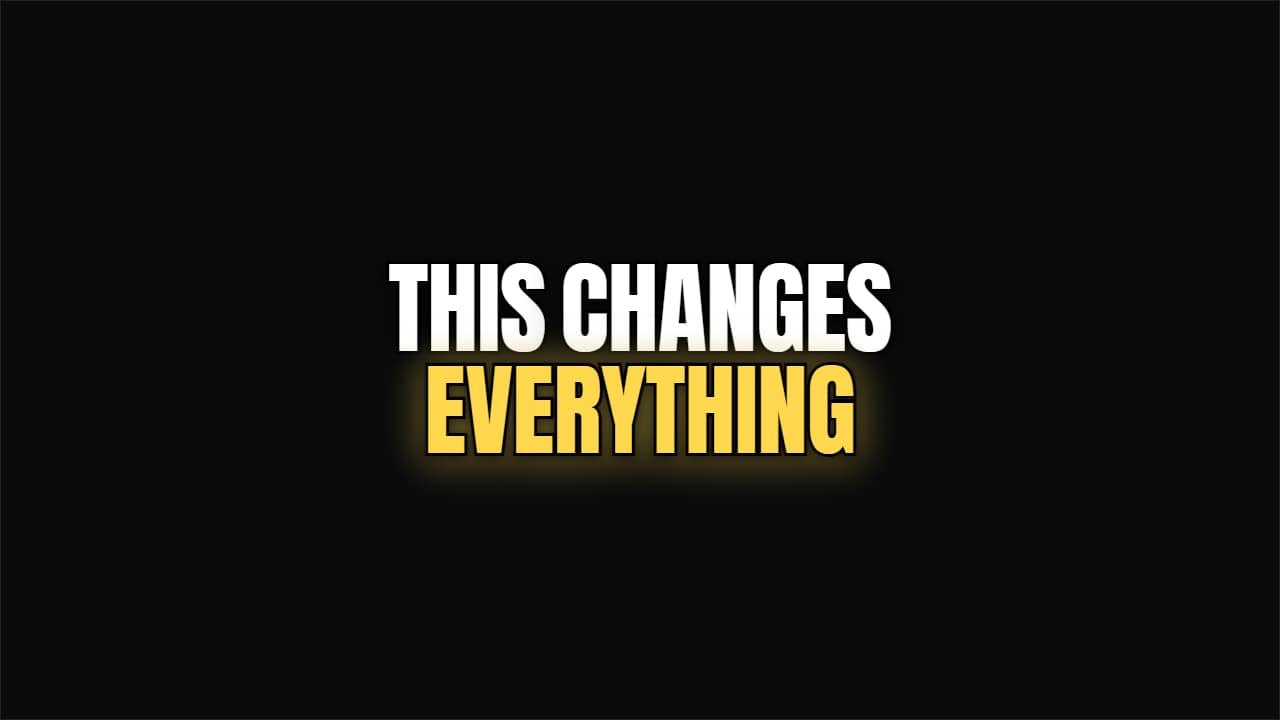 Kinetic BoldWord by word, condensed and outlined. The headline the big channels use to open without losing anyone.
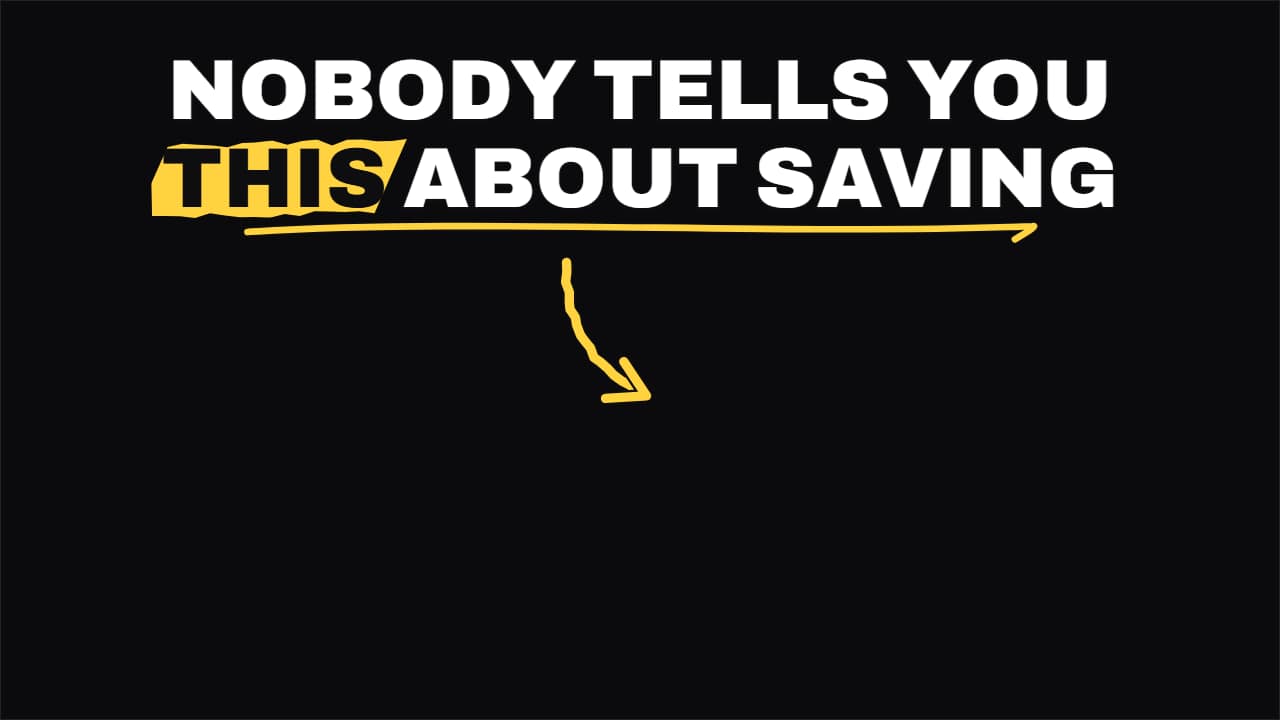 Shorts hook headlineThe headline for the first two seconds of a Short: it comes in word by word in the top safe zone, the key…
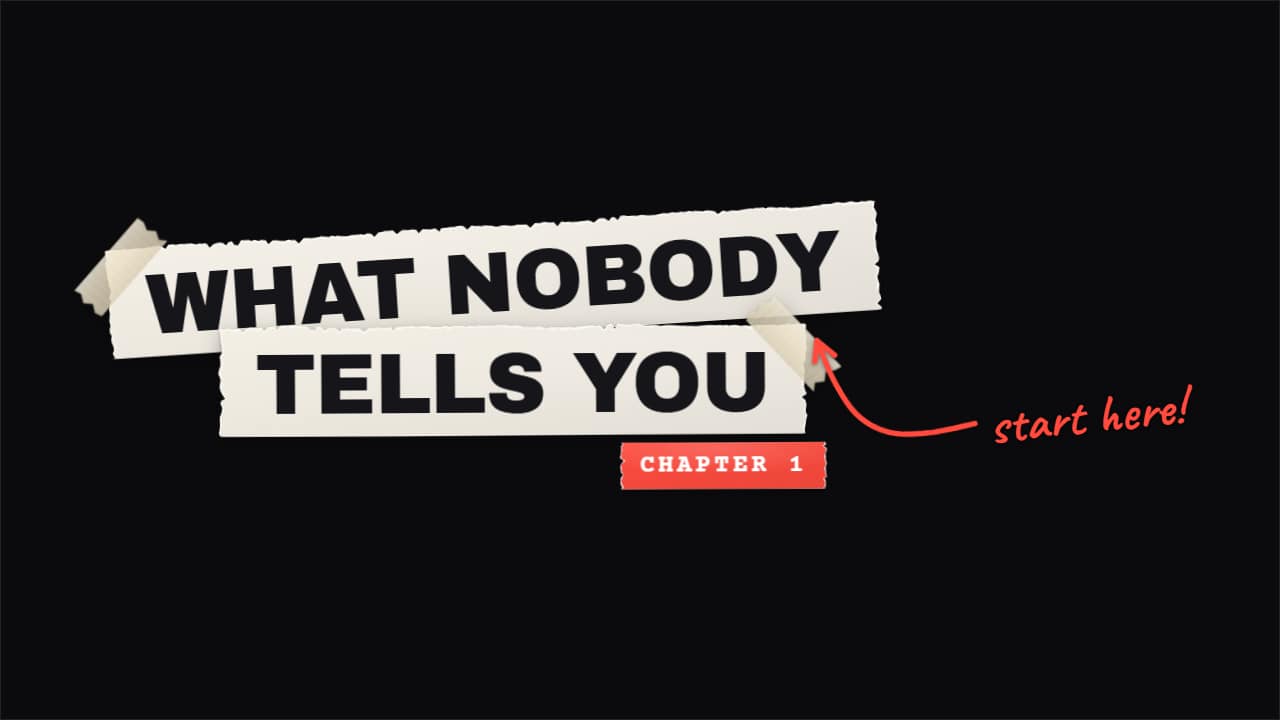 Torn paper titleYour title, made by hand: every line on its own strip of paper with a torn edge and white fibers showing…
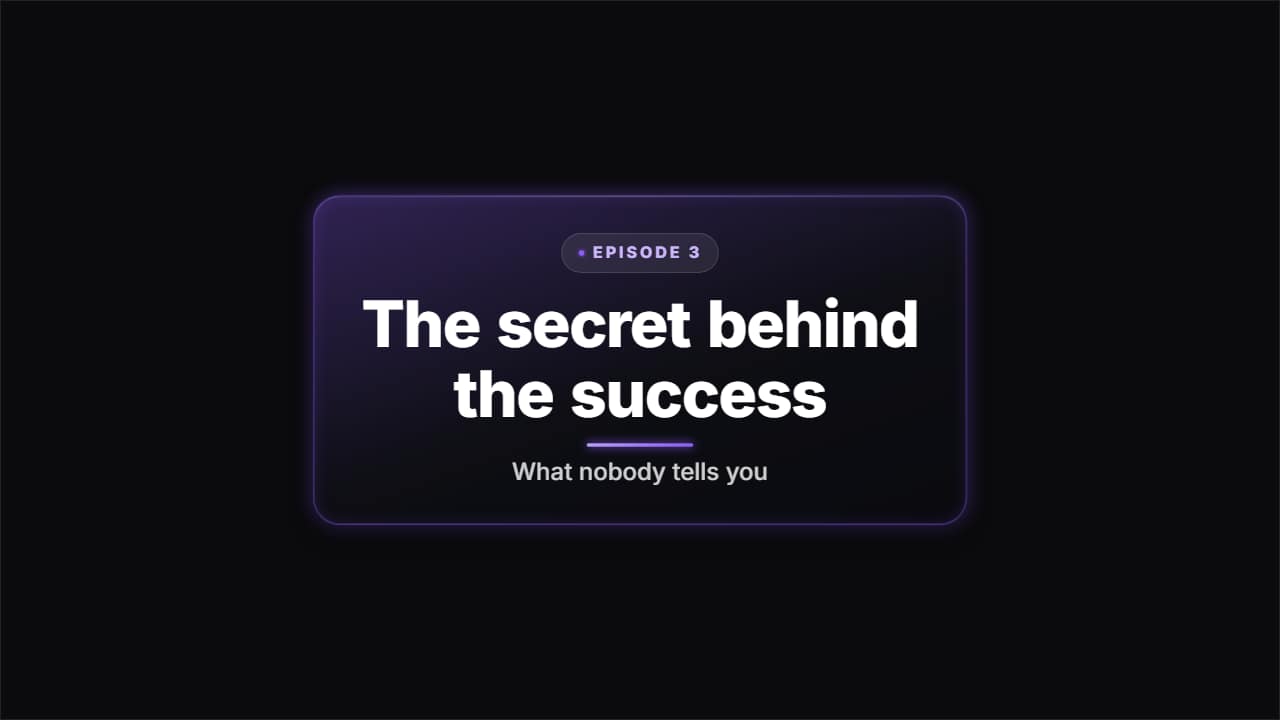 Glass title cardA glass slab to open a section or a chapter: the kicker badge, the title coming in word by word as it…
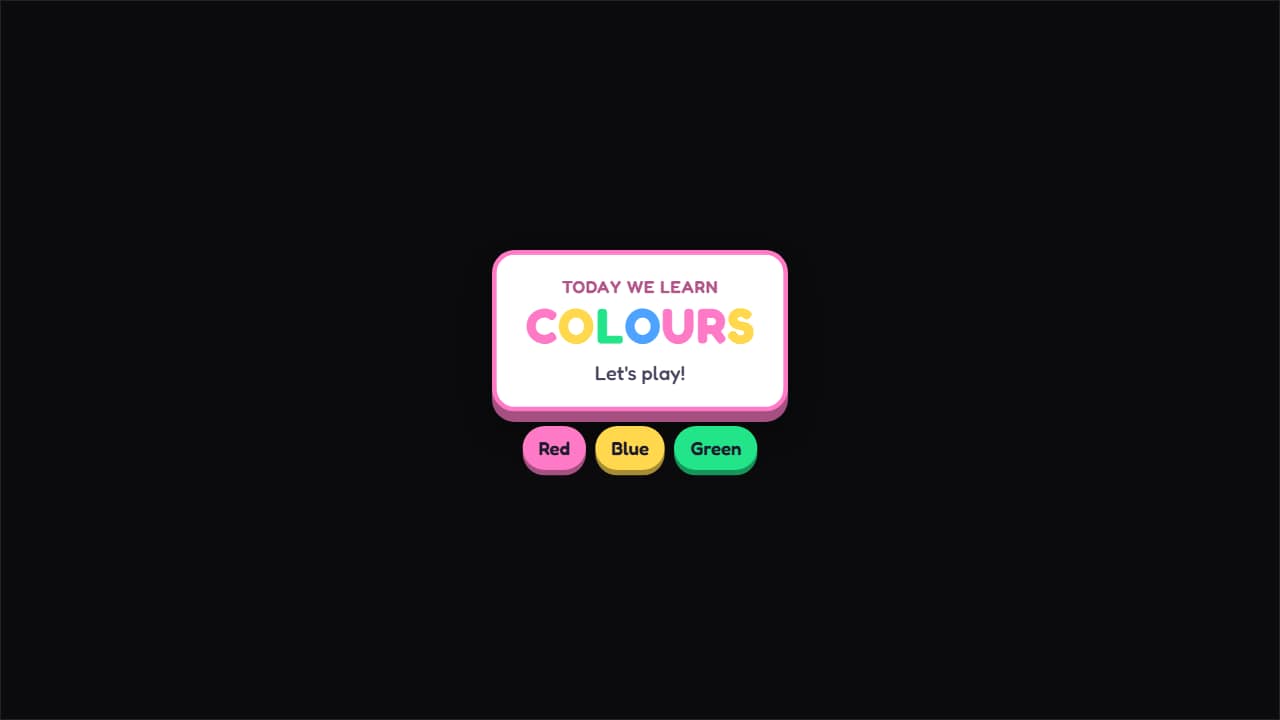 Kids' title cardA card with a thick border and a solid shadow, letters bouncing in one at a time in different colors and…
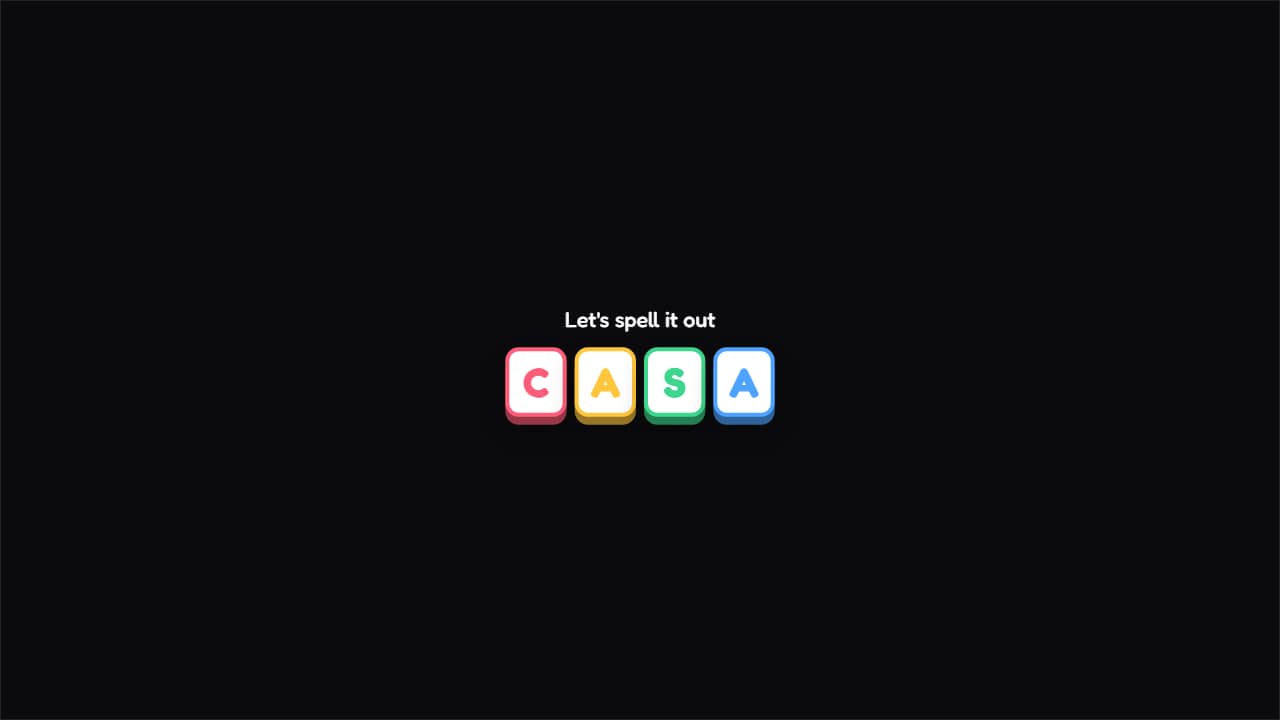 Letter by letterEach letter on its own colored tile, falling and spinning into place.
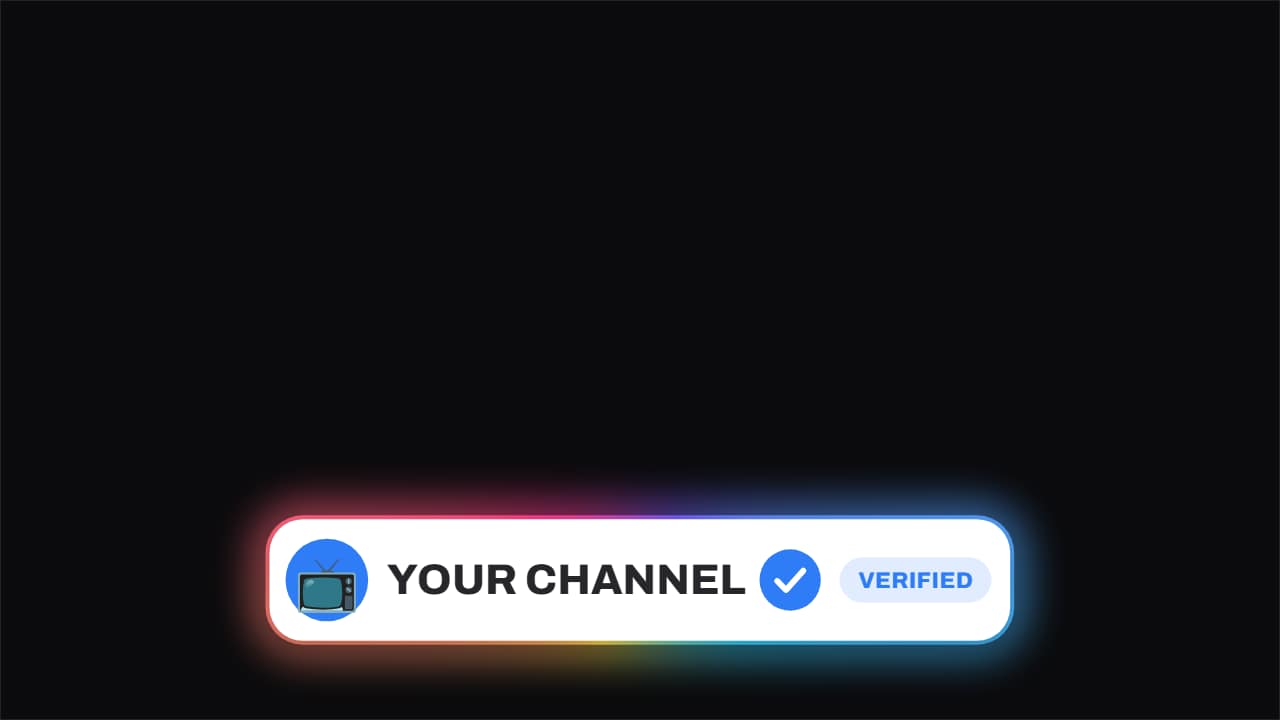 Verified · the badge slams onThe channel name, and beside it the check that stamps on: it arrives rotated and small, plants itself, and a…
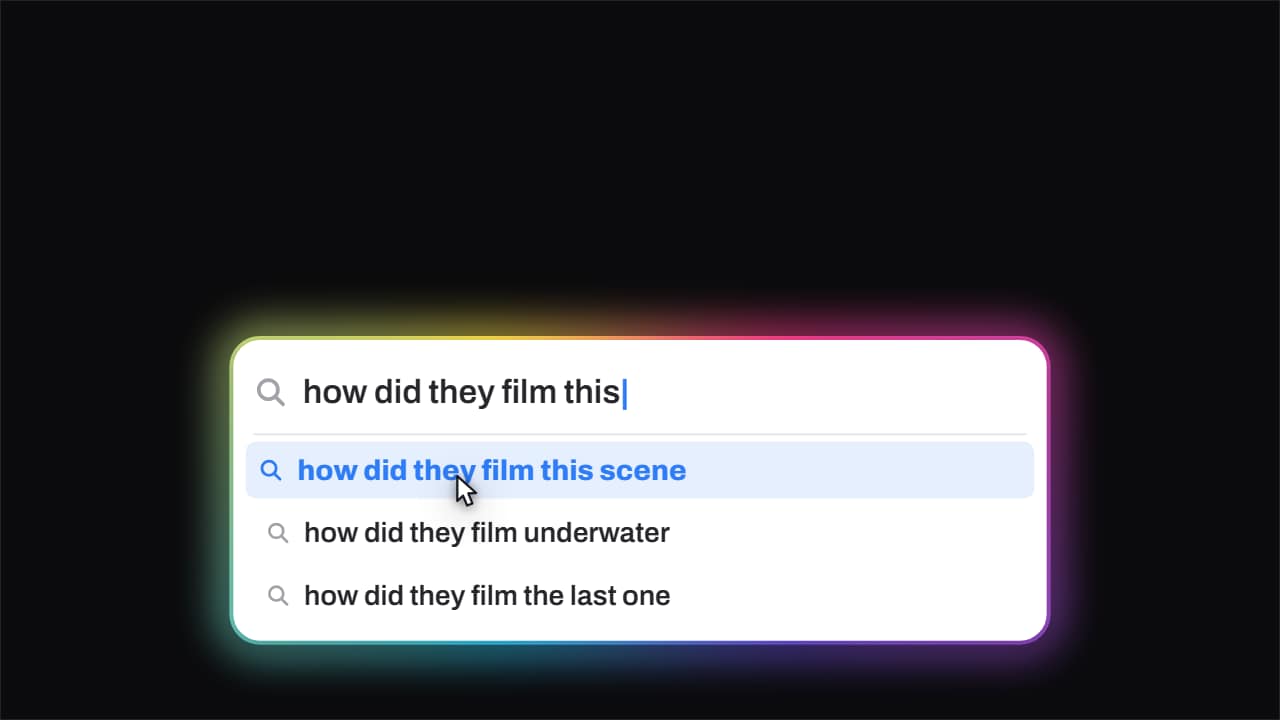 Search · it types itselfThe search field types the question out letter by letter with a blinking caret, and the suggestions drop in…
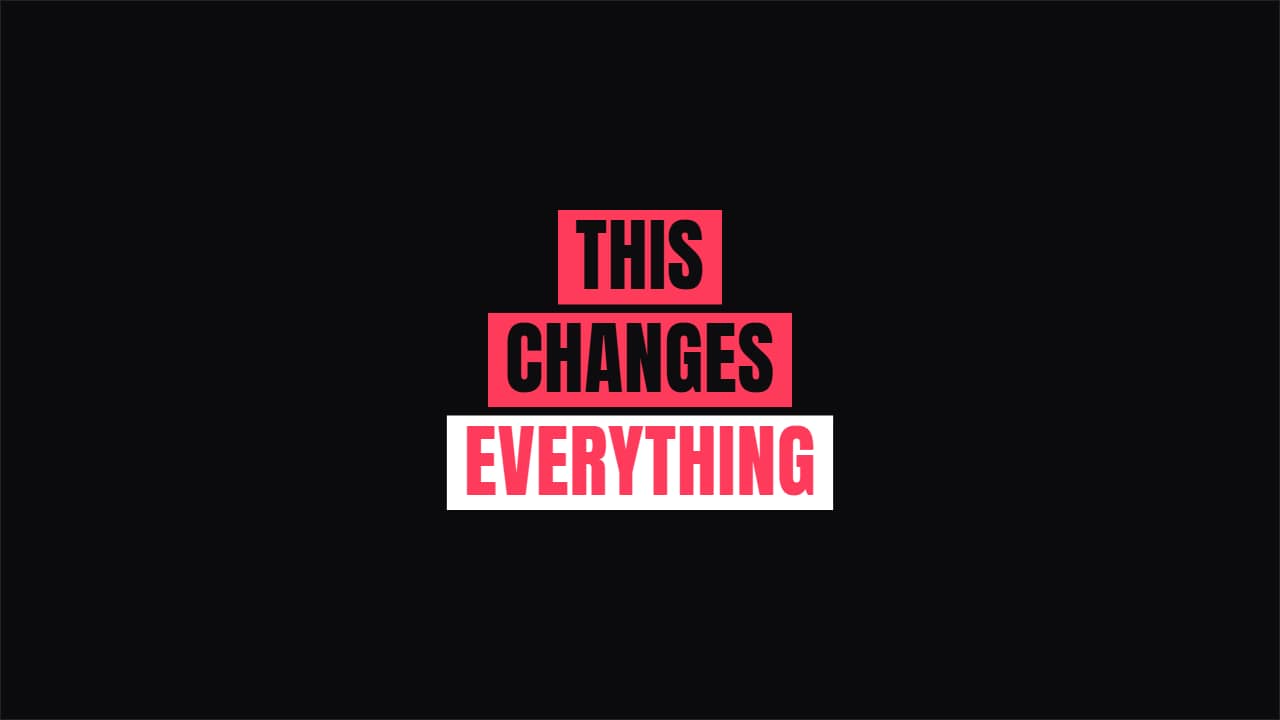 BrutalistFlat blocks of color sweeping left to right, with a hard offset shadow.
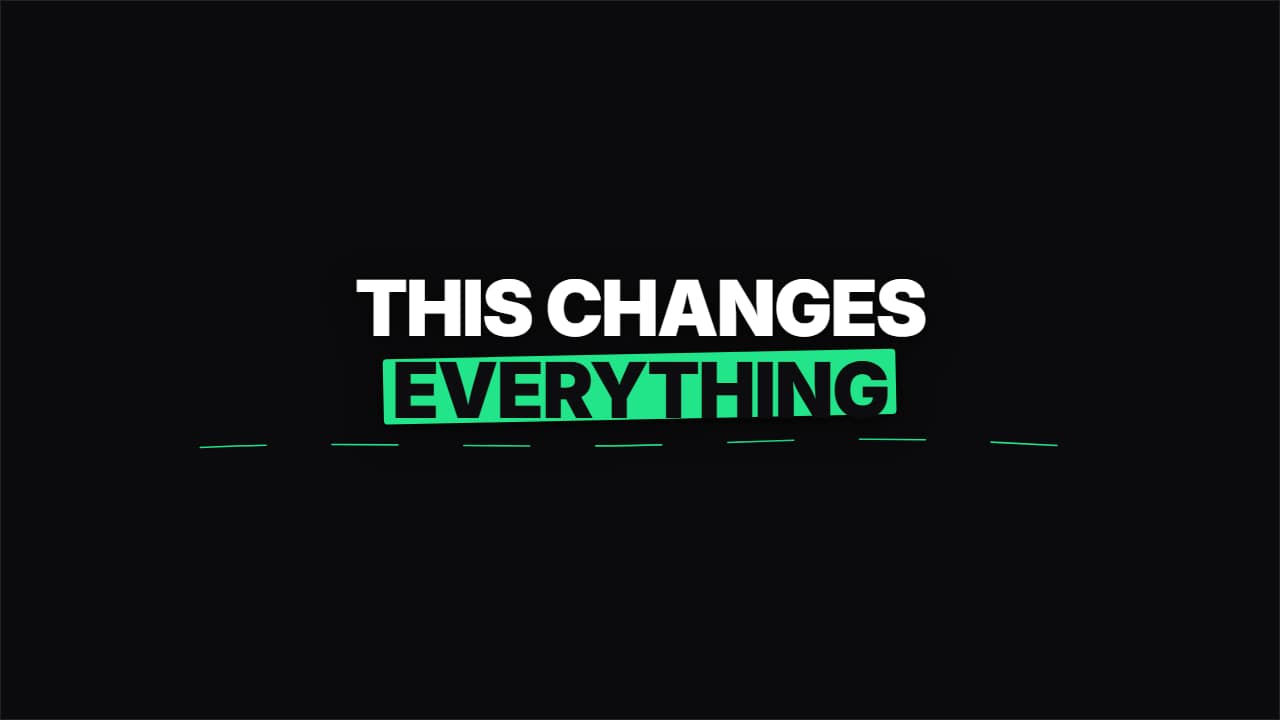 MarkerClean text and a marker stroke drawing itself behind the key word, plus the hand-drawn underline.
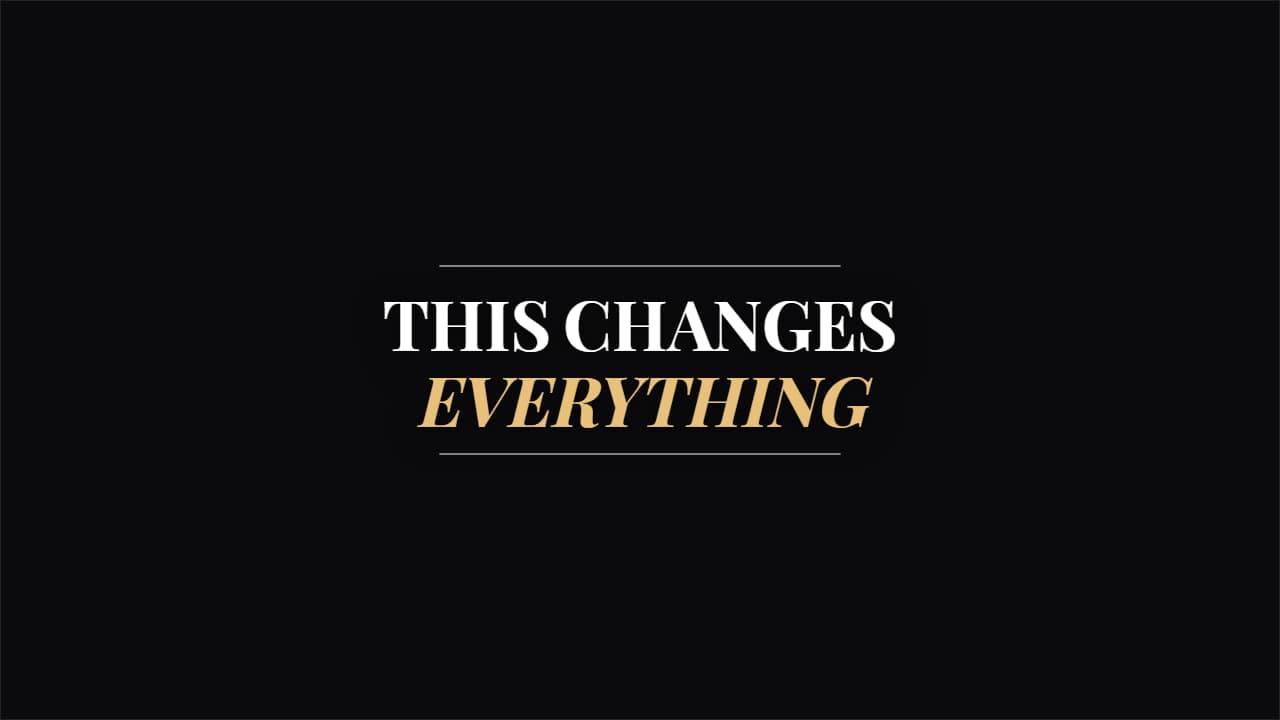 Editorial SerifA magazine serif between two rules opening from the middle.
Questions
- Can I change the font?
- Yes. Every template has a typeface option and an optional letter outline, which helps the text stay readable over any background.
- What is a Shorts hook title?
- It is the headline for the first two seconds of a Short: it appears word by word in large type inside the safe area, so it is not covered by the app's buttons.
- Do I need After Effects?
- No. Every template is edited in your browser: type your text, choose colors and format (16:9, 9:16 or 1:1), watch the live preview and export.
- What do I export, and does it work in my editor?
- Most templates export as a ProRes 4444 .mov with a transparent background, which you place on a track above your clip in CapCut, Premiere Pro, DaVinci Resolve or Final Cut Pro. You can also export an MP4 with your own clip behind it. Always in Full HD.
- Is it free?
- Editing and previewing are free and need no account. To export you sign in with Google; during the open beta, new accounts get export credits at no cost.