Comment, Quote and Testimonial Overlays
Reading comments on screen is a format of its own, and so is quoting someone. These templates show comments on dark or light cards with avatar, handle and likes, a single featured comment with huge quote marks, comments cascading in from below or floating over your video like a live stream.
For conversations there are chat bubbles that alternate sides; for posts, a generic social card in the style of a tweet. For quotes and reviews there are an editorial quote with a magazine serif, a comic speech bubble and a testimonial card. Write the names and texts yourself; the avatar can be an initial or your image.
11 templates · 16:9 · 9:16 · 1:1Open them in the library
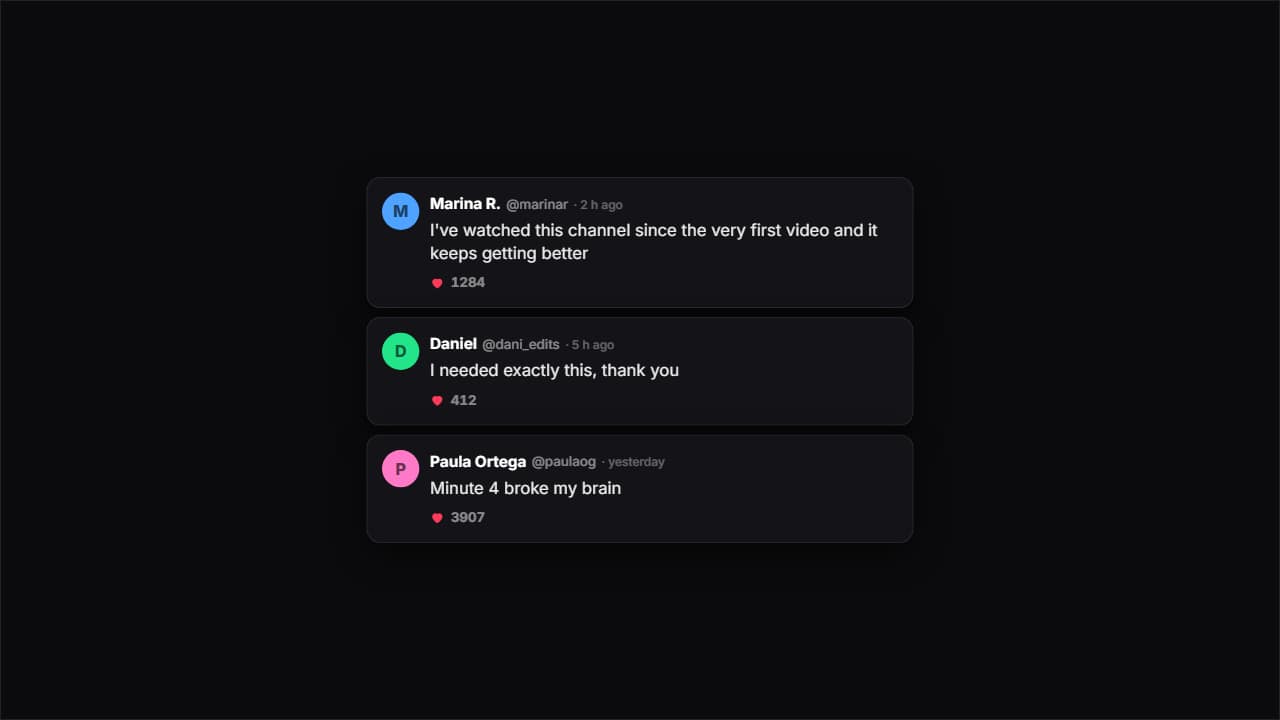 Comments on a dark cardDark cards with an avatar, a handle, a time and likes. Each one bounces in and the heart counter climbs on…
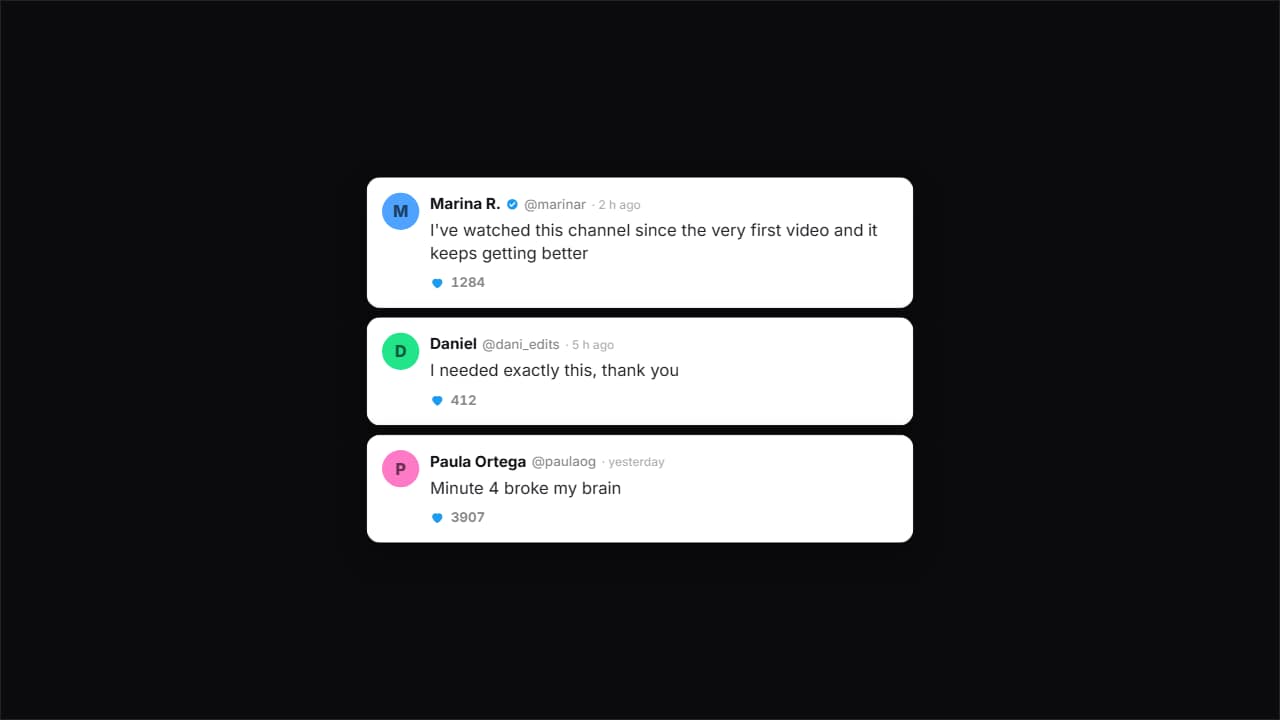 Comments on a light cardThe same idea on white, with more air and the verified tick.
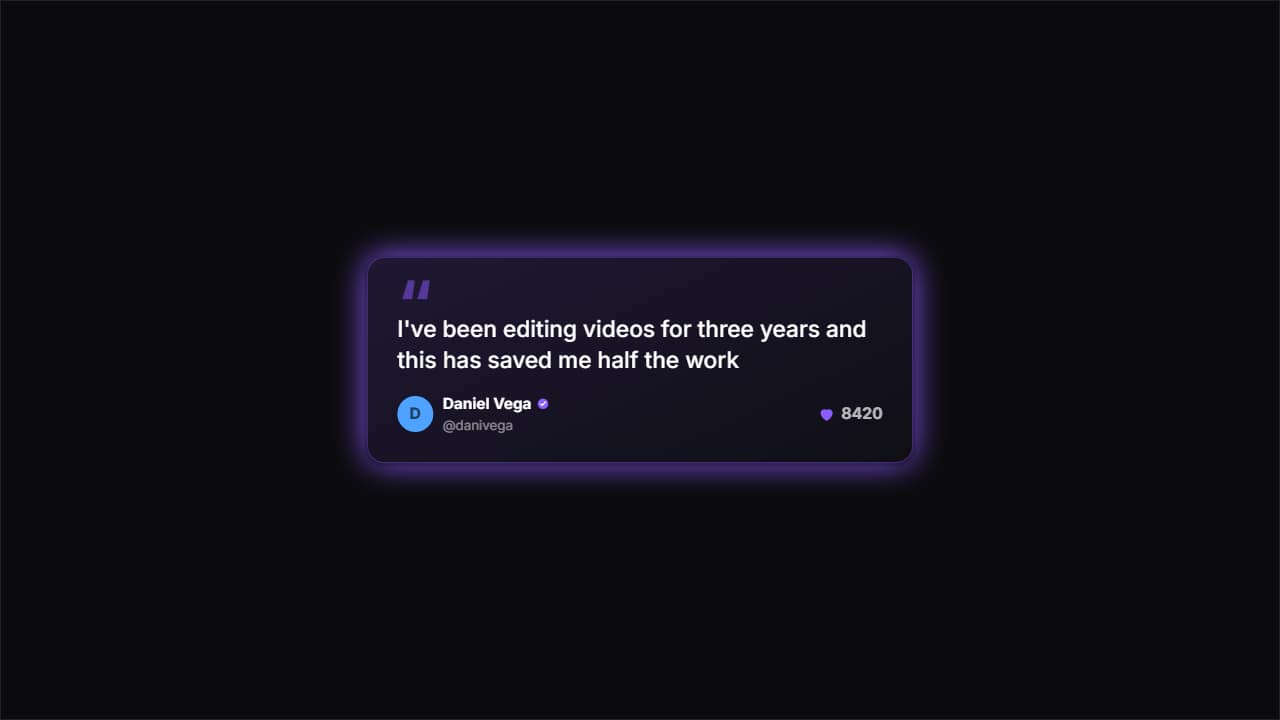 One featured commentA big card with huge quote marks for ONE single comment — the one you really want read.
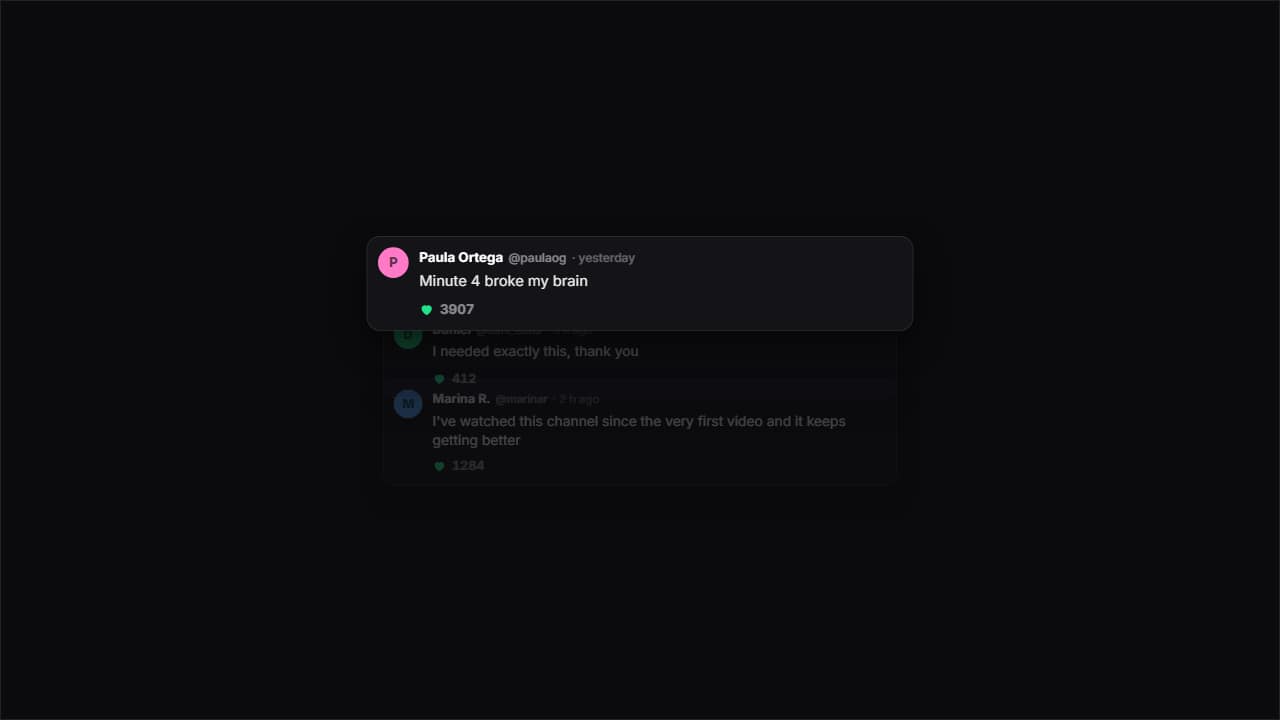 Cascading commentsThey come in one after another from below and the previous ones dim and shrink, so attention always lands on…
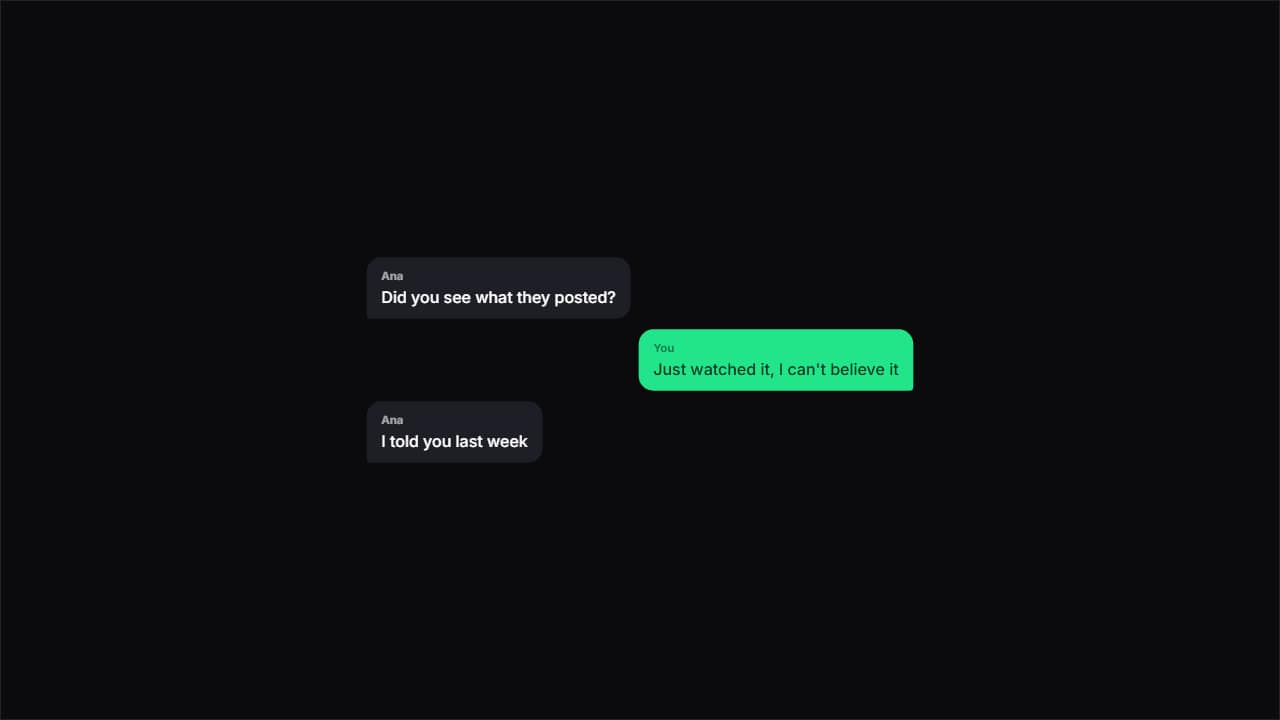 Chat bubblesChat bubbles alternating sides, with the tail pointing at whoever's talking.
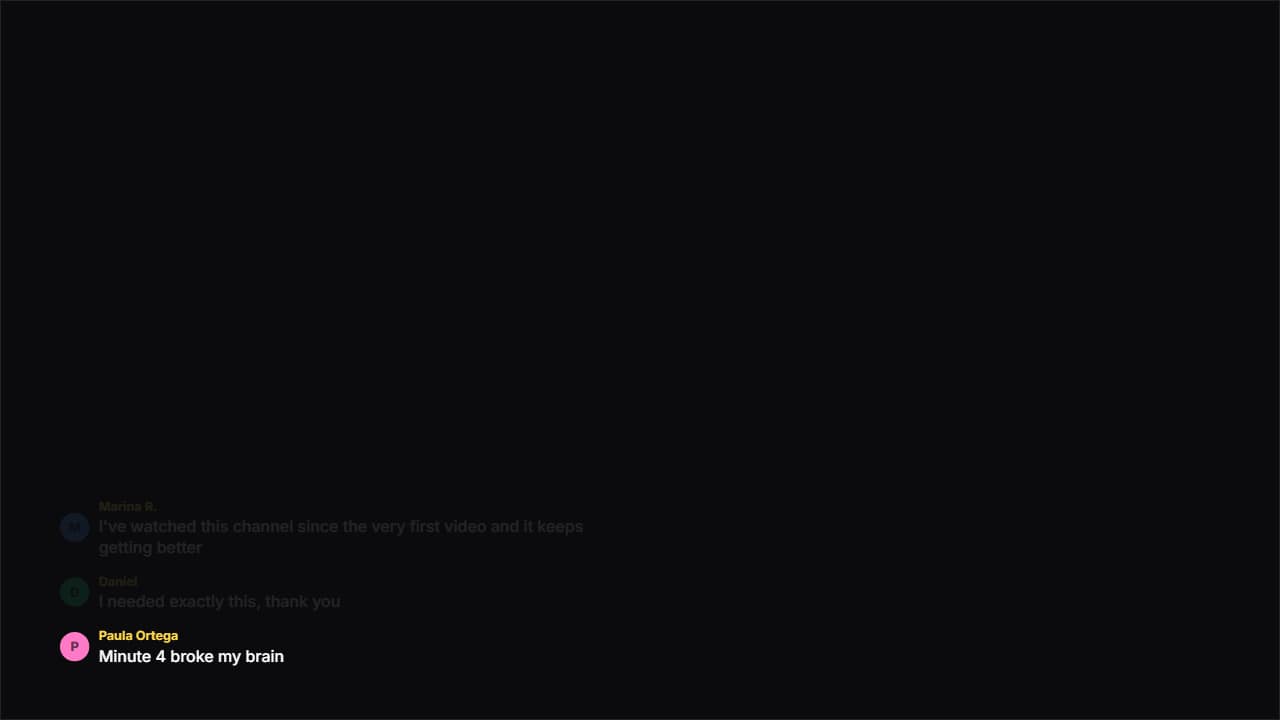 Floating commentsNo box: just an avatar and text over your video, appearing and fading like on a livestream.
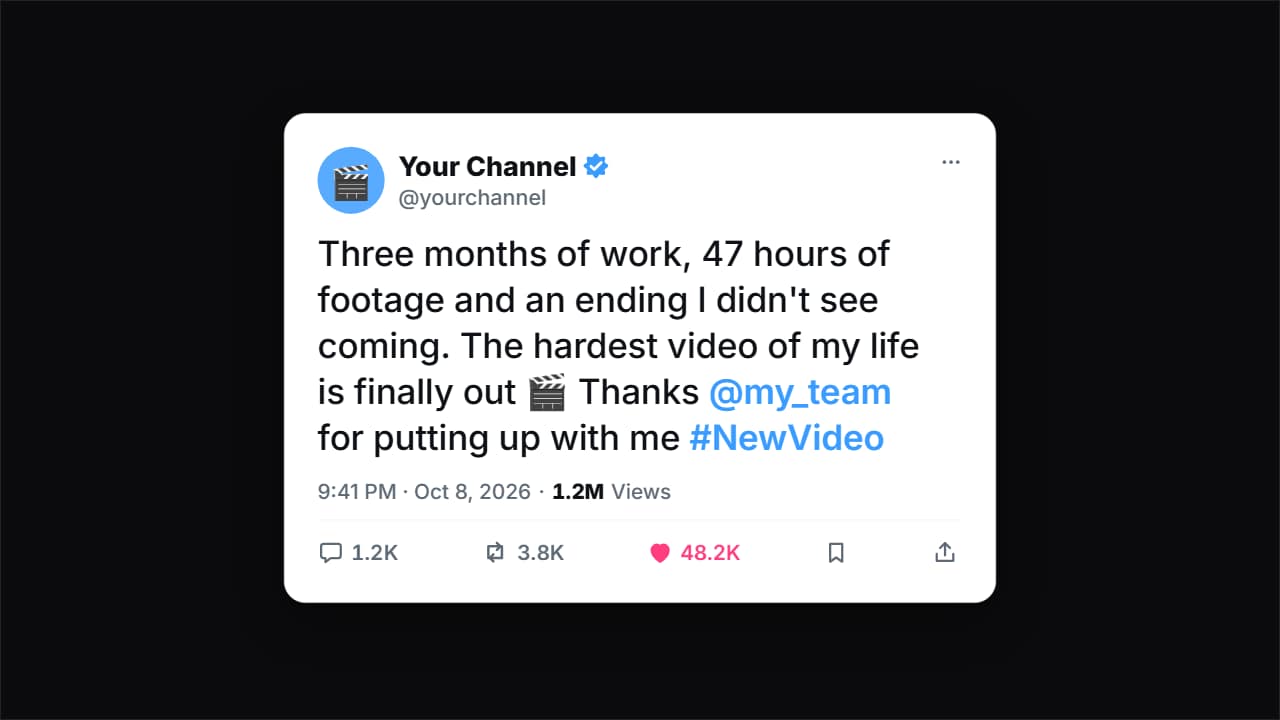 Social post cardA tweet card (X/Twitter style) with a generic look: your avatar, your name with the verified badge (editable…
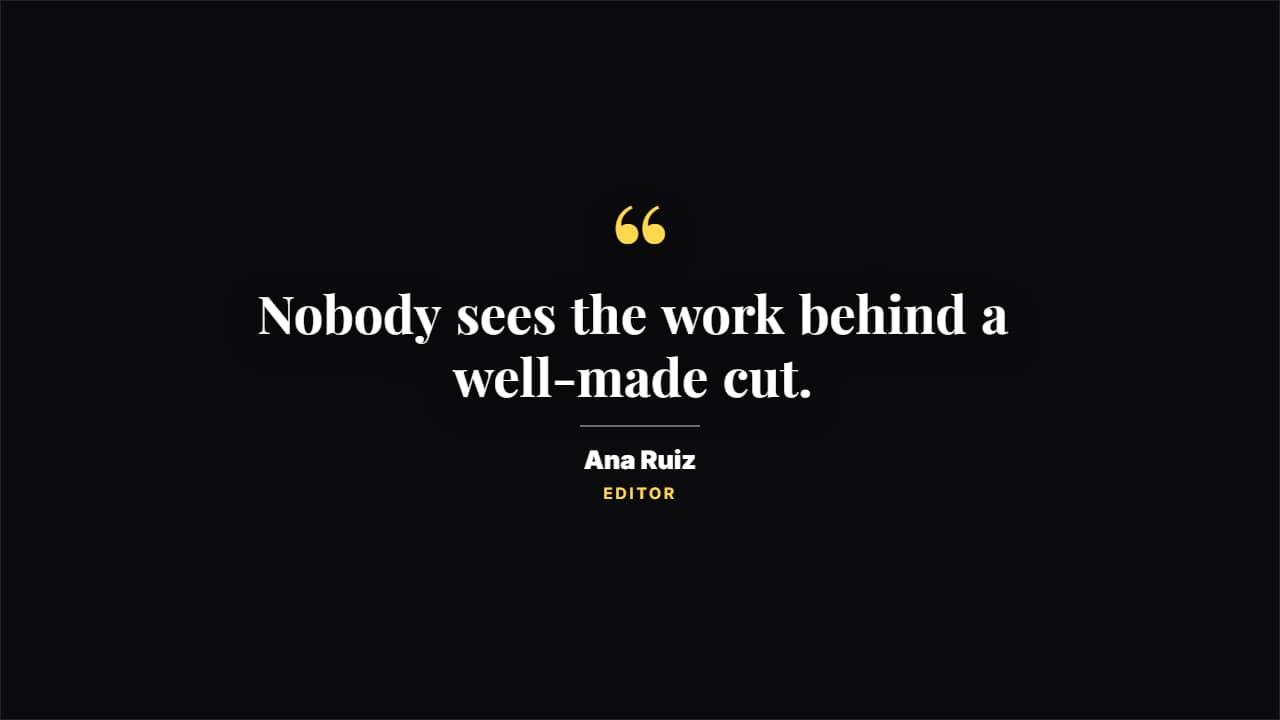 Editorial quoteGiant quote marks, a magazine serif and the signature under a rule. For a line that needs weight.
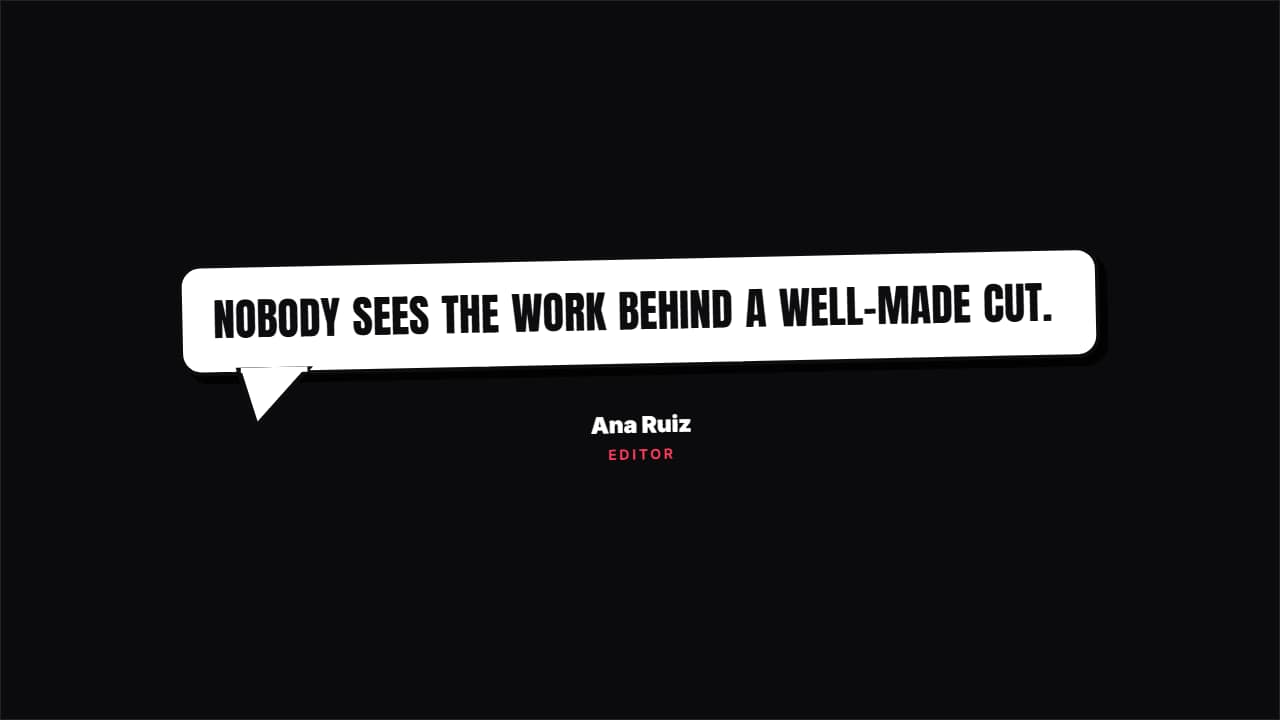 Speech bubbleA comic speech bubble with a thick border and a tail, springing in. For what someone thinks or says.
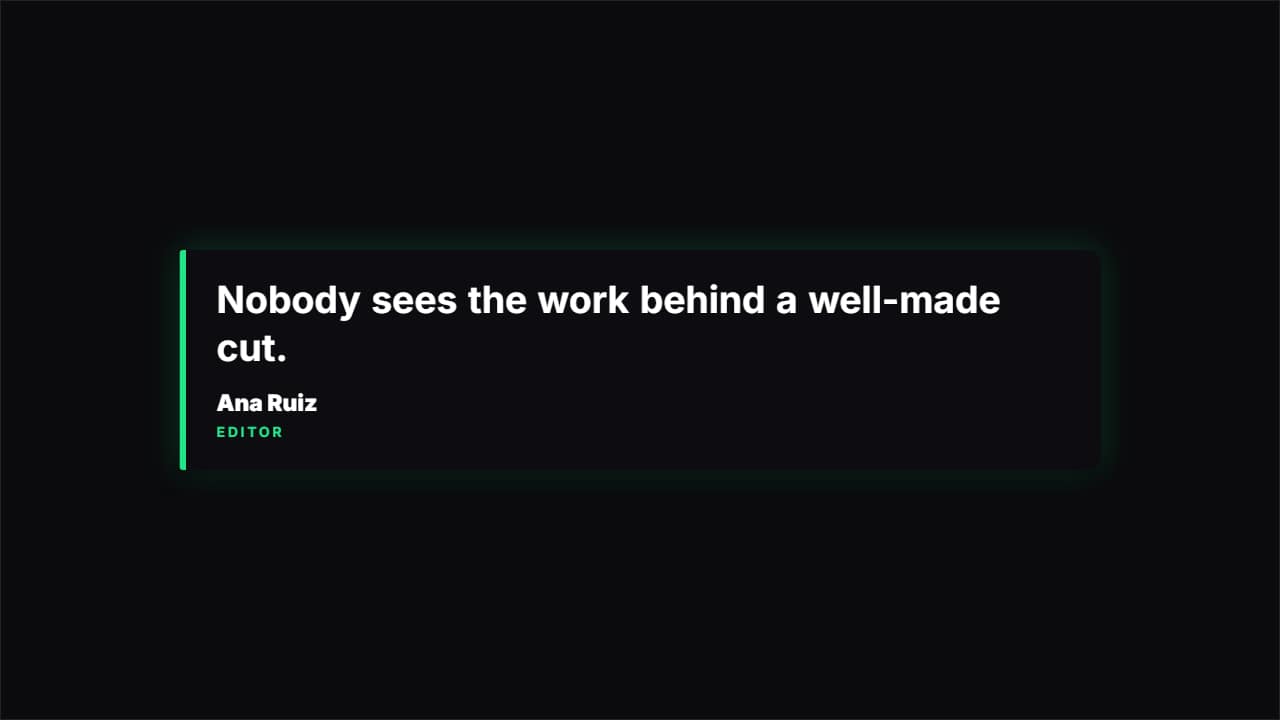 TestimonialA dark card with an accent bar on the left. The classic review or customer testimonial.
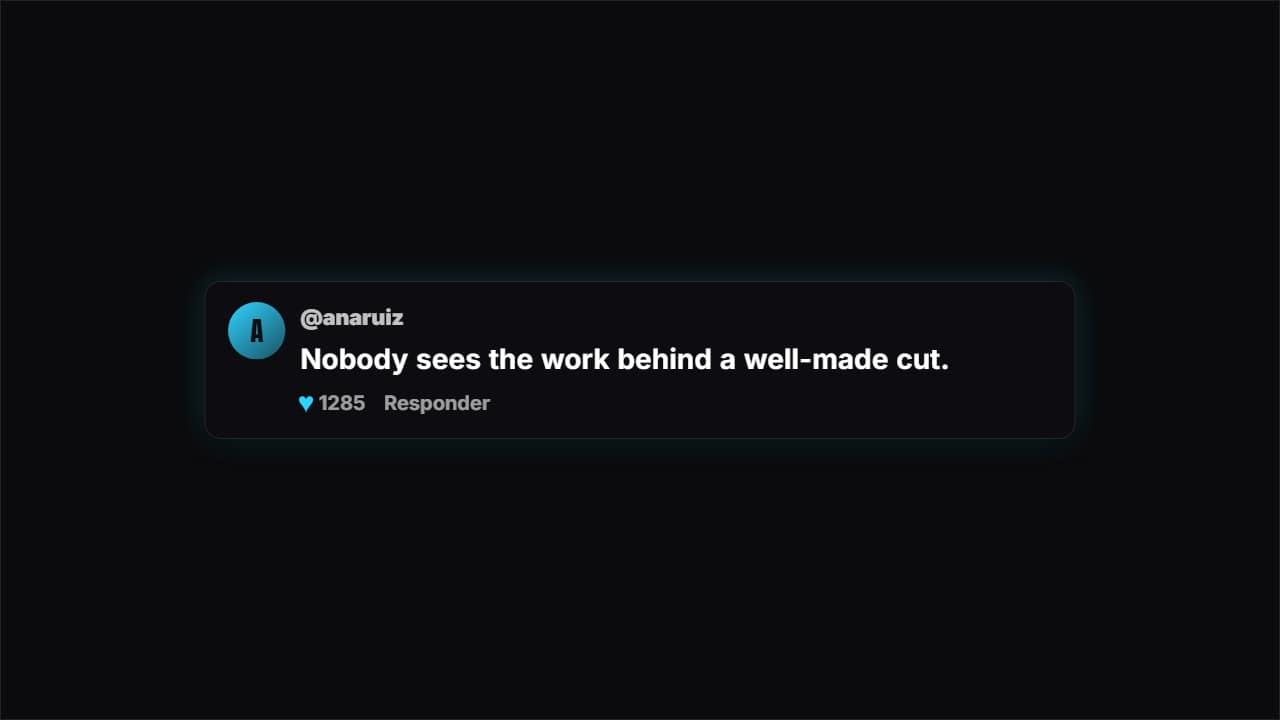 CommentA social media comment with an initial avatar, a handle, likes climbing and a reply button.
Questions
- Can I show real comments from my channel?
- Yes, you type or paste them into the fields. If you show other people's names, consider asking them or blurring them.
- Do the social post cards use the real logos?
- No. They have a generic look that reads as a post, without the platforms' logos.
- Do I need After Effects?
- No. Every template is edited in your browser: type your text, choose colors and format (16:9, 9:16 or 1:1), watch the live preview and export.
- What do I export, and does it work in my editor?
- Most templates export as a ProRes 4444 .mov with a transparent background, which you place on a track above your clip in CapCut, Premiere Pro, DaVinci Resolve or Final Cut Pro. You can also export an MP4 with your own clip behind it. Always in Full HD.
- Is it free?
- Editing and previewing are free and need no account. To export you sign in with Google; during the open beta, new accounts get export credits at no cost.