Animated List Templates — Steps, Checklists, Top 5
Lists are the backbone of tutorials, reviews and top-five videos, and they read much better when each point arrives on its own. Write one item per line and the template takes care of the rhythm: numbered badges, a path that draws itself between steps, glass cards, fanned cards in perspective, a receipt with a total or a notebook with handwritten ticks.
Some layouts frame your clip next to the list or above it, which works especially well in Shorts and Reels. For gaming channels there are patch notes with buffs and nerfs; for kids, falling sticker words and craft steps. Pick a style that matches your channel and export.
22 templates · 16:9 · 9:16 · 1:1Open them in the library
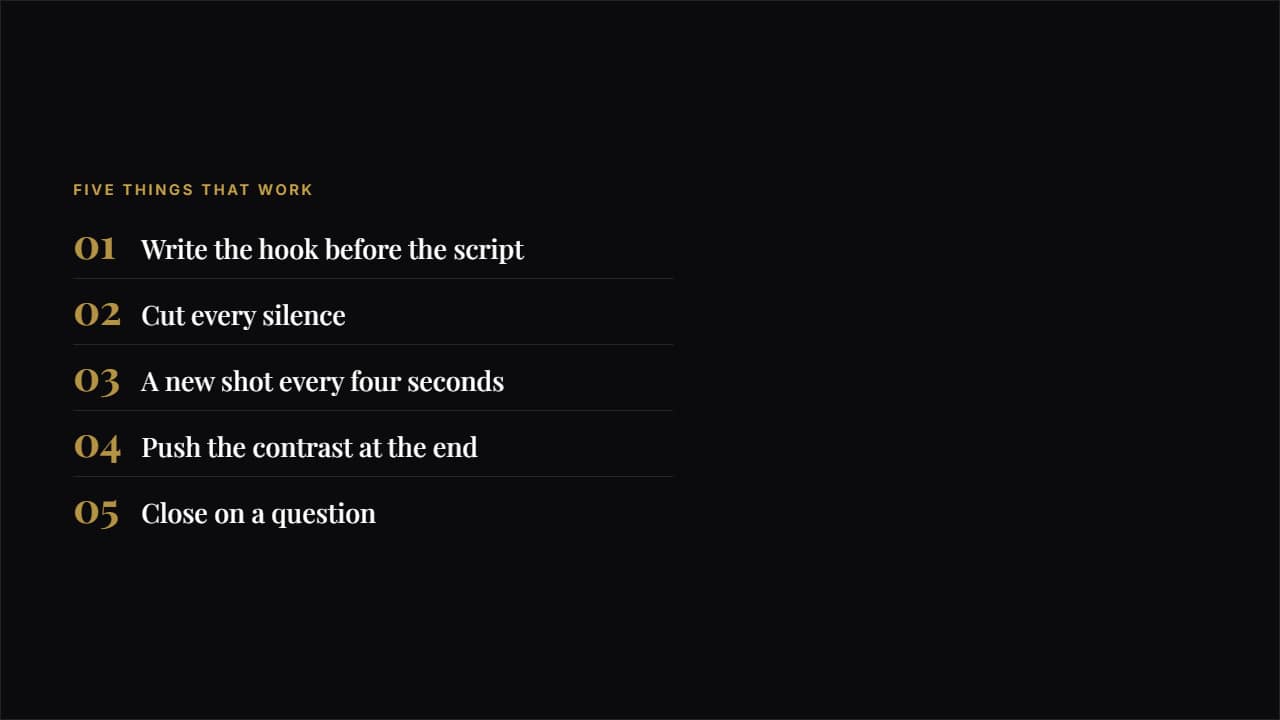 EditorialA big number in magazine type, a hairline rule and plenty of air.
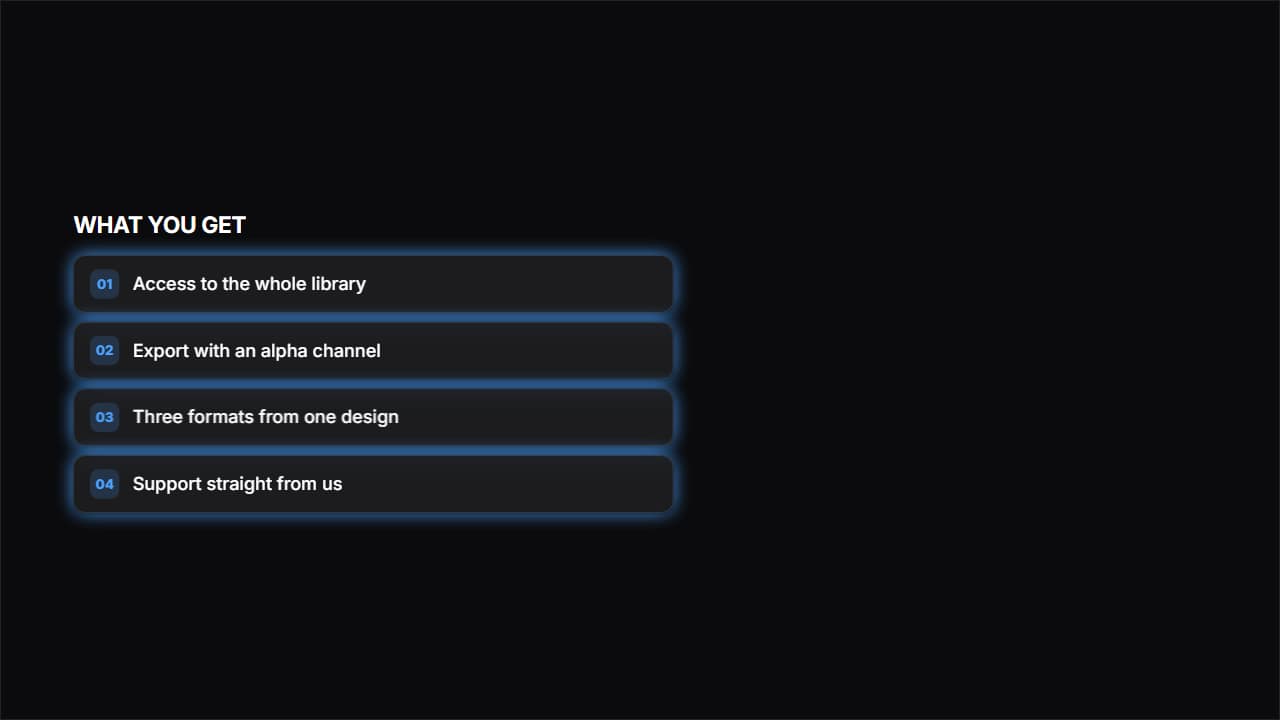 Frosted glassGlass cards with a blur behind them, the look of product websites.
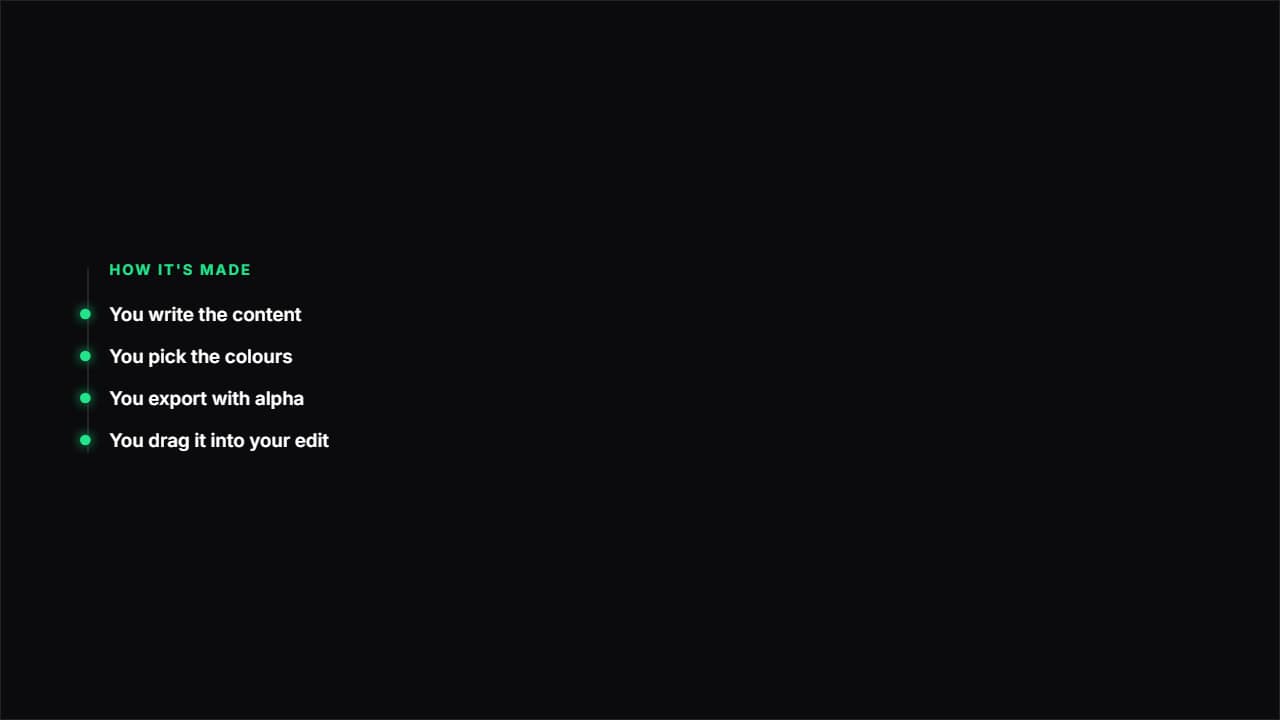 Path with nodesA vertical line drawing itself and a node bursting at each point.
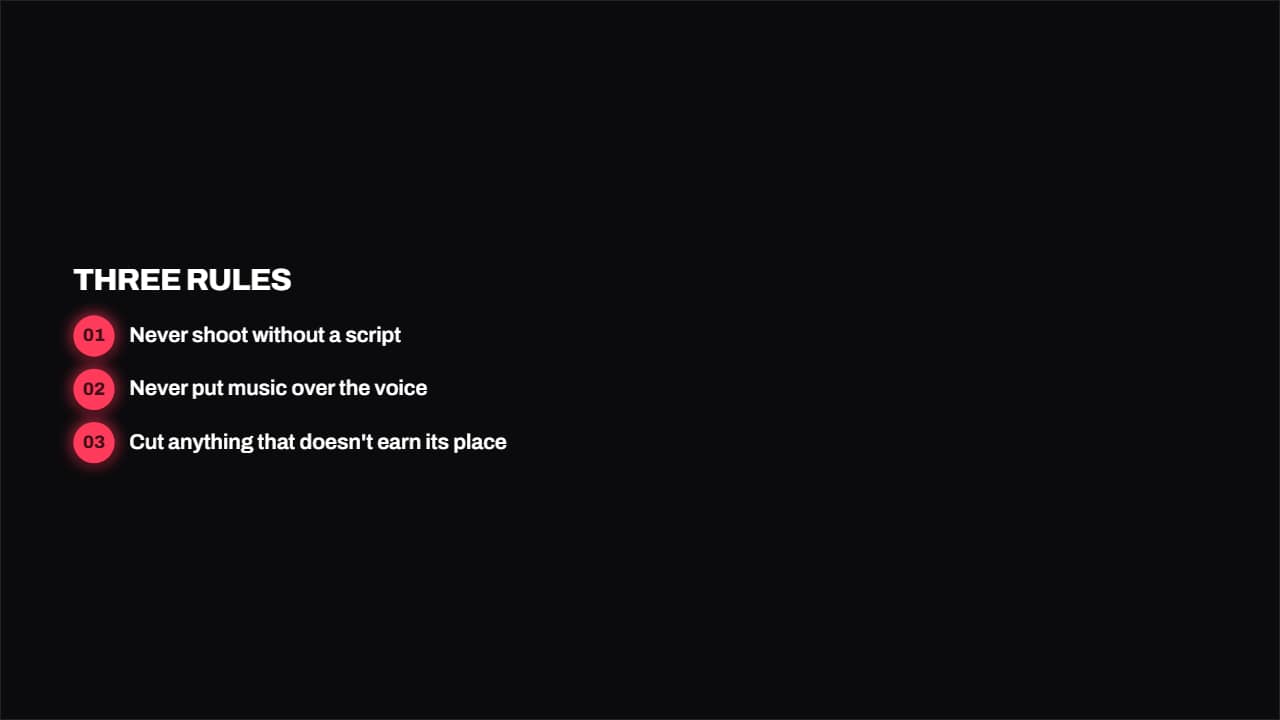 Numbered badgesA round colored badge with the number and the text in bold beside it.
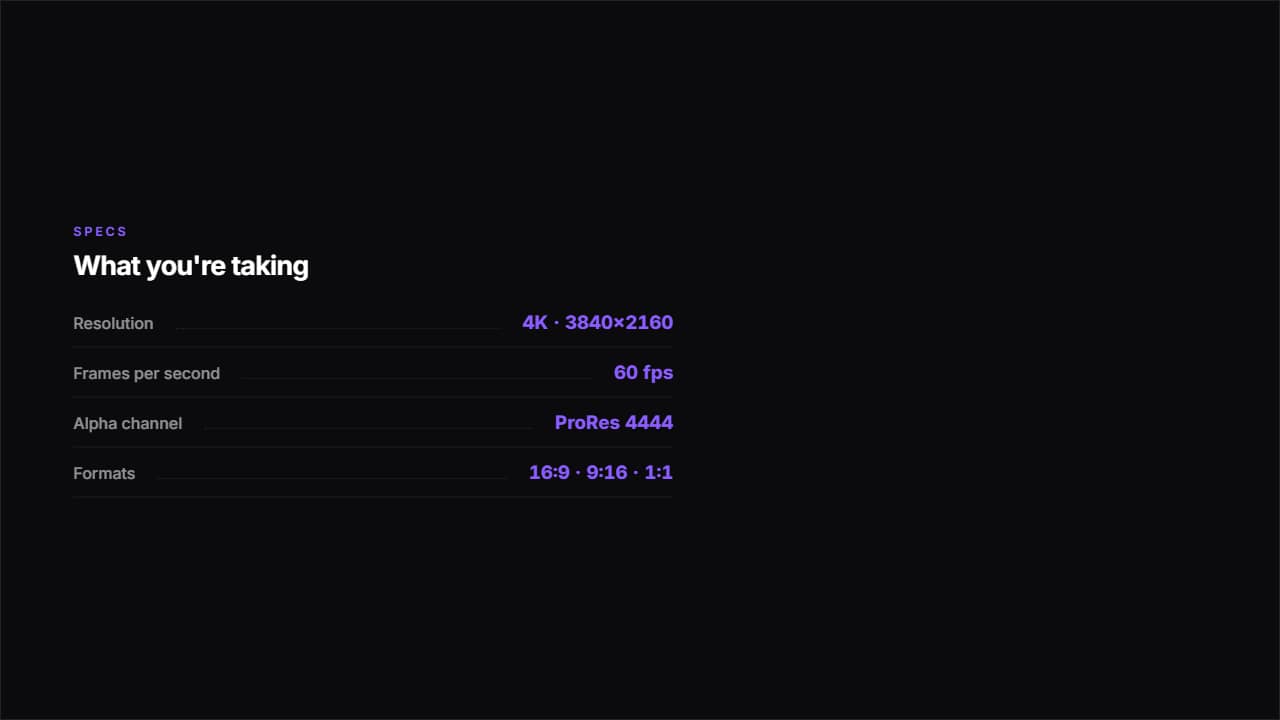 Spec sheetLabel on the left, value on the right and a dotted rule joining them.
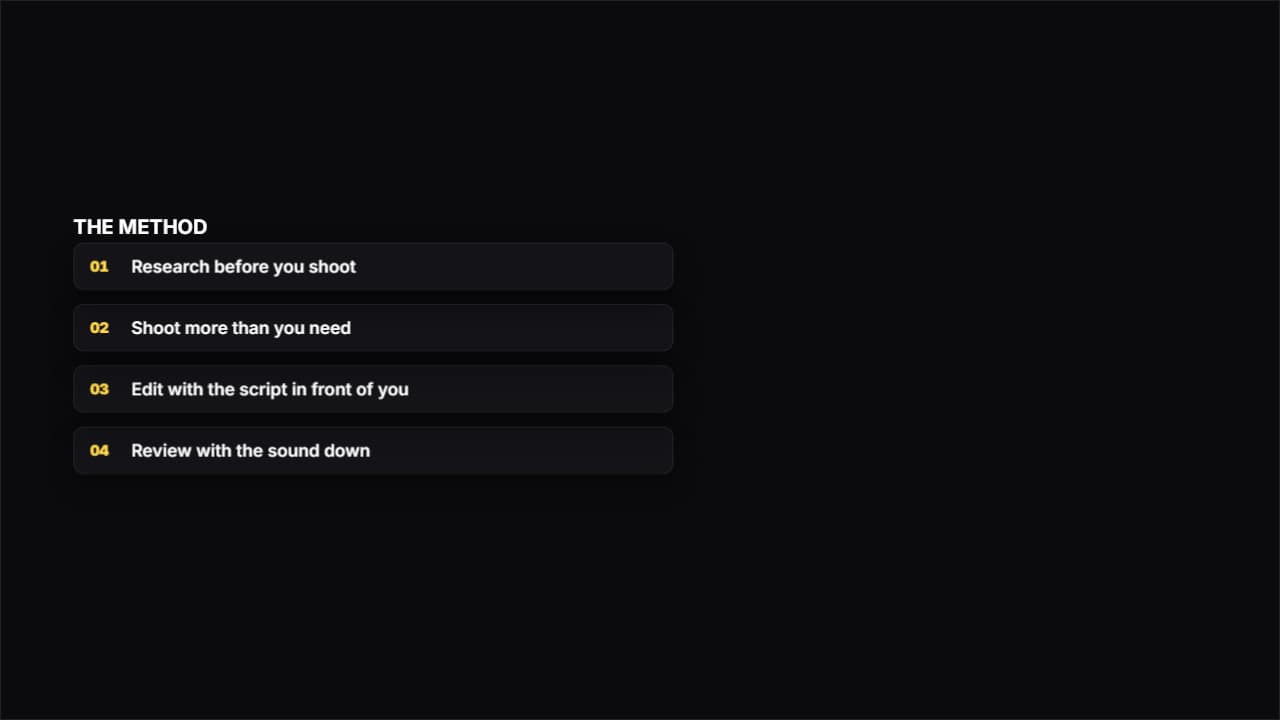 Fanned cardsThe cards start in a pile and fan out in perspective. It draws a lot of attention: use it for the big moment…
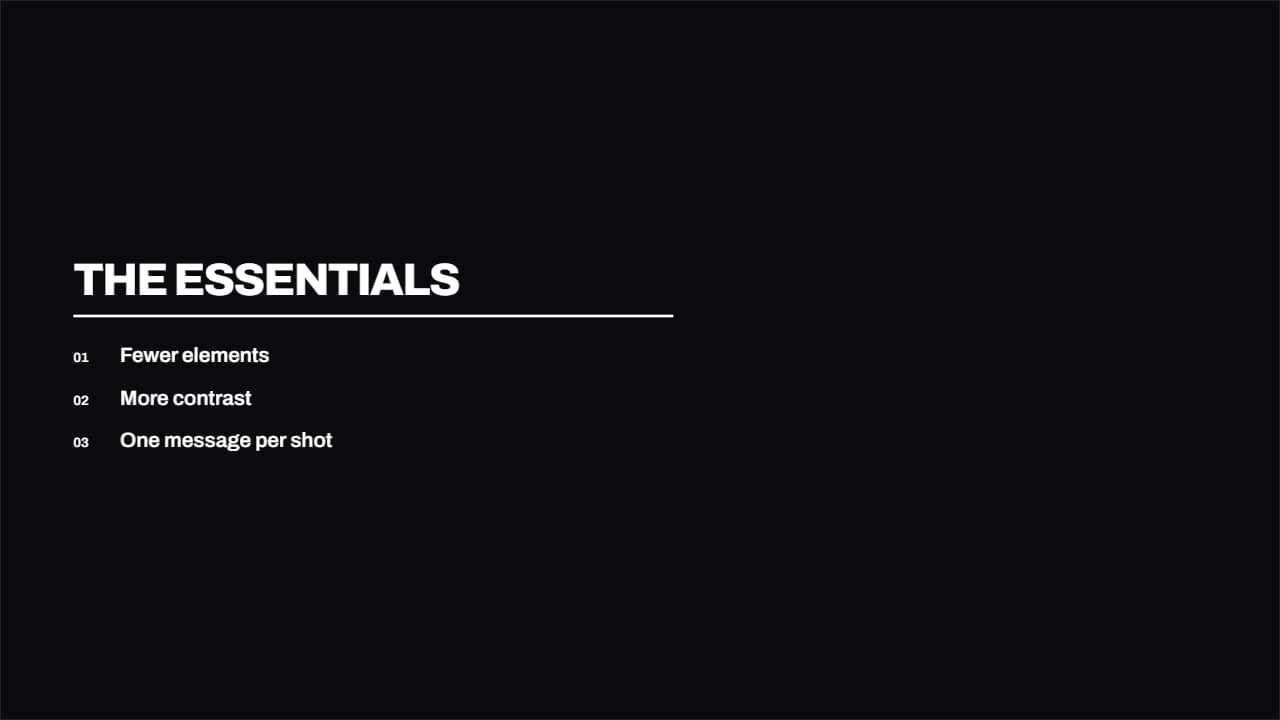 SwissType and a colored rule, nothing else. The cleanest in the library: for when the content is already strong…
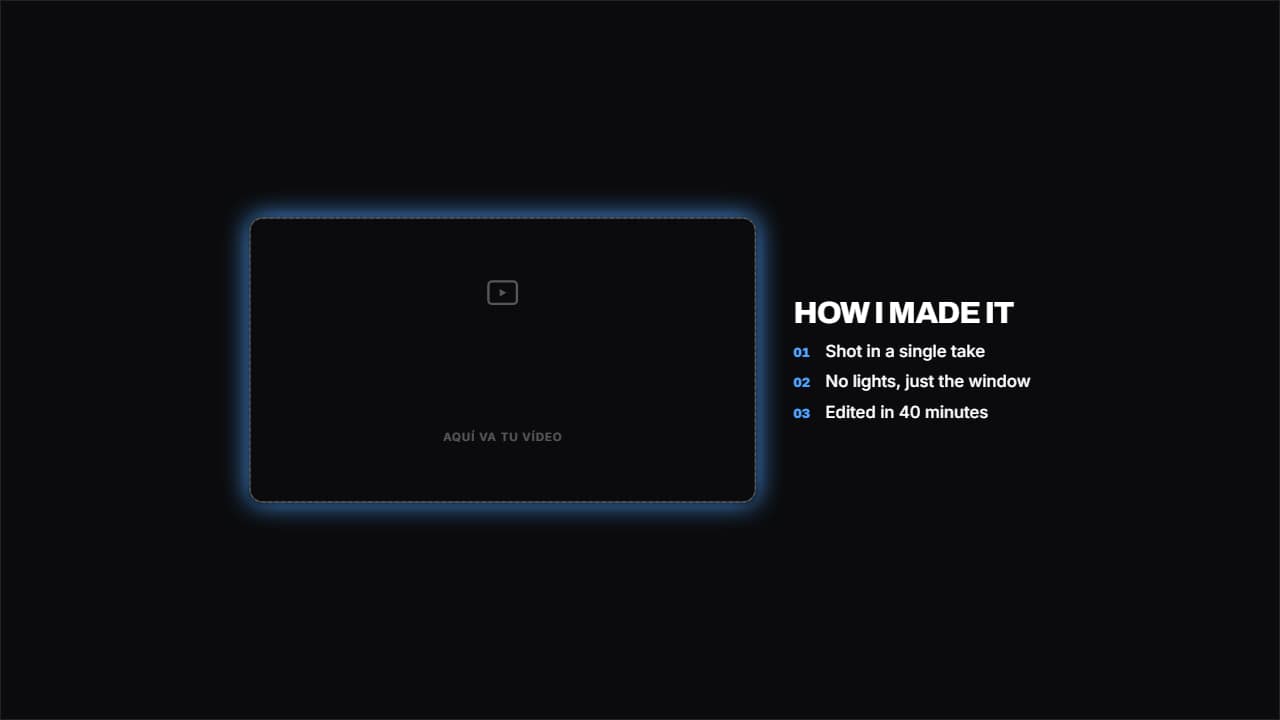 Your video beside the listYour clip in a frame on the left and the list on the right.
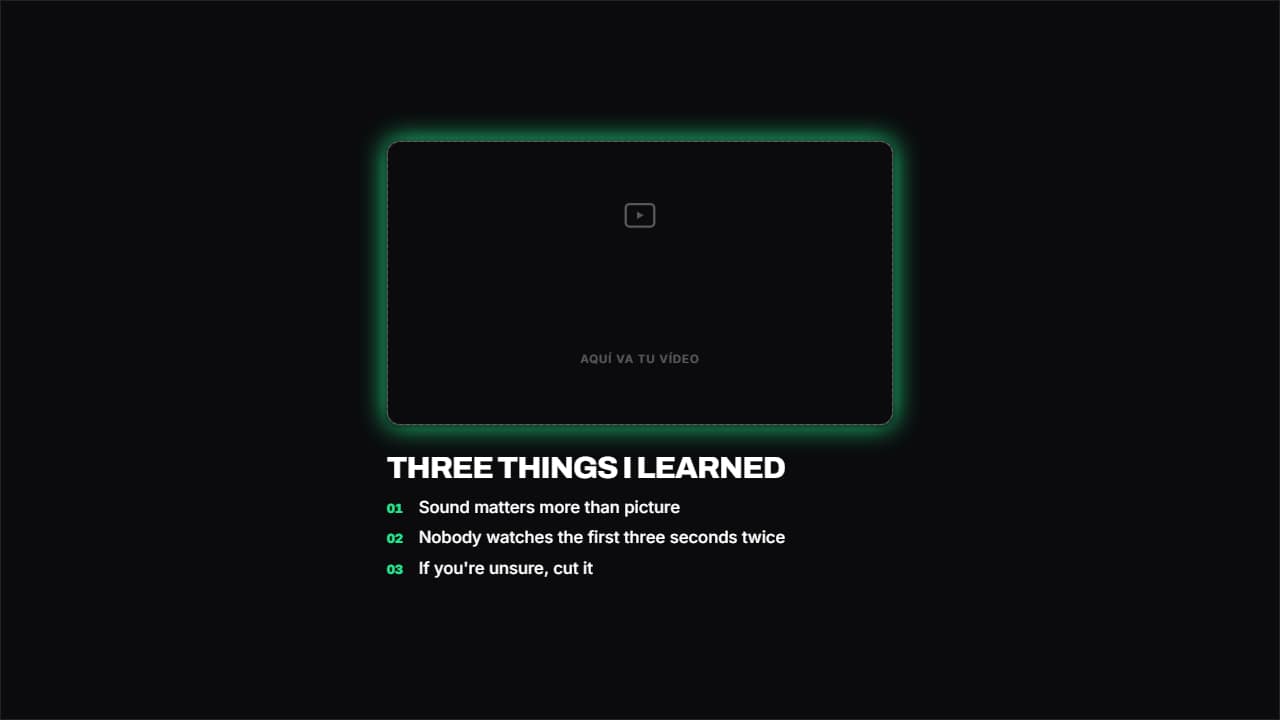 Your video on top, text belowThe frame on top and the content below. The one that works best in Shorts and Reels, where there's no room…
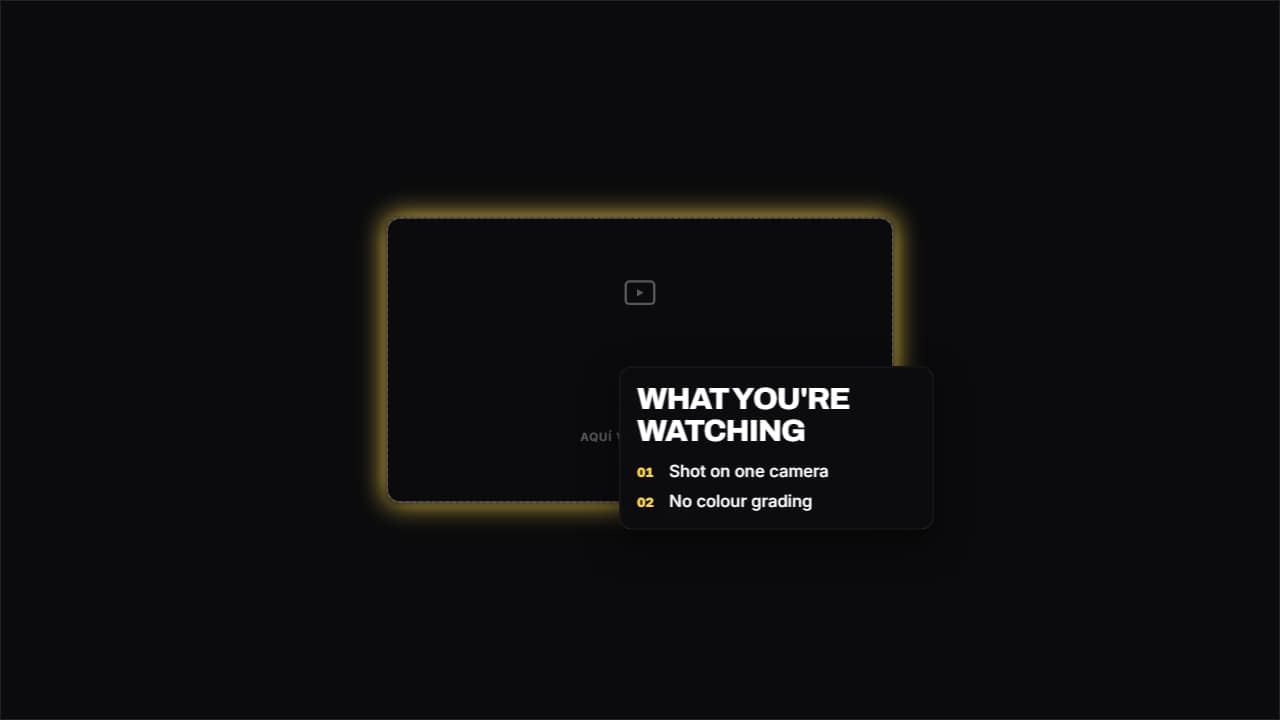 Card over your videoYour clip large and a glass card floating in the corner with the text.
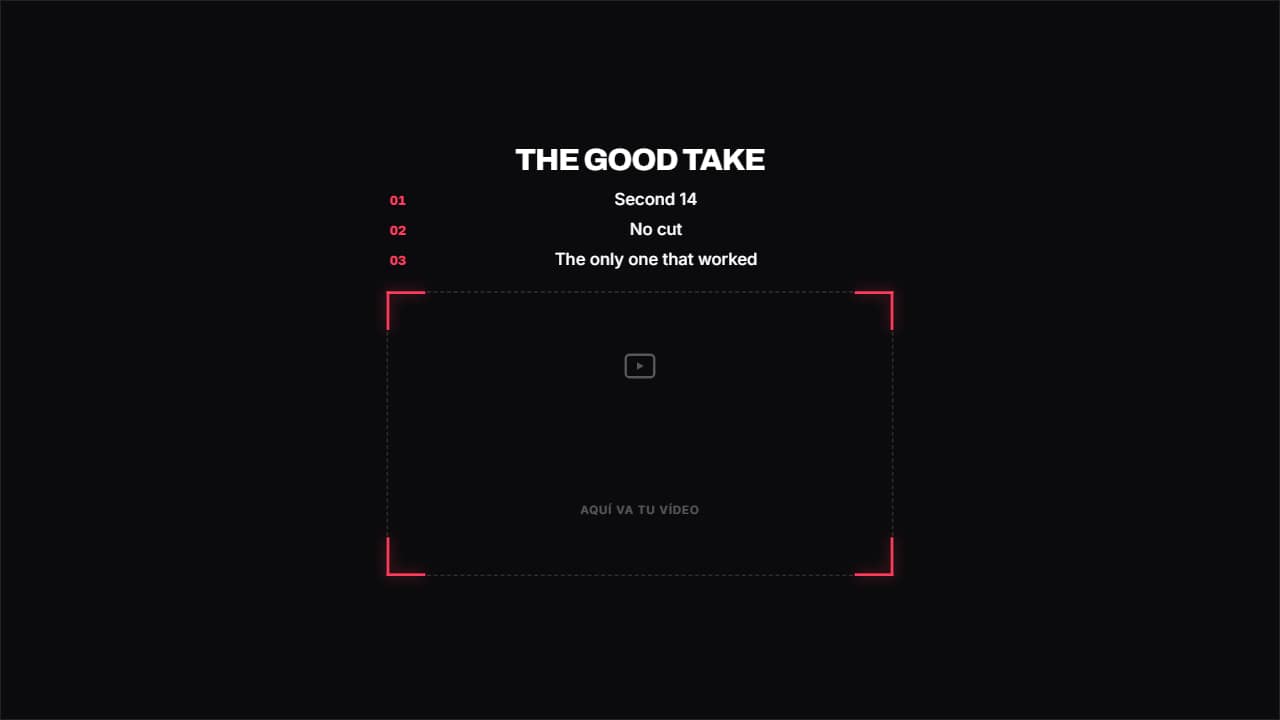 Camera viewfinderFour brackets drawing themselves in the corners, like a camera viewfinder, with the title on top and the…
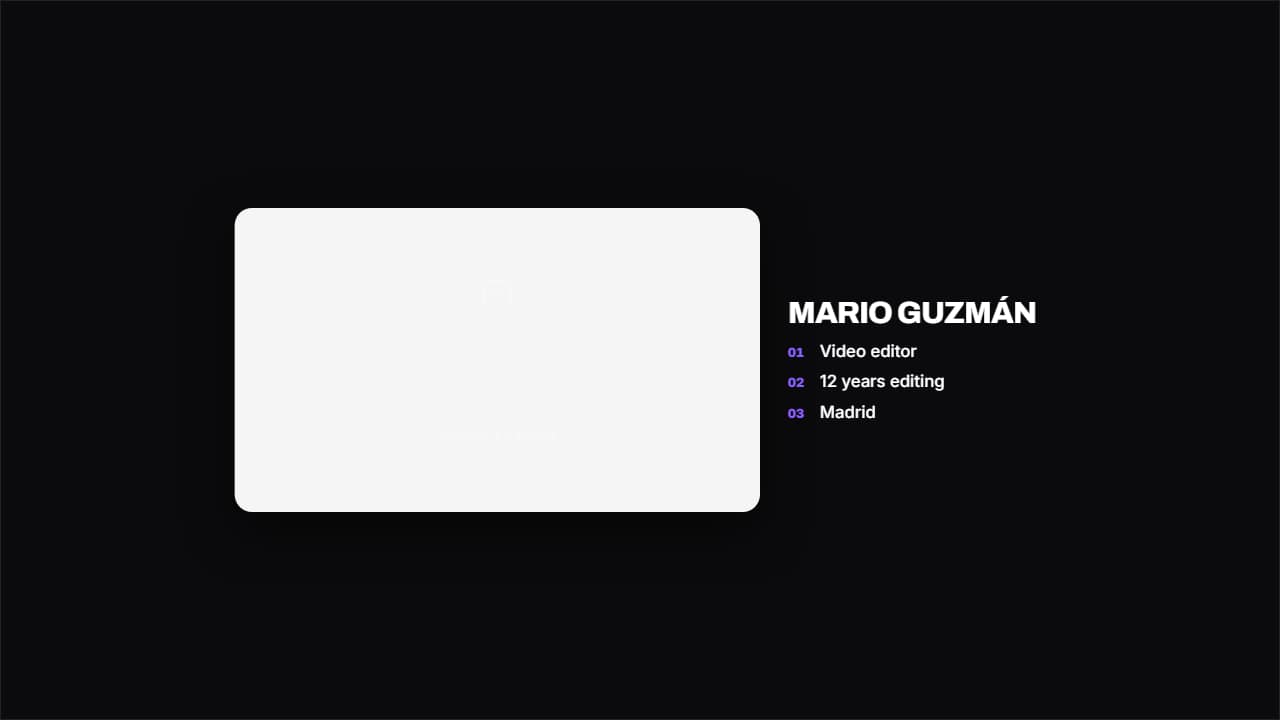 Propped-up photoYour image on a white card with a long shadow, like a photo propped on a table, and the text beside it.
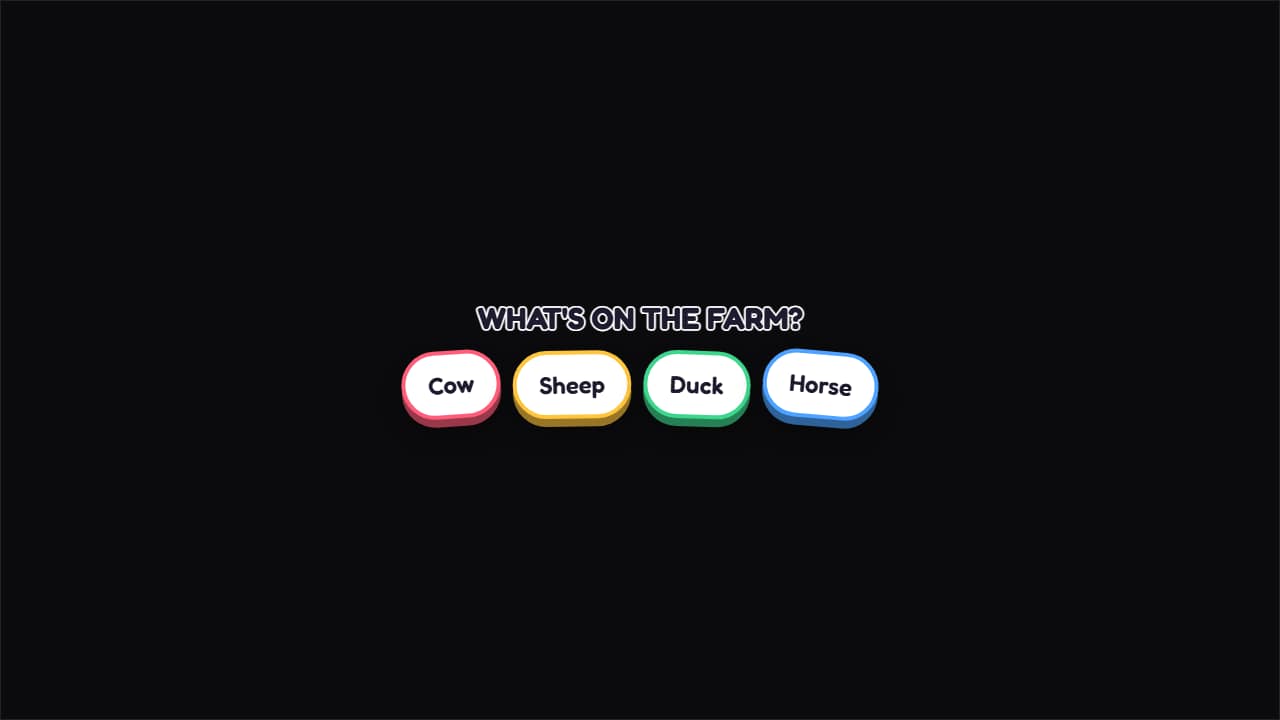 Falling stickersThe words drop from above and settle with a bounce, each with its own color and tilt.
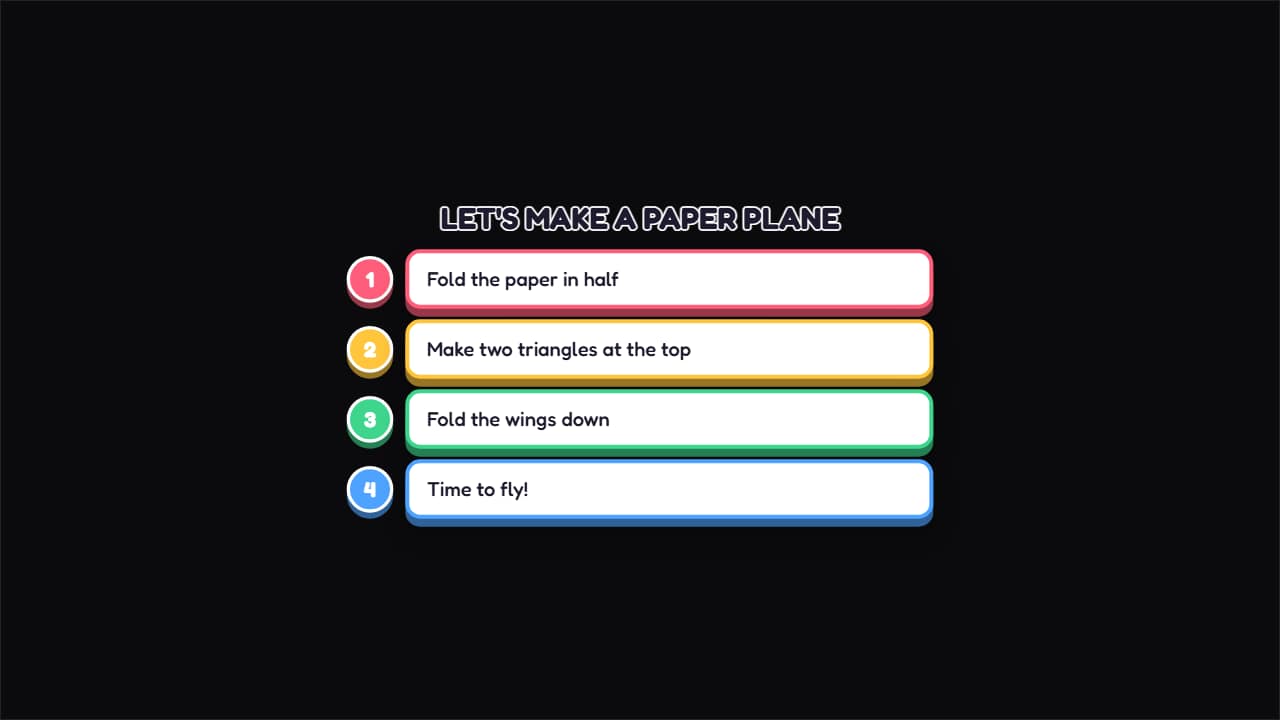 Craft stepsA numbered circle and a colored bubble for each step, coming in from the left.
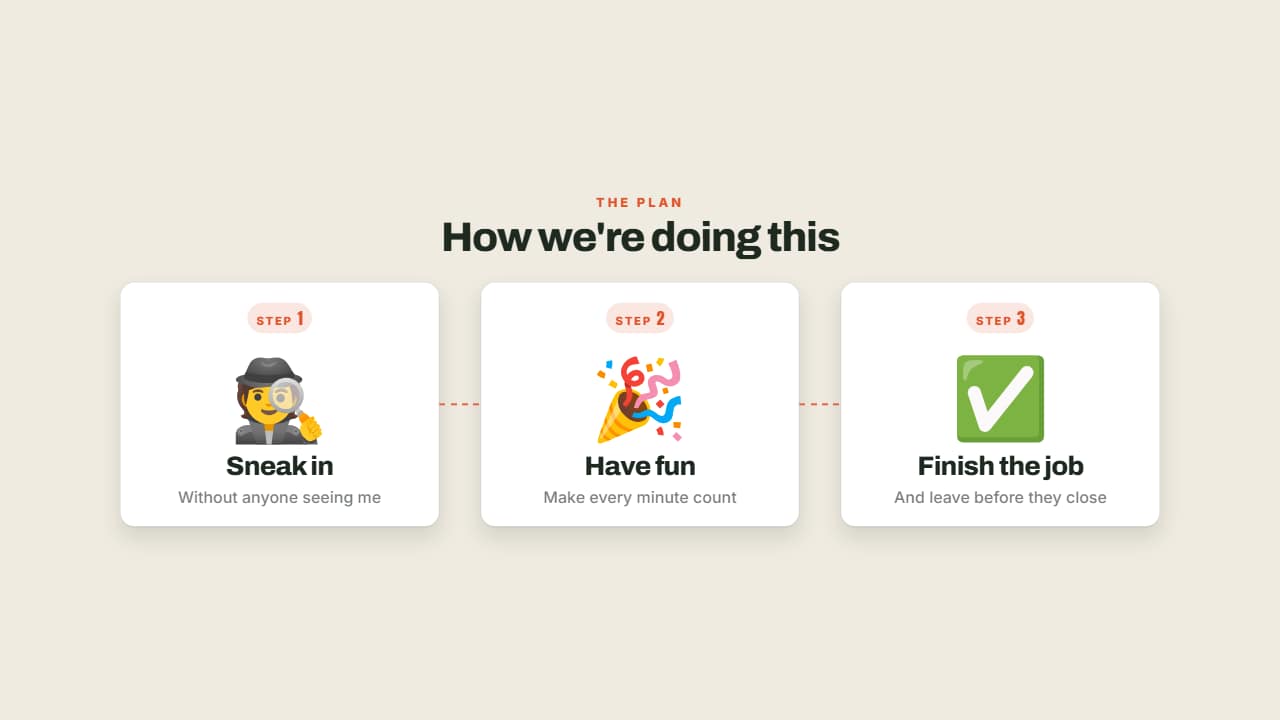 Steps with emojiStep 1, step 2, step 3: each with its big emoji, its numbered badge and its title.
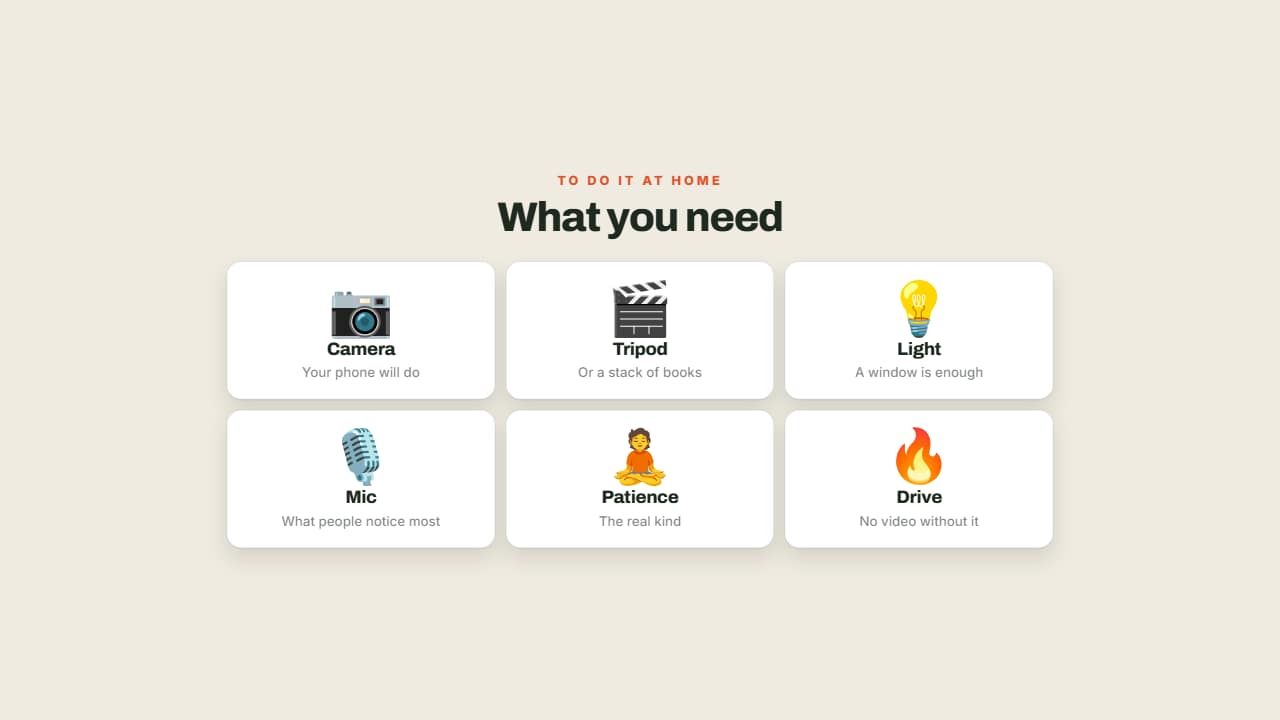 What you needA grid of cards with an emoji, a name and a note: what's in your bag, what the recipe needs, the kit for the…
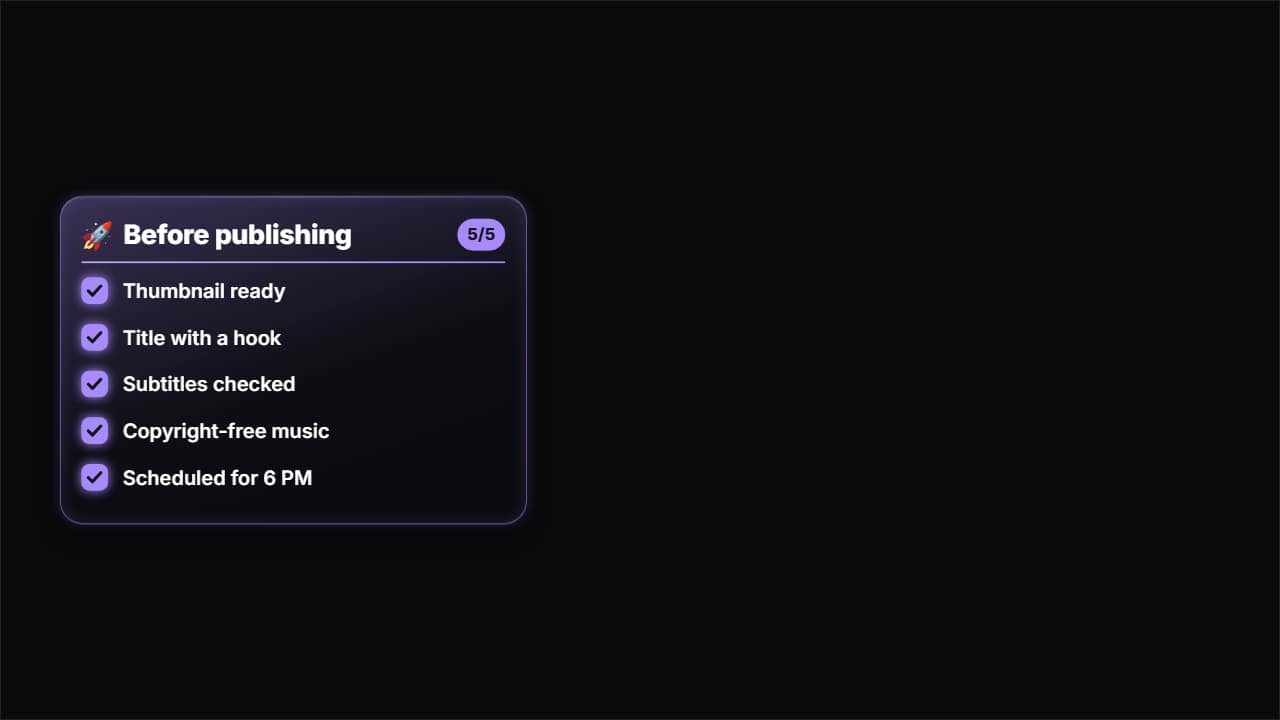 Glass checklistA glass panel with a title and a list that fills itself in: each item comes in and its box fills with color…
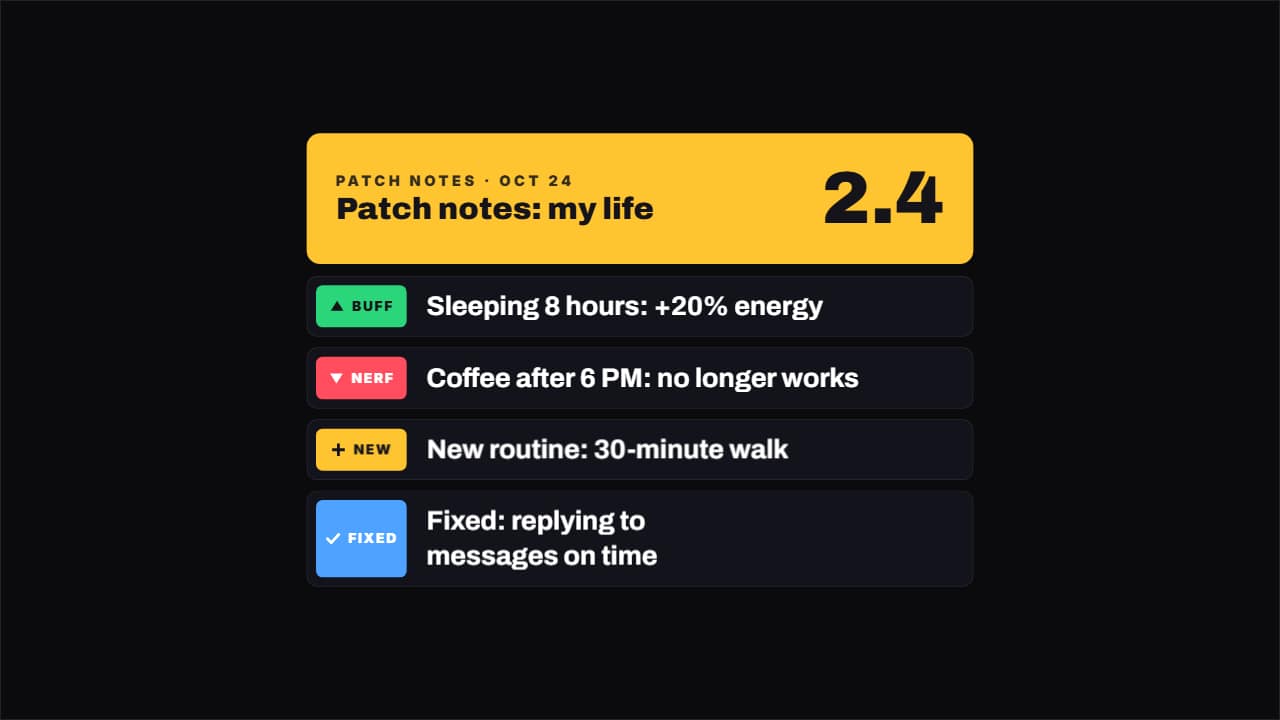 Patch notesThe list of changes in a version, each marked with its type: ▲ buff, ▼ nerf, + new and ✓ fixed.
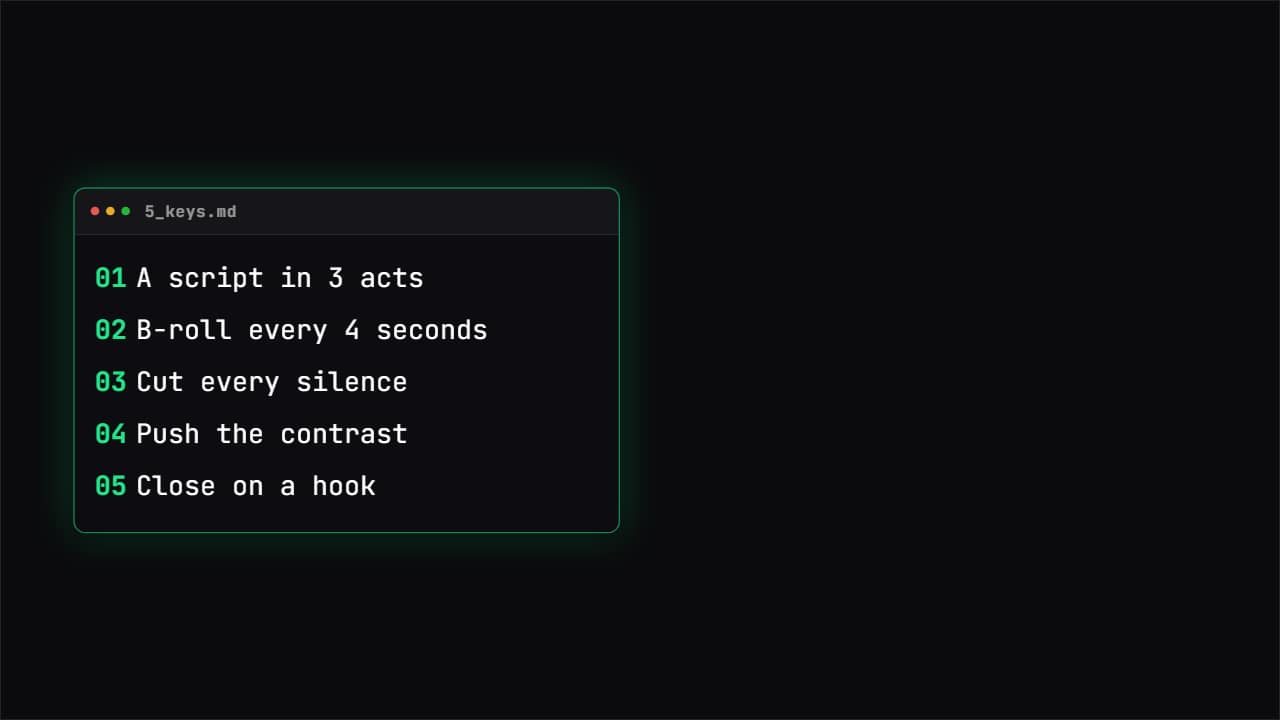 Neon TerminalA console panel with the points typing themselves one by one and the cursor blinking.
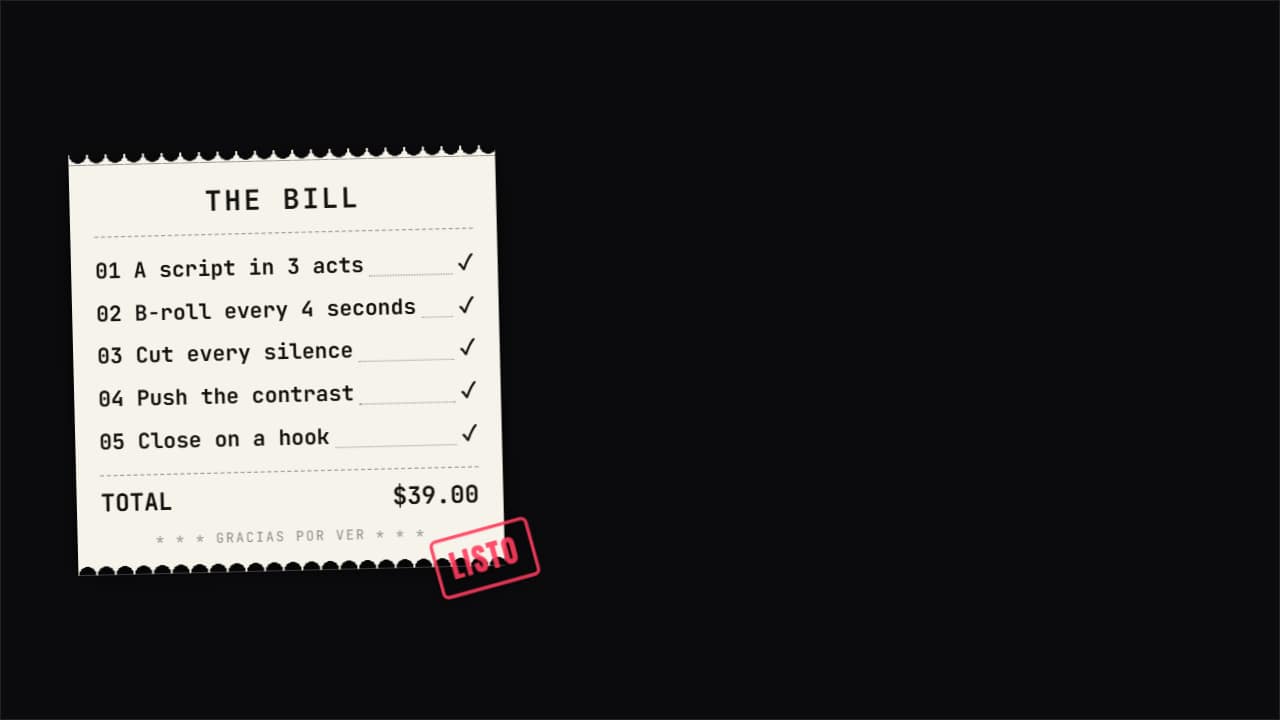 ReceiptA perforated paper receipt where each point is a line item, with a total and a stamp at the end.
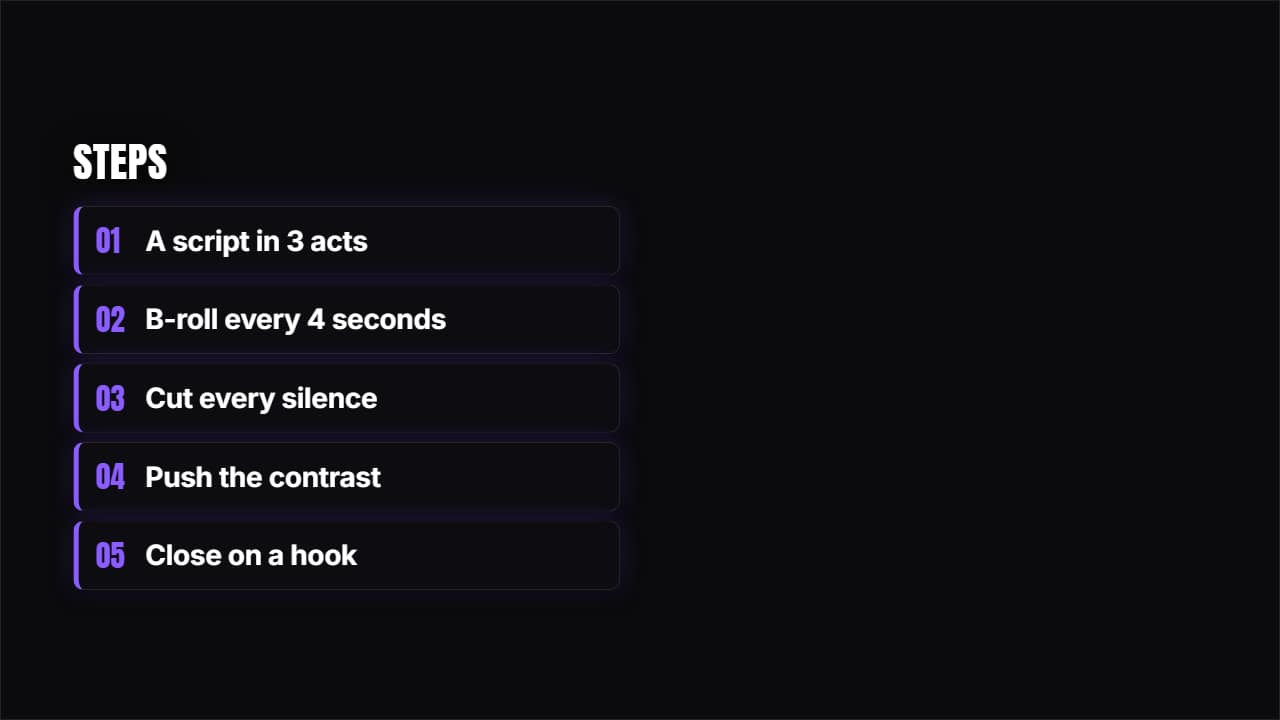 Springing cardsDark cards with an accent bar springing in one after another.
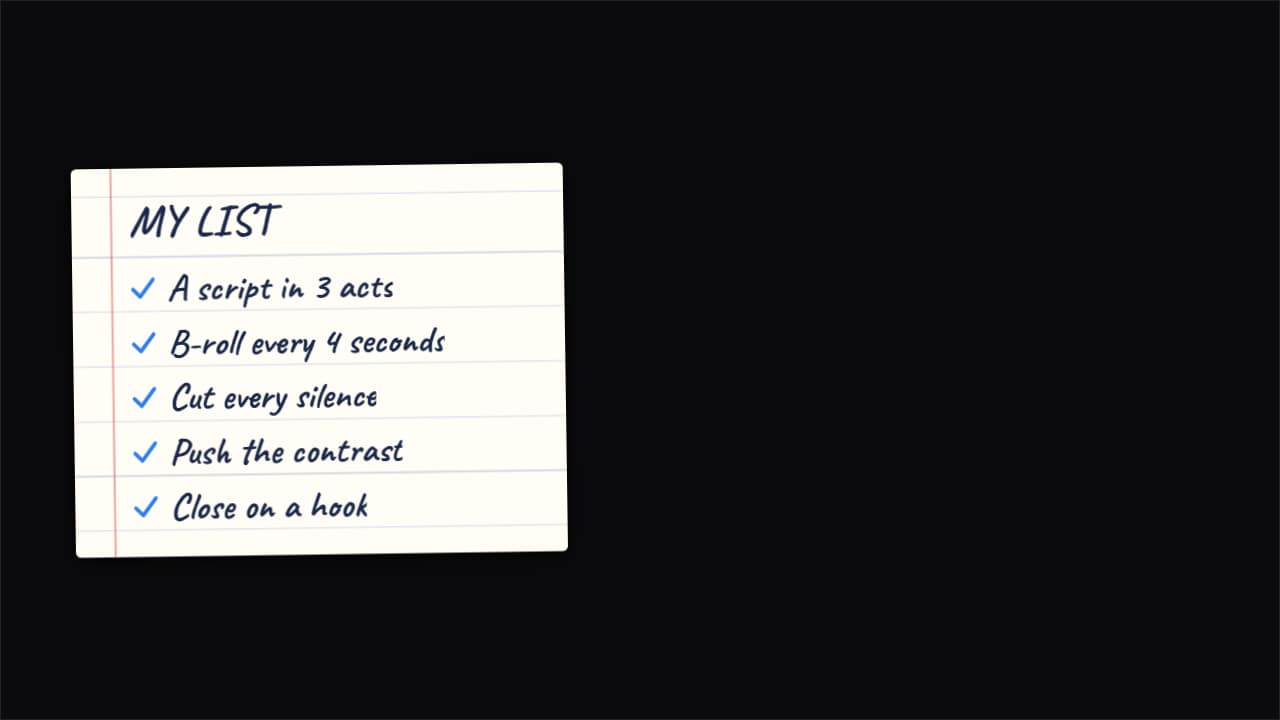 NotebookA ruled page with handwriting and ticks that draw themselves. Warm, ideal for vlogs, recipes and routines.
Questions
- How many items can a list have?
- As many as you write, one per line. Long lists get smaller type to fit, so for readability on a phone five to seven items per list usually work best.
- Can I put my video inside the template?
- Yes. «Your video beside the list», «Your video on top, text below» and «Card over your video» have a frame for your clip.
- Do I need After Effects?
- No. Every template is edited in your browser: type your text, choose colors and format (16:9, 9:16 or 1:1), watch the live preview and export.
- What do I export, and does it work in my editor?
- Most templates export as a ProRes 4444 .mov with a transparent background, which you place on a track above your clip in CapCut, Premiere Pro, DaVinci Resolve or Final Cut Pro. You can also export an MP4 with your own clip behind it. Always in Full HD.
- Is it free?
- Editing and previewing are free and need no account. To export you sign in with Google; during the open beta, new accounts get export credits at no cost.