YouTube intro maker
Type your channel name and an optional tagline, choose a style and a brand color, and watch six intros play with them right here: a logo reveal, a logo stinger and four title cards. Open the one that fits your channel, add your logo in the editor and export it.
Make your YouTube intro
The style changes the logo reveal and the stinger; the title cards keep their own motion. The checkerboard is the transparent part.
Logo reveal
Customize & export — free
Logo stinger
Customize & export — free
Glass title card
Customize & export — free
Kinetic Bold
Customize & export — free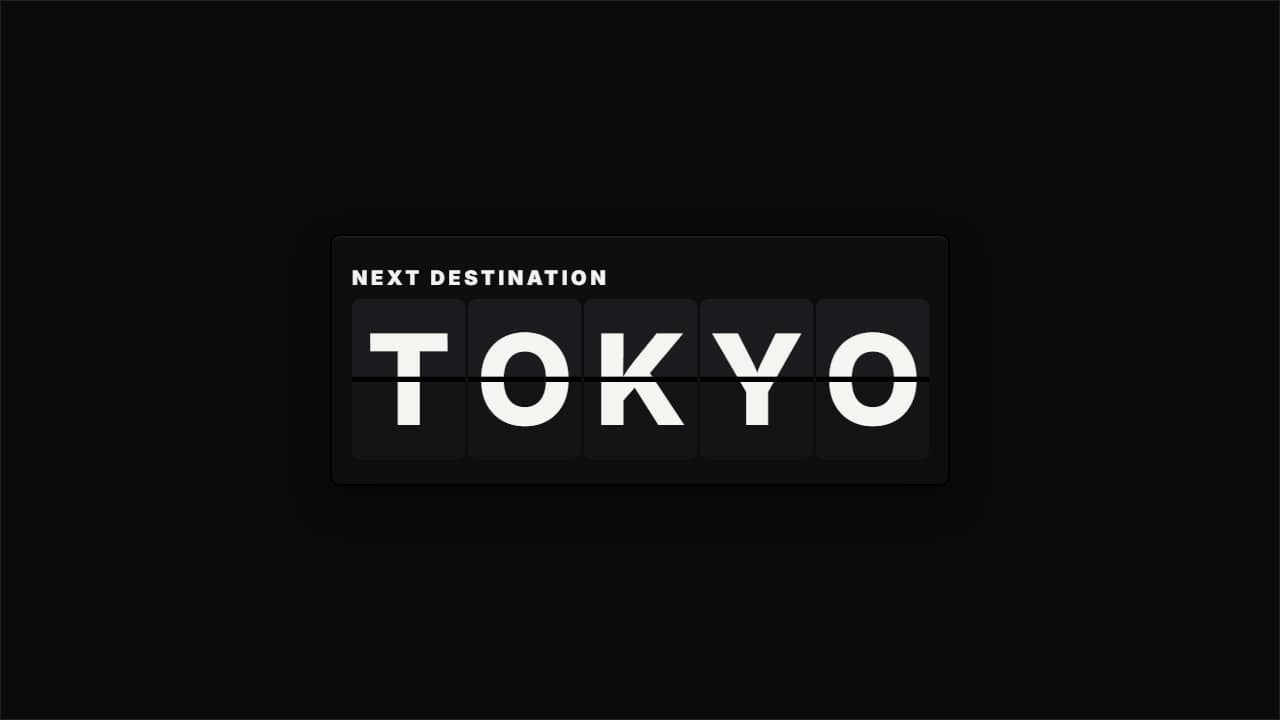
Split-flap word reveal
Customize & export — free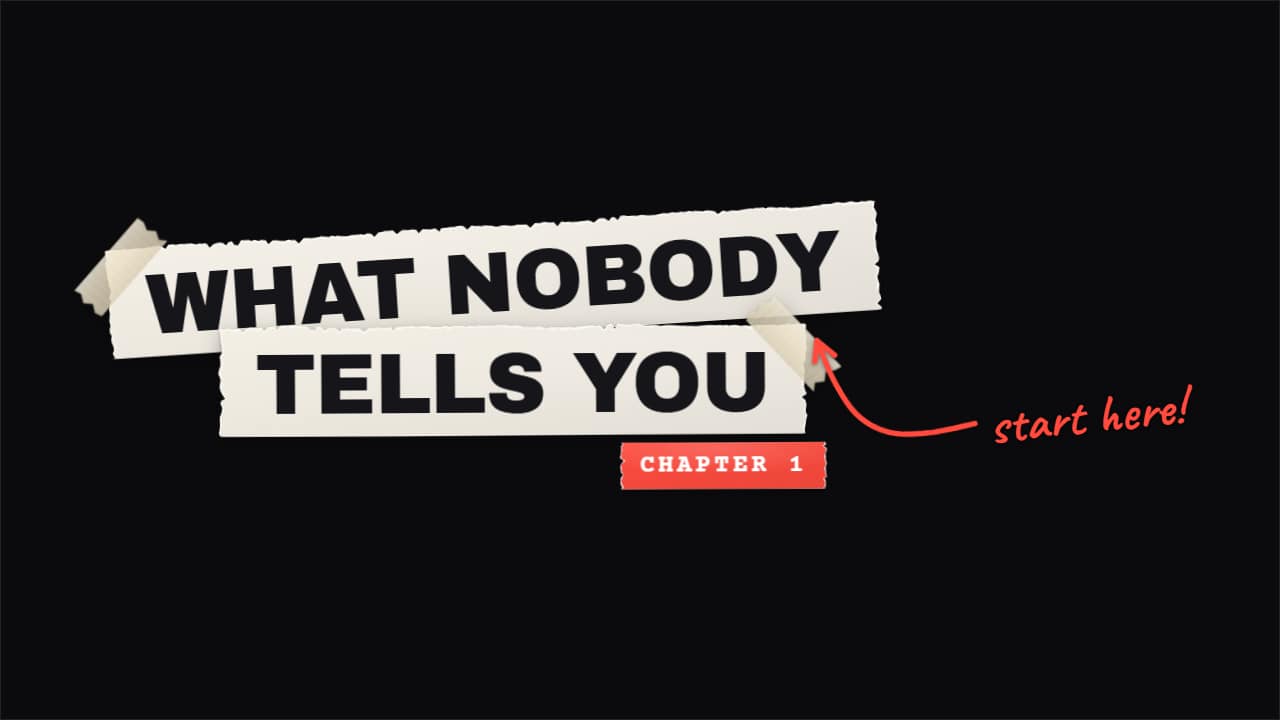
Torn paper title
Customize & export — free
Six intros, one name
The logo reveal is the classic channel opener: your logo and name arrive in two or three seconds, with particles that swirl and burst, a line that draws a ring, a glass plate, a glitch that decodes or letters that bounce in. The stinger is the short version — a quick wipe with your logo that also works as a transition between segments.
The title cards treat the channel name as the headline: a frosted glass card, a bold kinetic title that highlights your last word, a split-flap board that flips letter by letter and a torn-paper title with a marker underline.
Add your logo in the editor
This page previews the motion with your name. In the editor you can upload your logo — a PNG with a transparent background looks cleanest — or reuse the one saved in your brand kit. With no logo, the reveal draws a monogram with your initials, so it still looks finished.
Keep it short
Viewers decide in the first seconds whether to stay, so a long intro costs you watch time. Two to four seconds is plenty for a logo reveal; many creators put it after a short hook rather than at the very start. The stinger is short enough to use between every chapter.
None of the intros include music. That keeps the file free of copyright claims and lets you use your own sound or a track from the YouTube Audio Library.
How to use it in your editor
CapCut
- Drag the file to a track above your clip (on the phone, add it as an overlay).
- If your app shows black around it, export it over a background or on green screen instead.
Premiere Pro
- Import the .mov and place it on V2 above the first shot.
- Trim the tail if you only want the reveal, not the hold.
DaVinci Resolve
- Drop the .mov on Video 2 at the start of the timeline.
- If you see black, set Clip Attributes → Alpha Mode to Premultiplied.
Questions
- Is this YouTube intro maker free?
- Previewing with your name is free and needs no account. Downloading needs a free account; during the open beta, exports cost nothing and carry no watermark.
- Can I use my own logo?
- Yes. Upload it in the editor of the logo reveal or the stinger. Without one, the reveal shows a monogram made from your initials.
- Does the intro come with music?
- No. The file is silent so you can add your own audio without copyright problems.
- Can I make a vertical intro for Shorts?
- Yes. Every intro also exports in 9:16 and 1:1, always in Full HD.
Want a different style? See all intro and logo reveal templates