Business Video Templates — Pricing, KPIs, Funnels, Sponsors
For product demos, startup updates and marketing videos, these templates turn business information into clean motion. A pricing table counts up each plan's price and ticks its features, the funnel narrows step by step with the conversion rate beside it, and a KPI dashboard shows four figures with their change in green or red.
Build trust with a customer review whose stars fill one by one or a grid of client logos. Explain direction with a quarterly roadmap and a problem-versus-solution layout. Creators get a sponsor segment with the discount code; shops, new-sale notifications; real estate agents, a «sold» or «just listed» stamp.
10 templates · 16:9 · 9:16 · 1:1Open them in the library
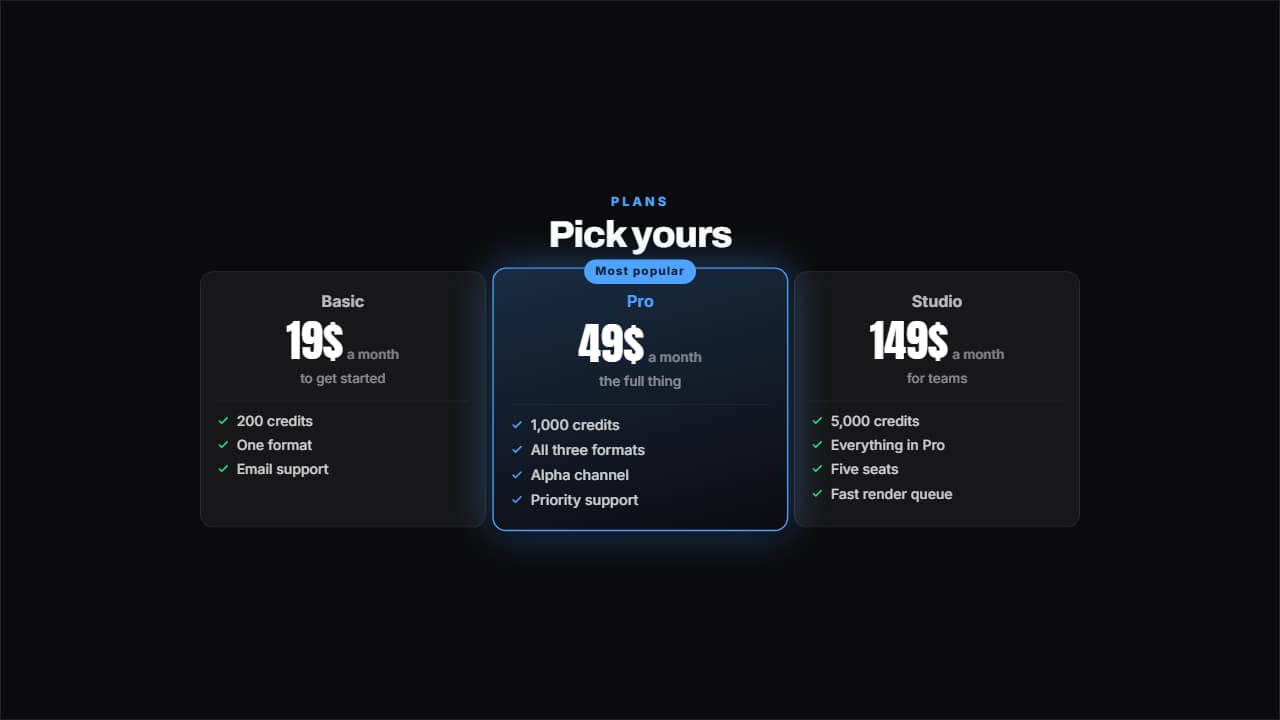 Pricing tableTwo, three or four plans with their price counting, their benefits ticked and one featured with its badge.
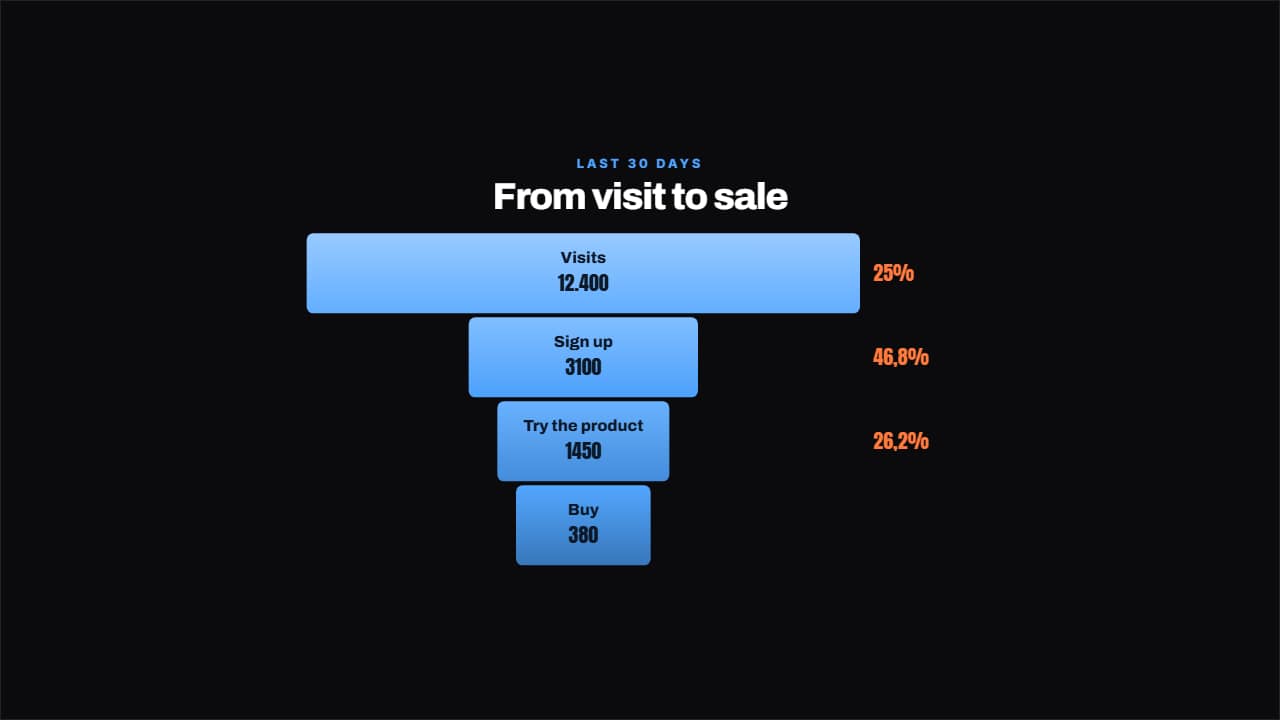 Conversion funnelEach step narrower than the last and, beside it, the percentage that makes it through, worked out for you.
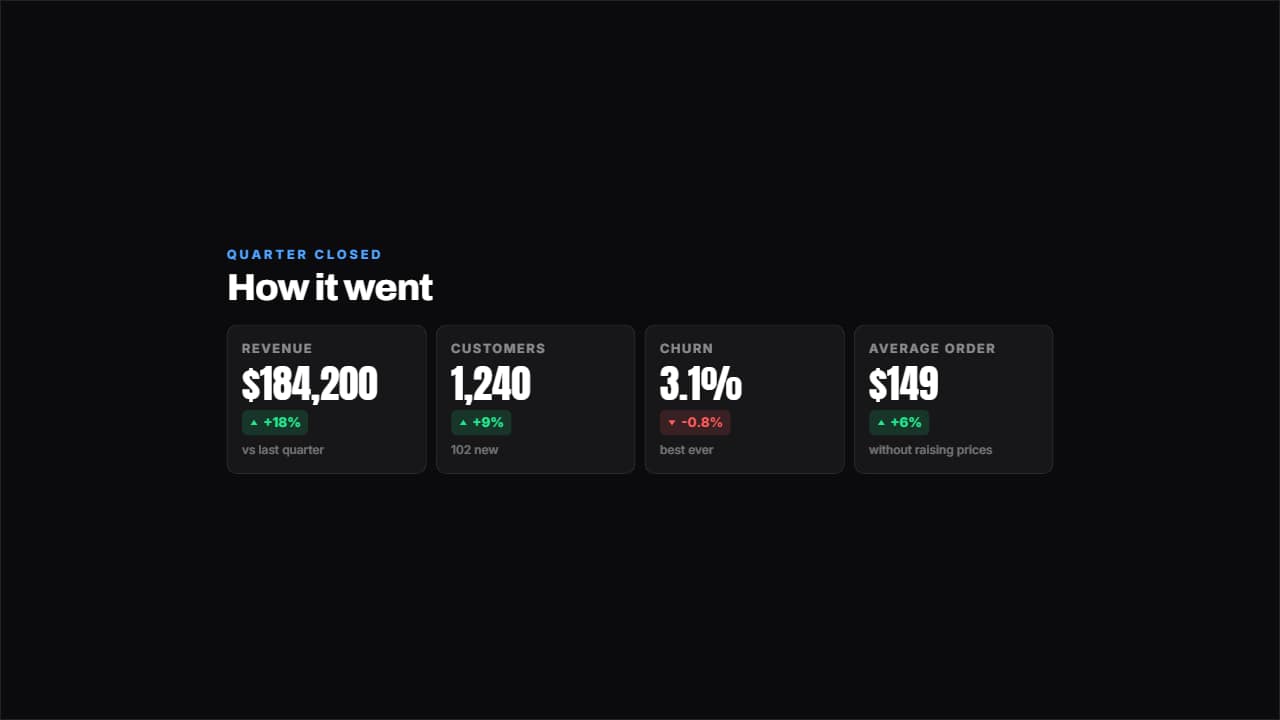 Results dashboardFour figures with their change in green or red and a footnote each.
 Customer reviewThe stars come in one at a time, the quote after and the signature last, with an avatar if you have one or…
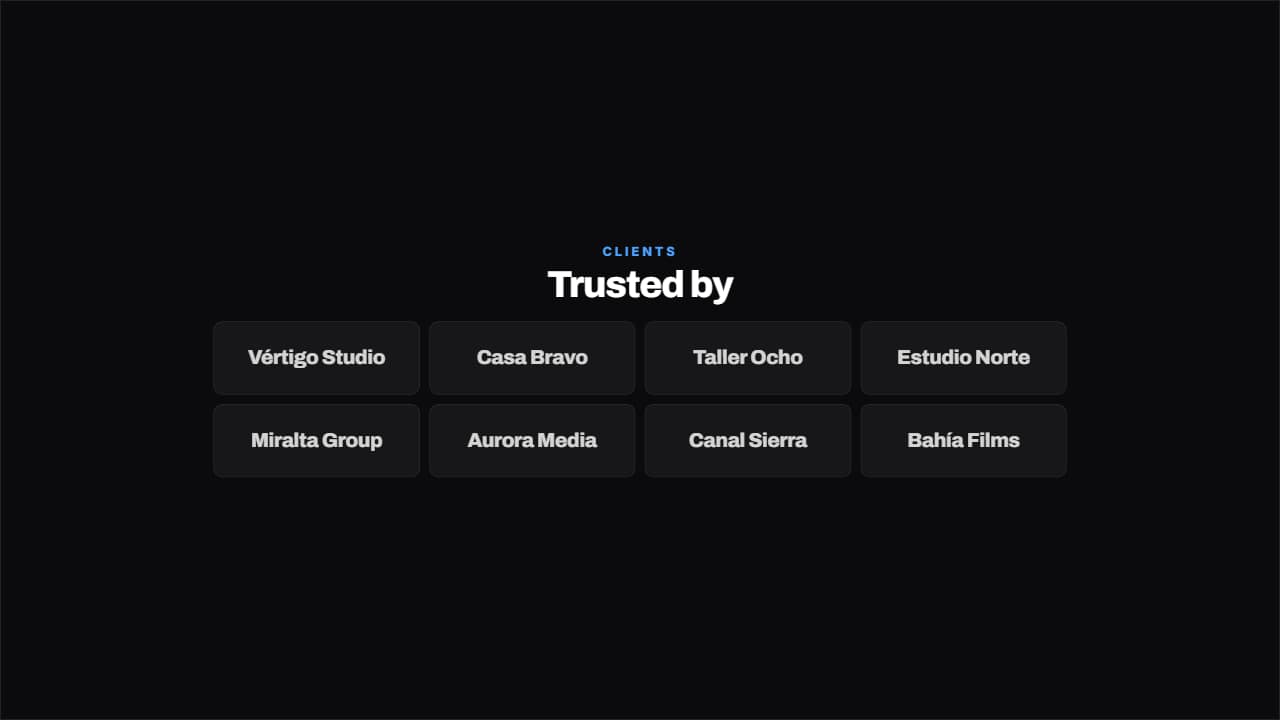 Trusted byA grid of clients bouncing in one after another. Takes either the name typed out or the path to the logo…
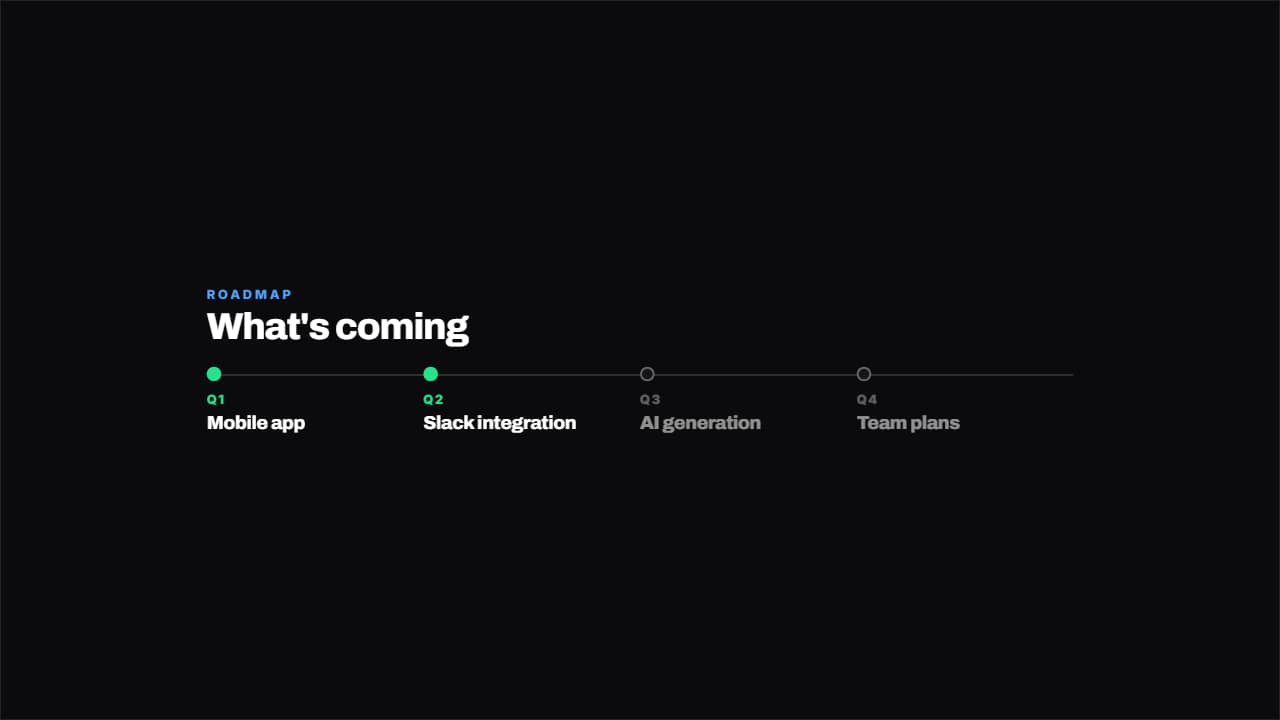 RoadmapThe quarters on a line with their dot: done in green, in progress lit and upcoming dimmed.
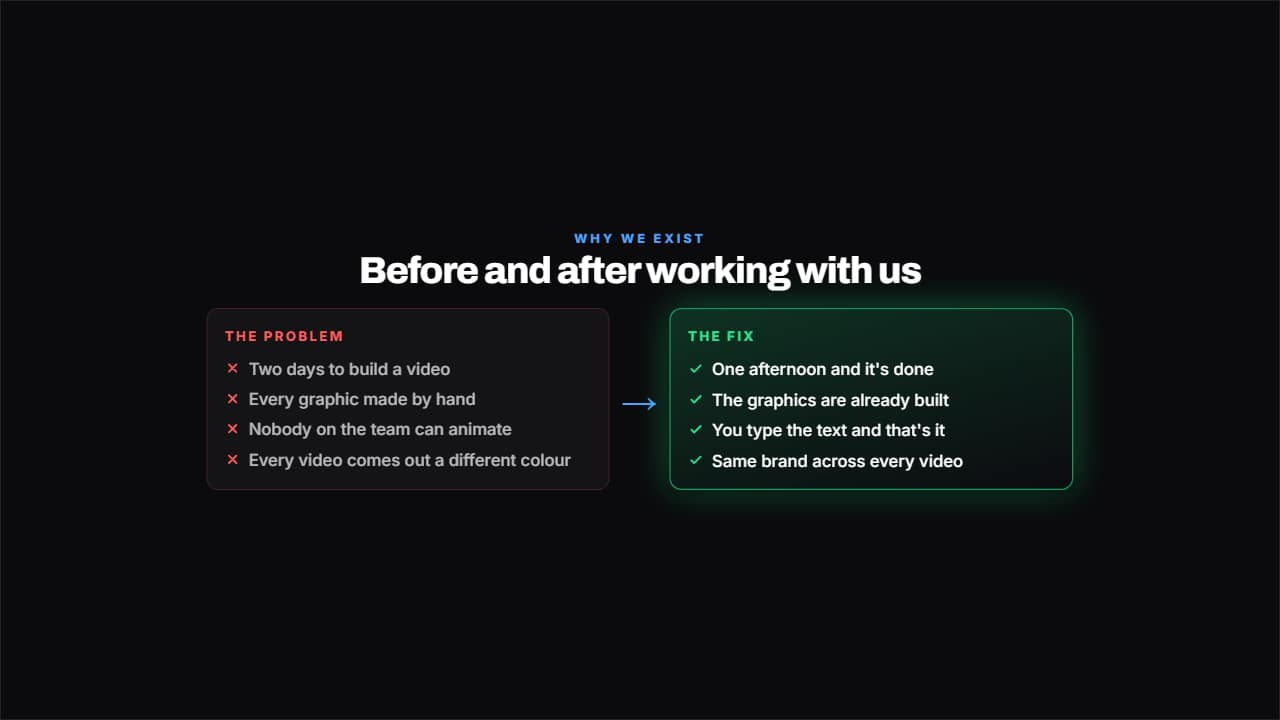 Problem and solutionTwo columns facing off: on the left what hurts, with crosses; on the right what fixes it, with ticks and lit…
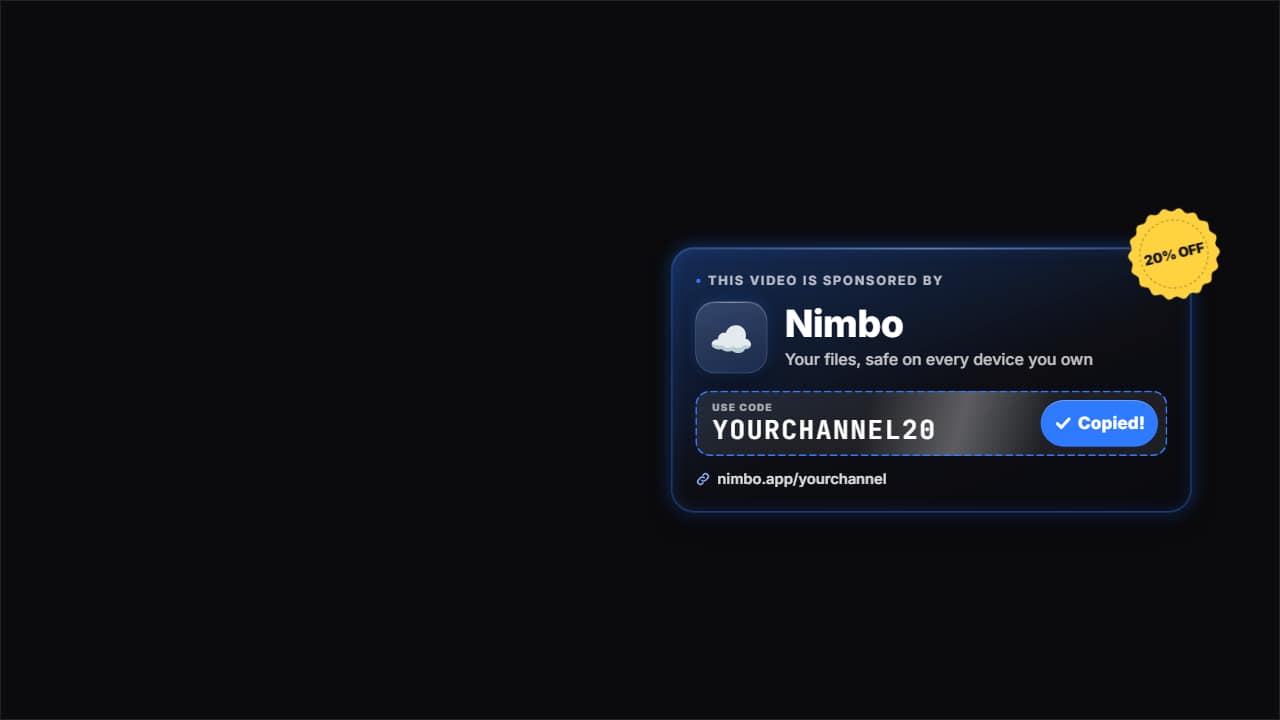 Sponsor with discount codeThe sponsor moment: «This video is sponsored by», the brand's logo and name, a short tagline and the…
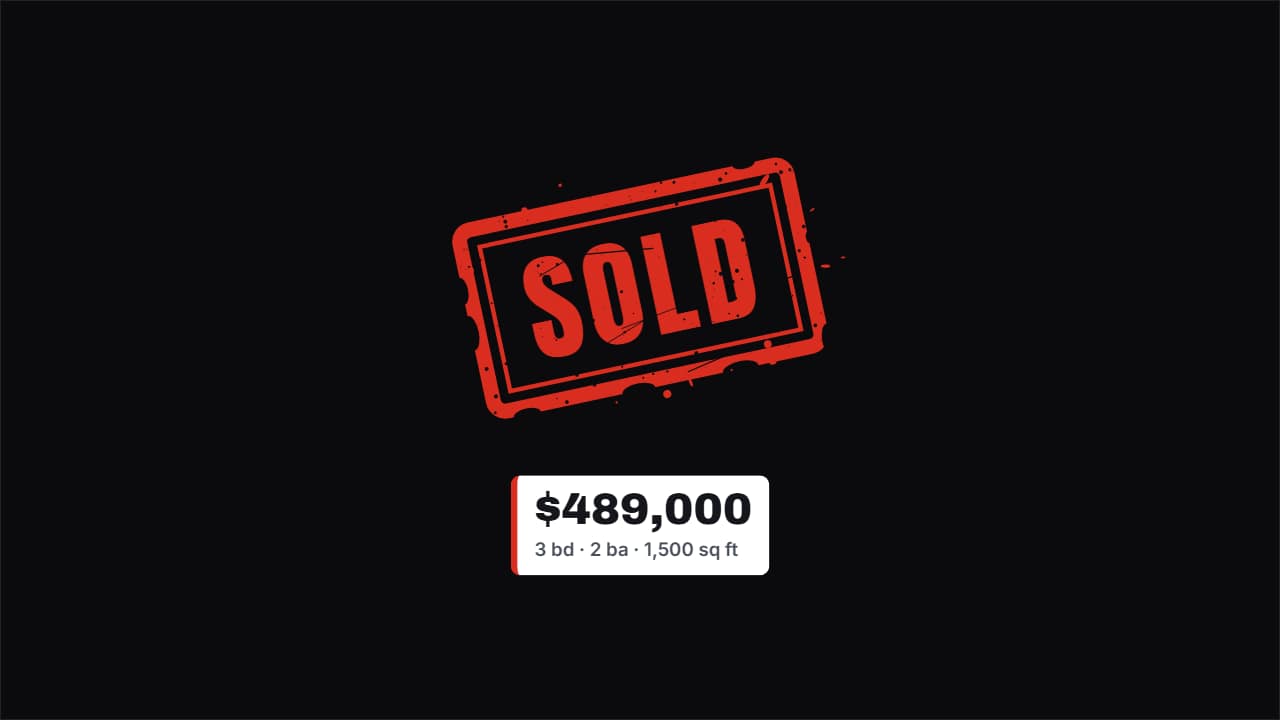 Just listed / sold stampFor real estate: «SOLD», «FOR SALE», «JUST LISTED», «PRICE DROP»… it lands on the photo of the house (upload…
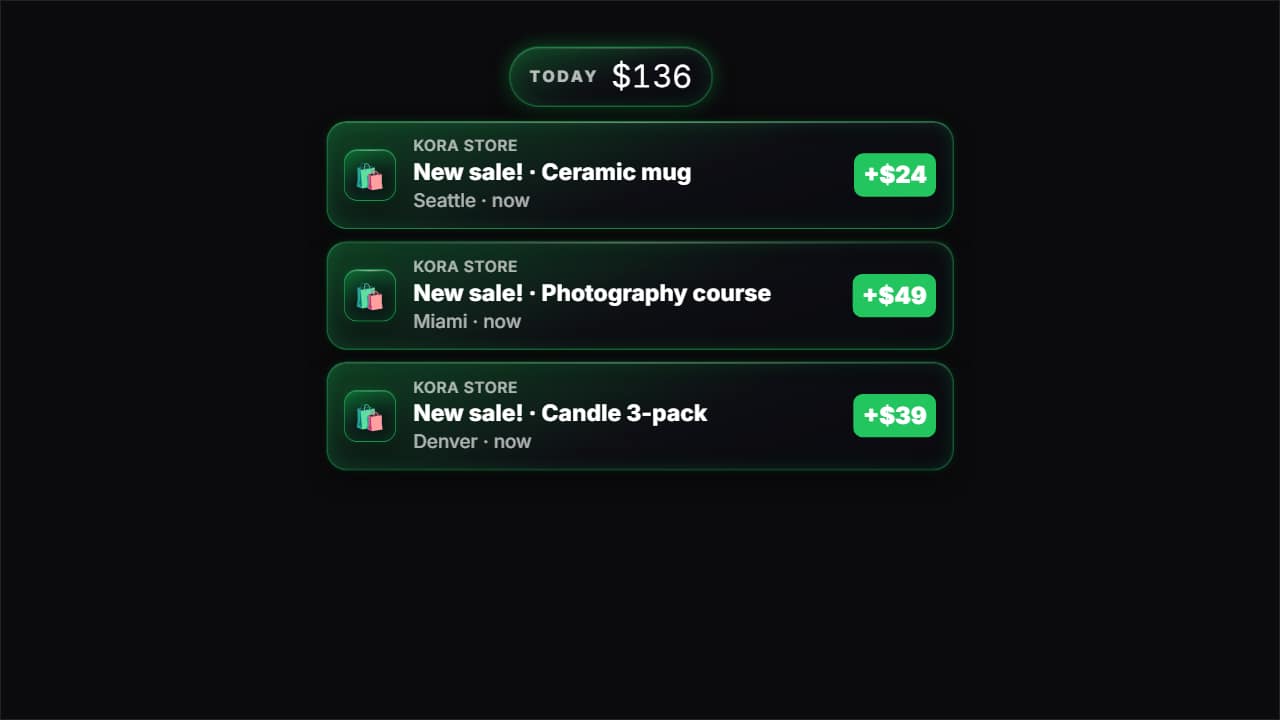 Sale notification«New sale!» notifications from an online store dropping in one after another, each with its product, city…
Questions
- Can I add my client logos?
- Yes. «Trusted by» takes names or your own logo images, which bounce in one after another.
- Is there a template for sponsored segments?
- Yes. «Sponsor with discount code» shows the sponsor line, the brand's logo you upload and the code to use.
- Do I need After Effects?
- No. Every template is edited in your browser: type your text, choose colors and format (16:9, 9:16 or 1:1), watch the live preview and export.
- What do I export, and does it work in my editor?
- Most templates export as a ProRes 4444 .mov with a transparent background, which you place on a track above your clip in CapCut, Premiere Pro, DaVinci Resolve or Final Cut Pro. You can also export an MP4 with your own clip behind it. Always in Full HD.
- Is it free?
- Editing and previewing are free and need no account. To export you sign in with Google; during the open beta, new accounts get export credits at no cost.