Logo Intro Templates — Logo Reveal and Stinger
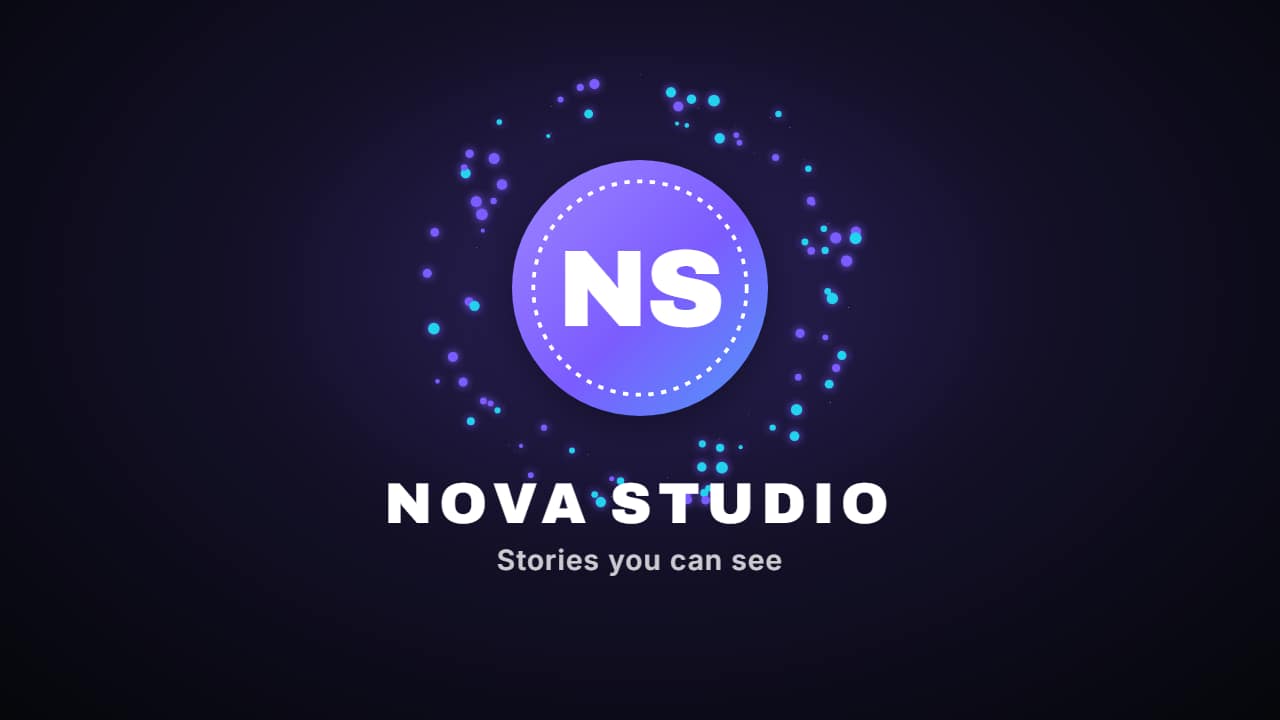
Your logo, animated in a couple of seconds, without After Effects. Upload the image of your logo and type your channel name: the logo reveal brings it in with your name and tagline, ready to open every video.
The logo stinger is a transition: your logo crosses the screen and covers the cut between two clips, so it doubles as a branded bumper between sections. Both take your colors and export with a transparent background or over your own clip. A transparent PNG of your logo gives the cleanest result.
2 templates · 16:9 · 9:16 · 1:1Open them in the library
Questions
- What logo file should I upload?
- A PNG with a transparent background works best. A logo on a white or colored box will show that box in the animation.
- How long is the intro?
- The logo appears in two or three seconds; keep intros short so viewers reach your content quickly.
- Do I need After Effects?
- No. Every template is edited in your browser: type your text, choose colors and format (16:9, 9:16 or 1:1), watch the live preview and export.
- What do I export, and does it work in my editor?
- Most templates export as a ProRes 4444 .mov with a transparent background, which you place on a track above your clip in CapCut, Premiere Pro, DaVinci Resolve or Final Cut Pro. You can also export an MP4 with your own clip behind it. Always in Full HD.
- Is it free?
- Editing and previewing are free and need no account. To export you sign in with Google; during the open beta, new accounts get export credits at no cost.