Reaction and Commentary Video Templates
Reaction and commentary videos have their own visual language, and these templates speak it. The reaction layout puts the clip you are commenting on large with your camera beside it, and the facecam frame animates the corner where your webcam sits.
When you rule on a claim, a stamp lands over the video saying false, true or exaggerated. «Wait for it» fills a bar up to the key second, «here are the receipts» drops screenshots one after another, and the drama timeline lays out who said what and when. A «that's me» arrow and an emoji rain finish the set.
8 templates · 16:9 · 9:16 · 1:1Open them in the library
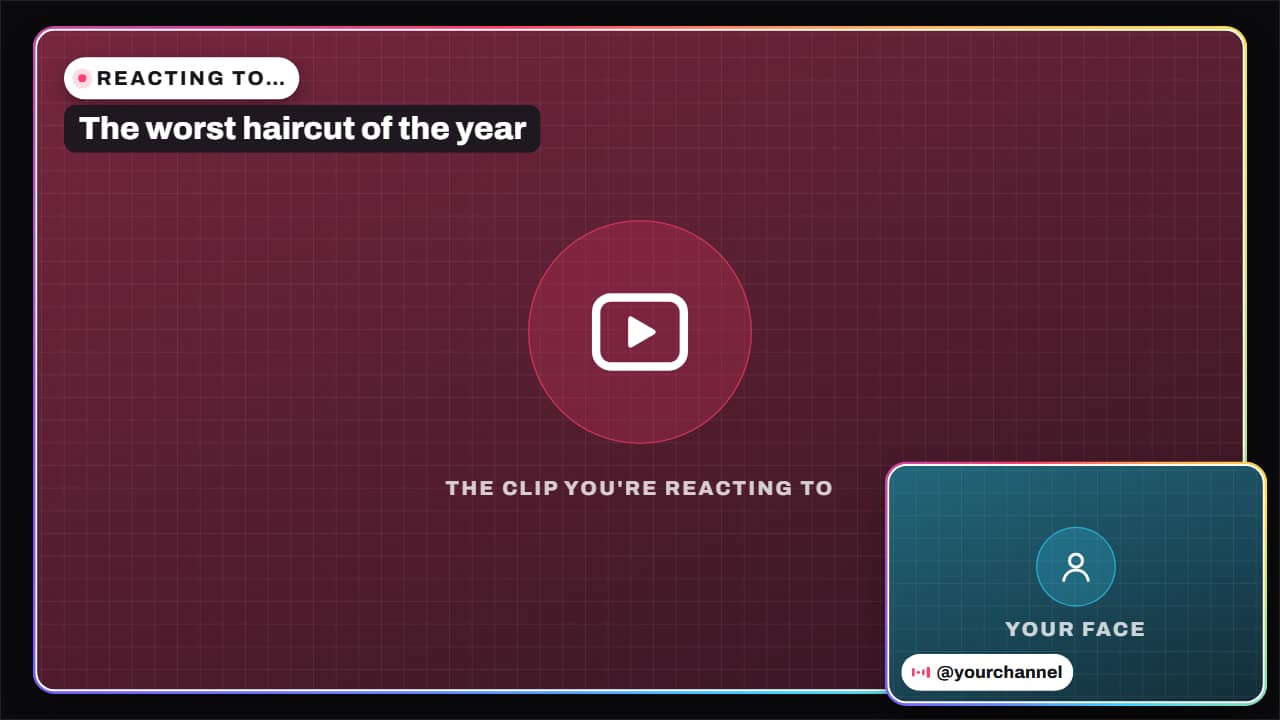 Reaction layoutThe reaction video layout: the clip you're commenting on, big, and your face in a corner, with «REACTING…
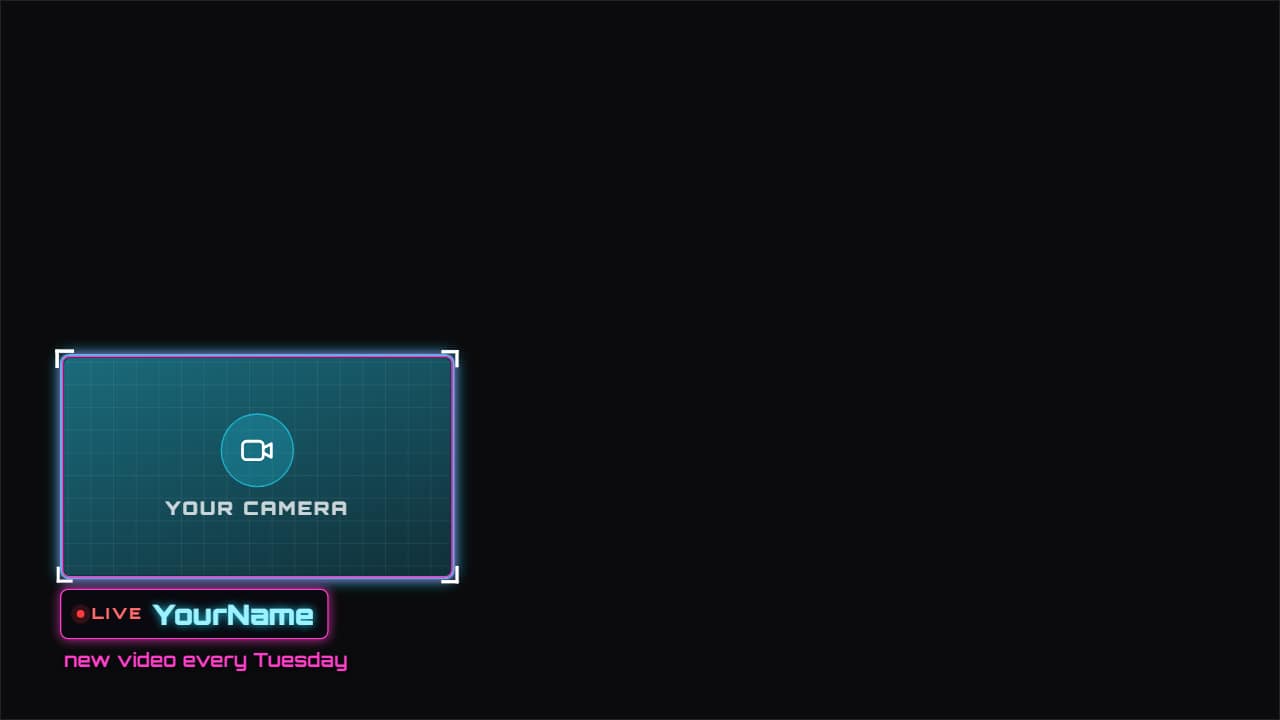 Facecam frameAn animated frame for your camera, in whichever corner you want, with your name, «LIVE» and a line of…
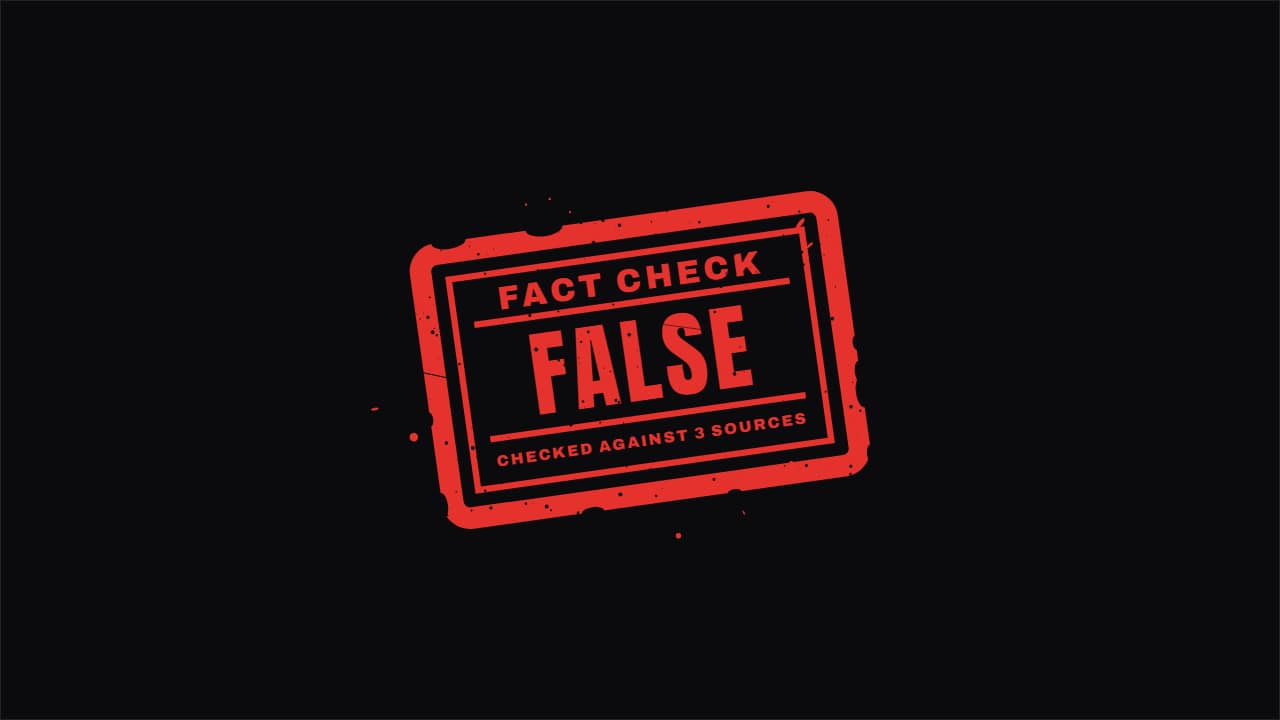 Verdict stamp«FALSE», «TRUE», «EXAGGERATED»… it lands like a rubber stamp over your video right when you give the…
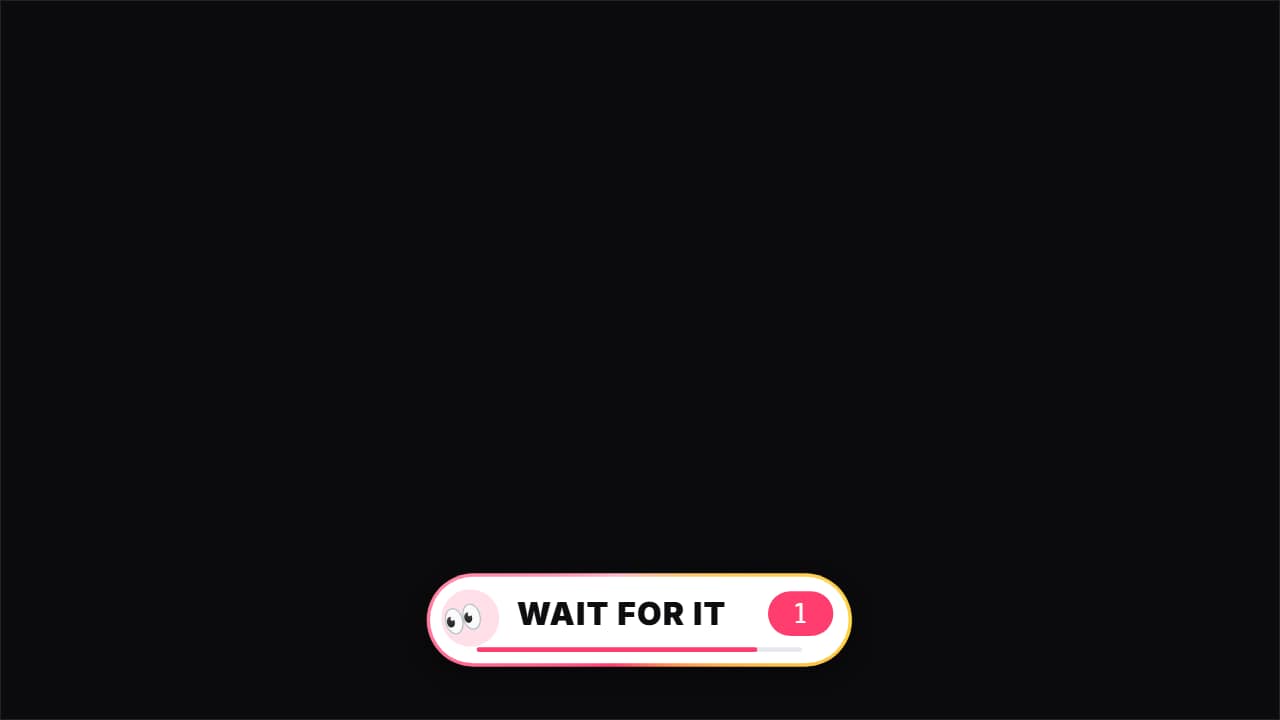 Wait for it«👀 Wait for it…»: a bar that fills up to THE second of the key moment (the fail, the twist, the hit), with…
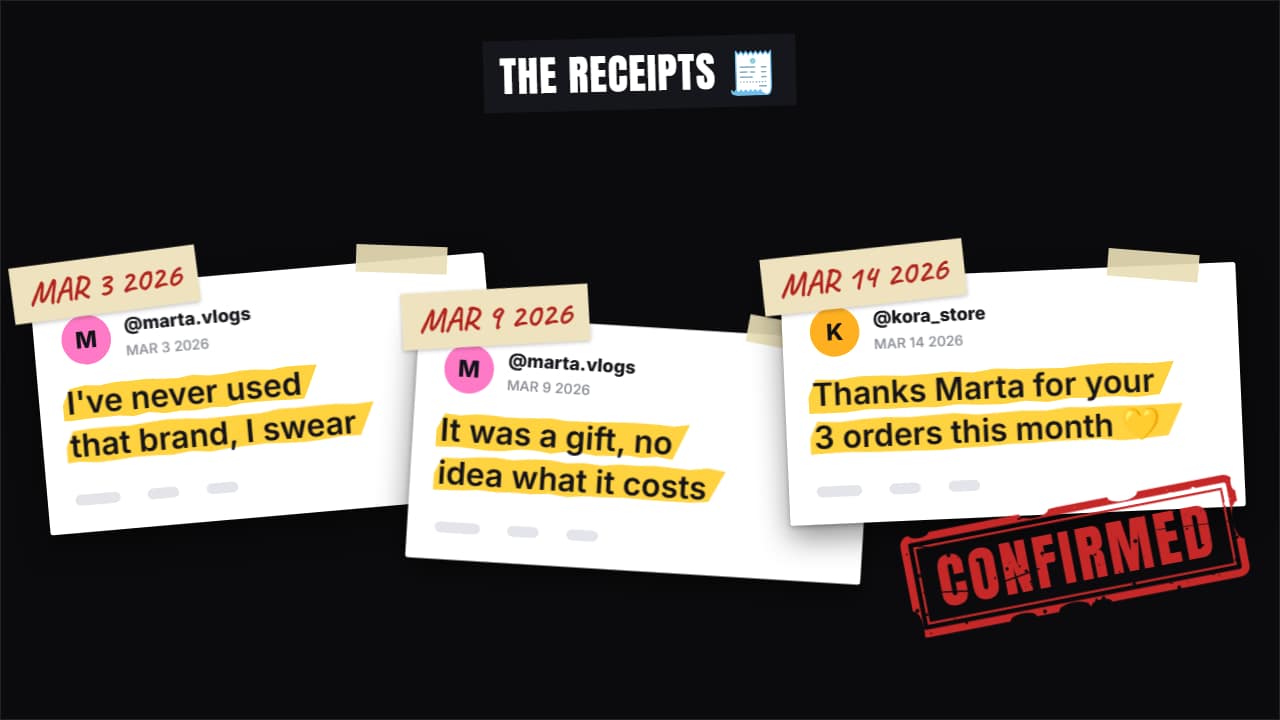 Receipts stack«Here are the receipts»: up to four screenshots drop in one after another and stack up (fanned out in…
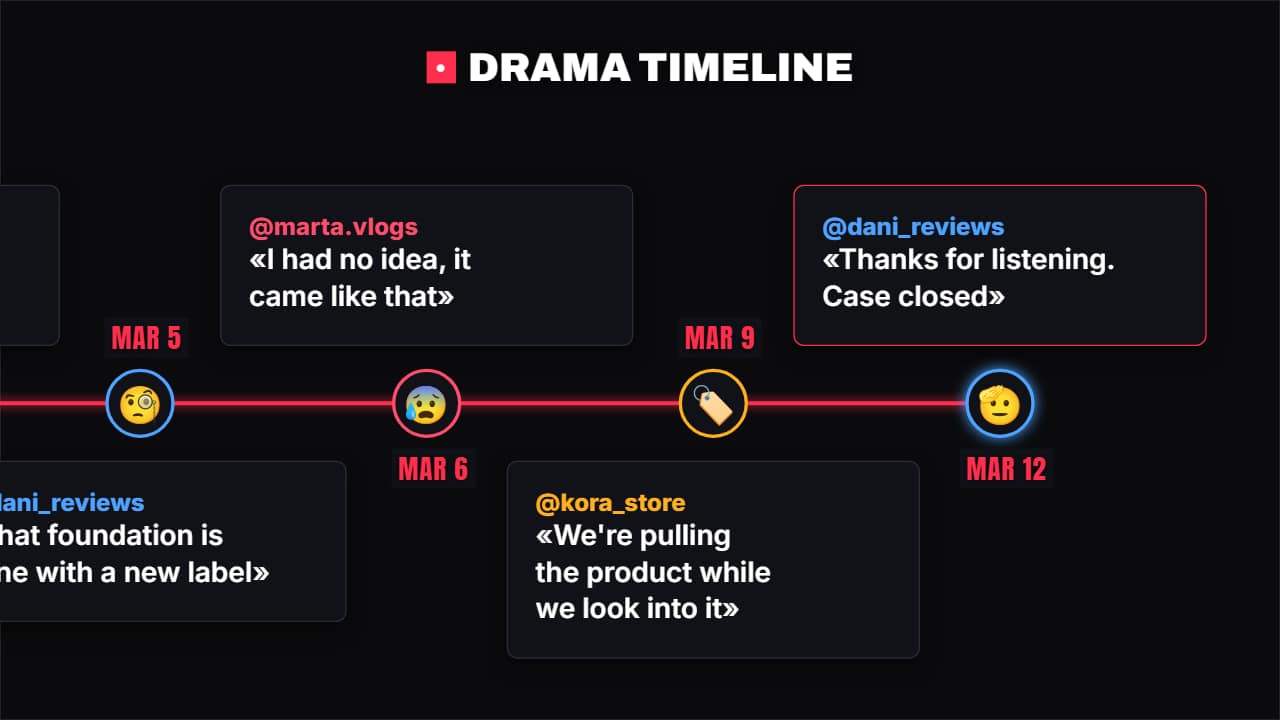 Drama timelineWho said what and when: each point has the date, the @, what they said and their avatar (emoji or photo)…
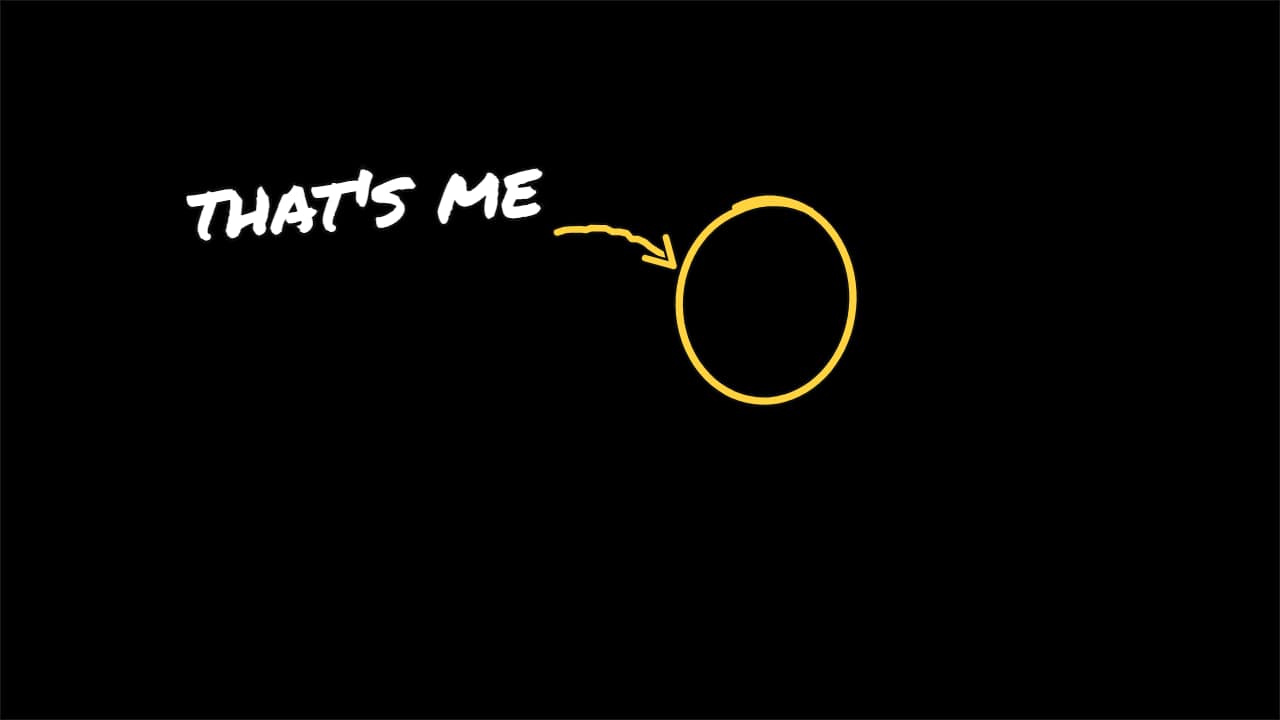 «That's me» arrowThe vlog and comedy move: a circle goes around the person, a hand-drawn arrow comes out of the label and…
 Emoji rainThe emojis you choose (😂💀😭) or your own images rain down over your video.
Questions
- Can I put my webcam in the reaction layout?
- The layout and the facecam frame have slots for your clips. Upload your camera recording and the clip you react to, or export the frame alone and combine it in your editor.
- Can I write my own stamp text?
- Yes. The verdict stamp comes with false, true and exaggerated, and the text is editable.
- Do I need After Effects?
- No. Every template is edited in your browser: type your text, choose colors and format (16:9, 9:16 or 1:1), watch the live preview and export.
- What do I export, and does it work in my editor?
- Most templates export as a ProRes 4444 .mov with a transparent background, which you place on a track above your clip in CapCut, Premiere Pro, DaVinci Resolve or Final Cut Pro. You can also export an MP4 with your own clip behind it. Always in Full HD.
- Is it free?
- Editing and previewing are free and need no account. To export you sign in with Google; during the open beta, new accounts get export credits at no cost.