Animated map route maker
Type where your trip starts, where it ends and any stops in between, and watch four animated travel maps draw the route right here: a plane on a flight path, a road trip by car, a little traveler hopping from pin to pin and a map that fills with pins.
Make your animated route map
The checkerboard is the transparent part: in the file, only the map ends up on top of your video.
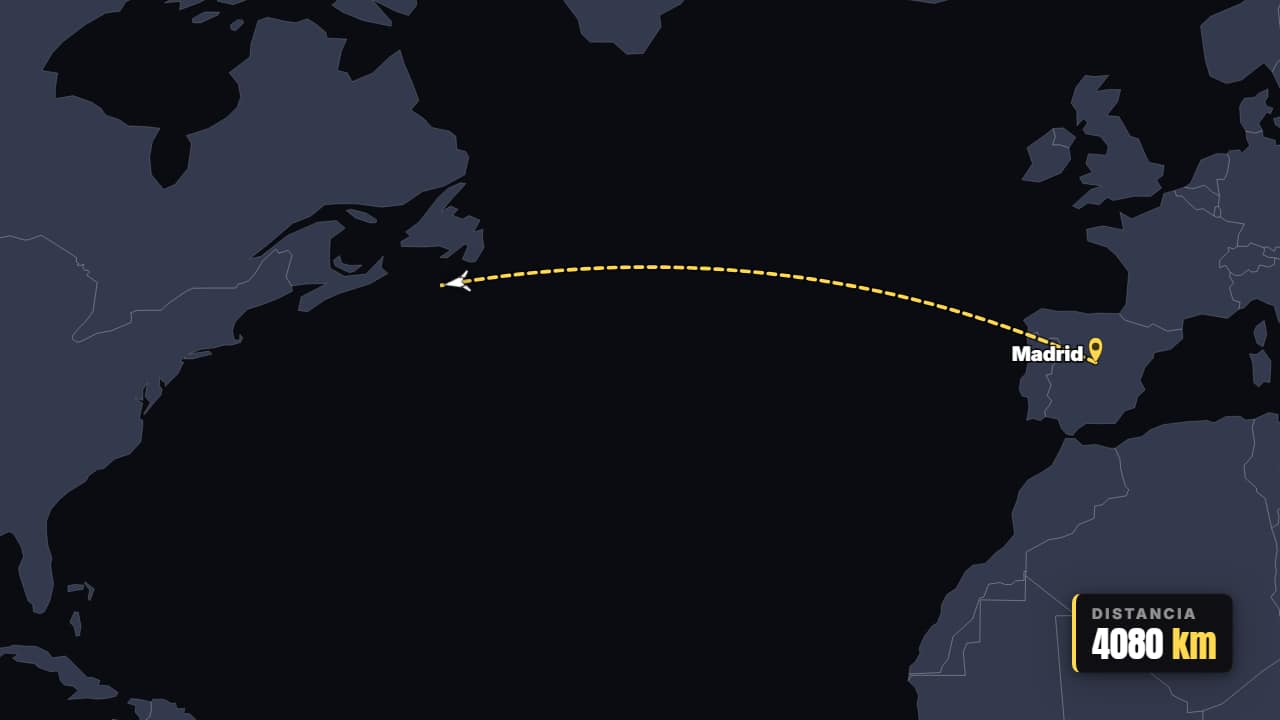
Flight A → B
Customize & export — free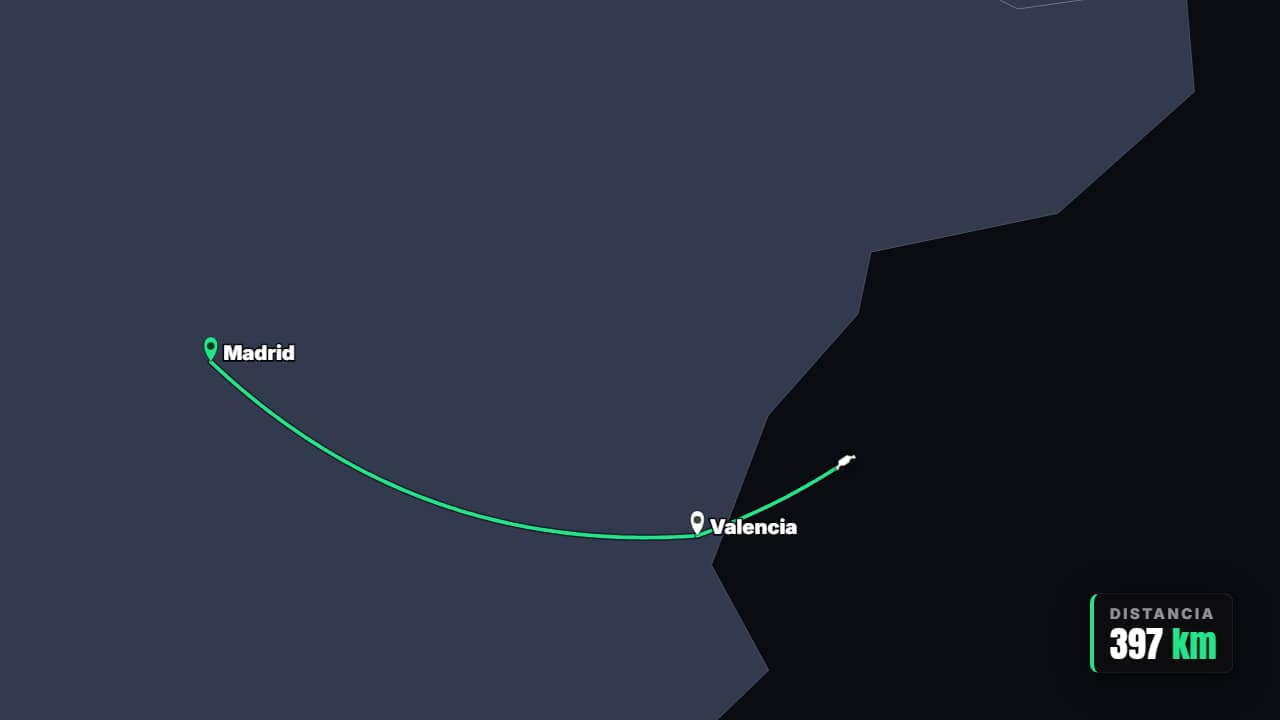
Multi-stop itinerary
Customize & export — free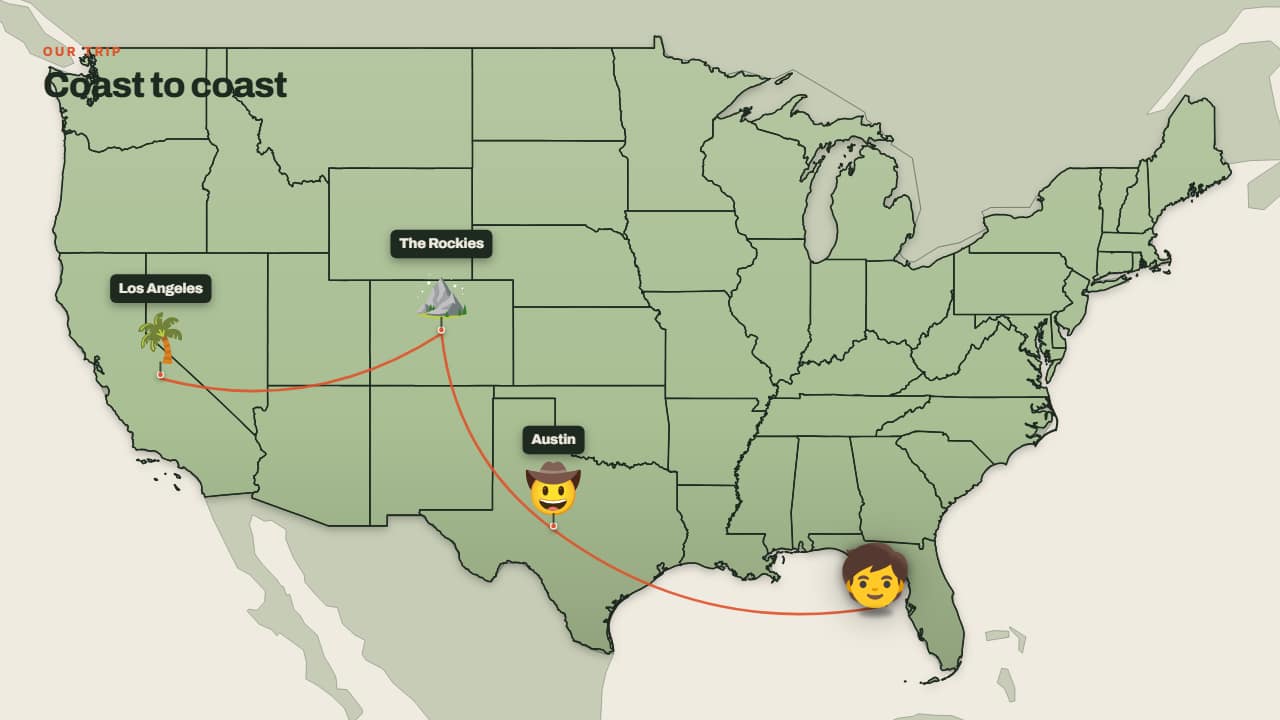
Trip across the map
Customize & export — free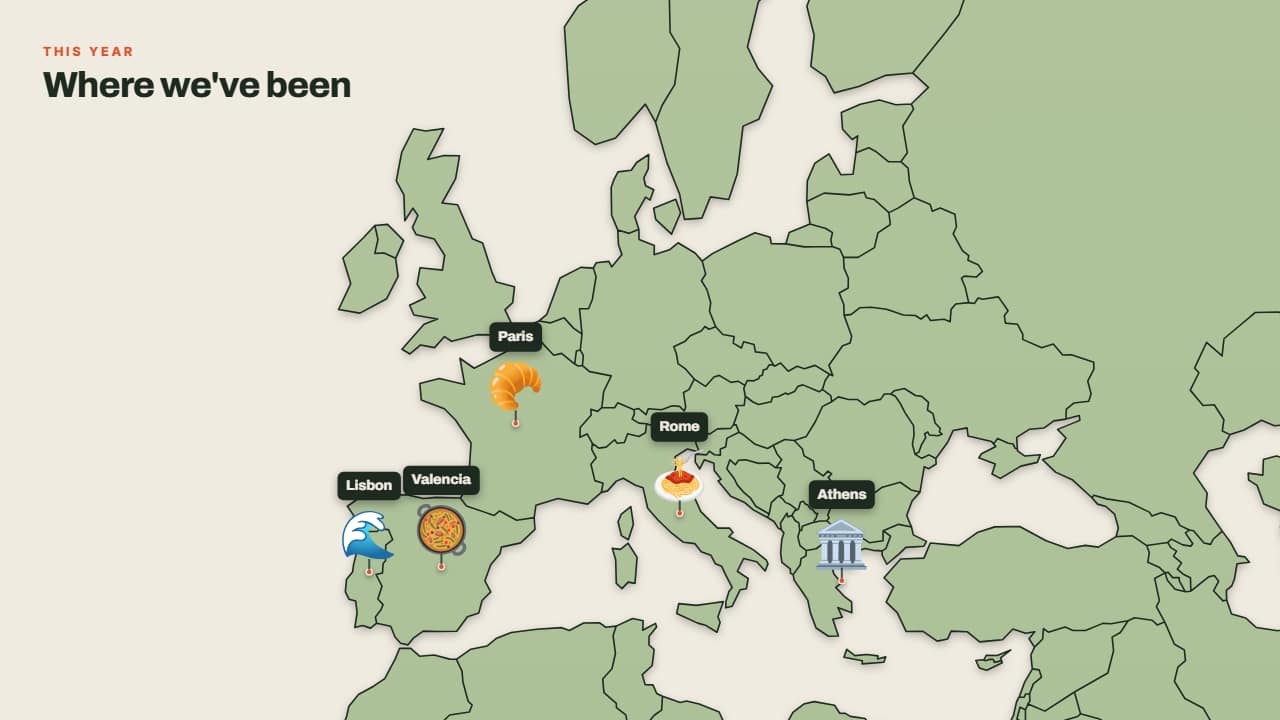
Where I've been
Customize & export — free
How to write your stops
Write each stop by name: big cities (New York, Denver, Atlanta, London, Tokyo, Mexico City), countries (Japan, Brazil) and US states (Florida, Colorado) are found on their own, in English or Spanish. For a small town, type its coordinates as latitude,longitude, like 36.10,-112.11. If a stop can't be found, the tool tells you instead of skipping it quietly.
Pick how you travel: plane, car, train, ship or on foot. The distance is calculated from the real map, so the counter is true, in miles or kilometers (your pick).
A travel map animation you can edit
Every preview is a real template from the AnimateMyVideo library. Click «Customize & export» and the editor opens with your route already in it: change the title, the colors, the map projection, the curve of the route and the format (16:9 for YouTube, 9:16 for Shorts, TikTok and Reels, or 1:1). Always in Full HD.
Exported without a background it's a ProRes 4444 .mov with a real alpha channel, so you can lay the map over your footage. You can also export an MP4 with your own clip behind it.
How to use it in your editor
CapCut
- On desktop, drag the .mov to a track above your clip. On the phone, use Overlay → Add overlay.
- If your app shows a black background, export «with your clip» and use the MP4 instead.
Premiere Pro
- File → Import the .mov and drag it to V2, above your footage on V1.
- Cut to it right before you land in the next city: the transparency is kept.
DaVinci Resolve
- Import the .mov into the Media Pool and place it on Video 2, above your clip.
- If you see black instead of your clip: right-click → Clip Attributes → Alpha Mode: Premultiplied.
Questions
- Is this animated map maker free?
- Typing your stops and watching the previews is free and needs no account. To download the video you sign in with Google; during the open beta, new accounts get export credits at no cost.
- Do I need Google Earth Studio or After Effects?
- No. The route is drawn on a vector map in your browser, and you get a video that works in any editor.
- How many stops can a route have?
- Up to six here, from your starting point to your final destination. In the editor you can add more to the itinerary.
Want a different style? See all animated map templates