Comparison and Quiz Templates — VS, Before/After, Polls
Comparisons are some of the most watched formats, from tech benchmarks to glow-ups. Here you get split-screen VS duels, two cards facing off with their figures, bars growing from the middle out to each side, a tale-of-the-tape sheet and benchmark bars for FPS or load times.
For transformations there are a before-and-after slider for your photos or clips and a glow-up reveal. For engagement, quizzes: multiple choice, true or false, a game-show frame and a timed video-game style, plus a poll overlay and a vote share bar. Type both sides, the figures and the right answer.
18 templates · 16:9 · 9:16 · 1:1Open them in the library
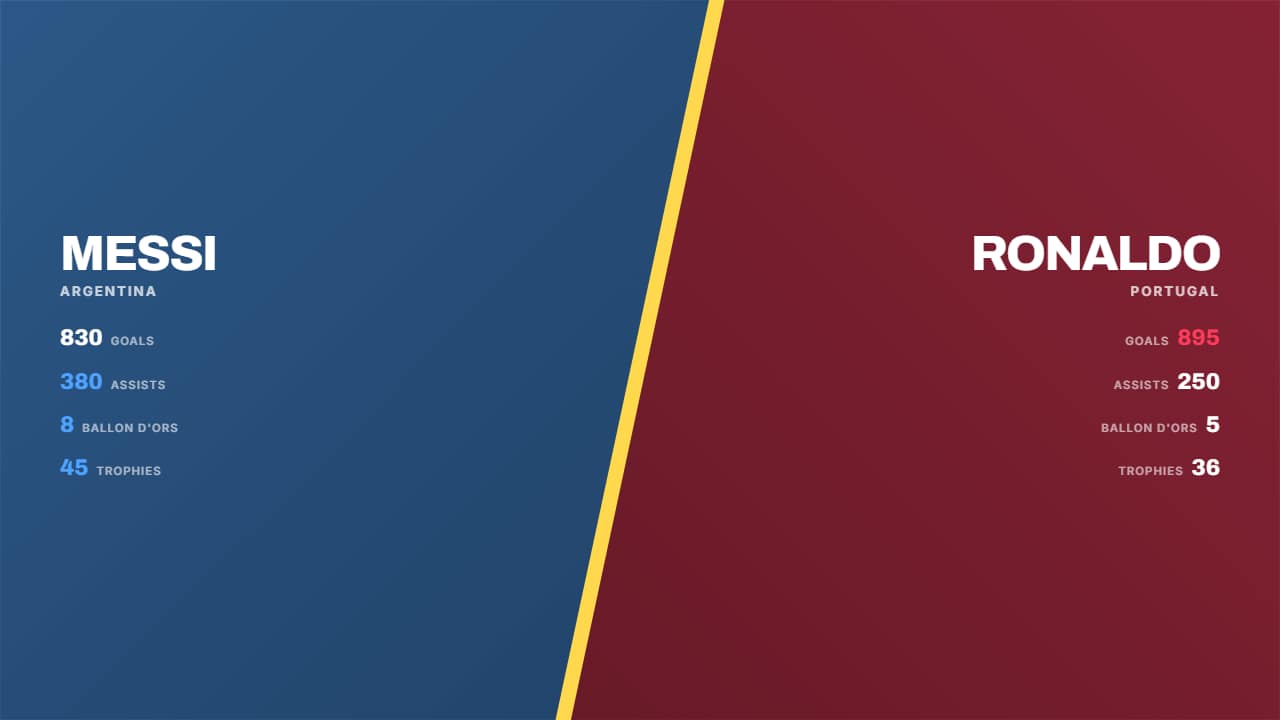 Split screenThe screen splits on the diagonal with a glowing seam: each half carries its color, its background photo and…
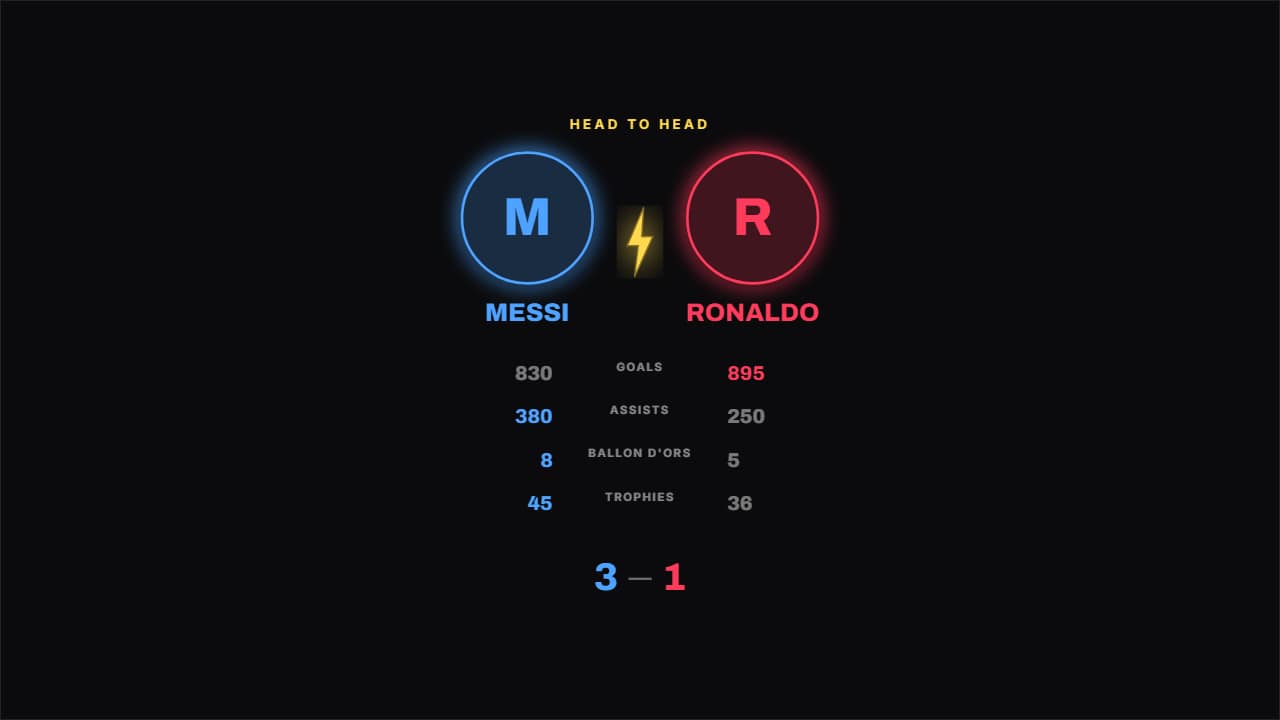 Crests head to headTwo round crests coming in from the sides with a bolt between them, and the figures underneath.
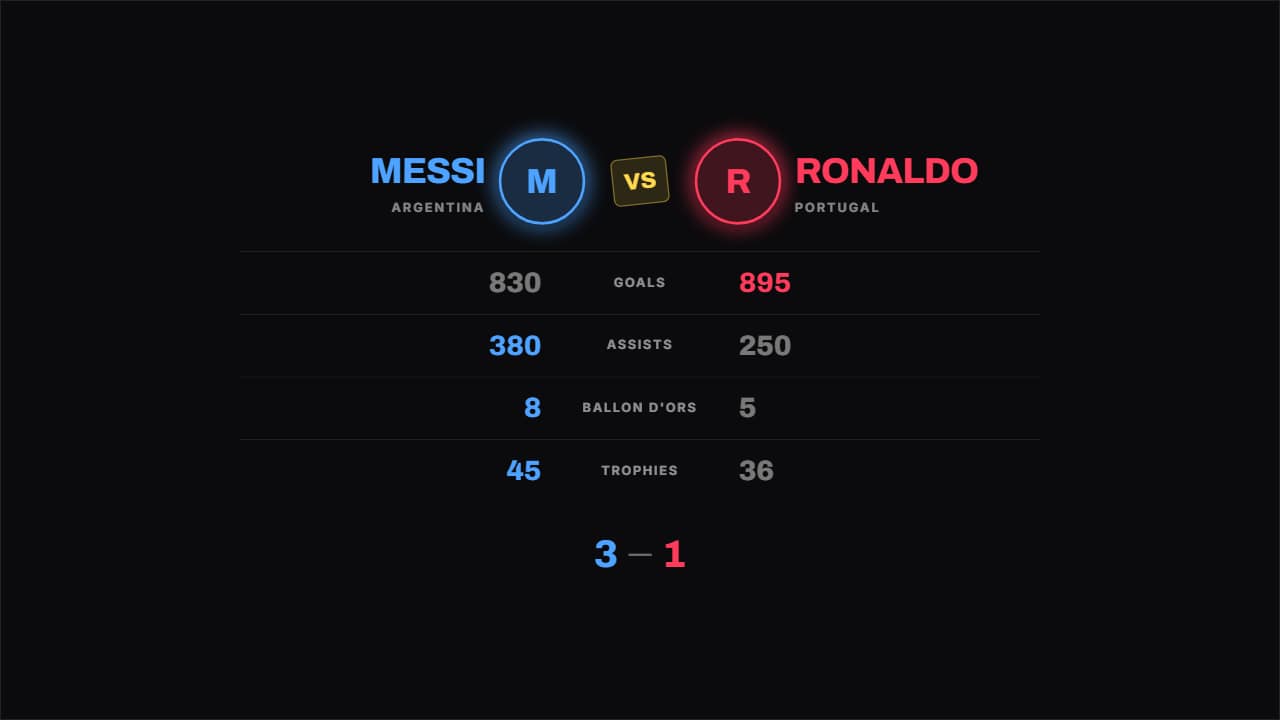 Boxing tale of the tapeThe tale of the tape from a fight night: figure on the left, what's being compared in the middle, figure on…
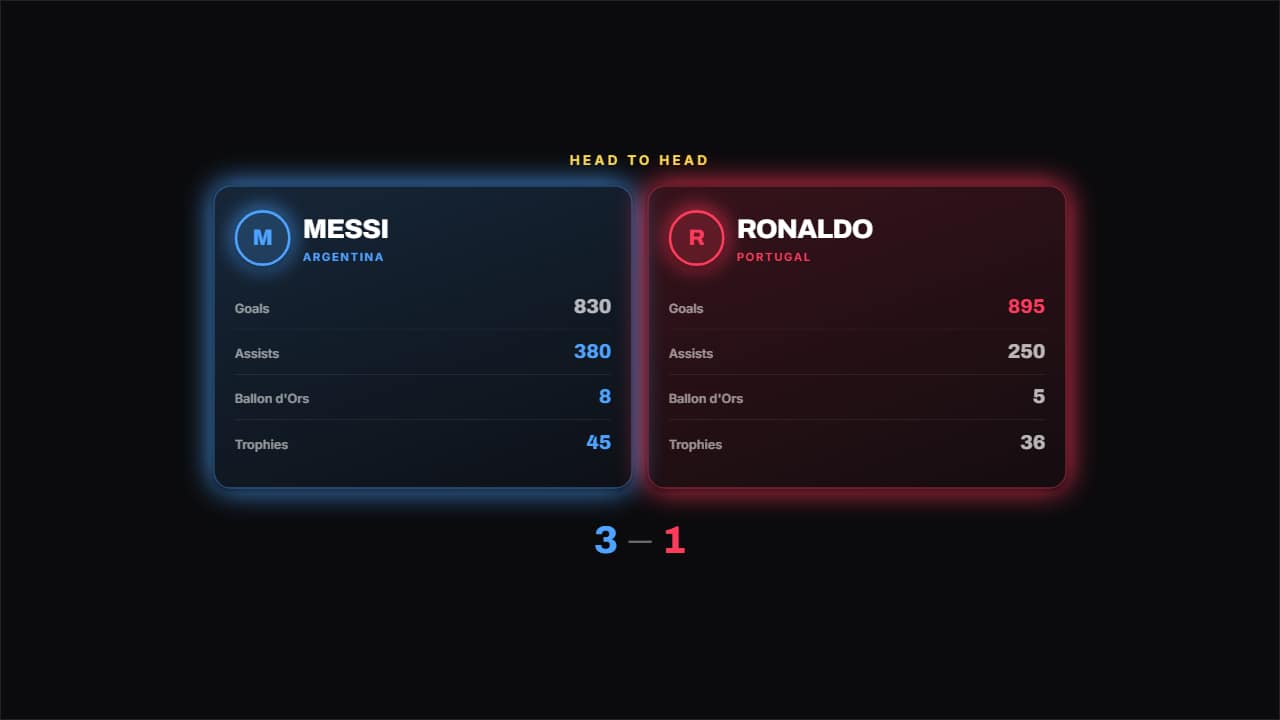 Two cardsOne card per side with its logo, its name and its list of figures, and the better of each row highlighted.
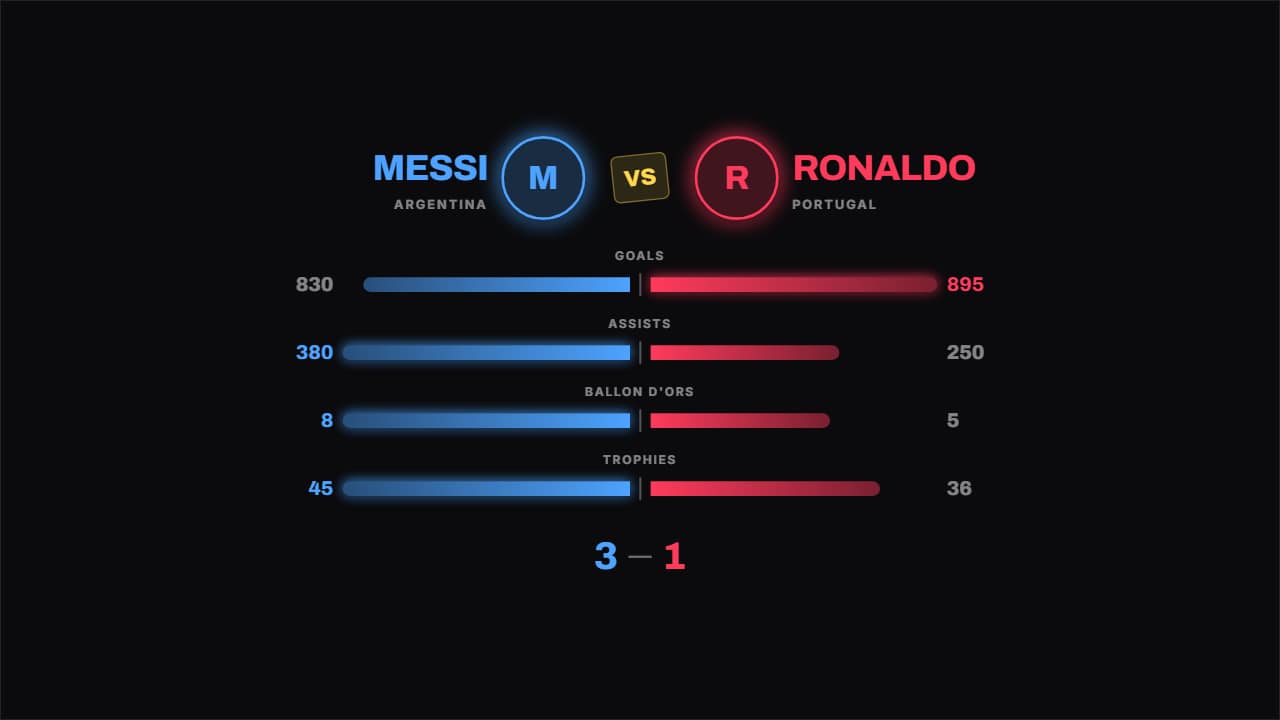 Bars head to headThe bars grow from the middle out to each side, so the difference reads without looking at the numbers.
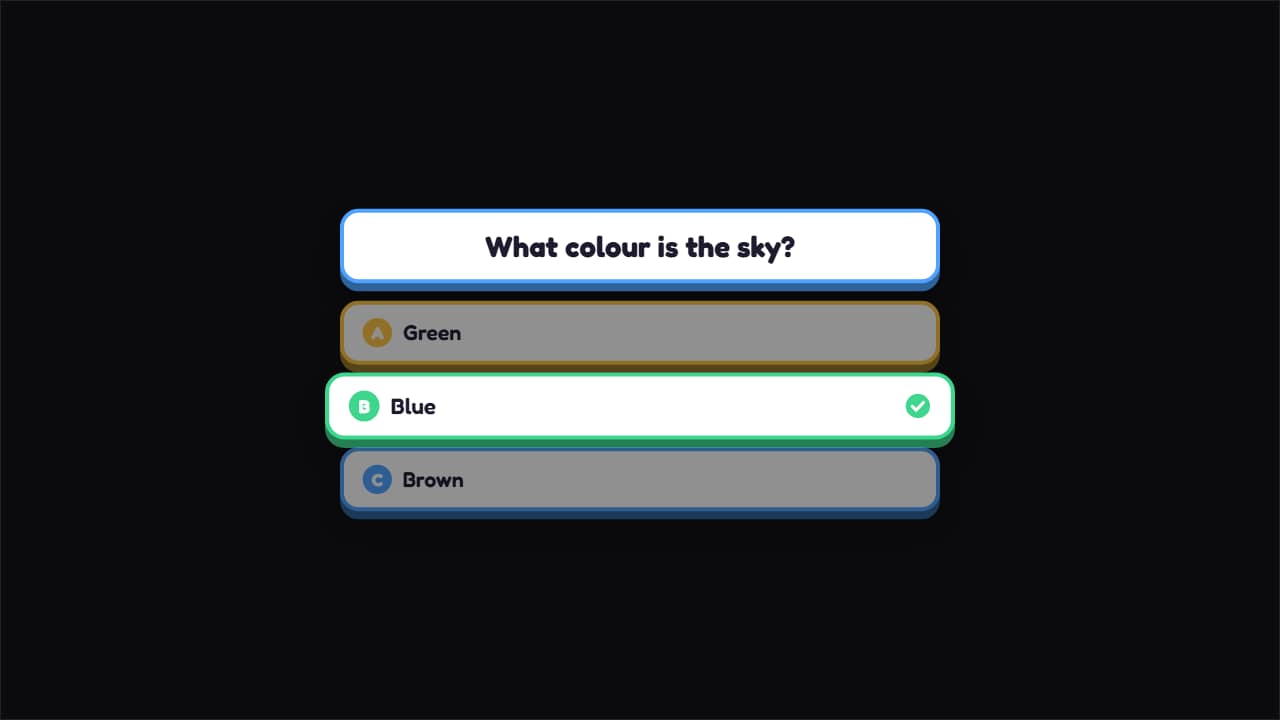 Guess the answerThe question up top and three options bouncing in; at the end the right one lights up with its tick drawing…
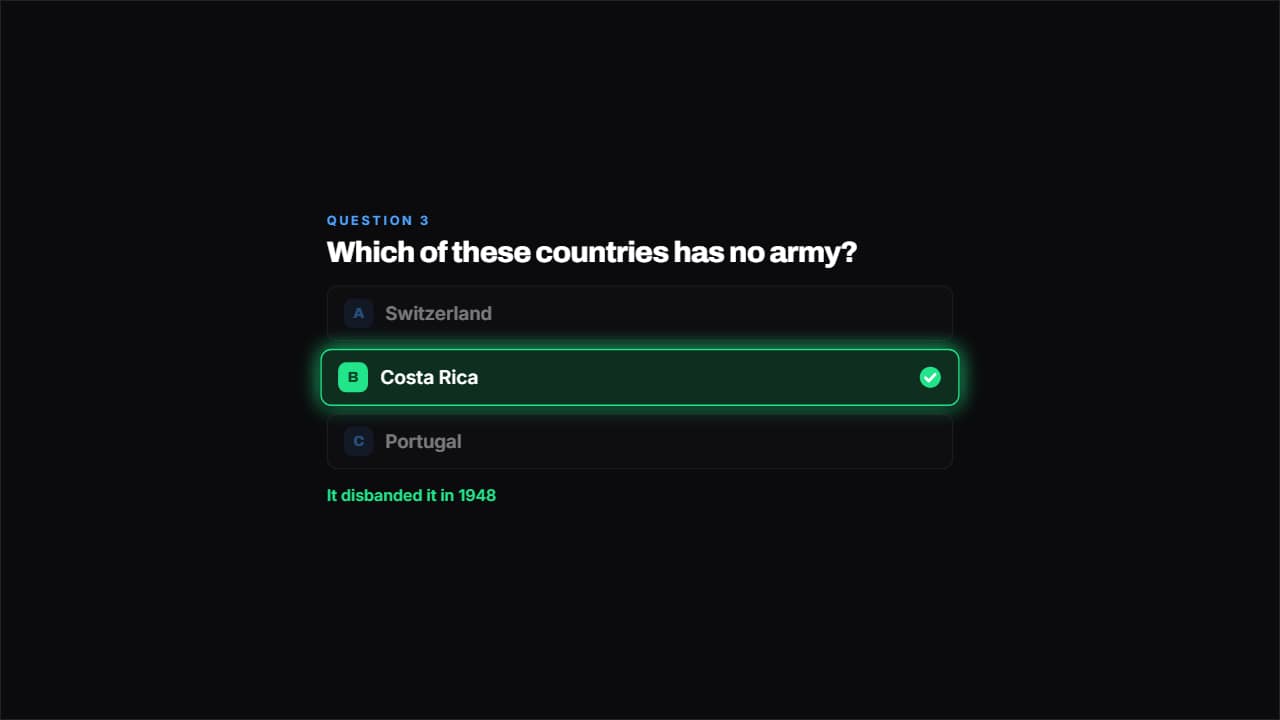 Question with optionsPlain cards with their A, B, C. The options come in one at a time, there's a pause so you have time to…
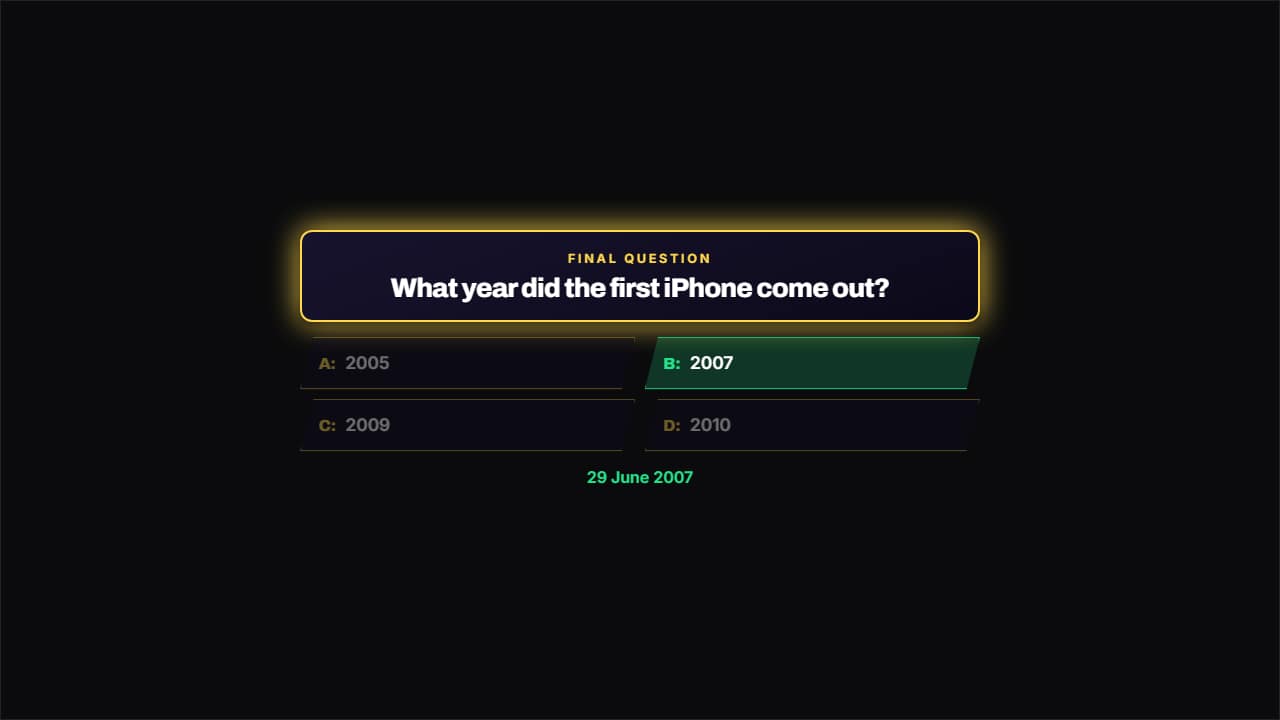 TV game showA frame with a colored border, the question on a panel and the options in two columns with the cut bevel of…
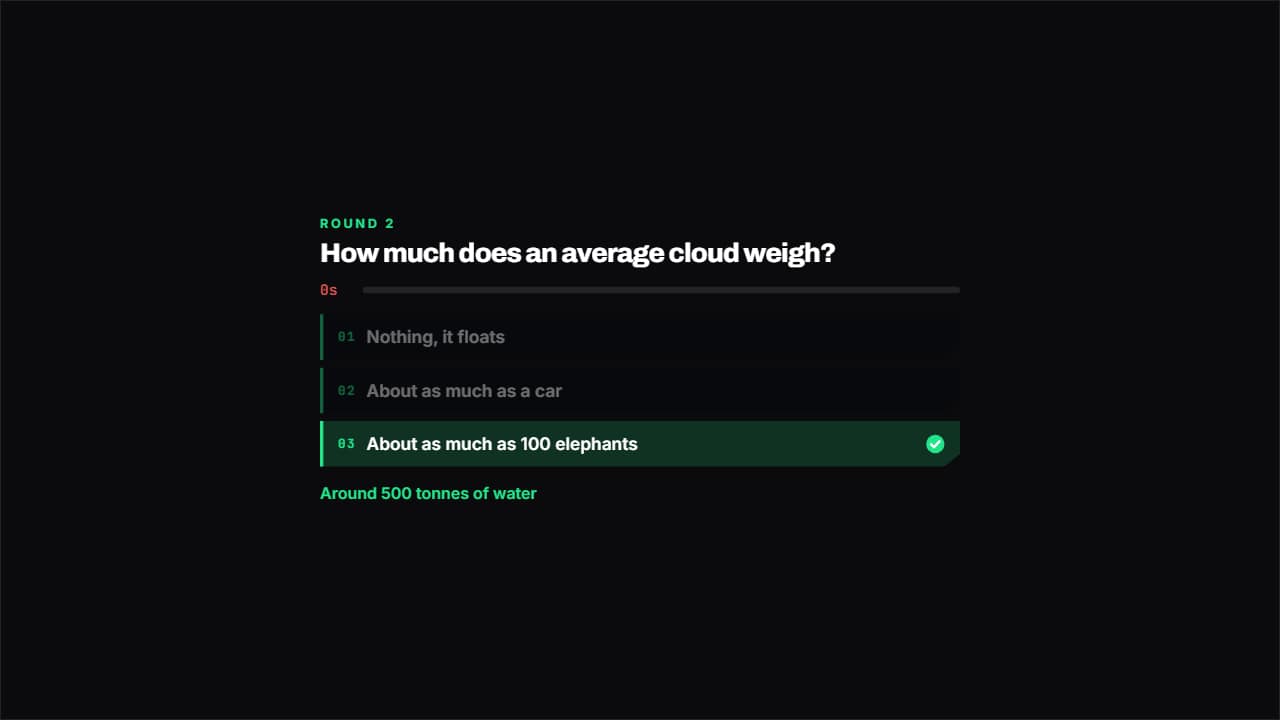 Question against the clockVideo game style: corners cut on the diagonal and a time bar that drops and turns red at the end.
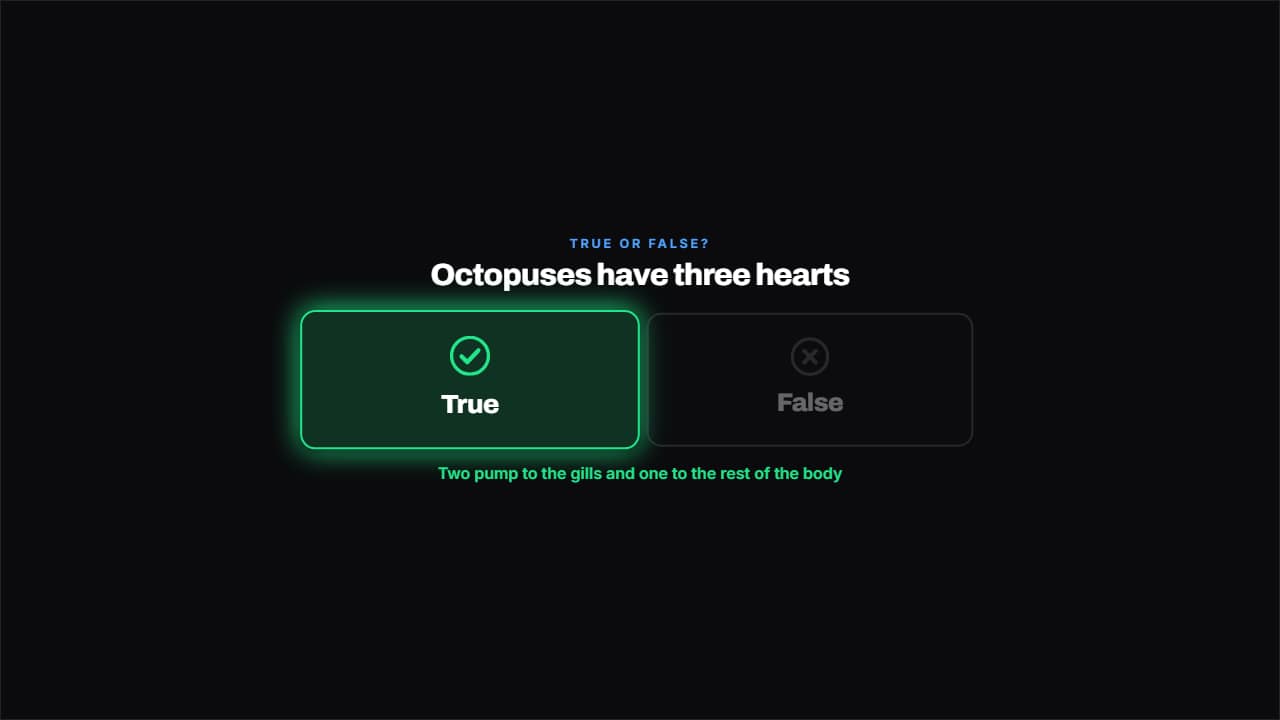 True or falseTwo big columns with a tick and a cross, and the right one lights up on the reveal.
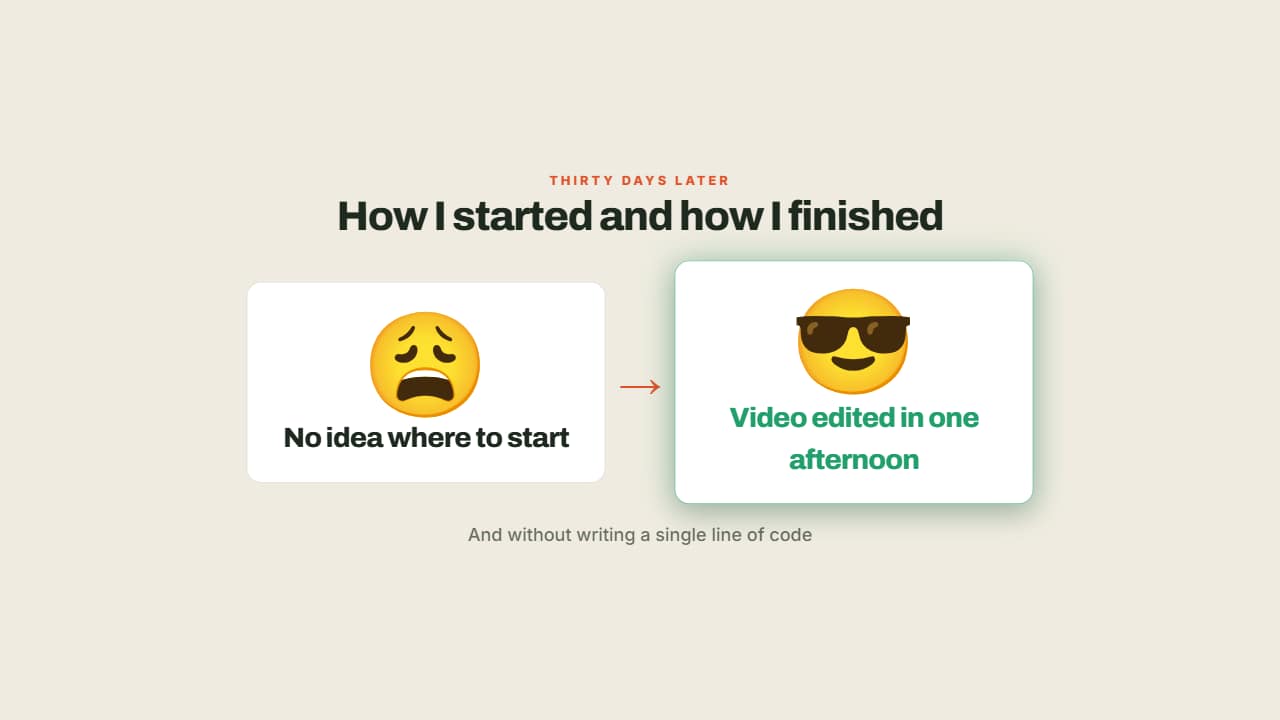 Before and after with emojiTwo cards and an arrow: on the left how you were, on the right how you ended up — and the second one lights…
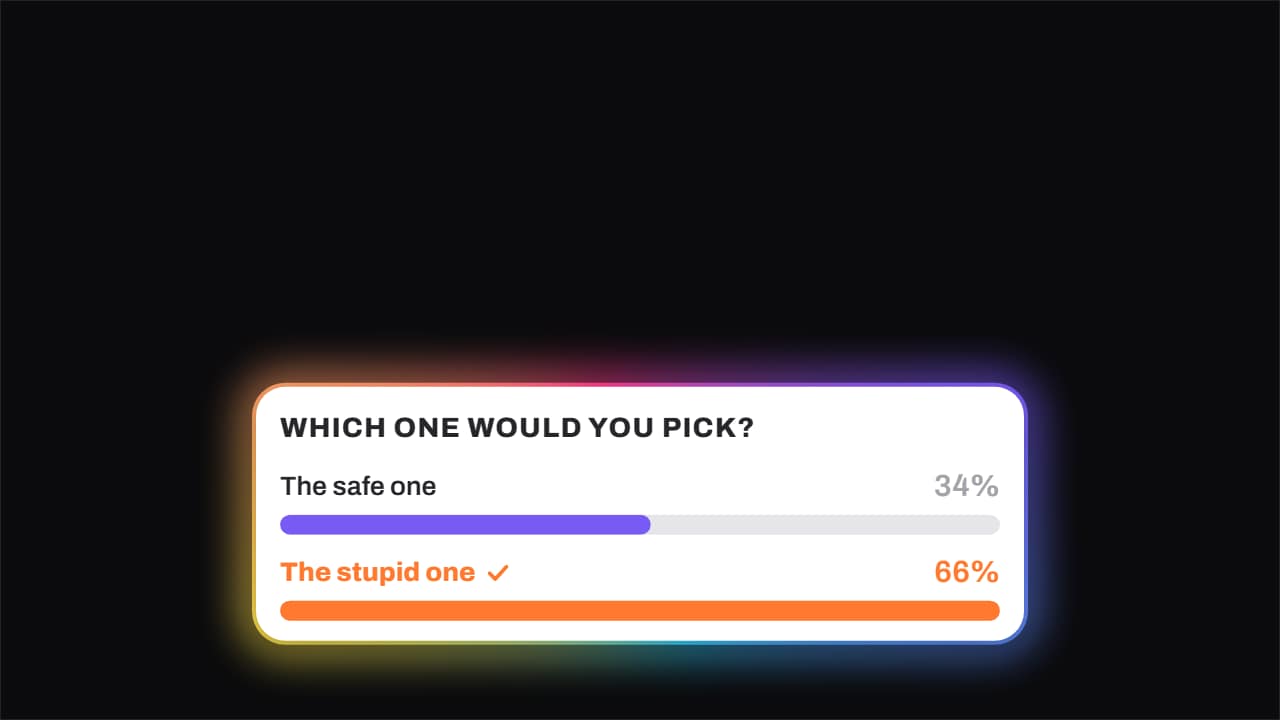 Poll · the bars fill and one winsThe question on top and the options below, each with its bar filling and its percentage rolling.
 Before-after sliderYour before and after photo or clip, split by a curtain that sweeps across them: renovations, cleanups…
 Glow-up revealThe transformation told the way it's done on social media: your before photo on its own and a bit dull, the…
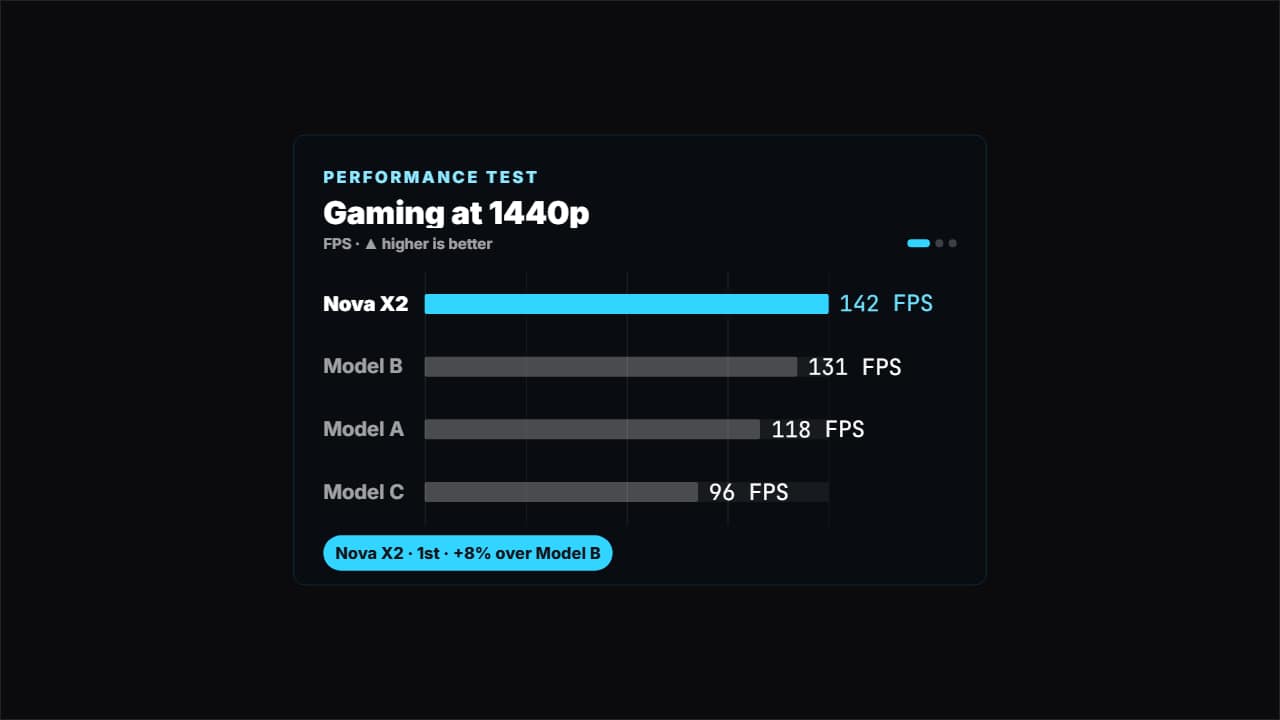 Benchmark barsThe comparison tech and car channels use: several tests in a row (FPS, seconds to export, battery hours…
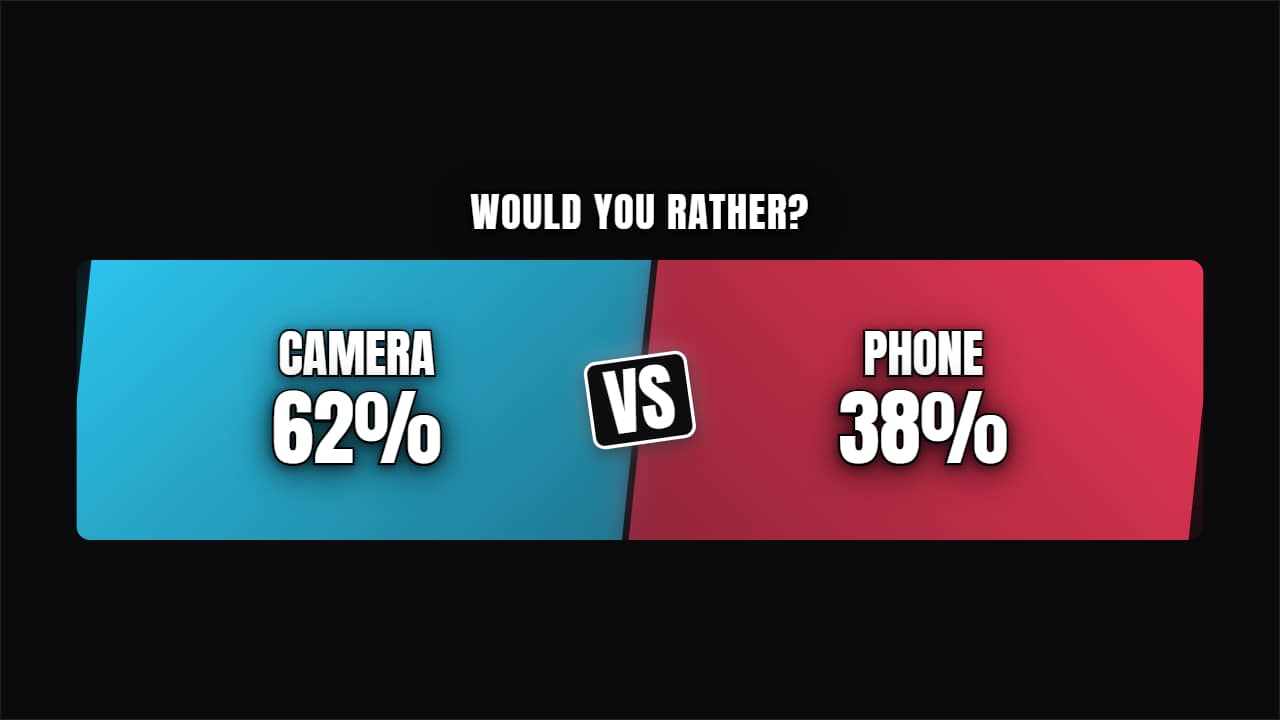 Split-screen duelTwo angled panels come in from each side with their figures and a VS badge slamming into the middle.
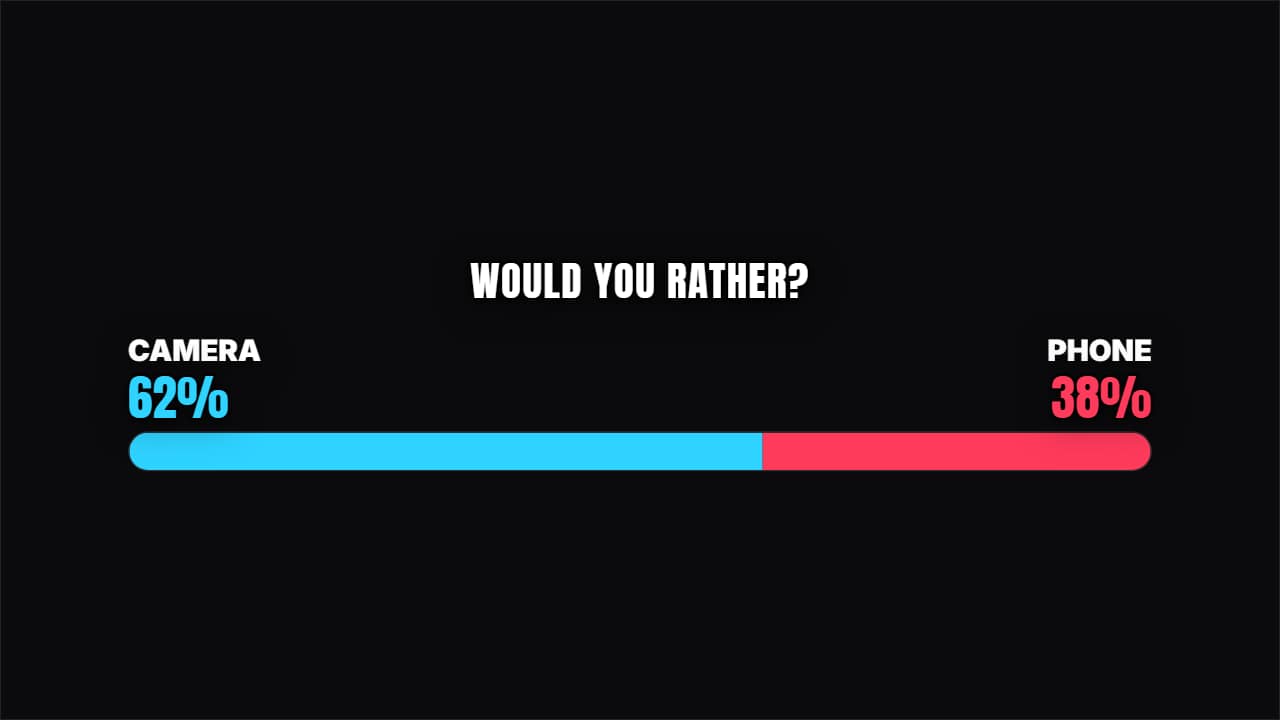 Share barA single two-color bar splitting by the votes. Takes up little room and reads instantly.
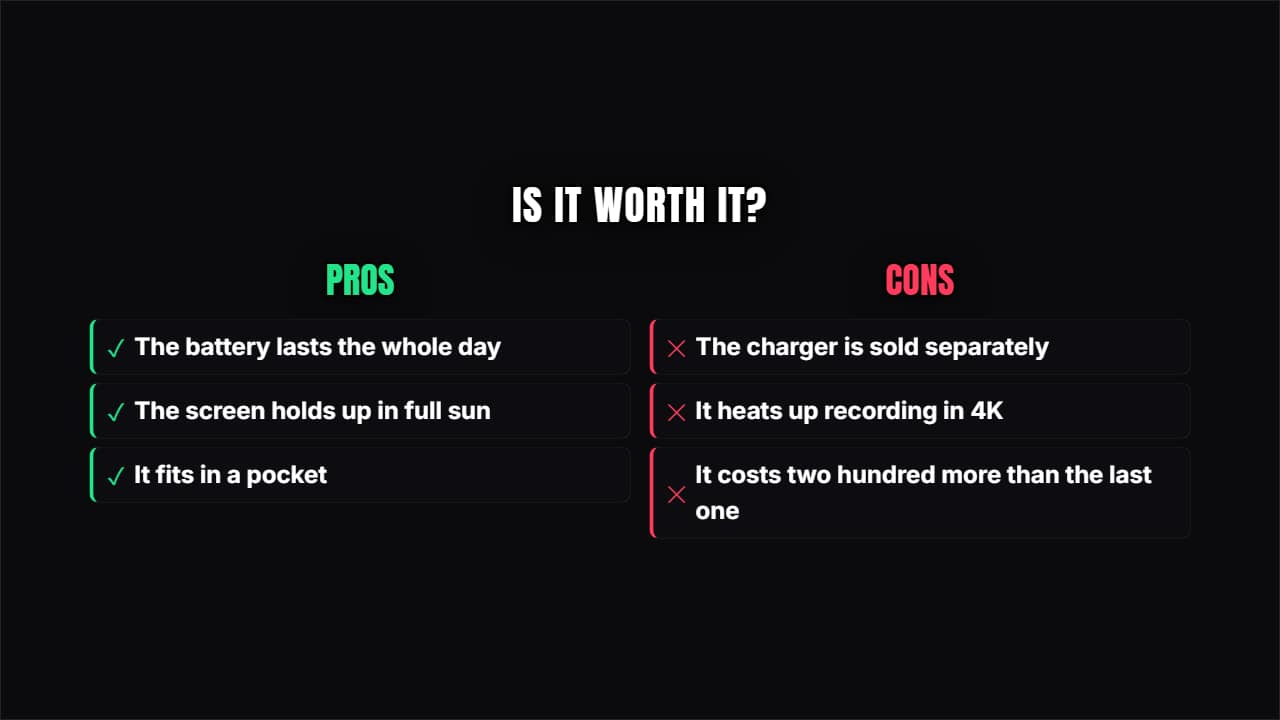 Pros and consTwo columns, green and red, with their points coming in alternately. The review template par excellence.
Questions
- Can I use my own photos for the before and after?
- Yes. The before-and-after slider and the glow-up reveal take your photos or clips; the curtain sweeps across them.
- Does the quiz reveal the right answer?
- Yes. The options come in one at a time, there is a pause to think and then the right one lights up.
- Do I need After Effects?
- No. Every template is edited in your browser: type your text, choose colors and format (16:9, 9:16 or 1:1), watch the live preview and export.
- What do I export, and does it work in my editor?
- Most templates export as a ProRes 4444 .mov with a transparent background, which you place on a track above your clip in CapCut, Premiere Pro, DaVinci Resolve or Final Cut Pro. You can also export an MP4 with your own clip behind it. Always in Full HD.
- Is it free?
- Editing and previewing are free and need no account. To export you sign in with Google; during the open beta, new accounts get export credits at no cost.