Product Review Video Templates — Scores, Verdicts, Comparisons
Review videos end on a verdict, and these templates make it clear. The score fills its ring while the number counts up, and the short verdict picks buy, wait or skip. During the review, hotspots pulse over the product and open their labels, and for fashion each piece of an outfit gets its own callout with price and brand.
To compare, a table of three or four products builds column by column and marks the best in each row. For deal and tech channels, the price history chart shows how much a product has cost month by month. You type the scores, features and prices.
6 templates · 16:9 · 9:16 · 1:1Open them in the library
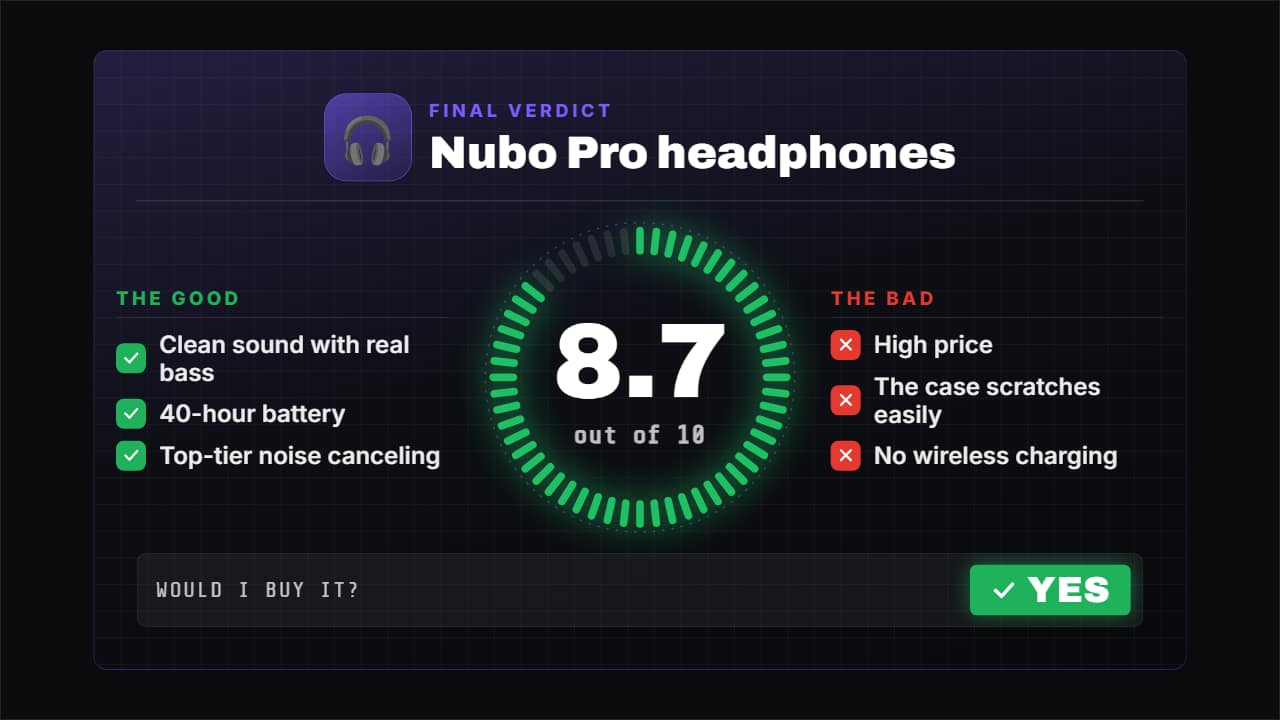 Review verdict with scoreThe closer for your review: the score fills its ring while the number rolls («8.
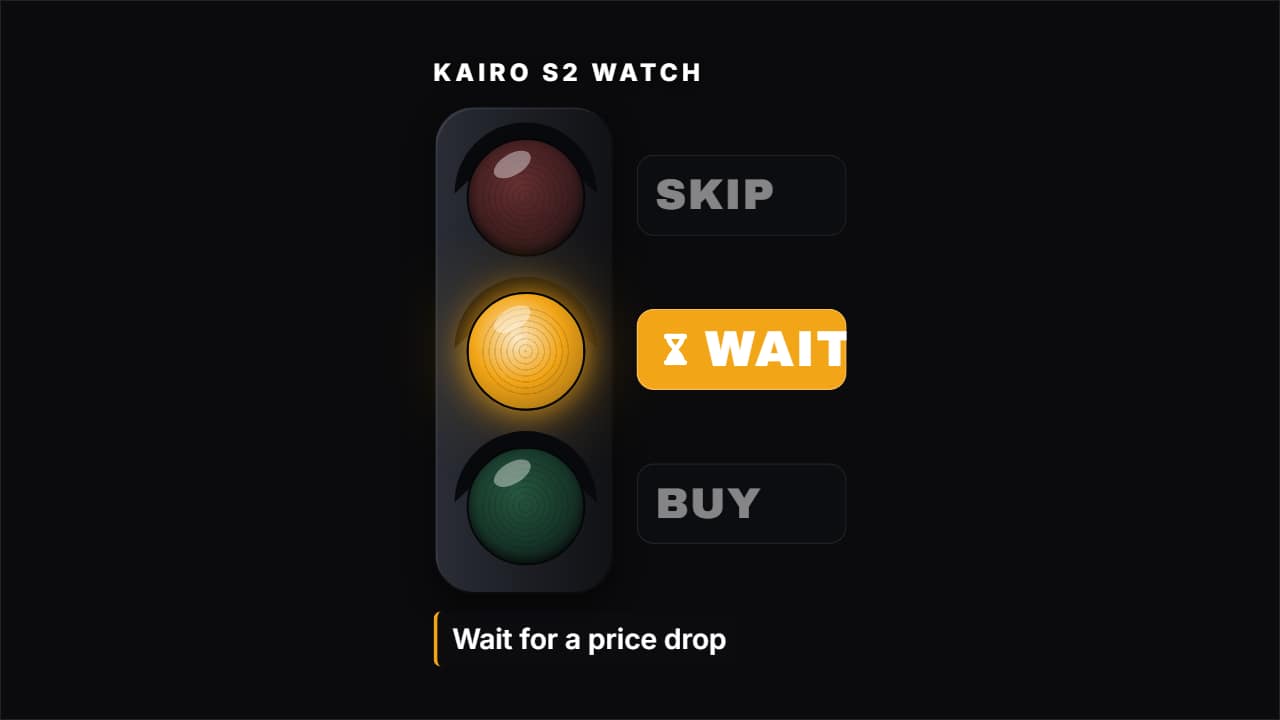 Buy, wait or skipThe short verdict of a review: three options (BUY, WAIT, SKIP) and one lights up, with the product and the…
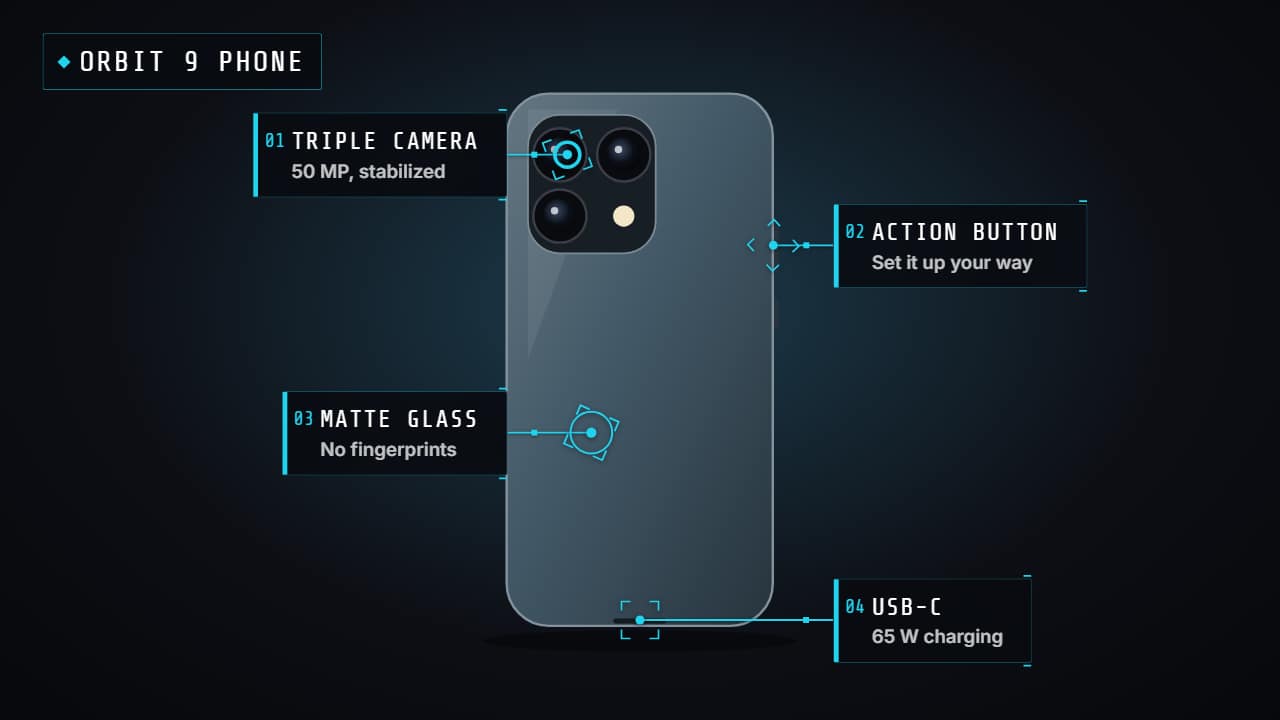 Product hotspotsPoints that pulse over your video (or the product photo) and open their label one by one with a line: the…
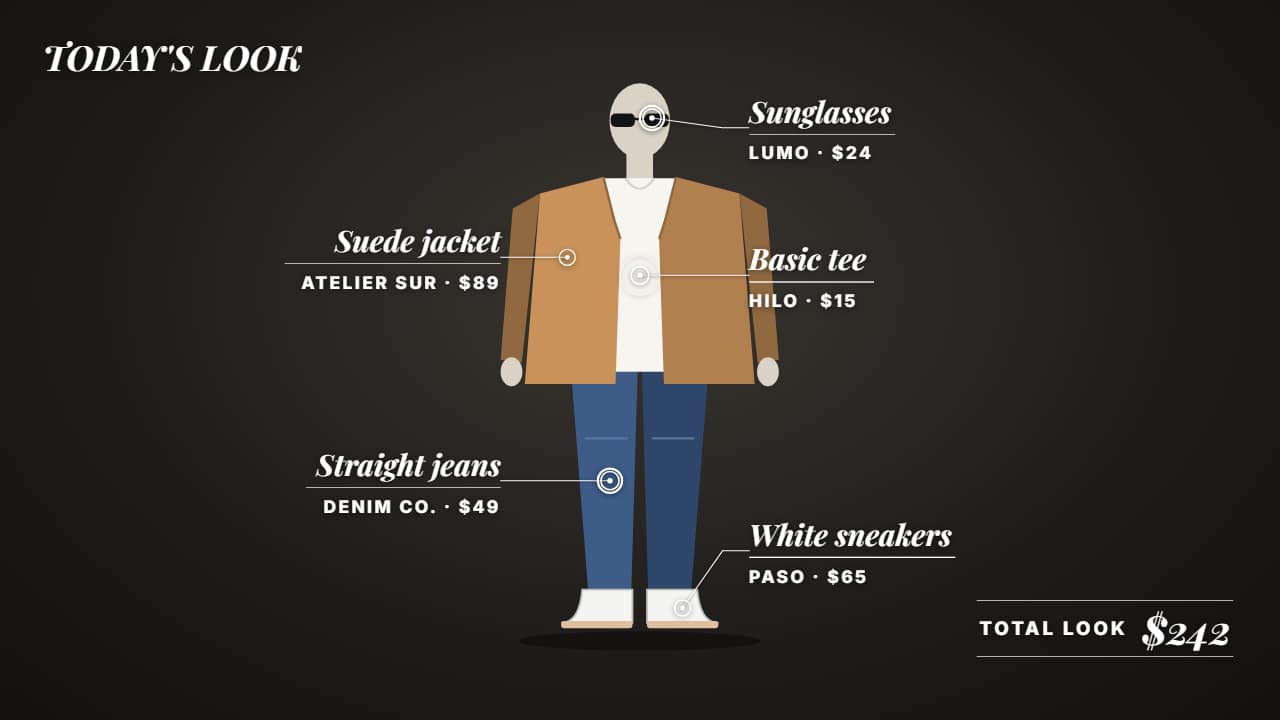 Outfit breakdownFor fashion: each piece of your outfit pointed out over your video with its name, price and where to buy it…
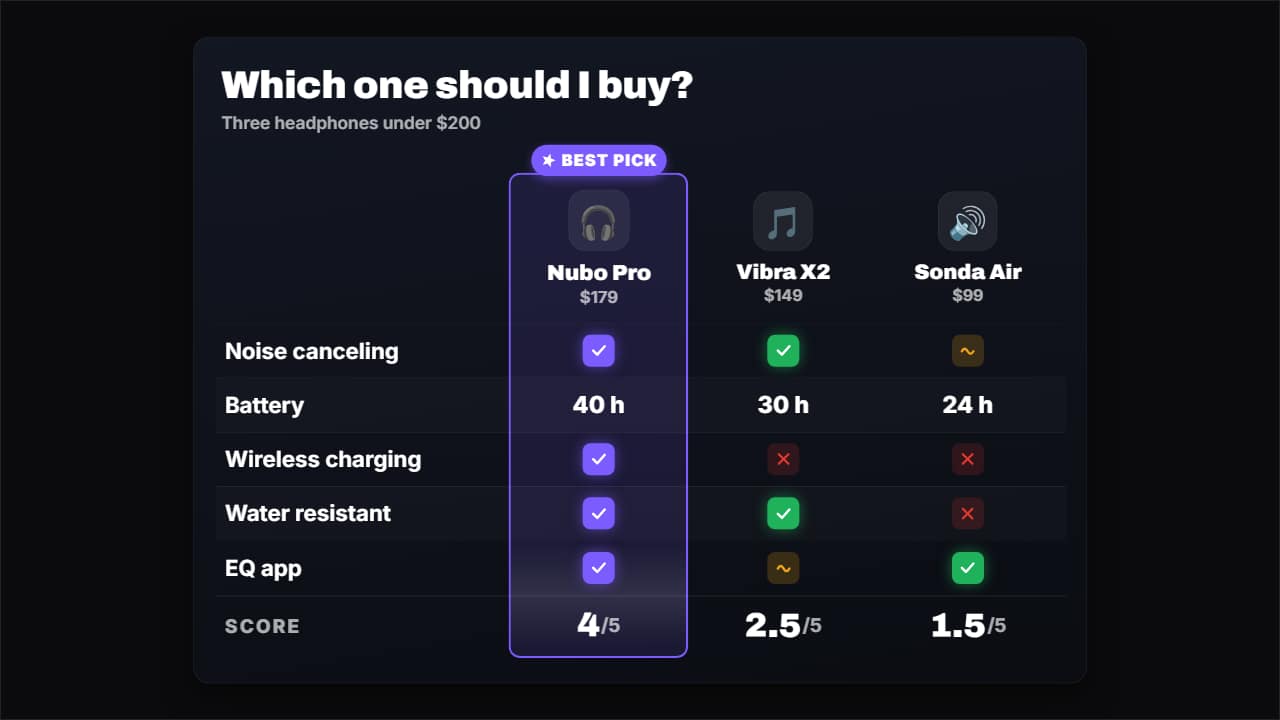 Comparison tableCompare 3 or 4 products (or plans, or apps) in a table: the columns come in with their photo or emoji and…
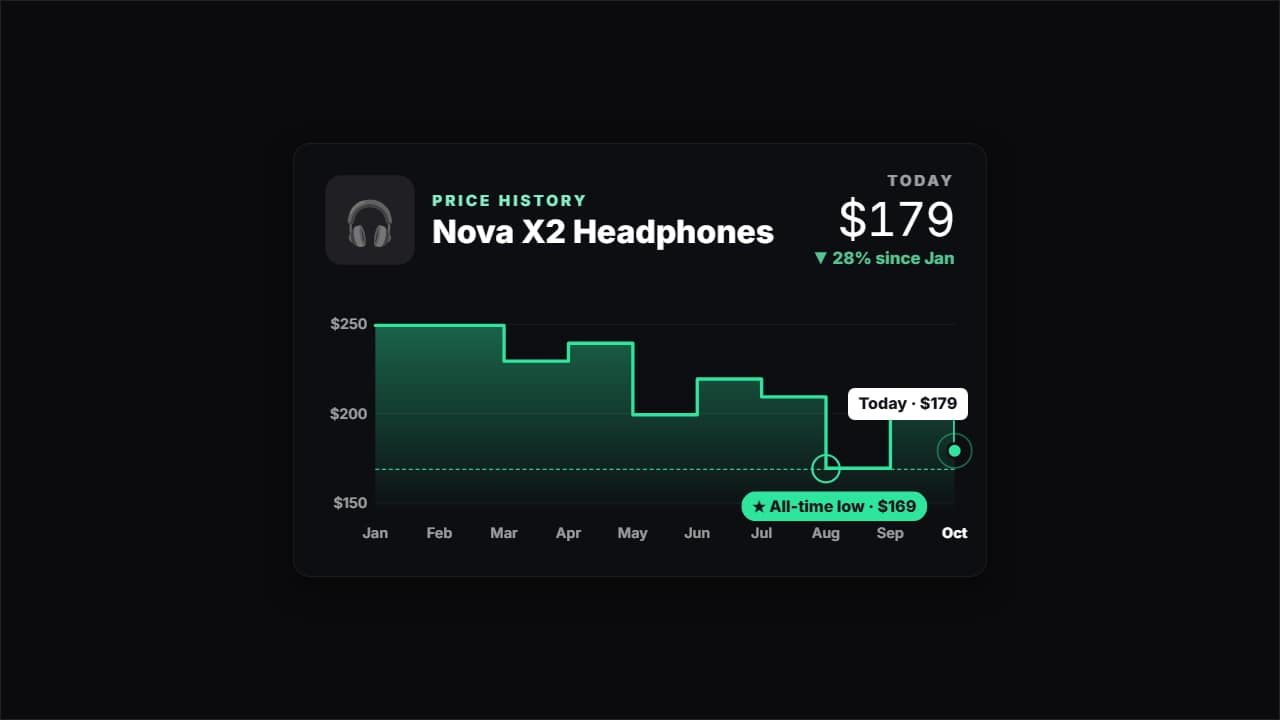 Price historyHow much a product has cost month by month, for deal and tech channels: the line draws itself, the all-time…
Questions
- Can I compare more than two products?
- Yes. The comparison table takes three or four products, or plans, or apps.
- Can the hotspots go over my own footage?
- Yes. They pulse over your video or a product photo, and you place each point where it belongs.
- Do I need After Effects?
- No. Every template is edited in your browser: type your text, choose colors and format (16:9, 9:16 or 1:1), watch the live preview and export.
- What do I export, and does it work in my editor?
- Most templates export as a ProRes 4444 .mov with a transparent background, which you place on a track above your clip in CapCut, Premiere Pro, DaVinci Resolve or Final Cut Pro. You can also export an MP4 with your own clip behind it. Always in Full HD.
- Is it free?
- Editing and previewing are free and need no account. To export you sign in with Google; during the open beta, new accounts get export credits at no cost.