Customize your animations however you like: type your text and they animate themselves. No keyframes, no After Effects, no animation skills. Download them with a transparent background and drag them right onto your video.
And if you already animate: what takes you an afternoon takes two minutes here.
- 320
- animations
- 0
- keyframes
- ~2 min
- each
Try it right here.
Change the words and watch it animate. That's how all 320 templates work: type, pick, download. No account, no animation skills.
- 1Type your text
Change the title or a step. The animation updates on its own.
- 2Pick a format
YouTube (16:9), Shorts (9:16) or square. It rearranges itself.
- 3Try it with no background
No background = it sits on top of your video in CapCut, Premiere or DaVinci.
Straight into your editor. No other software to open.
The latest
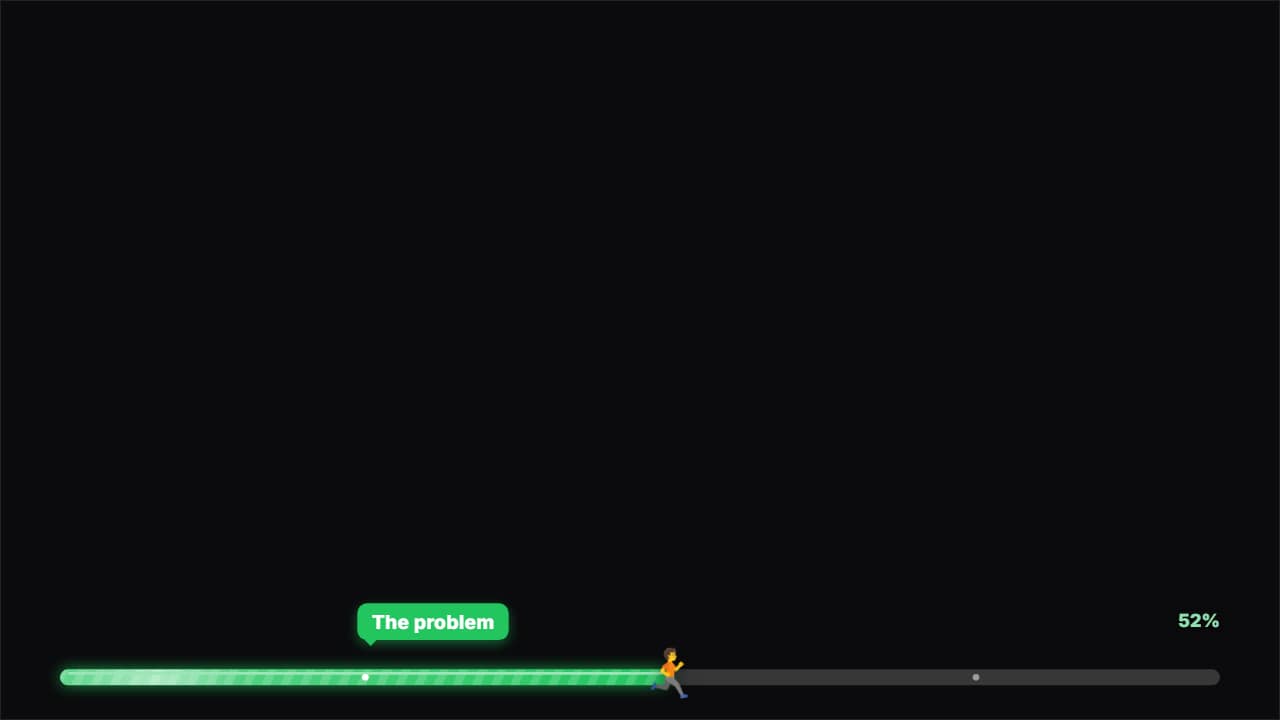
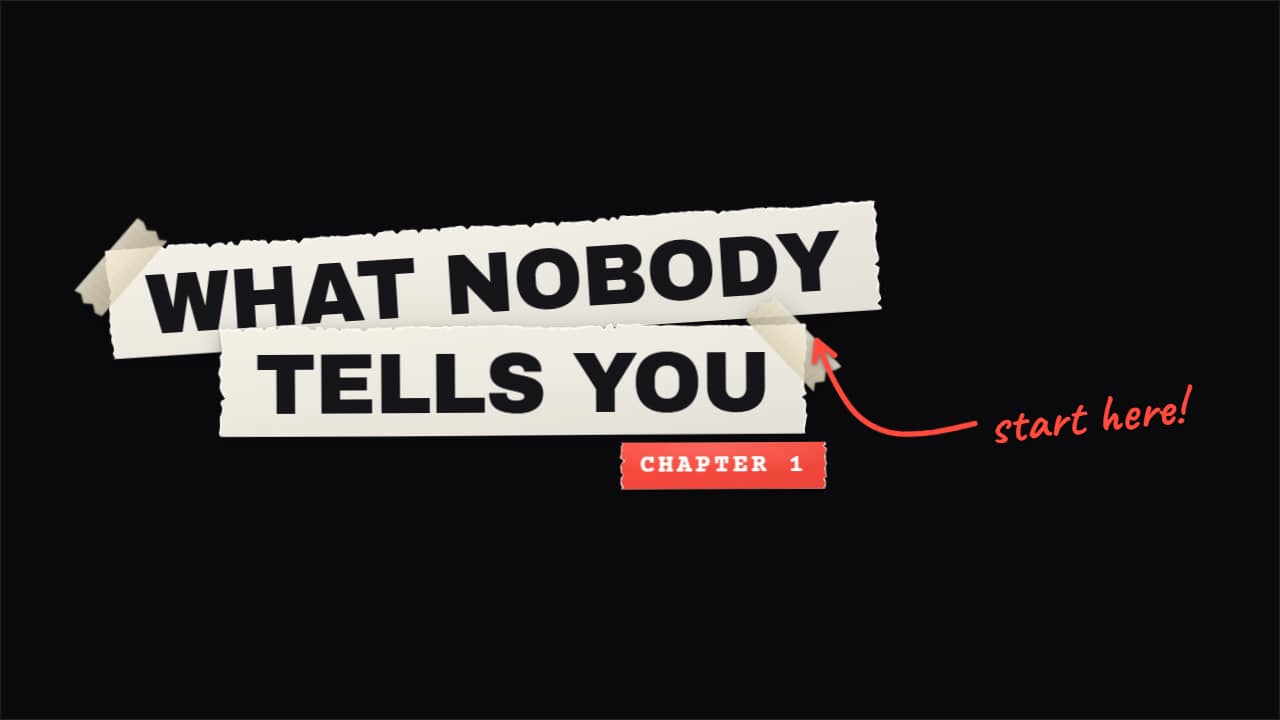
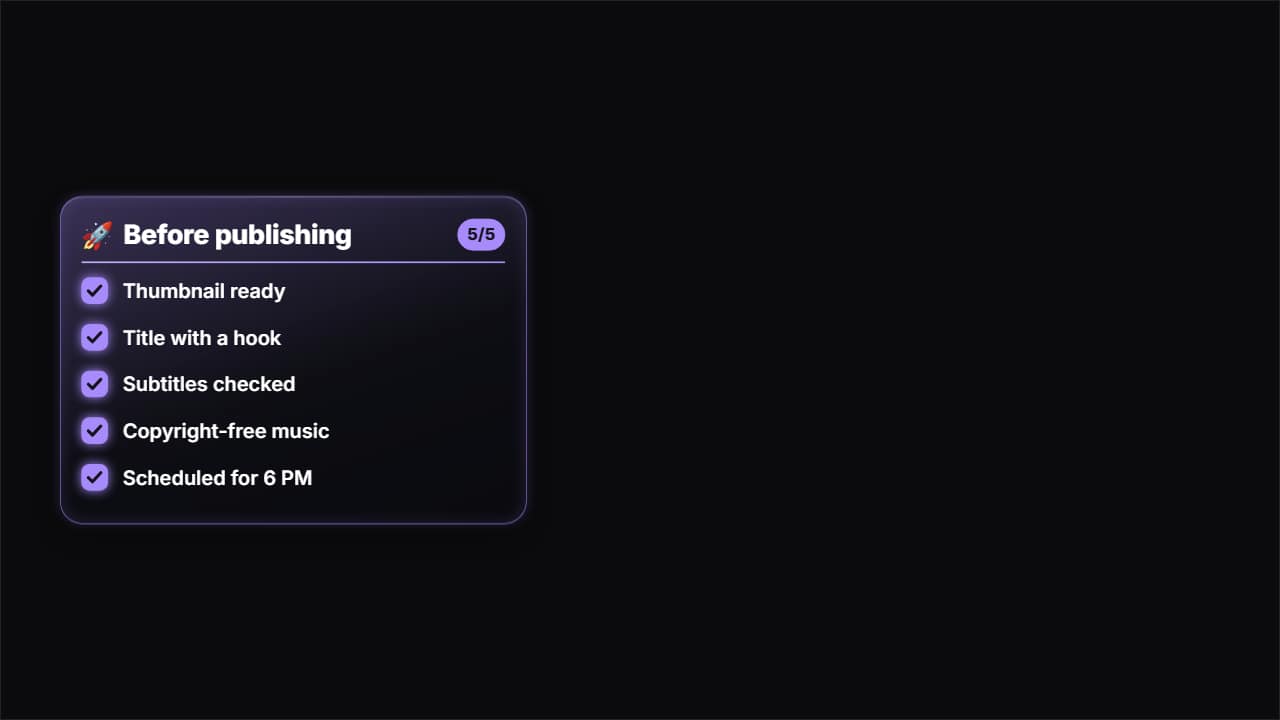
The newest from each category, one apiece
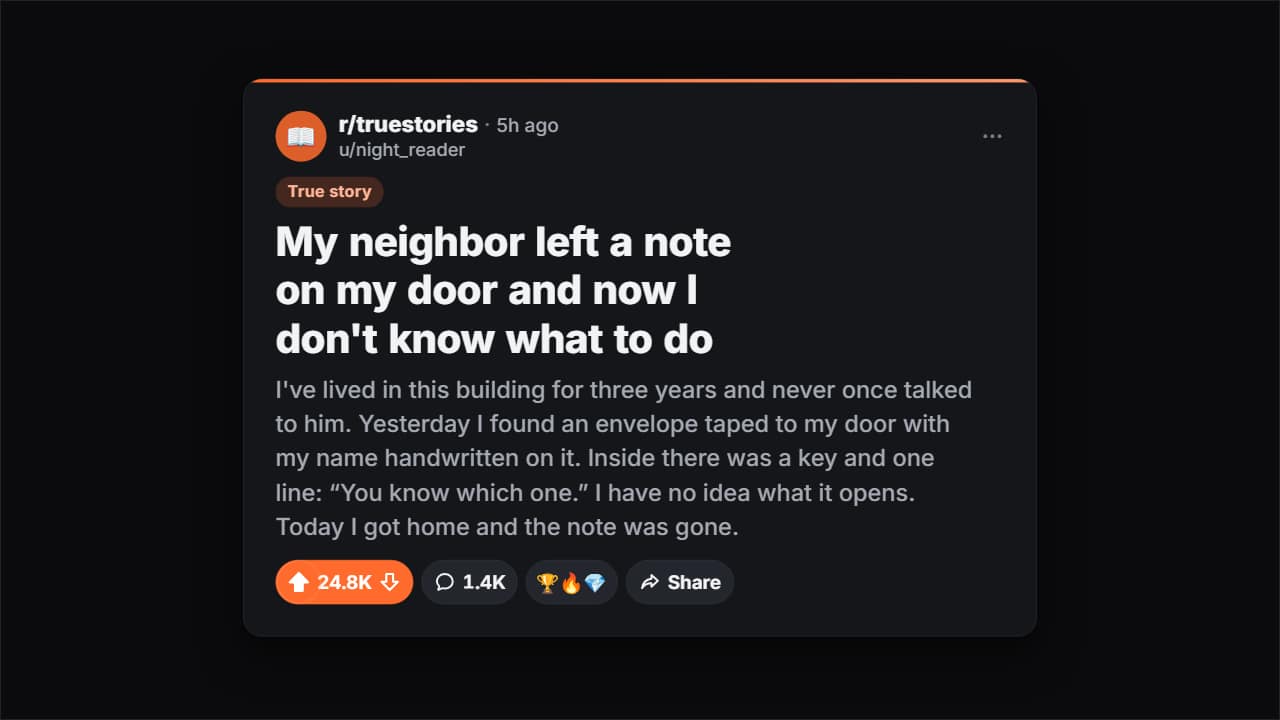
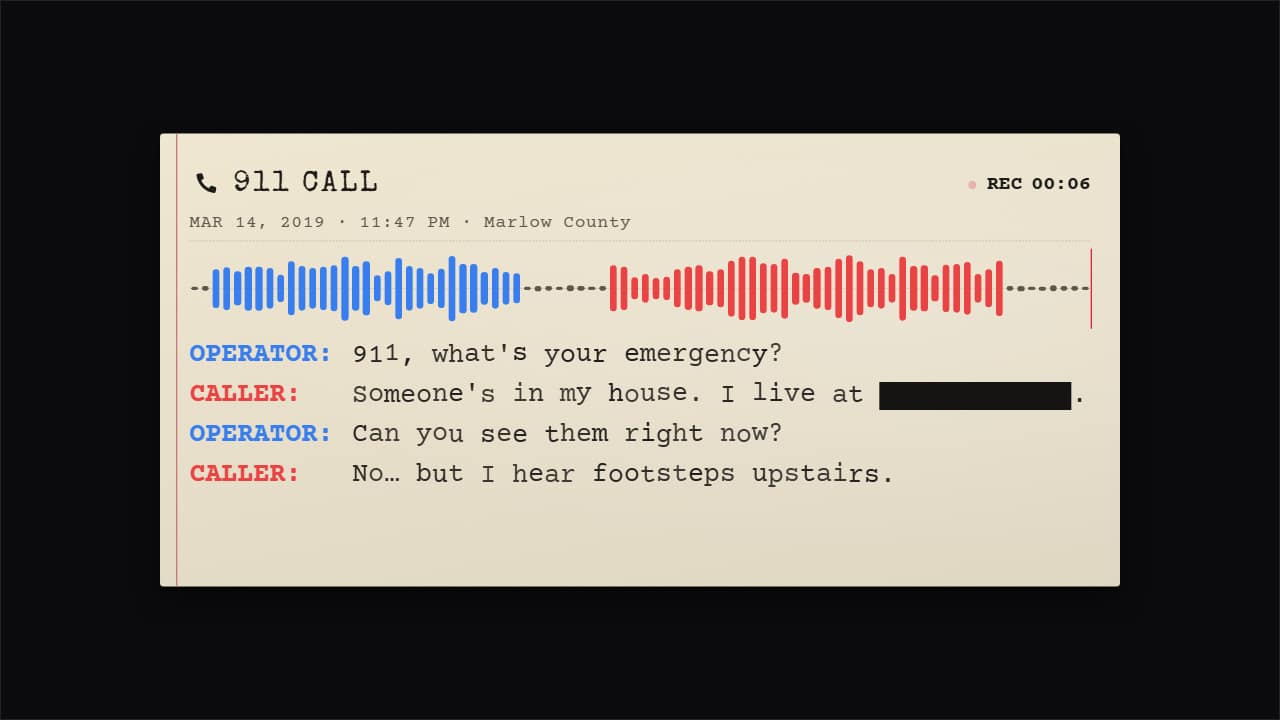
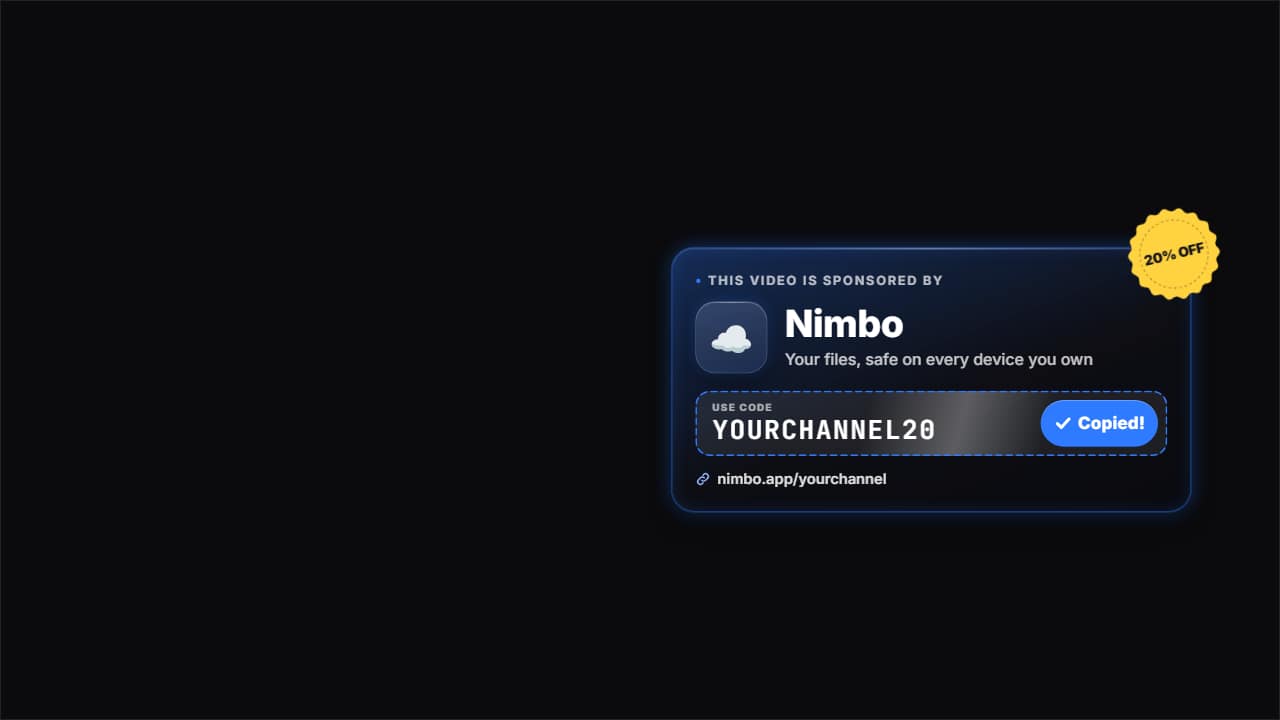
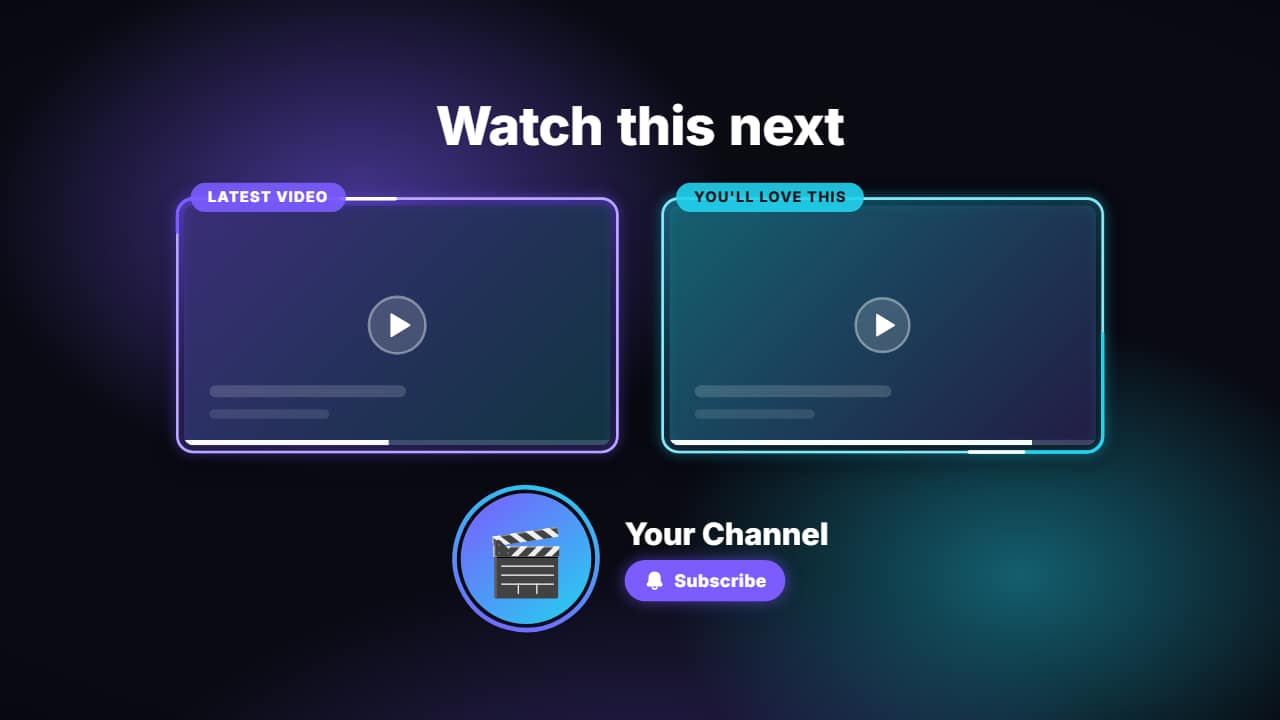
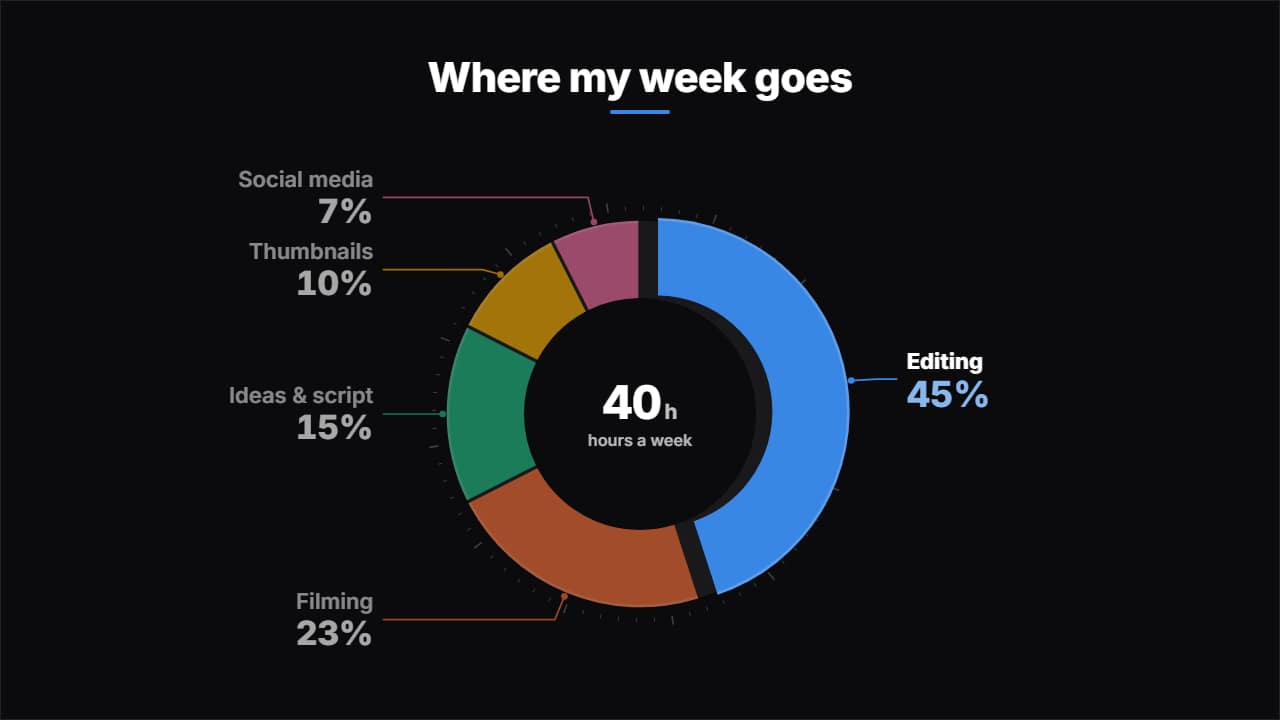

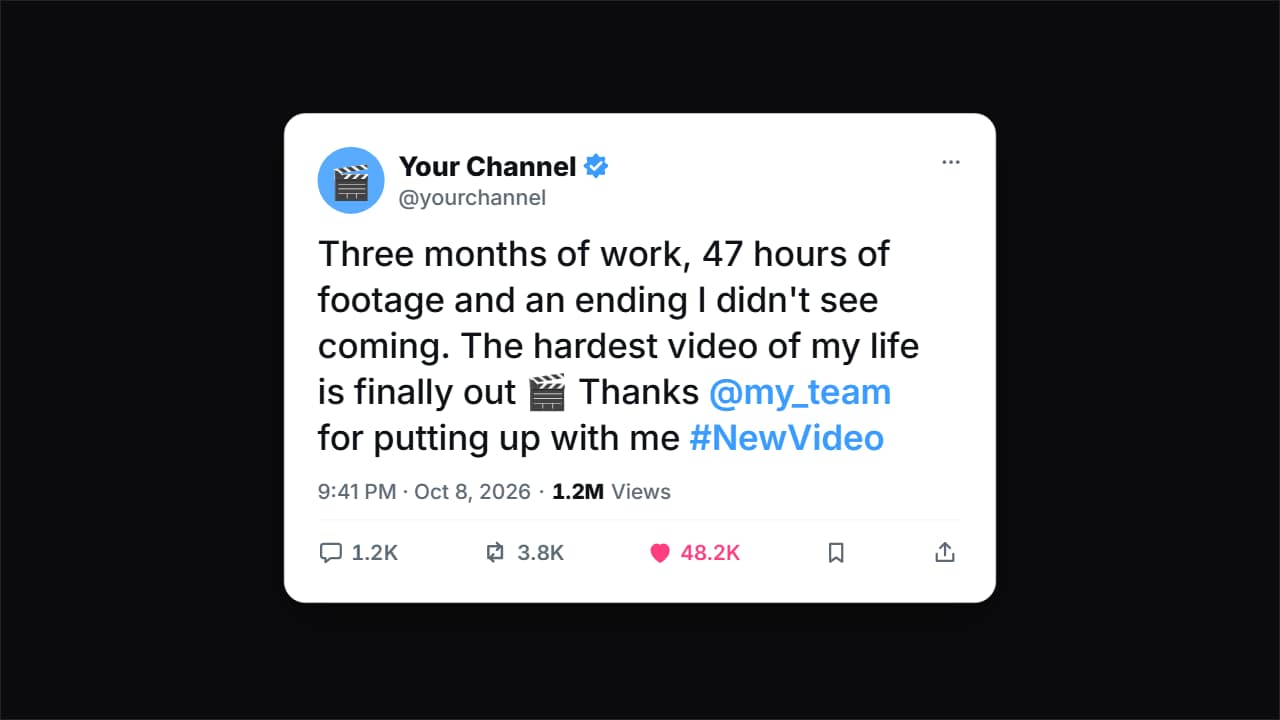
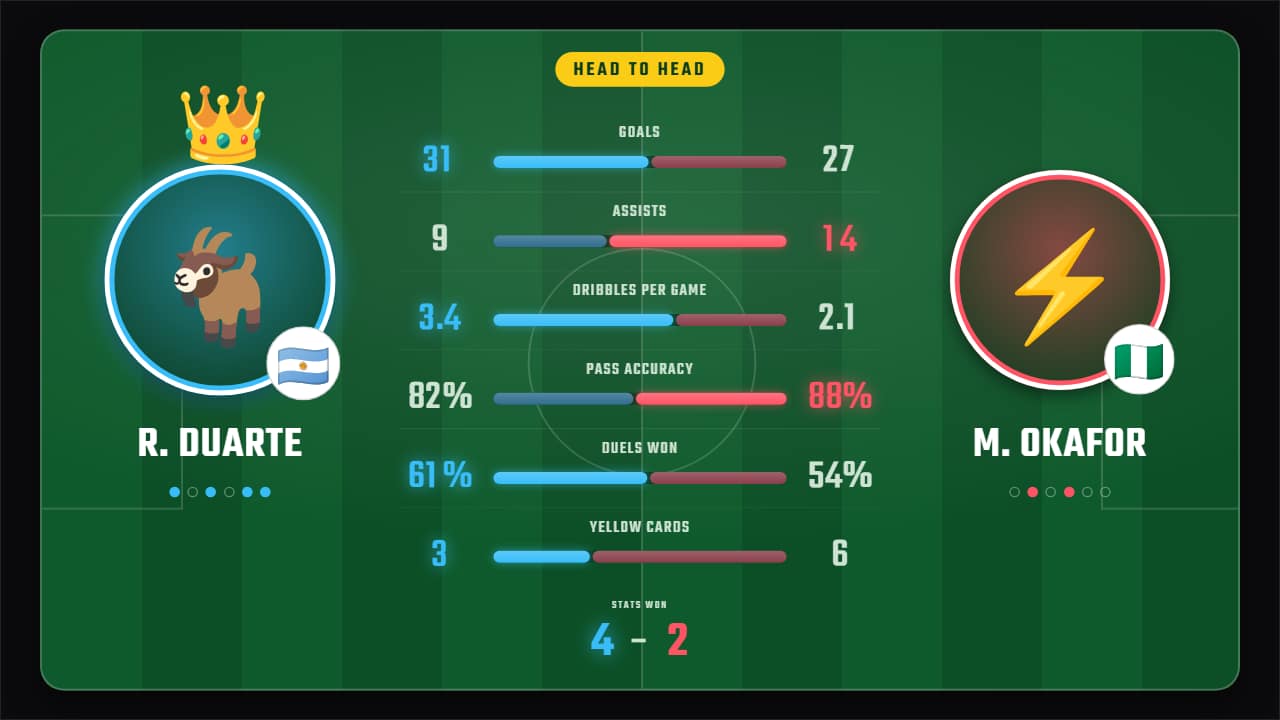
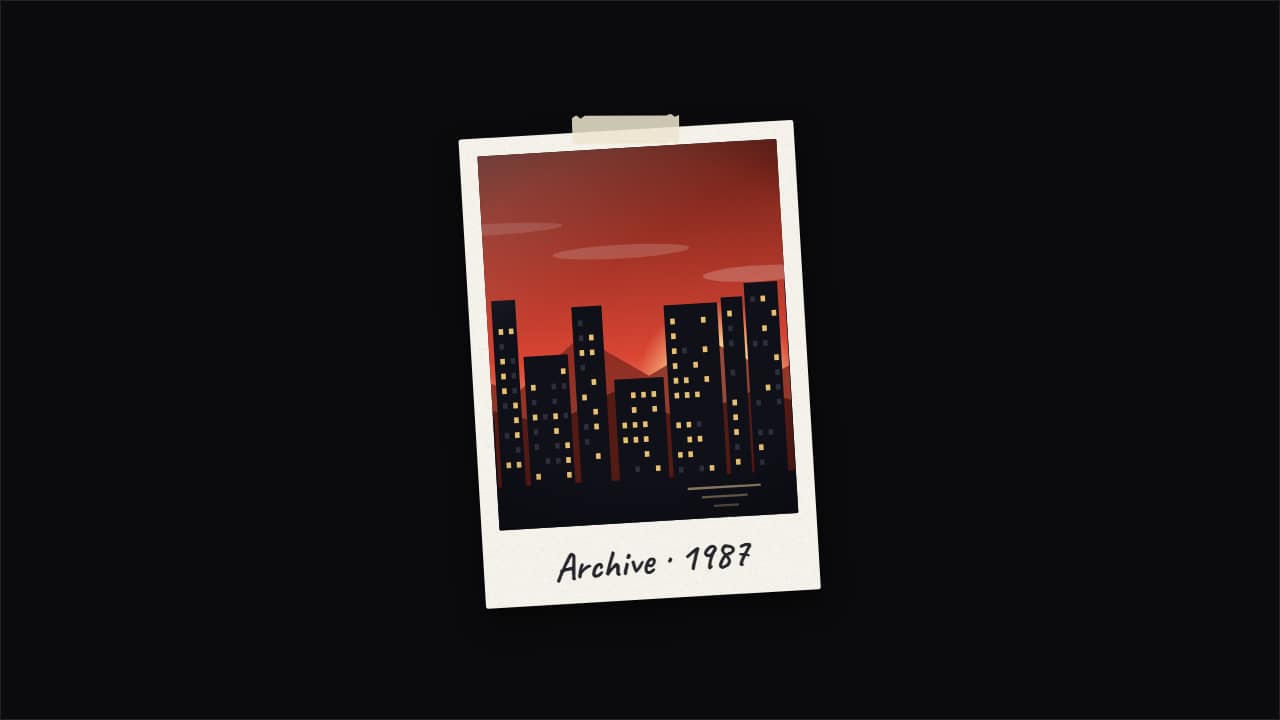
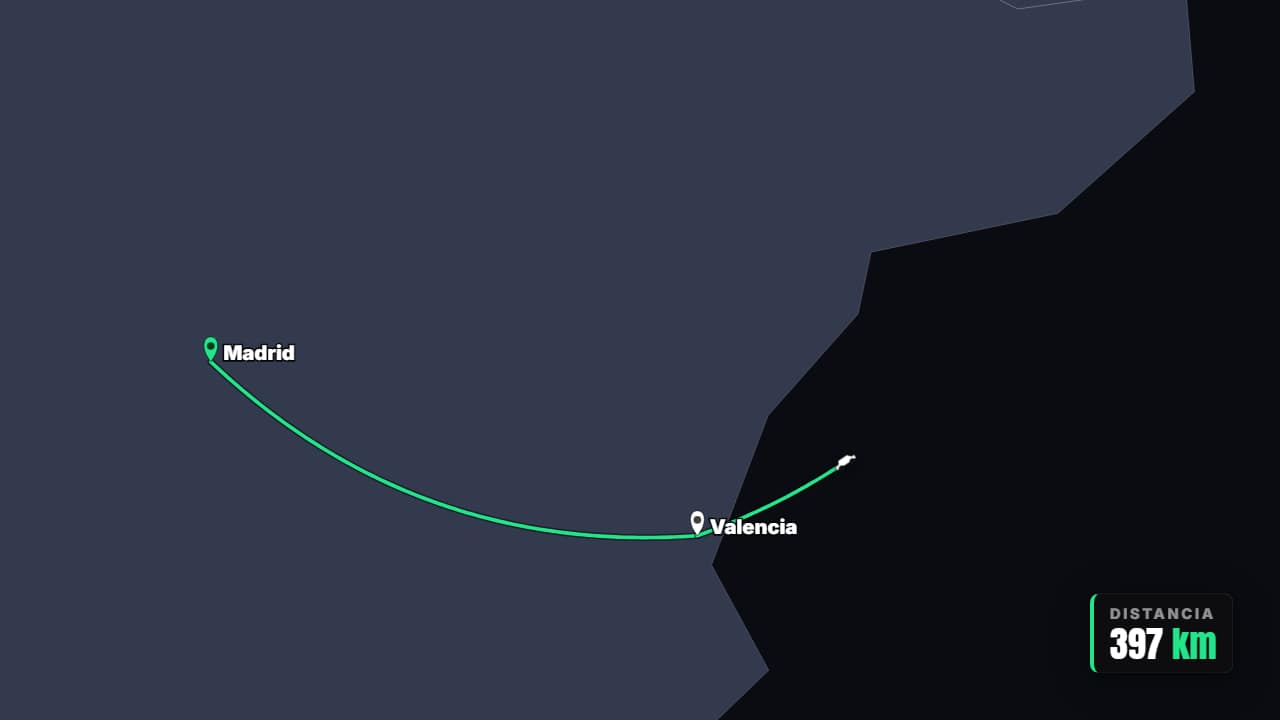
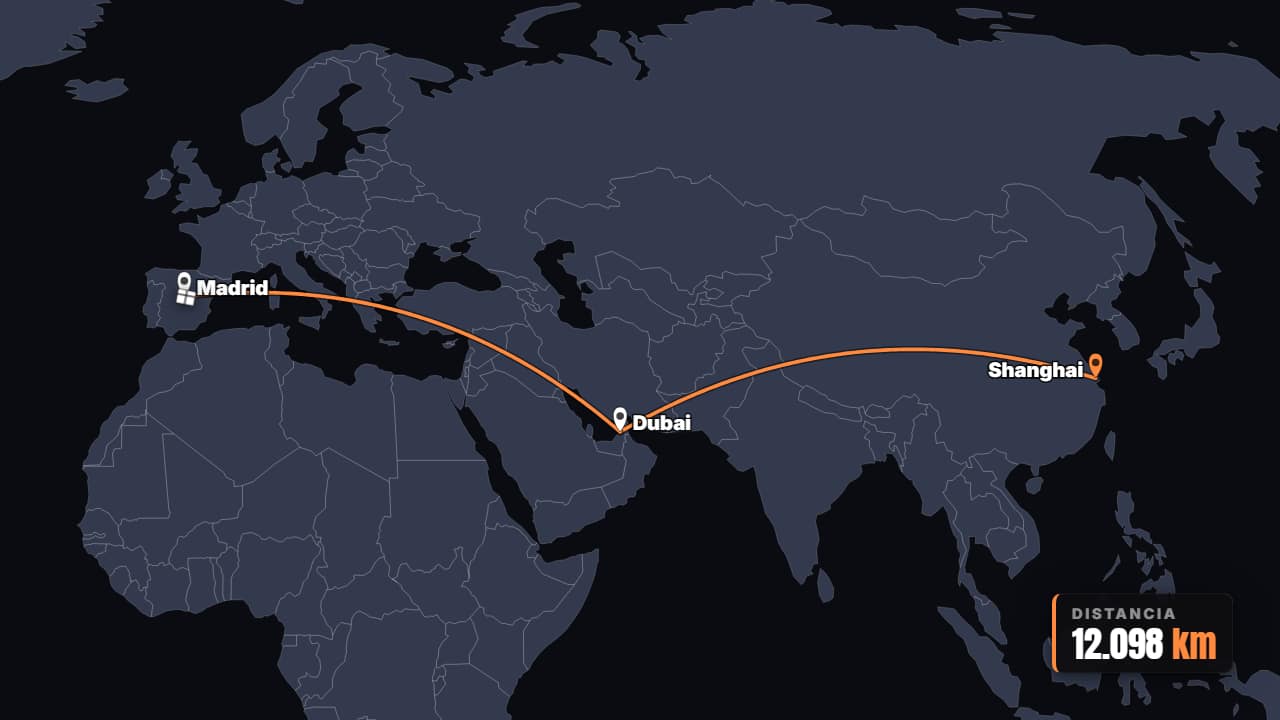
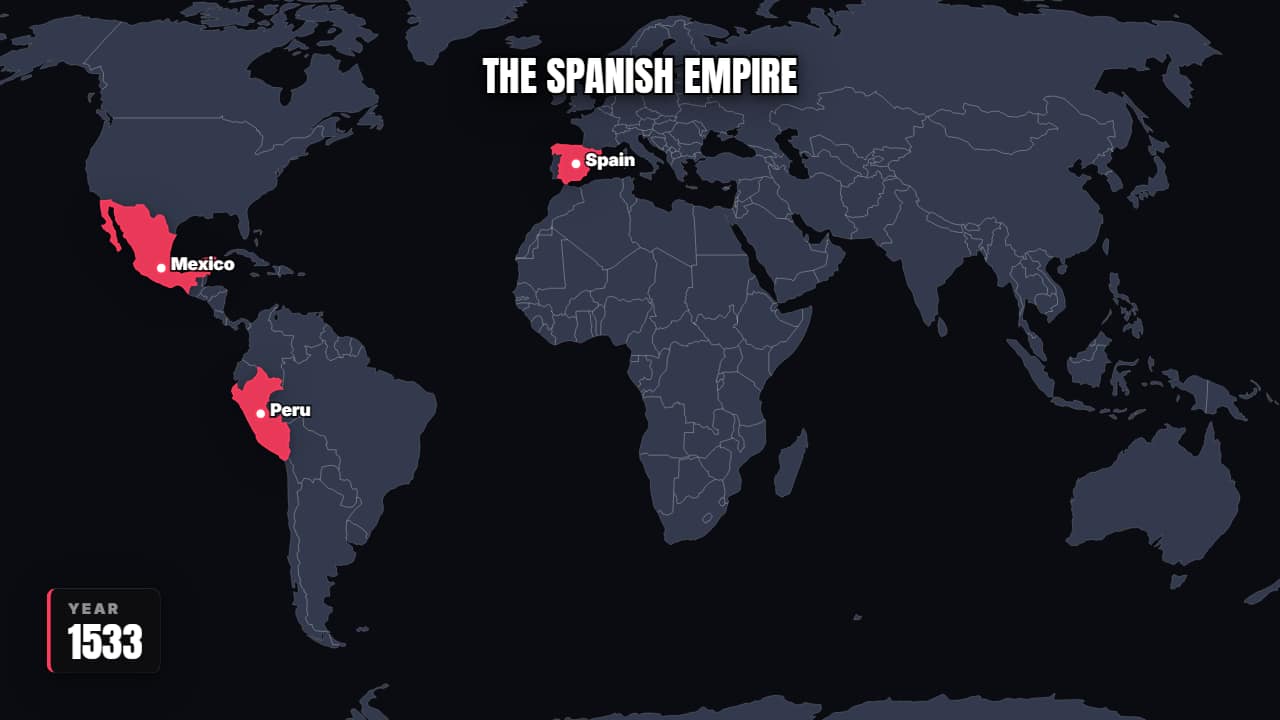
Maps
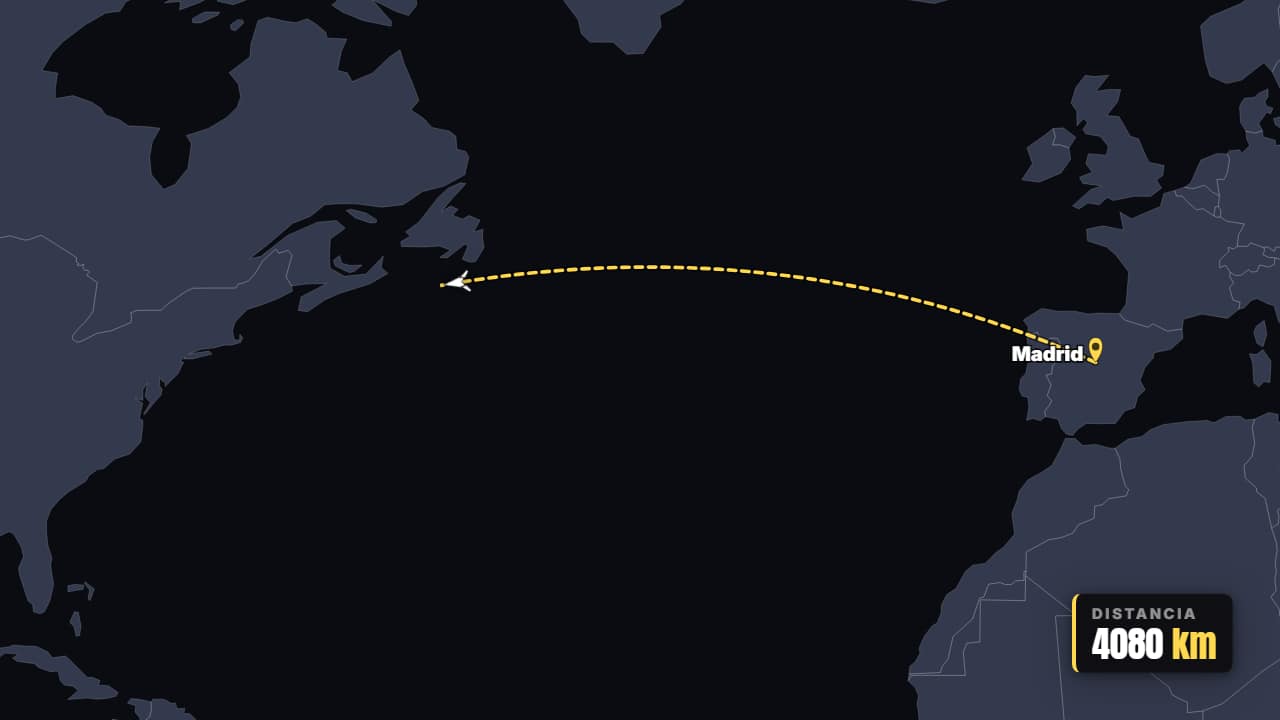
Routes, territories and zooms over the real world
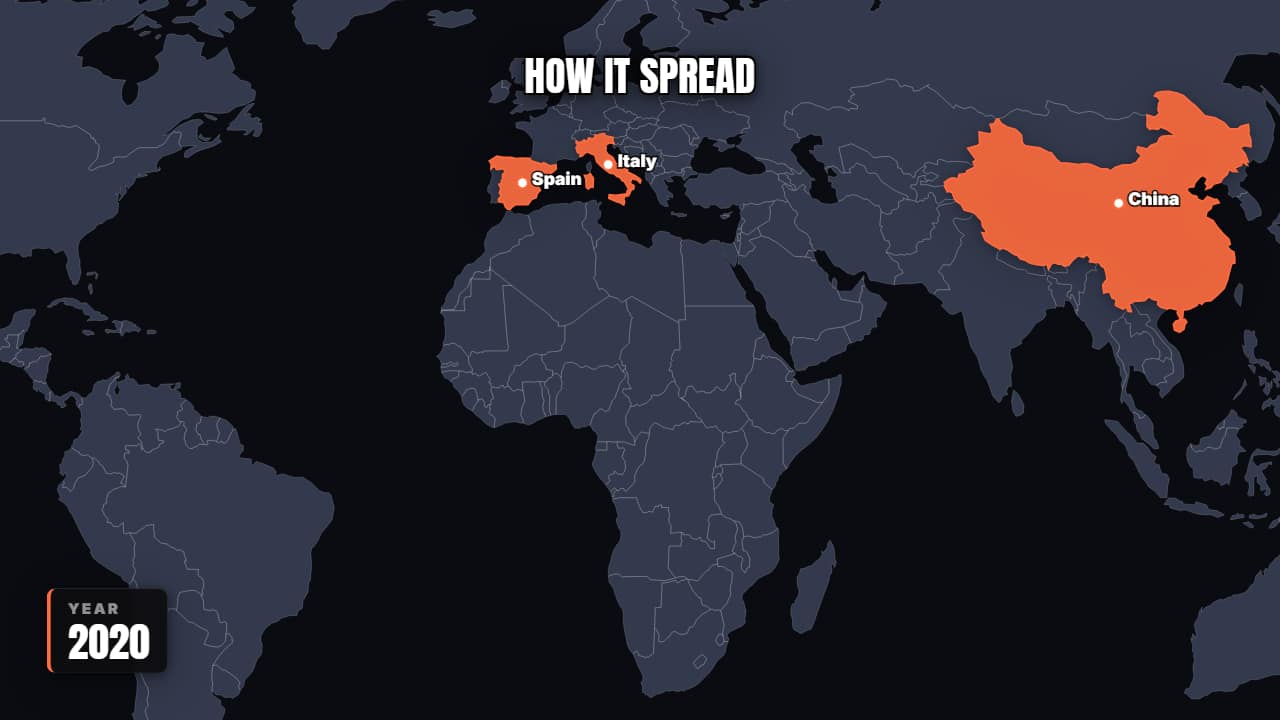
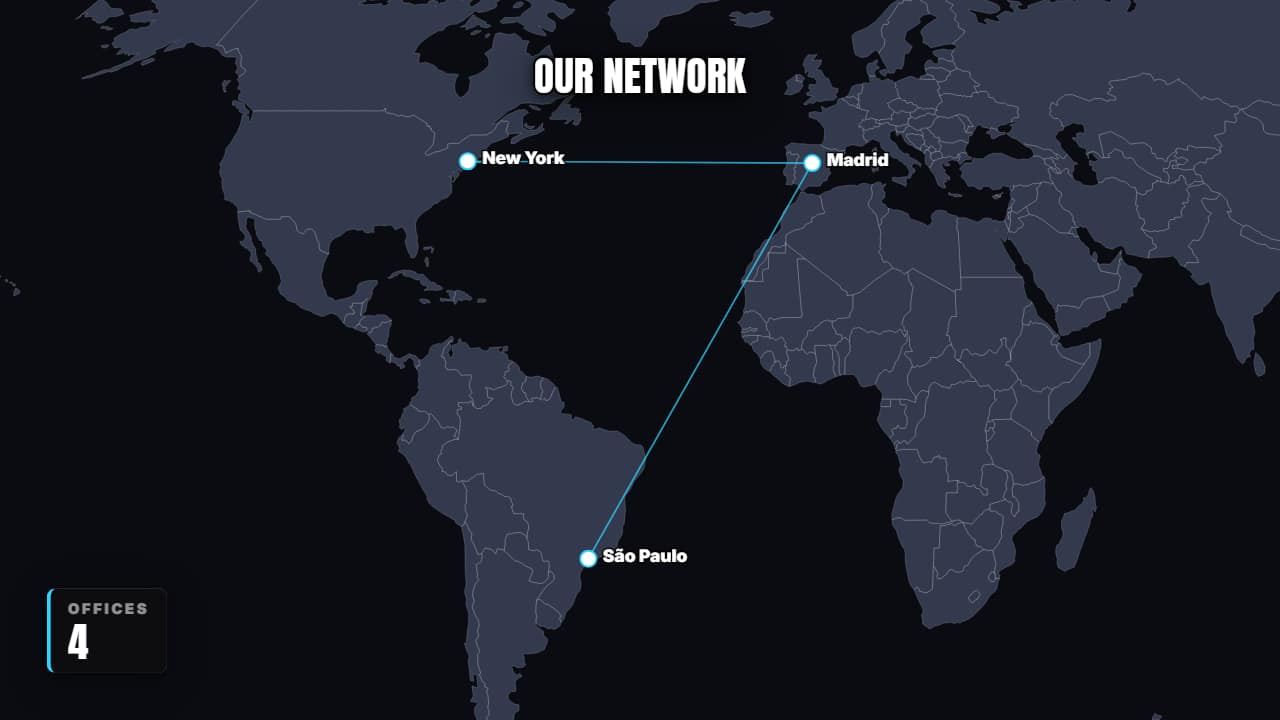
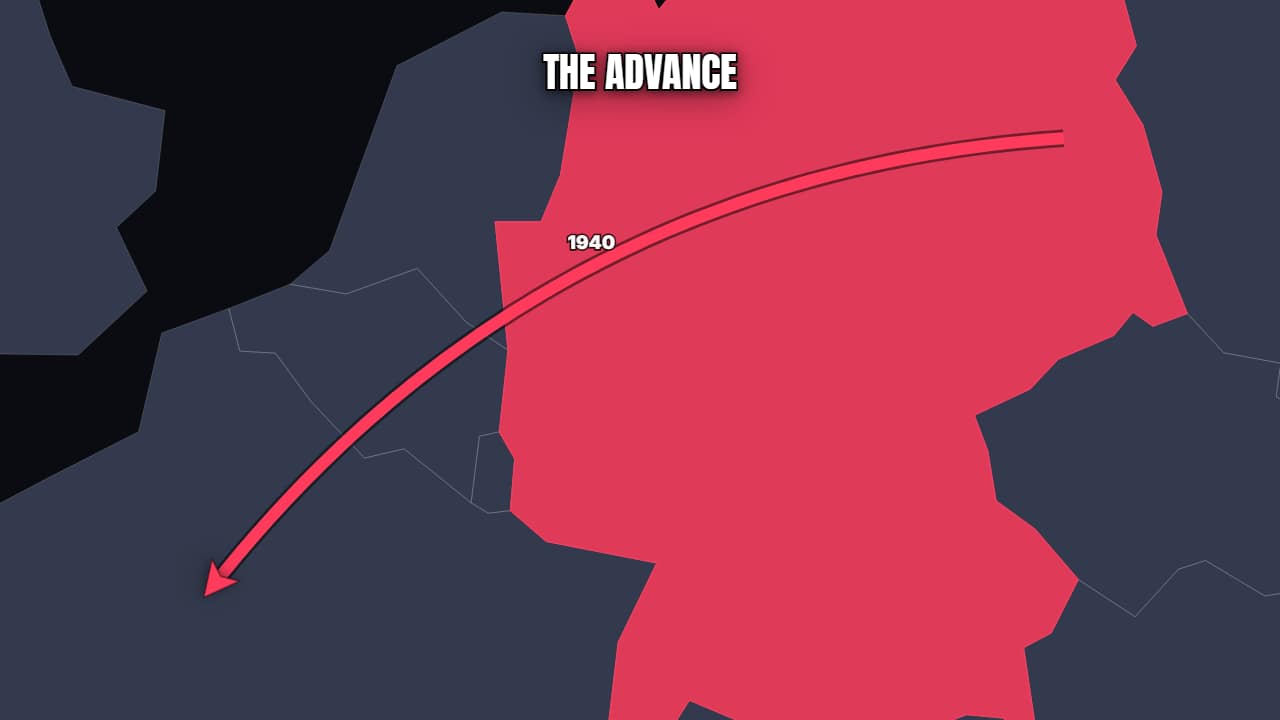
What you get
These aren't presets to wrestle with in After Effects. Nothing to install, no new software to learn: fill it in, export, drag it onto your edit.
- ✓320 animations, in 25 categories
- ✓Real transparency (ProRes 4444 and WebM)
- ✓16:9, Shorts and square from the same design
- ✓Maps with real geography, no API, no connection
- ✓Your colors and fonts across all
- ✓And if one's missing, you'll soon be able to create it yourself with AI