Countdown timer maker
Choose where the countdown starts, type what it says at zero and watch four animated countdowns play it right here: a ring that empties, a full-screen flash, sports scoreboard digits and a New Year countdown with fireworks. Open the one you like and export it with a transparent background.
Make your countdown
One second per number. The checkerboard is the transparent part. The New Year countdown keeps its own words and only takes the number and the color.

Countdown · Ring
Customize & export — free
Countdown · Flash
Customize & export — free
Countdown · Sports
Customize & export — free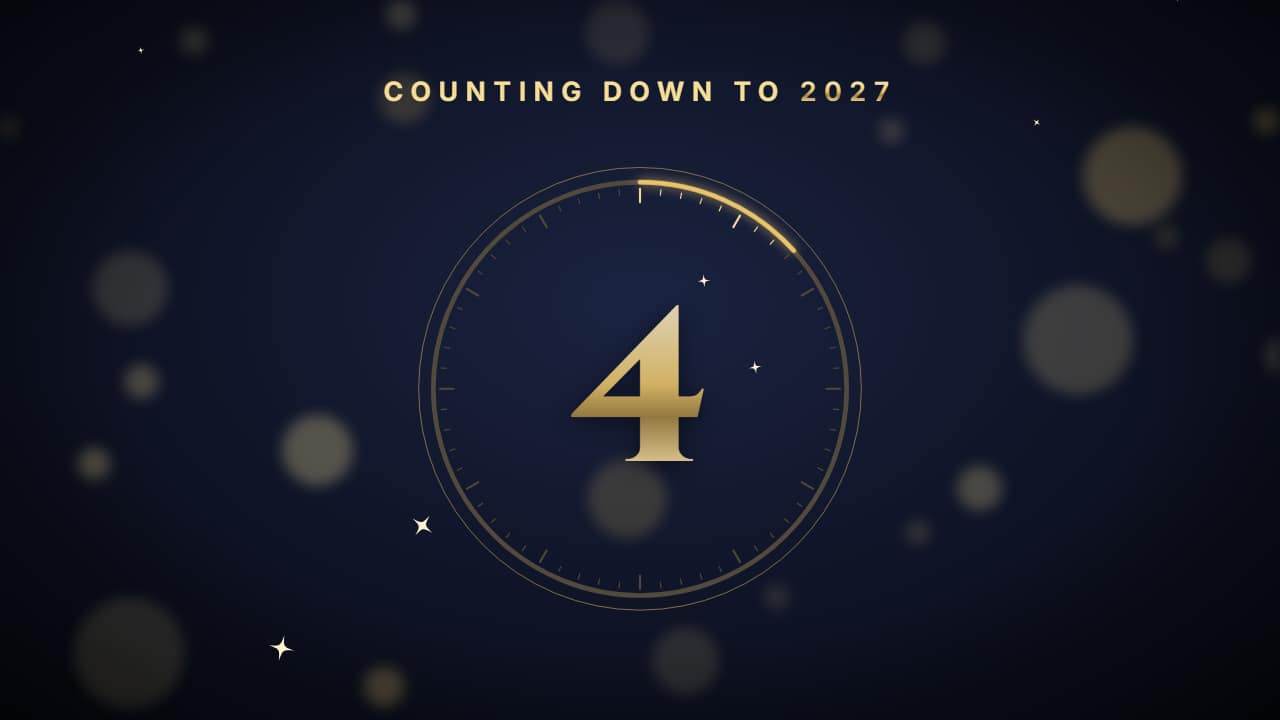
New Year countdown
Customize & export — free
Real seconds, not a sped-up animation
Every number lasts exactly one second, so a countdown from 10 lasts ten seconds in your edit and you can put it straight over the action. Change the starting number here and the length of the video follows it; if you change it again in the editor, lengthen the duration there too.
In the editor you can make each number shorter or longer, change the word at zero and the small line above the number, and pick 16:9 for YouTube, 9:16 for Shorts, TikTok and Reels, or 1:1. Always in Full HD. The New Year one also changes the year and the fireworks, and counts from up to 30.
Transparent, so the action stays visible
A countdown on a black screen stops the video. These export as a ProRes 4444 .mov with a real alpha channel: the number sits on top of your footage and everything around it stays visible. Or export an MP4 with your clip behind it.
Need minutes or hours? The countdown timer collection has a cooking timer, a circuit timer and a 24-hour challenge clock.
How to use it in your editor
CapCut
- On desktop, drag the .mov to a track above your clip so that zero lands on the moment that matters.
- On the phone, if the overlay shows a black background, export «with your clip» and use the MP4.
Premiere Pro
- File → Import the .mov and drag it to V2, above your footage.
- Line the last number up with your cut: the transparency is kept.
DaVinci Resolve
- Import the .mov into the Media Pool and place it on Video 2, above your clip.
- If you see black instead of your clip: right-click → Clip Attributes → Alpha Mode: Premultiplied.
Questions
- Is this countdown timer maker free?
- Choosing the numbers and watching the previews is free and needs no account. To download the video you sign in with Google; during the open beta, new accounts get export credits at no cost.
- Can it count down from 60 or more?
- Not these: the 3-2-1 styles count from up to 10 and the New Year one from up to 30. For minutes, use the cooking timer or the 24-hour challenge clock from the countdown timer collection.
- Does it make a sound?
- No. The file is silent, so you can add your own ticks or a beep in your editor, timed to the numbers.
Want a different style? See all chapter cards and countdowns