Christmas and New Year Video Templates
Seasonal videos come around every year, and these templates are ready for them. Count down the last ten seconds to midnight inside a ring, build the new year's digits with fireworks, or send your audience a Christmas greeting with your channel name.
Look back with a year-in-review grid of your photos or clips and a best-of-the-year top five. For daily series there is an advent calendar that counts the days, and for product channels a gift guide card and a holiday sale badge. A frame of twinkling lights and a resolutions list round out the season.
10 templates · 16:9 · 9:16 · 1:1Open them in the library
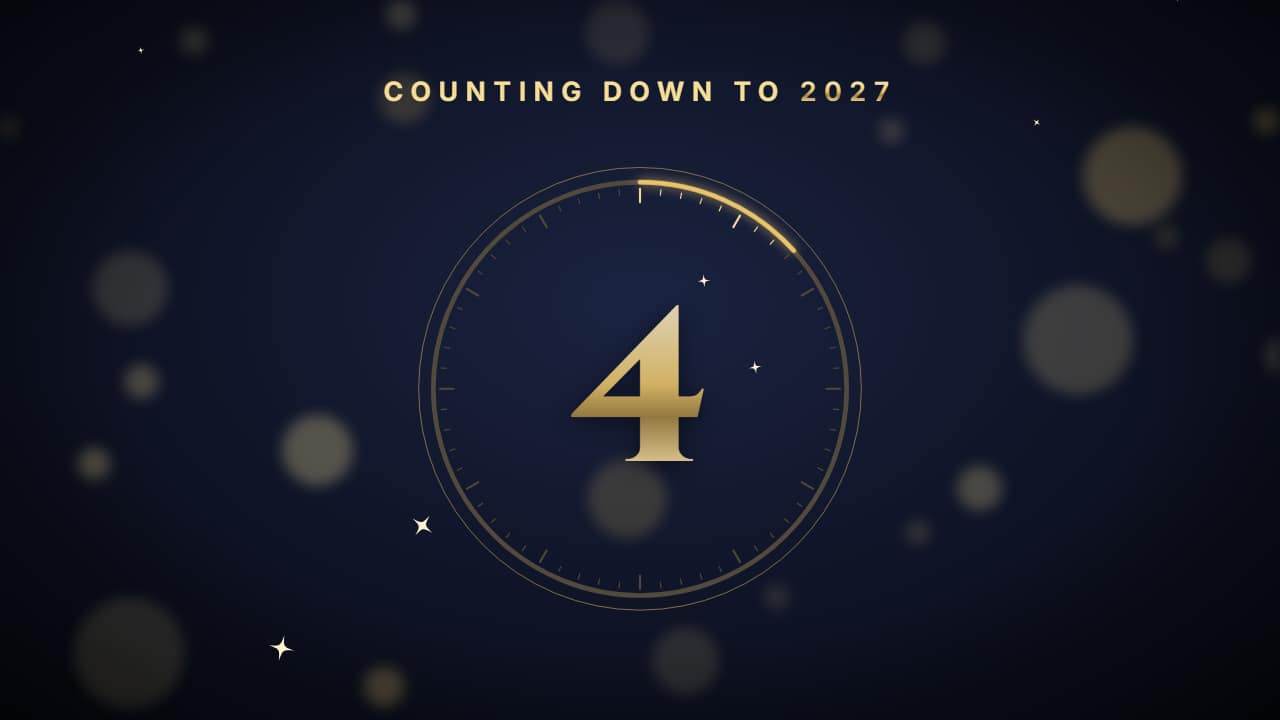 New Year countdownThe midnight countdown: 10… 9… 8… big in the middle, inside a ring that drains every second like a clock…
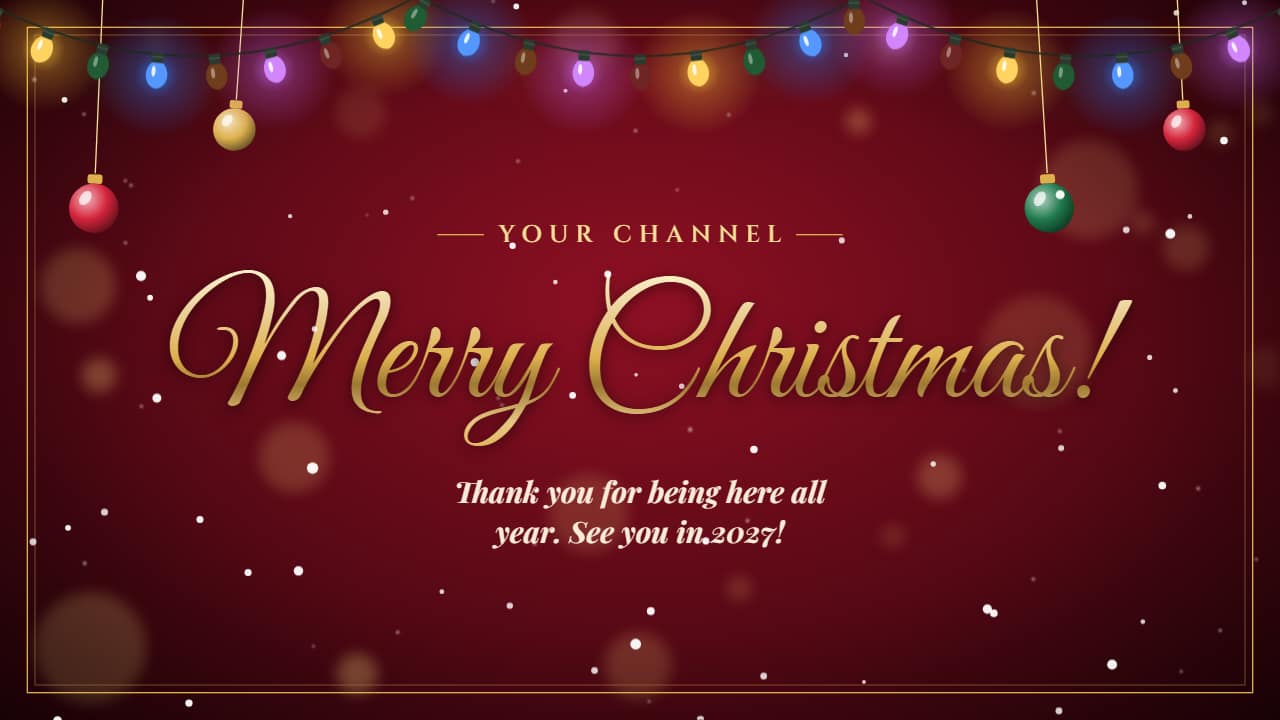 Christmas greetingYour Christmas greeting: your channel name and the greeting, which writes itself like a pen stroke, with…
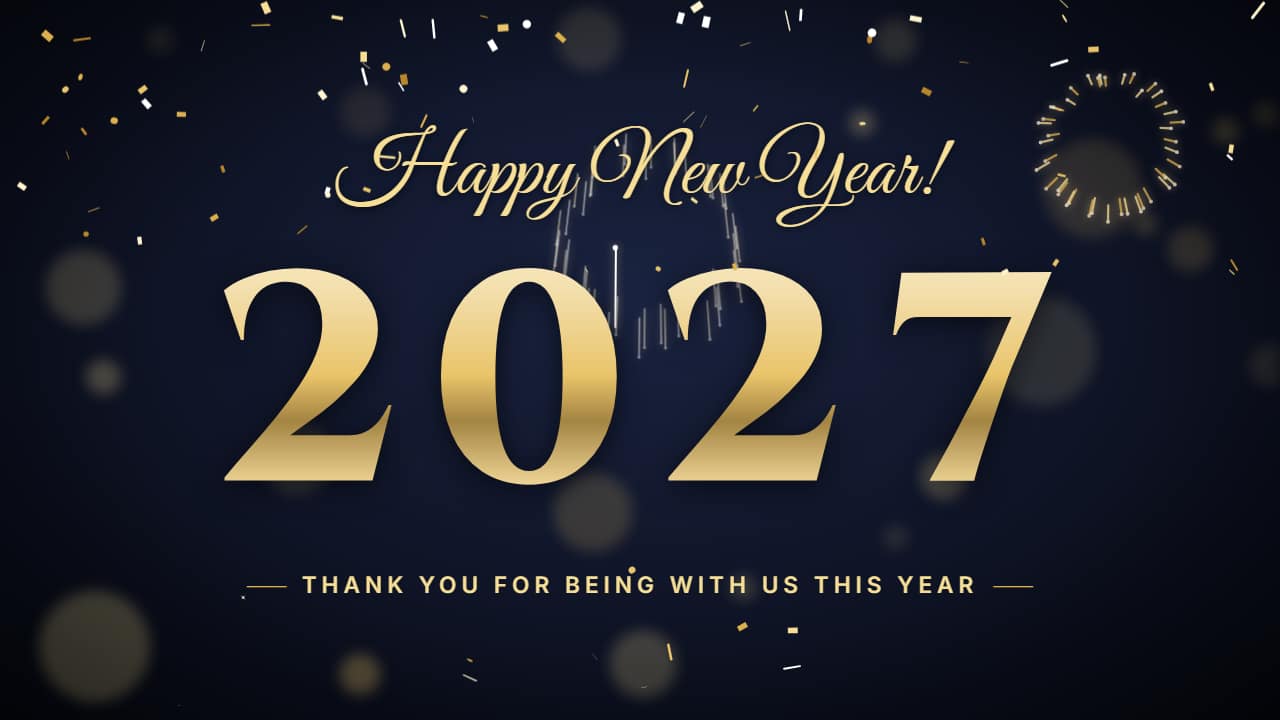 Happy New Year titleThe giant year built with fireworks: one rocket per digit goes up, bursts right where the digit goes and the…
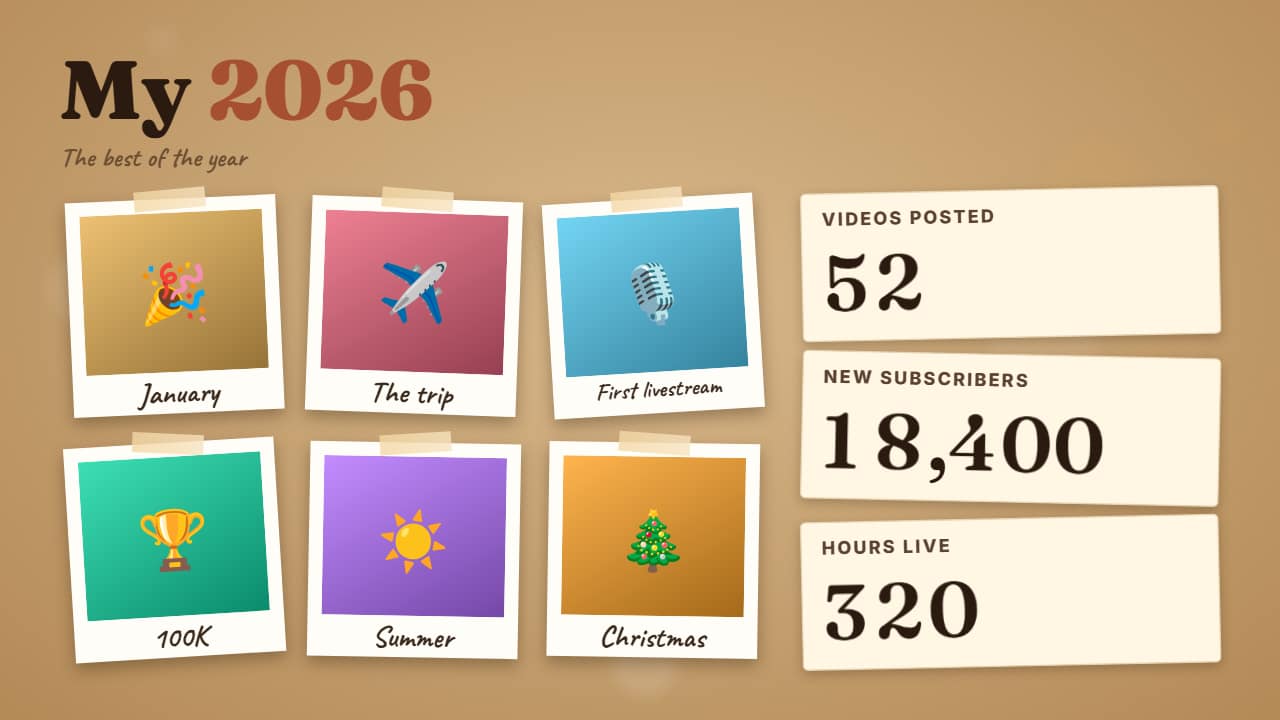 Year in review«My 2026»: a grid of 4 to 6 of your photos or clips, each with its caption («January», «The trip»…), and…
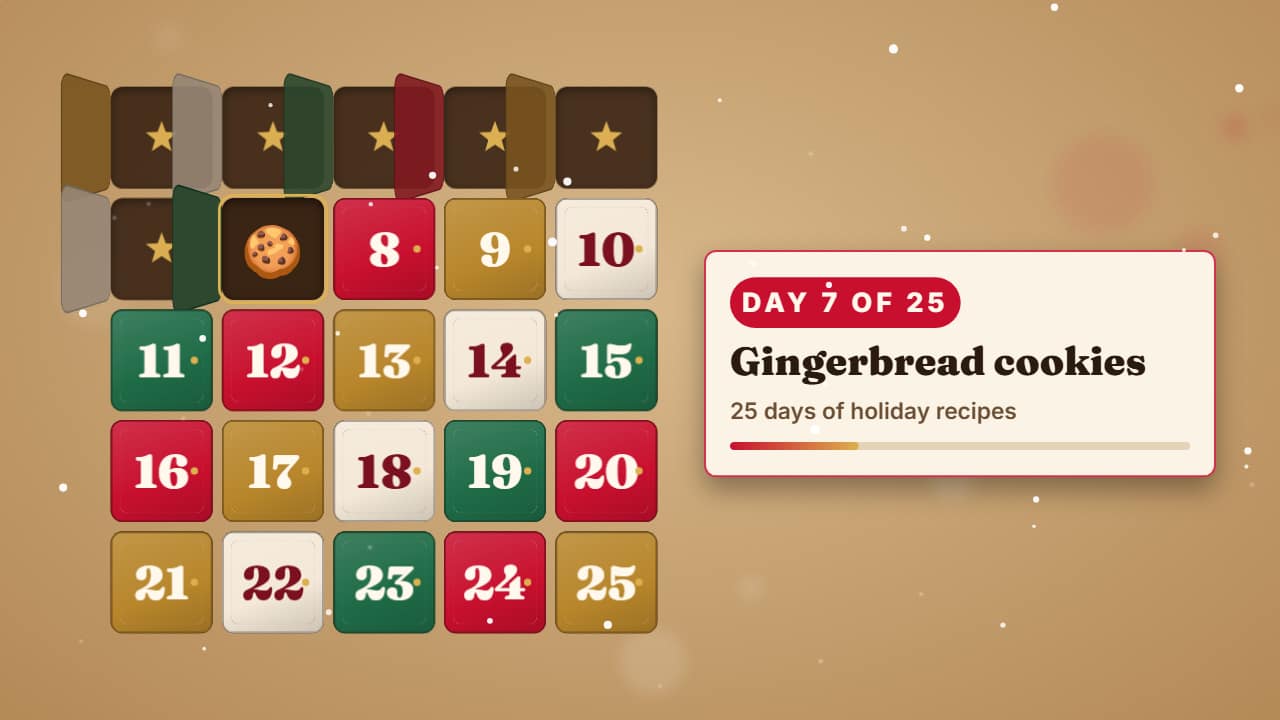 Advent calendar day counterFor your «25 days of…» Shorts series: the calendar builds door by door, past days are already open and…
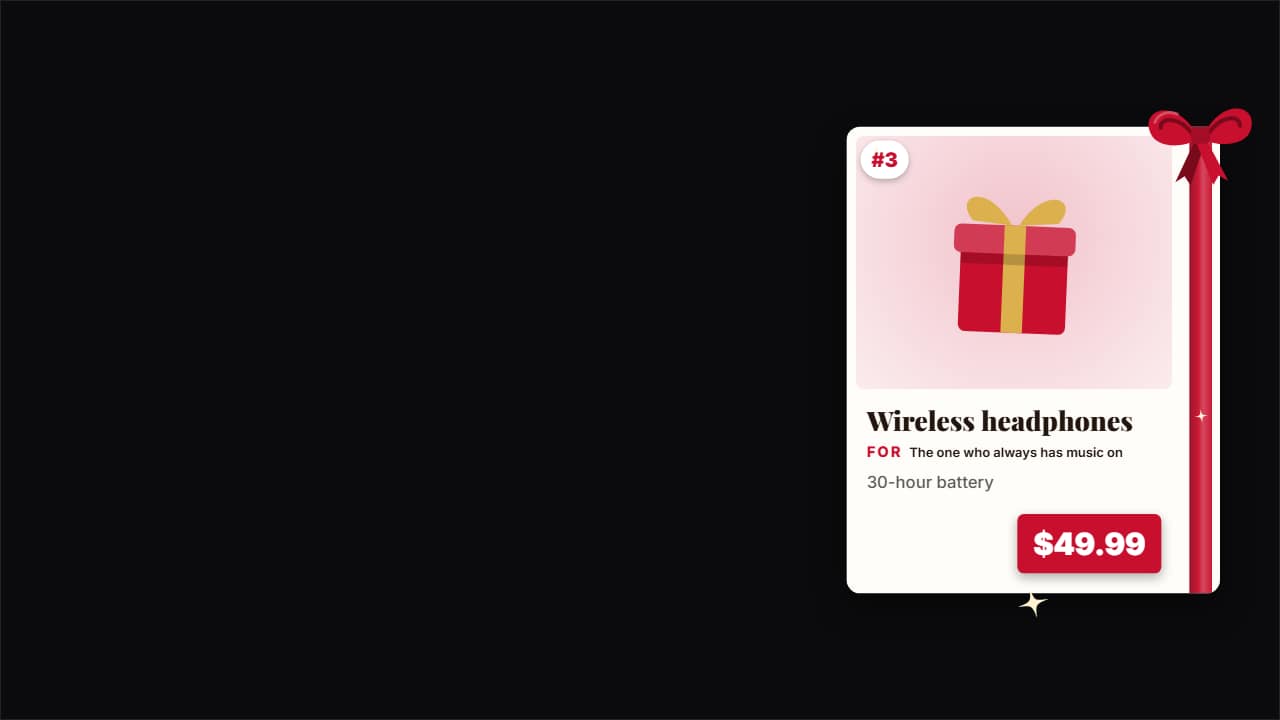 Gift guide cardThe product card for your «10 gifts for…» videos: the product photo, its number on the list, the name, «For…
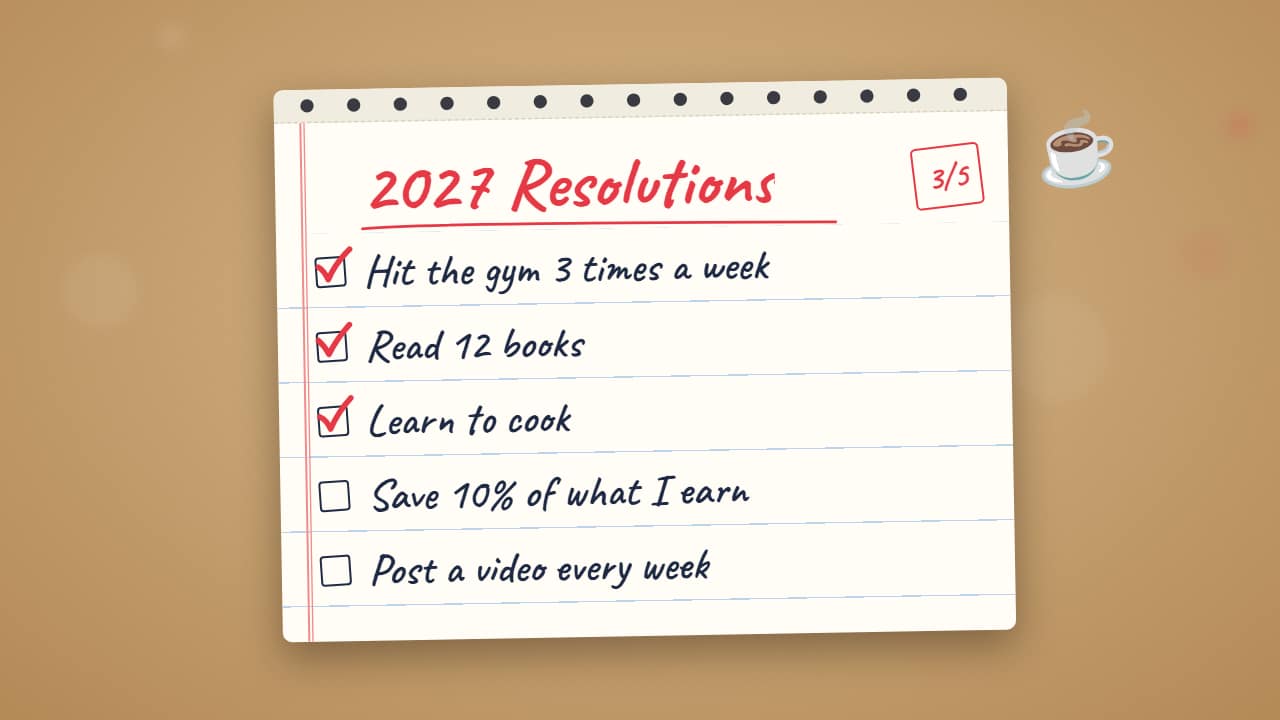 New Year's resolutions«2027 Resolutions» and your list: each one writes itself and, once they're all there, the ones you choose…
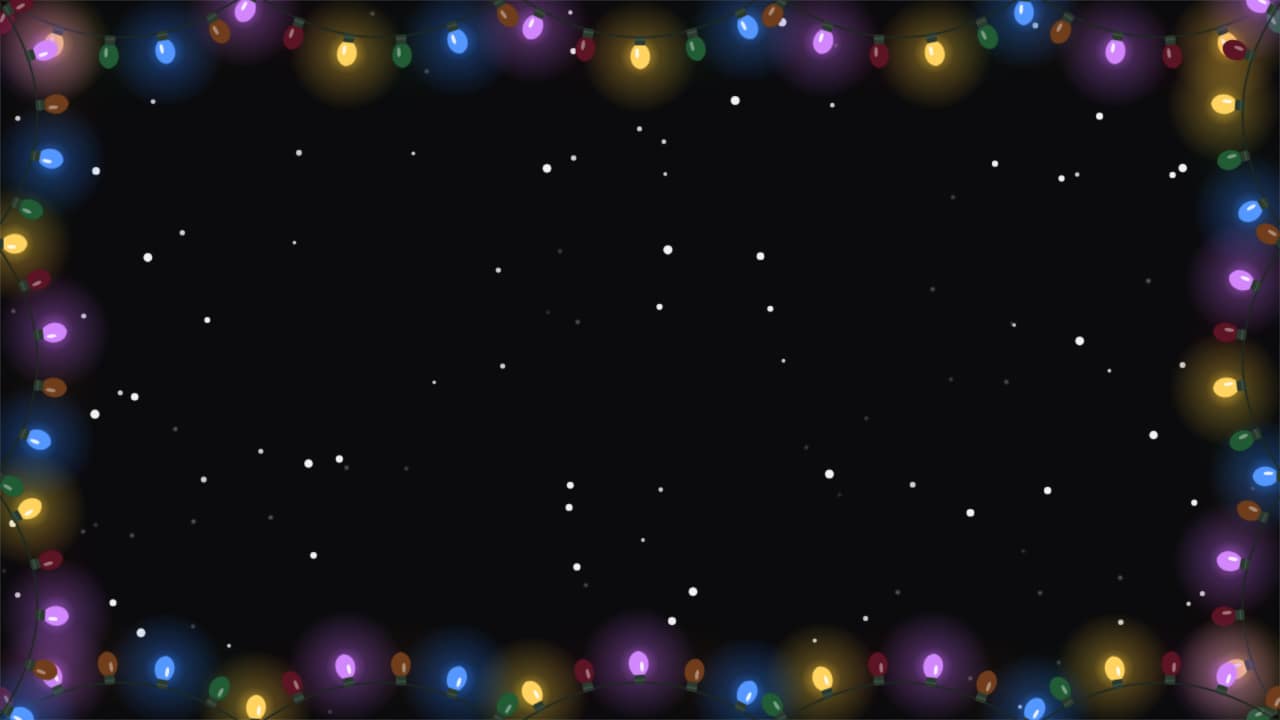 Holiday frameA frame of lights that stretches around your video and twinkles, with snow falling over the clip.
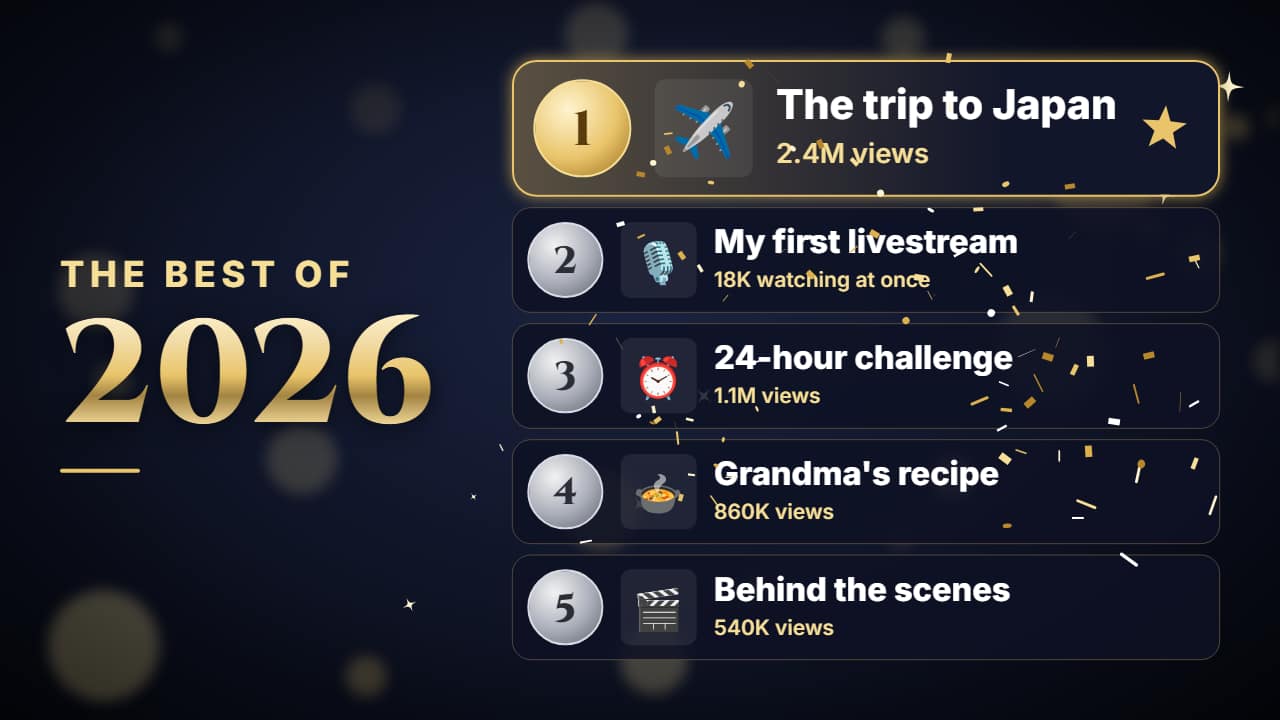 Best of the yearThe end-of-year ranking: «THE BEST OF 2026» and five spots revealed from 5 to 1, each with its emoji or…
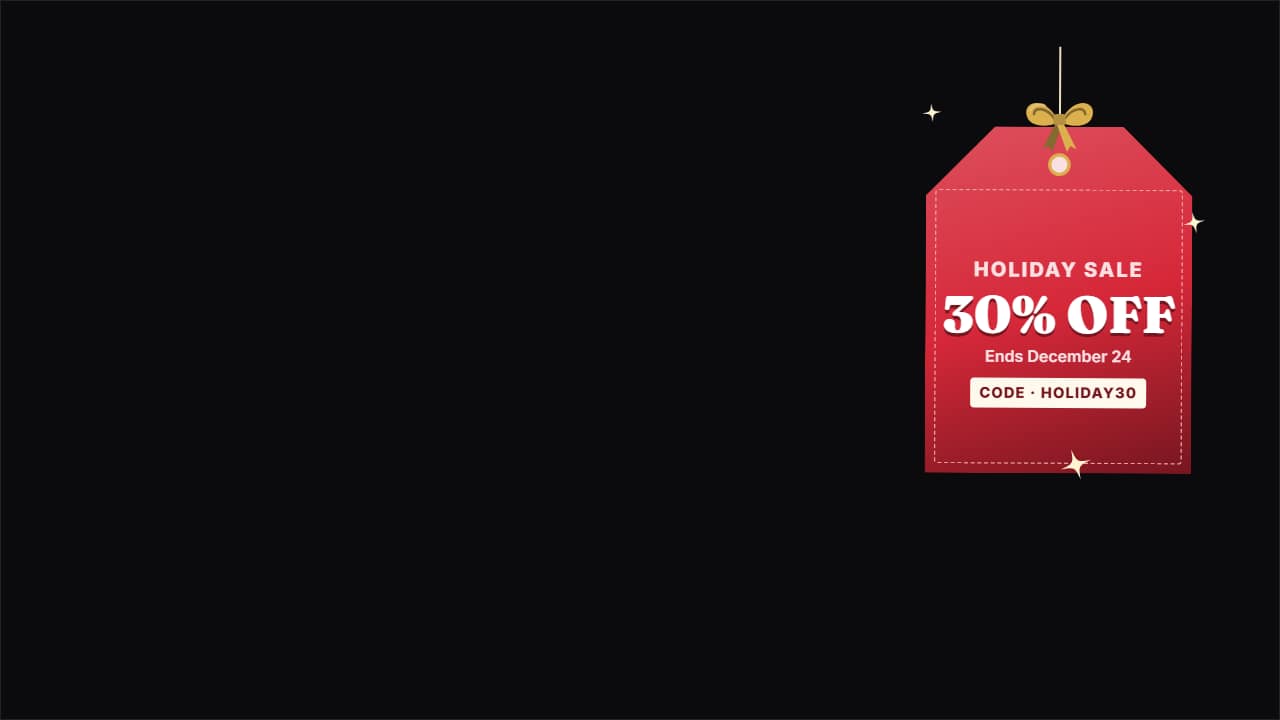 Holiday sale badgeThe discount tag for product channels and shops: «-30%», «Holiday sale», how long it lasts and, if you want…
Questions
- Can I change the year?
- Yes. The year and every text are fields, so the templates are reusable next season.
- Can I use my photos in the year in review?
- Yes. It takes four to six of your photos or clips, each with its caption.
- Do I need After Effects?
- No. Every template is edited in your browser: type your text, choose colors and format (16:9, 9:16 or 1:1), watch the live preview and export.
- What do I export, and does it work in my editor?
- Most templates export as a ProRes 4444 .mov with a transparent background, which you place on a track above your clip in CapCut, Premiere Pro, DaVinci Resolve or Final Cut Pro. You can also export an MP4 with your own clip behind it. Always in Full HD.
- Is it free?
- Editing and previewing are free and need no account. To export you sign in with Google; during the open beta, new accounts get export credits at no cost.