Animated Timeline Templates for History Videos
History videos live on dates, and dates are easier to follow when you can see them. Here you will find horizontal and vertical timelines whose milestones open one by one, a life timeline with the age counting up, family trees and org charts that lay themselves out from an indented list, and a band of eras where each period is exactly as long as it lasted.
There are also documentary place-and-date cards, a then-and-now curtain for two images of the same place, a timeline bar that sits over your footage and the classic «six months later» card. Type your dates and events and export.
12 templates · 16:9 · 9:16 · 1:1Open them in the library
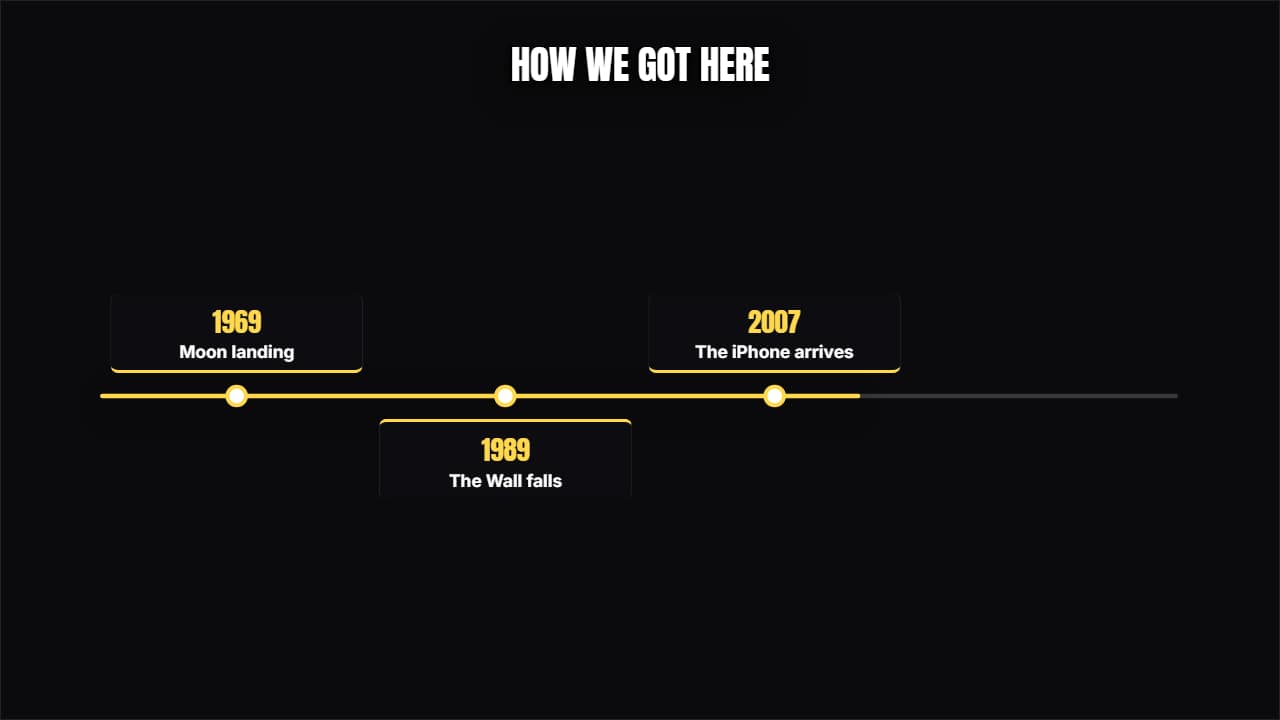 TimelineThe line advances and each milestone opens its card above and below, alternating.
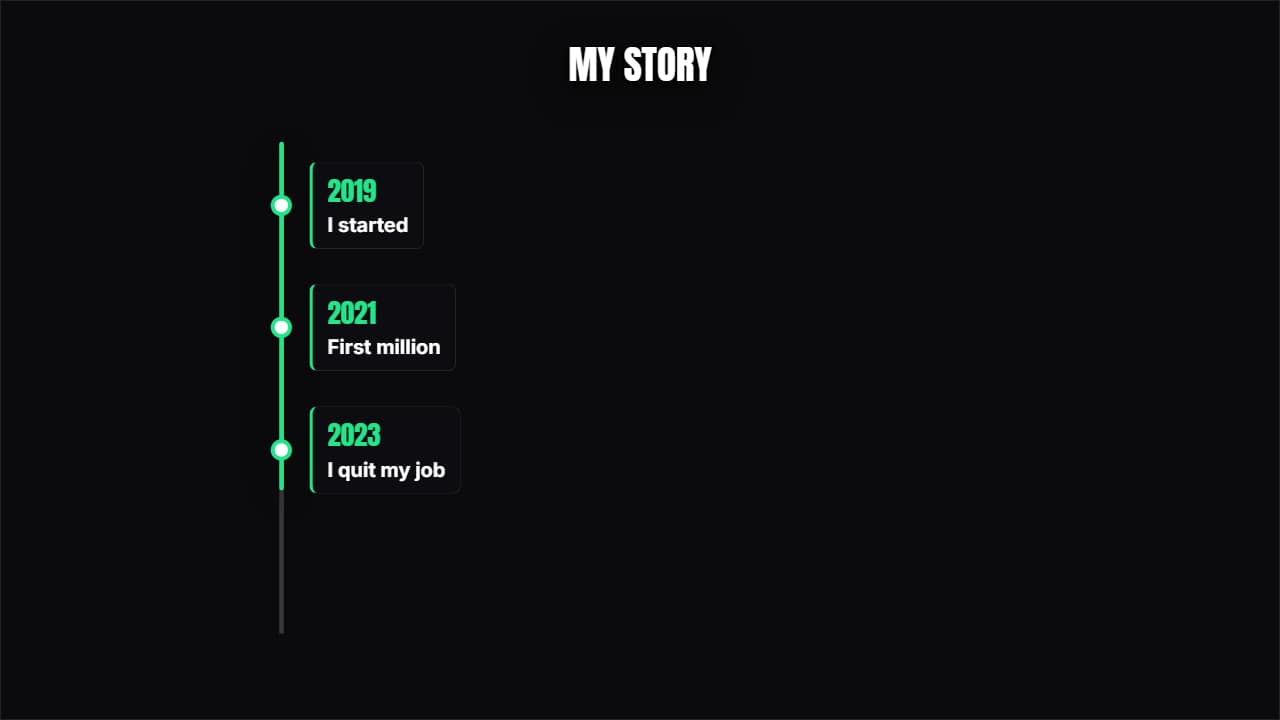 Vertical timelineThe years come down one side and each one opens its card. Built for 9:16 but it works anywhere.
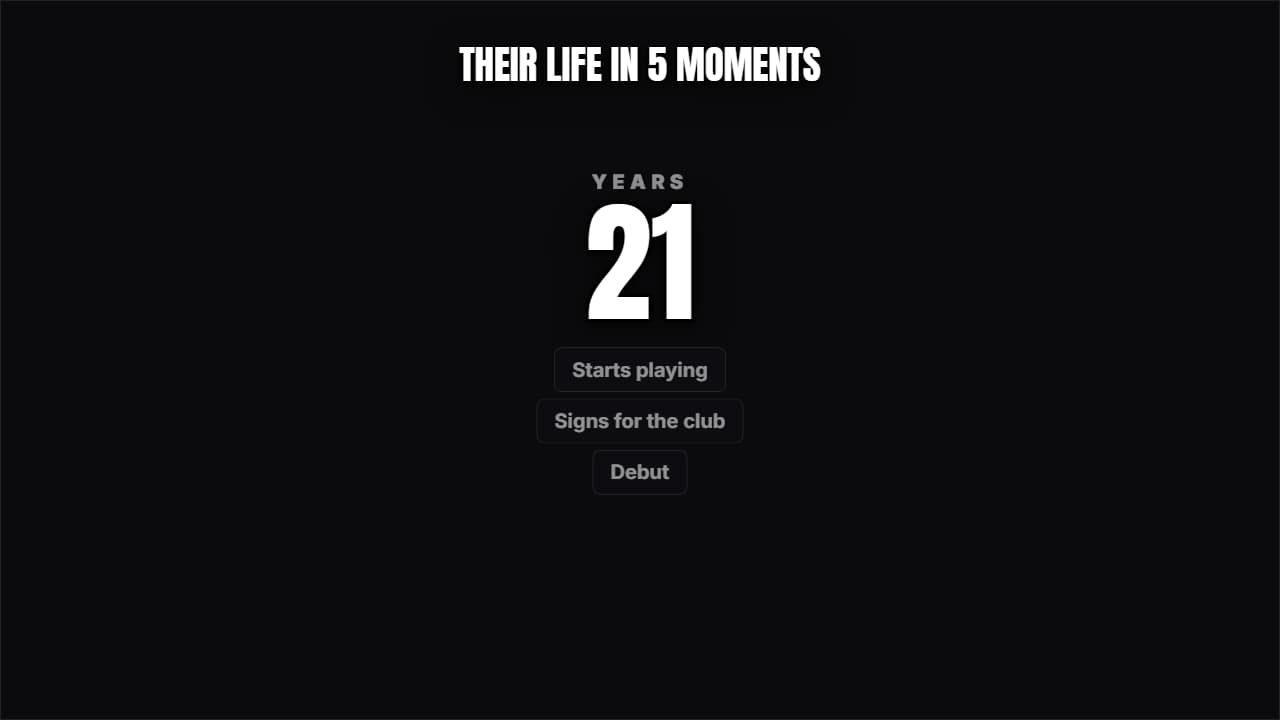 Someone's lifeA giant number (the age or the year) climbing while the milestones pile up underneath.
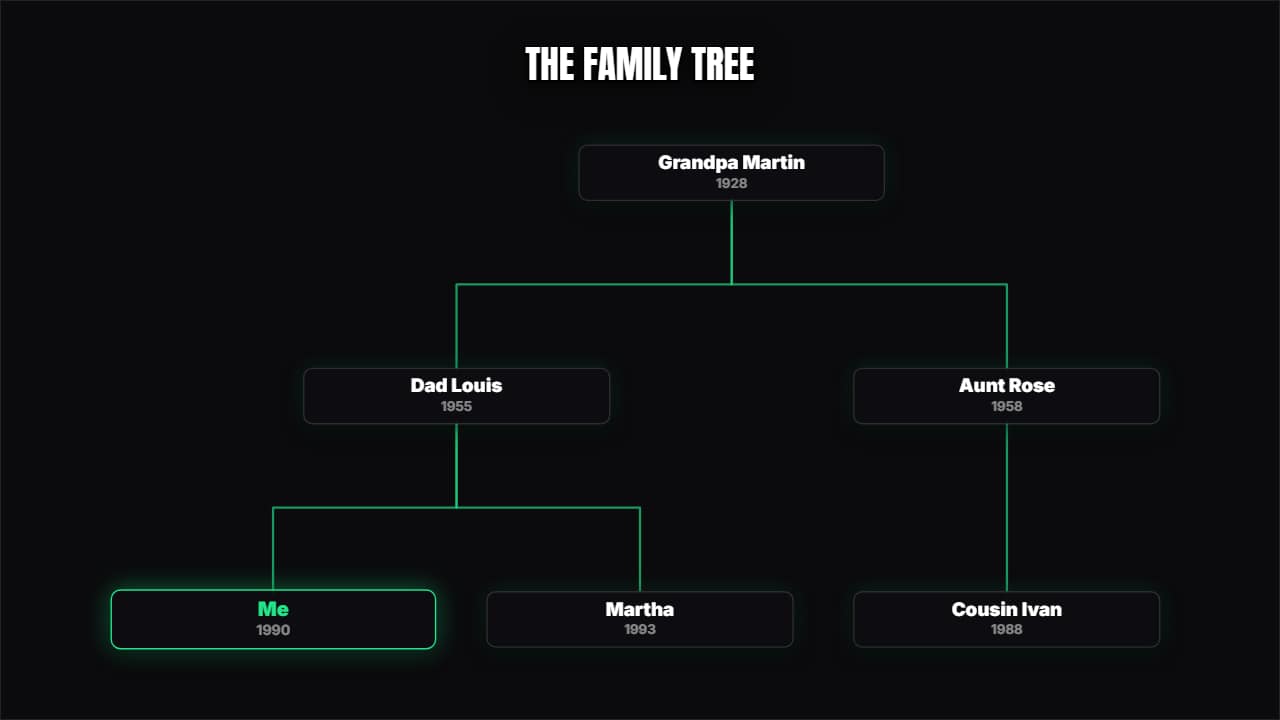 Family tree / org chartYou type with indentation and the tree lays itself out, with the branches drawing themselves.
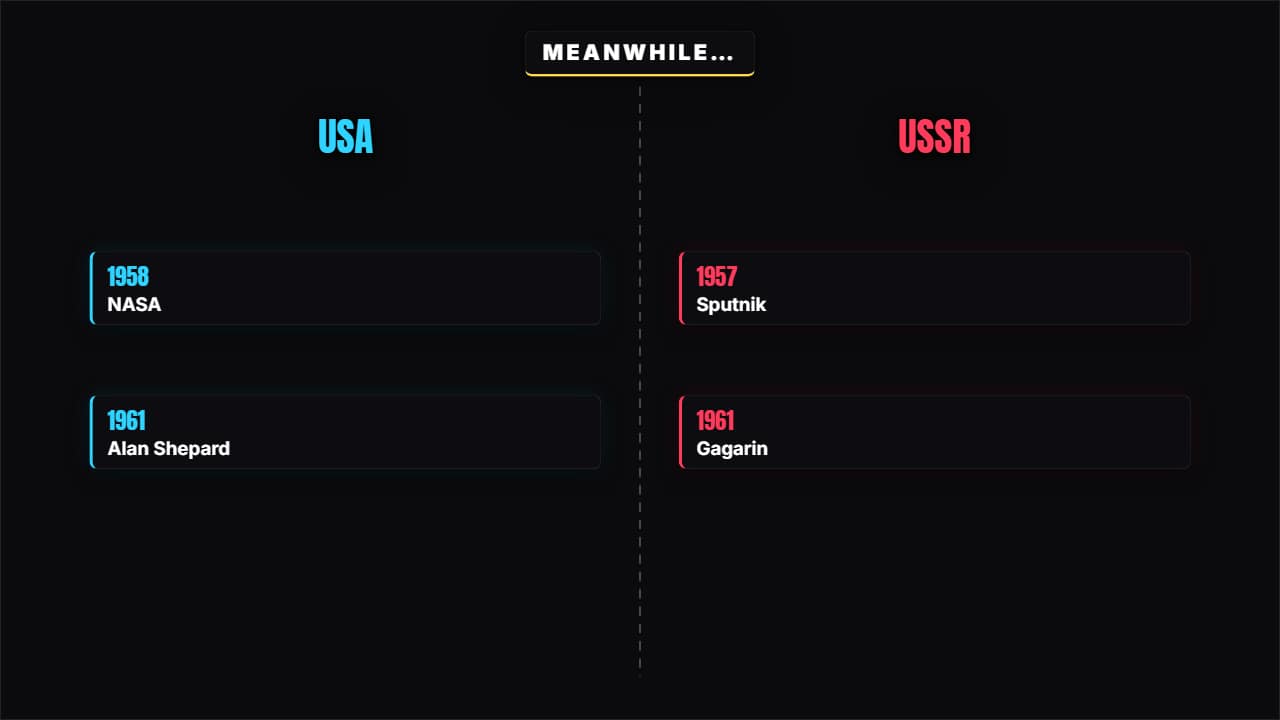 Meanwhile in…A split screen with two timelines advancing at once. For two sides, two companies or two lives in parallel.
 The same place, before and afterA curtain sweeping across the frame between two images with their dates.
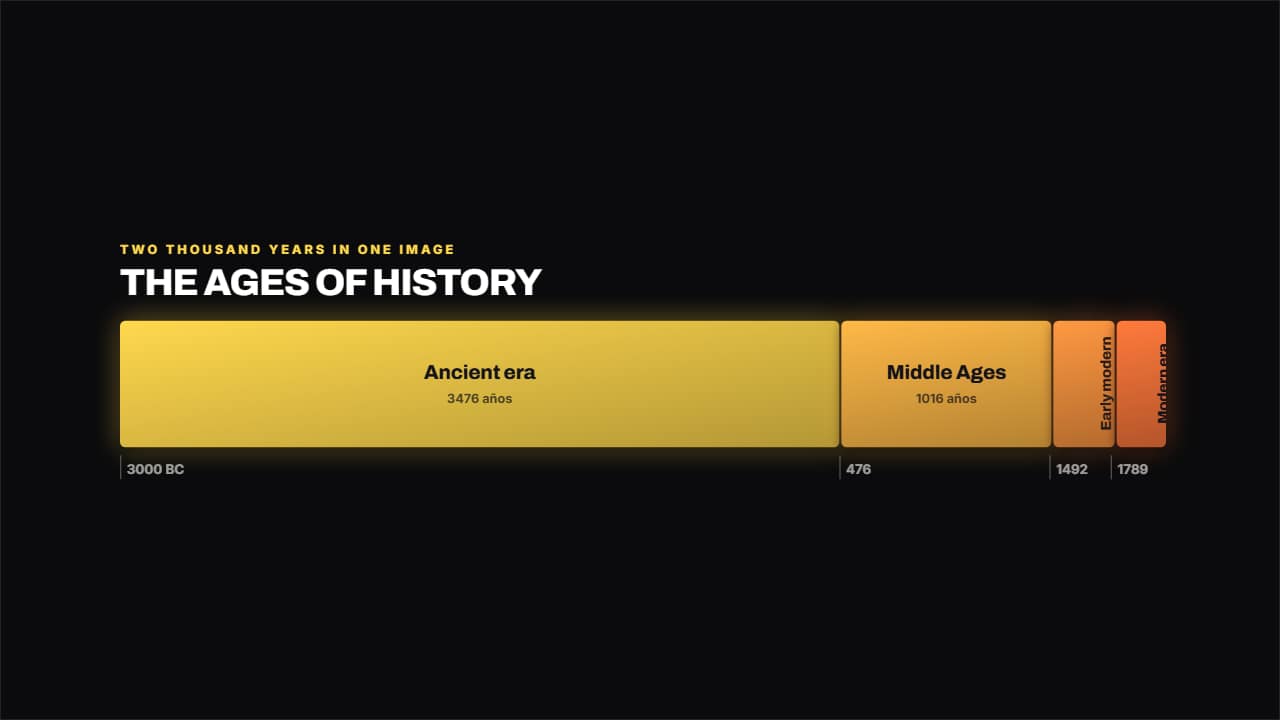 Band of erasEach era takes up exactly as long as it lasted, so at a glance you see that the Middle Ages ran a thousand…
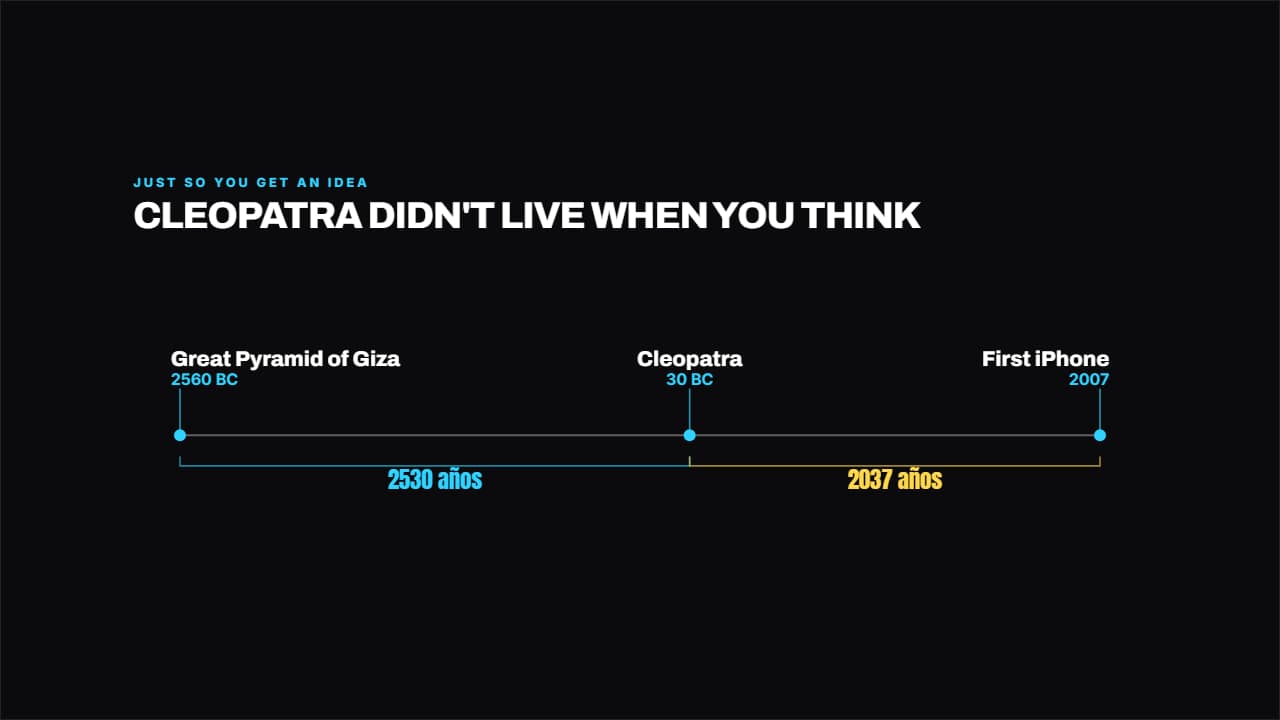 The distance in timePuts two or three dates to scale and measures the years in between.
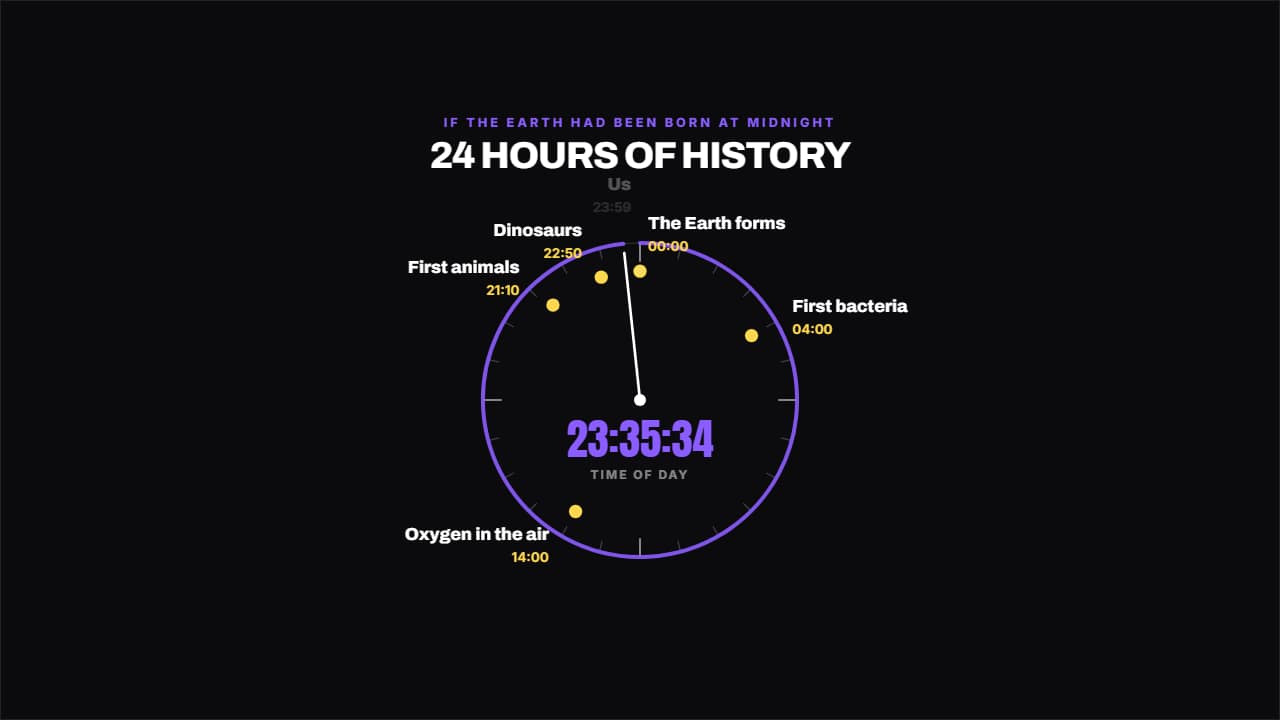 The clock of historyIf it all fitted into 24 hours, what time do we show up?
 Place and dateThe documentary card: where and when what you're watching is happening.
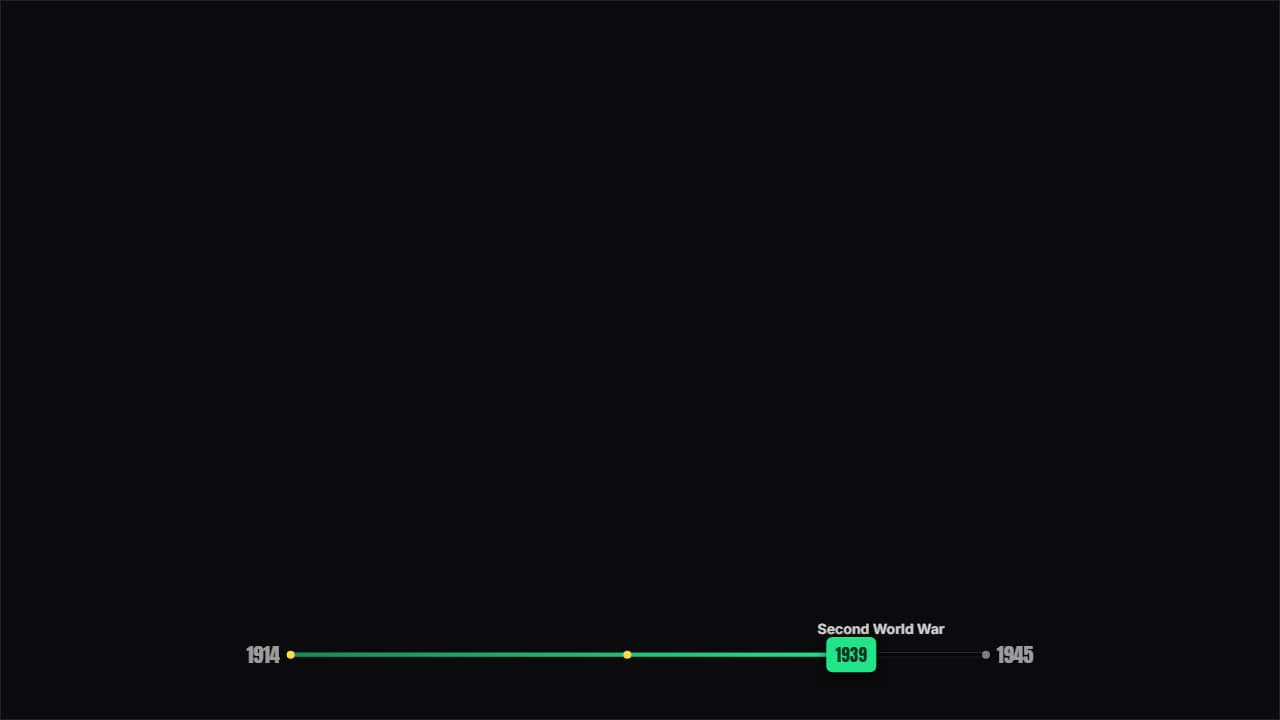 Timeline barA thin bar over the video showing where the story is between two years, with the stops marked and the cursor…
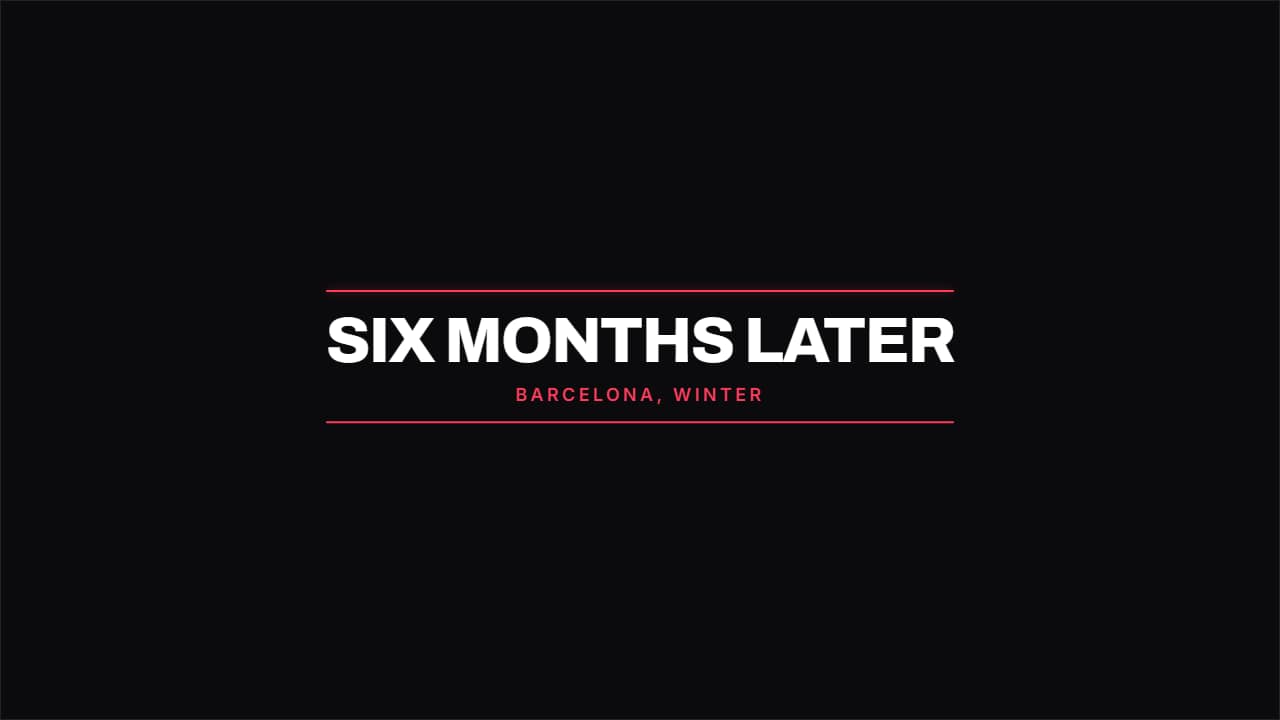 Time jump"SIX MONTHS LATER". The TV card you drop between two scenes to jump in time without explaining anything.
Questions
- How do I make the family tree?
- You type one name per line and indent the children with spaces. The tree lays itself out from that indentation and draws its branches in order.
- Is there a vertical timeline for Shorts?
- Yes. «Vertical timeline» is designed for 9:16 and also works in 16:9 and 1:1, like every template here.
- Do I need After Effects?
- No. Every template is edited in your browser: type your text, choose colors and format (16:9, 9:16 or 1:1), watch the live preview and export.
- What do I export, and does it work in my editor?
- Most templates export as a ProRes 4444 .mov with a transparent background, which you place on a track above your clip in CapCut, Premiere Pro, DaVinci Resolve or Final Cut Pro. You can also export an MP4 with your own clip behind it. Always in Full HD.
- Is it free?
- Editing and previewing are free and need no account. To export you sign in with Google; during the open beta, new accounts get export credits at no cost.