Cooking Video Templates — Recipes, Ingredients, Timers
Recipe videos are easier to follow when the key information stays on screen. These templates put it there cleanly: ingredients with amounts in their own aligned column, steps with how long each one takes, a nutrition table with calories counting up and macros in proportional bars, and an oven card with temperature, time and mode.
A cooking timer counts down at real speed in a corner, a conversion chart turns cups into grams, and a recipe cover opens the video with time, servings and difficulty. There are also substitutes for missing ingredients, a shopping list with prices, do's and don'ts and the order of the recipe.
12 templates · 16:9 · 9:16 · 1:1Open them in the library
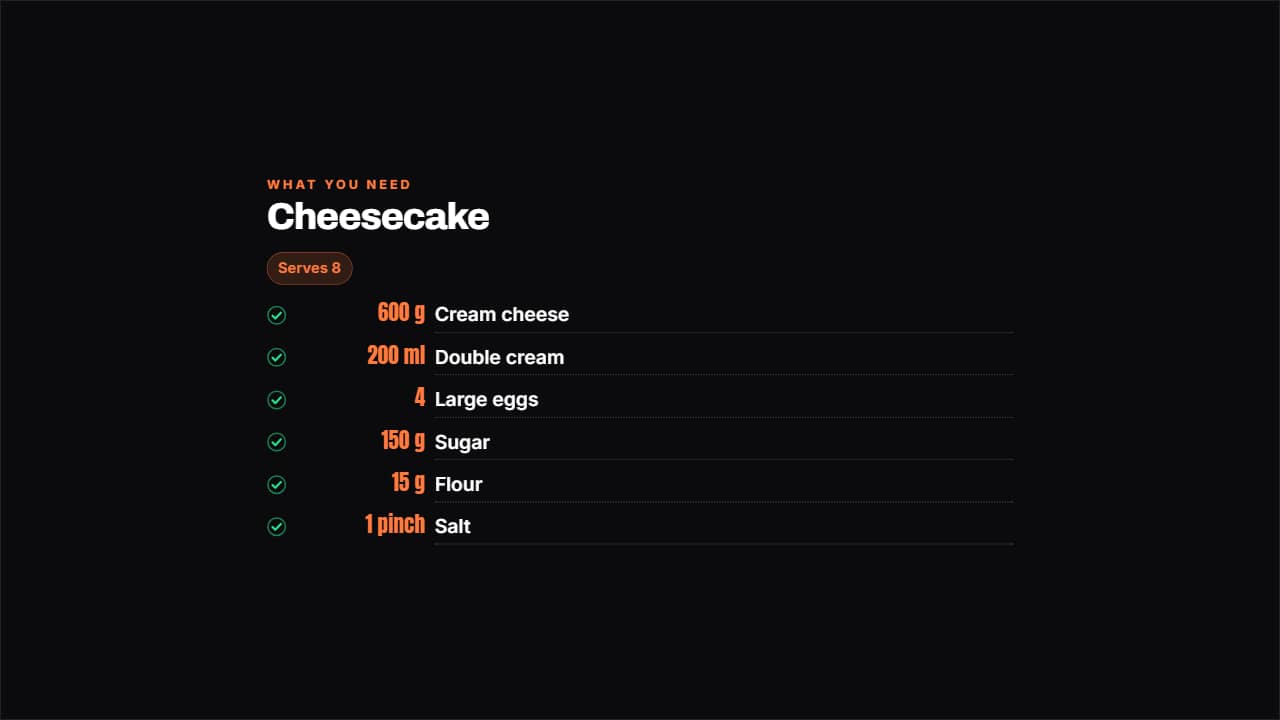 Ingredients with amountsThe amount in its own aligned column, the ingredient beside it and a dotted rule joining them; each line…
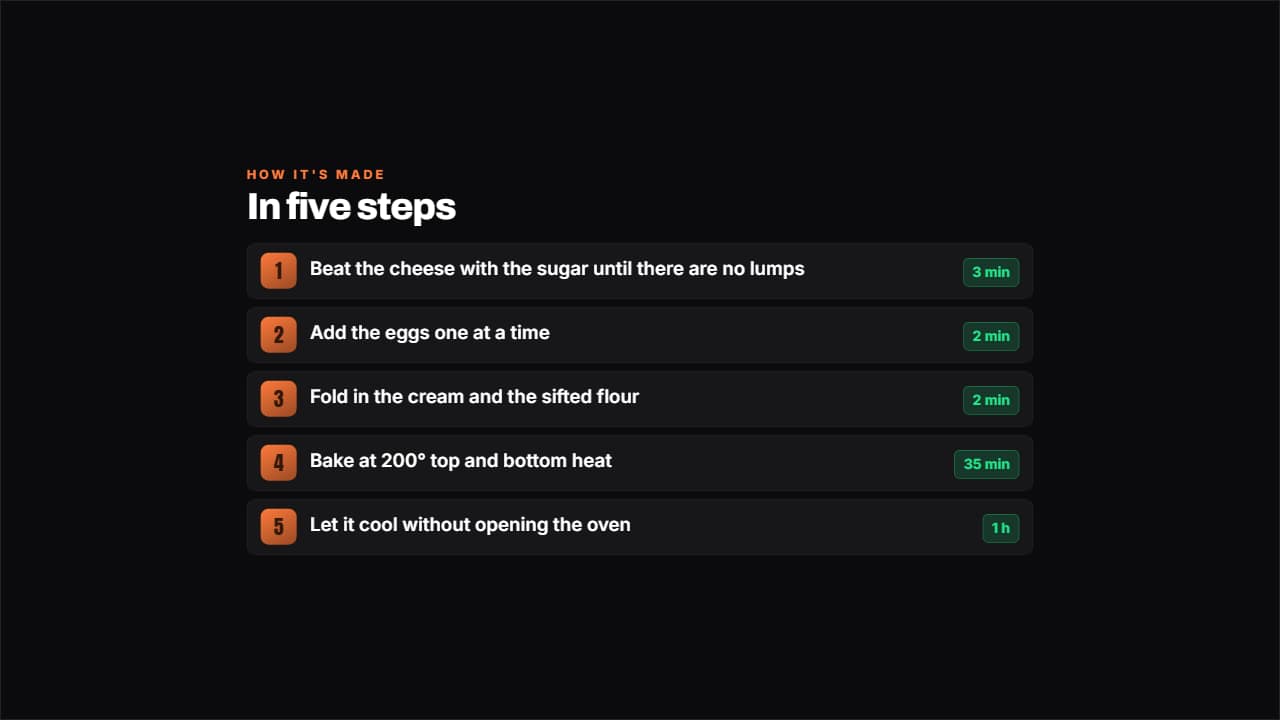 Step by step with timingsEach step with its number on a colored badge and, if you want, how many minutes it takes on a separate tag.
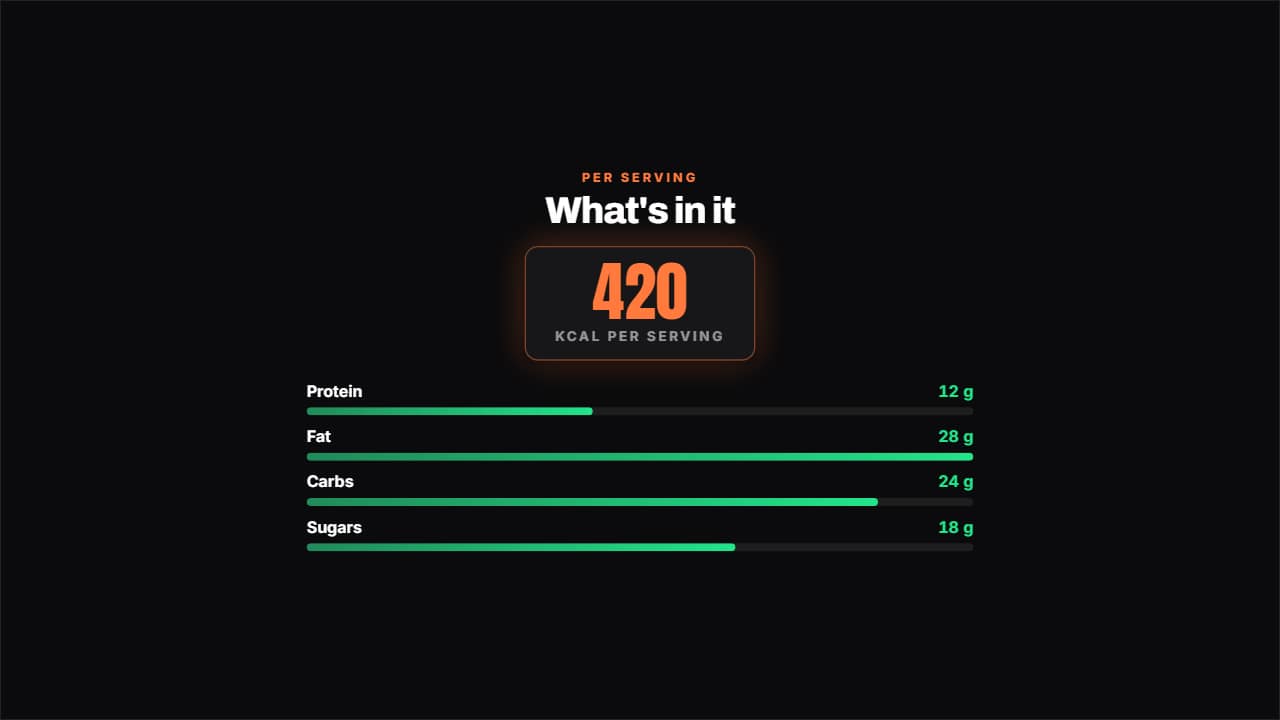 Nutrition tableThe calories large and counting up, with the macros in proportional bars underneath.
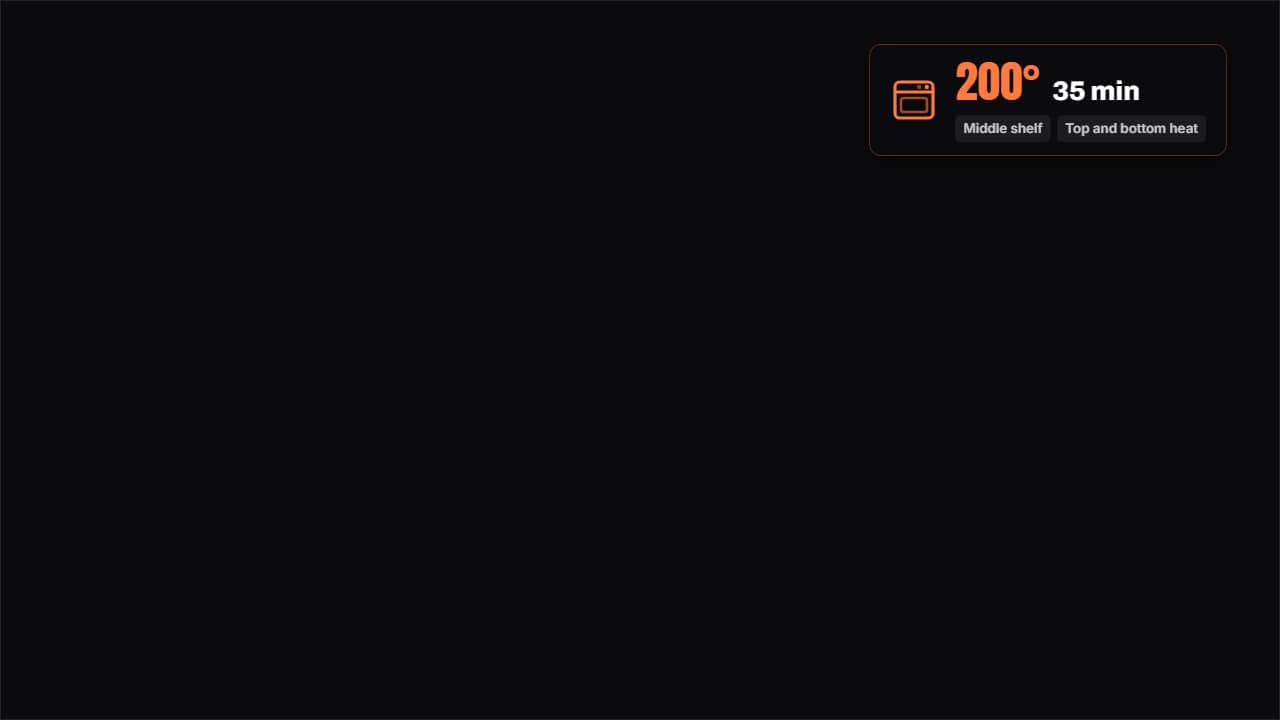 Oven cardTemperature, time, shelf height and mode, on a badge that stays over the video while you slide the dish in.
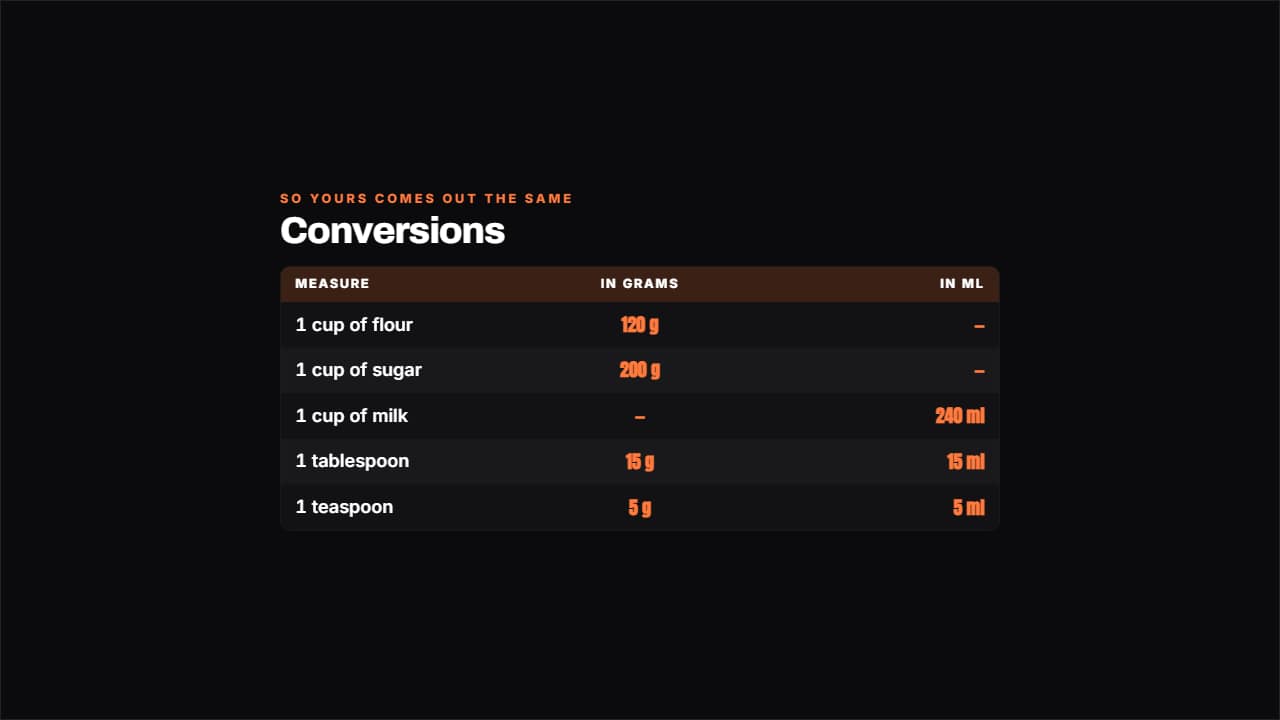 Conversion tableCups to grams, ounces to millilitres, tablespoons to centilitres.
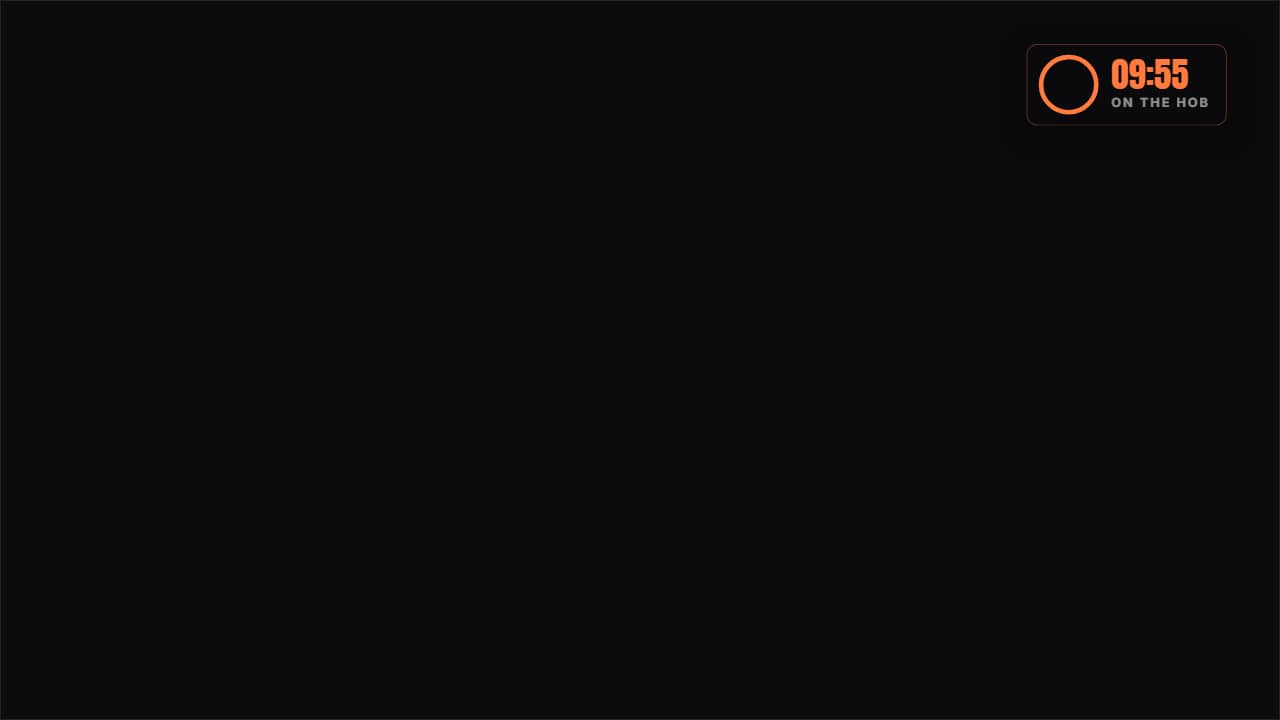 Cooking timerA real countdown in a corner: the ring empties at actual speed and the last stretch turns red, which is when…
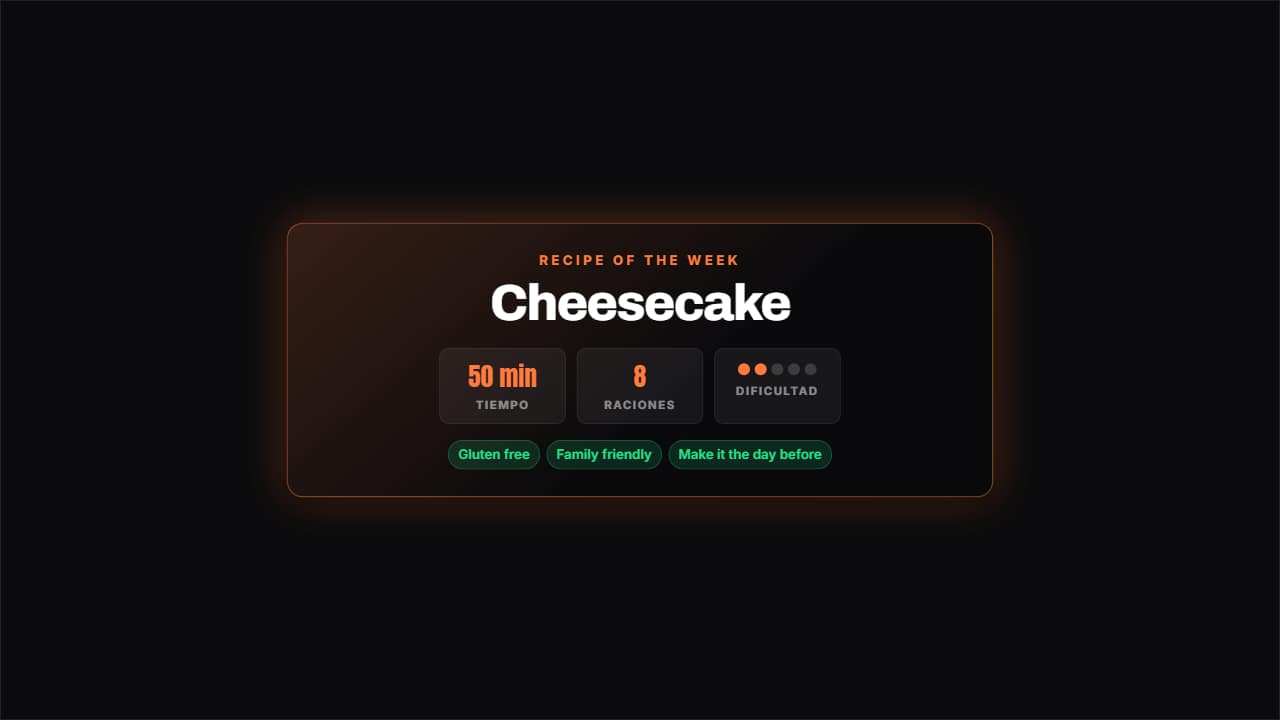 Recipe coverThe opening shot: dish name, total time, servings and difficulty in dots, with the recipe tags underneath.
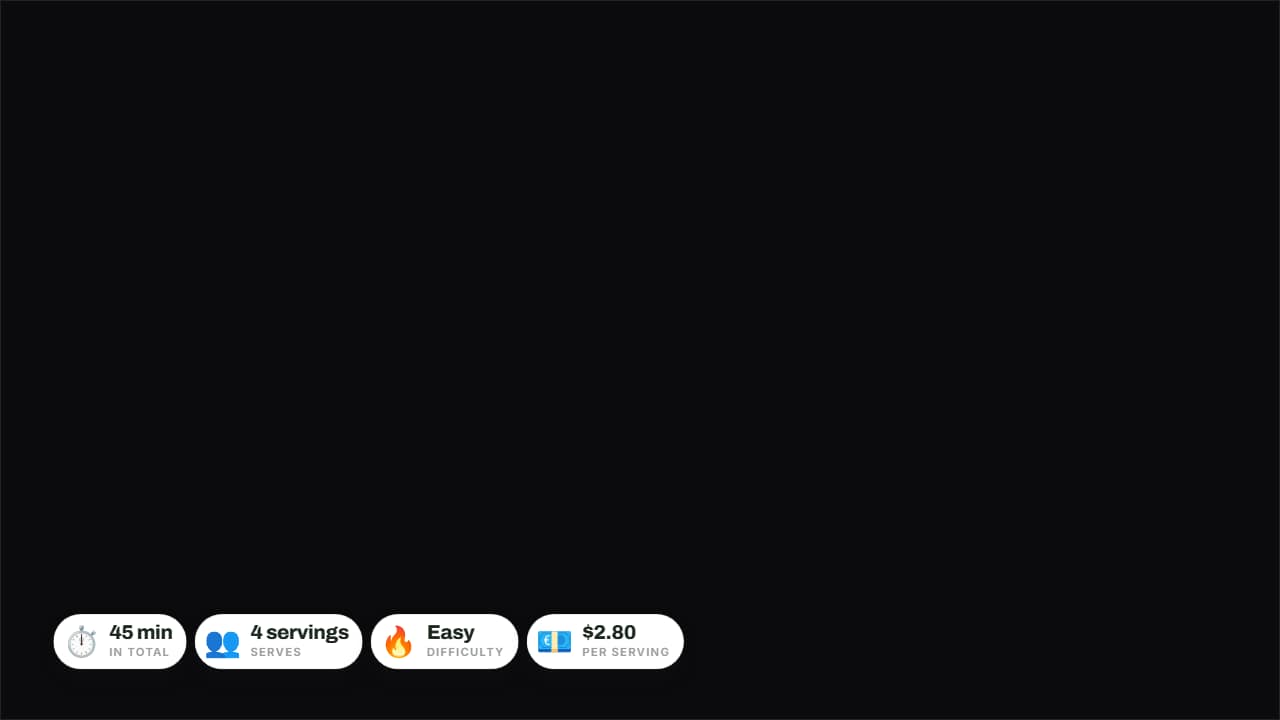 Quick dish cardThe four things people check at a glance — time, servings, difficulty and cost — on rounded badges over the…
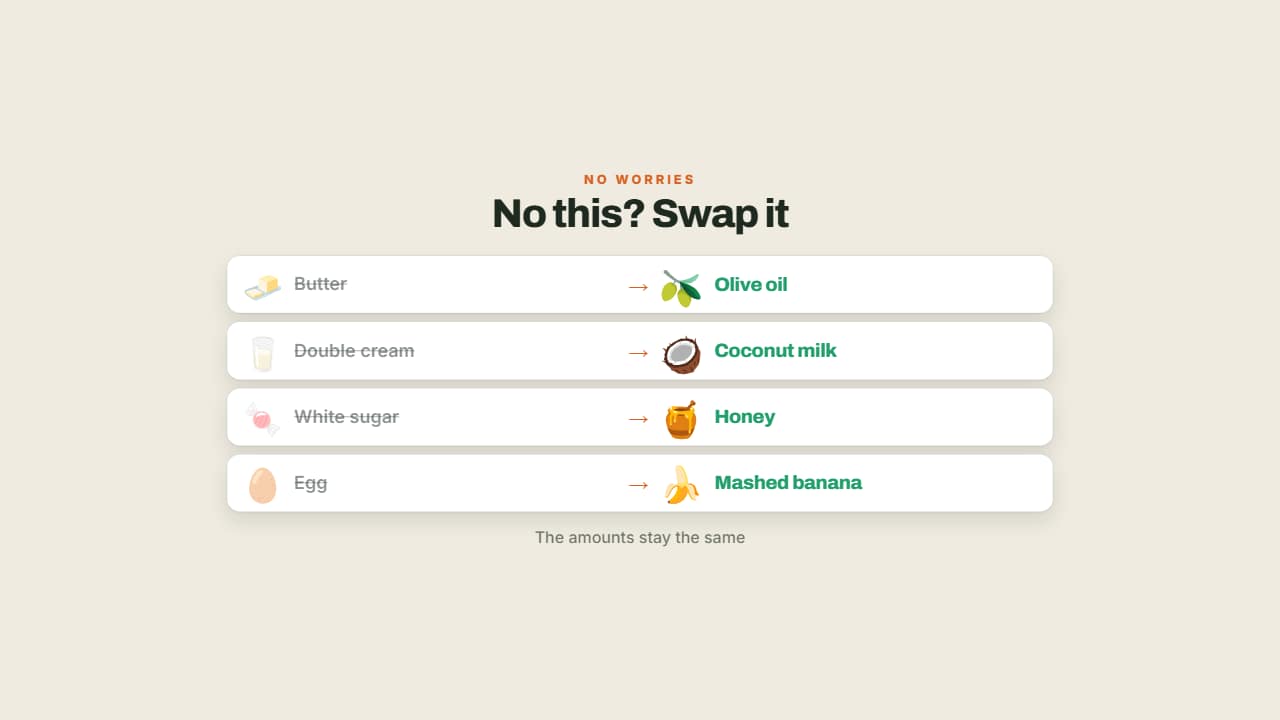 No this? Use thatWhat you're missing crossed out on the left and the workaround lit up on the right.
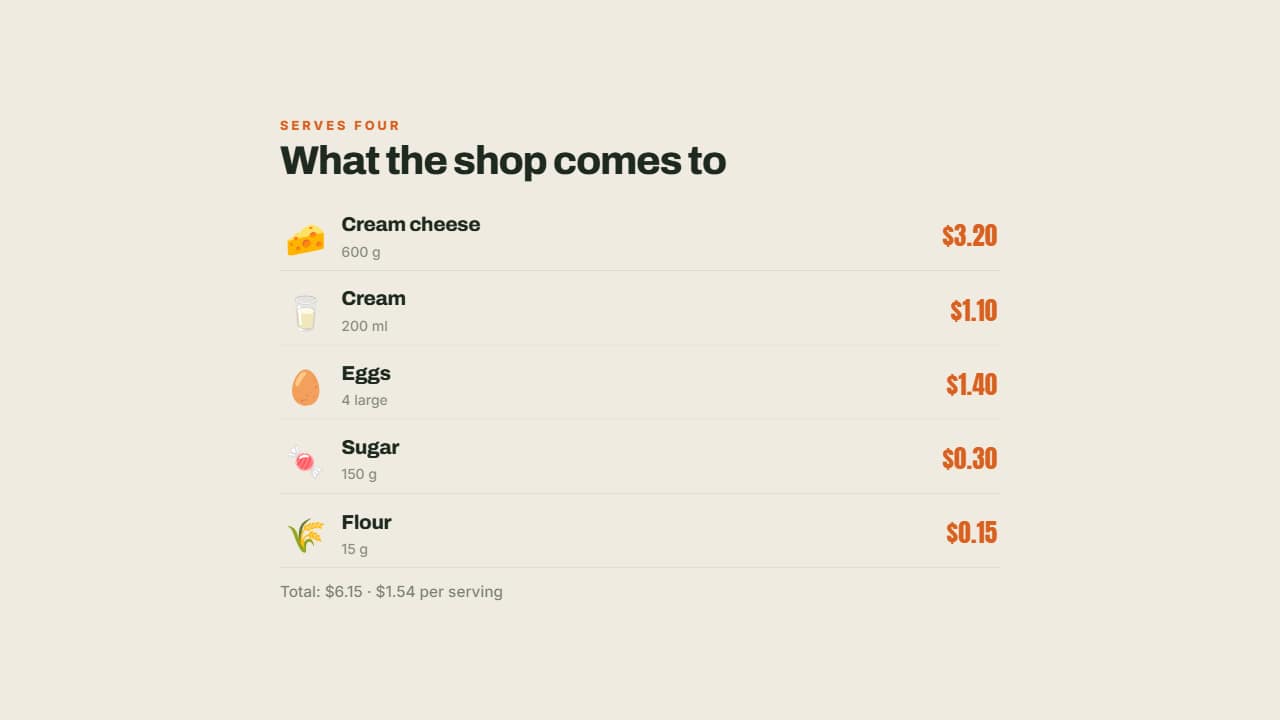 Shopping list with pricesEach ingredient with its emoji, its amount and what it costs on the right, aligned.
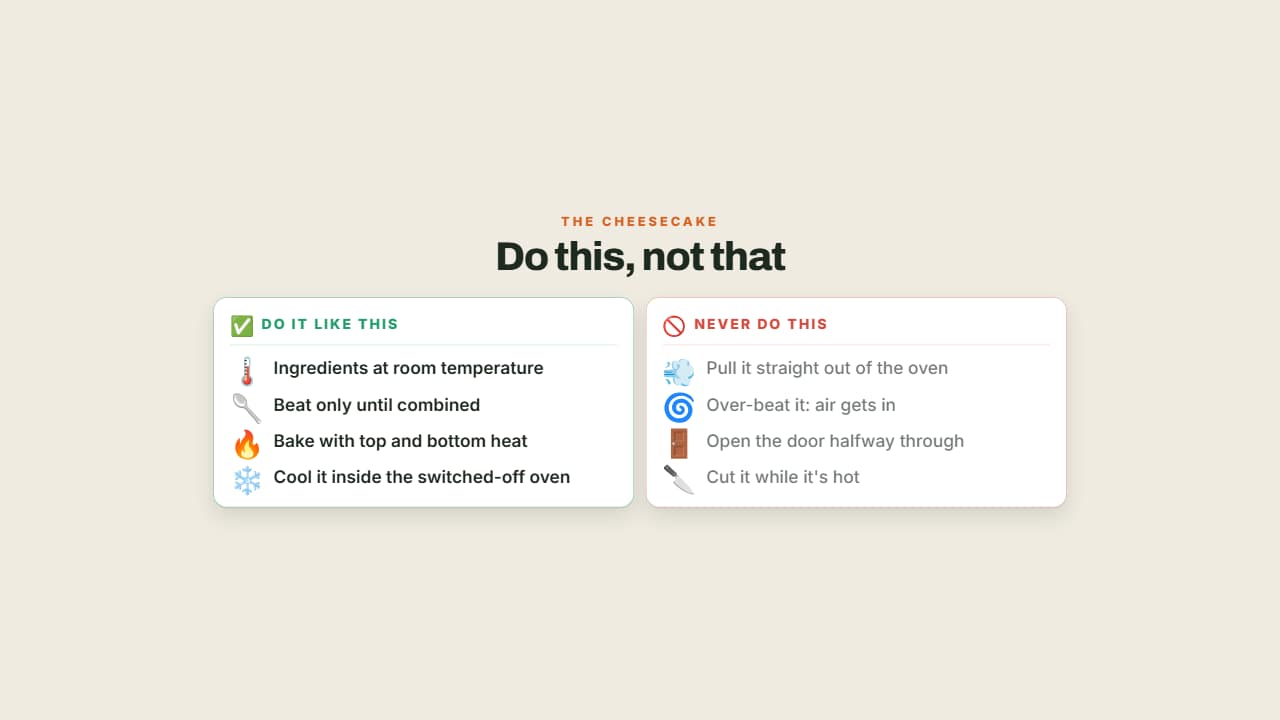 Do this, not thatTwo columns facing off with their emoji: what to do in green and the classic mistake in red and dimmed.
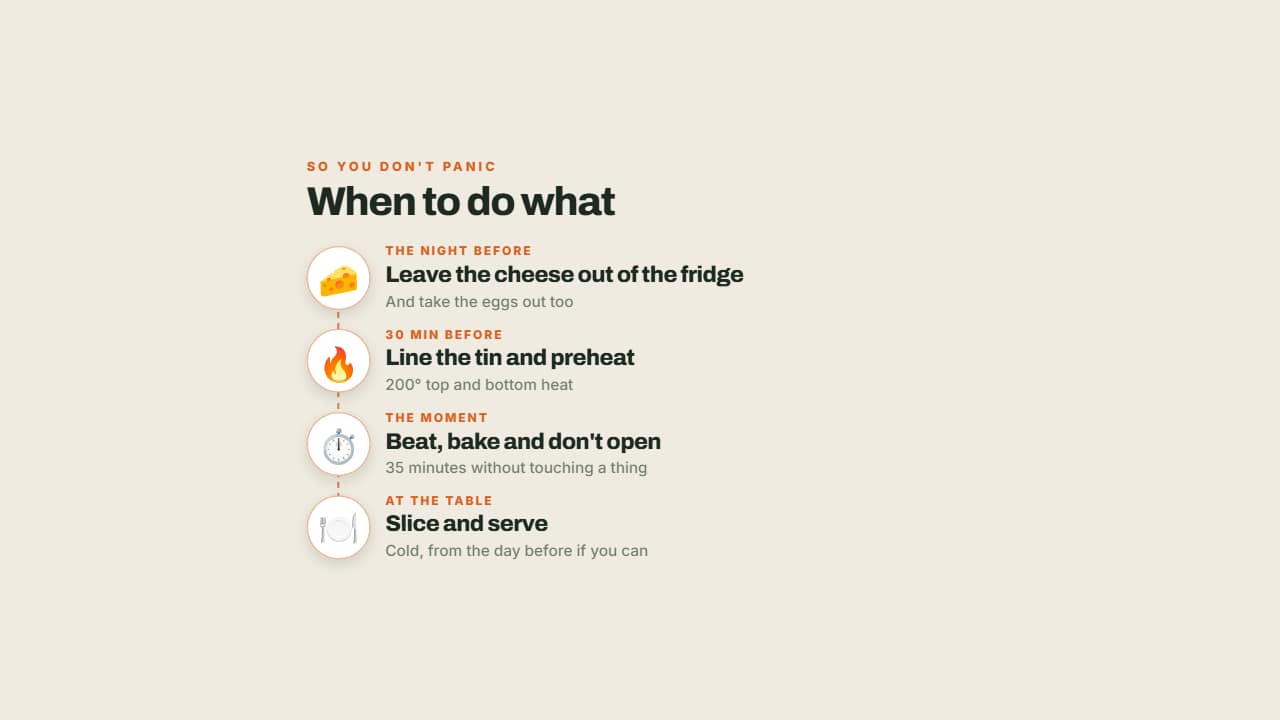 The order of the recipeThe night before, right before, and when serving: the moments on a vertical line with their emoji in a circle.
Questions
- Does the cooking timer run in real time?
- Yes. The ring empties at actual speed for the time you set, so you can lay it over the shot while something bakes or boils.
- Can I use metric and imperial units?
- You write the amounts and units yourself, so you can use grams, cups or both. The conversion chart shows the equivalences you choose.
- Do I need After Effects?
- No. Every template is edited in your browser: type your text, choose colors and format (16:9, 9:16 or 1:1), watch the live preview and export.
- What do I export, and does it work in my editor?
- Most templates export as a ProRes 4444 .mov with a transparent background, which you place on a track above your clip in CapCut, Premiere Pro, DaVinci Resolve or Final Cut Pro. You can also export an MP4 with your own clip behind it. Always in Full HD.
- Is it free?
- Editing and previewing are free and need no account. To export you sign in with Google; during the open beta, new accounts get export credits at no cost.