Editorial 3D Animations — Bar Races, Rolling Numbers and Word-by-Word Captions
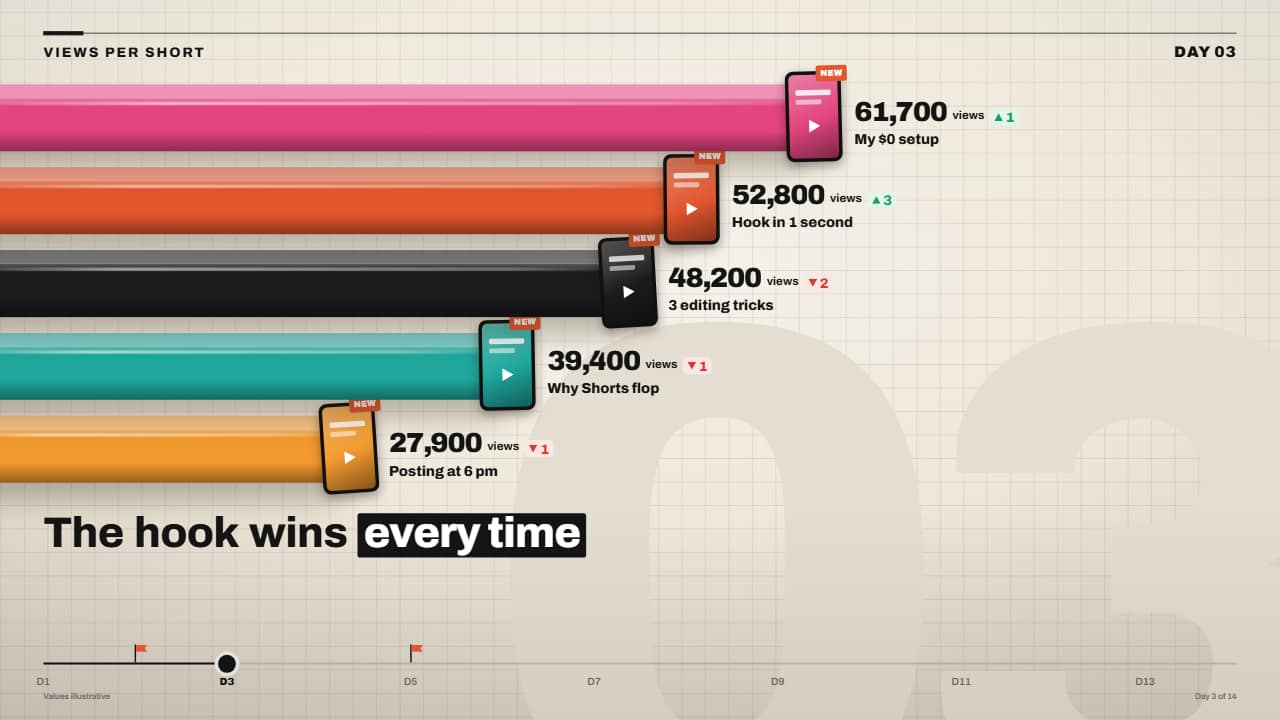 3D bar race with rolling numbers
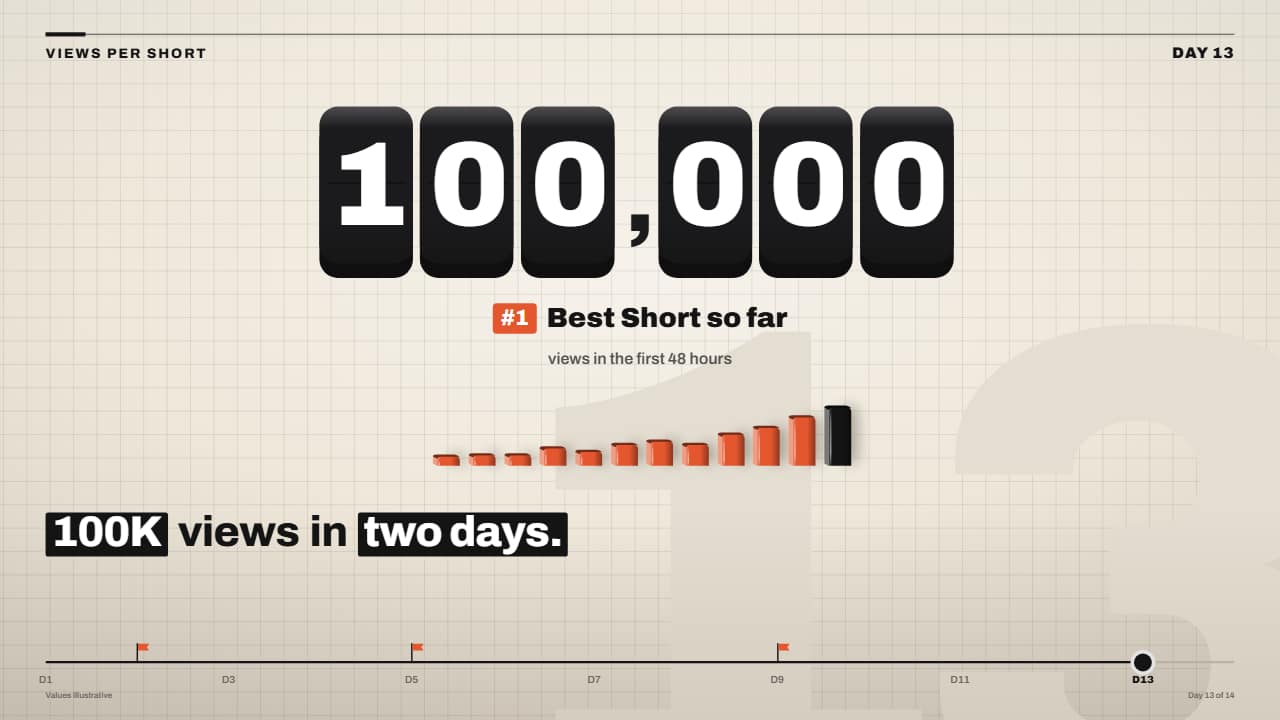 Giant odometer counter on 3D keys
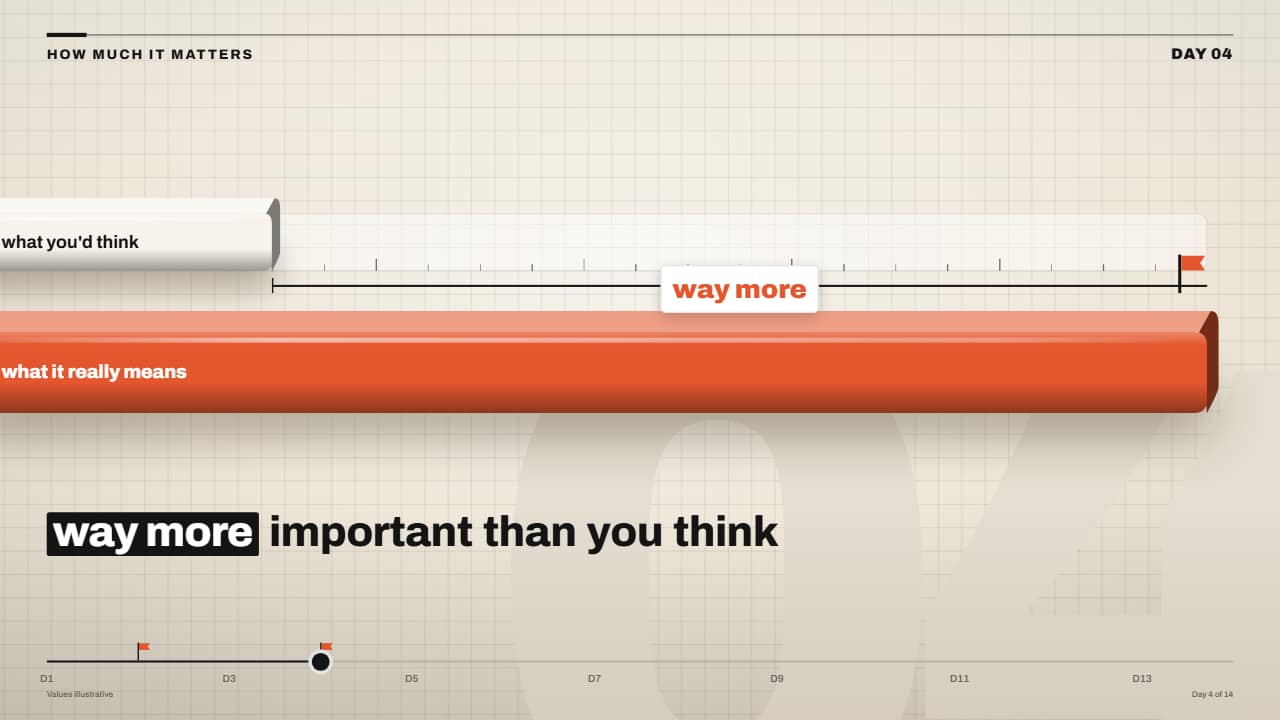 Expectation vs reality ruler that shatters
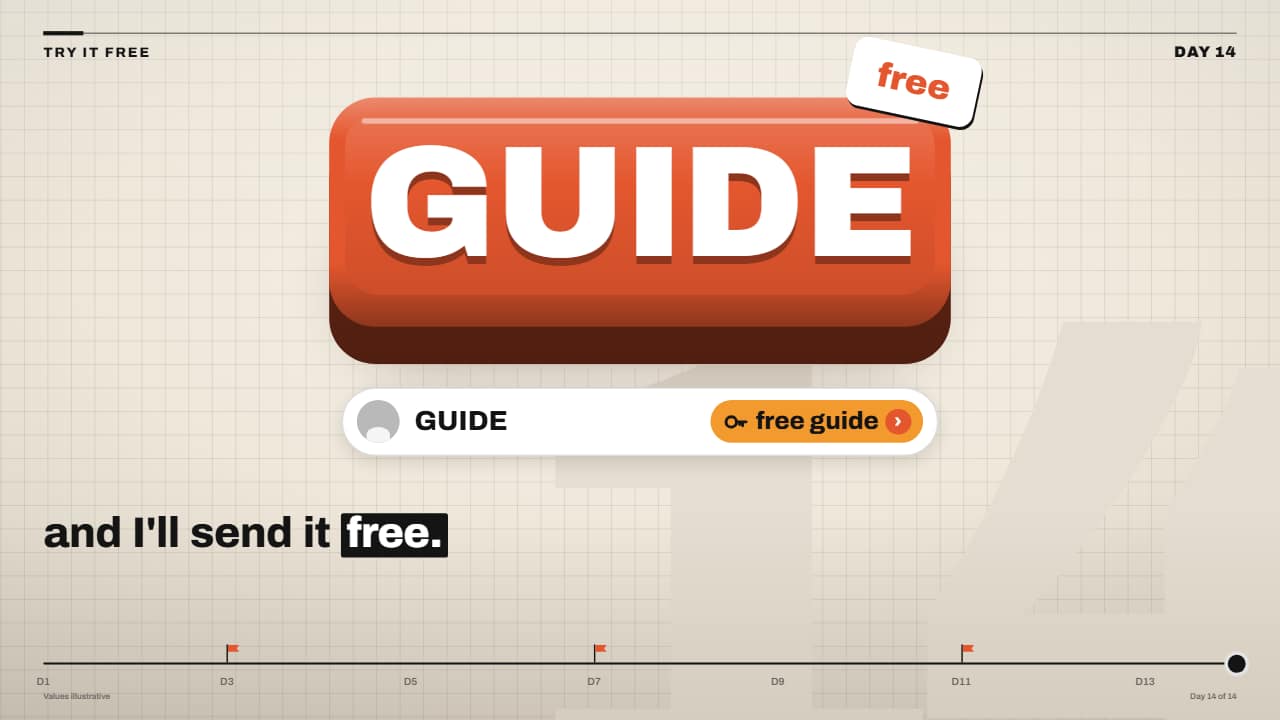 «Comment the keyword» 3D keycap CTA
The premium explainer reels that grow faceless channels share one look: cream paper with a faint grid, a giant faded section number, a slow camera push and chunky glossy 3D bars. These templates rebuild that craft so you can type your own numbers. Bars overtake each other in a tenth of a second, every digit rolls on its own wheel and the fast ones blur, and the caption lands word by word with a black box that wipes across the key words.
Each one carries the same header and a «Day 3 of 14» timeline, so a whole series looks like one show. Turn the paper off and export transparent to put them over your own footage in CapCut, Premiere, DaVinci or Final Cut.
12 templates · 16:9 · 9:16 · 1:1Open them in the library
- 3D bar race with rolling numbersChunky, glossy 3D bars that grow from the edge and overtake each other in a tenth of a second, each with its…
- Giant odometer counter on 3D keysThe big number on black 3D keys, one rolling wheel per key: the right ones spin so fast they blur and the…
- Expectation vs reality ruler that shattersA short light bar with a dashed marker («what you'd think») and a chunky orange bar («what it really means»)…
- «Comment the keyword» 3D keycap CTAThe faceless channel call to action: a giant orange keycap with the keyword drops and presses down, the…
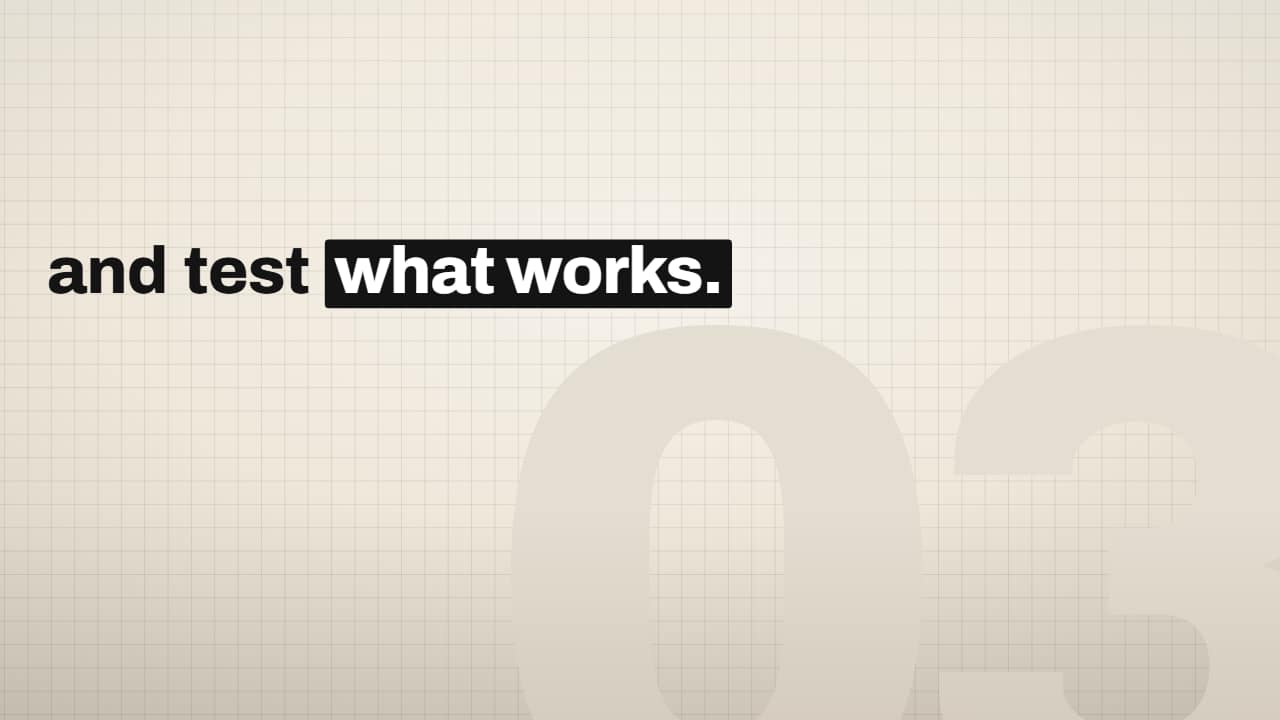 Editorial word-by-word caption with highlight boxPaste your sentence and mark the key words with *asterisks*: every word lands grey and slightly low, then…
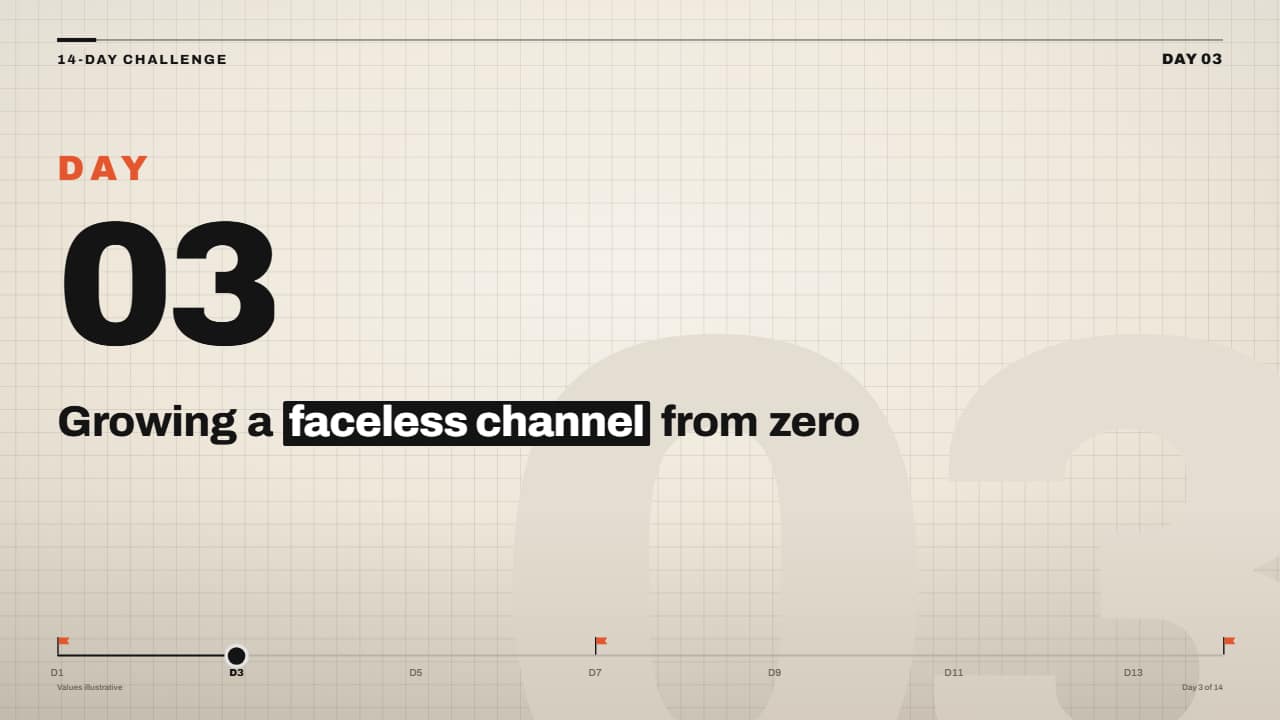 «Day 3 of 14» series frame with timelineFor challenge series and «I did X for 30 days» videos: the header with your label and «DAY 03» over the…
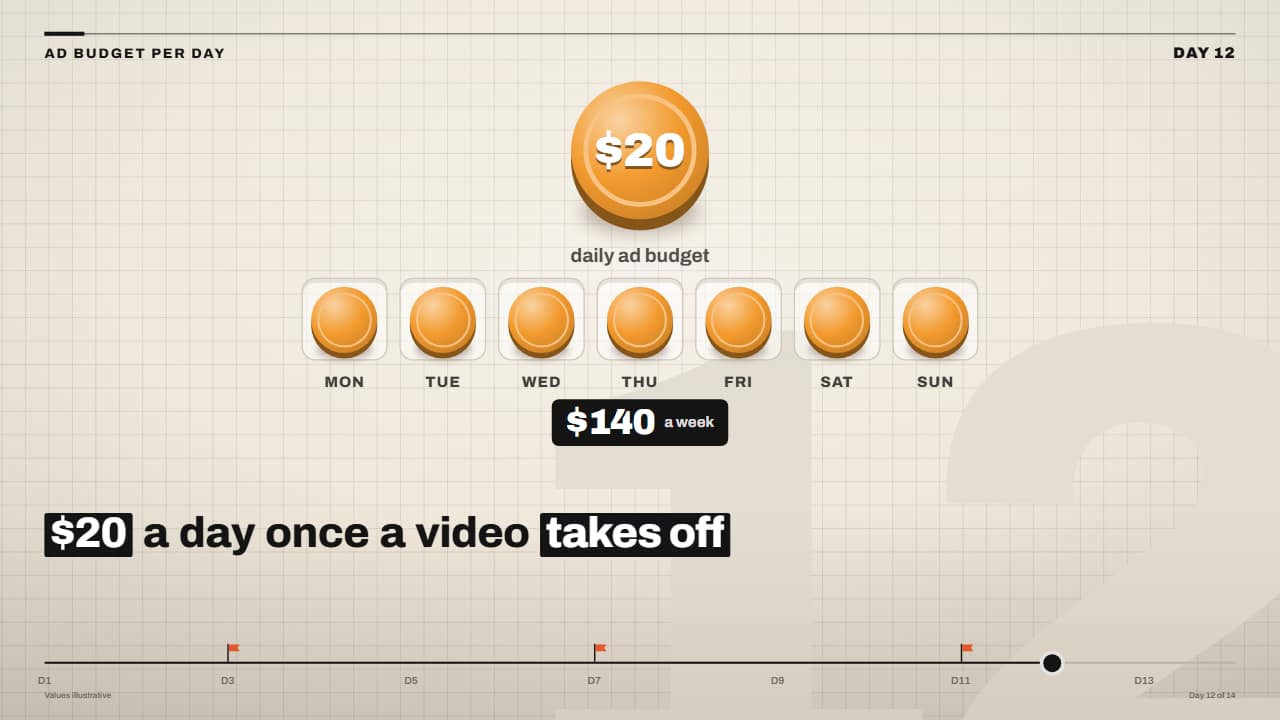 Daily budget coins filling the weekThe big coin with the amount drops in spinning and, one after another, a coin jumps into each slot of the…
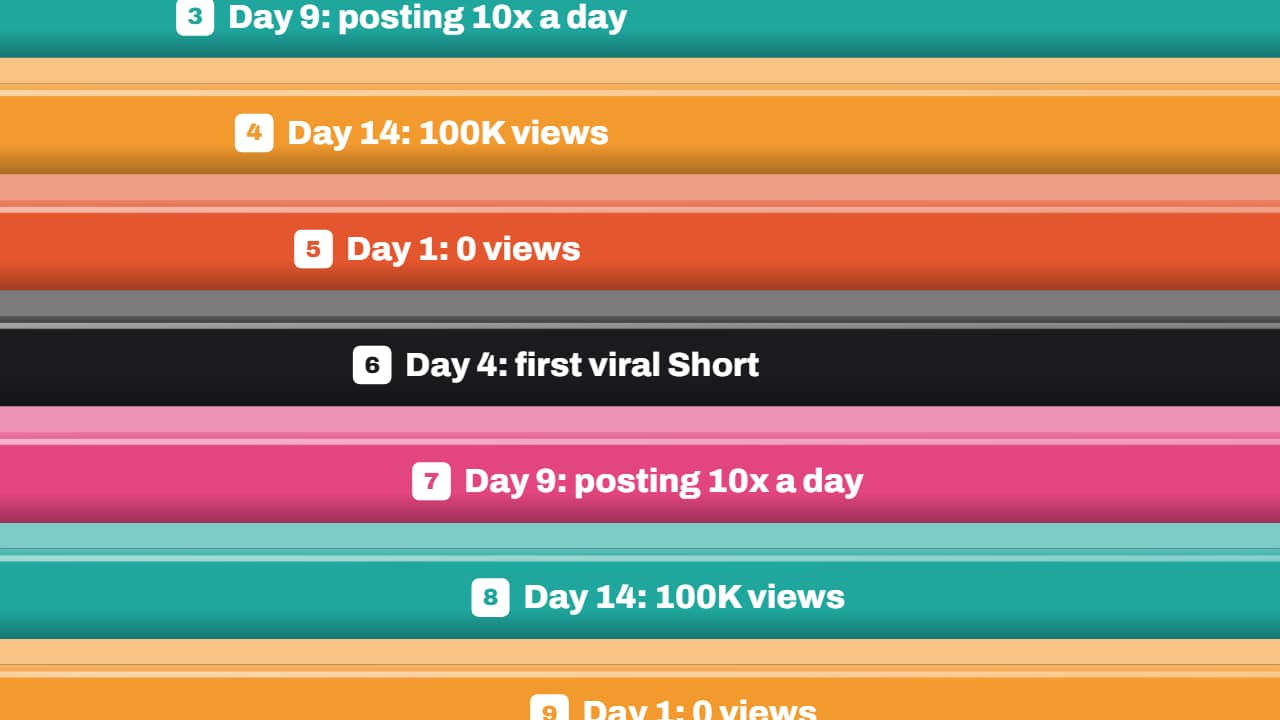 Transition: diagonal 3D bar whipA stack of glossy labelled 3D bars whips diagonally across the screen (fast in, slowing in the middle while…
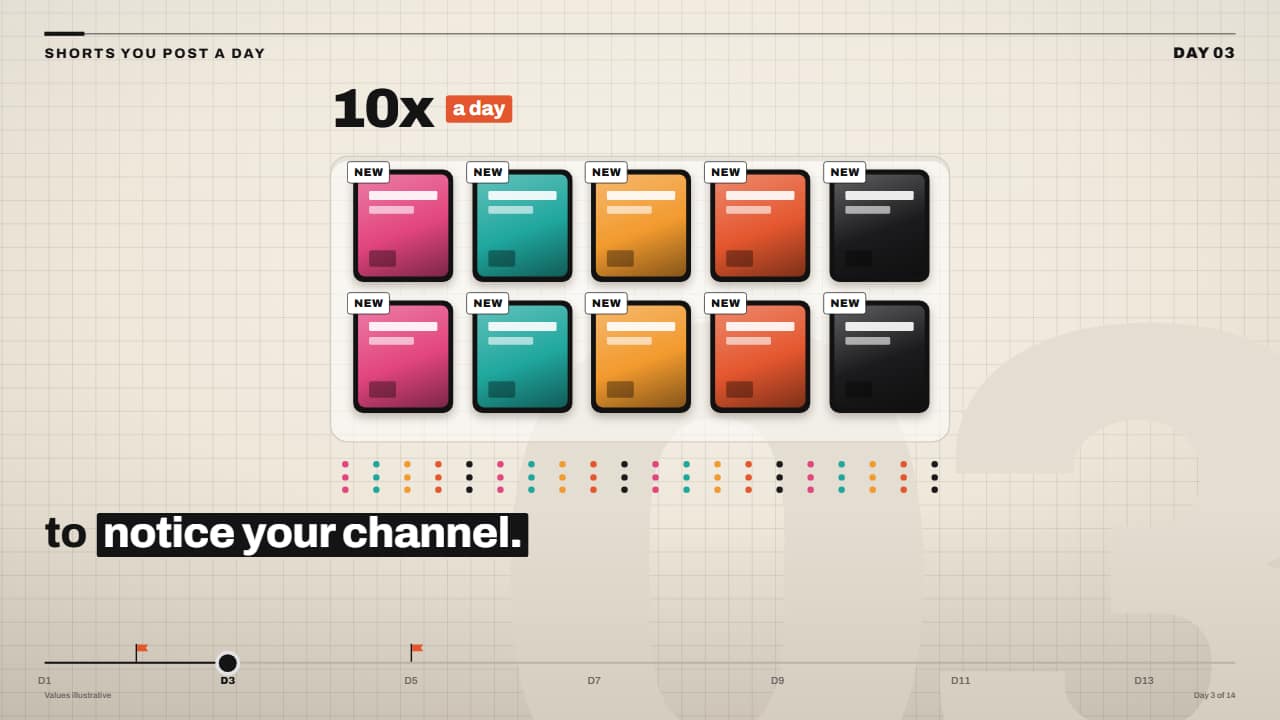 «10x a day» card tray with counterA tray with slots where video cards drop in one by one, each with its tag, while the number on top rolls up…
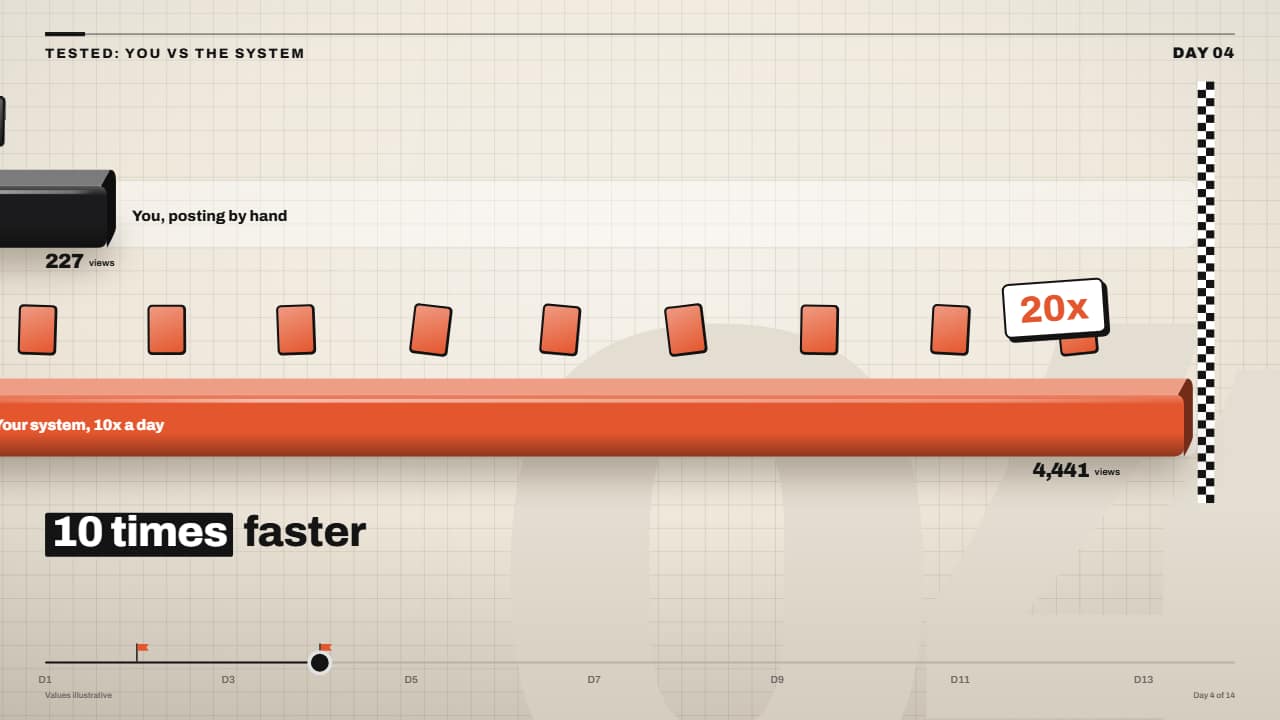 You vs them race lanes with finish lineTwo or three lanes, each with its 3D bar: every bar moves at its own pace and drops little cards (each one a…
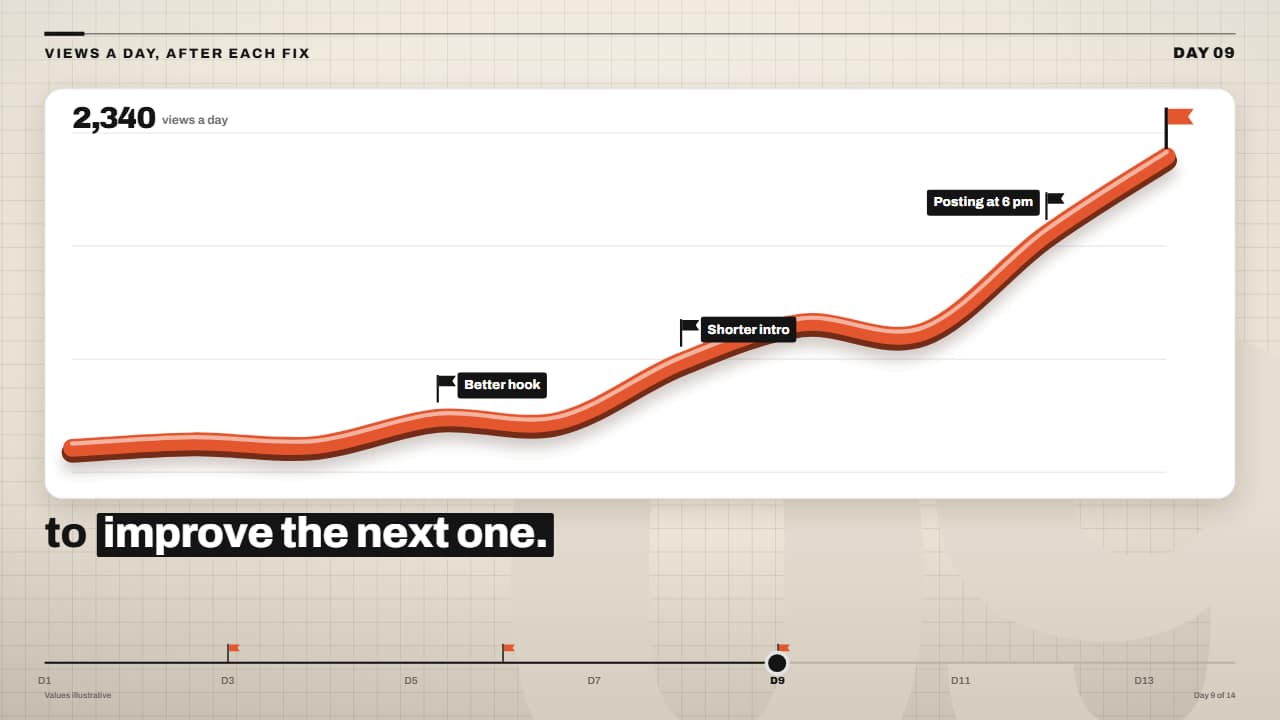 3D ribbon line chart rising after each fixA thick line like an orange tube (dark edge, colored face and a highlight) drawn over a white stats card; at…
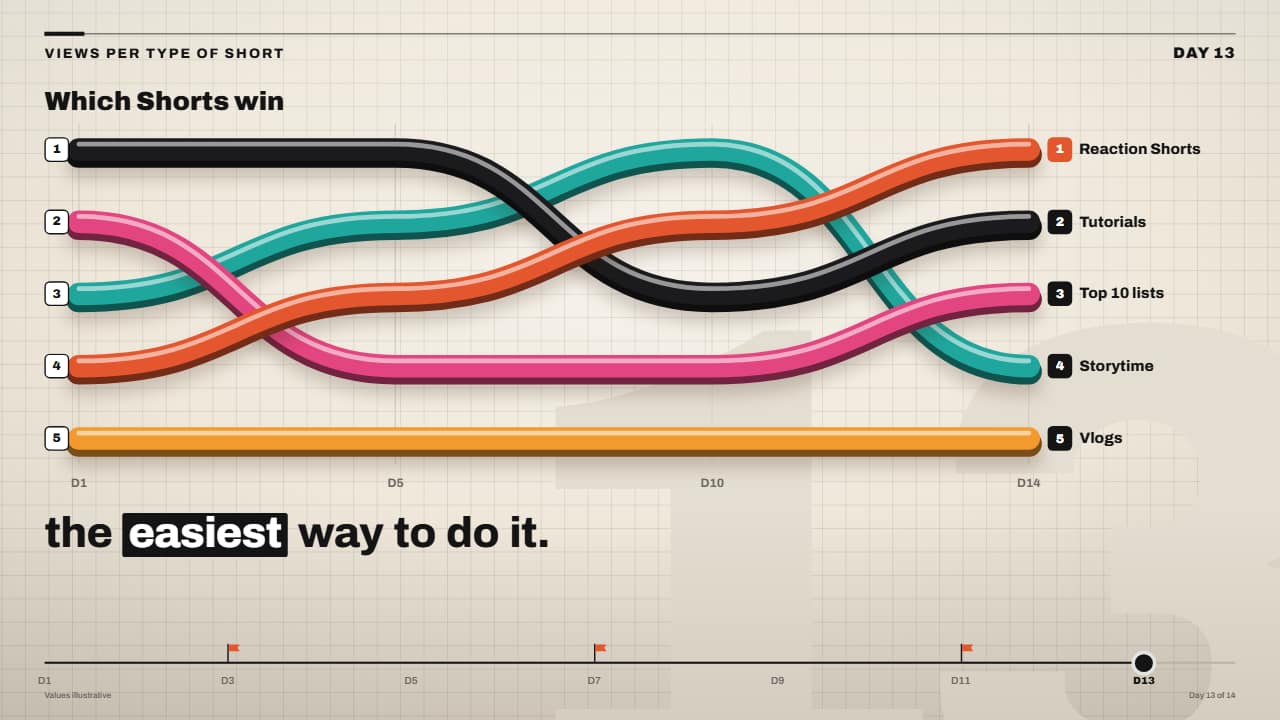 3D ribbon bump chart rankingA ranking over time made of colorful 3D tubes: each ribbon goes from its rank in one period to the next with…
Questions
- Can I use my own numbers and words?
- Yes. Every number, label, color and the caption are fields in the editor, and you mark the highlighted words with asterisks.
- Do they work without the paper background?
- Yes. Export them with no background and only the bars, numbers and captions are drawn, with no soft halos around them.
- Do I need After Effects?
- No. Every template is edited in your browser: type your text, choose colors and format (16:9, 9:16 or 1:1), watch the live preview and export.
- What do I export, and does it work in my editor?
- Most templates export as a ProRes 4444 .mov with a transparent background, which you place on a track above your clip in CapCut, Premiere Pro, DaVinci Resolve or Final Cut Pro. You can also export an MP4 with your own clip behind it. Always in Full HD.
- Is it free?
- Editing and previewing are free and need no account. To export you sign in with Google; during the open beta, new accounts get export credits at no cost.