AI Video Templates — Model Comparisons, Workflows, Chats
AI channels explain new models every week, and these templates make that explanation visual. Compare models with their cards and figures counting up, rank them on a benchmark leaderboard with bars and scores, or show what a model understands: text, images, audio, video.
The workflow chain links the steps of an AI process, each with its tool and what it does, and the AI chat types a question, sends it, shows the model thinking and writes the answer. The examples use generic names; you upload the logos you need and write the figures from the sources you cite.
5 templates · 16:9 · 9:16 · 1:1Open them in the library
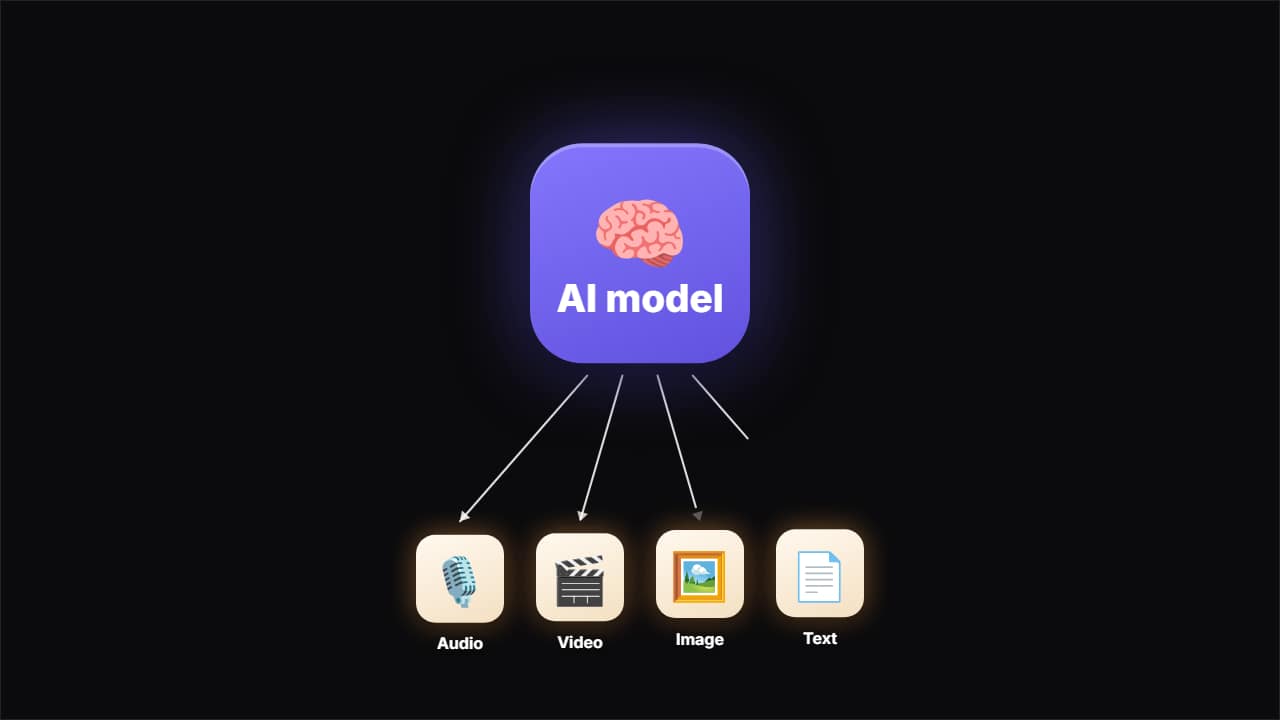 What the AI understandsThe model card appears big, steps aside, and the things it handles come in one by one — audio, video, image…
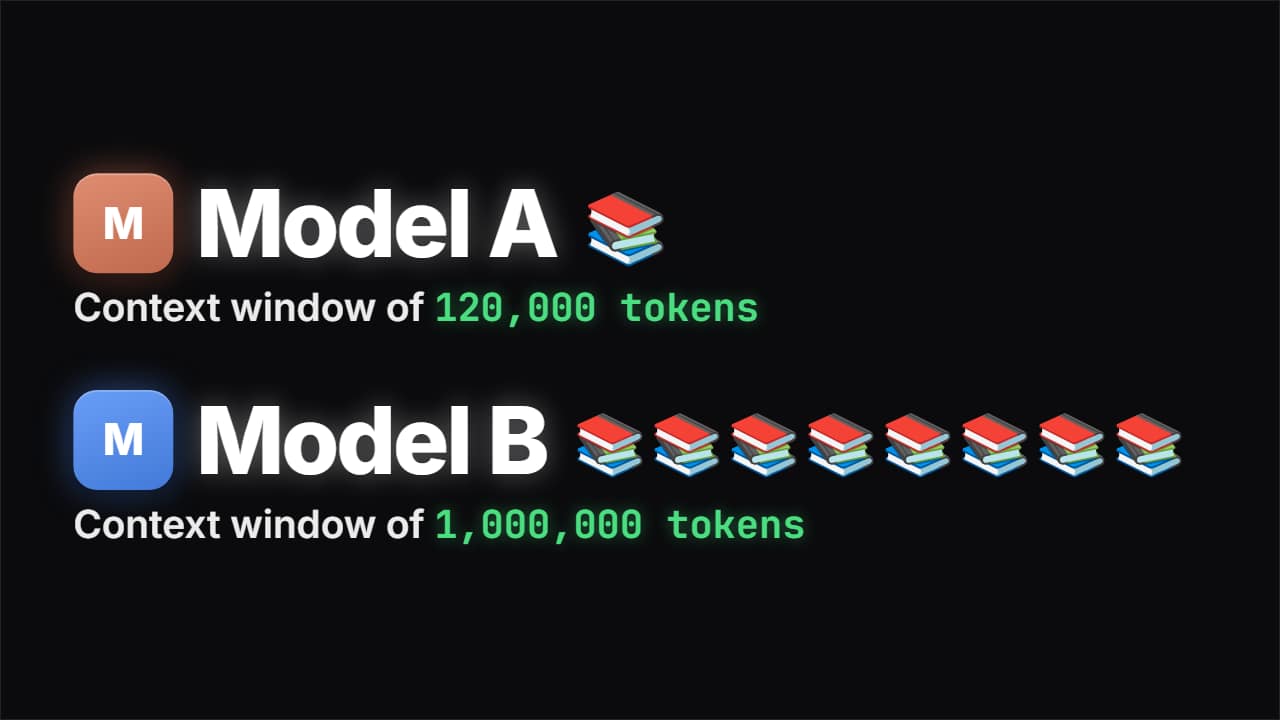 Compare models with emojisEach model with its card, its huge name and its figure counting up, next to a pile of emojis that actually…
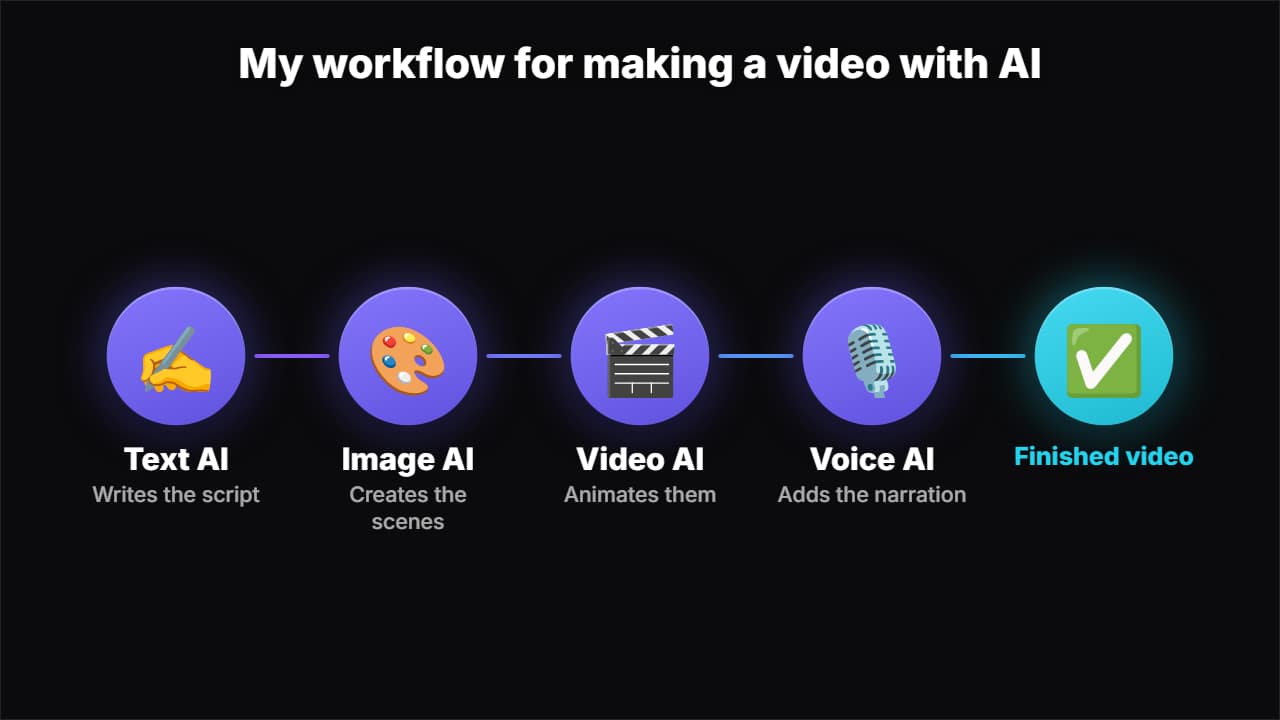 AI workflow chainThe steps of an AI workflow, each with its tool and what it does, linked by a pulse of light traveling from…
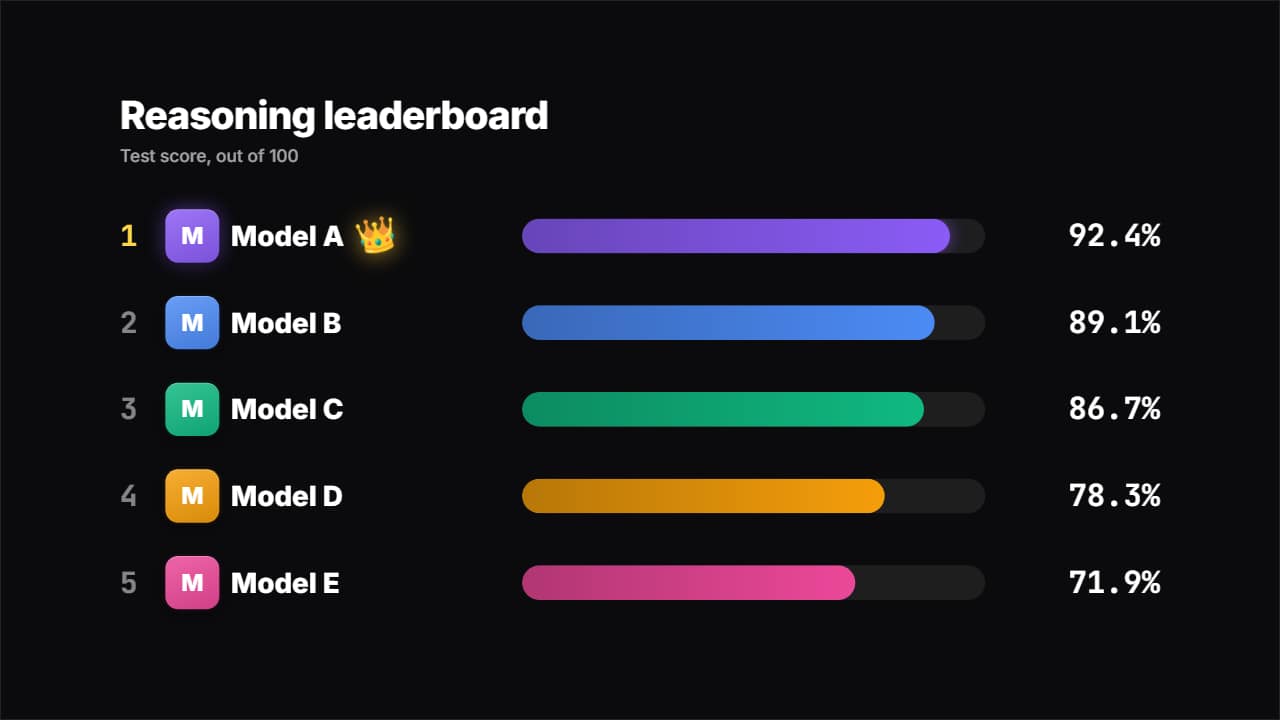 AI model leaderboardA benchmark table: every model with its card, its bar and its score counting up, sorted on their own from…
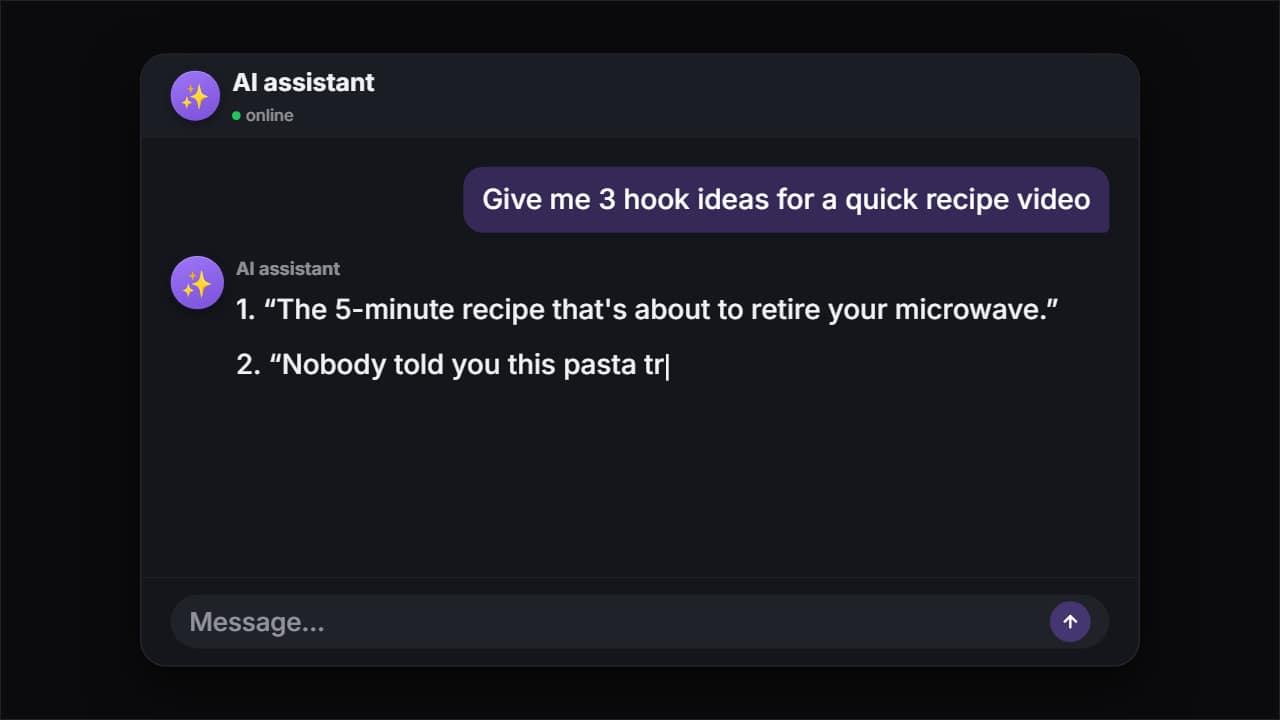 AI chatThe question types itself letter by letter, gets sent, the model thinks and the answer appears word by word…
Questions
- Do the templates include the logos of AI companies?
- No. The examples say «Model A» on purpose. You can upload the logos you need into each card's image slot, or use an emoji or initial.
- Are these AI-generated animations?
- No. They are templates you edit yourself; the topic is AI. The figures you show are the ones you type.
- Do I need After Effects?
- No. Every template is edited in your browser: type your text, choose colors and format (16:9, 9:16 or 1:1), watch the live preview and export.
- What do I export, and does it work in my editor?
- Most templates export as a ProRes 4444 .mov with a transparent background, which you place on a track above your clip in CapCut, Premiere Pro, DaVinci Resolve or Final Cut Pro. You can also export an MP4 with your own clip behind it. Always in Full HD.
- Is it free?
- Editing and previewing are free and need no account. To export you sign in with Google; during the open beta, new accounts get export credits at no cost.