Ranking Video Templates — Top 10, Podiums, Tier Lists
Ranking videos are built on suspense, and these templates are built for it. The top countdown gives each place its own screen from last to first, the number-one reveal blurs the names past before stopping dead on the winner, and the podium rises with real depth and medals.
For lists that stay on screen there are league tables with up and down arrows, a glass panel in the corner, a broadcast band and a running column. The tier list templates cover any topic, food or your own photos, with the S to D rows filling as you go. Type your places and figures and export.
14 templates · 16:9 · 9:16 · 1:1Open them in the library
Step-by-step guide: How to make a bar chart race video
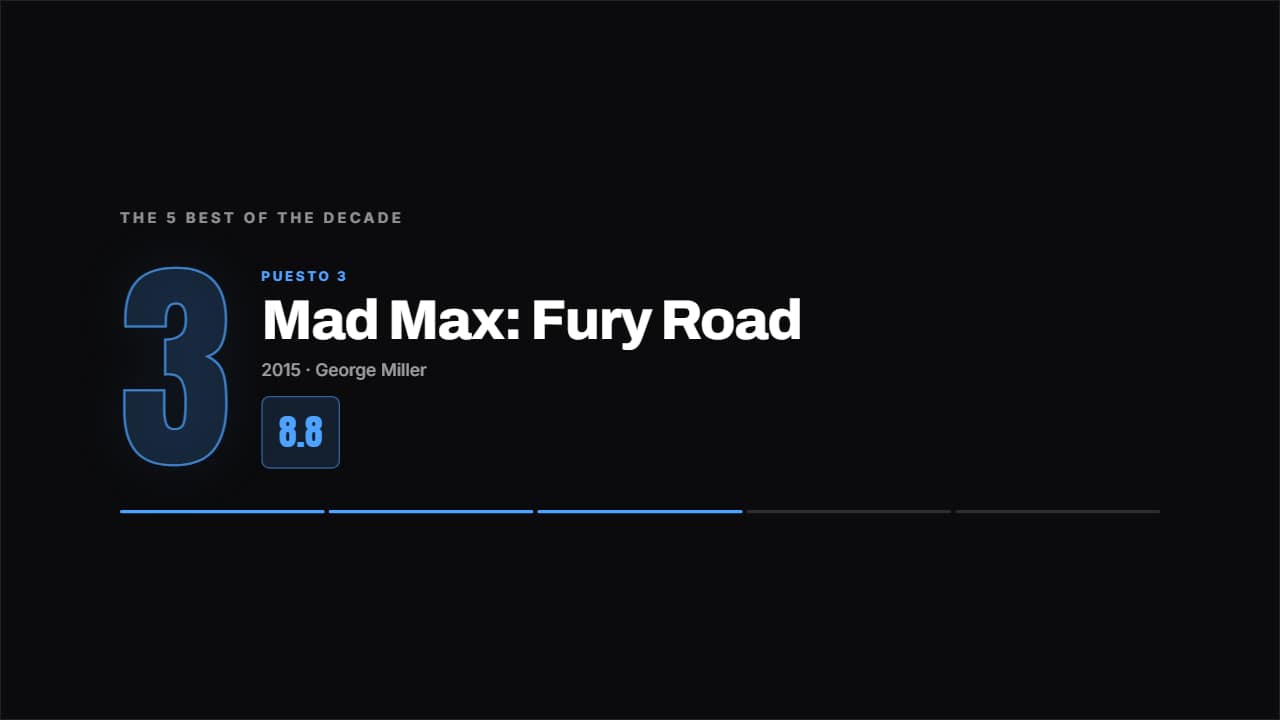 Top countdownOne place per screen, from last to first, with the giant number behind and the figure counting up.
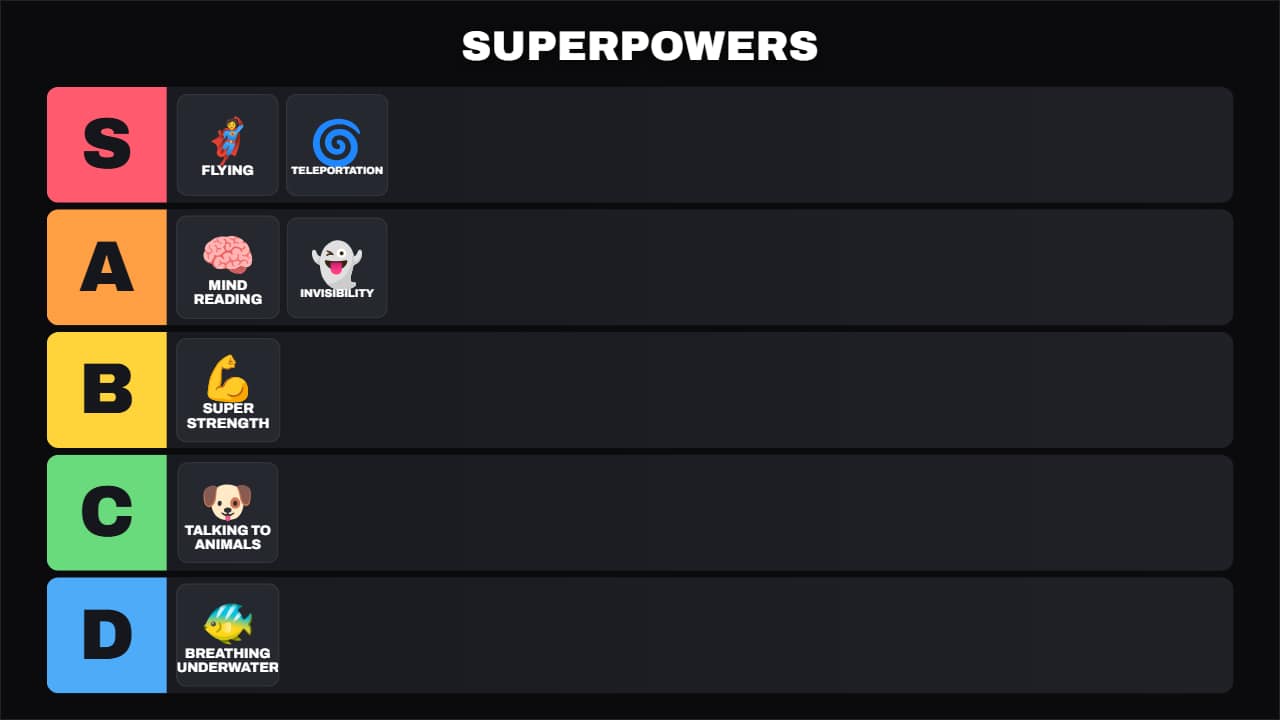 Universal tier listThe S-A-B-C-D tier board for any topic: food, video games, movies, gadgets, travel… Each item first shows up…
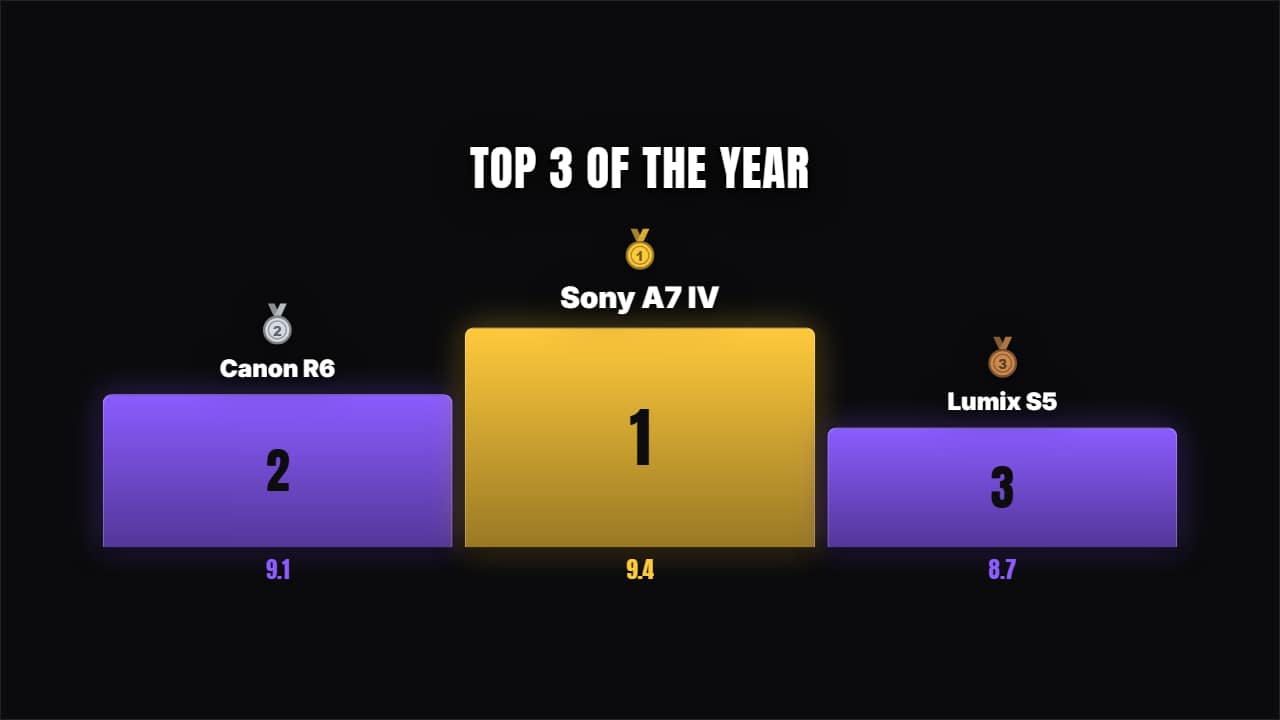 Podium 1-2-3Blocks rising from below in 3-2-1 order with their medals. The classic closer of a top list.
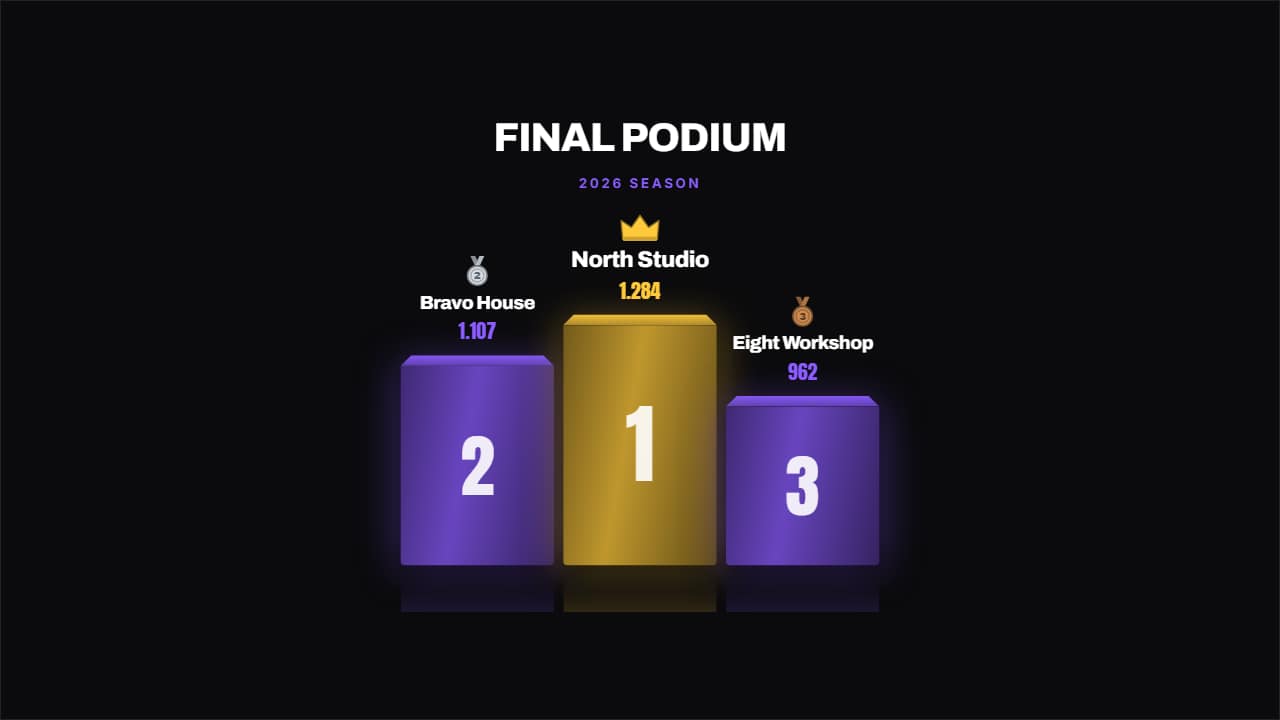 Championship podiumA podium with real depth: perspective on the top face, reflection on the floor, a drawn medal and a crown on…
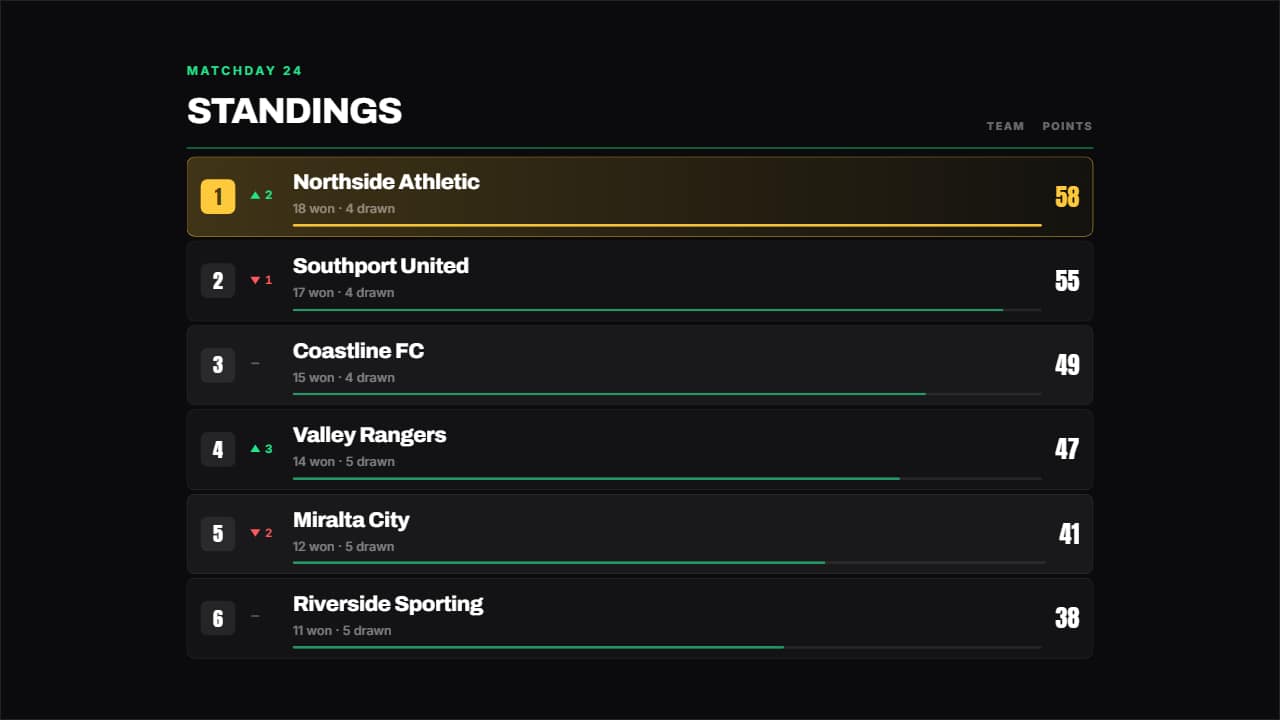 League tableA league table: place, up or down arrow, name, a bar in proportion to the figure and the number counting.
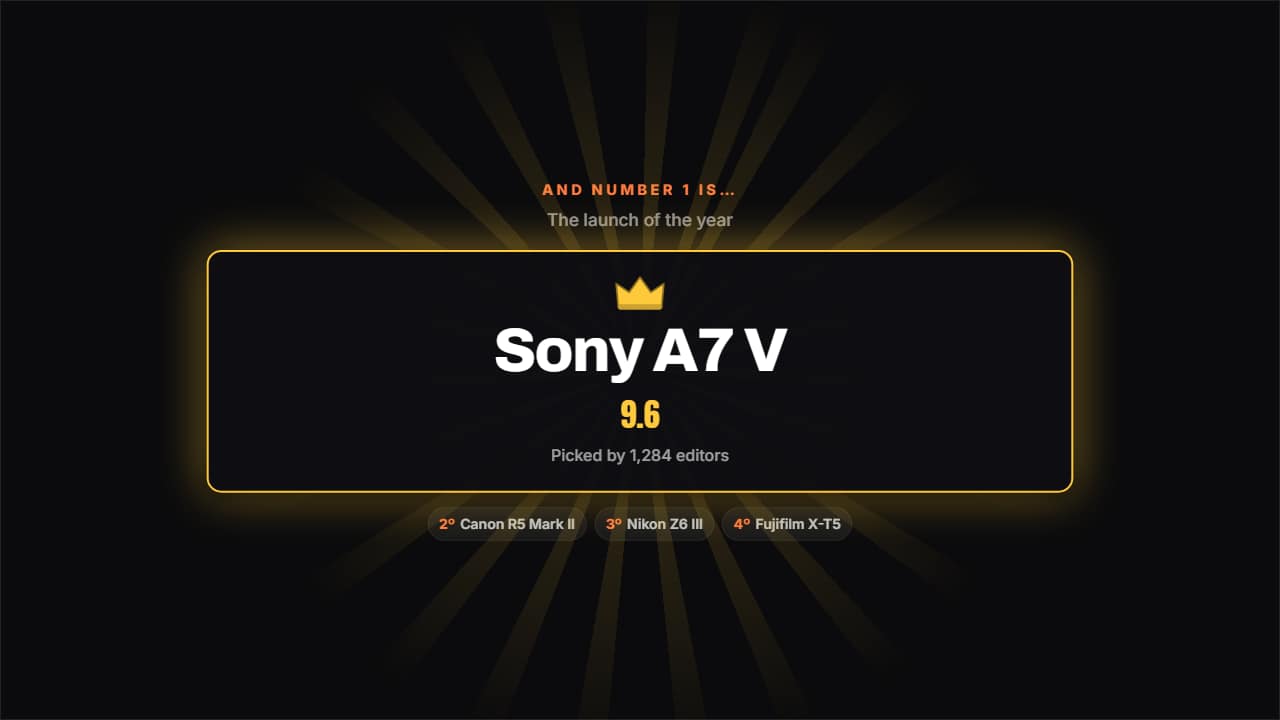 Number one revealThe names blur past and then stop dead on the winner: crown, spinning rays and the figure counting up.
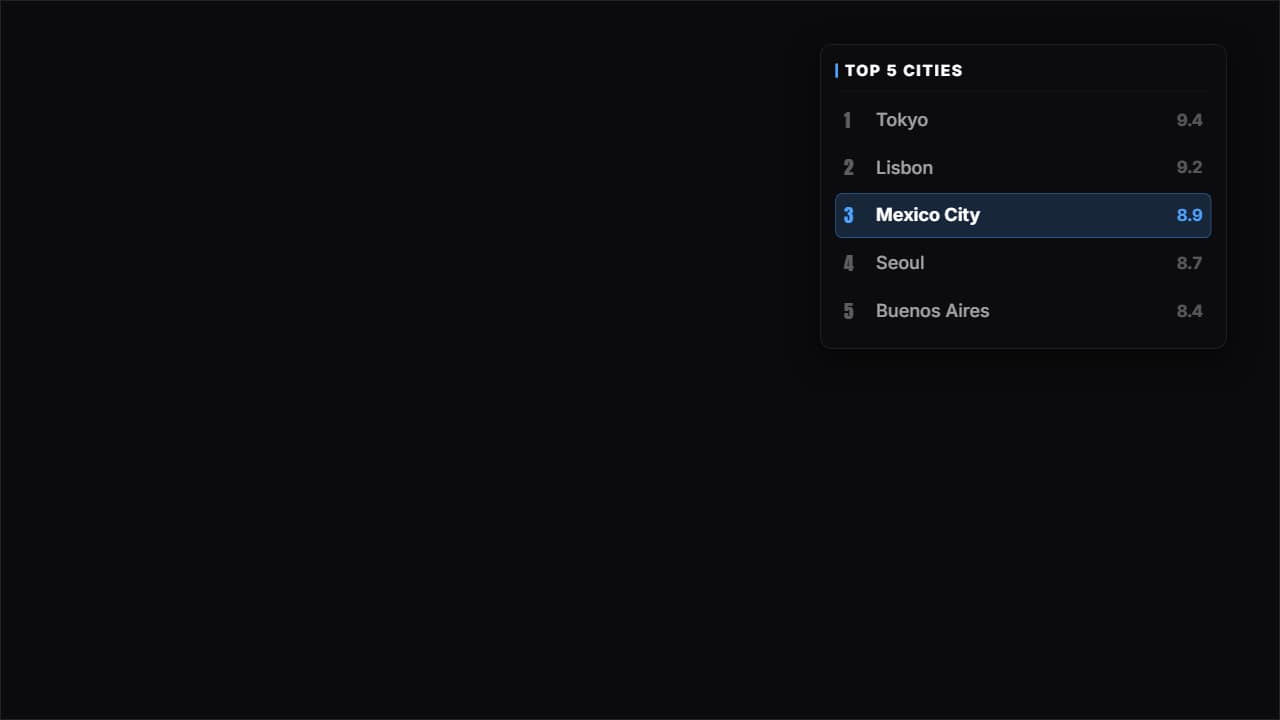 Corner panelThe whole top list on a glass panel in a corner, with the place you're talking about lit and the rest dimmed.
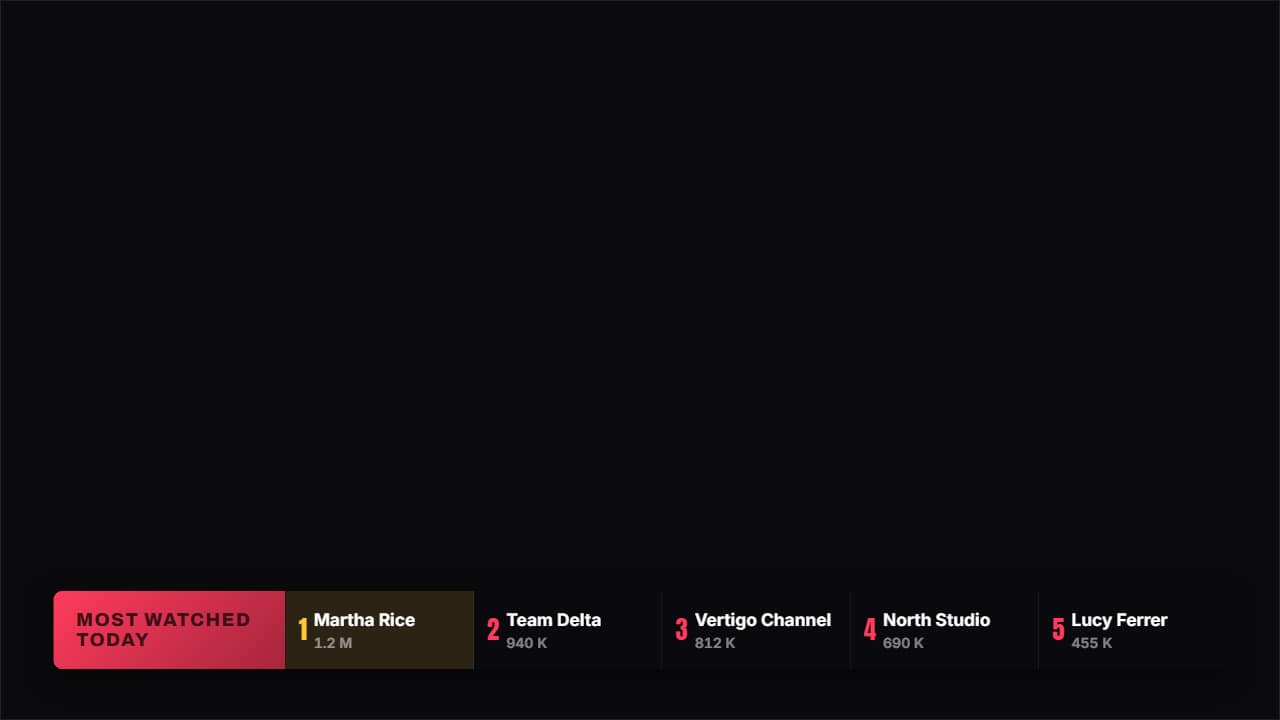 Broadcast bandA sports channel band: a colored tab with the title and the places in a row, each with its figure.
 Place badgeA badge with ONE single place: big number, name, figure and a line drawn underneath.
 Running columnA thin column down one side with every place joined by a line; the active one grows, takes color and shows…
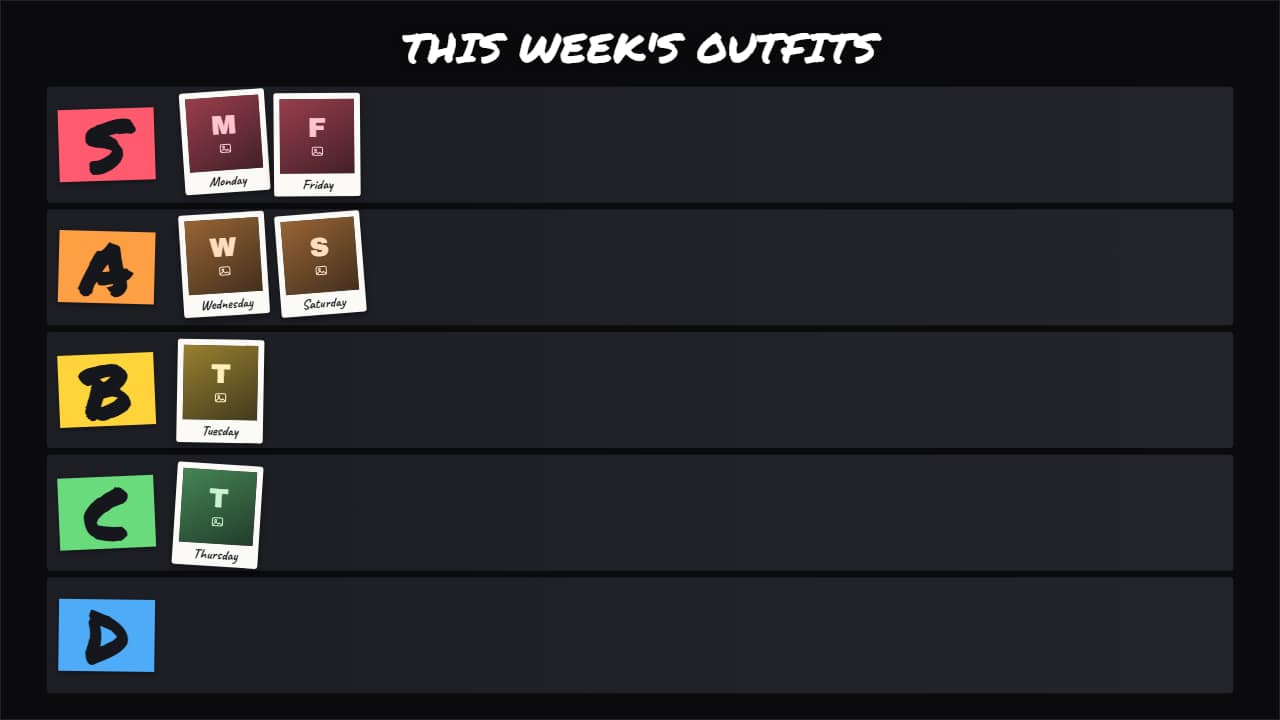 Photo tier listThe tier list with YOUR photos or clips instead of emojis: outfits, dishes you cooked, thumbnails, places…
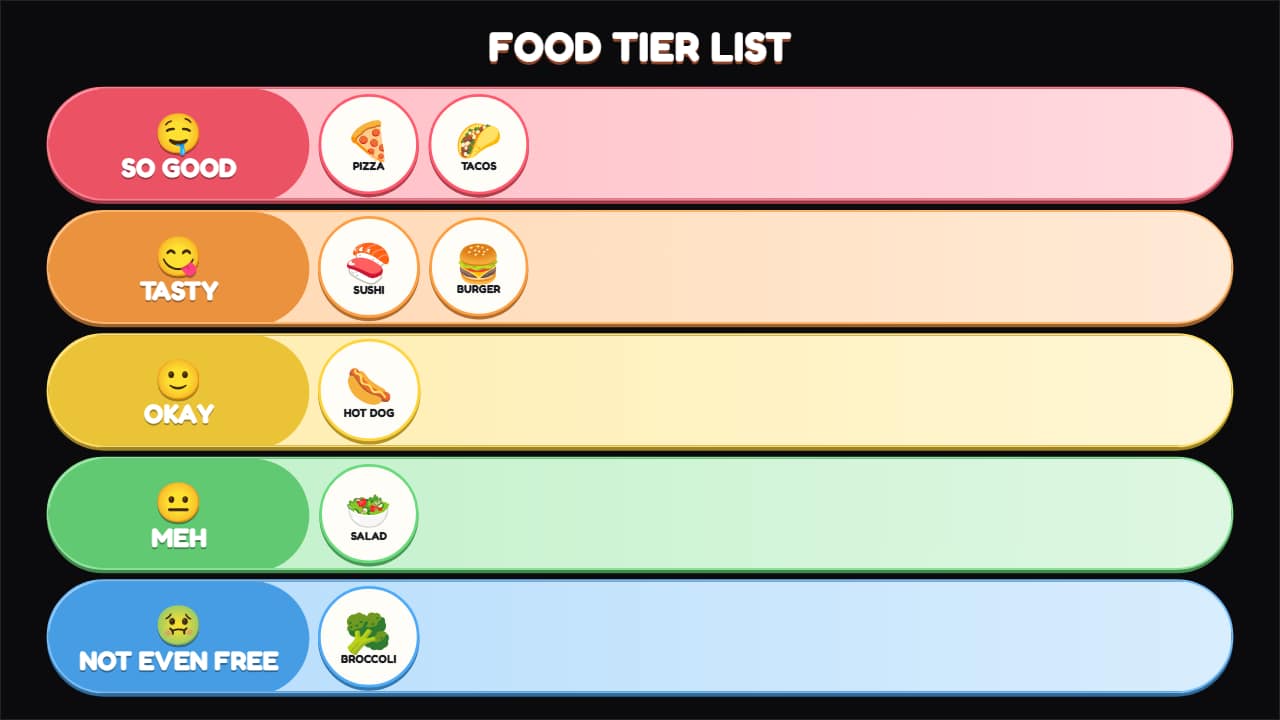 Food tier listA tier list for food, tasting and fast-food channels, with its own scale in words: from «SO GOOD 🤤» to «NOT…
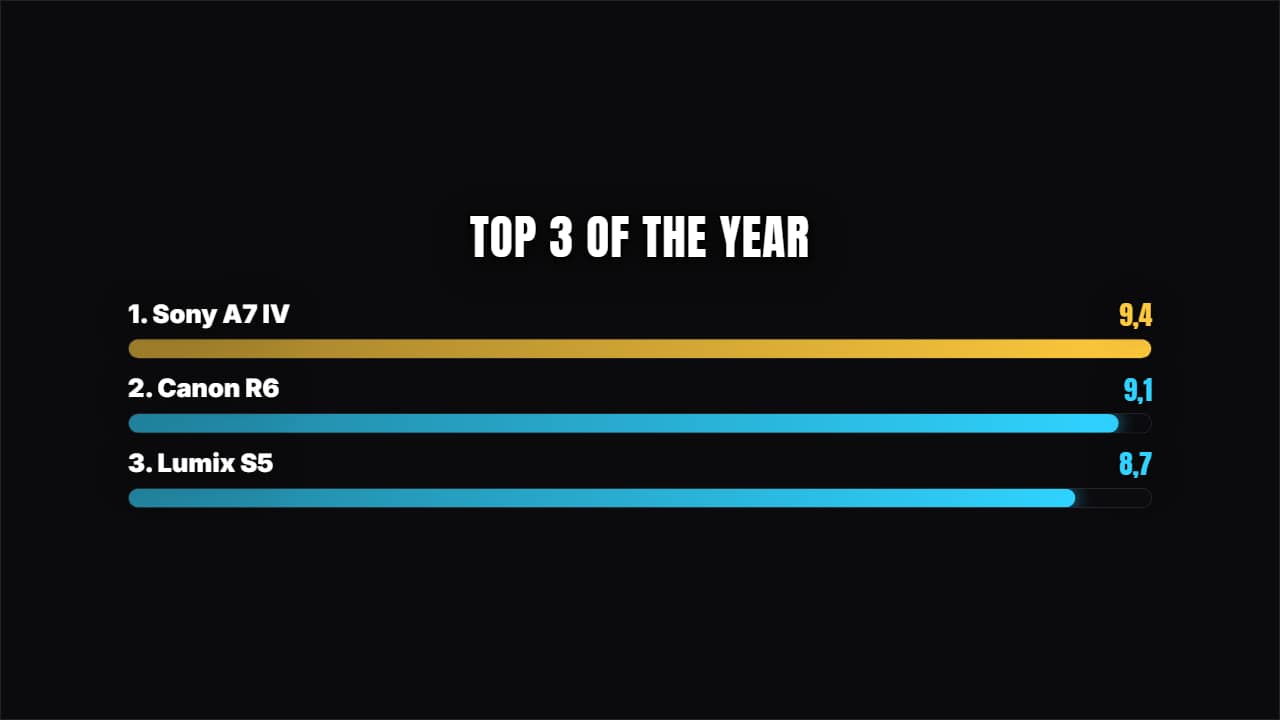 Racing barsHorizontal bars growing with their value counting. For comparing 4, 5 or 6 things at a glance.
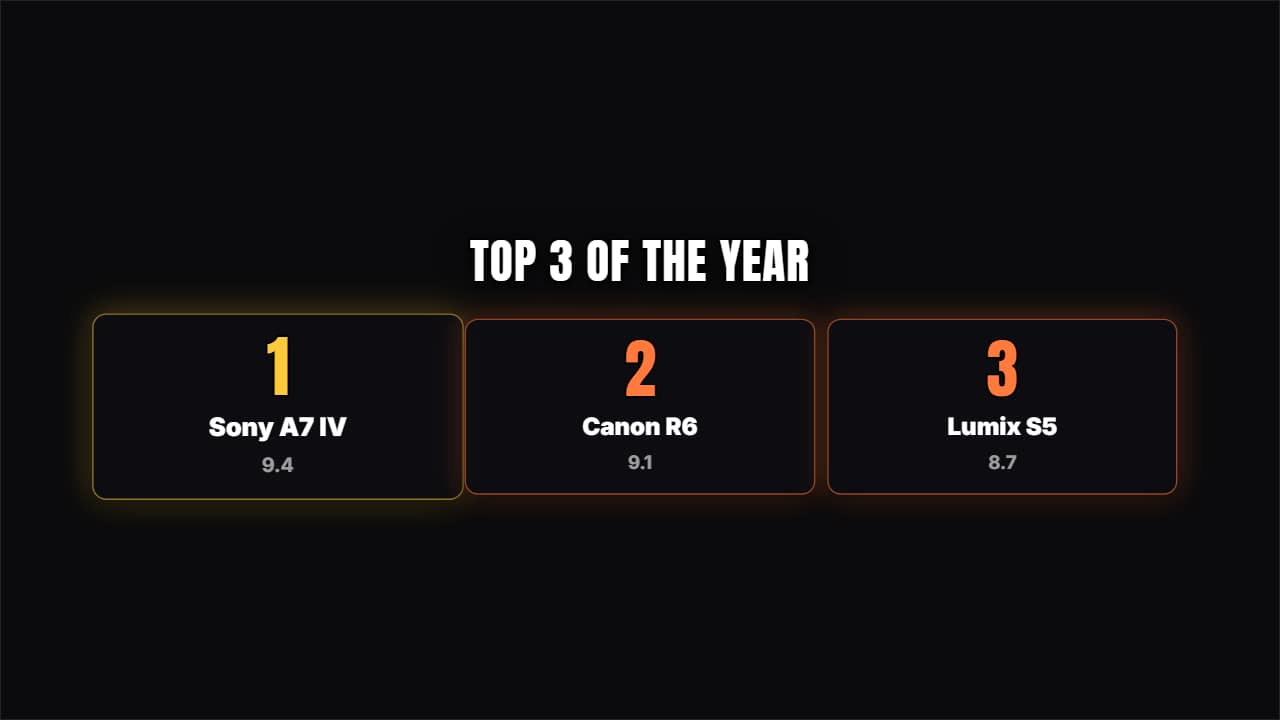 Place cardsNumbered cards rising from below; number 1 stays a notch larger.
Questions
- Can I make a tier list with my own images?
- Yes. «Photo tier list» uses your photos or clips instead of emojis, so you can rank outfits, products or anything else.
- How many places can a ranking have?
- It depends on the template: podiums show the top three, while the countdown, the table and the bars take a longer list.
- Do I need After Effects?
- No. Every template is edited in your browser: type your text, choose colors and format (16:9, 9:16 or 1:1), watch the live preview and export.
- What do I export, and does it work in my editor?
- Most templates export as a ProRes 4444 .mov with a transparent background, which you place on a track above your clip in CapCut, Premiere Pro, DaVinci Resolve or Final Cut Pro. You can also export an MP4 with your own clip behind it. Always in Full HD.
- Is it free?
- Editing and previewing are free and need no account. To export you sign in with Google; during the open beta, new accounts get export credits at no cost.