Chapter Cards, Countdowns and Section Transitions
Long videos need signposts. Chapter cards tell viewers where they are, from a roman-numeral story chapter to a quiet documentary title. Section transitions sweep a panel of color, cross diagonal bars or split the screen open to show the next title and cover the cut.
Countdown timers come as a ring, a full-screen flash or clean sports digits. A progress bar fills across the whole video at a steady pace, the chapter bar shows the playhead crossing each chapter, and «hours later» cards jump the story forward. There is also a teaser grid for your upcoming clips and a wheel that slows down to pick an option.
14 templates · 16:9 · 9:16 · 1:1Open them in the library
 Countdown · RingA ring emptying each second with the number inside and a final flourish. For challenges and openers.
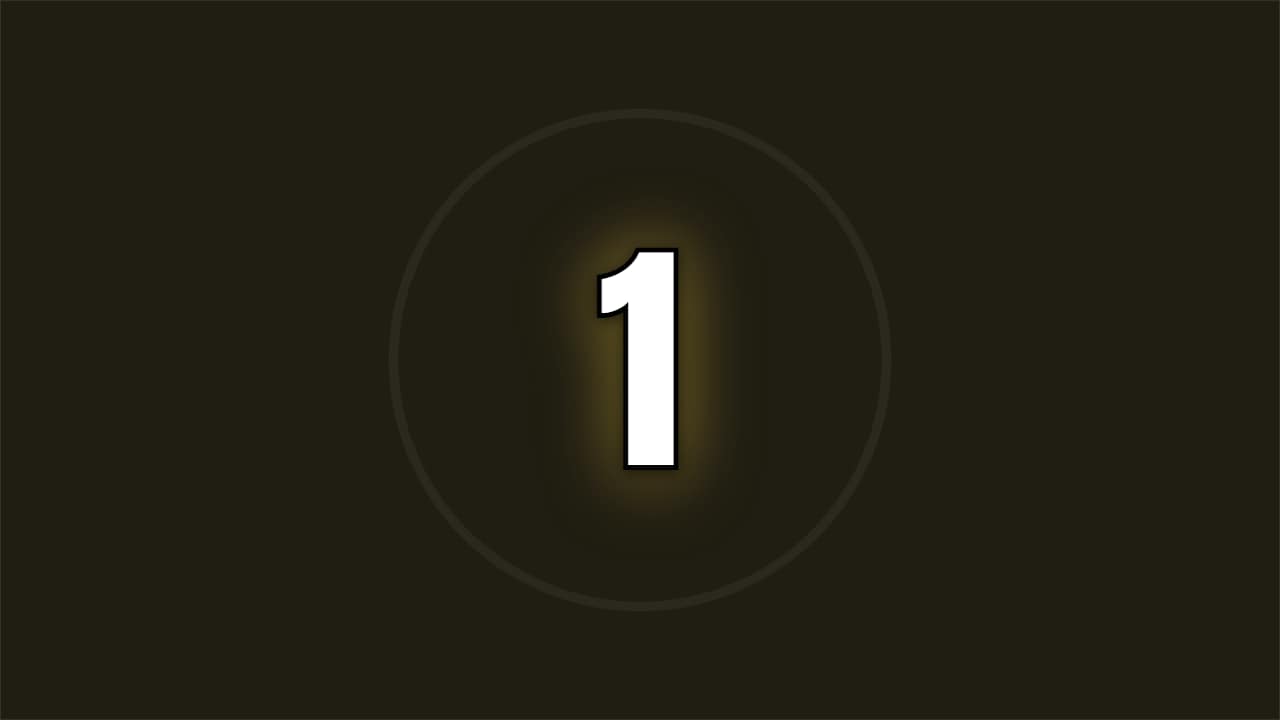 Countdown · FlashA full-screen number with a color hit and a shockwave on every tick. Maximum energy before the key moment.
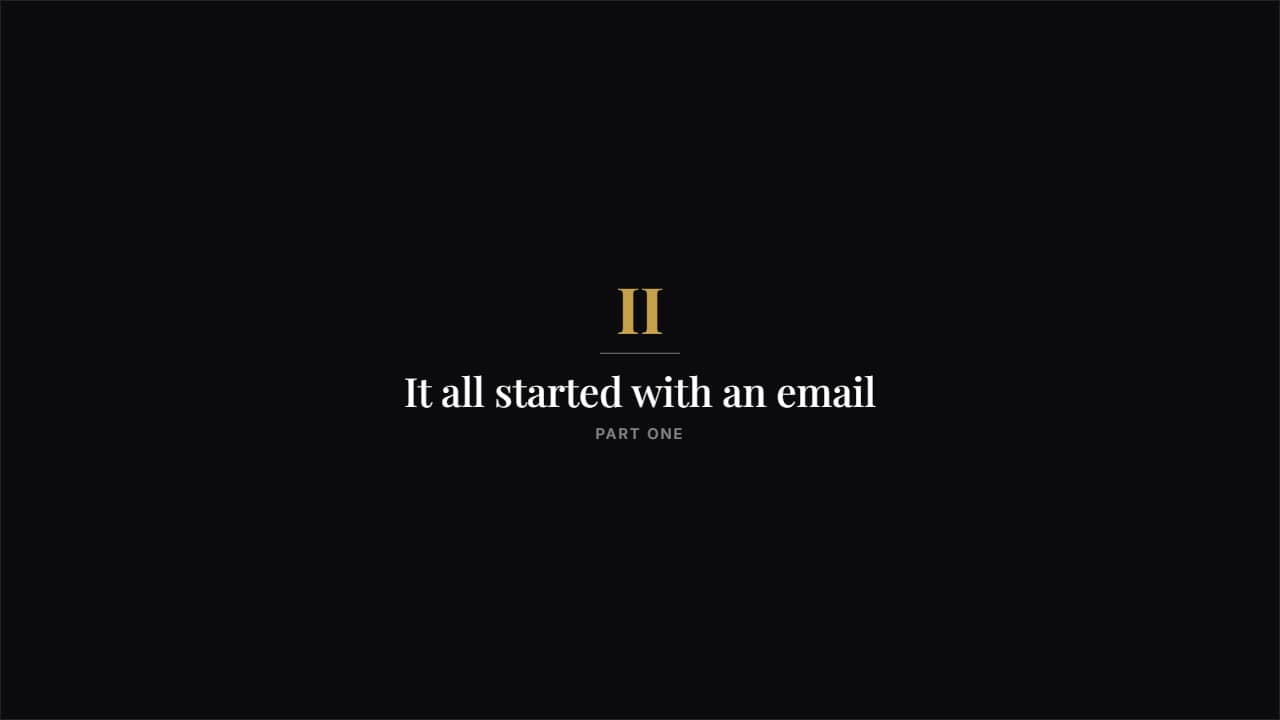 Story chapterA big roman numeral, a rule and a serif title. Understated and airy: the one that separates the parts of a…
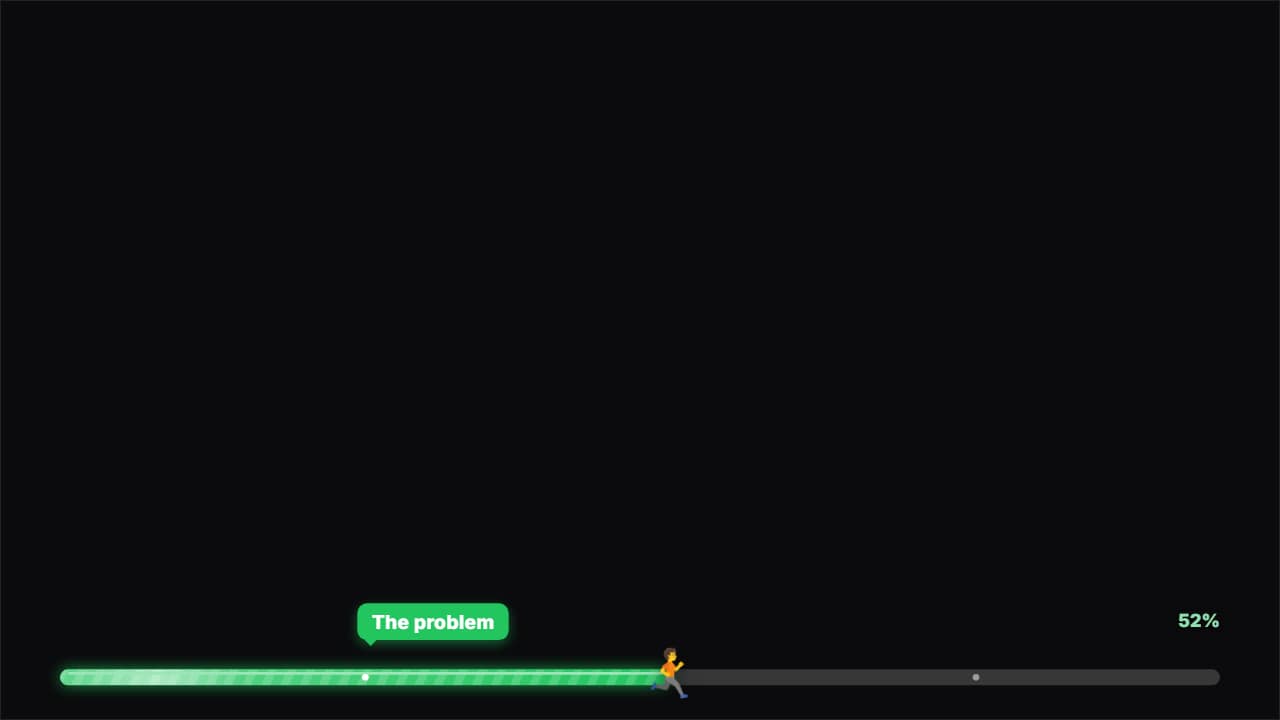 Progress barA bar at the top or the bottom that fills across the WHOLE video at a steady pace (it never slows down: it…
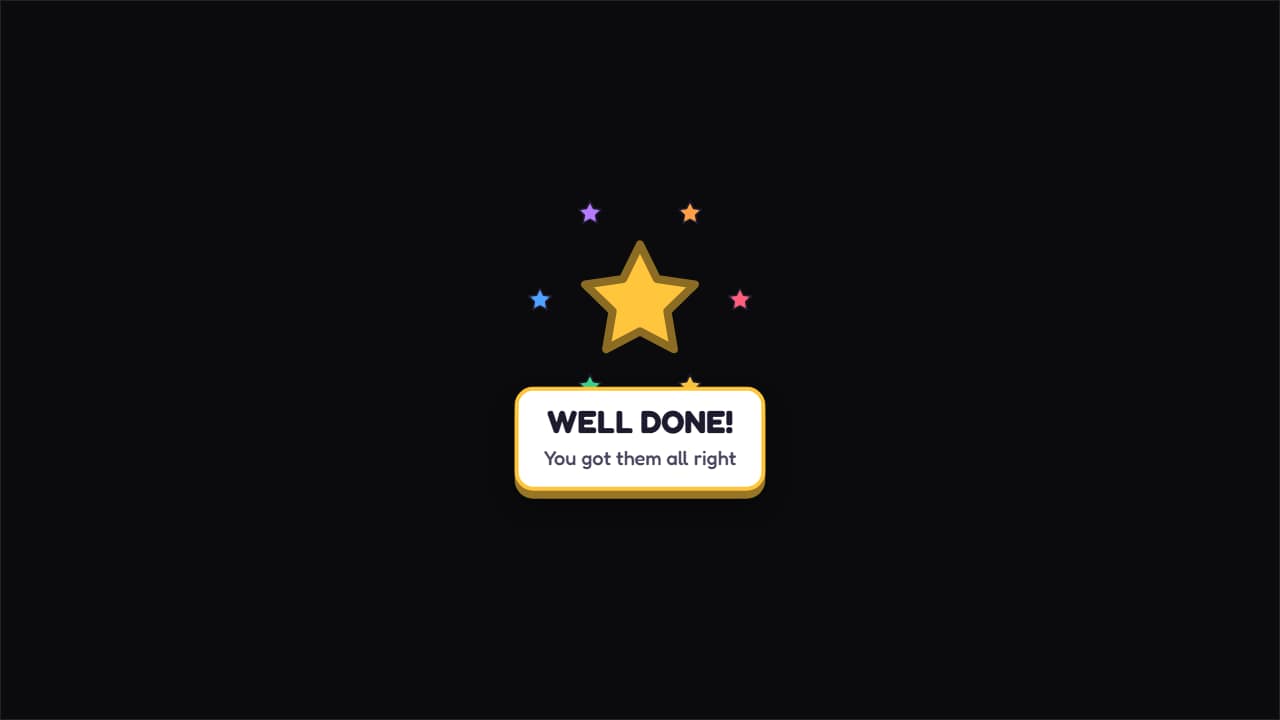 Prize unlocked!A big star spinning as it lands, with colorful sparkles around it and the message underneath.
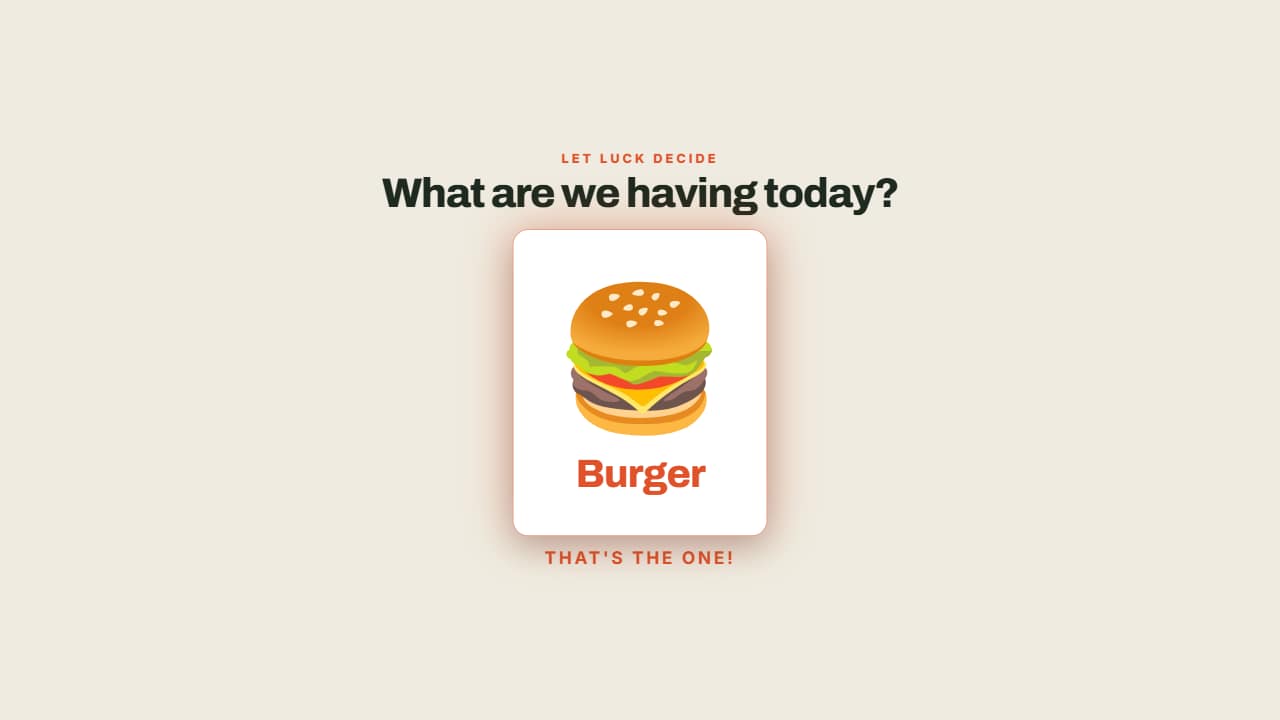 The wheel decidesThe options fly past and the wheel SLOWS DOWN until it stops on one, which lights up.
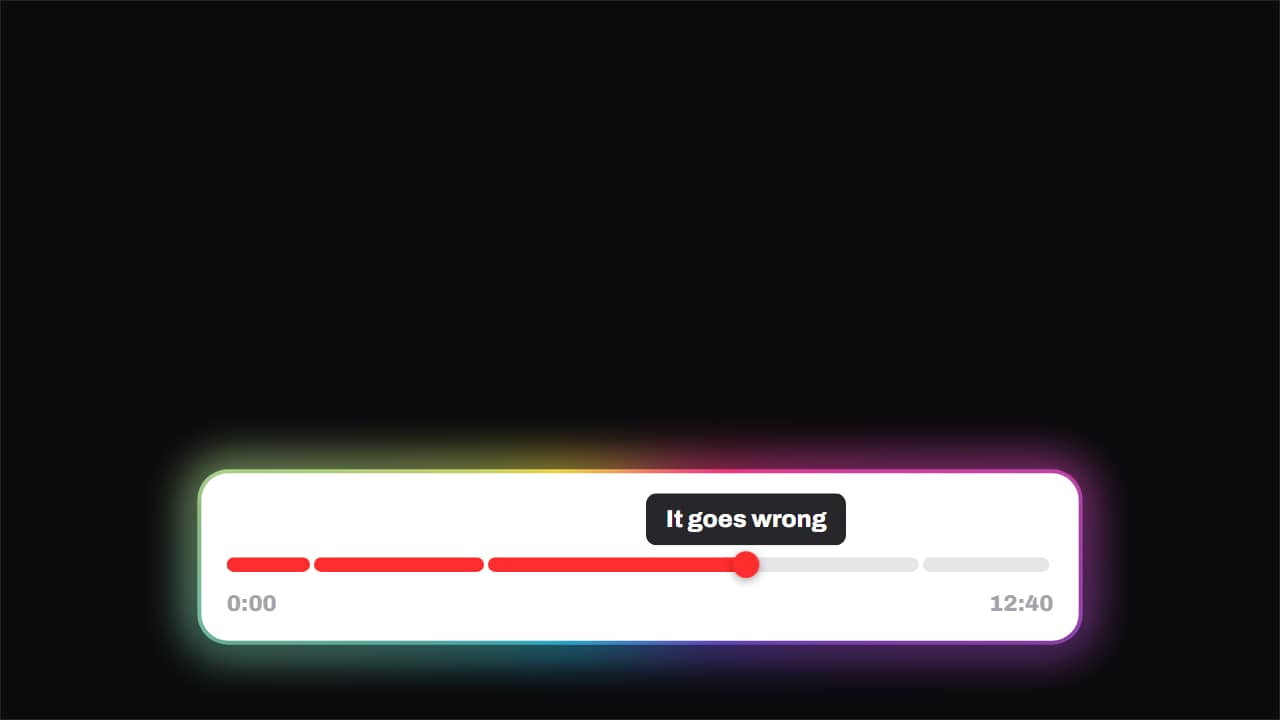 Chapters · the playhead runs the videoThe progress bar split into chapters, with the playhead genuinely crossing it and a tooltip above naming the…
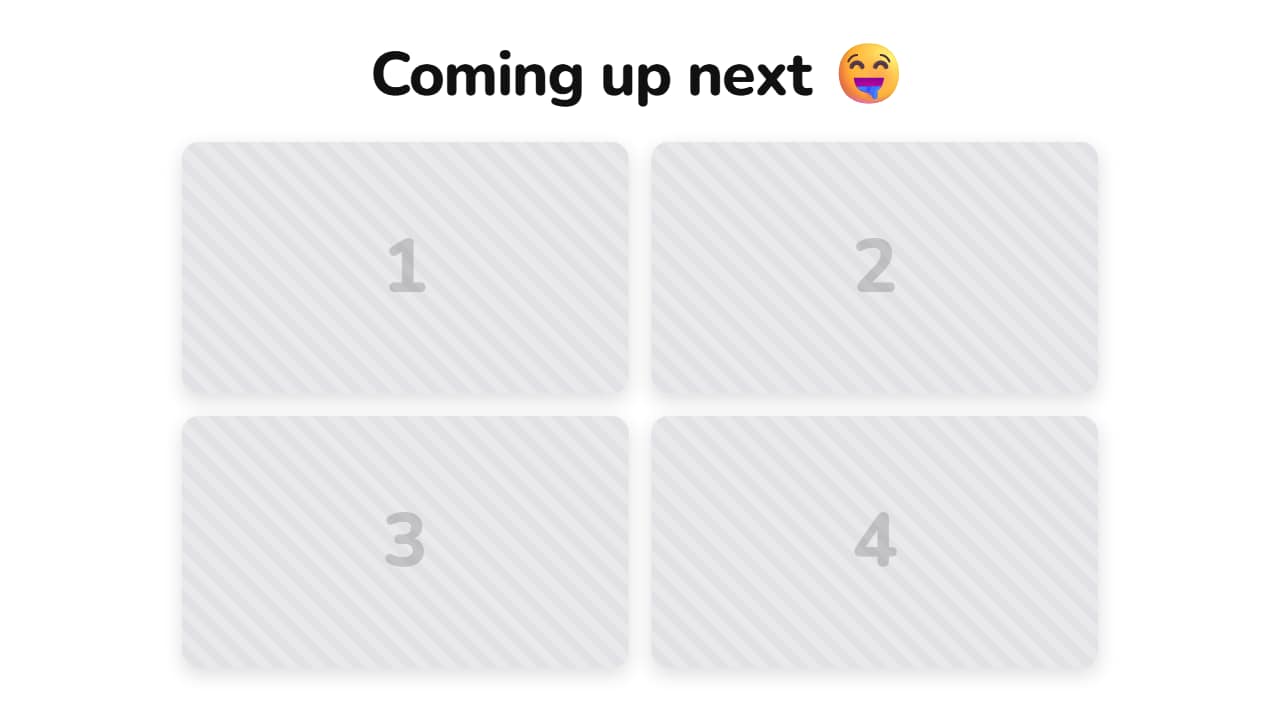 A teaser of your clipsA headline on top and your videos in cards, like the "what's coming" teasers all over Shorts.
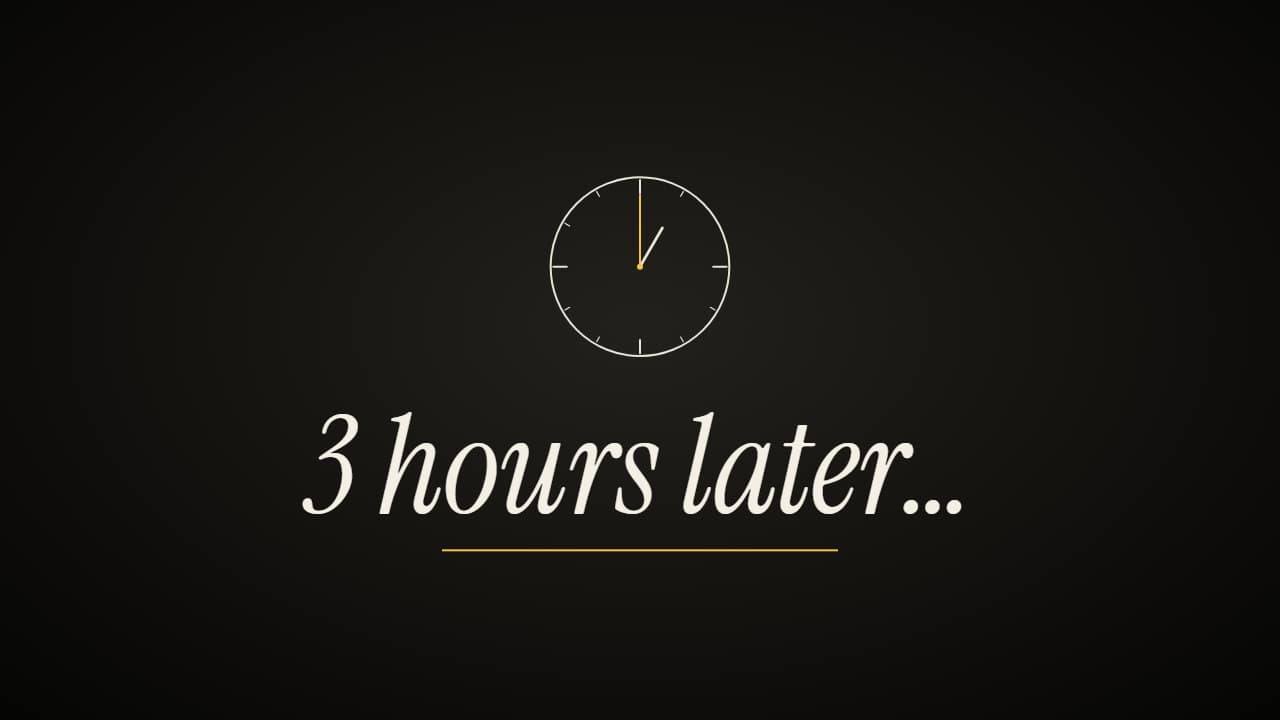 «Hours later» time-skip cardThe time-skip card: «3 hours later…» full screen (or in a band over your clip), with a clock that spins and…
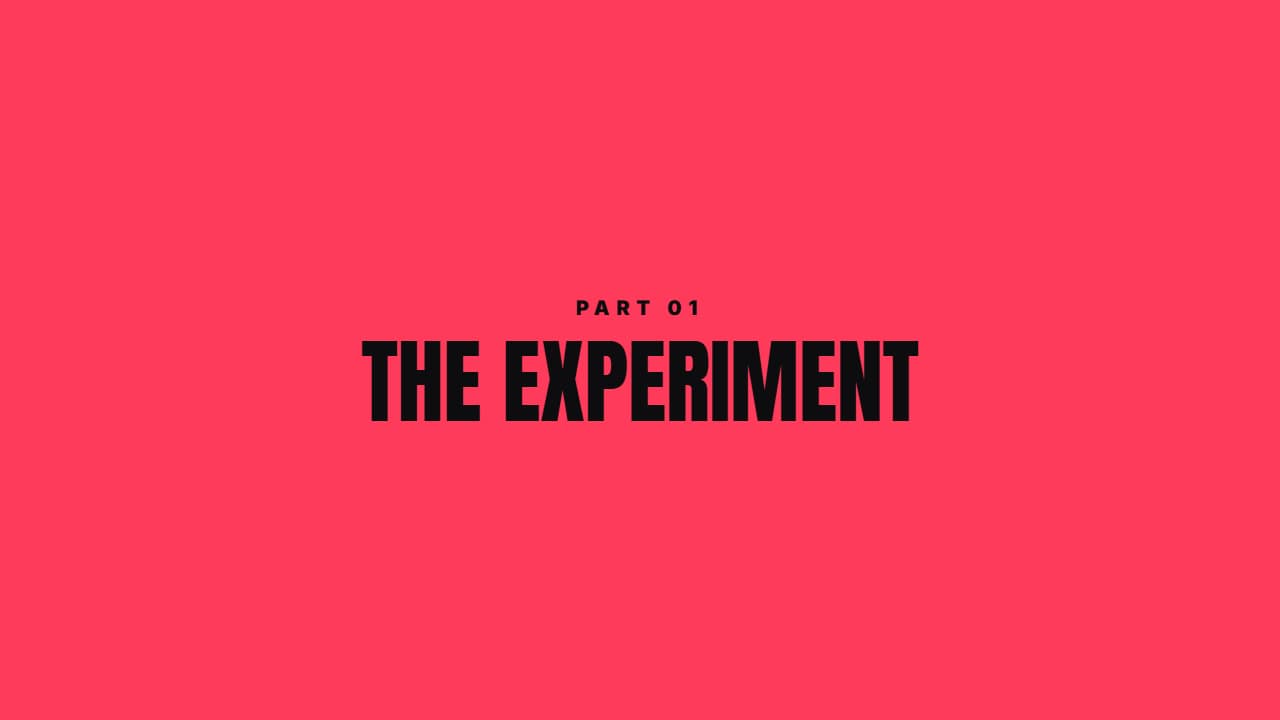 Color sweepA color panel crosses the screen, reveals the section title and leaves. Covers any ugly cut.
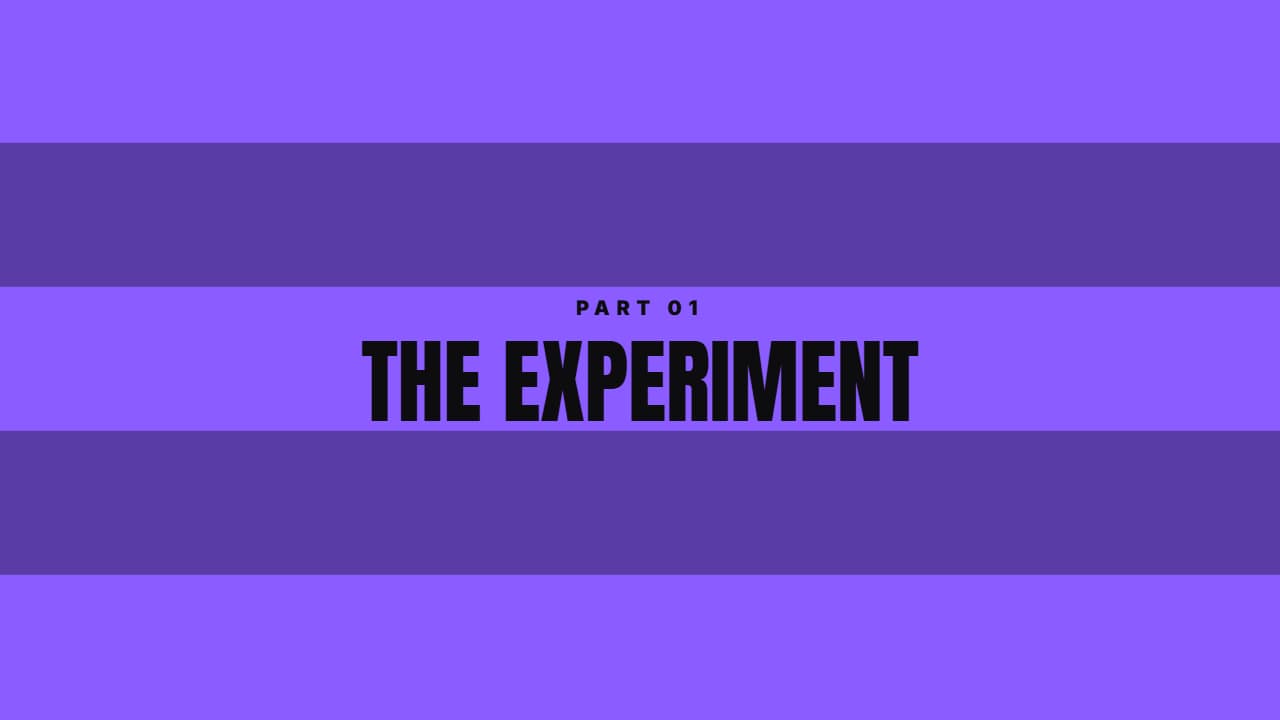 Diagonal barsFive angled bars crossing in a stagger in two tones. A transition with energy for fast cuts.
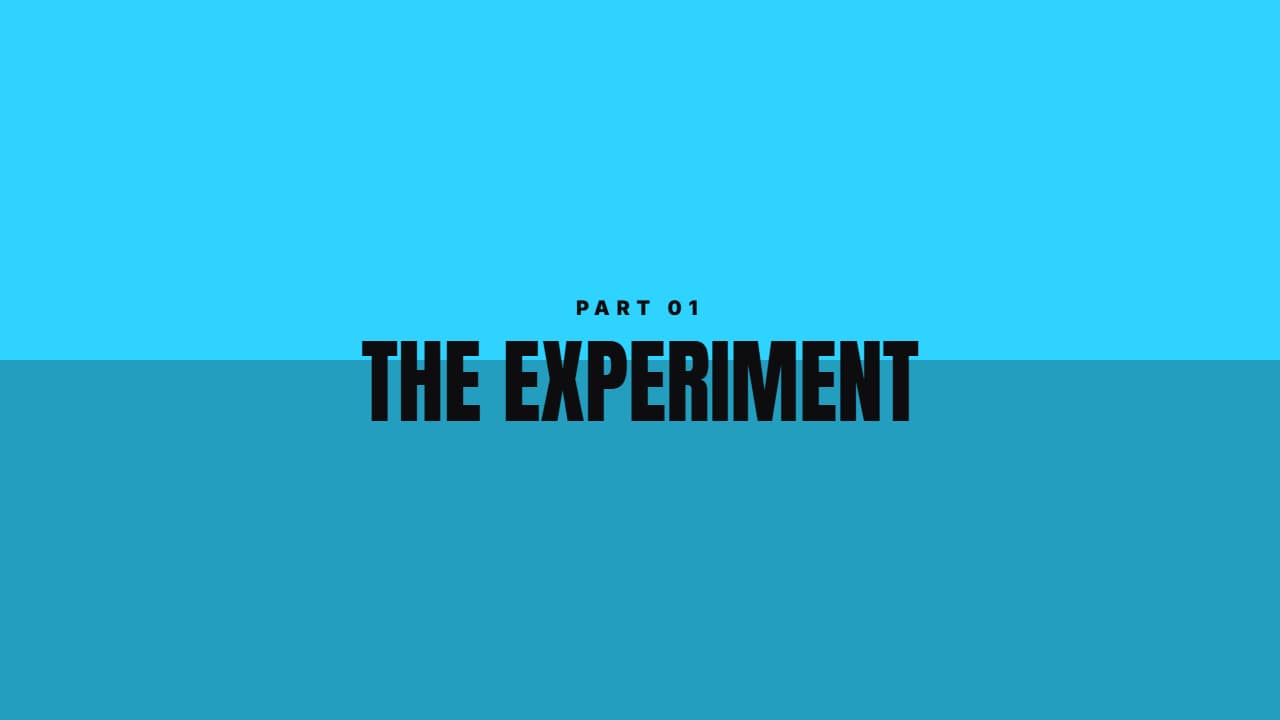 Center openingTwo halves close, show the title and open again. Very clean between blocks.
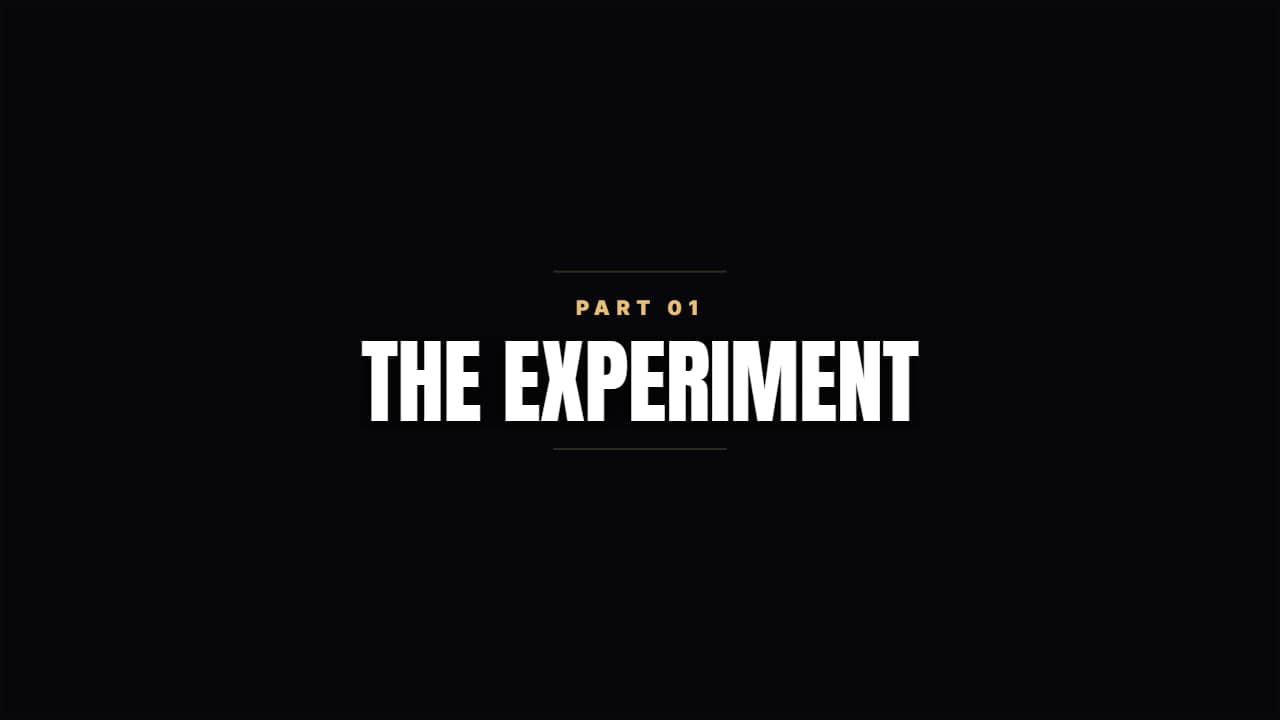 Quiet chapterA dark veil, two thin rules and condensed type. For documentary or training.
 Countdown · SportsA clean number with a progress bar per second. Understated, fits any video.
Questions
- Can the progress bar last as long as my whole video?
- Yes. That is its purpose: it fills at a steady pace across the length you set, so you can lay it over the full video.
- From what number can the countdown start?
- You choose it. Each tick is one second, with a flourish at the end.
- Do I need After Effects?
- No. Every template is edited in your browser: type your text, choose colors and format (16:9, 9:16 or 1:1), watch the live preview and export.
- What do I export, and does it work in my editor?
- Most templates export as a ProRes 4444 .mov with a transparent background, which you place on a track above your clip in CapCut, Premiere Pro, DaVinci Resolve or Final Cut Pro. You can also export an MP4 with your own clip behind it. Always in Full HD.
- Is it free?
- Editing and previewing are free and need no account. To export you sign in with Google; during the open beta, new accounts get export credits at no cost.