Gaming & Stream Overlays — Alerts, Starting Soon Screens, Kill Feeds
Gaming channels and streamers use the same set of graphics again and again, and these templates cover it. Alerts for a new follower, a new member, a tip or a raid drop in with a bounce, the name typing in letter by letter and the amount rolling up. The goal bar fills from where it was to where it is now. Starting soon, be right back and thanks for watching screens come with their own moving background and a countdown that really counts.
For edited clips, the kill feed slides in your eliminations with your name highlighted, the health and shield bars take the hits you type with a shake and a white damage trail, the level-up rolls the number in a hexagon, and the victory screen counts your stats. Everything is generic: no game or platform interface is copied.
16 templates · 16:9 · 9:16 · 1:1Open them in the library
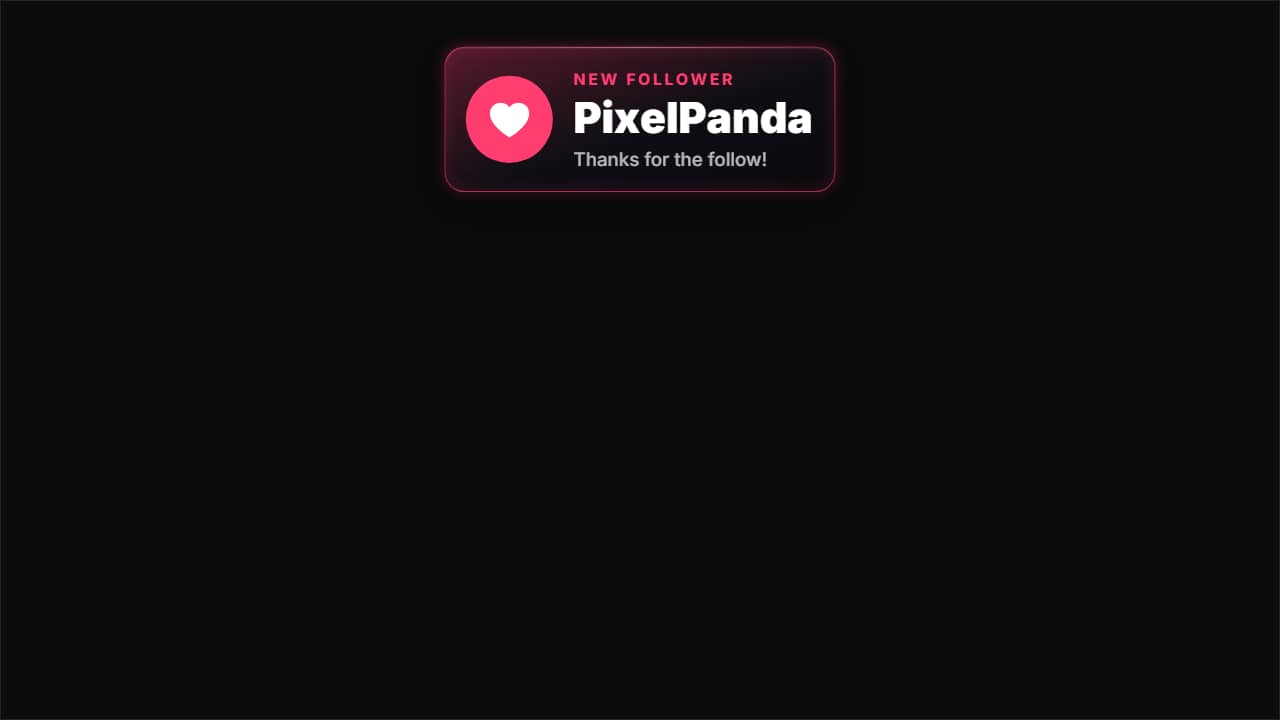 New follower alertThe alert that pops up on streams and in gaming clips: the card drops from the top, the heart bounces on its…
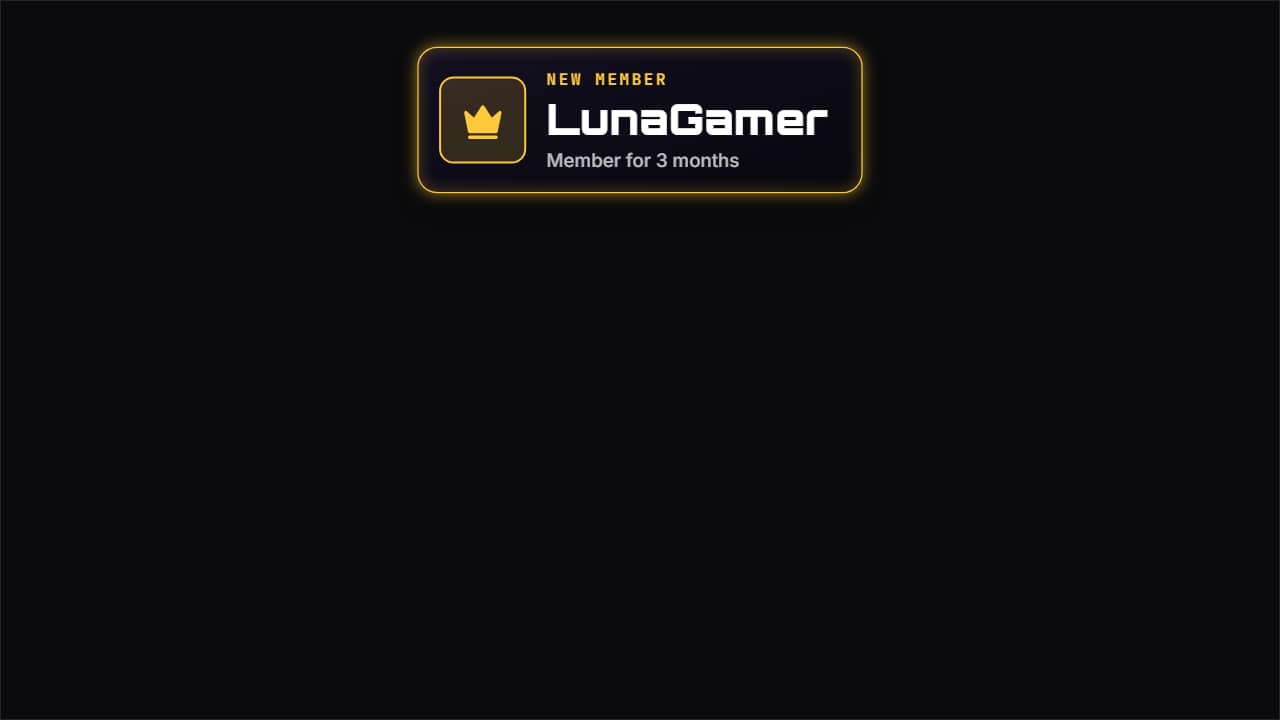 New member alertTo thank someone who joins as a member or paid subscriber: the crown bounces on its tile with a burst, «NEW…
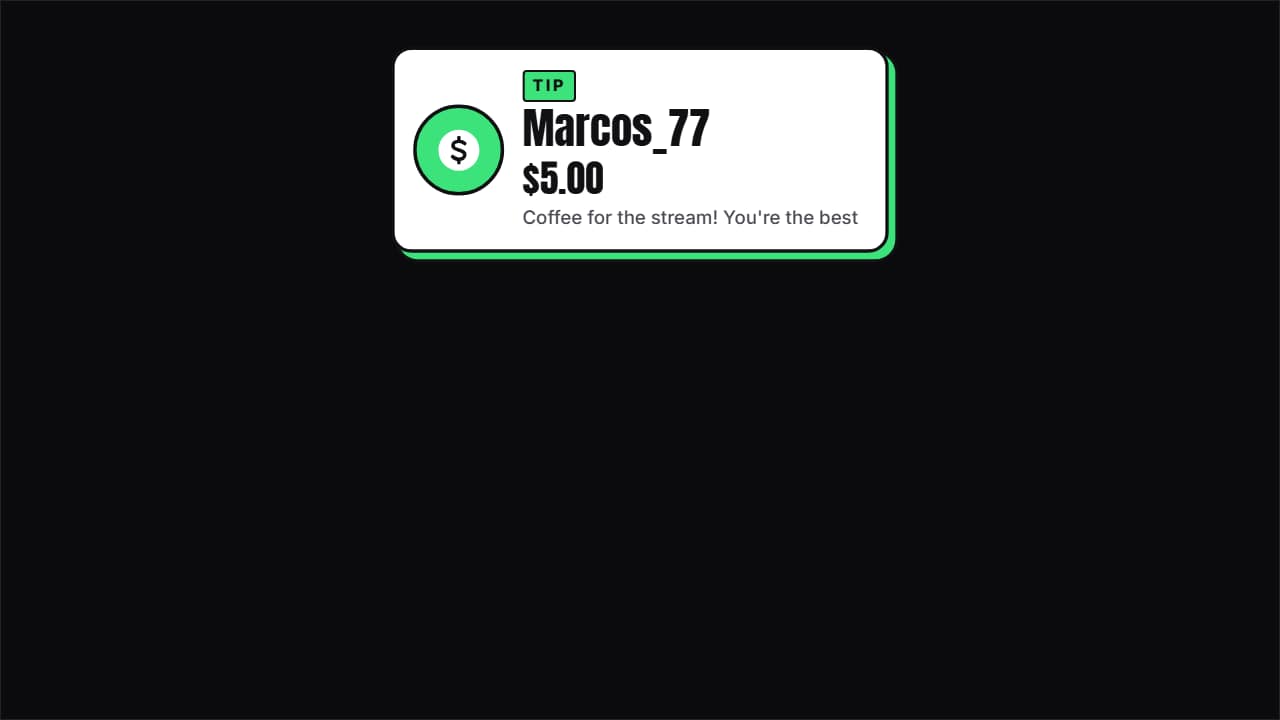 Tip and donation alertThe donation with its amount: the coin bounces, the name comes in letter by letter, the amount ROLLS up to…
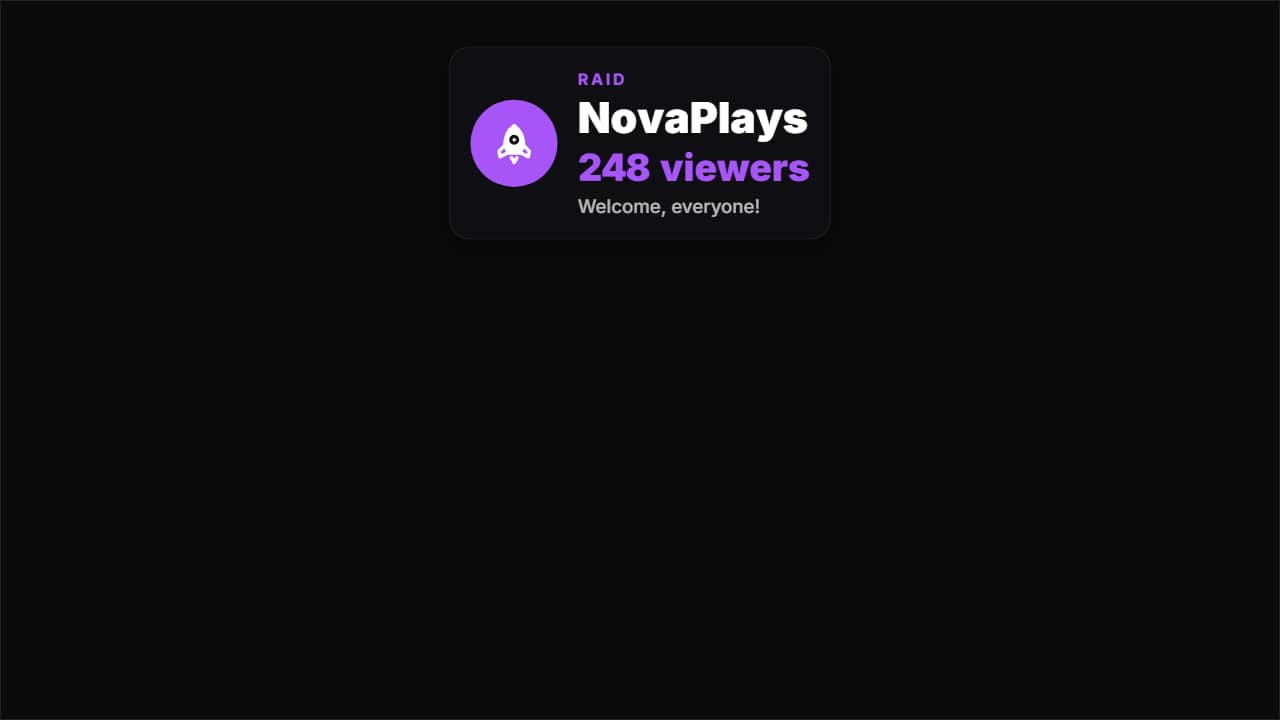 Raid alertWhen another channel shows up with its viewers: the rocket bounces, «RAID», the channel name letter by…
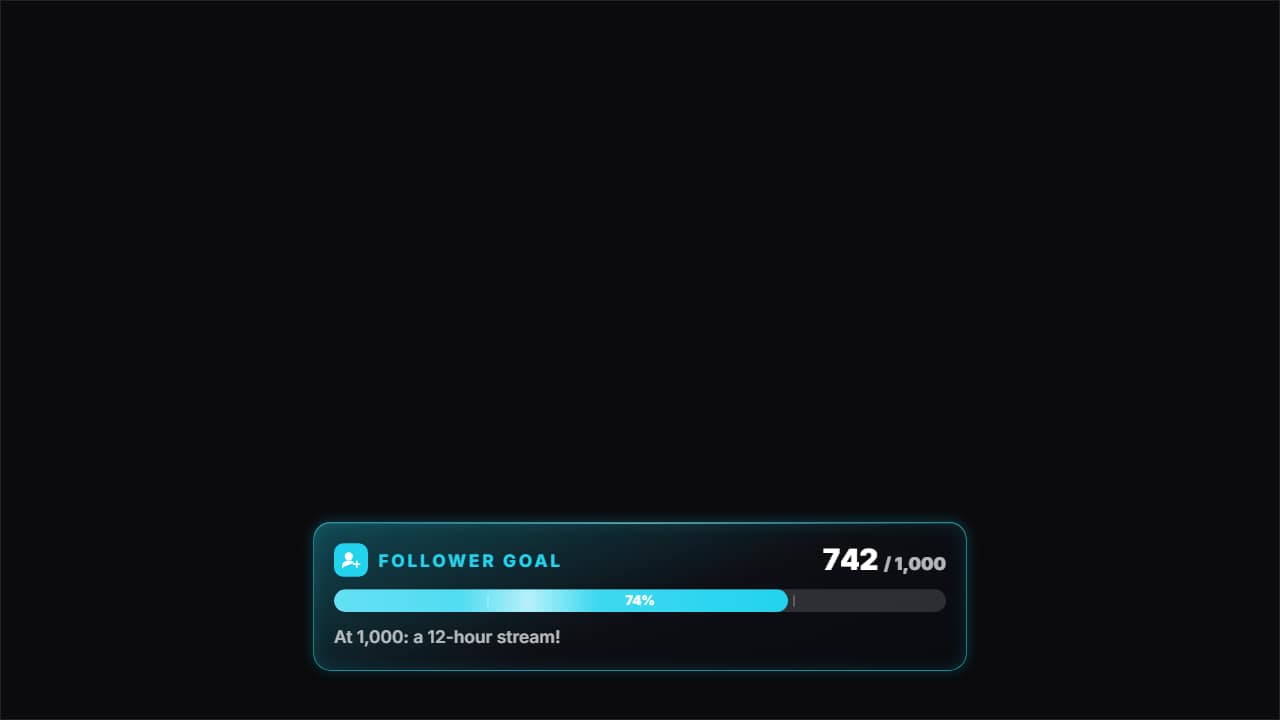 Stream goal barThe goal bar: «FOLLOWER GOAL» with its icon, «742 / 1,000» rolling and the bar filling from where it was to…
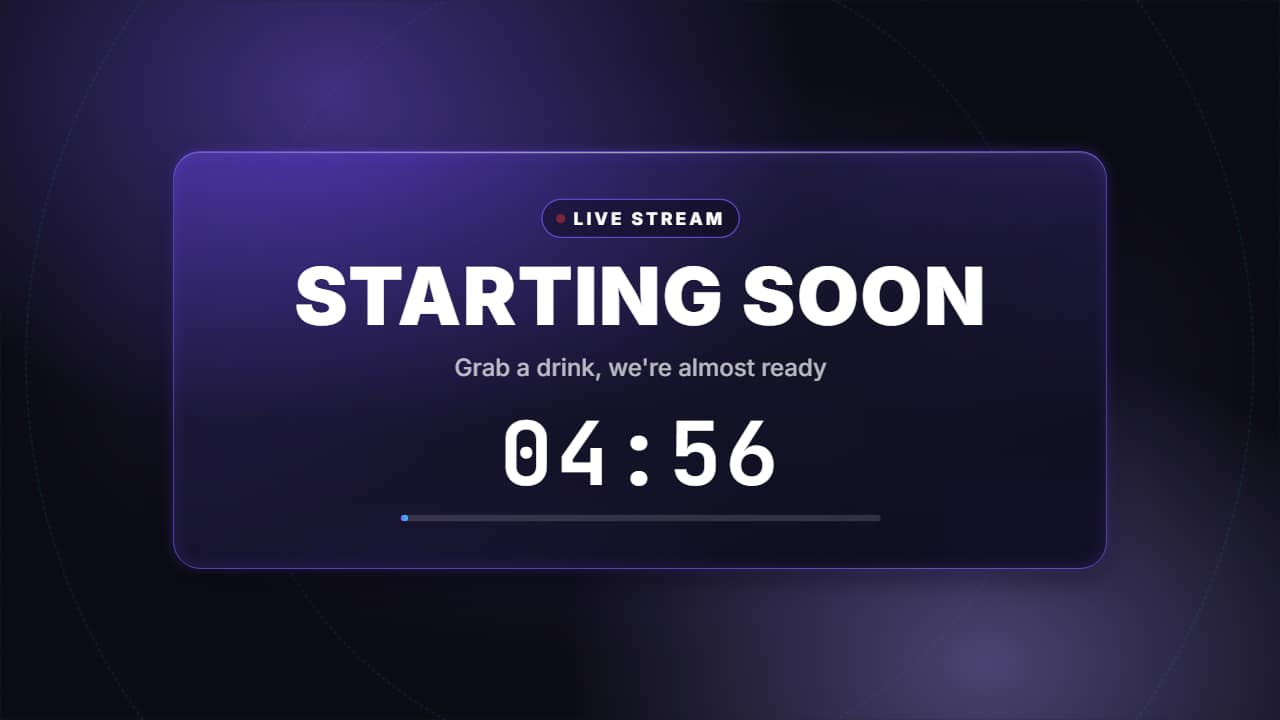 Starting soon screen with countdownThe screen before a stream or a premiere: the «LIVE» pill with its pulsing dot, «STARTING SOON» in big…
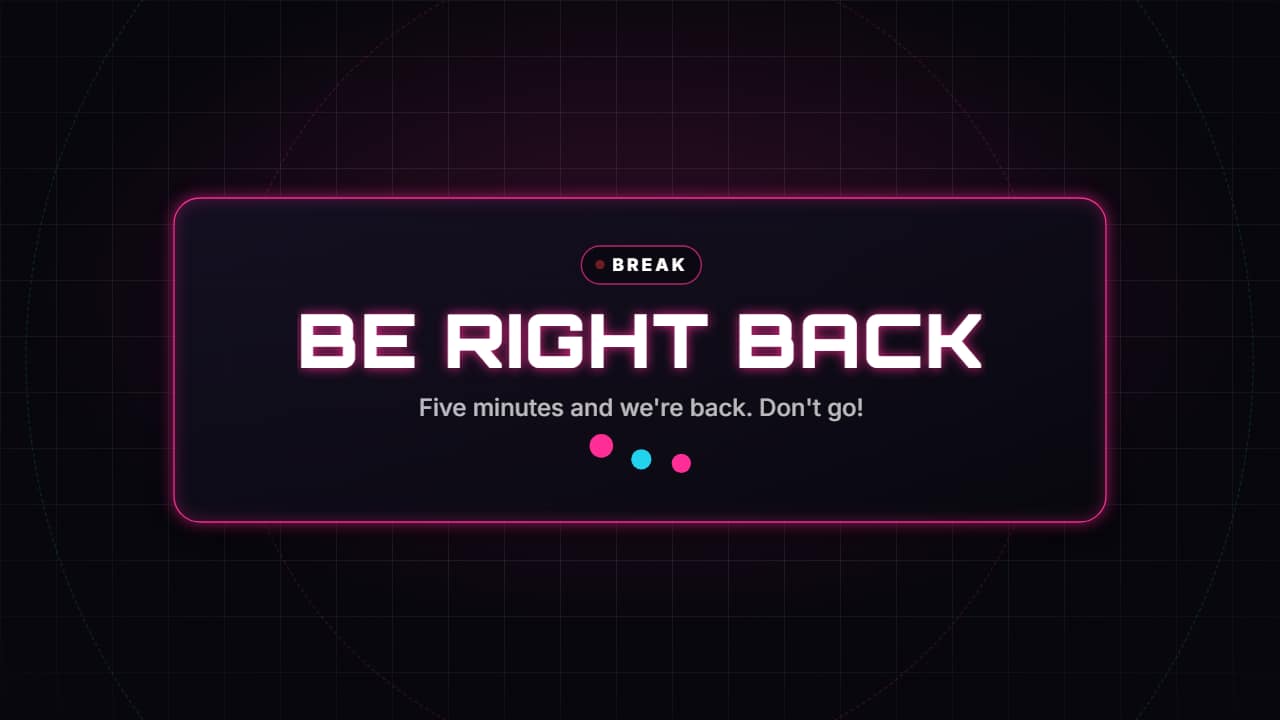 Be right back screenThe break screen: «BE RIGHT BACK» in big letters, one line and three dots bouncing while they wait, over a…
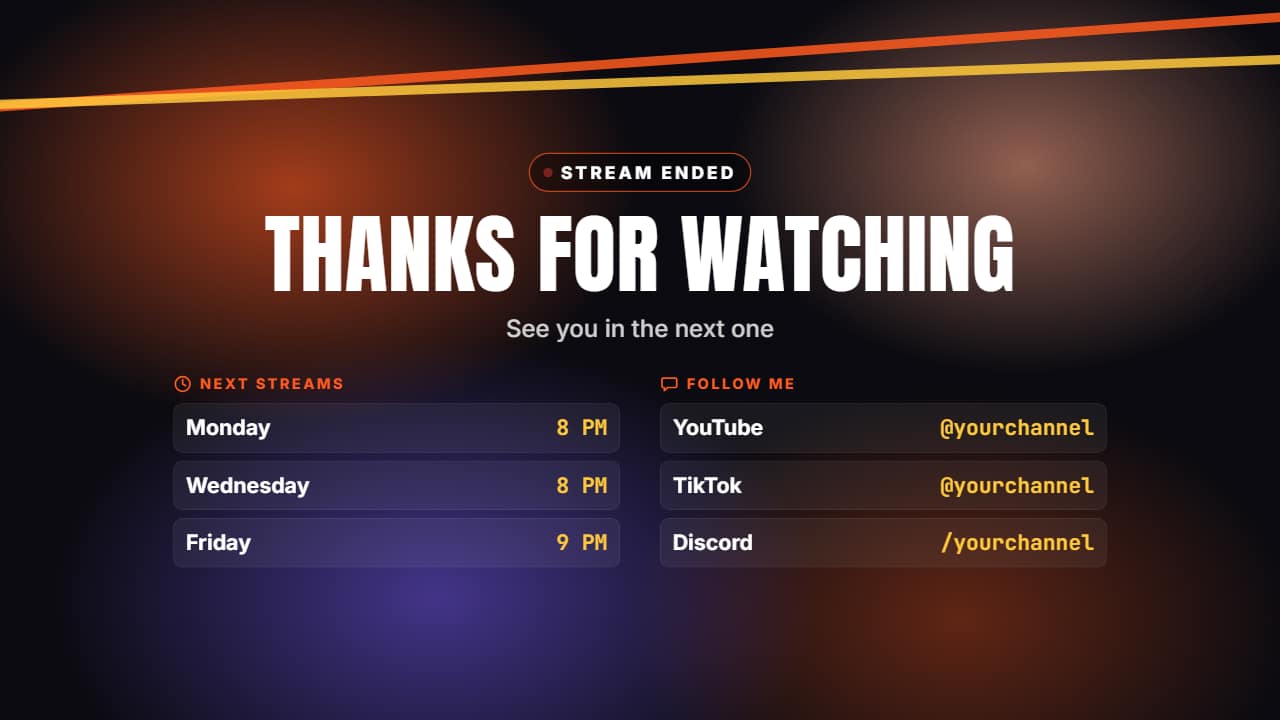 Stream ending screenThe close of a stream or a video: «THANKS FOR WATCHING», one line, the schedule of the next streams and your…
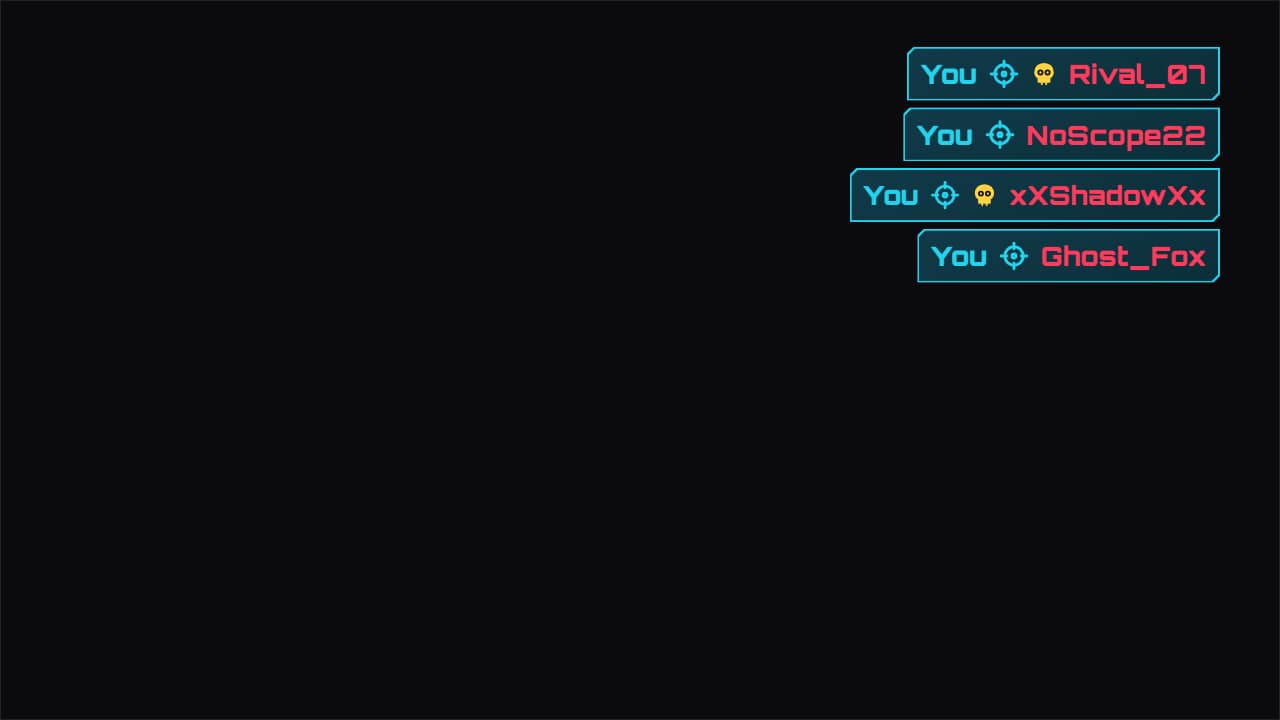 Kill feed overlayThe shooter-style elimination feed, for your best plays: each line slides in from the side, your name is…
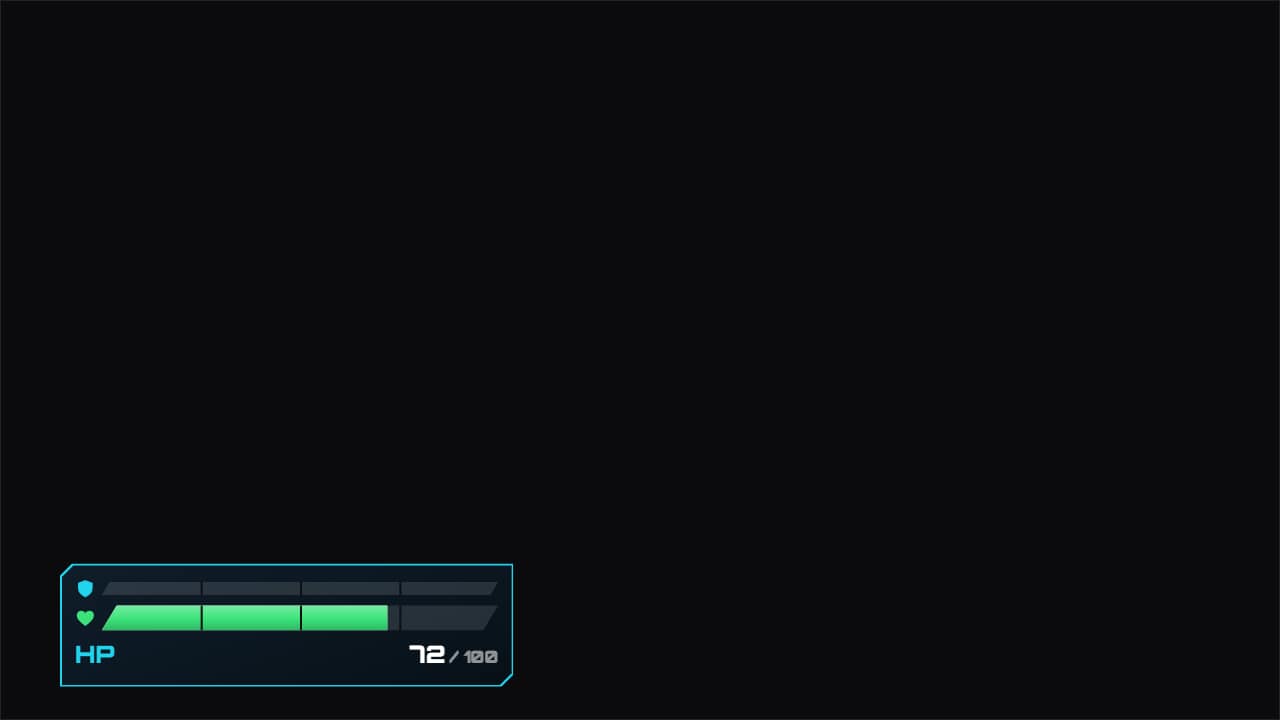 Health and shield barHealth and shield bars that take the hits you write («second | health | shield»): the bar drops instantly, a…
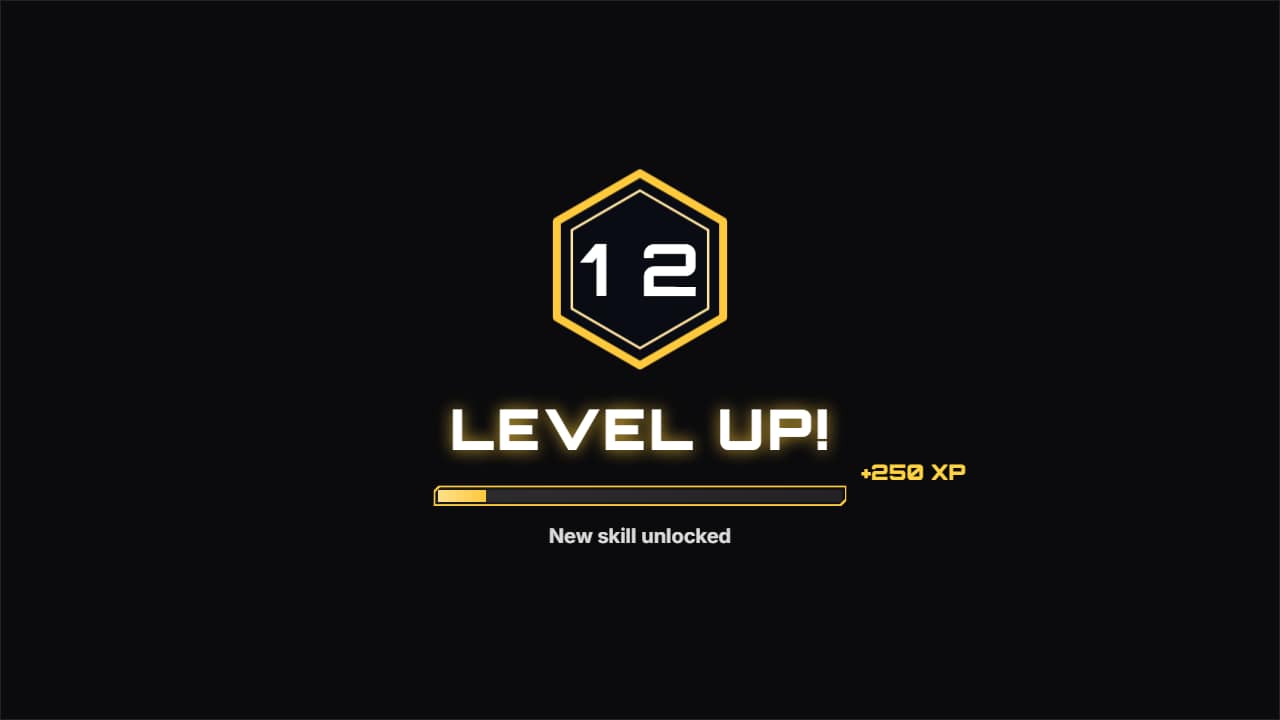 Level up animationThe level-up moment, in a game or as a joke in any video («level 12 in cooking»): the XP bar fills, the…
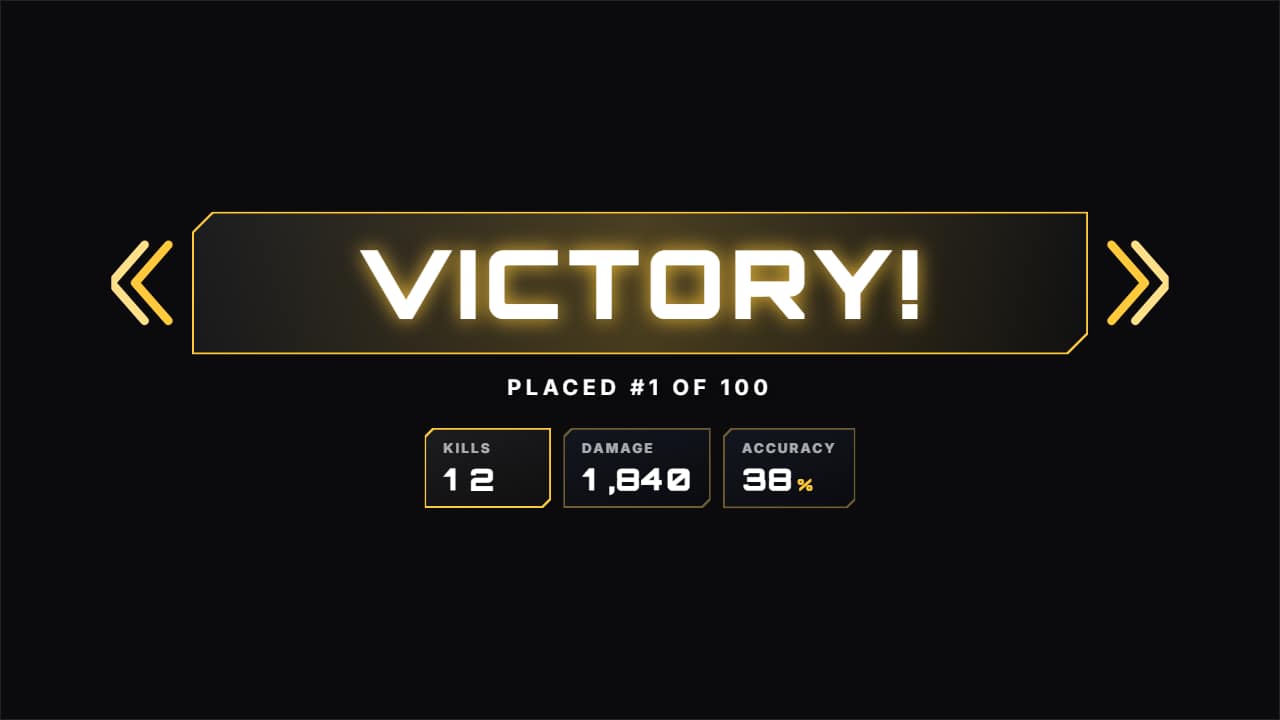 Victory screenEnd of the match: «VICTORY!» slams onto its band with chevrons on the sides and a light sweep, one line…
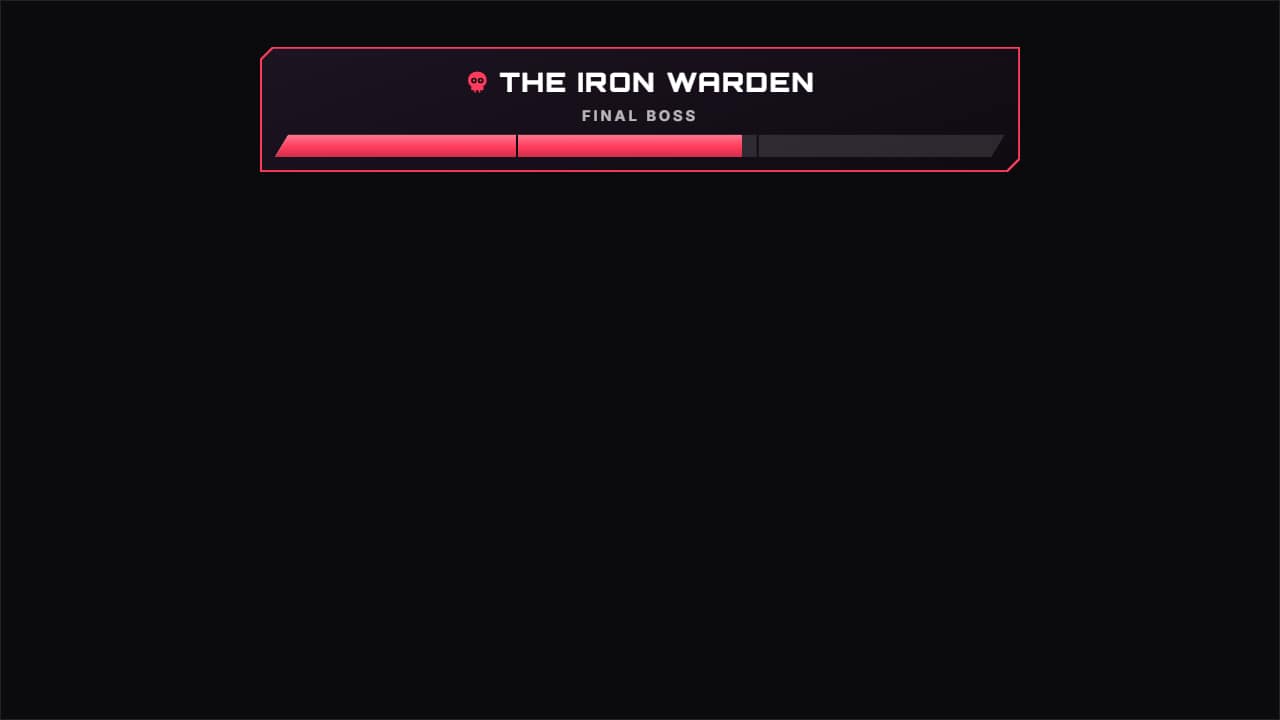 Boss health barThe long final-boss bar at the top, with its name and a subtitle, the phase marks and the hits that drain it…
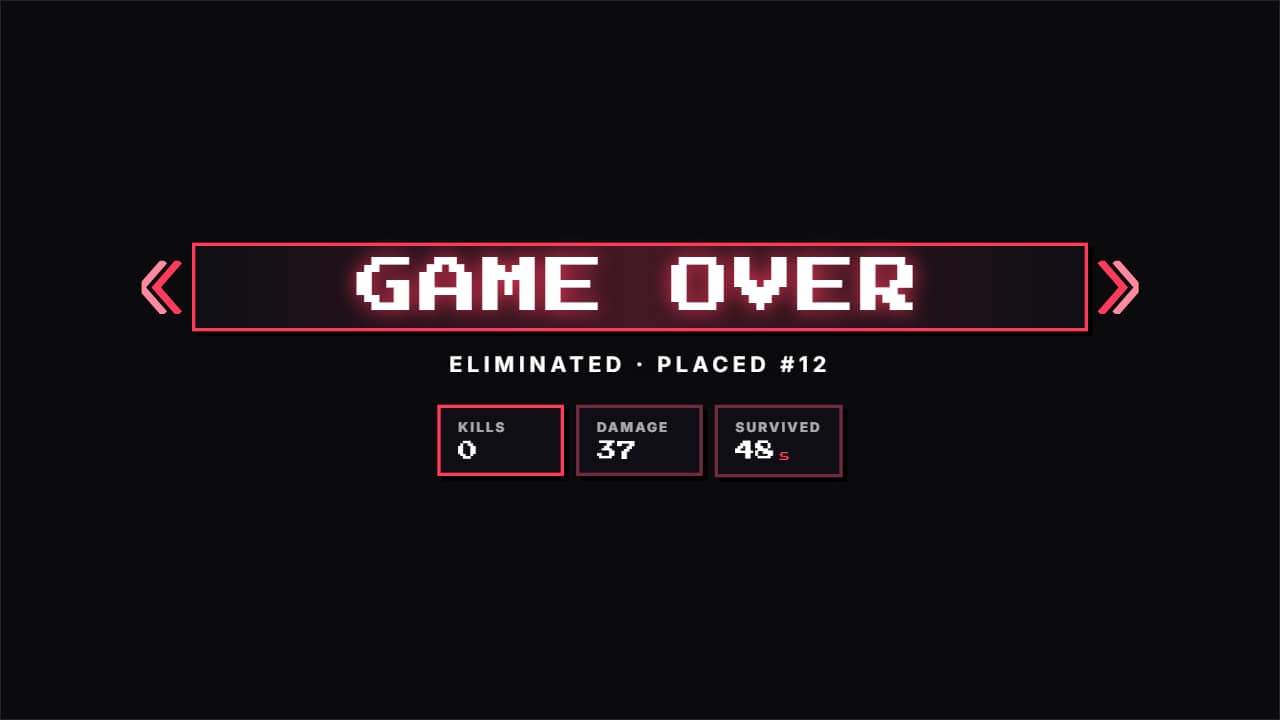 Game over screenThe other ending, for epic fails and funny clips: «GAME OVER» slams in red with its chevrons and light…
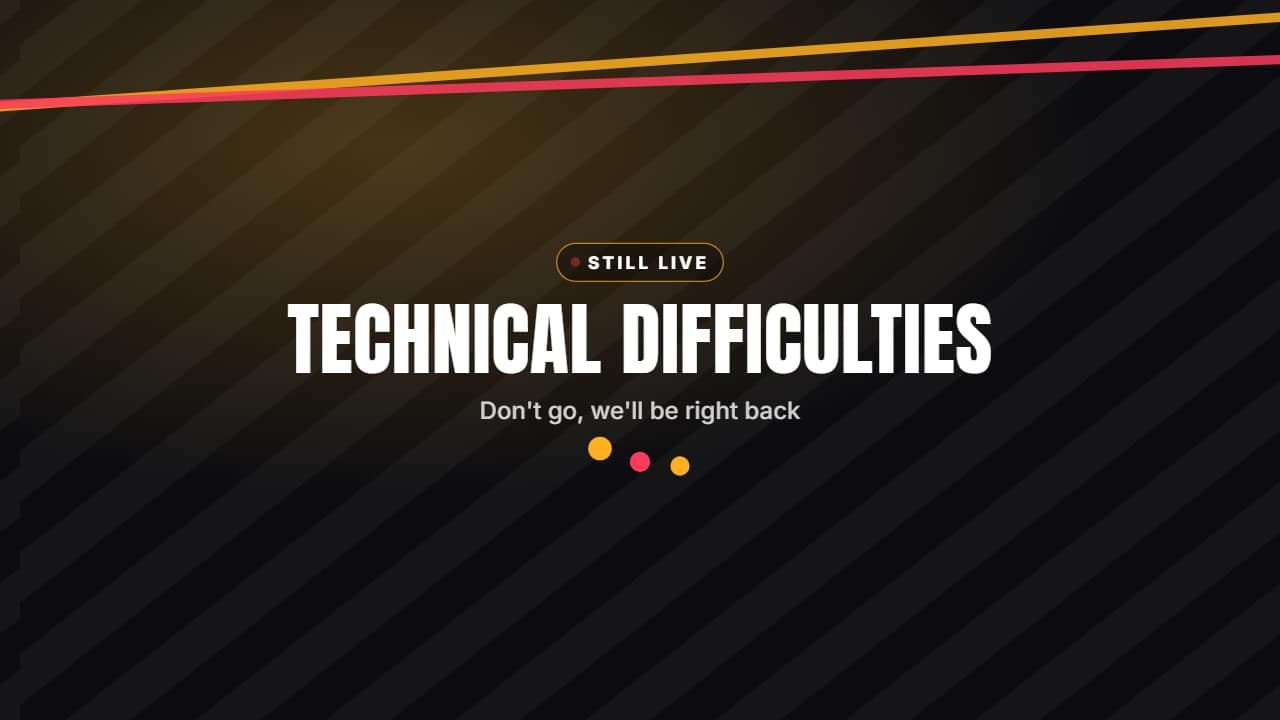 Technical difficulties screenThe screen for when something breaks live: «TECHNICAL DIFFICULTIES», «Don't go, we'll be right back» and the…
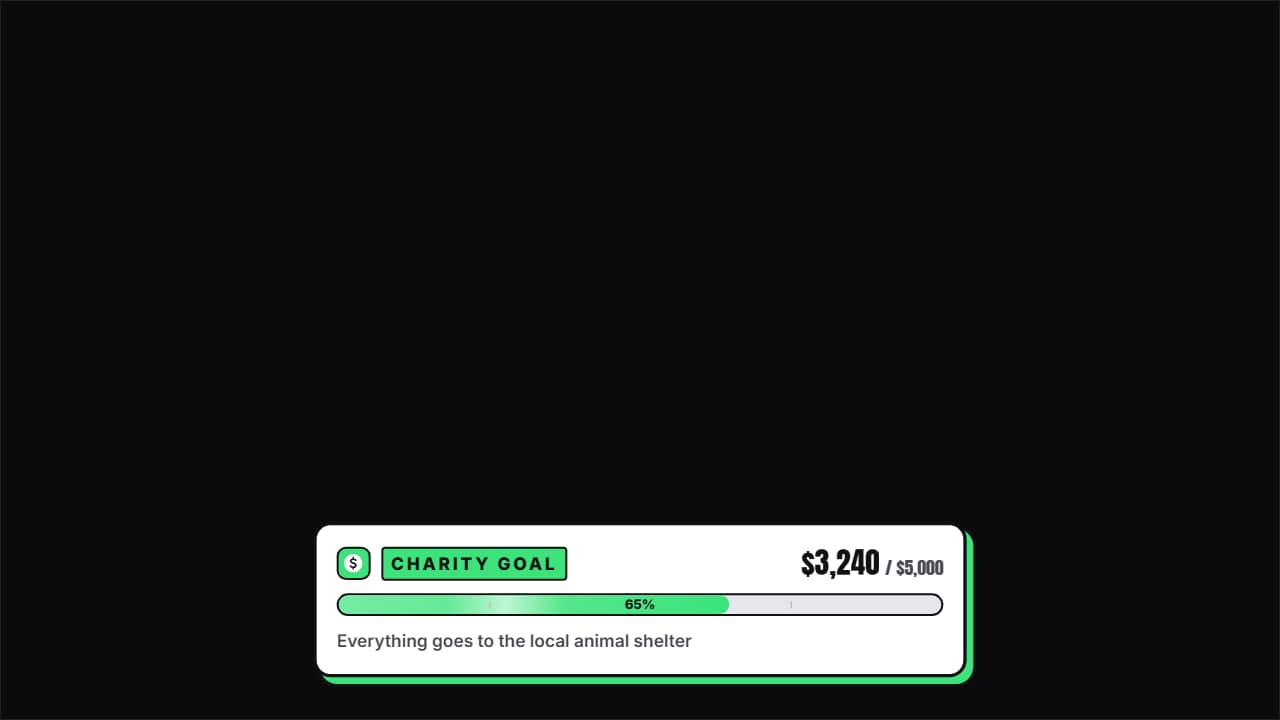 Donation goal bar (charity stream)The bar for charity streams and money goals: «CHARITY GOAL» with the coin, «$3,240 / $5,000» rolling and the…
Questions
- Can I use these in OBS or only in my editor?
- Both. Export them transparent as a .mov or .webm and add them as a media source in OBS, or drop them on top of your clip in CapCut, Premiere, DaVinci or Final Cut.
- Does the starting soon countdown really count down?
- Yes, one second per second from the time you set. Make the duration longer in the editor and it keeps counting until it reaches zero.
- Do I need After Effects?
- No. Every template is edited in your browser: type your text, choose colors and format (16:9, 9:16 or 1:1), watch the live preview and export.
- What do I export, and does it work in my editor?
- Most templates export as a ProRes 4444 .mov with a transparent background, which you place on a track above your clip in CapCut, Premiere Pro, DaVinci Resolve or Final Cut Pro. You can also export an MP4 with your own clip behind it. Always in Full HD.
- Is it free?
- Editing and previewing are free and need no account. To export you sign in with Google; during the open beta, new accounts get export credits at no cost.