Explainer Animation Templates for Science and Health
When a video has to show how something works, a talking head is not enough. These explainer templates give you the diagram already moving: planets orbiting at their relative sizes, a DNA helix spinning, the layers of the Earth opening in cross-section, a cycle with its steps around a ring, an exploded view with labeled parts and meshed gears turning.
For health channels there are vital signs with an ECG line, symptom checklists, medication schedules and myth-versus-fact cards. You type the labels and figures, choose the format and export the animation to put next to your explanation in any editor.
19 templates · 16:9 · 9:16 · 1:1Open them in the library
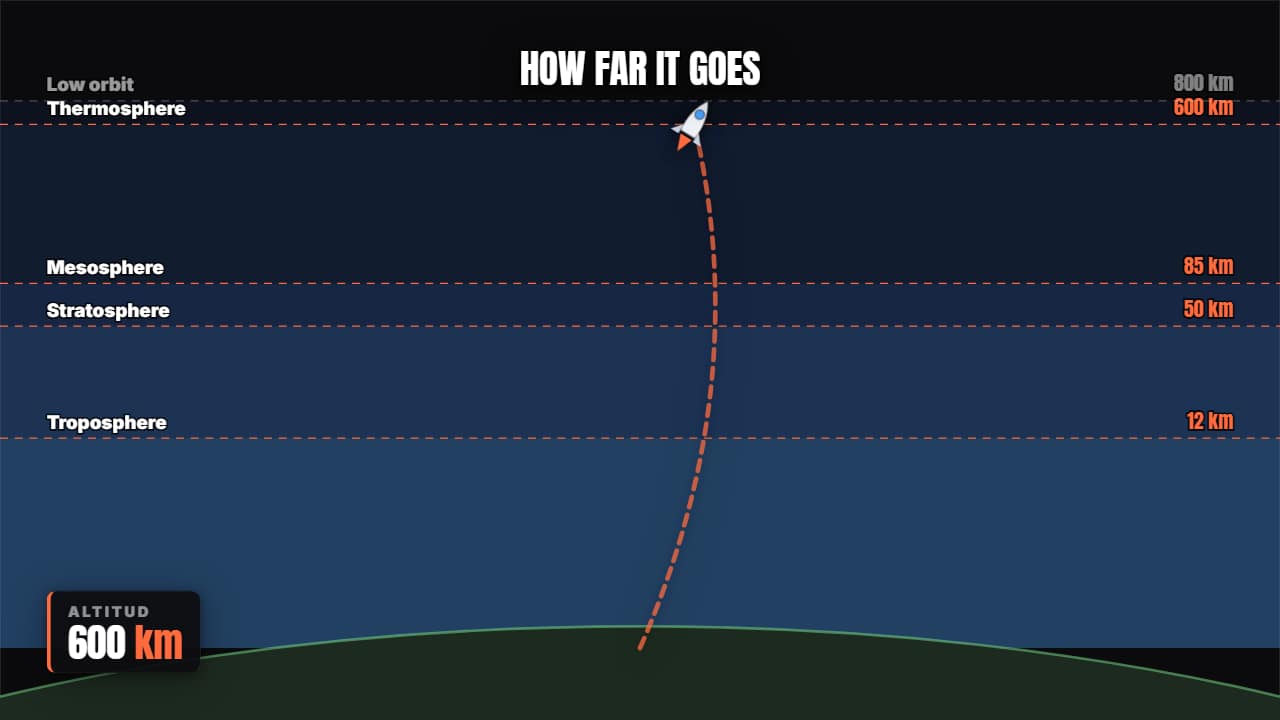 Rocket trajectoryLifts off, climbs through the layers of the atmosphere with the altimeter counting, and reaches orbit.
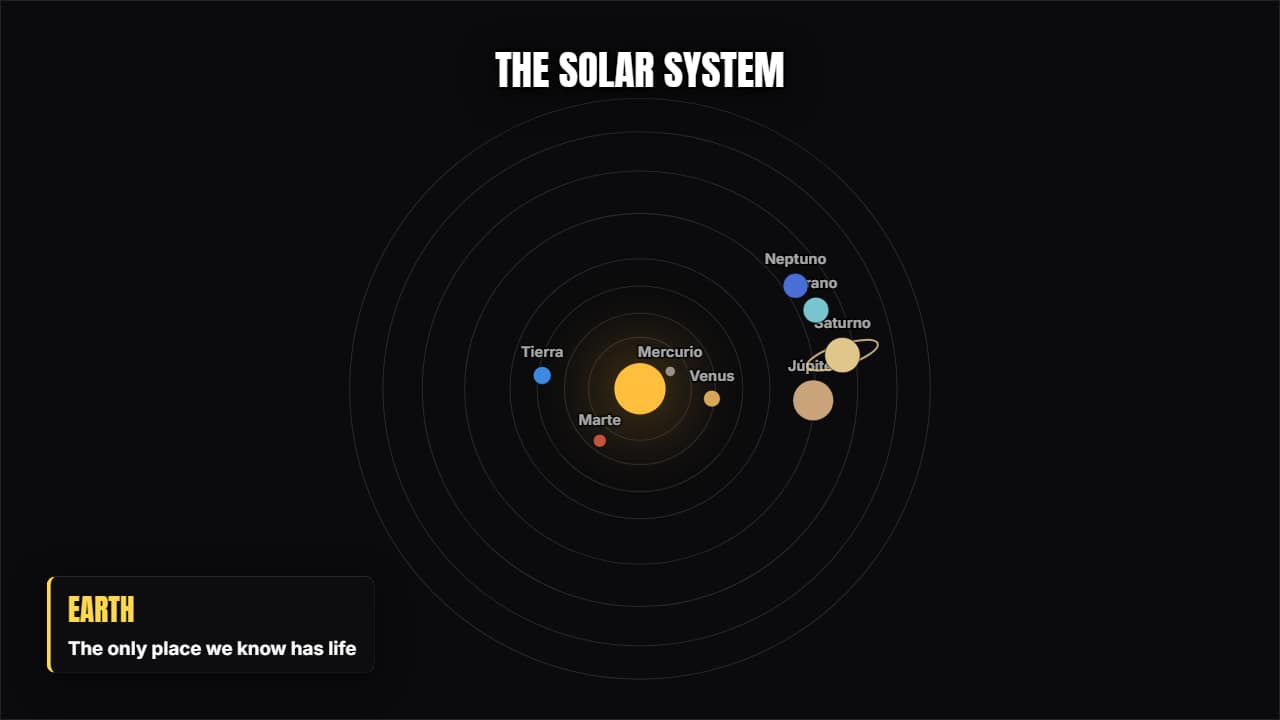 Solar systemThe eight planets orbiting at their relative sizes; the one you pick is highlighted and pulls out its card.
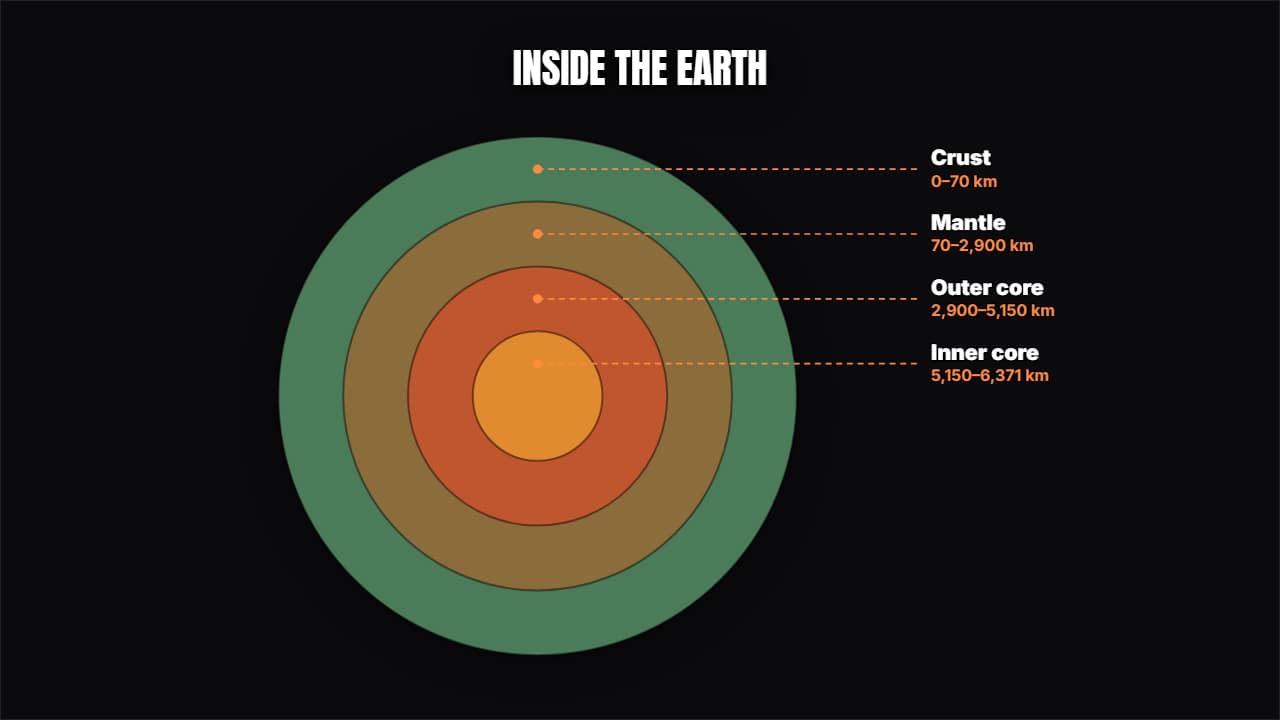 Layers in cross-sectionConcentric circles opening from the middle with their label and their measurement: the inside of the Earth…
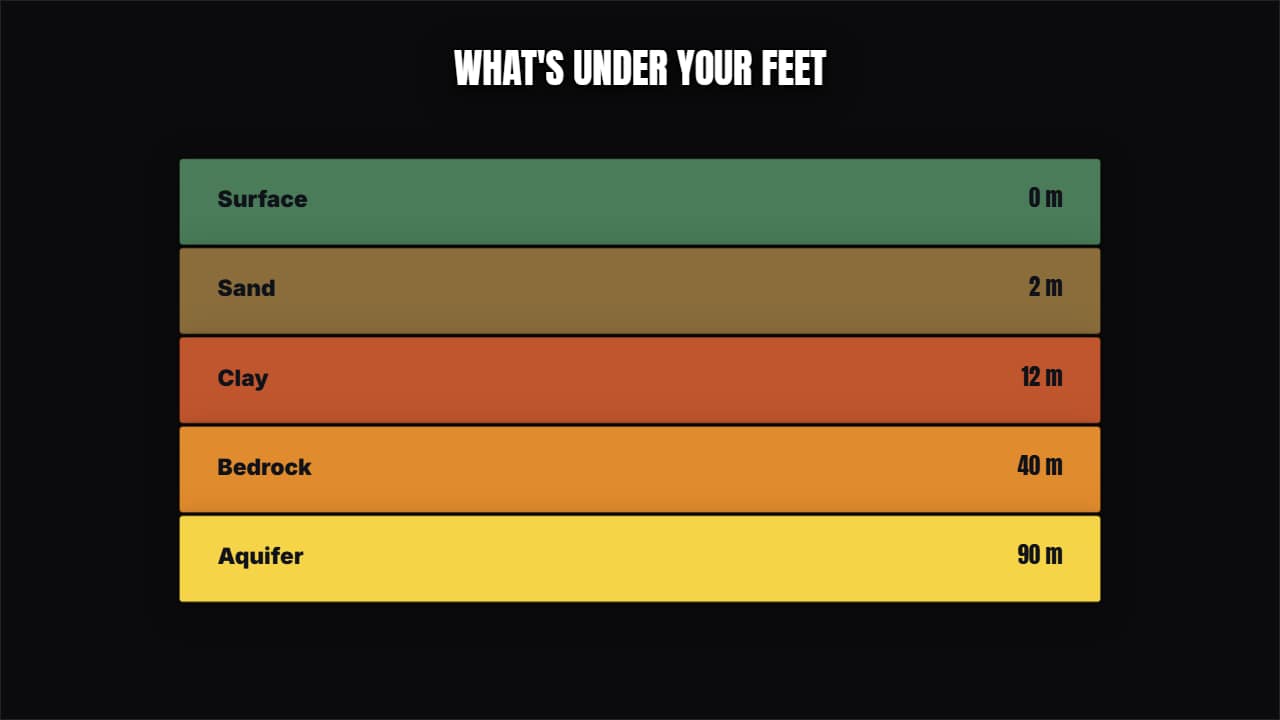 Stacked strataThe same idea in horizontal bands: soil layers, sea levels, price tiers or any "this sits on top of this".
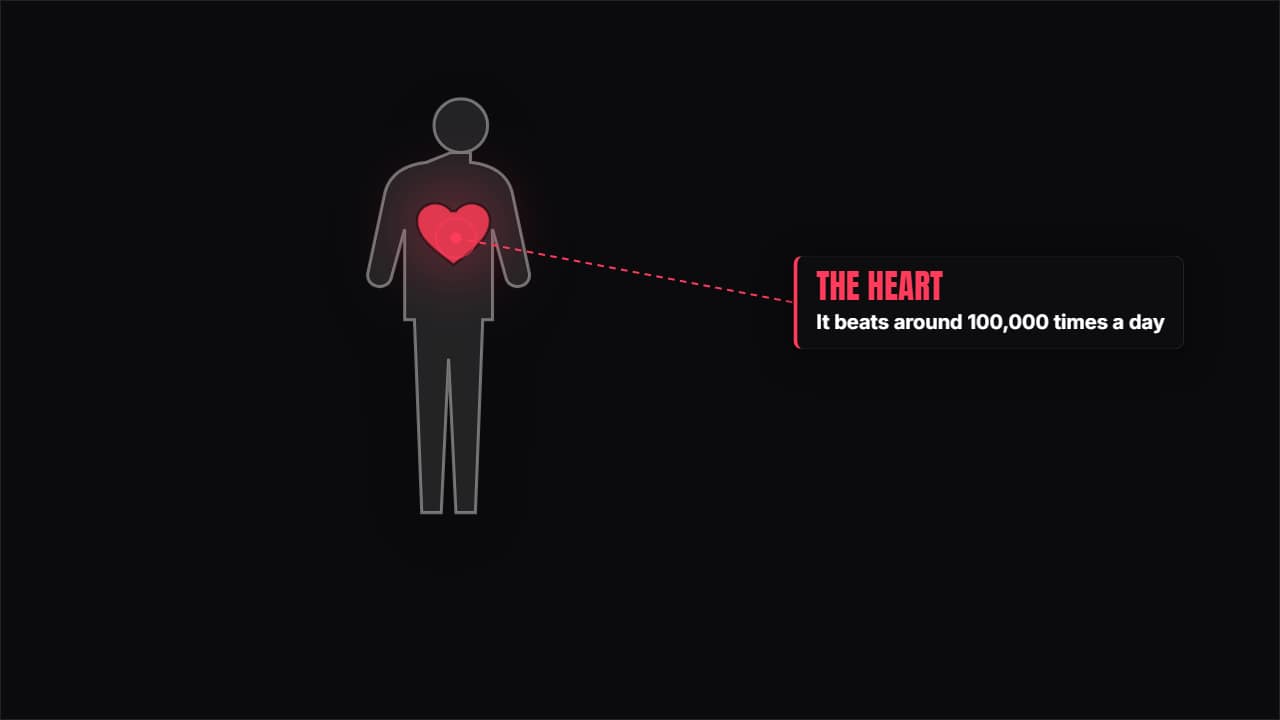 Human bodyA silhouette with the organ you choose highlighted, beating, and its card beside it.
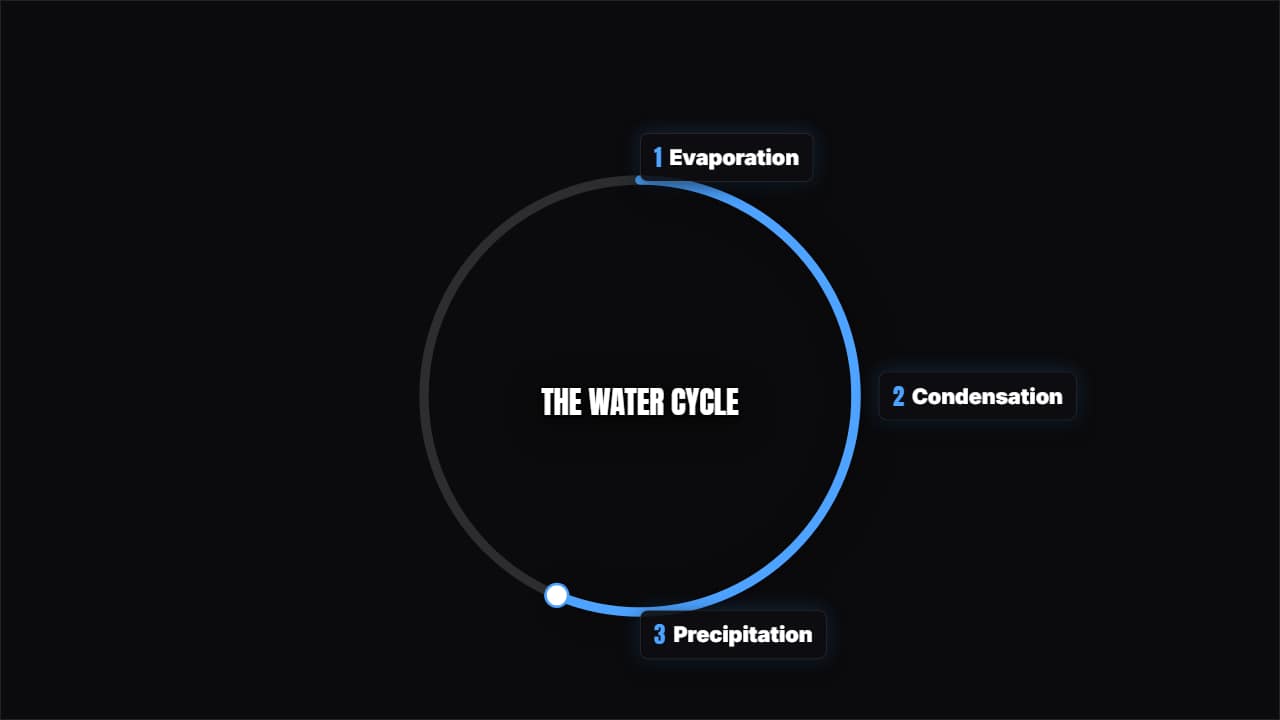 Cycle with stepsThe steps around a ring that completes itself, with a marker going round.
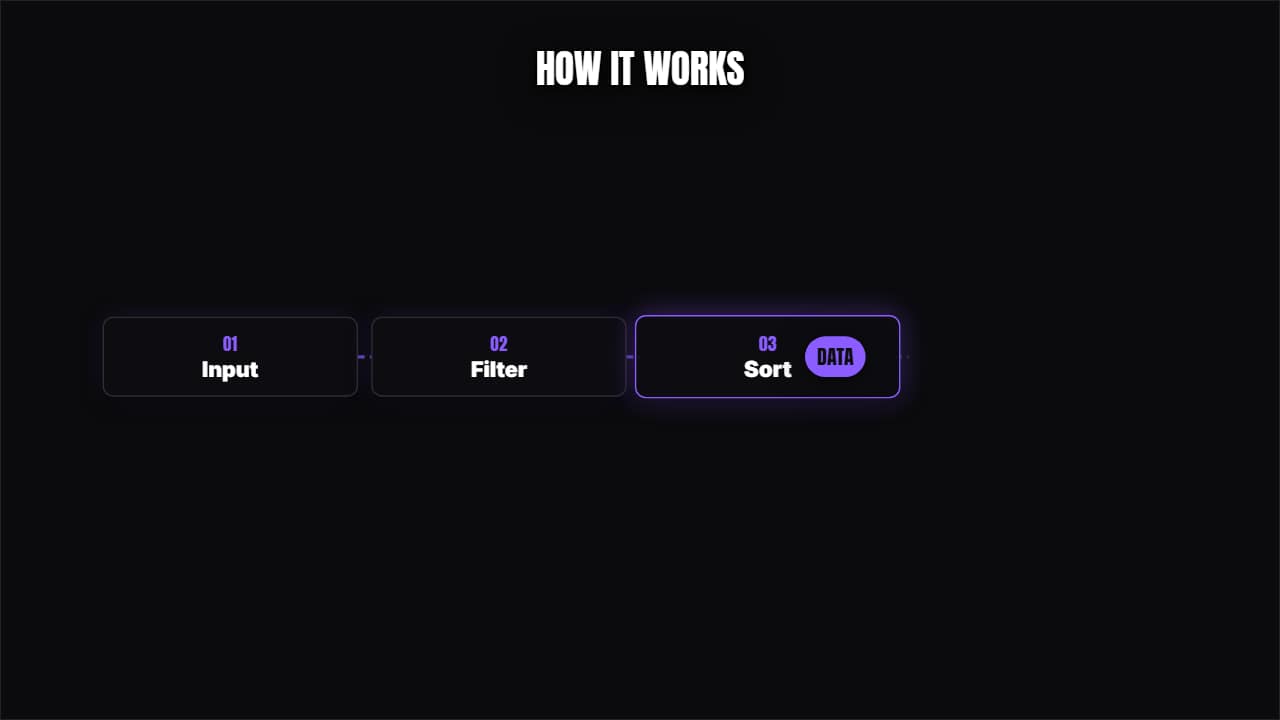 Chain processBoxes connected with a piece of data traveling from one to the next.
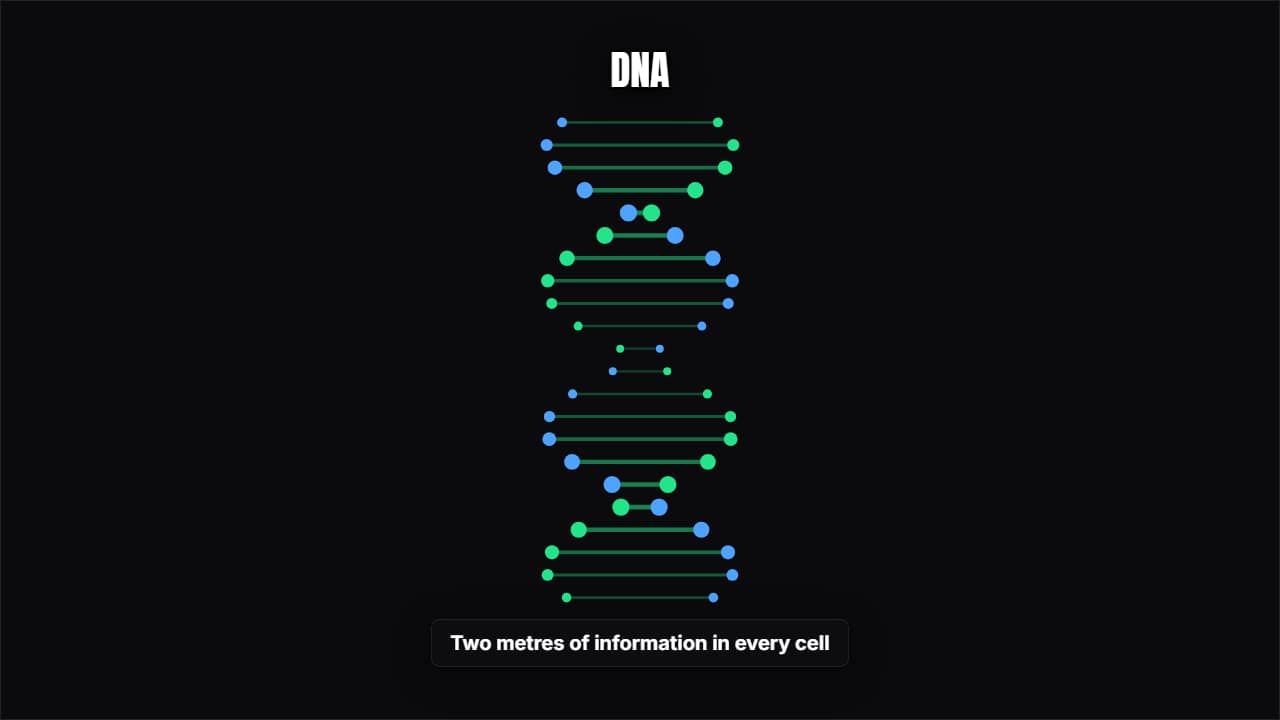 Spinning DNAThe double helix turning with its base pairs appearing one by one. Genetics, biology, health.
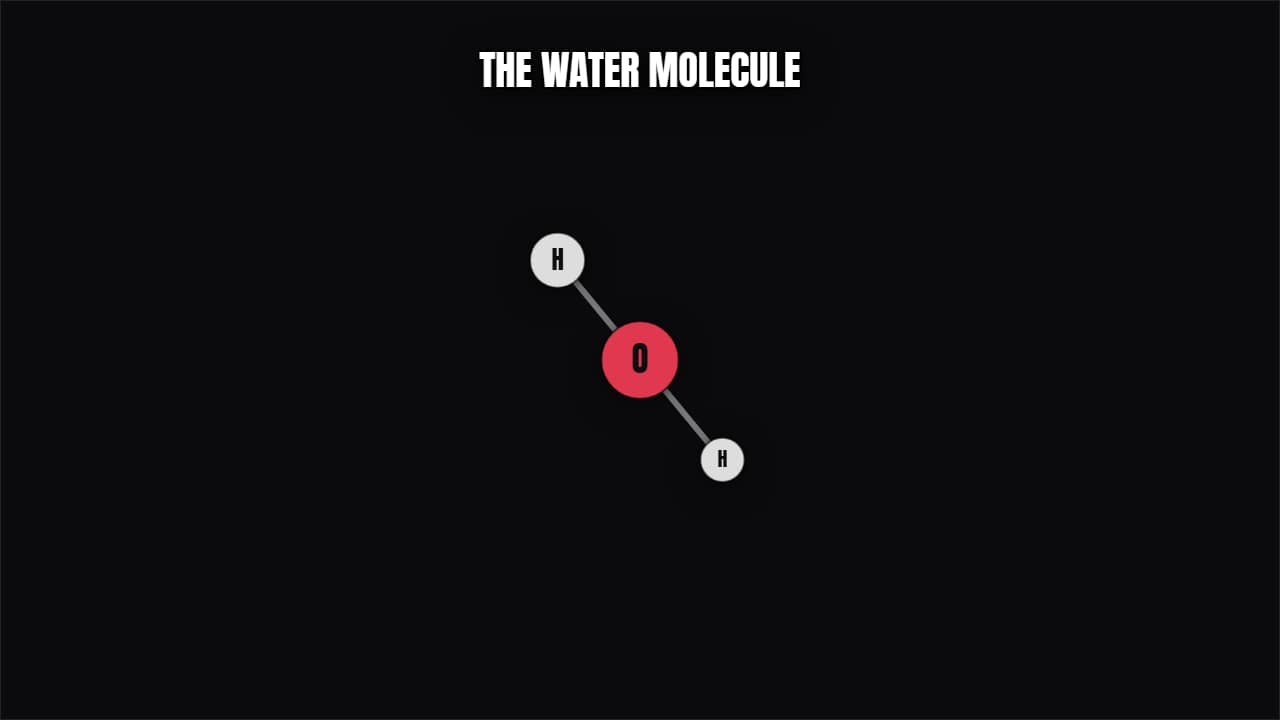 Molecule / atomAtoms joined by bonds spinning in perspective, or an atom with its electrons in orbit. Chemistry and physics.
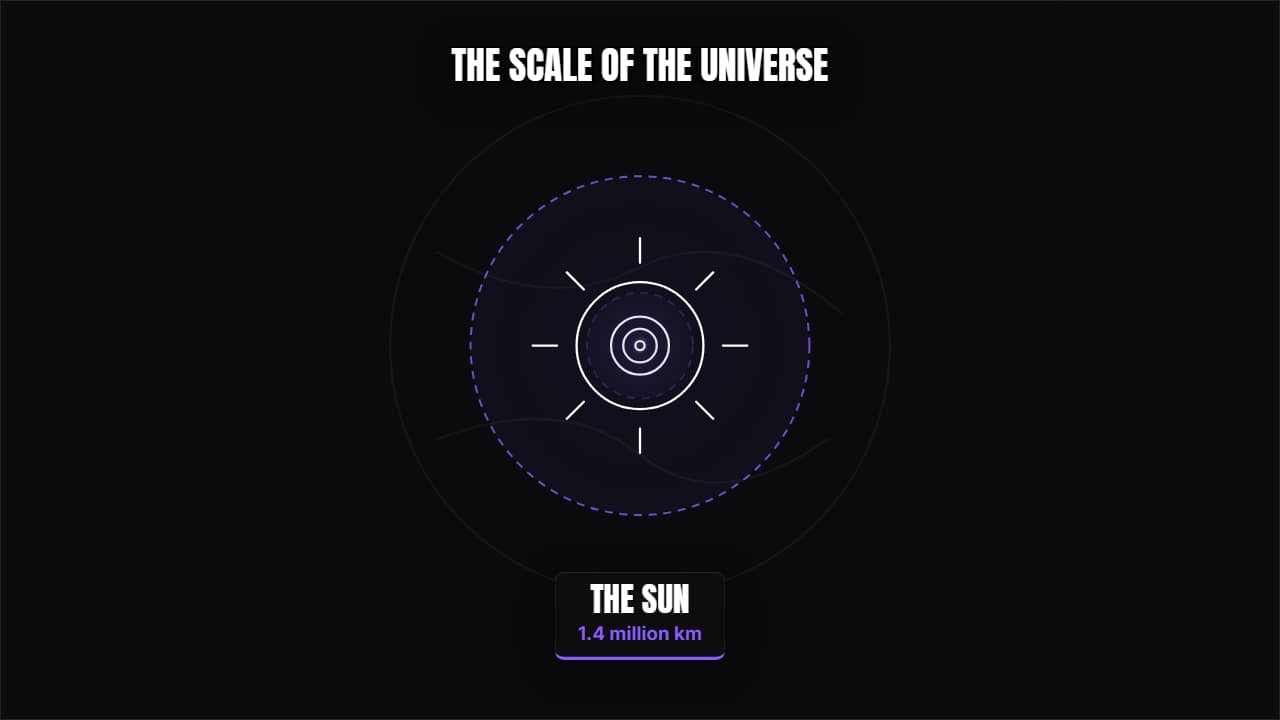 Scale of the universeA continuous zoom from the atom to the galaxy (or back), with each level coming in from the middle and its…
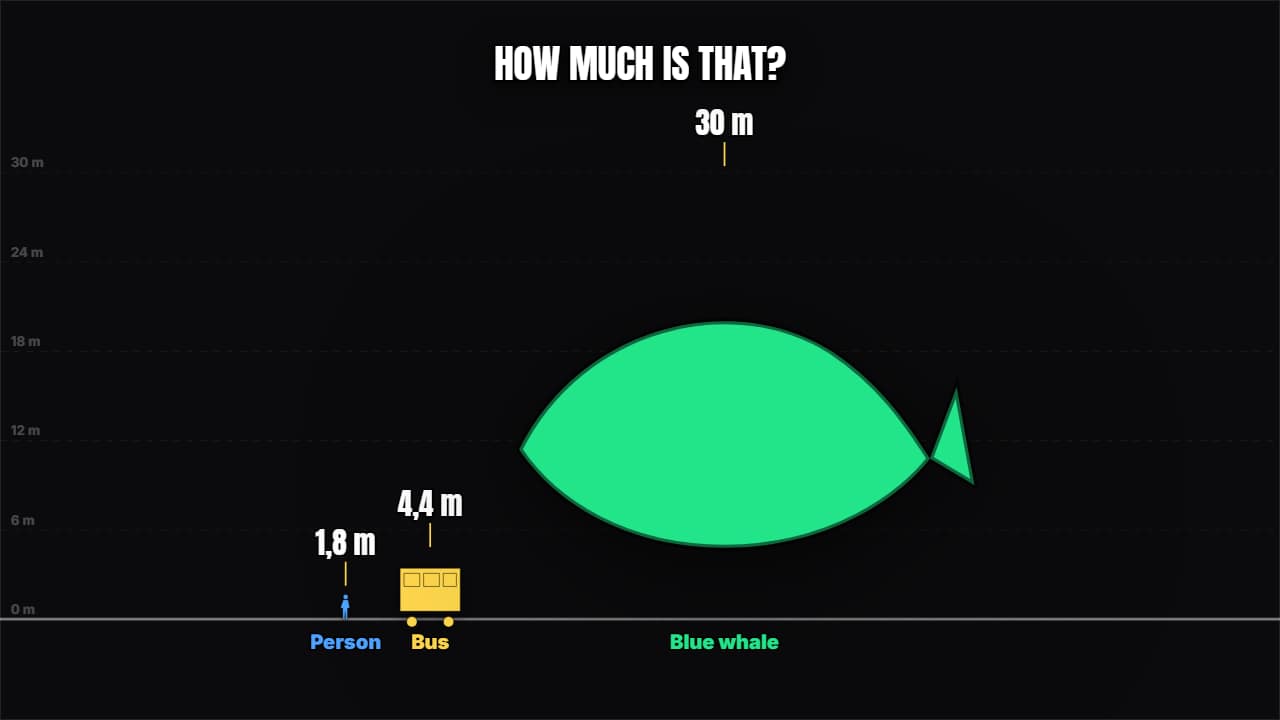 Size comparisonSilhouettes drawn to real scale over a ruler: "this is as long as 3 buses".
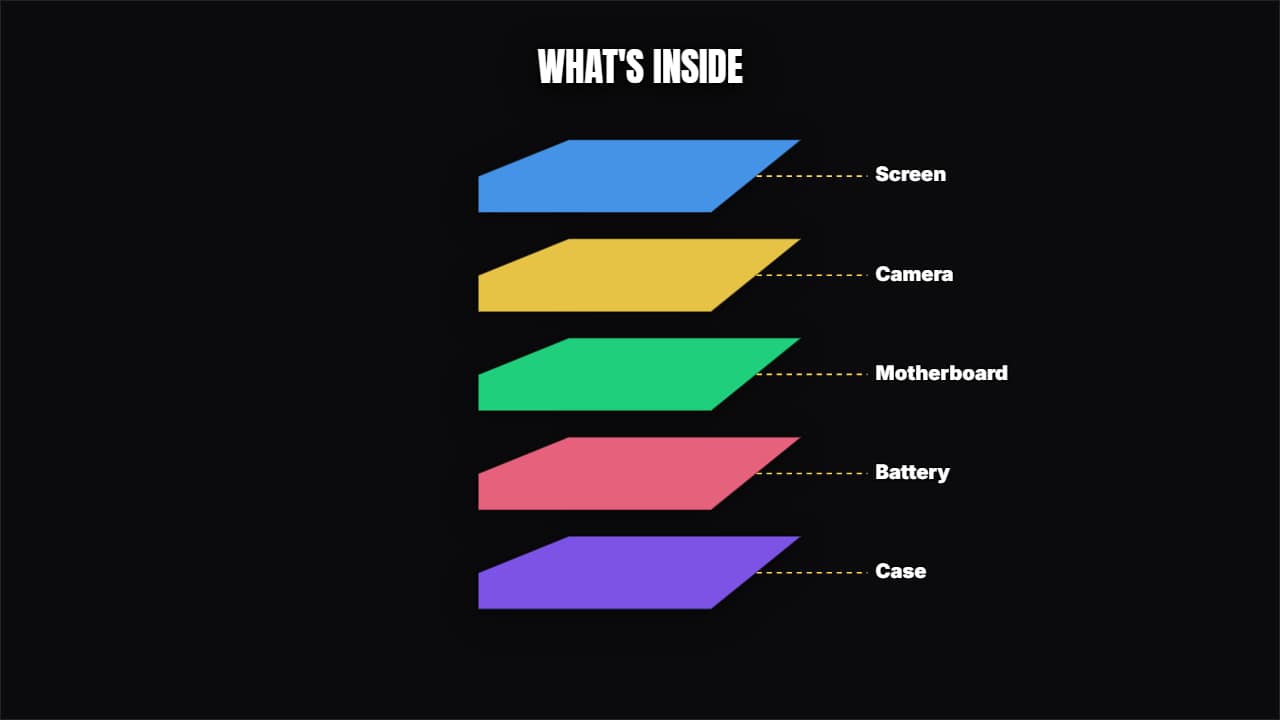 Exploded viewThe parts fan apart with their label and leader line: what's inside a phone, a product or anything at all.
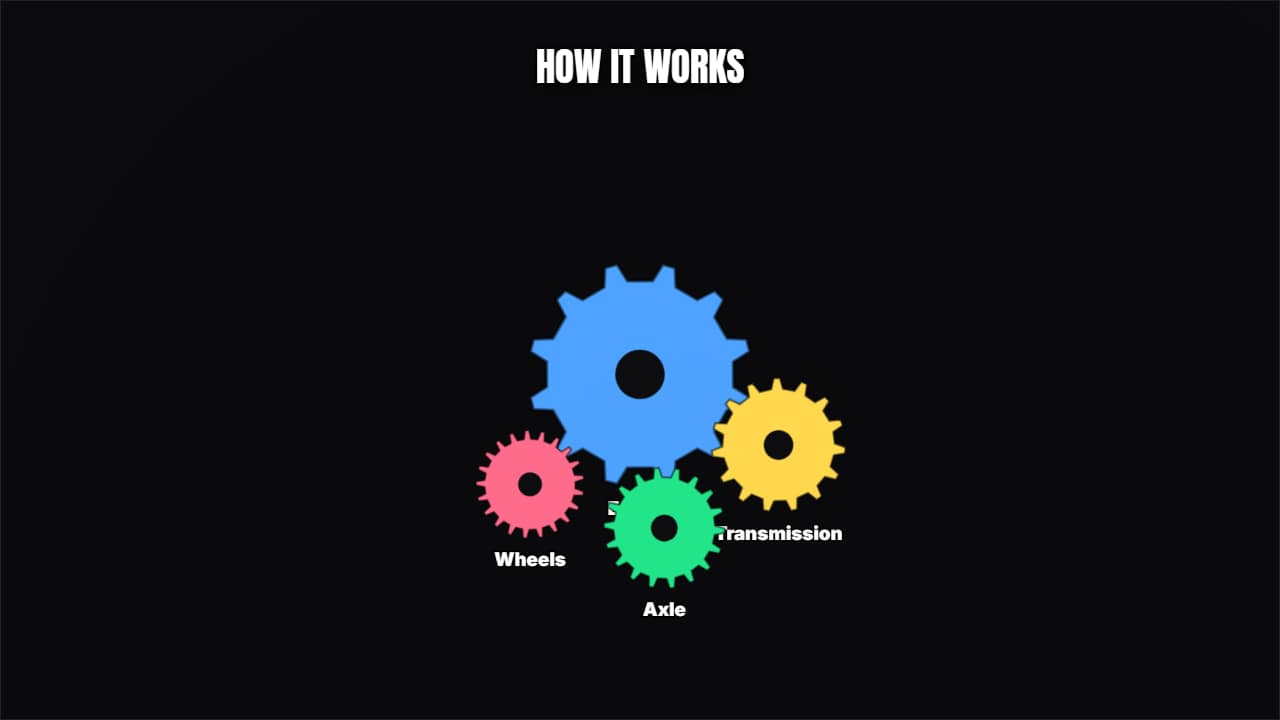 Machine in motionMeshed gears turning in opposite directions with their labels.
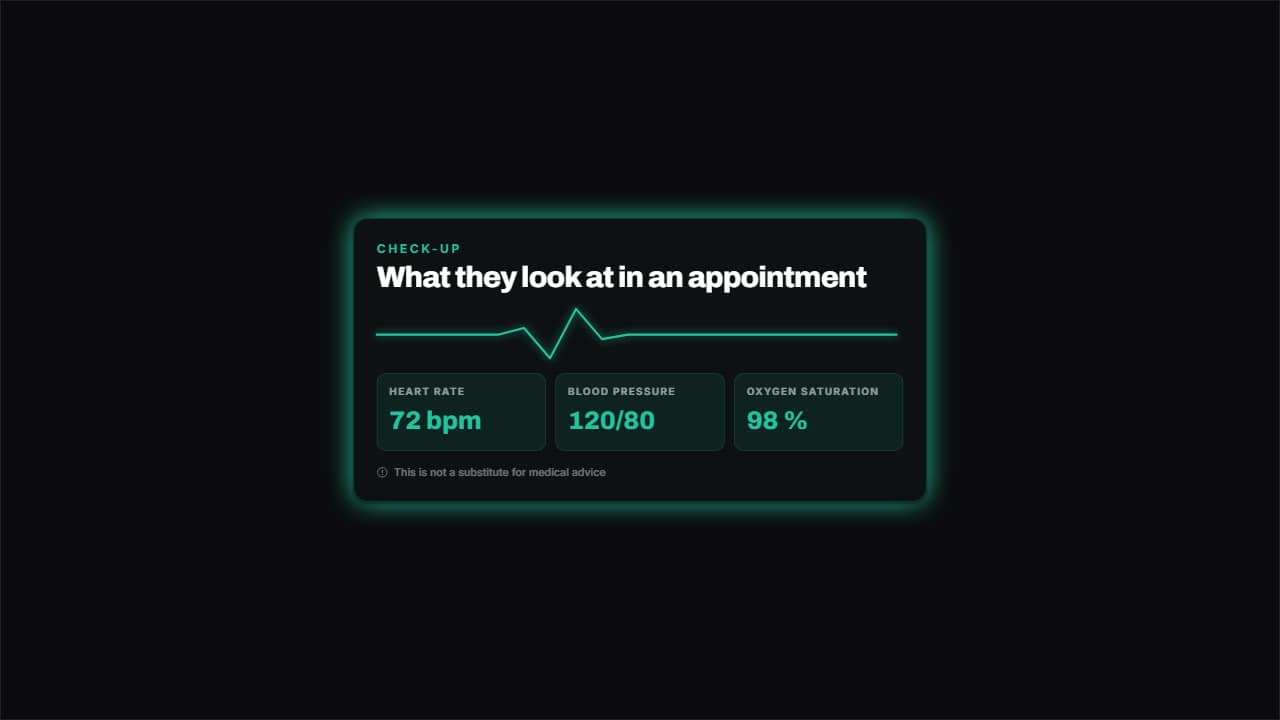 Vital signsAn ECG line drawing itself with the beat and the vitals underneath on cards.
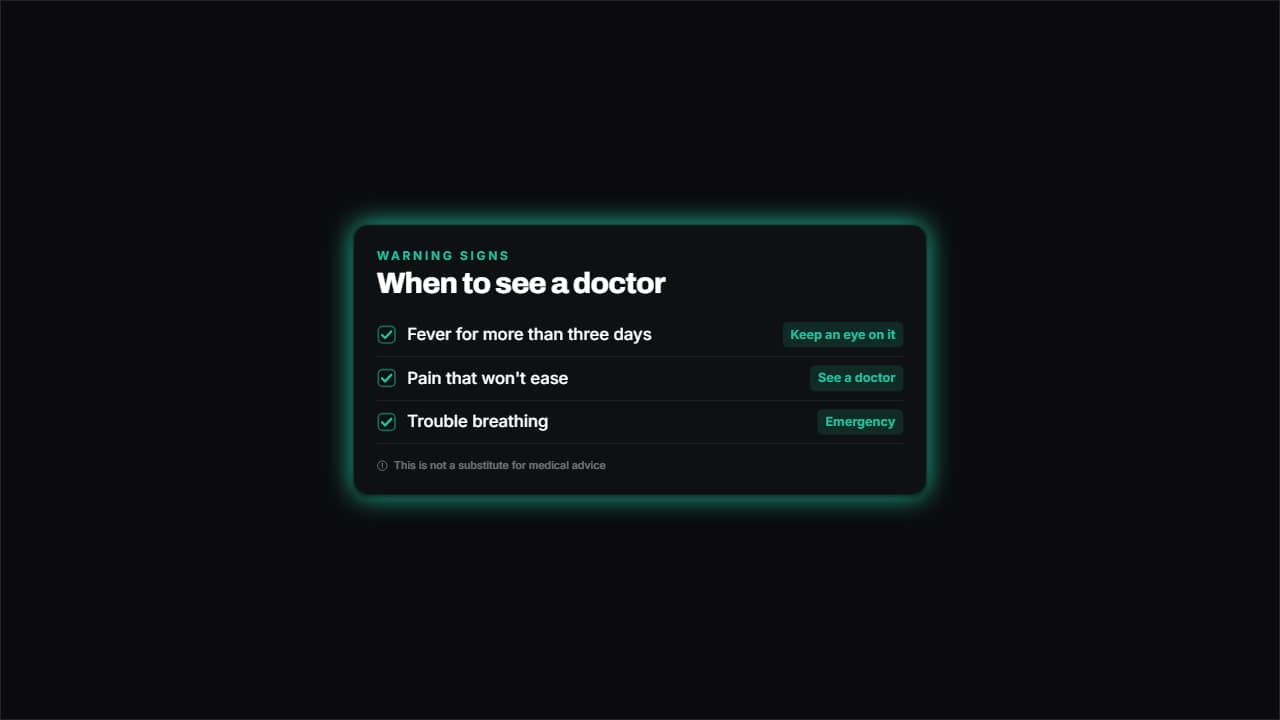 Symptom listSymptoms with boxes ticking themselves and a severity label beside each.
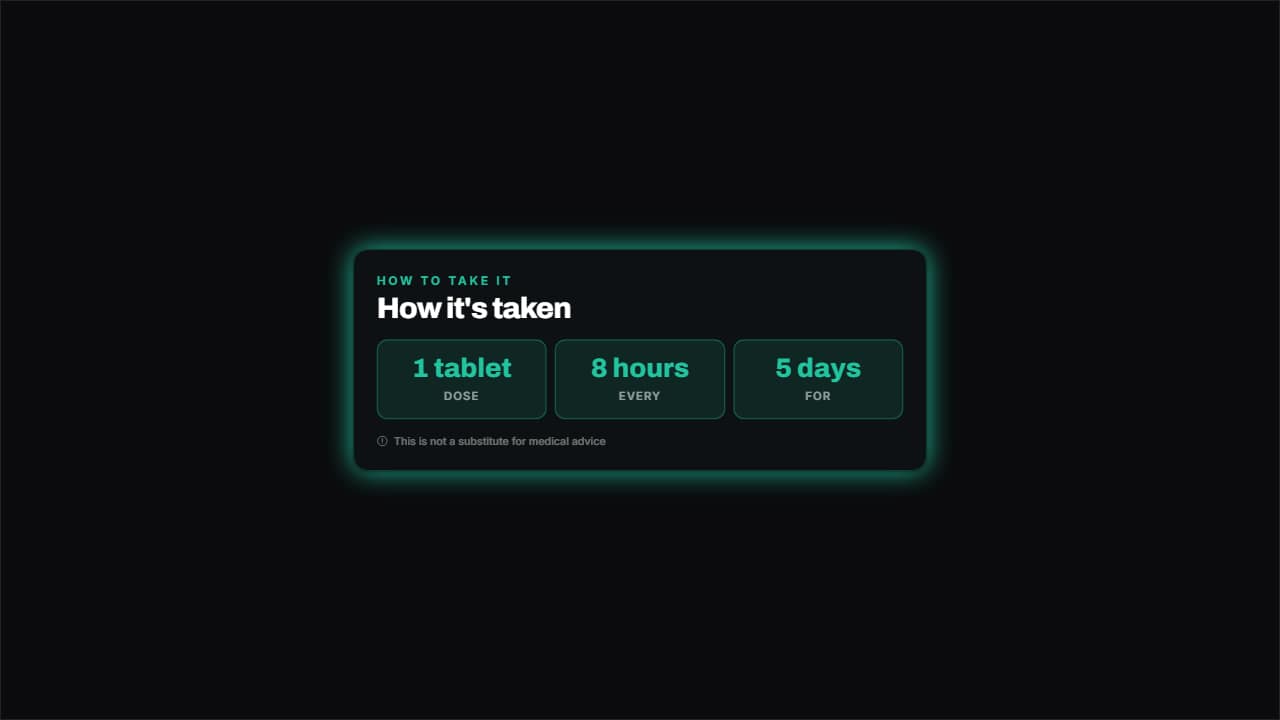 Medication scheduleHow much, how often and for how many days, on big cards that bounce in.
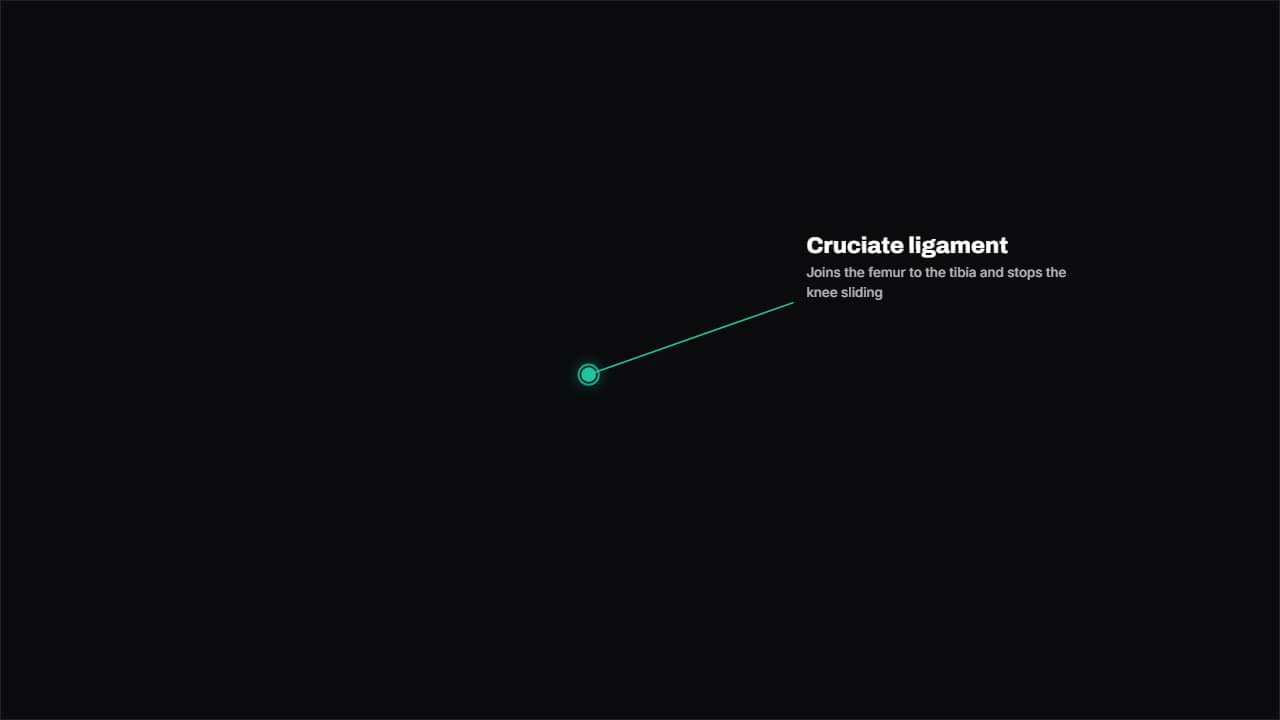 Point at an areaA dot with a ring pulsing like radar, a line drawing itself and the label.
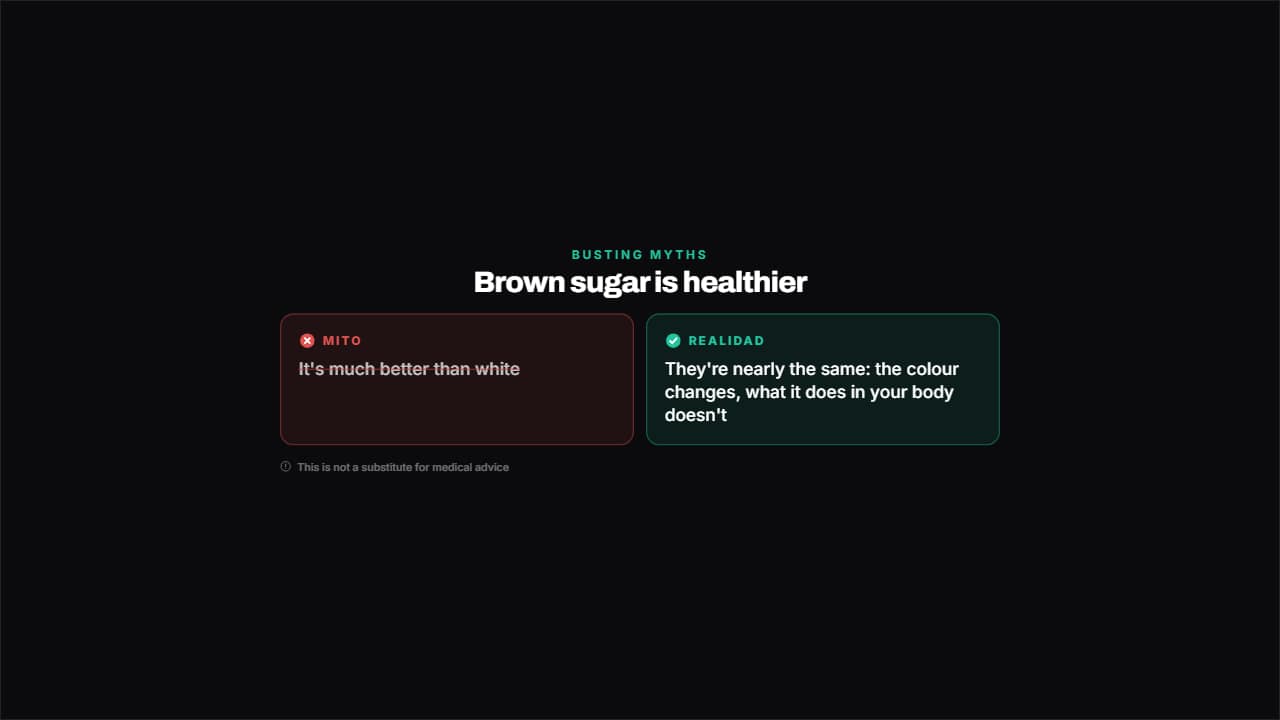 Myth and realityTwo columns: the myth crossed out in red and what the evidence says in green.
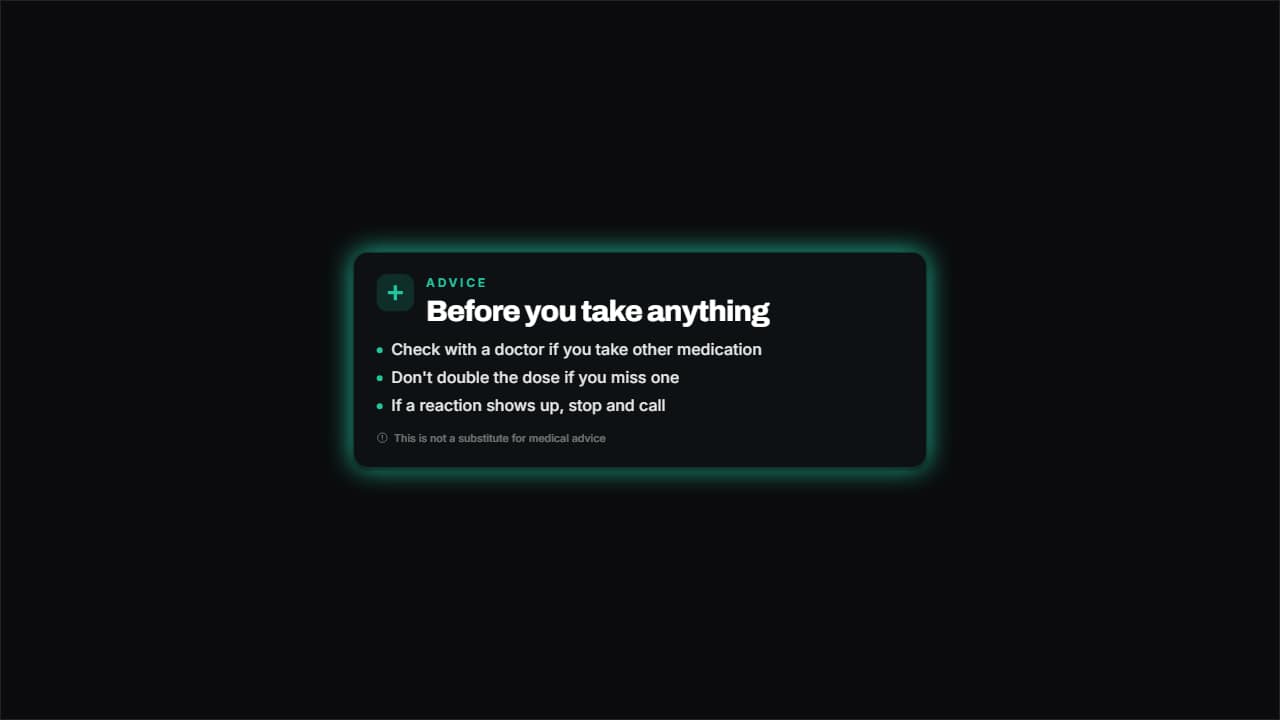 RecommendationA card with a medical cross, a title and as many points as you want, with the disclaimer always underneath.
Questions
- Can I change what the diagram says?
- Yes. Every label, step and figure is a field in the editor. In the cycle you choose how many steps there are, and in the body template you pick the organ to highlight.
- Are the health templates medical advice?
- No. They are graphics: they show whatever you type. The facts in your video are your responsibility, and the examples are only placeholders.
- Do I need After Effects?
- No. Every template is edited in your browser: type your text, choose colors and format (16:9, 9:16 or 1:1), watch the live preview and export.
- What do I export, and does it work in my editor?
- Most templates export as a ProRes 4444 .mov with a transparent background, which you place on a track above your clip in CapCut, Premiere Pro, DaVinci Resolve or Final Cut Pro. You can also export an MP4 with your own clip behind it. Always in Full HD.
- Is it free?
- Editing and previewing are free and need no account. To export you sign in with Google; during the open beta, new accounts get export credits at no cost.