Challenge Video Templates — 24-Hour Clocks, Streaks, Scoreboards
Challenge videos need the stakes on screen at all times. The 24-hour challenge clock keeps the challenge's time, not the video's; a separate countdown runs down to zero. A prize pot adds and subtracts with every event, and the elimination panel shows how many are left standing.
Track progress with day streaks, a challenge calendar, a goal bar with milestones, an attempts counter and «days without» counters. Judge score cards land like stamps, the rating card fills its stars, and the price ladder climbs from cheapest to most expensive. Rules, lives, contestants, levels and an achievement-unlocked pop-up complete the set.
26 templates · 16:9 · 9:16 · 1:1Open them in the library
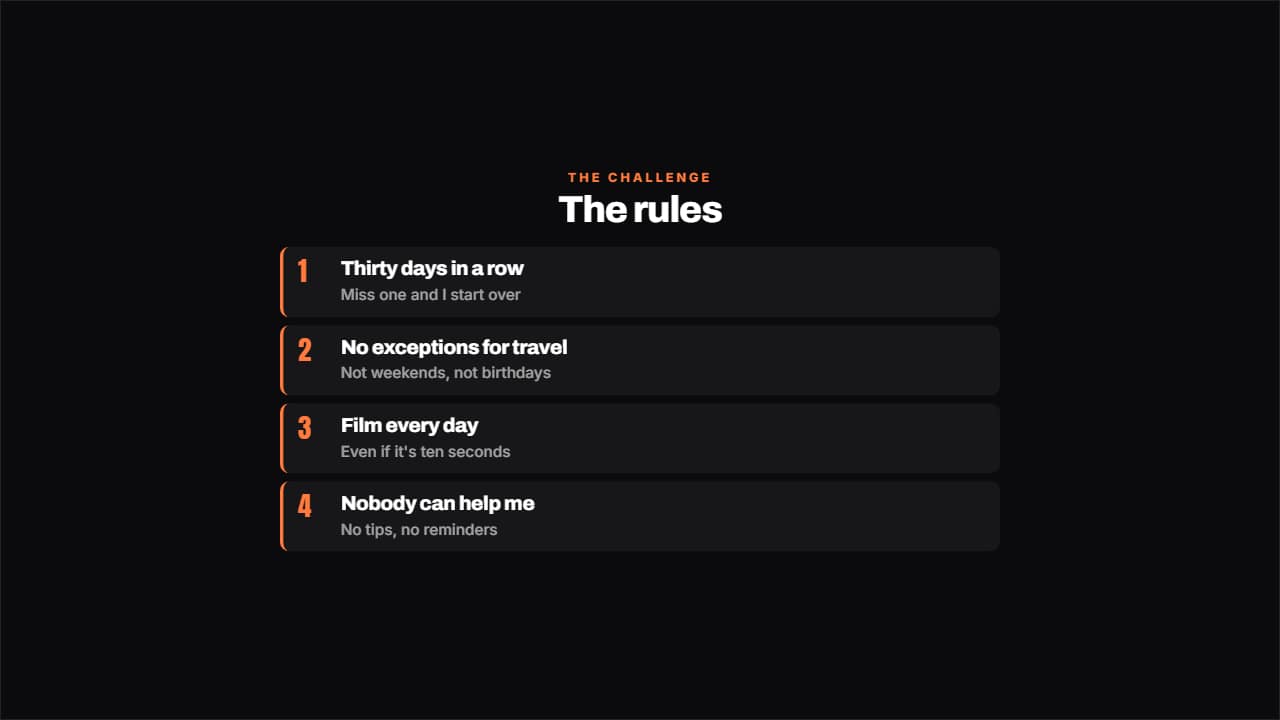 The rules of the challengeThe rules numbered, each with its small explanation underneath.
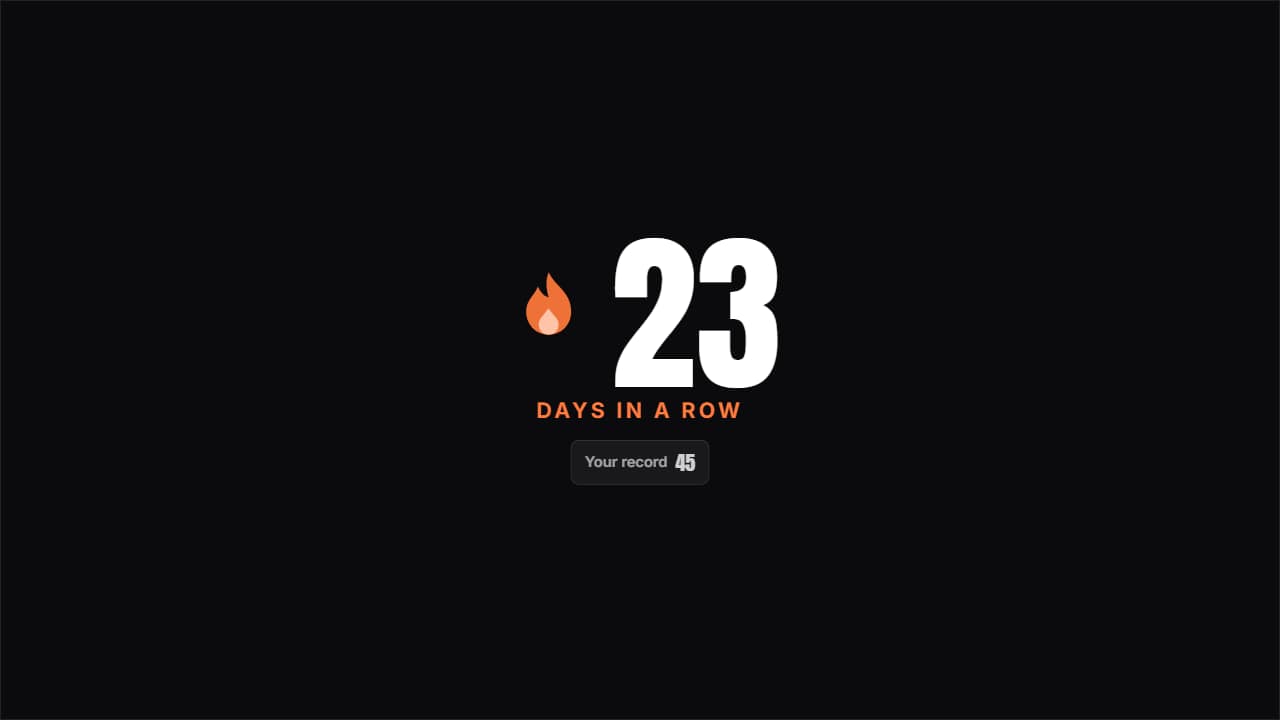 Day streakThe huge number with the flame pulsing beside it and the previous record underneath; beat it and it turns…
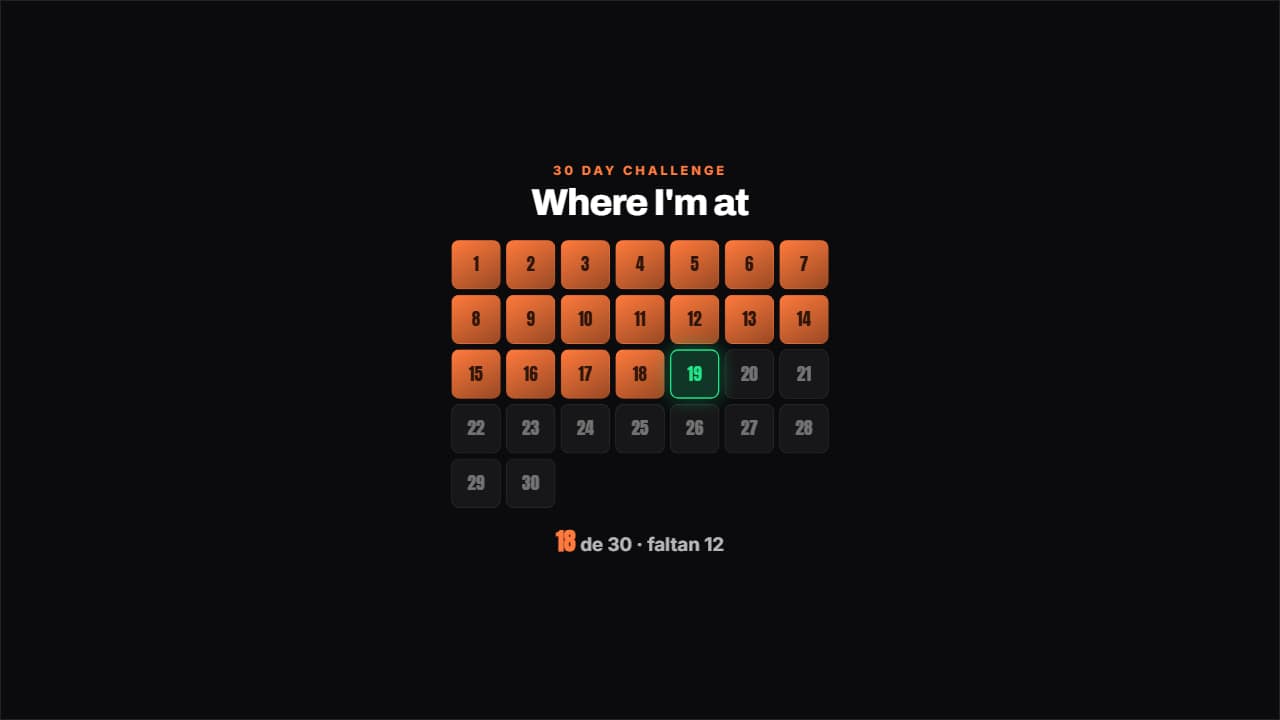 Challenge gridThe days of the challenge in a grid: the done ones filled, today pulsing with its outline and the ones left…
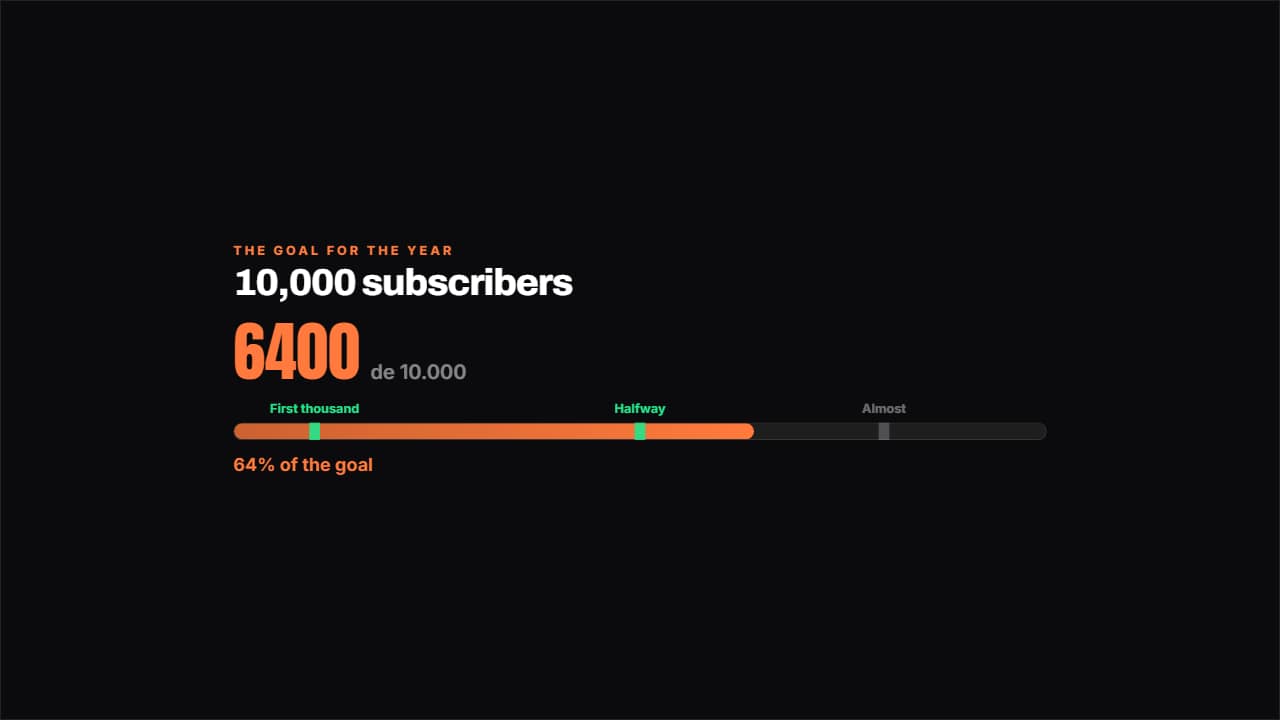 Road to the goalA bar towards the goal with the milestones marked along it: the ones you've passed light up.
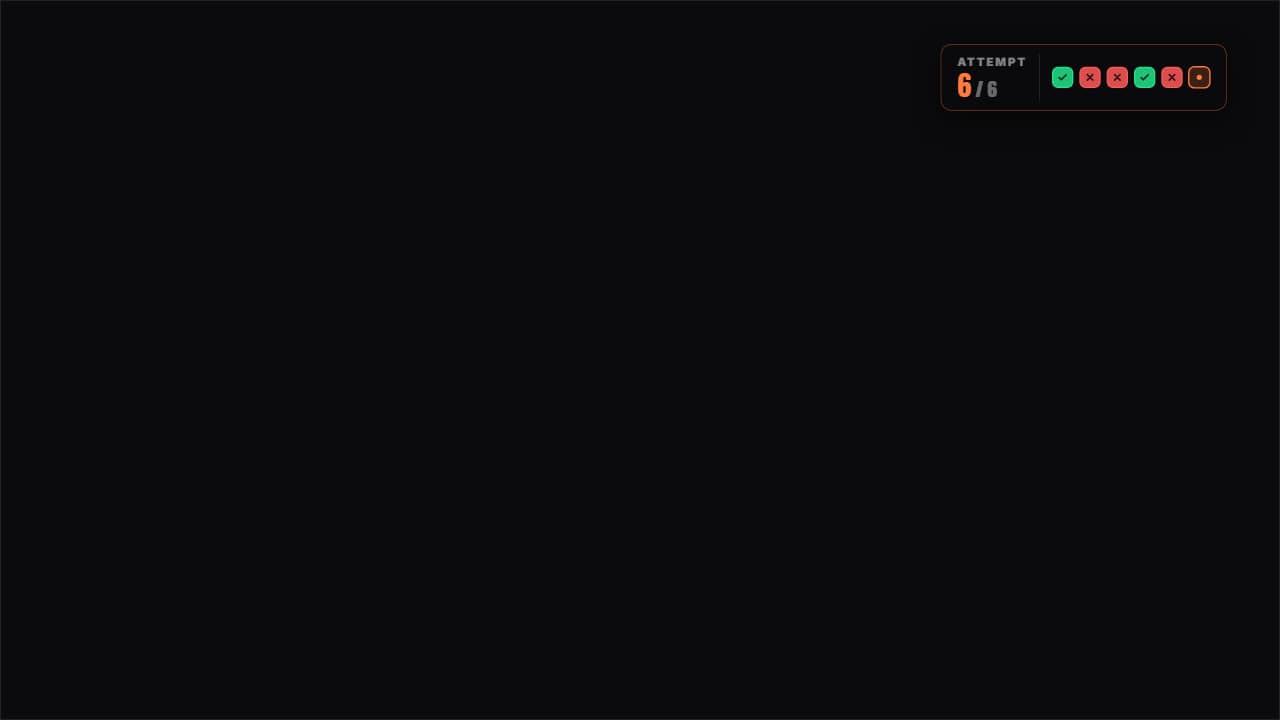 Attempts counterThe attempts as boxes: green for the one that worked, red for the one that failed and the current one pulsing.
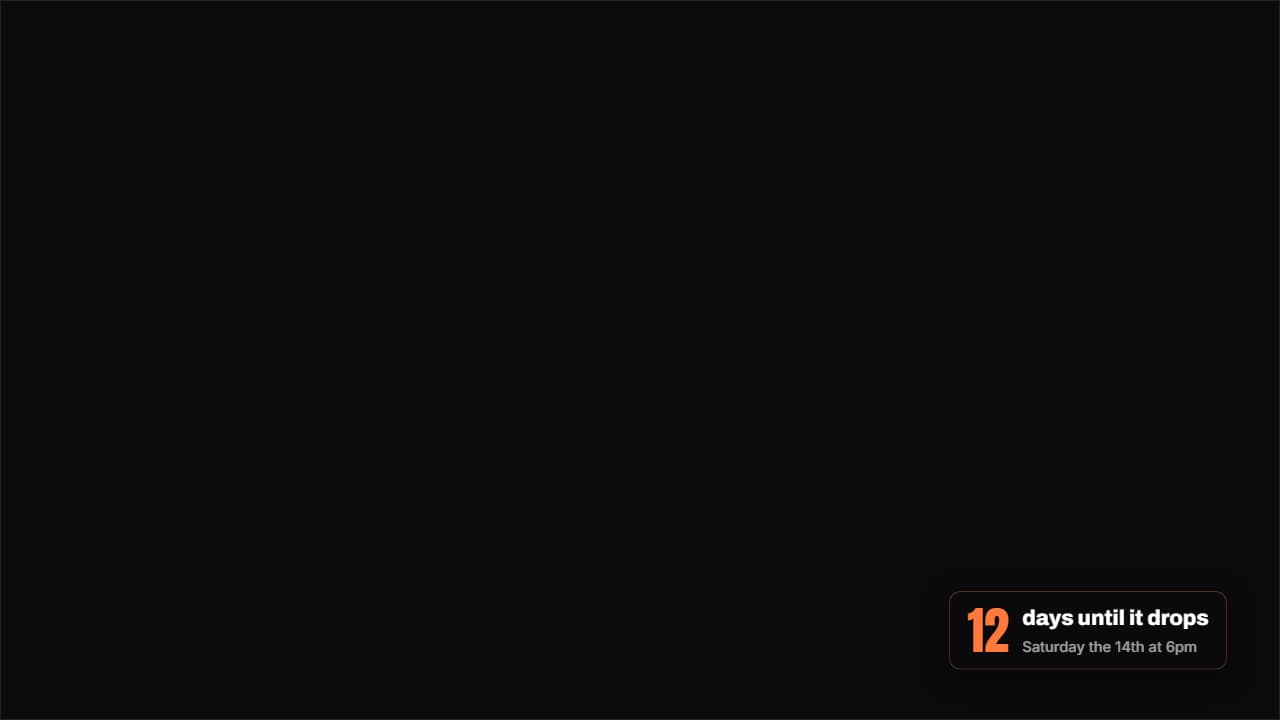 How much is leftA badge with the days (or hours) left until a date, with the number counting as it lands.
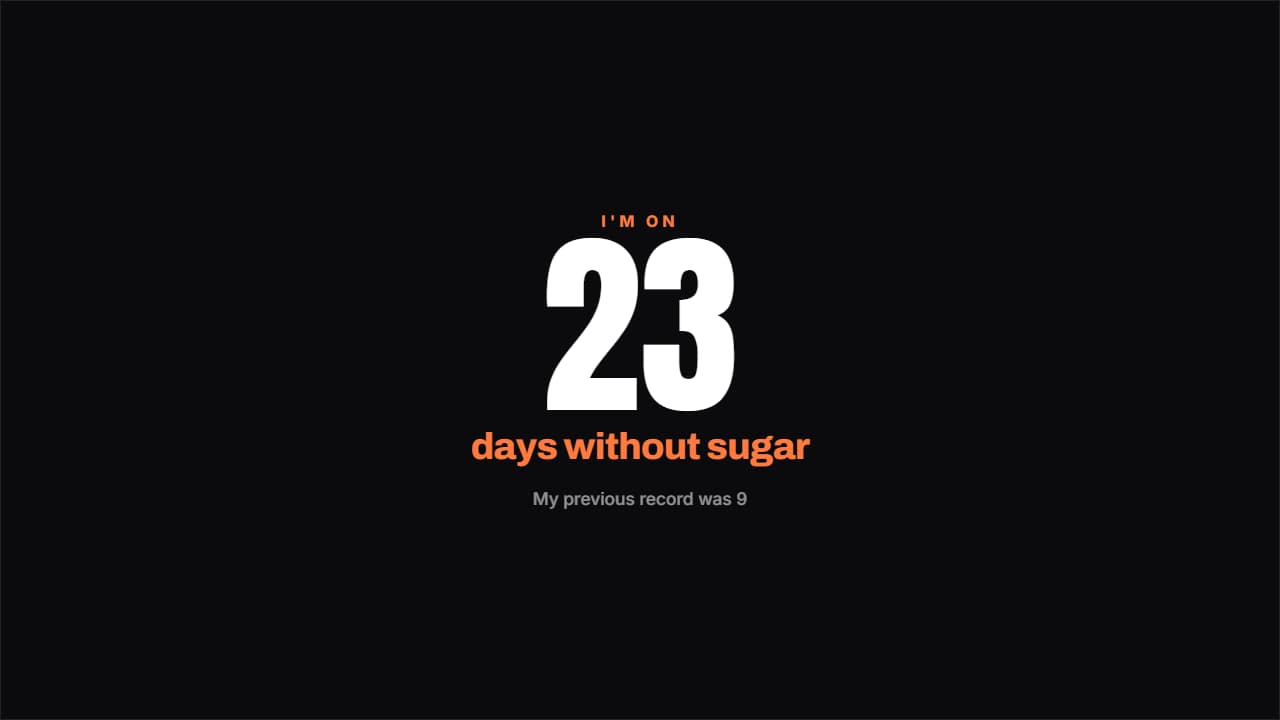 Days without…The counter that hurts most to break: a giant number, what you've gone without and a note underneath.
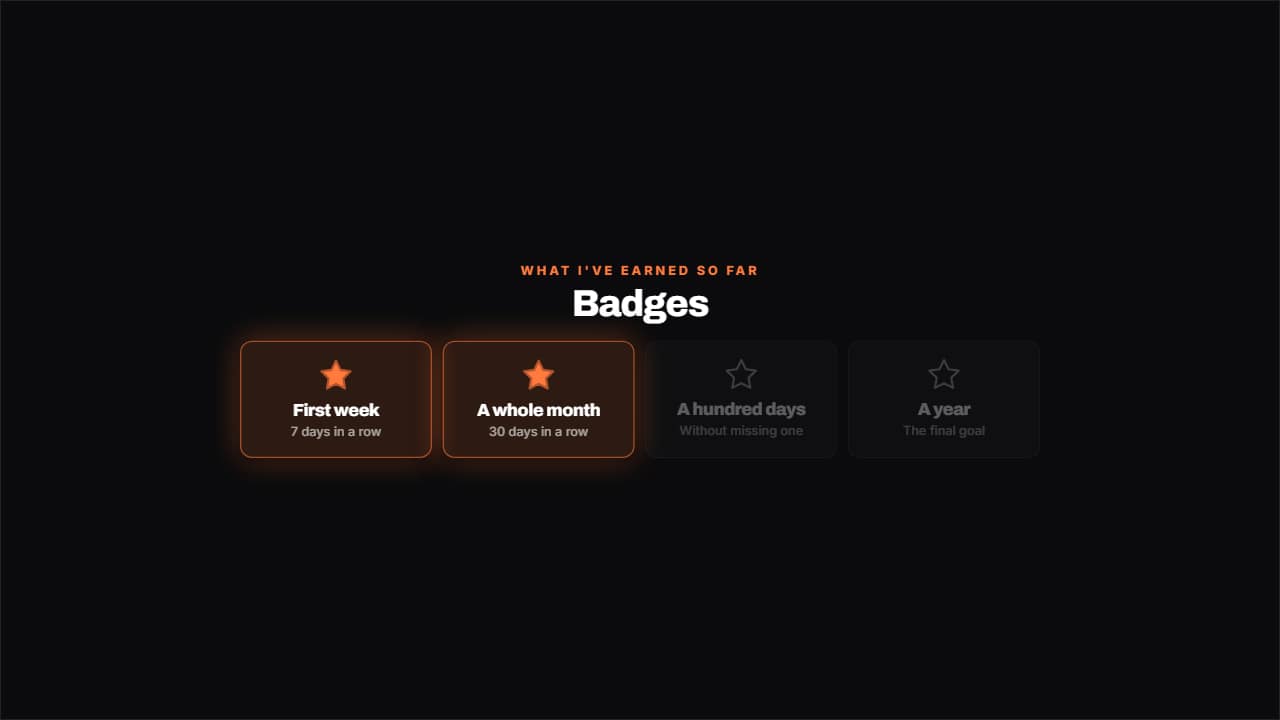 Badges unlockedWhat you've earned lit with its star and what's left dimmed, in a grid.
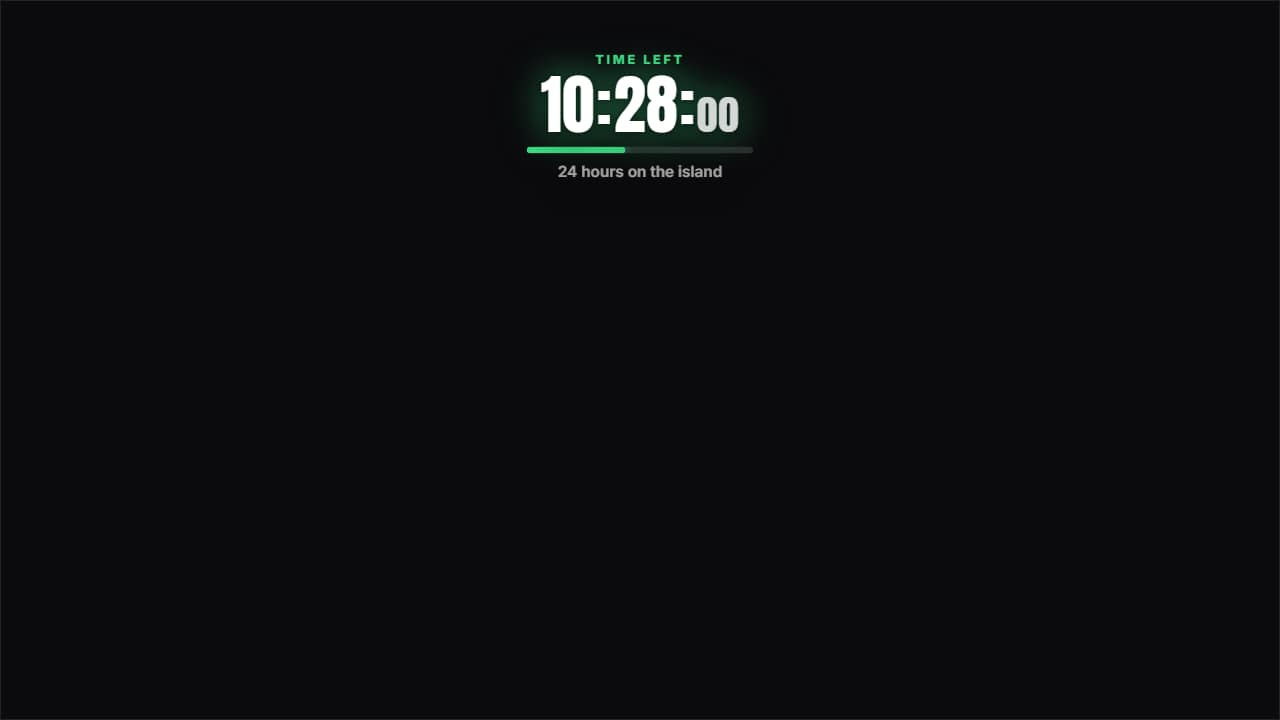 24-hour countdownThe clock running DOWN to zero, which is not the same as the challenge clock: one tells you what time it is…
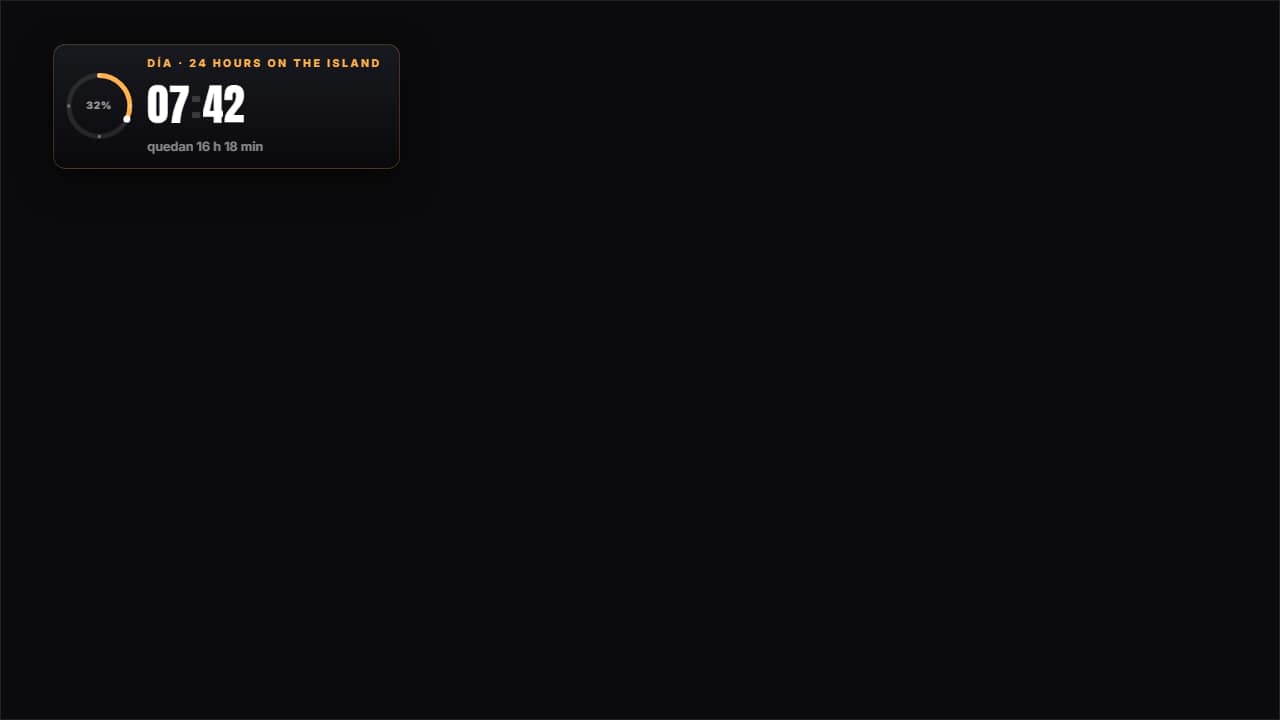 24-hour challenge clockThe CHALLENGE clock, not the video's: fifteen minutes of edit cover twenty-four hours, so you either set the…
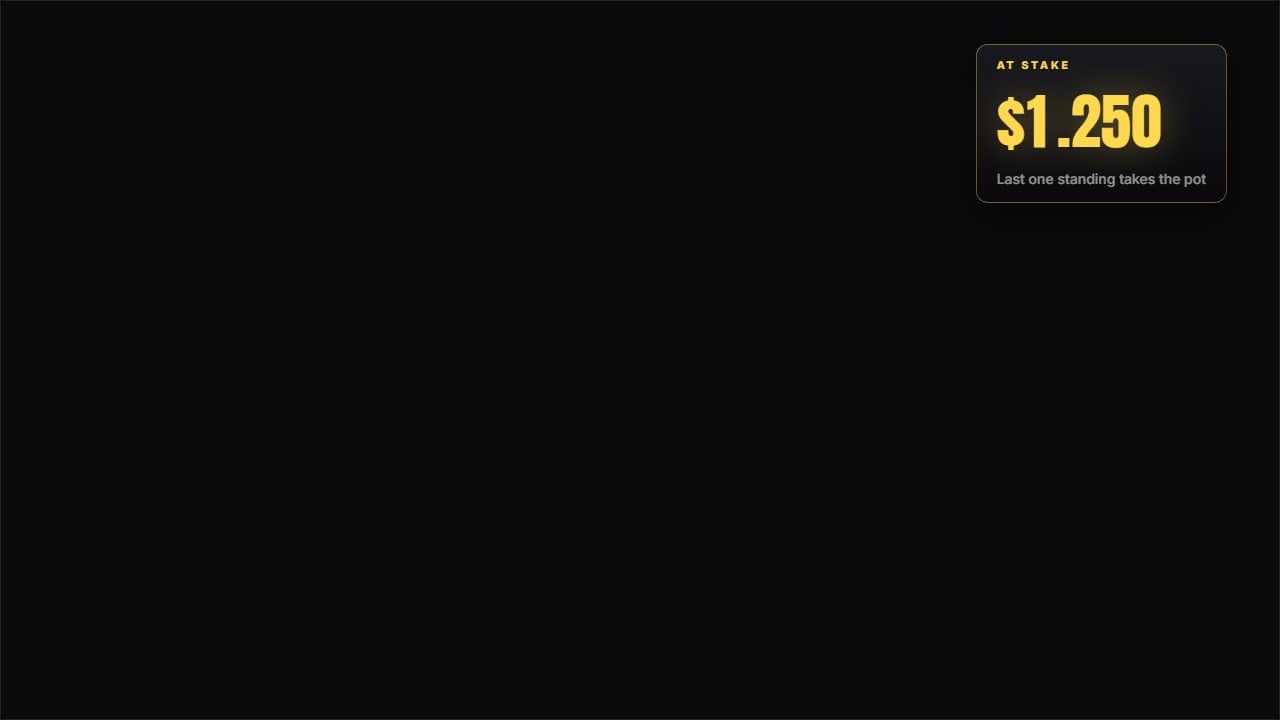 Prize pot at stakeNot a fixed figure: a line of events. Each entry adds or subtracts at its own second, the odometer wheel…
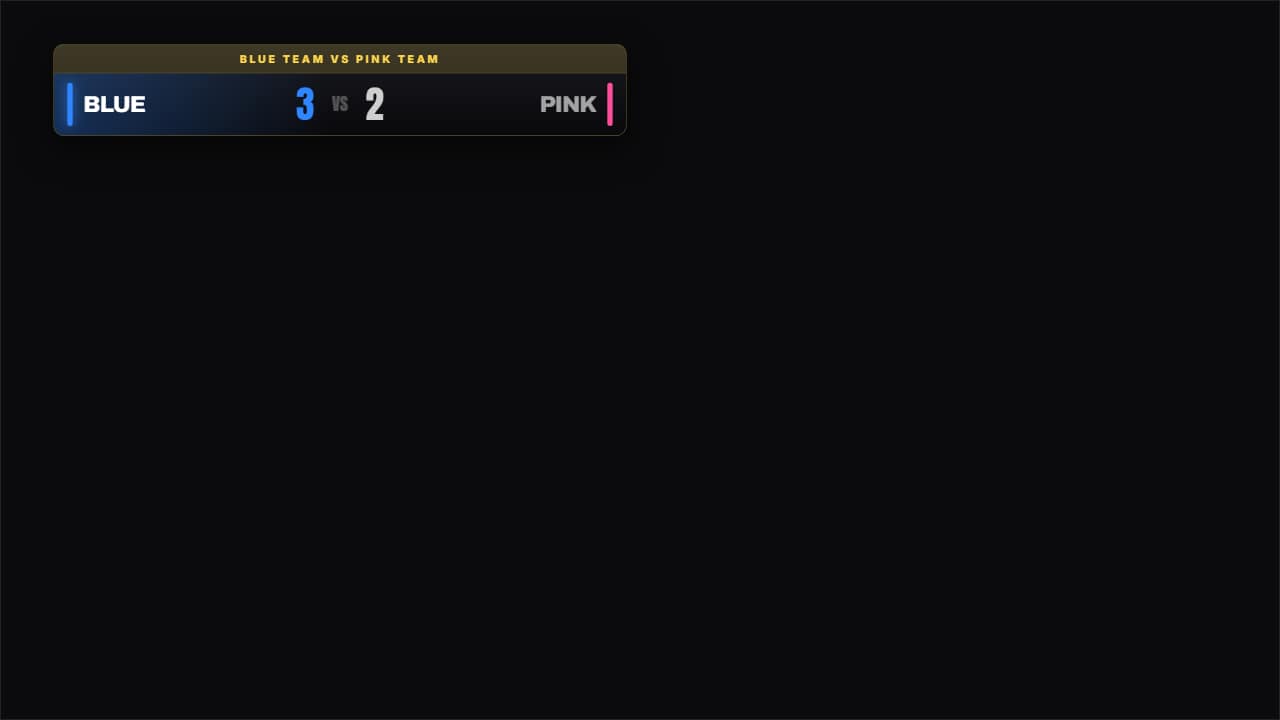 Two-side scoreboardBlue against pink, you against him. Two names with their color, and whoever's ahead lifts and lights up so…
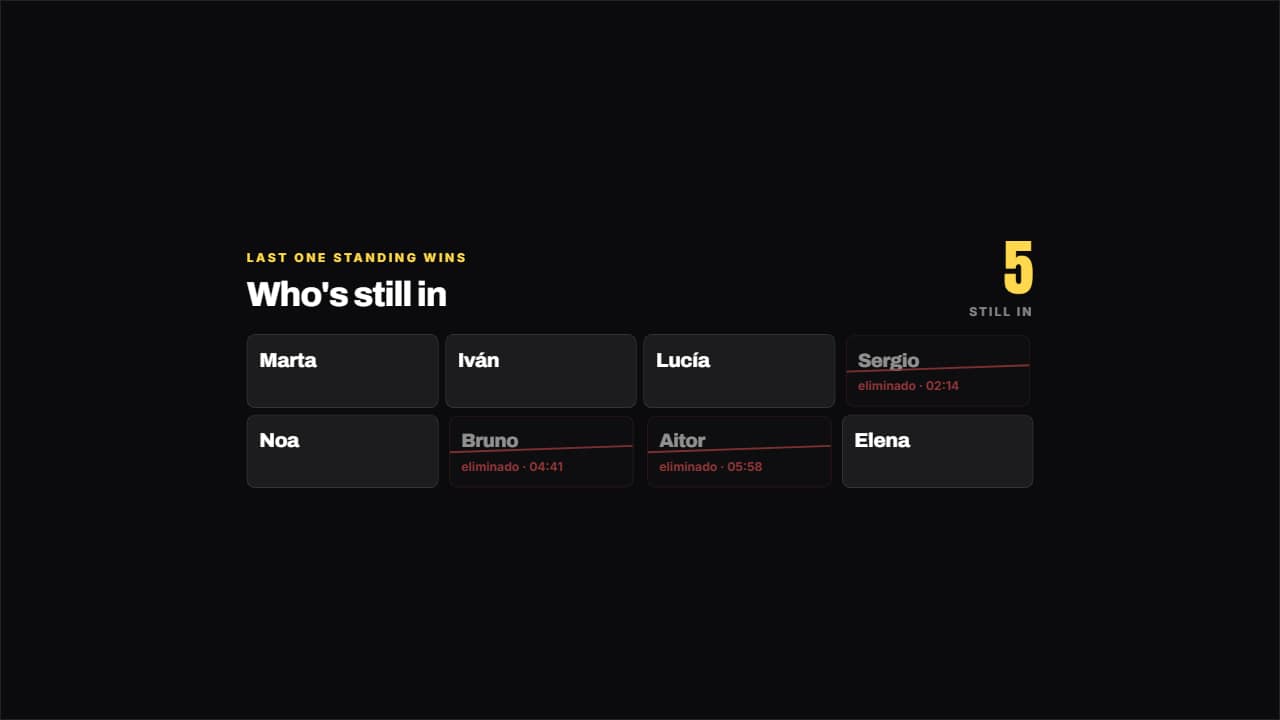 Elimination panelWhat holds up "last one standing wins" isn't who wins: it's how many are left.
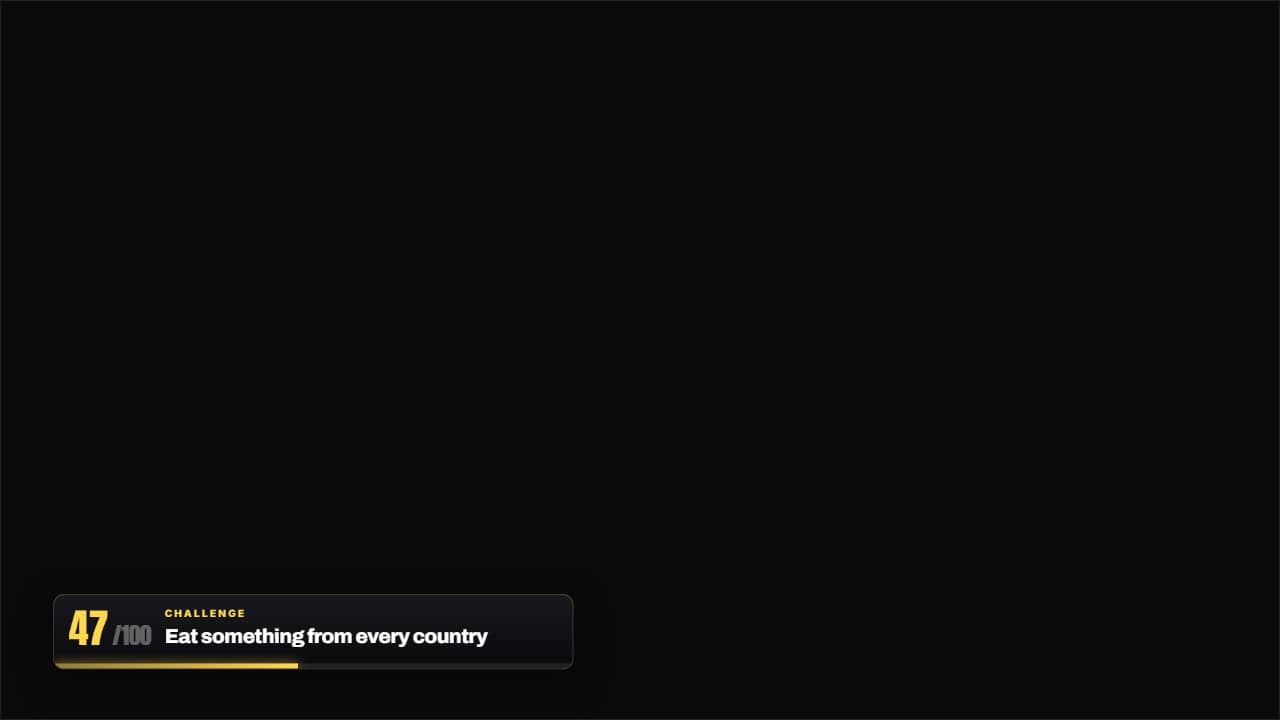 Challenge 47 of 100The thin bar with the number of the challenge you're on and the name of the current one.
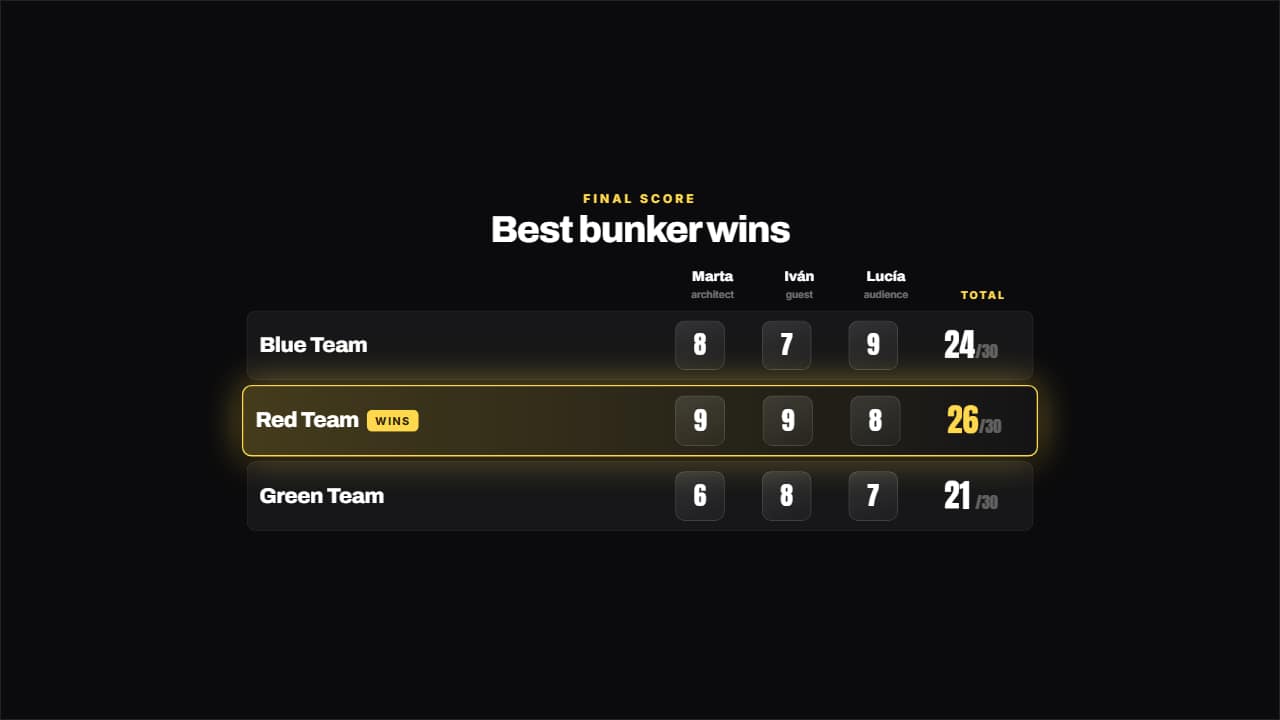 Judge's cardThe scores land like a STAMP — they come in big and crooked and plant themselves —, the total adds itself up…
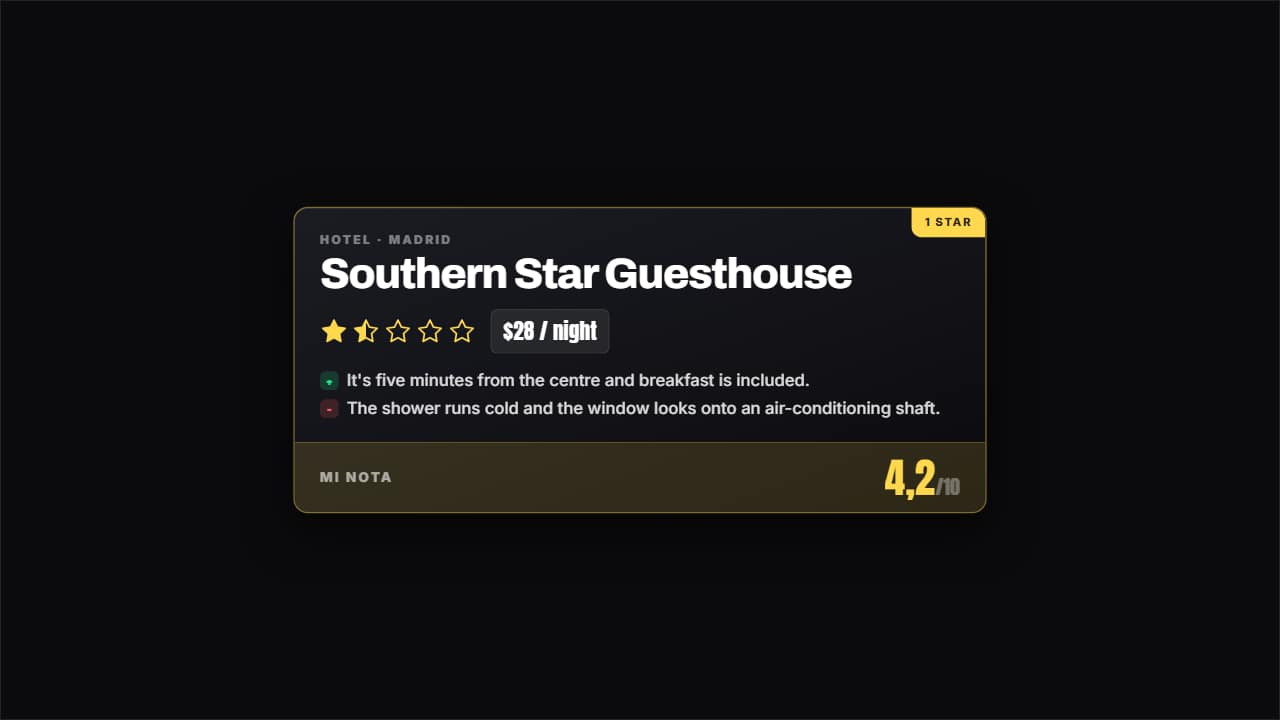 Rating cardCategory, name, stars filling one at a time, price and the verdict in two lines: the good and the bad.
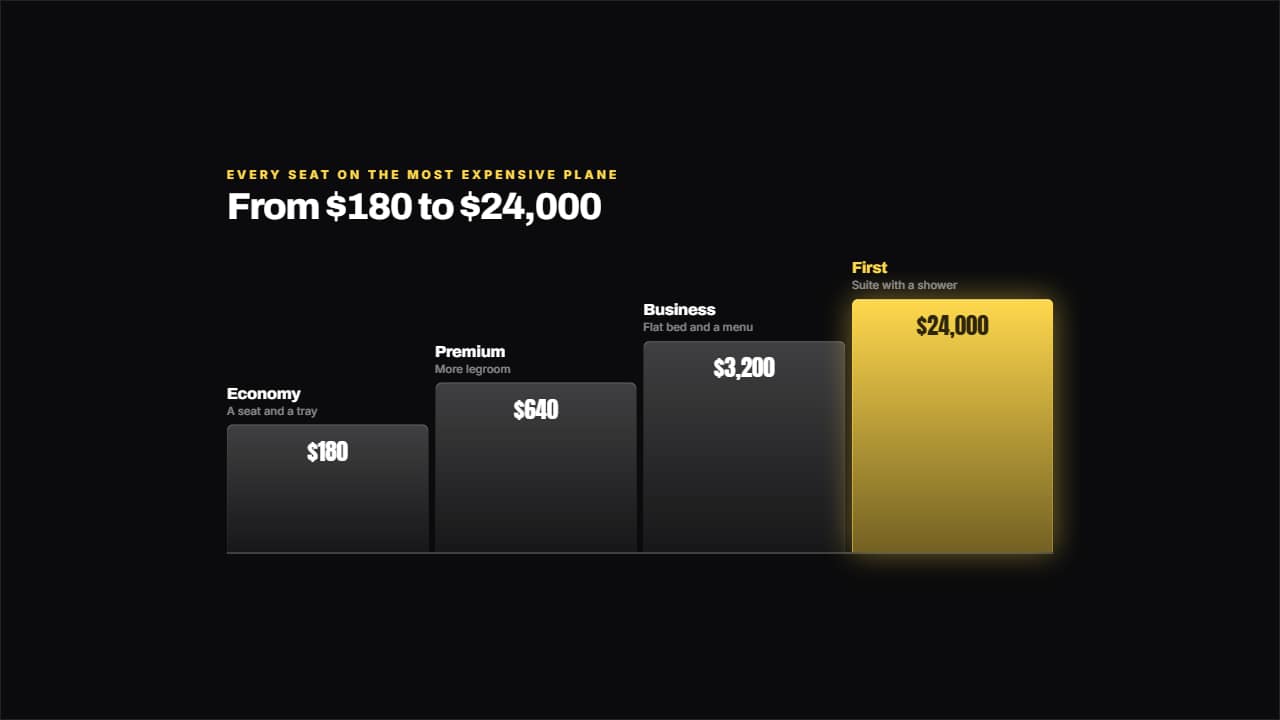 Ladder of levelsFrom cheapest to most expensive, with steps that genuinely grow and the price inside each one.
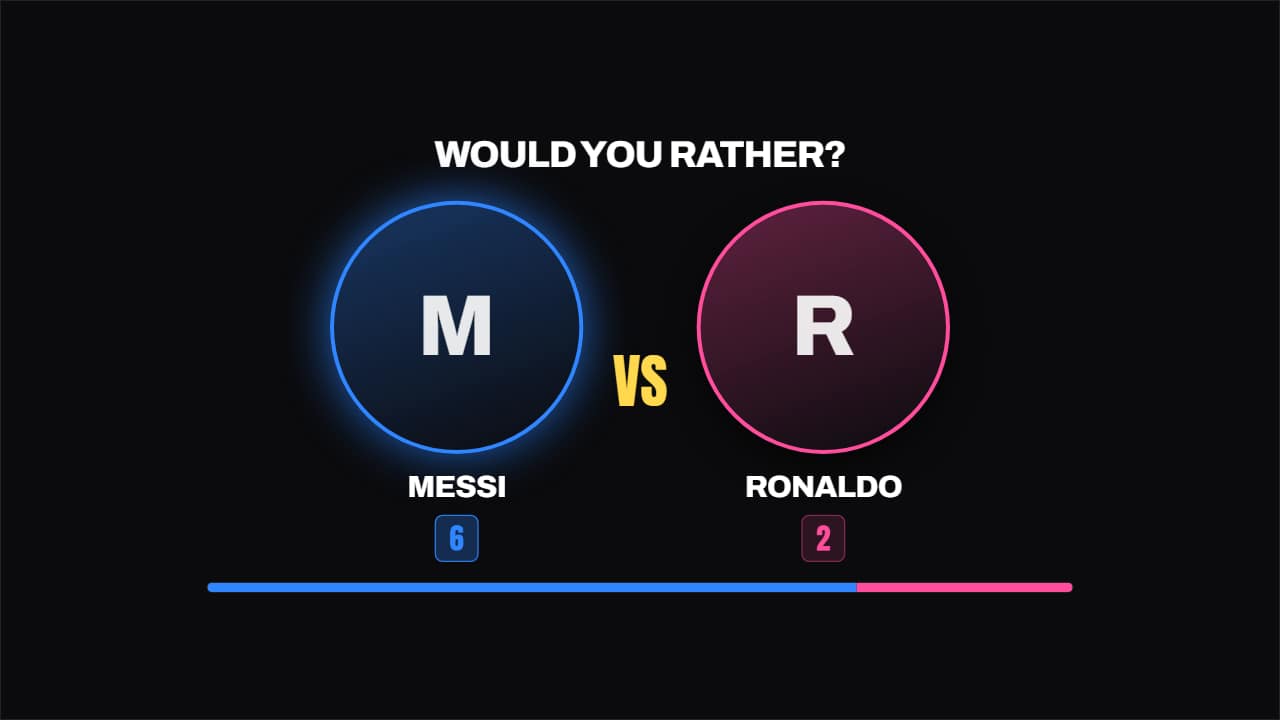 Would you rather?Two faces in circles, the VS in the middle and the vote counters filling; the winning side lights up and the…
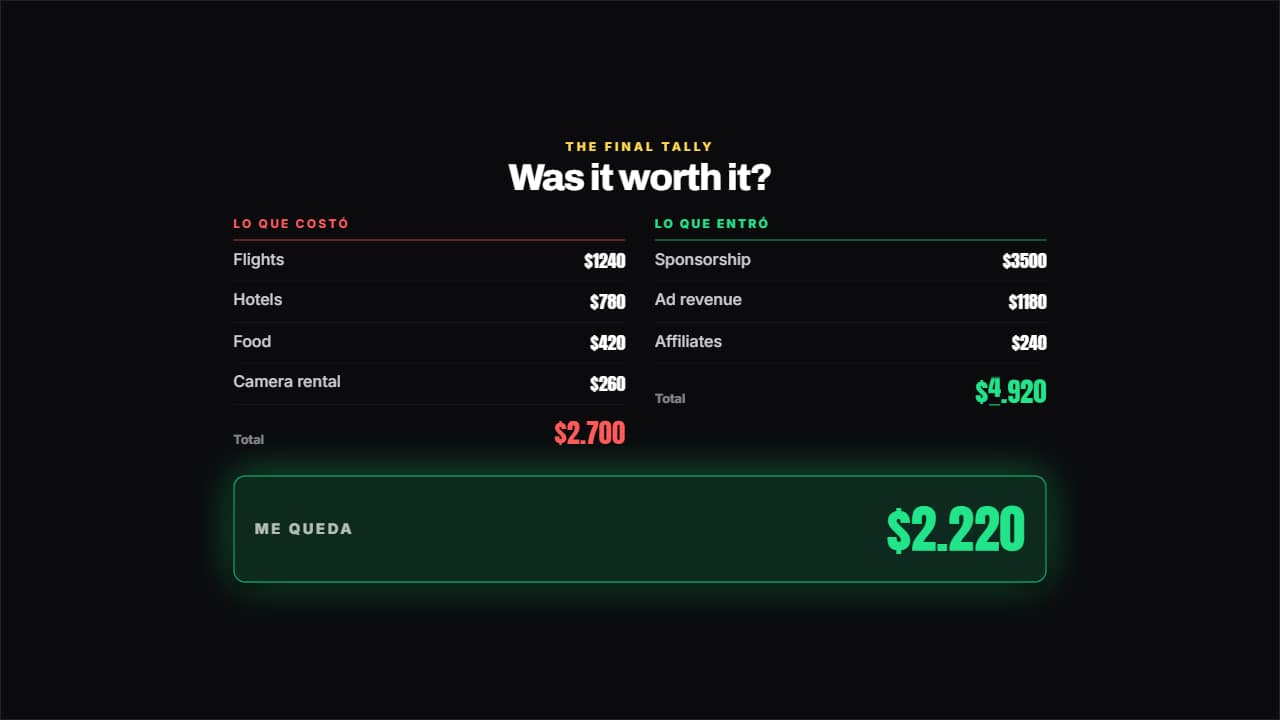 Video scorecardWhat it cost on one side, what came in on the other, both totals adding themselves up and the result in its…
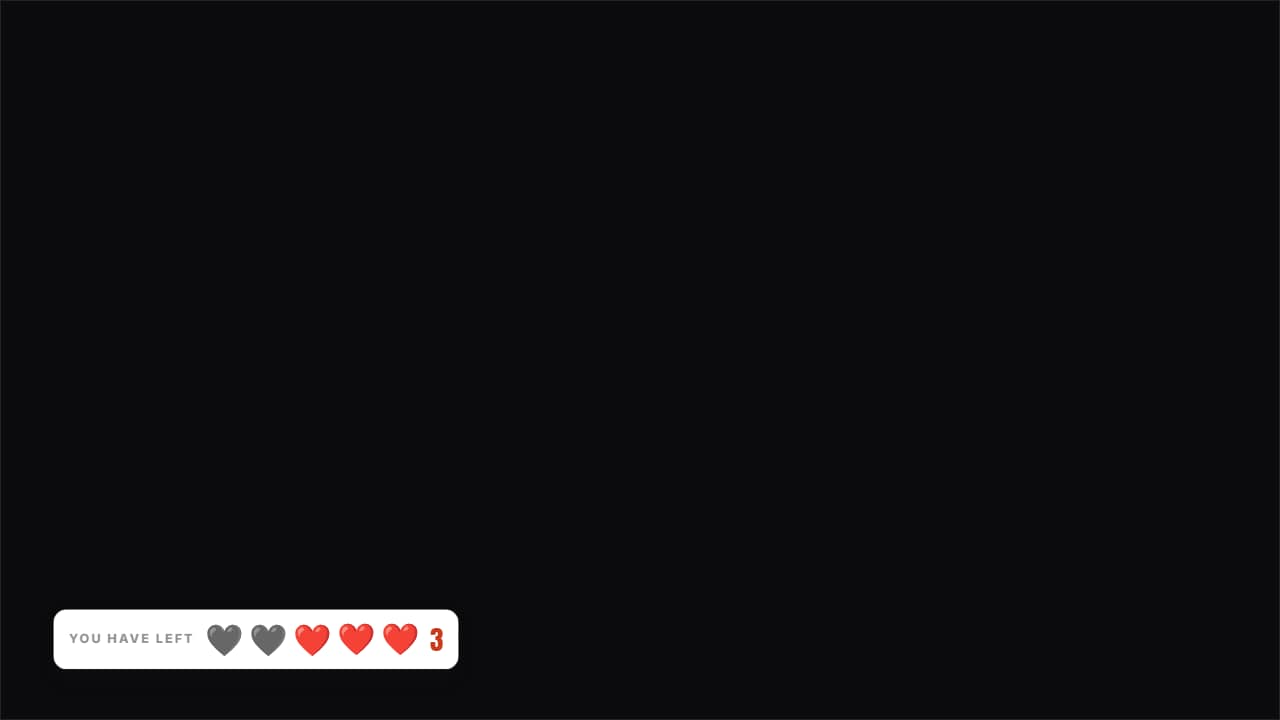 Lives you have leftHearts (or whatever you like) over the video: the used ones stay on screen in gray, they don't disappear.
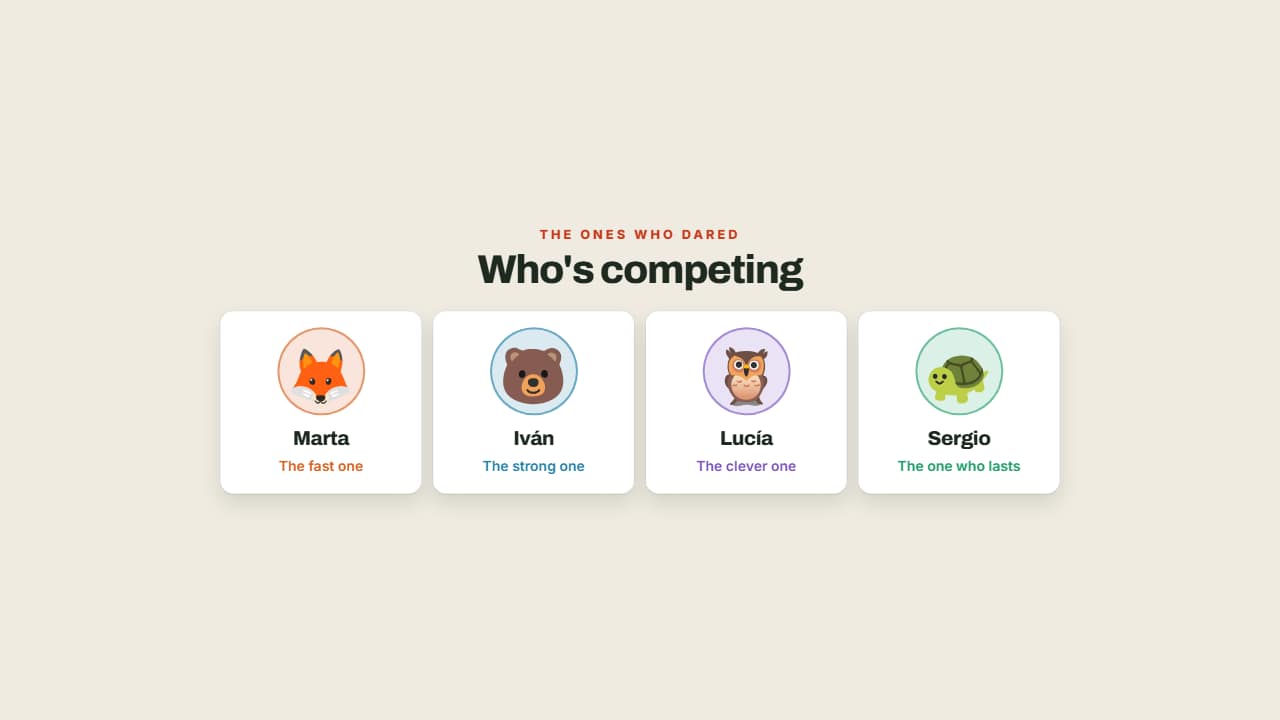 Who's competingThe contestants with their face, their name and their role, each in their own color.
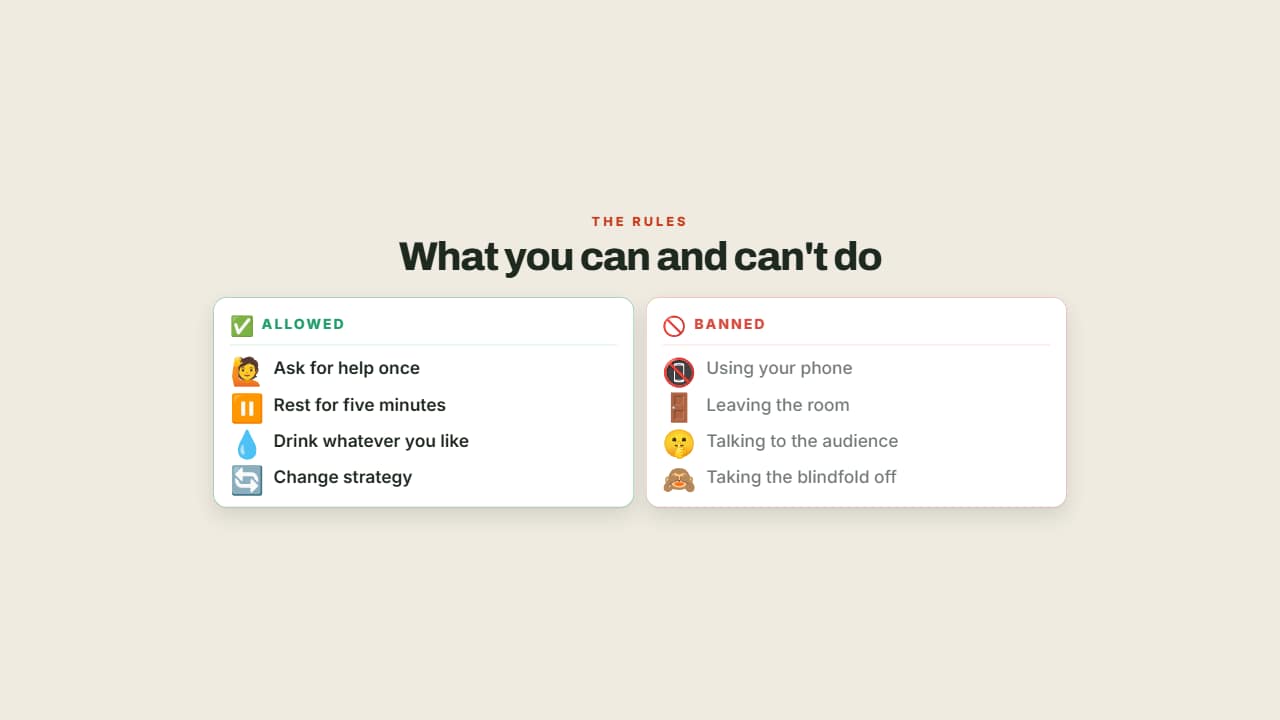 What you can and can't doThe rules in two columns, allowed in green and banned in red.
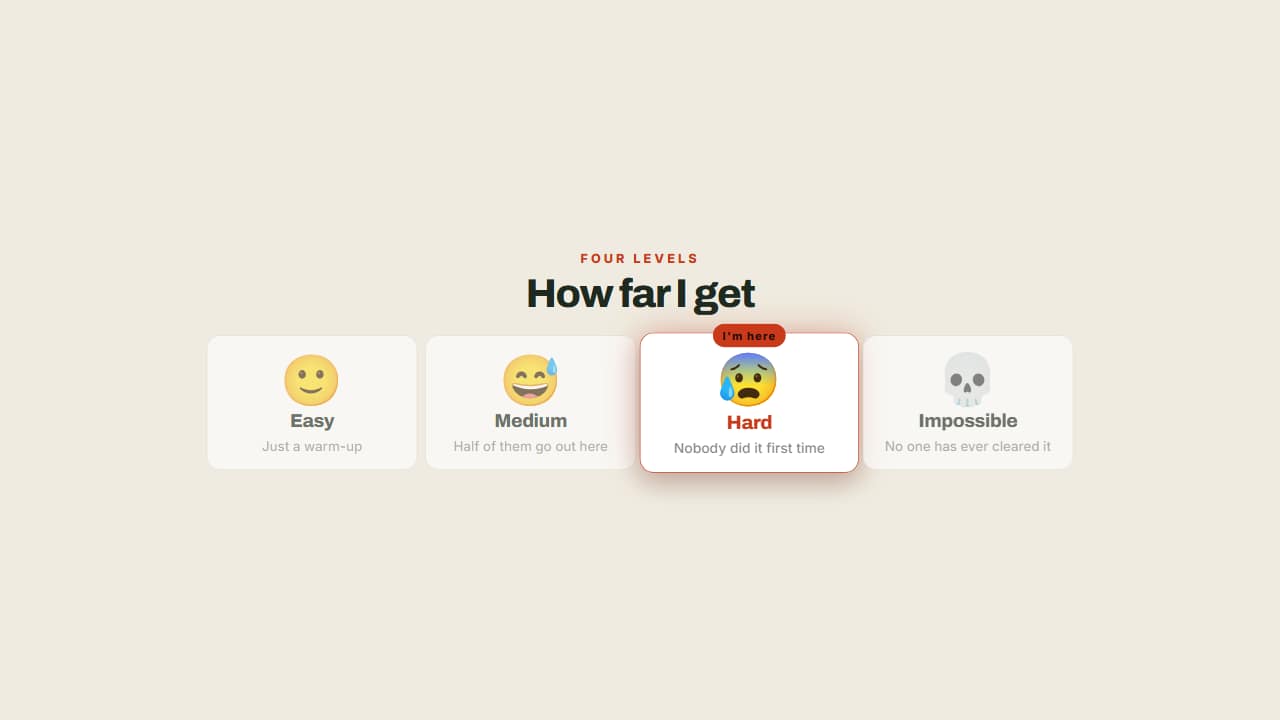 The levels of the challengeFrom easy to impossible, with a badge marking which one you're on.
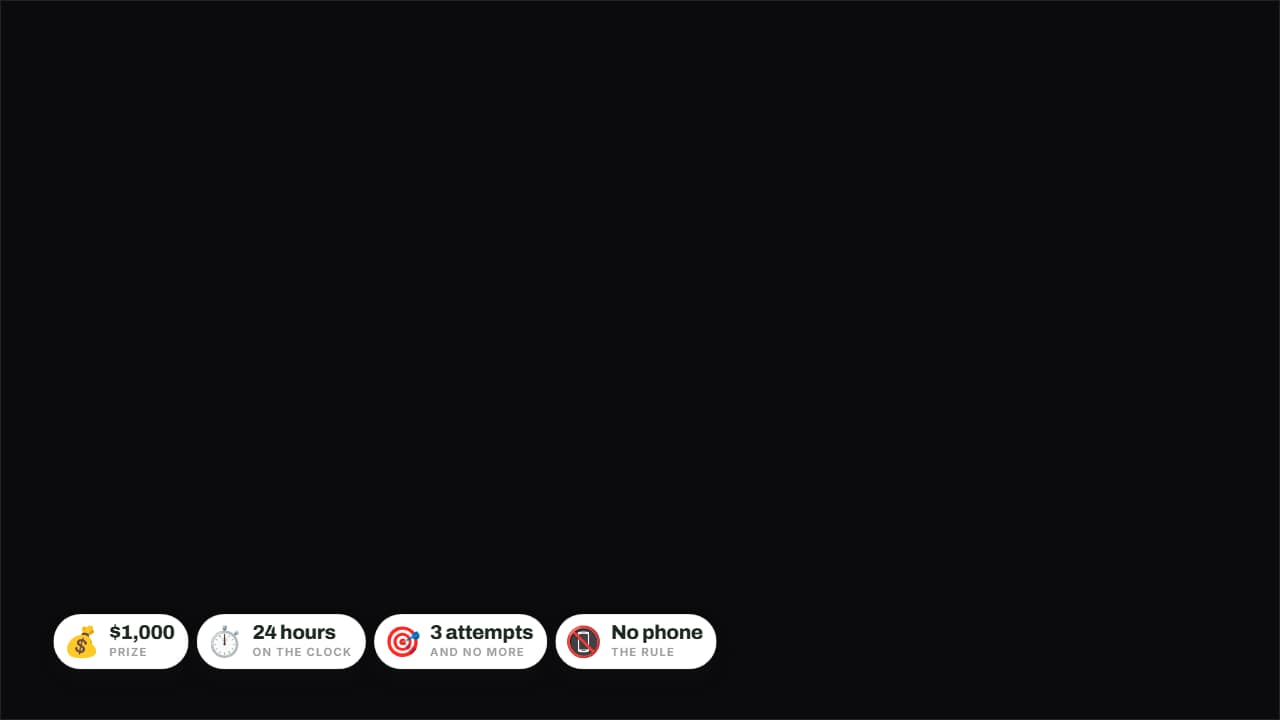 The rules in badgesPrize, time, attempts and forfeit on badges over the image.
 Found it!The moment the thing you were looking for shows up: the item pops onto the screen, the title stamps in and…
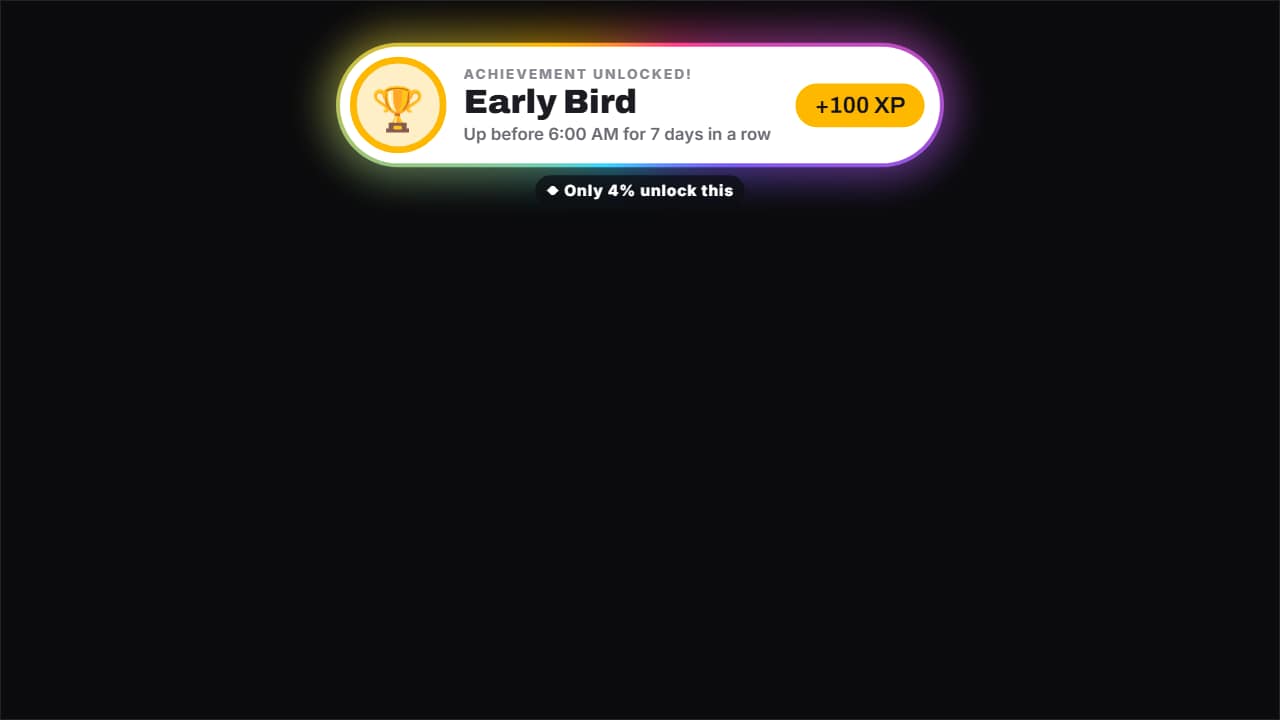 Achievement unlockedThe «achievement unlocked» pop-up, for real or as a joke («Early Bird: 7 days in a row up before 6 AM»): the…
Questions
- What is the difference between the 24-hour clock and the countdown?
- The challenge clock shows the time inside the challenge (fifteen minutes of video can cover two hours), while the 24-hour countdown runs down to zero.
- Can the prize pot go down as well as up?
- Yes. You write a list of events, and each one adds to or subtracts from the pot at its moment.
- Do I need After Effects?
- No. Every template is edited in your browser: type your text, choose colors and format (16:9, 9:16 or 1:1), watch the live preview and export.
- What do I export, and does it work in my editor?
- Most templates export as a ProRes 4444 .mov with a transparent background, which you place on a track above your clip in CapCut, Premiere Pro, DaVinci Resolve or Final Cut Pro. You can also export an MP4 with your own clip behind it. Always in Full HD.
- Is it free?
- Editing and previewing are free and need no account. To export you sign in with Google; during the open beta, new accounts get export credits at no cost.