Education Video Templates — Definitions, Formulas, Mind Maps
Teaching on video works best when the key idea appears on screen at the moment you say it. A definition card shows the word, its meaning and an example; a formula card explains what each term means; a vocabulary card pairs a word with its translation and pronunciation.
A mind map spreads its branches from the central idea, «not like this, like this» corrects a common mistake, and a side note slides in with the fact worth writing down. Hand-drawn markup lets you circle and underline over your own footage, and the course lesson card opens each video of a series with «Lesson 3 of 12».
13 templates · 16:9 · 9:16 · 1:1Open them in the library
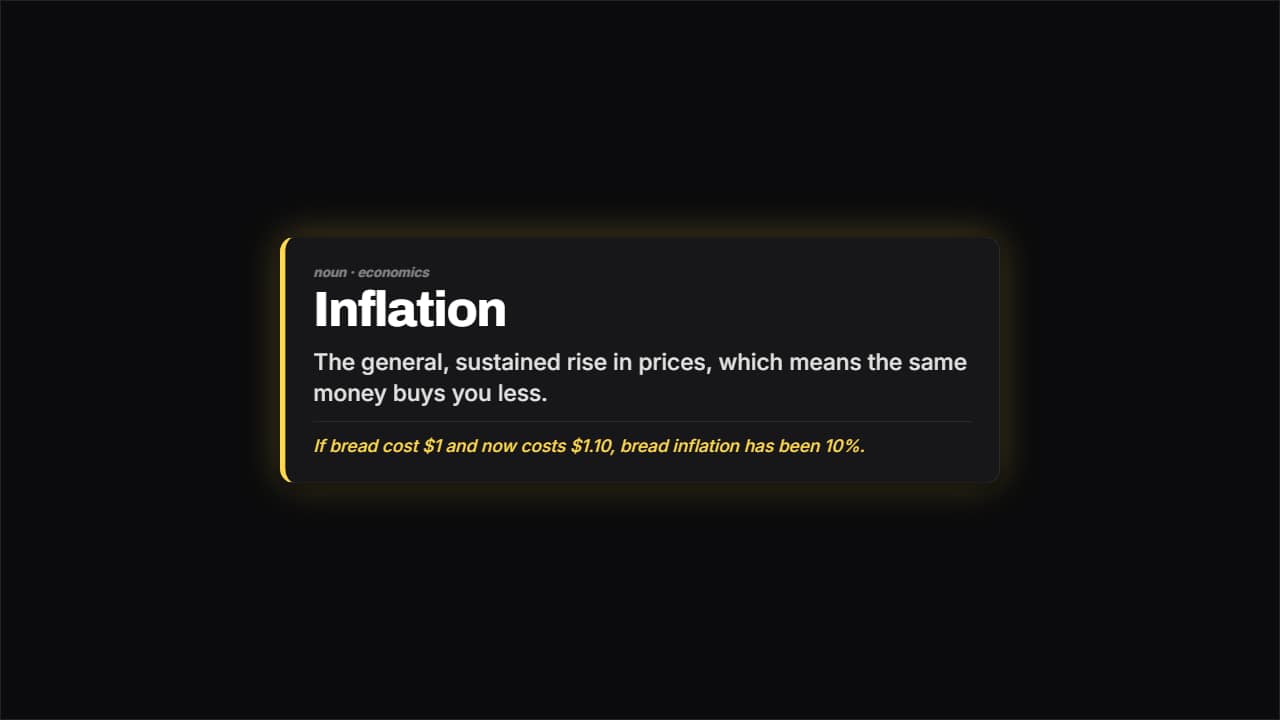 Definition cardThe word large, the meaning underneath and an example separated by a rule.
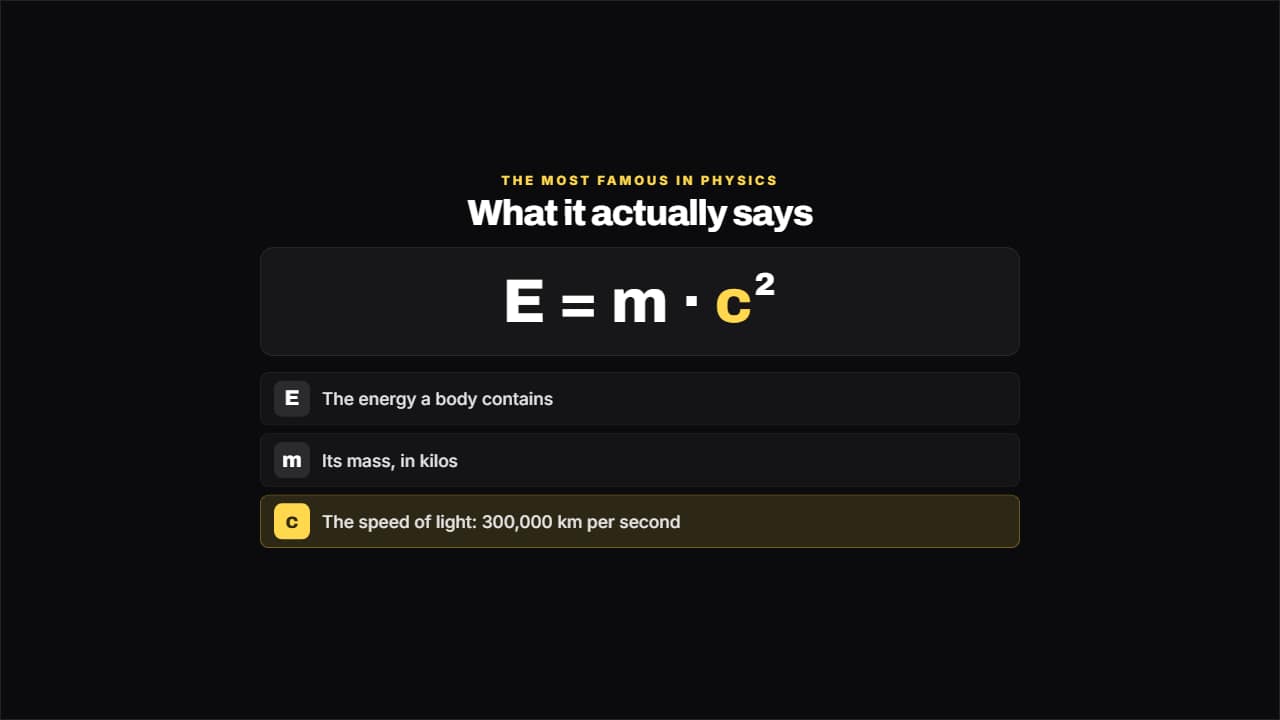 Formula explainedThe formula large and, underneath, what each term means.
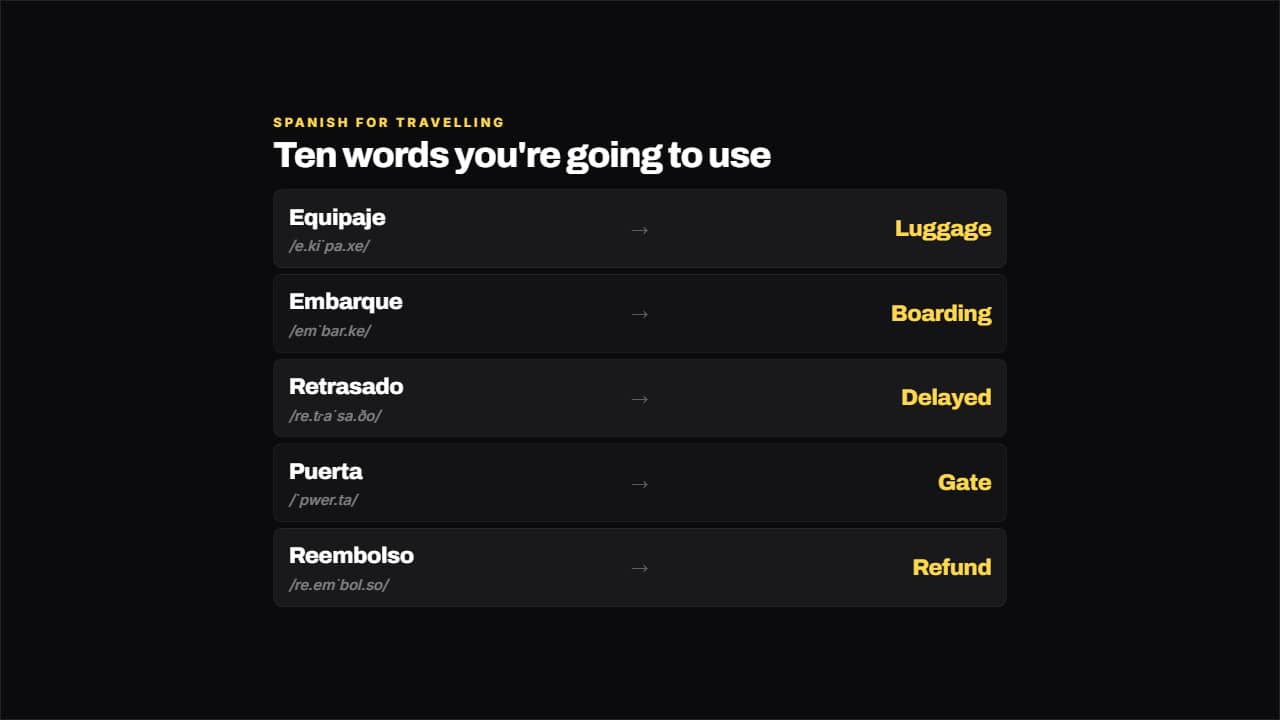 Language vocabularyWord on the left, translation on the right and the pronunciation small underneath.
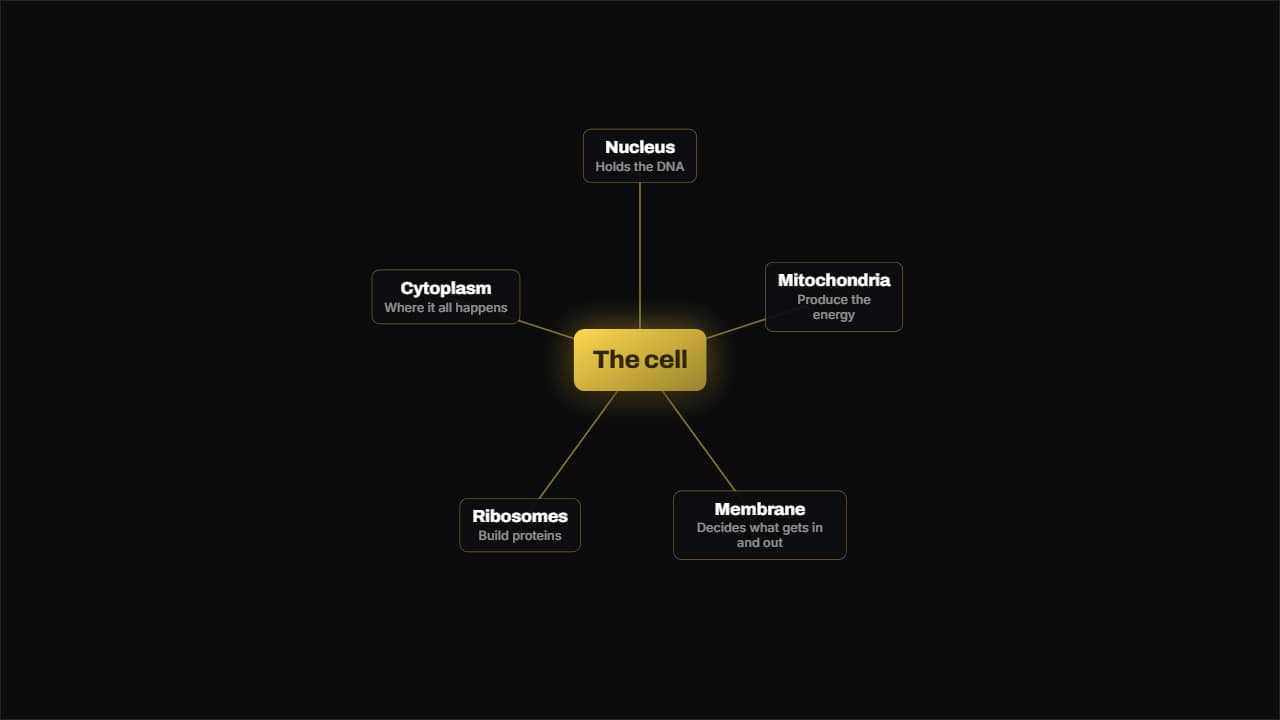 Mind mapOne idea in the middle and its branches spread around it; the lines draw outwards from the center instead of…
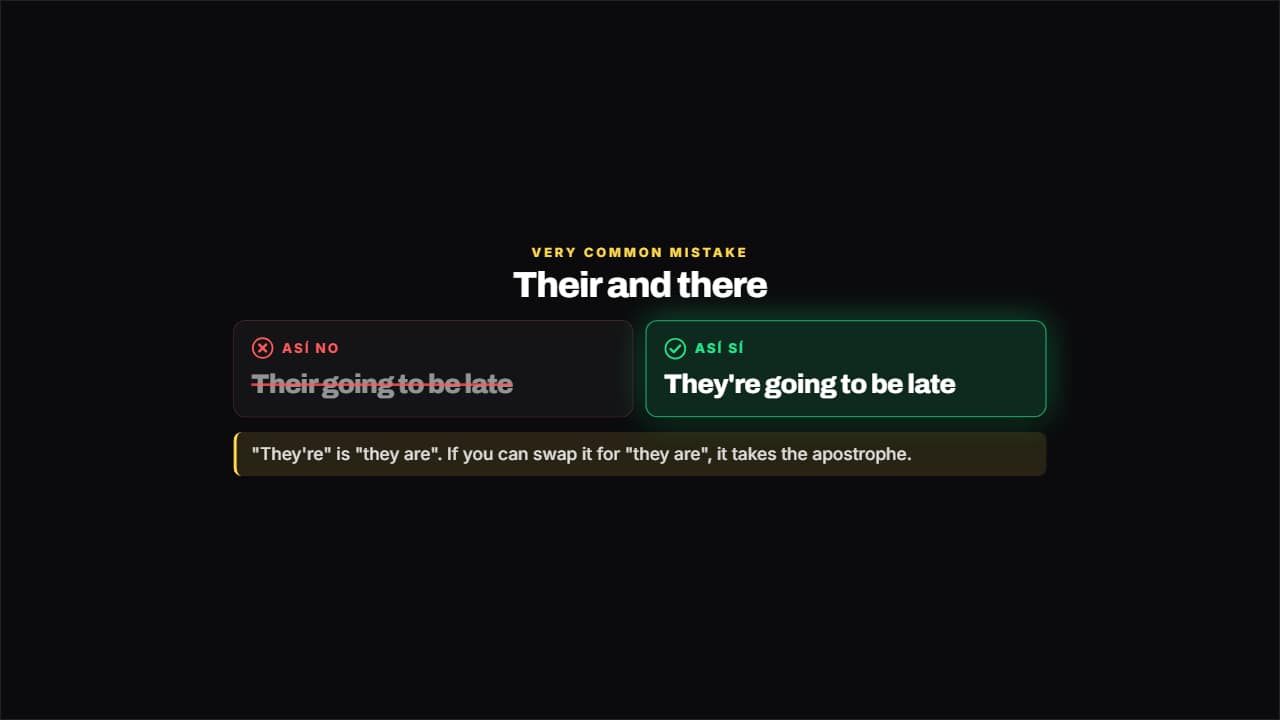 Not like this, like thisThe mistake crossed out and gray on the left, the right way lit on the right and the why underneath.
 Write this downA side badge for the fact worth keeping: it slides in from the edge, reads, and leaves.
 Hand-drawn markupThe teacher's marker over your video: circle, underline, point with an arrow, box or cross out.
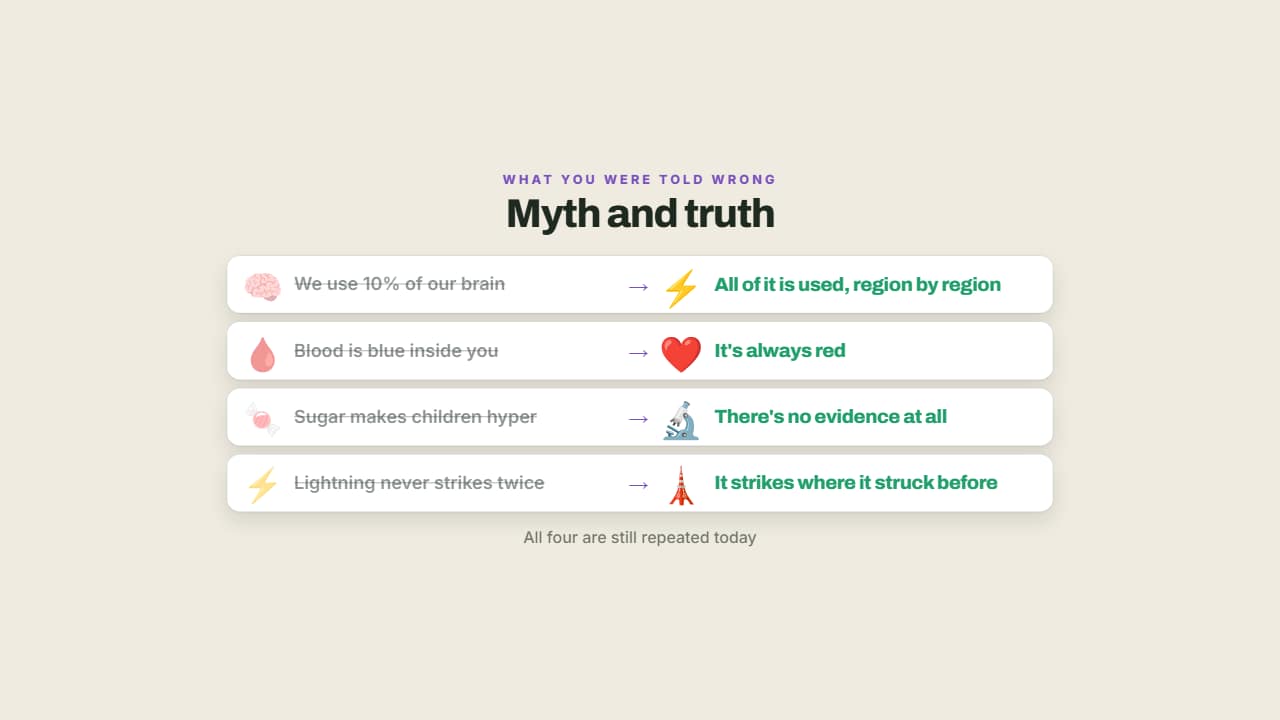 Myth and truthThe myth crossed out on the left and what actually happens lit up on the right.
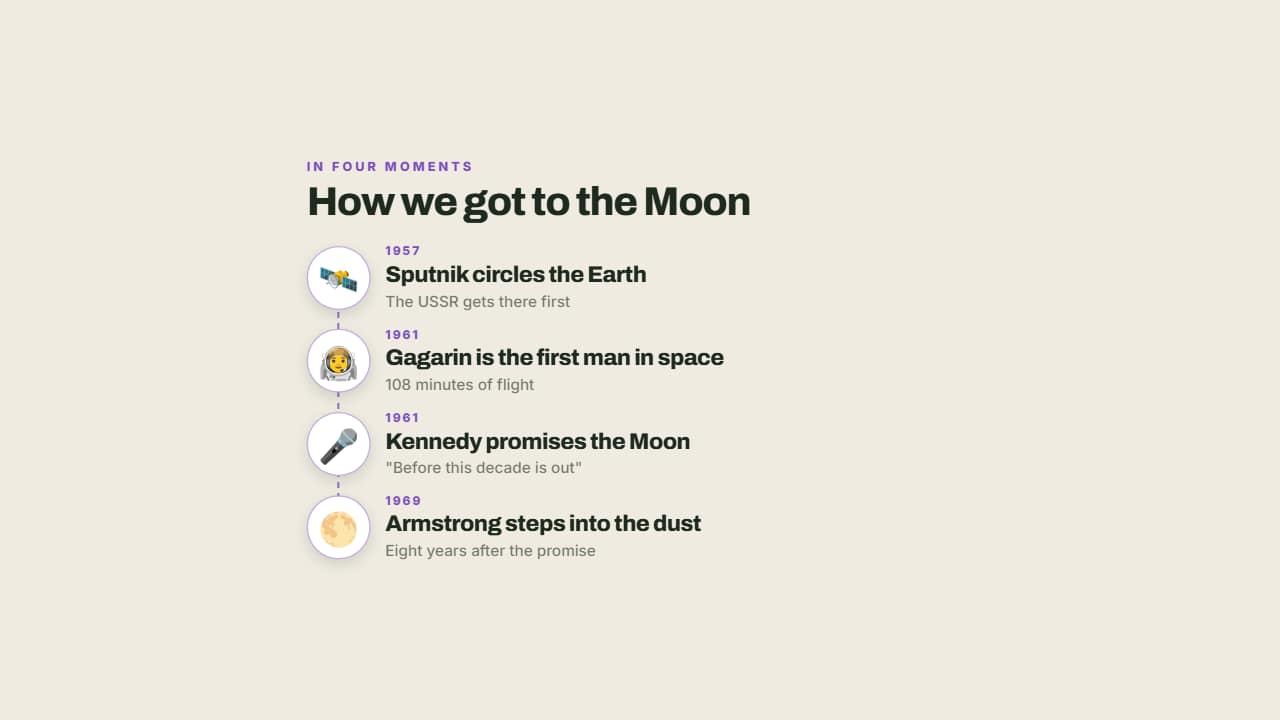 How it happened, moment by momentThe milestones of an event on a vertical line with their emoji, their date and a note.
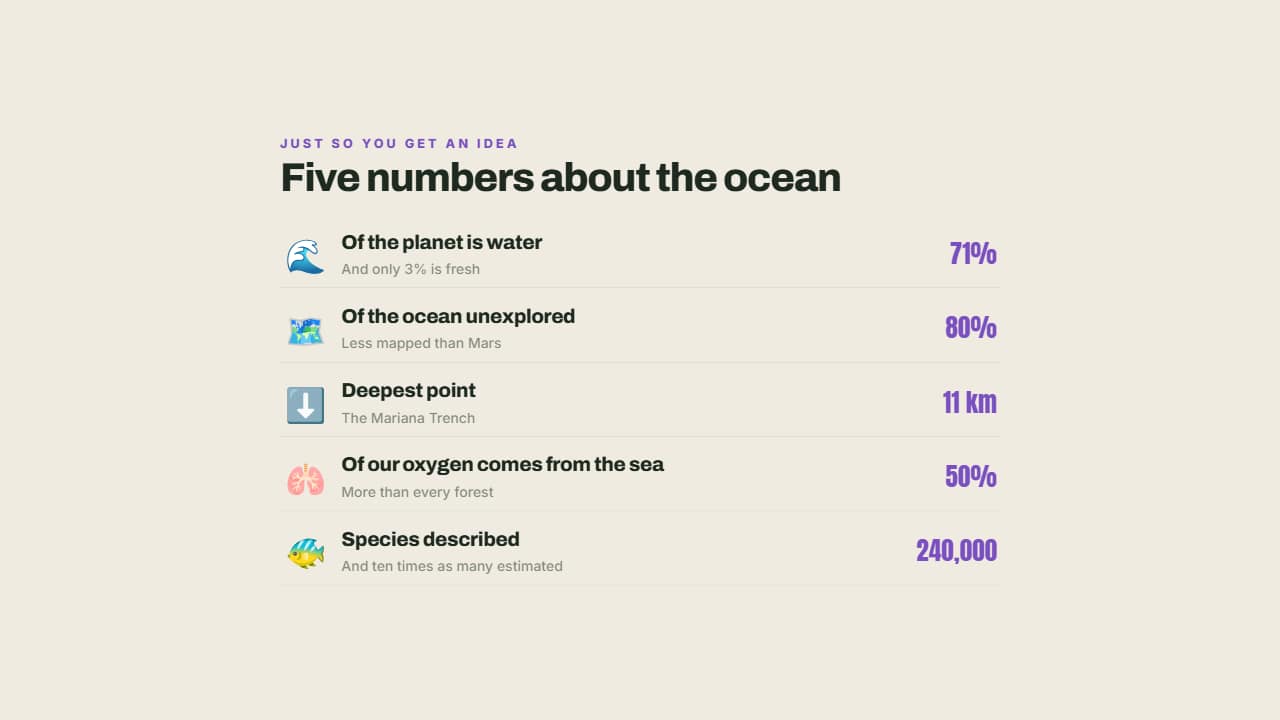 The facts you need to knowEach fact with its emoji, its small explanation and the figure large on the right.
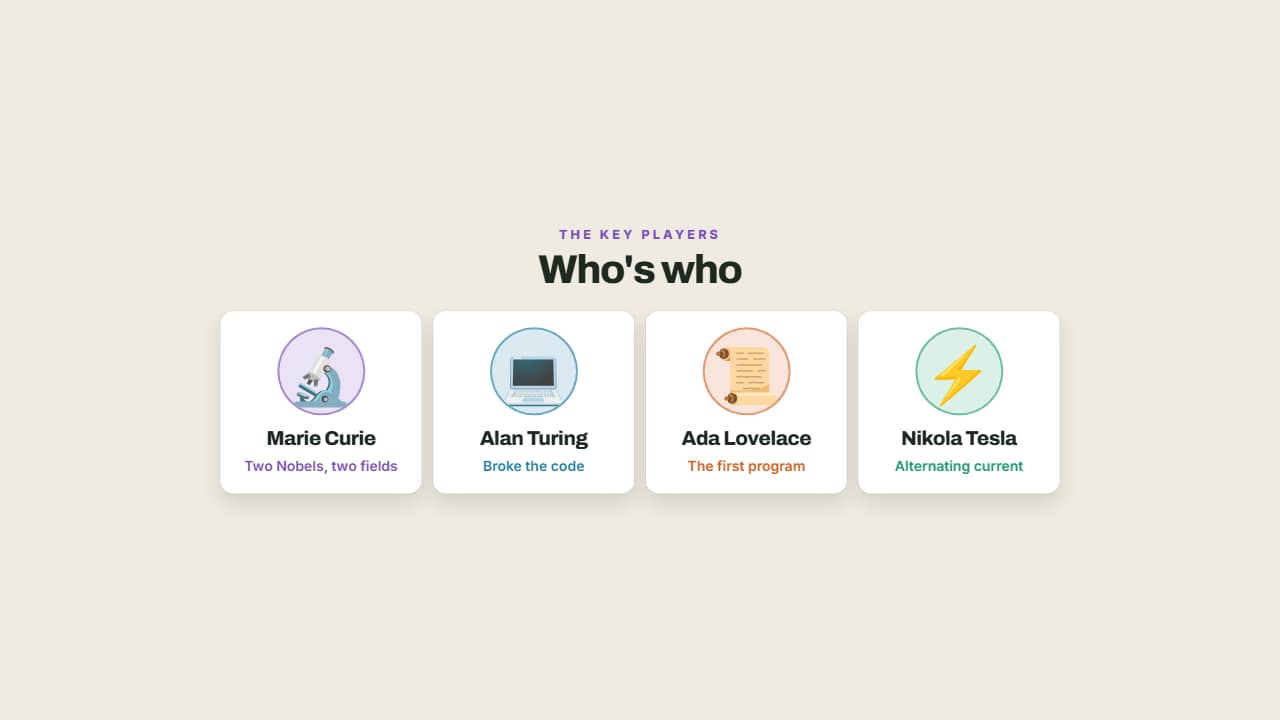 Who's whoThe people in the story you're telling, with their face, their name and their role in one line.
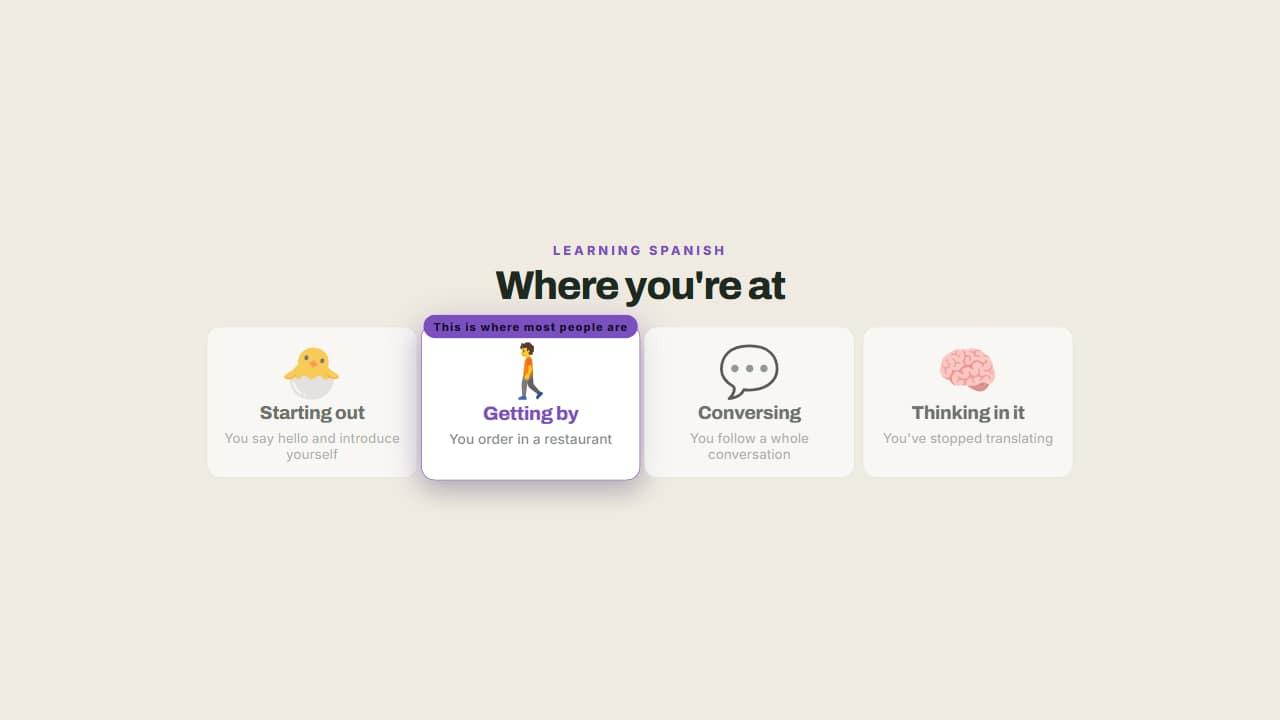 From beginner to expertThe steps of learning something, with a badge marking where the viewer is.
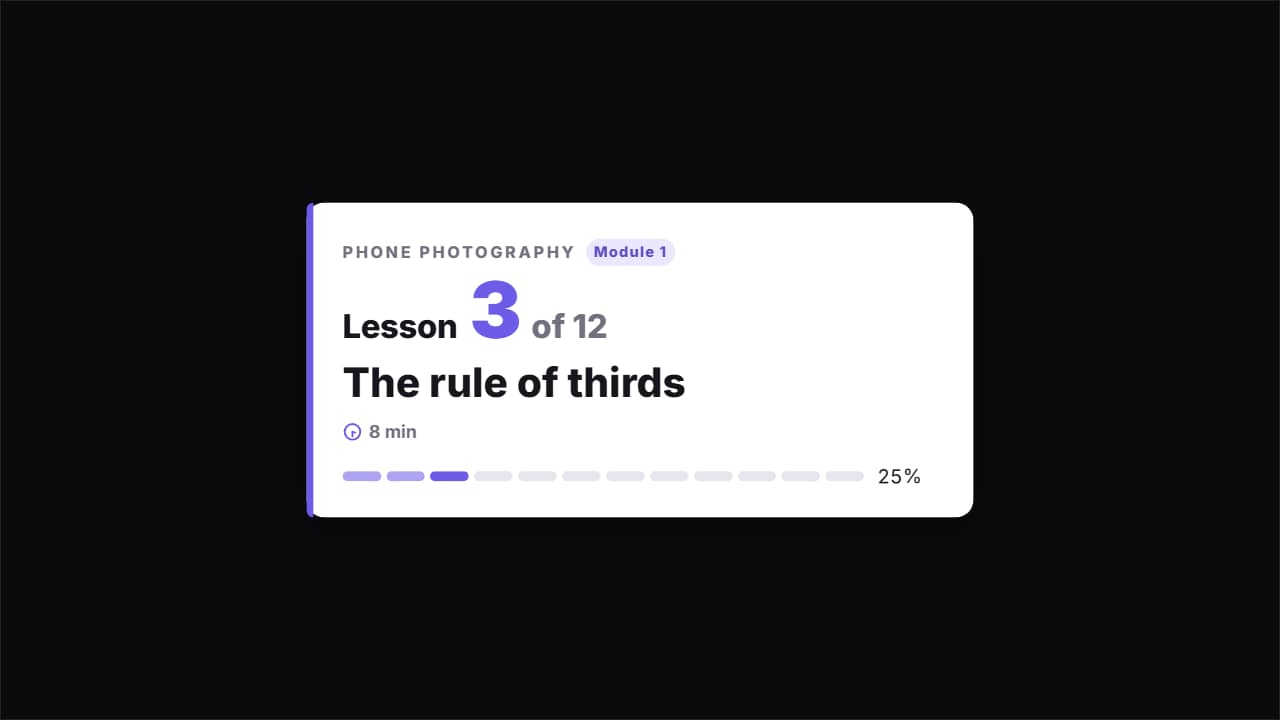 Course lesson card · «Lesson 3 of 12»The card that opens each video in a course or tutorial series: the course and module, «Lesson 3 of 12» with…
Questions
- Can I write formulas with symbols?
- You type the formula as text, with the symbols your keyboard allows (², √, π…), and explain each term underneath.
- Is there something for course series?
- Yes. The course lesson card shows the course name, the lesson number and its title at the start of each video.
- Do I need After Effects?
- No. Every template is edited in your browser: type your text, choose colors and format (16:9, 9:16 or 1:1), watch the live preview and export.
- What do I export, and does it work in my editor?
- Most templates export as a ProRes 4444 .mov with a transparent background, which you place on a track above your clip in CapCut, Premiere Pro, DaVinci Resolve or Final Cut Pro. You can also export an MP4 with your own clip behind it. Always in Full HD.
- Is it free?
- Editing and previewing are free and need no account. To export you sign in with Google; during the open beta, new accounts get export credits at no cost.