Lower Third Templates and Callouts — Edit Online, Export Transparent
A lower third tells viewers who is talking without interrupting them. Type the name and the role, pick a style and export it with a transparent background: a classic bar, a hairline rule that draws itself, a translucent pill with an initial, a tilted sticker or a glass strap with your handle.
Callouts point at things in your footage: a pulsing dot with an elbowed line, a labeled panel, a hand-drawn circle or a curved arrow. There are also vlog location and date stamps, a source credit for clips you use, a spotlight that darkens everything except one area, a now-playing music tag and a podcast clip layout for Shorts.
20 templates · 16:9 · 9:16 · 1:1Open them in the library
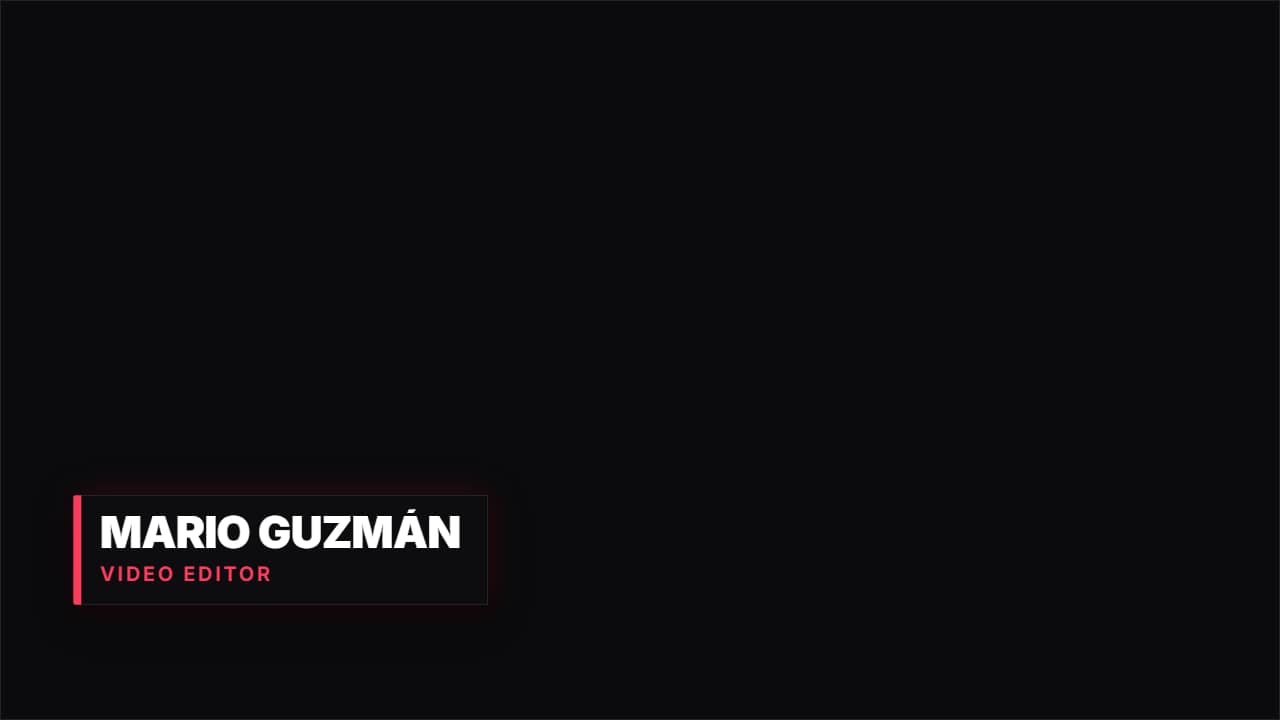 Lower third · BarA dark panel with an accent bar unfolding, name and job title. The classic interview strap, done properly.
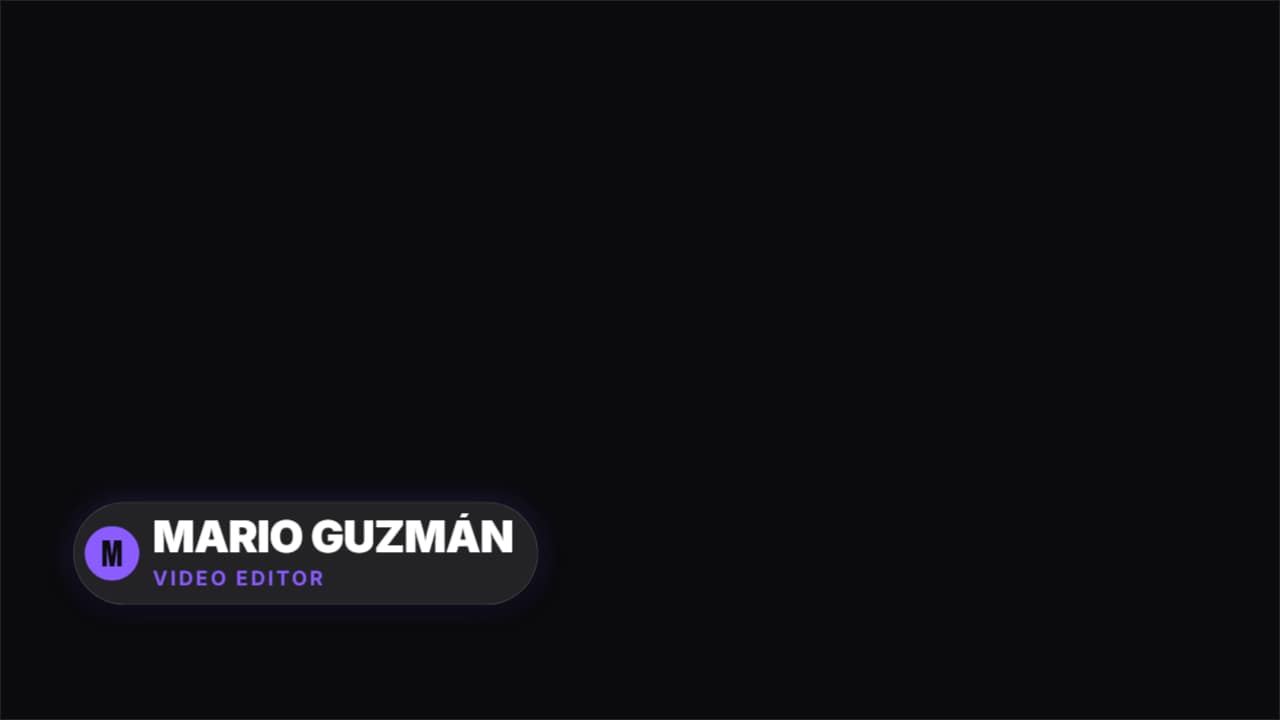 Lower third · PillA translucent rounded pill with the initial in a colored circle. Modern, works well on social.
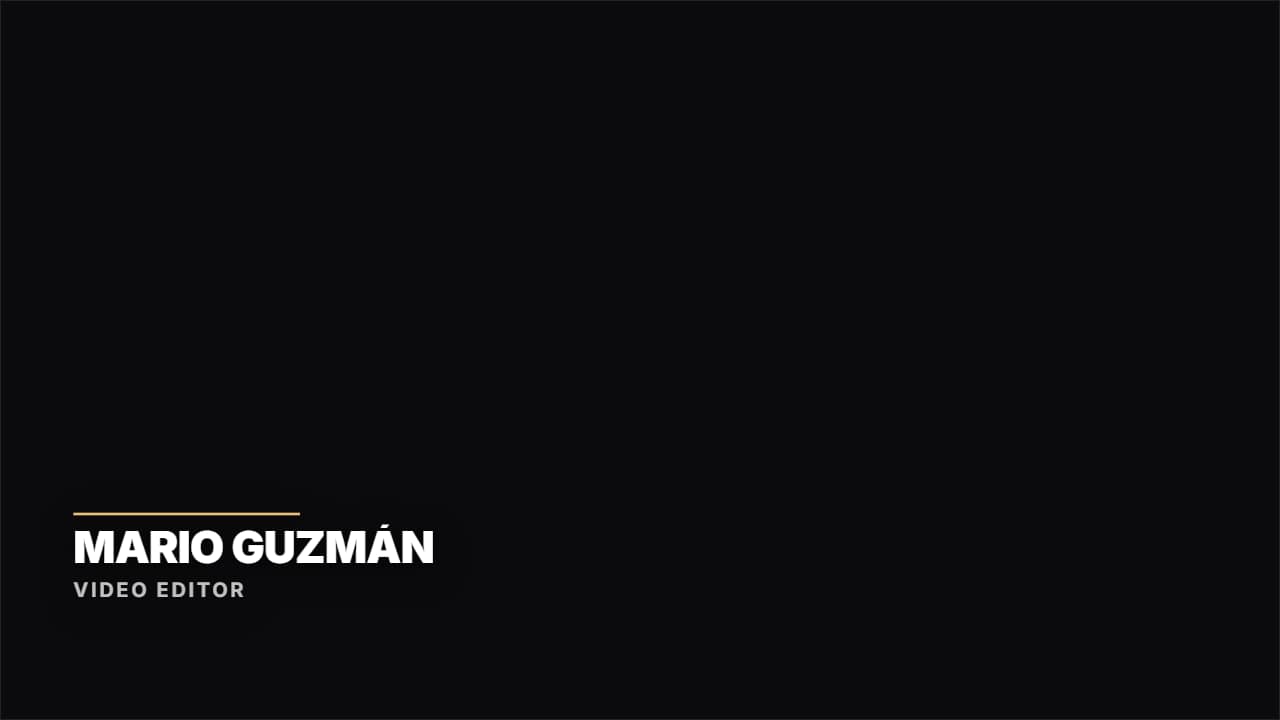 Lower third · HairlineNo box: a colored rule drawing itself and the text rising. Documentary and clean.
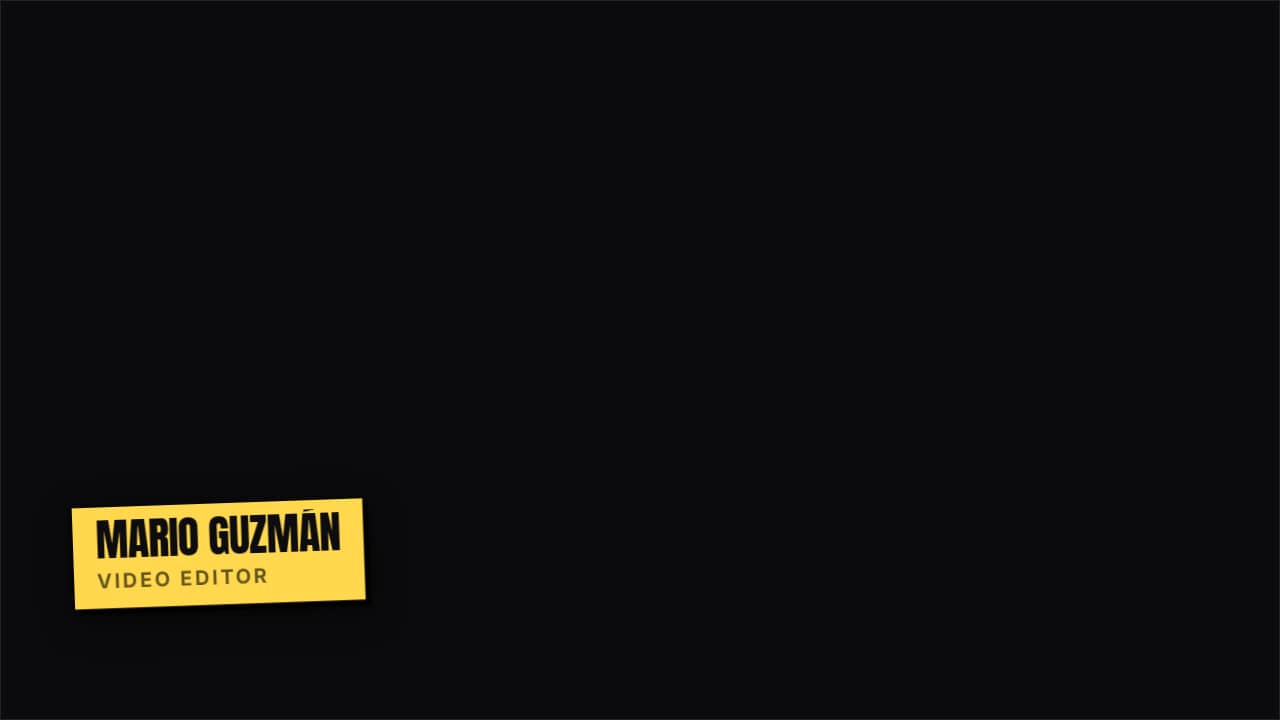 Lower third · StickerA tilted flat-color sticker with a hard shadow. Fun, for vlogs and fast content.
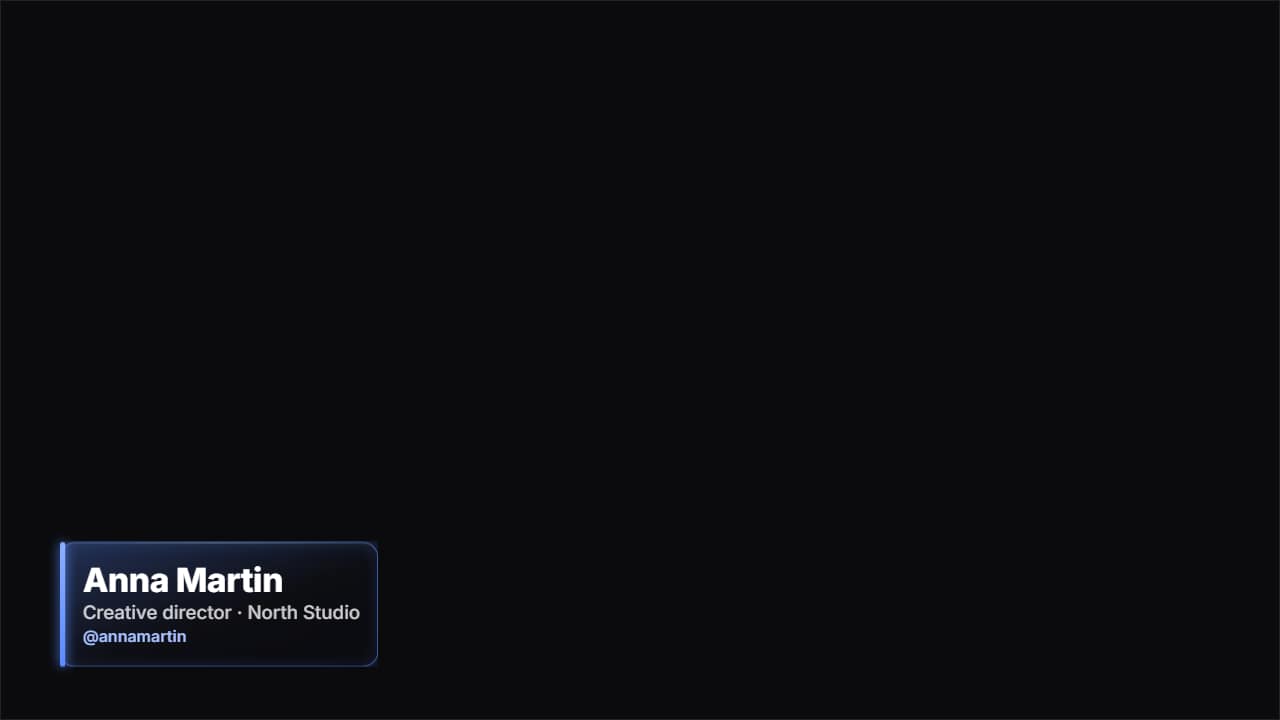 Glass name lower thirdThe «who's talking» strap in glass: name, role and your handle.
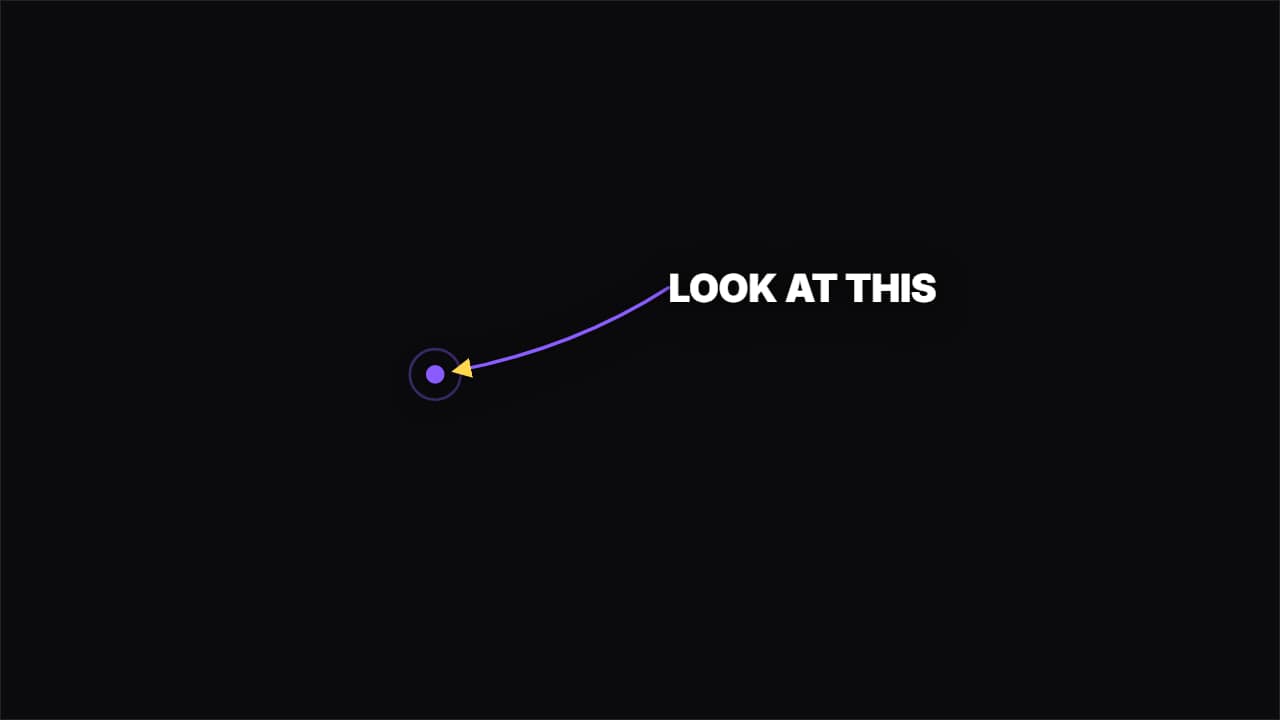 Curved arrowAn arrow drawing itself in a curve from the label to the spot. Directs the eye without covering the shot.
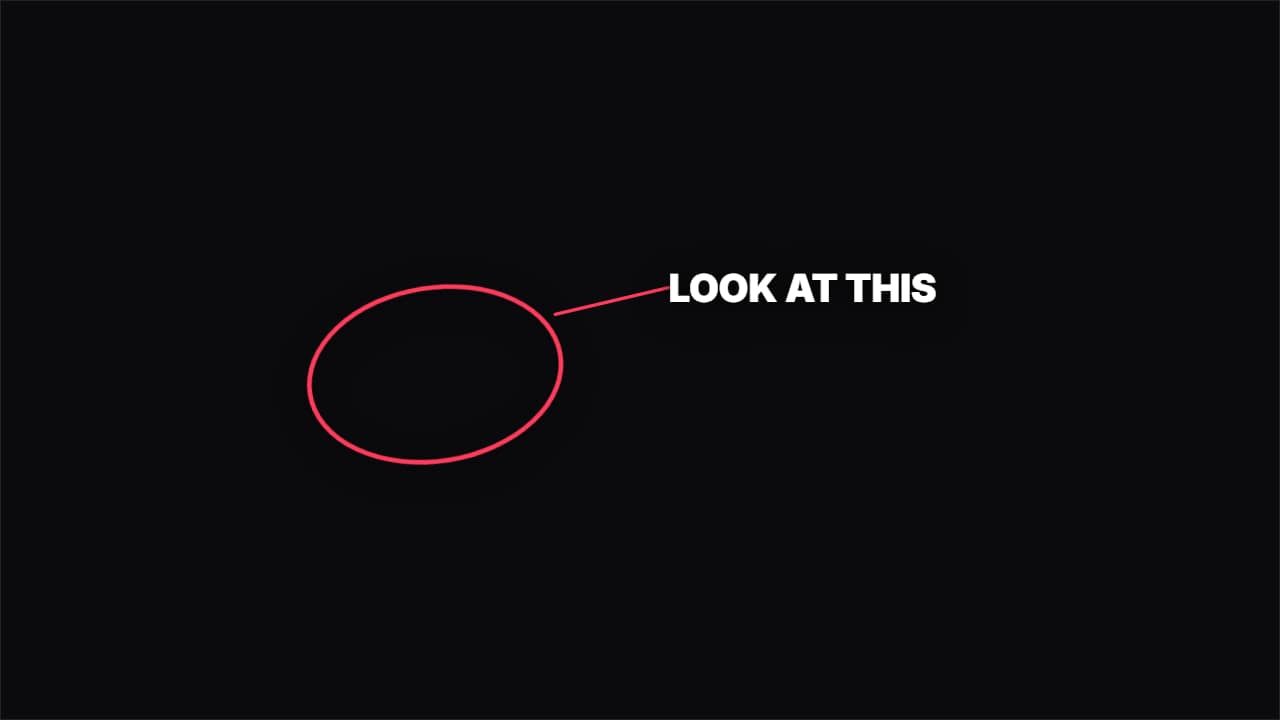 Hand-drawn circleA hand-drawn circle around whatever you want people to look at, with its label beside it.
 Place and date stampA map pin, the name of the place and the date underneath in monospace, with a colored rule drawing itself.
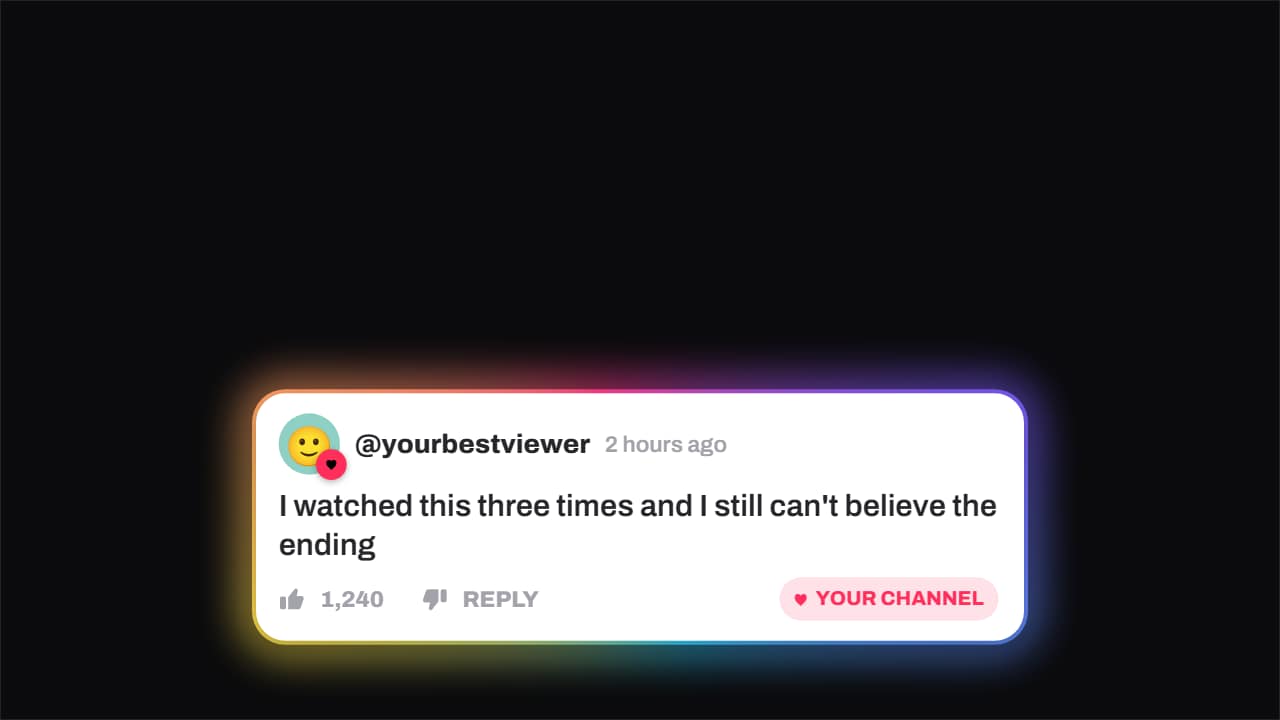 Comment · hearted by the channelA viewer's comment — avatar, timestamp, like count — and the moment the channel hearts it: the badge pops…
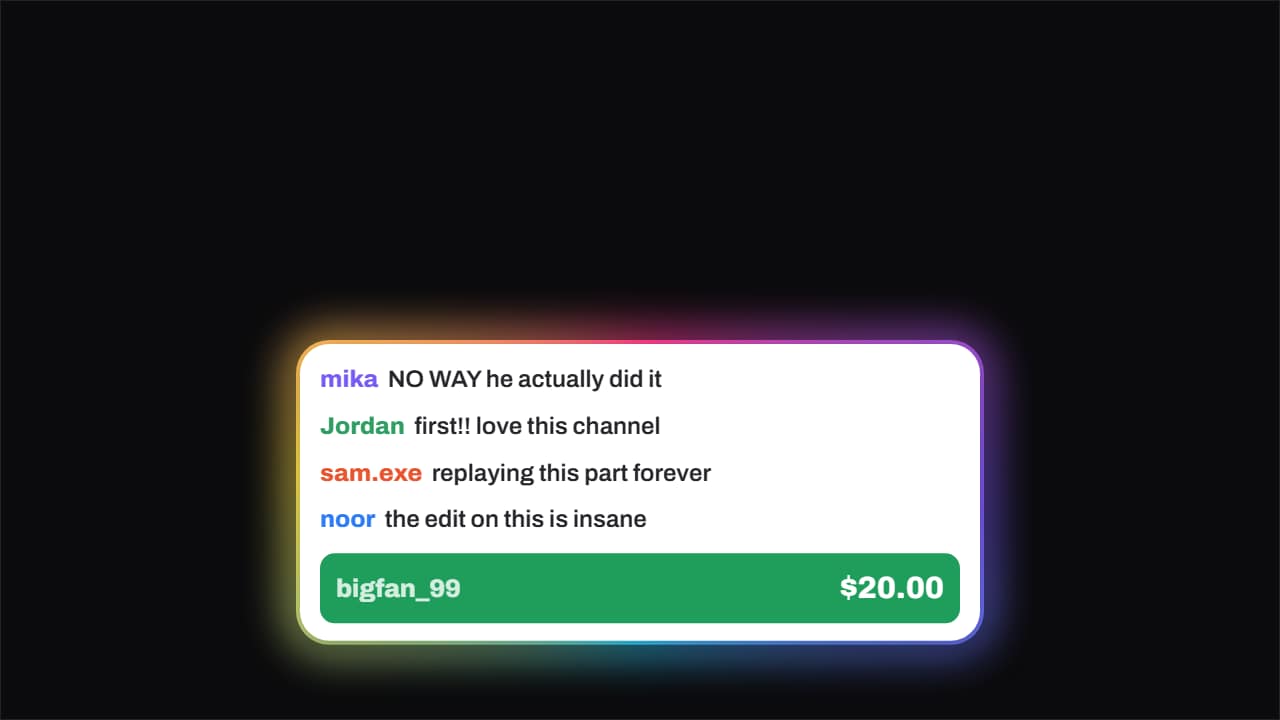 Live chat · with a donationChat messages slide in one after another from the left and, once there is a rhythm, the paid message drops…
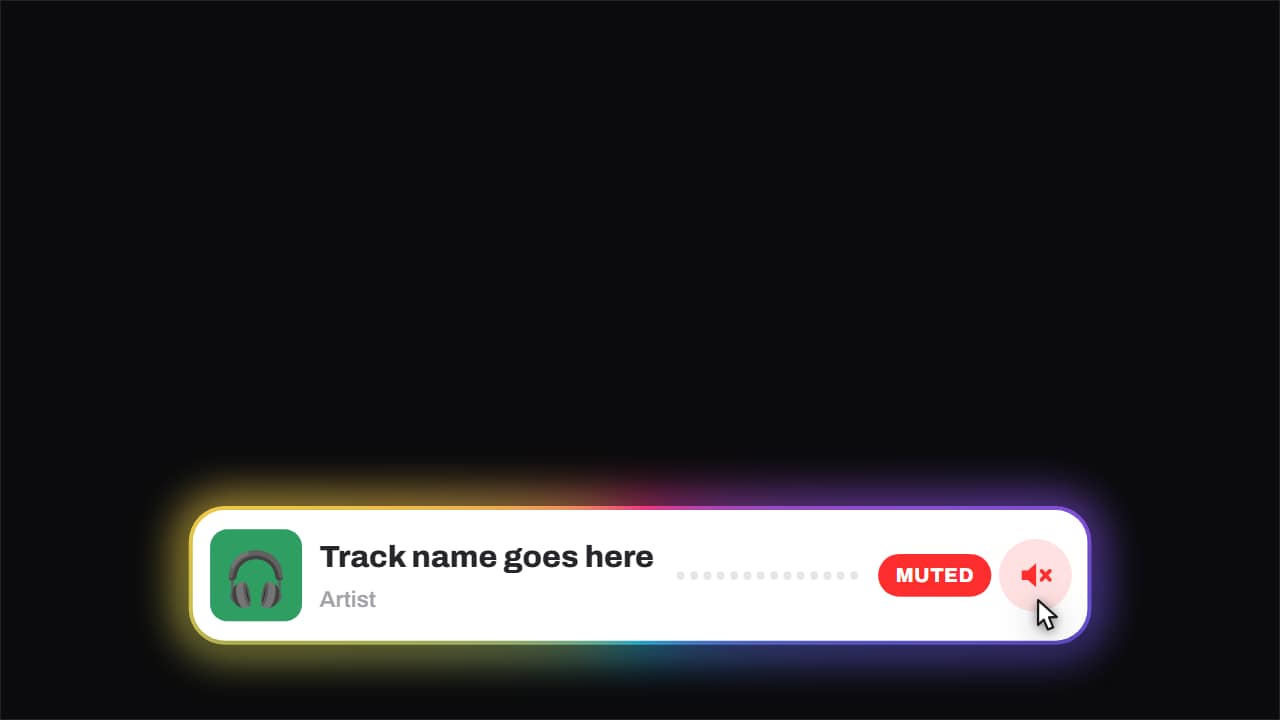 Now playing · and it gets mutedCover, track, artist and an equaliser that genuinely moves — three offset sines, so it looks like sound and…
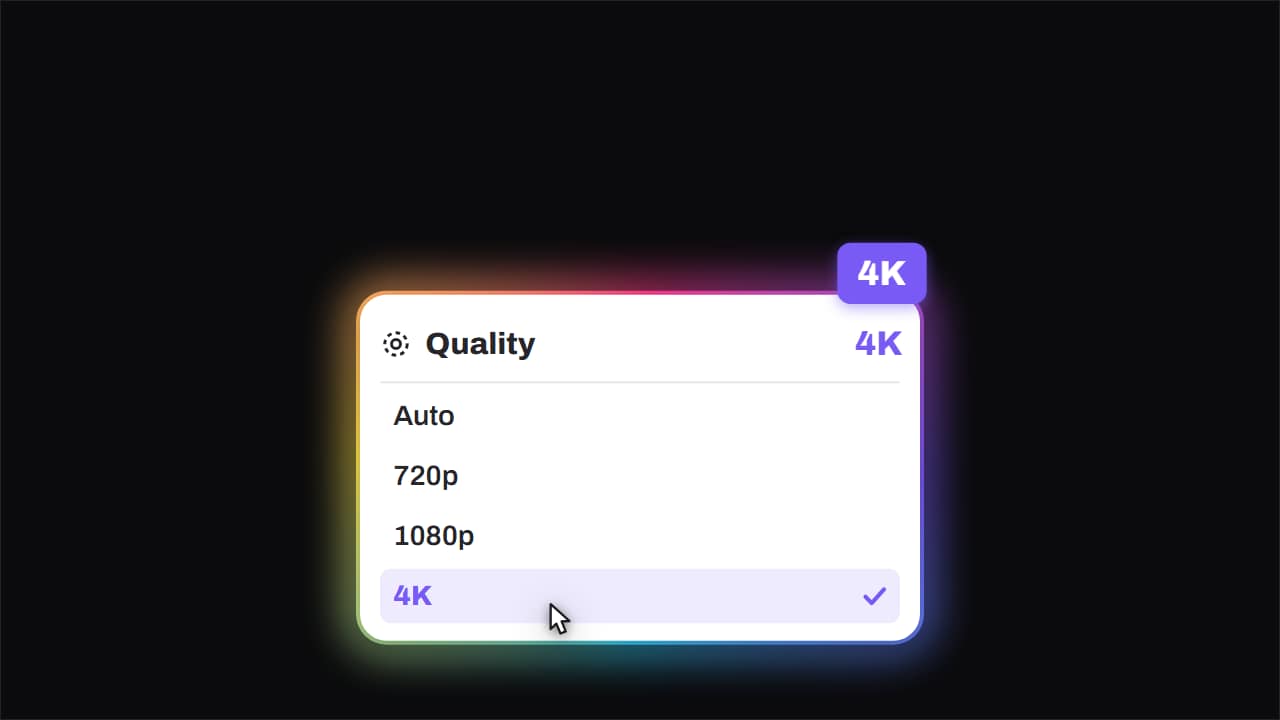 Quality · bumped to 4KThe quality menu opens, the cursor comes down, and the big badge lands rotated in the corner.
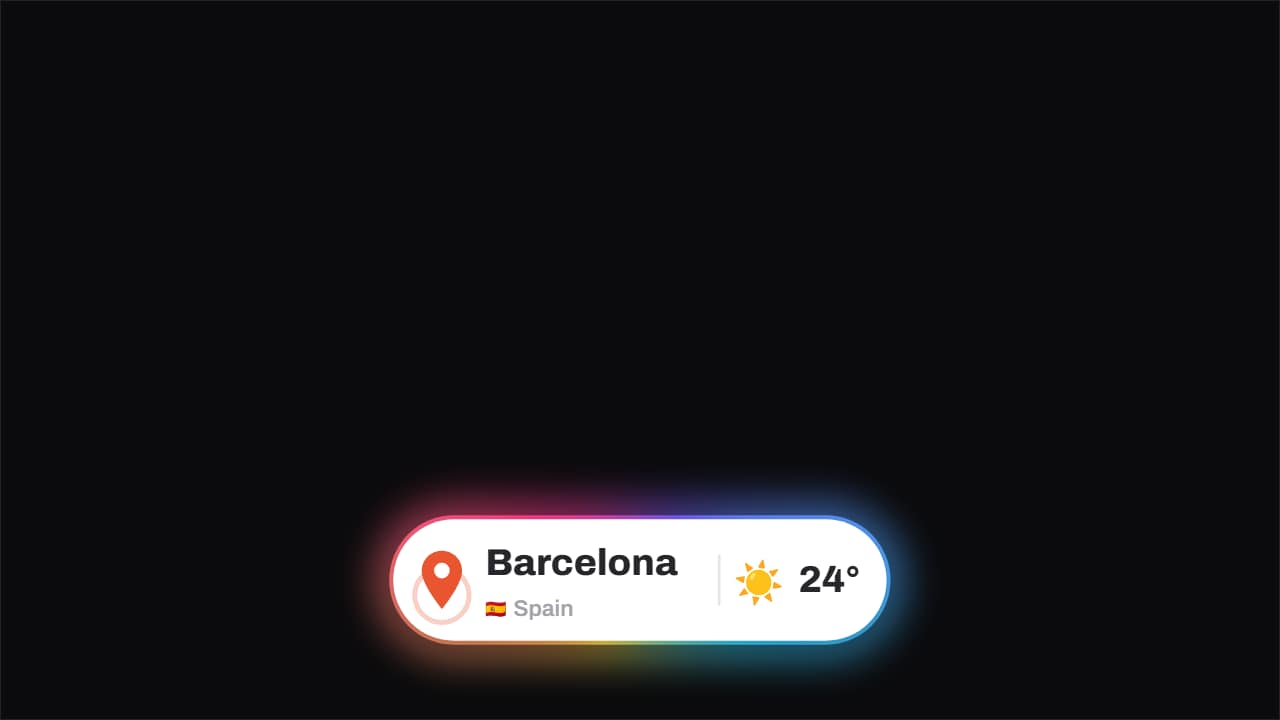 Location · the pin drops and pingsThe pin drops from above with its bounce and keeps ringing out, the place and country with its flag sit…
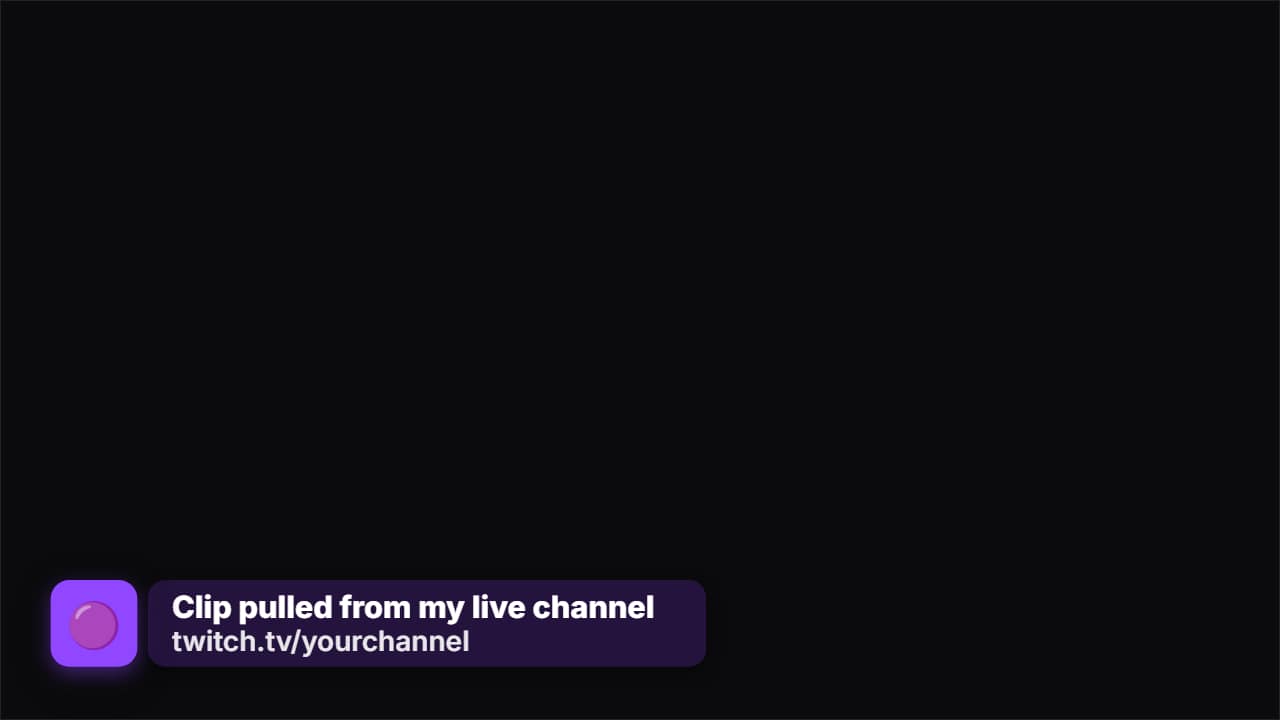 Source creditThe strap that says where the clip came from. First only the badge with the logo appears, it waits a beat…
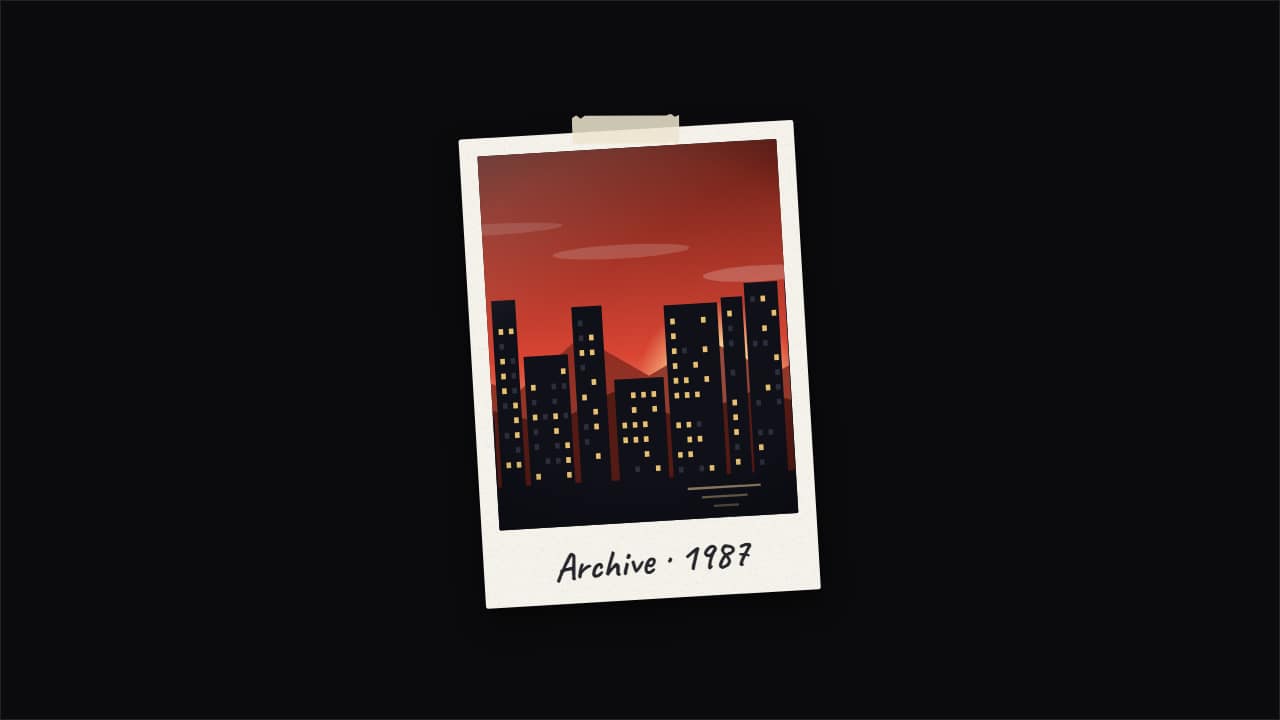 Photo pop-up with echoesThe documentary «pop-up effect»: your photo snaps in and leaves copies that slide out to the sides and fold…
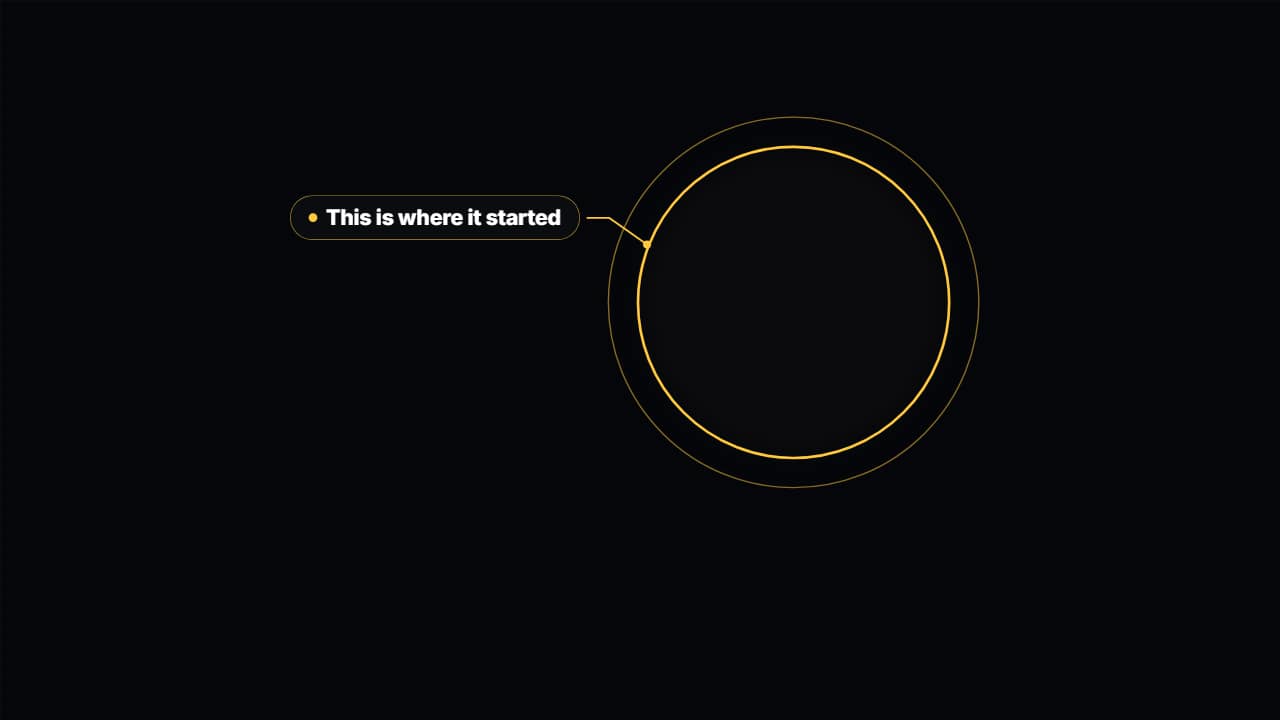 Spotlight on your videoDarkens and drains the color from everything around an area of your video —a face, a number on screen, a…
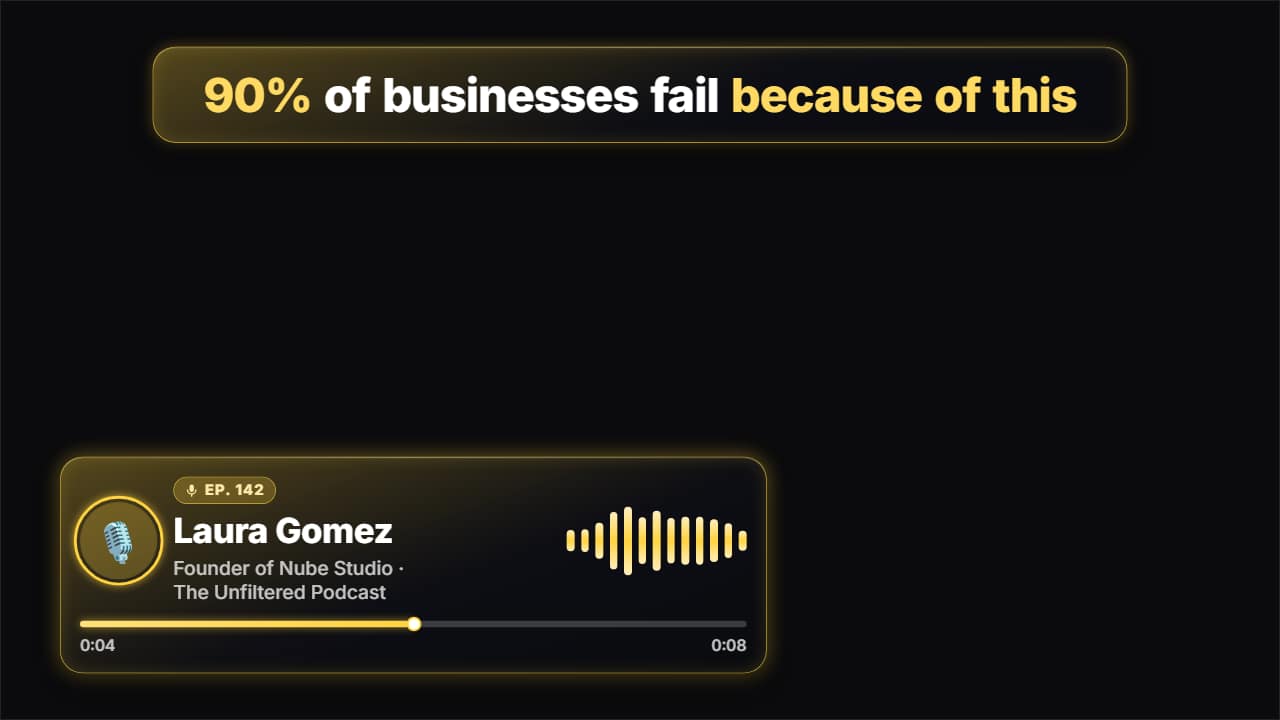 Podcast clipEverything that goes on top of a podcast clip for Shorts, TikTok and Reels: the hook at the top coming in…
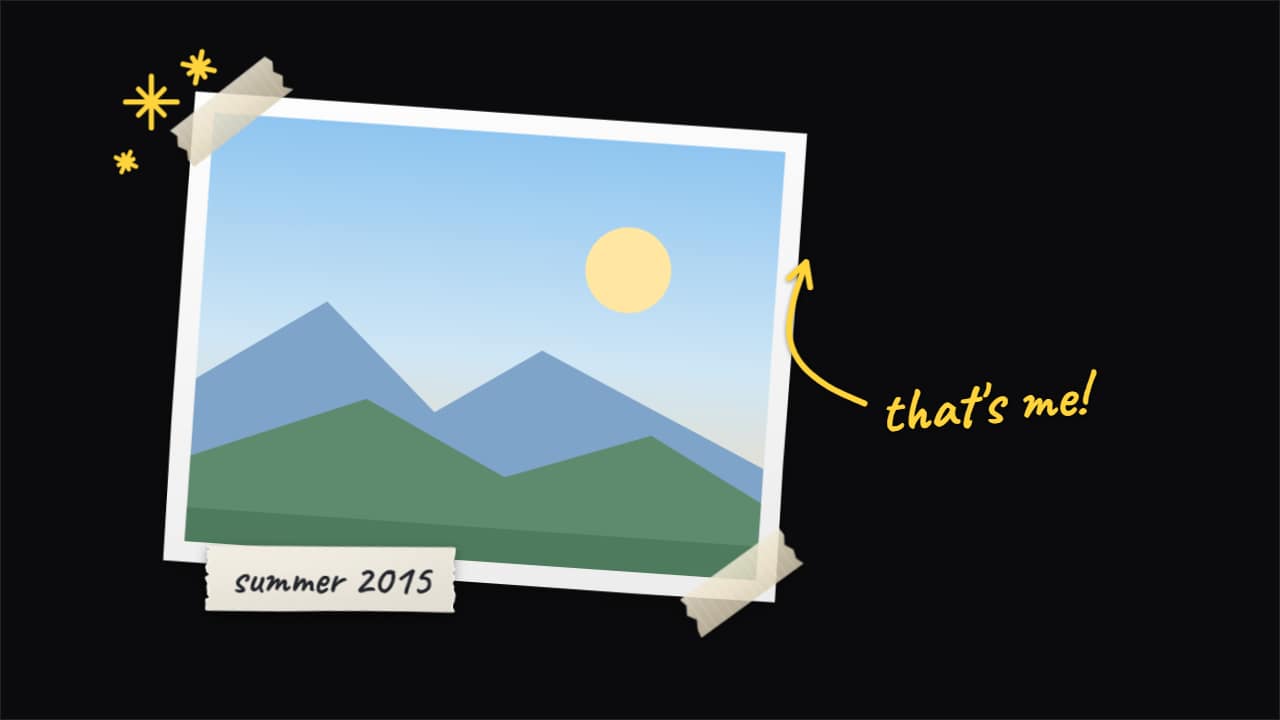 Paper cut-out photoYour photo or clip, stuck on top of your video by hand: with a cut-out border, tape on the corners and a…
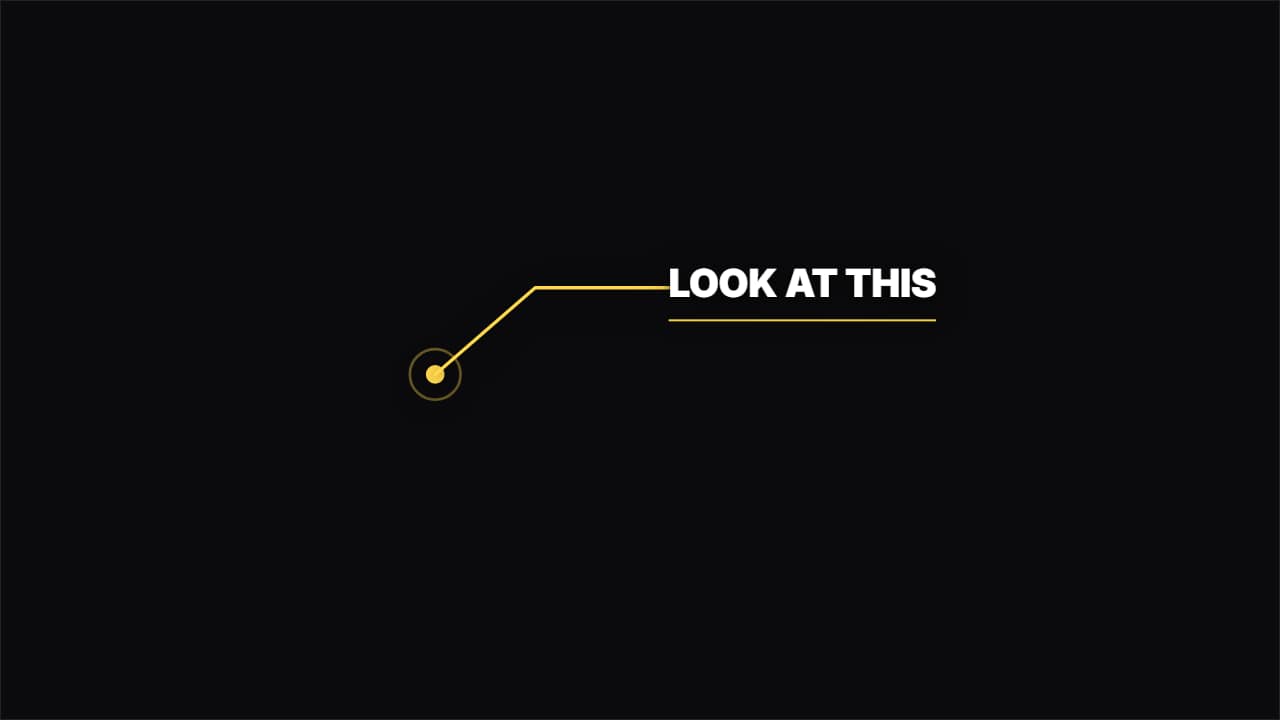 Callout with a lineA dot pulsing on the object and an elbowed line drawing itself out to the label. For pointing at details.
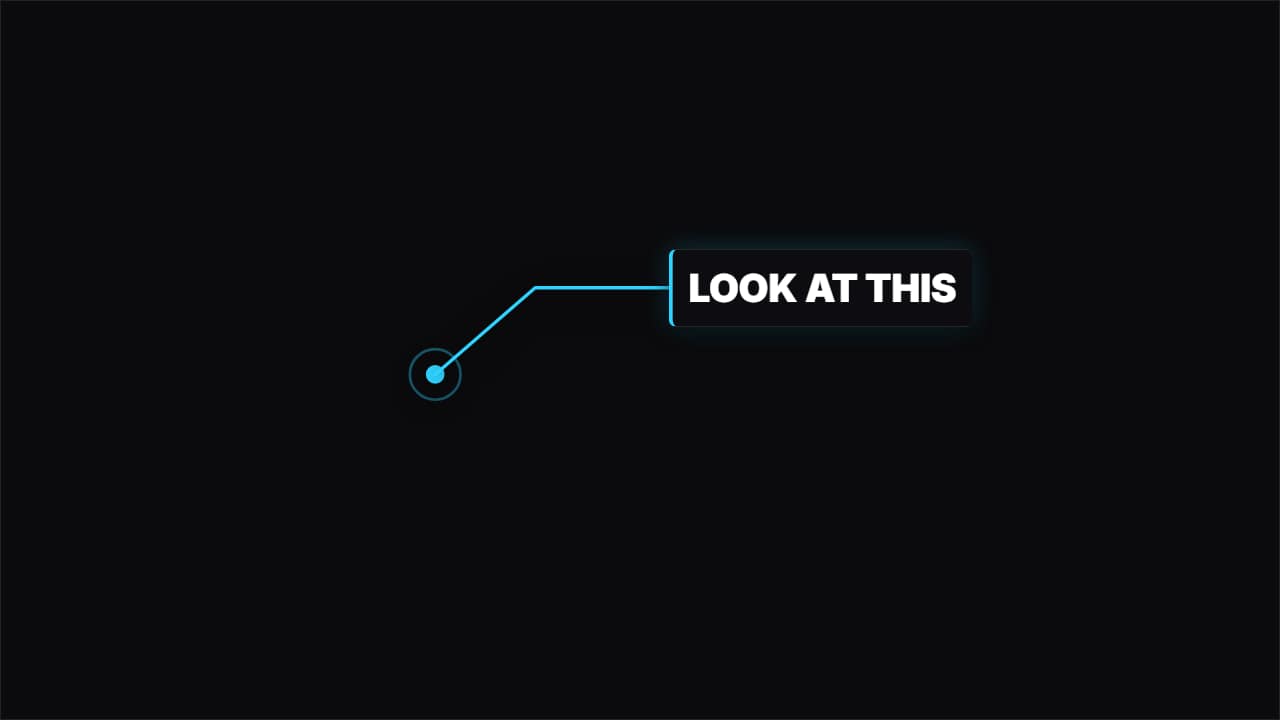 Callout with a panelThe same, but the label sits inside a solid panel with an accent bar: it reads over any background.
Questions
- Can I use these lower thirds in CapCut, Premiere or DaVinci?
- Yes. Export «without background» to get a .mov with transparency and place it on a track above your clip. In each template page you will find the steps for your editor.
- Will a long name fit?
- The text adjusts to fit its box, and you can change the size and typeface. Very long names read better split into name and role.
- Do I need After Effects?
- No. Every template is edited in your browser: type your text, choose colors and format (16:9, 9:16 or 1:1), watch the live preview and export.
- What do I export, and does it work in my editor?
- Most templates export as a ProRes 4444 .mov with a transparent background, which you place on a track above your clip in CapCut, Premiere Pro, DaVinci Resolve or Final Cut Pro. You can also export an MP4 with your own clip behind it. Always in Full HD.
- Is it free?
- Editing and previewing are free and need no account. To export you sign in with Google; during the open beta, new accounts get export credits at no cost.