Fitness Video Templates — Workouts, Timers, Muscles Worked
Fitness videos need information that stays readable mid-workout. Show the day's routine with sets and reps, run an interval timer that alternates work and rest at real speed, or put the exercise name and a form tip in a badge over your clip.
Several templates include drawn exercises that actually do the rep: pick a squat or a push-up and the figure moves, «Muscles worked» lights up the right muscles on a front and back body, and «Right vs wrong form» marks each version. There are also goal rings, weekly progress, personal records, guided workouts and an exercise tier list.
17 templates · 16:9 · 9:16 · 1:1Open them in the library
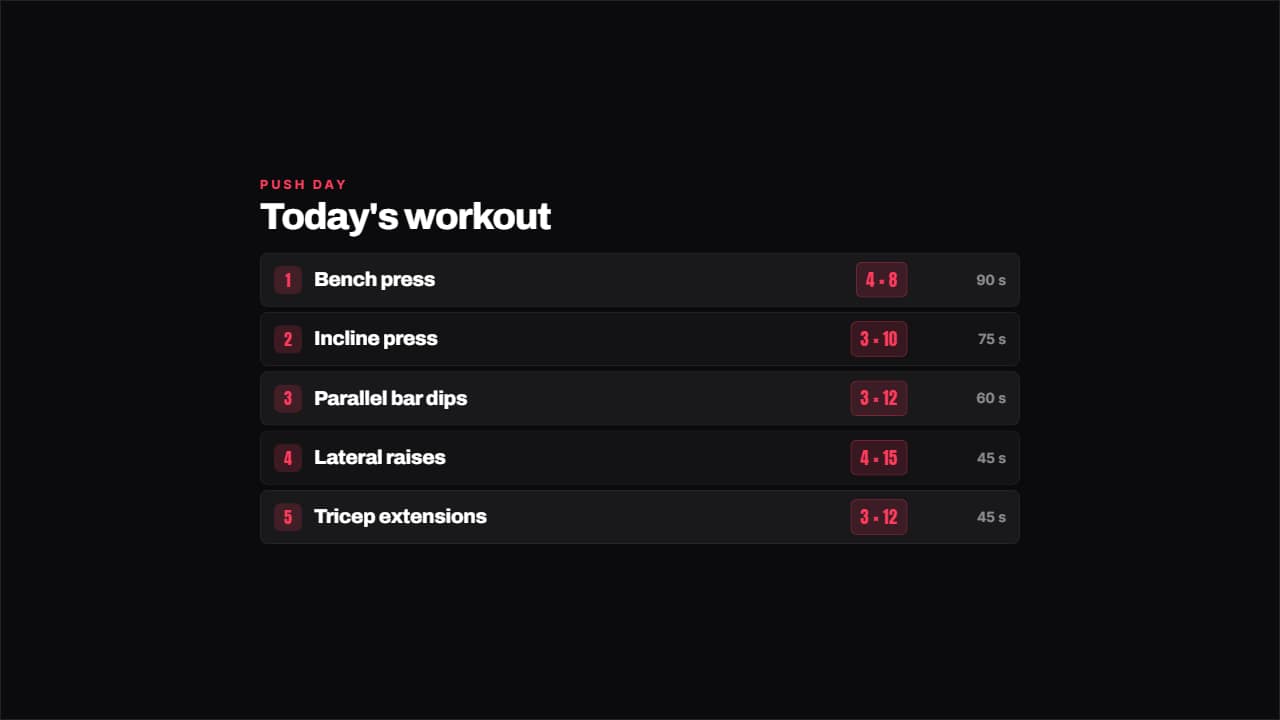 Workout with setsThe day's exercises with their sets by reps on a colored badge and the rest on the right.
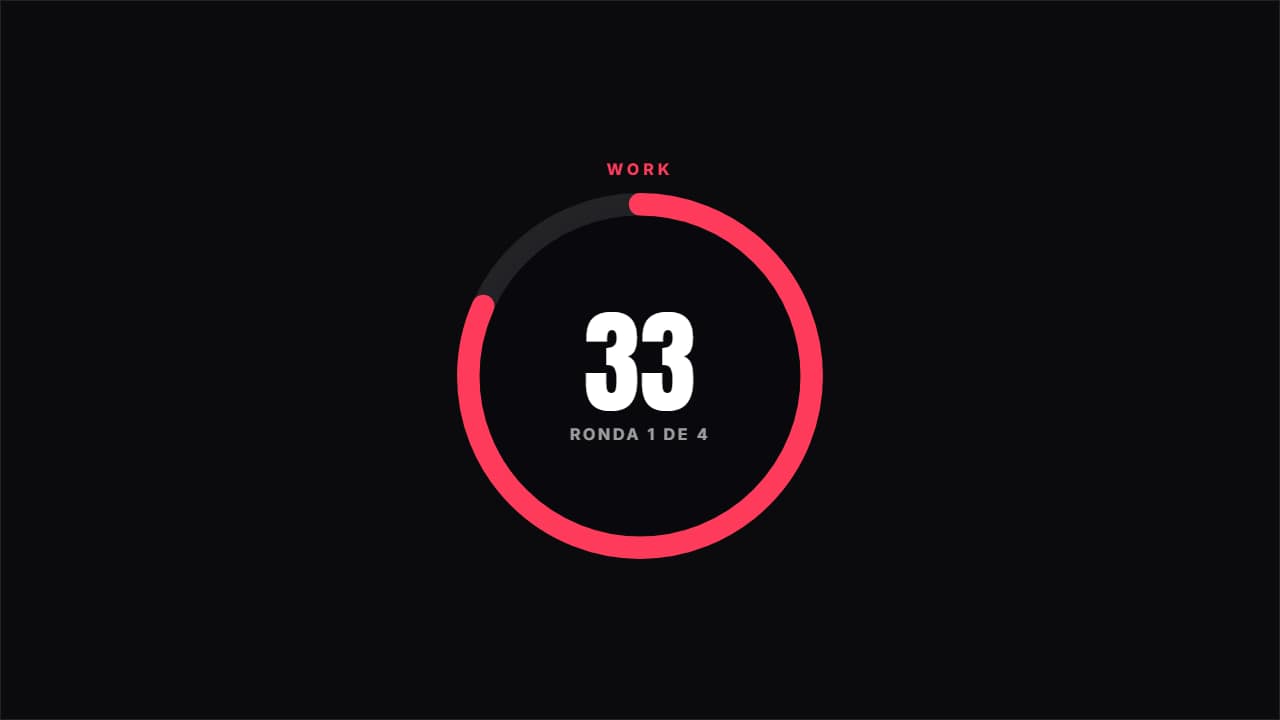 Circuit timerAlternates work and rest at real speed, with the ring emptying, the color changing and the round you're on.
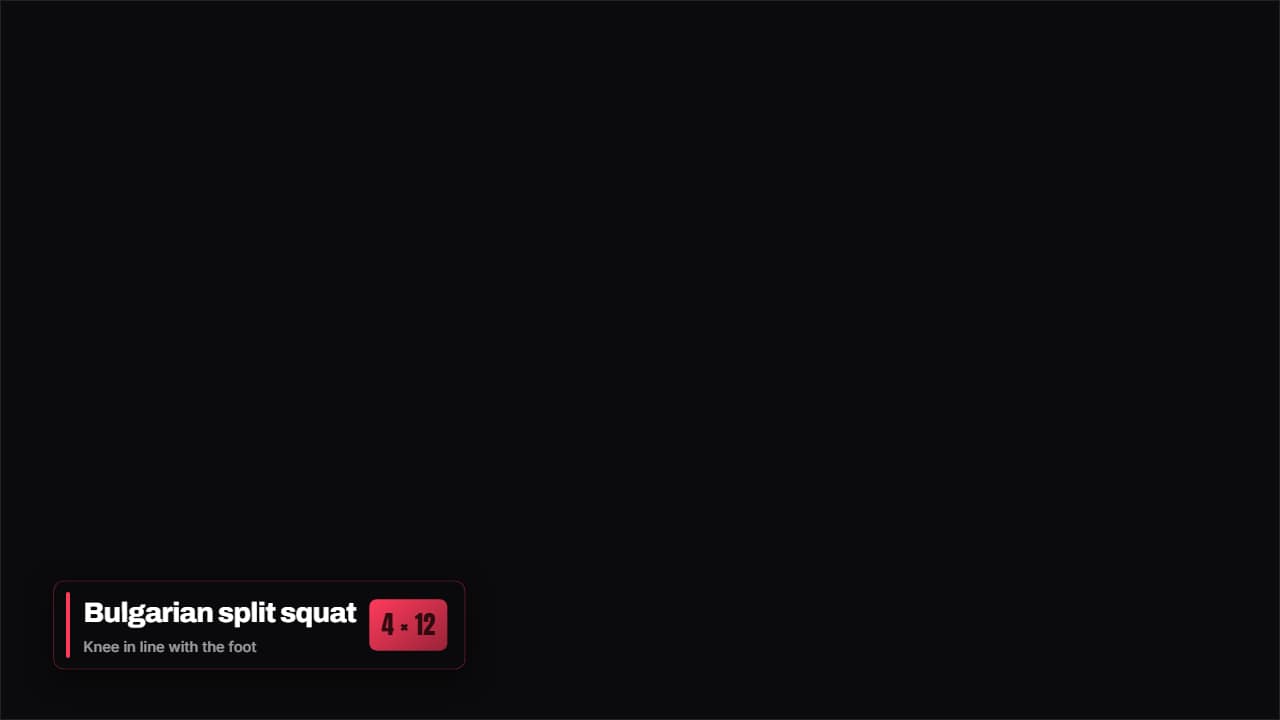 Exercise badgeThe exercise name, the sets and a form tip, on a badge that stays over the video while you do it.
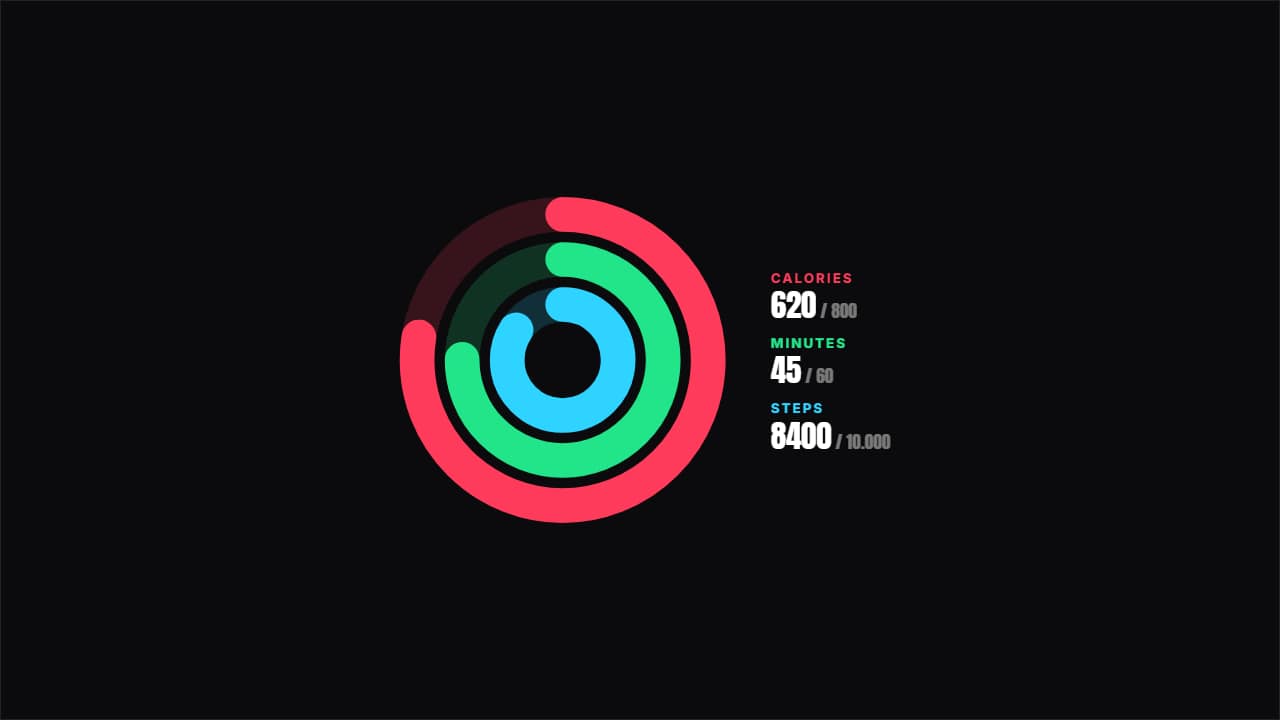 Today's goalsThree concentric rings with achieved against target: calories, minutes, steps or whatever you like.
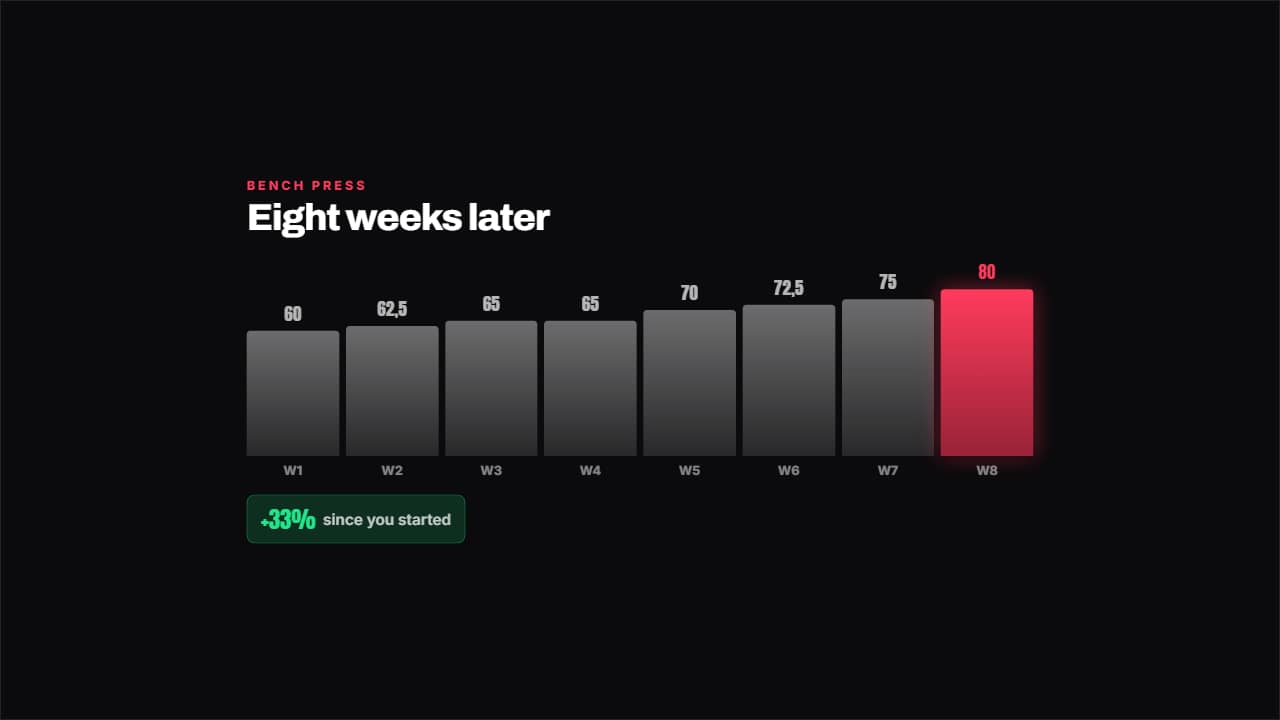 Week by week progressBars by week with the latest one lit and, underneath, the percentage you've gained since you started, worked…
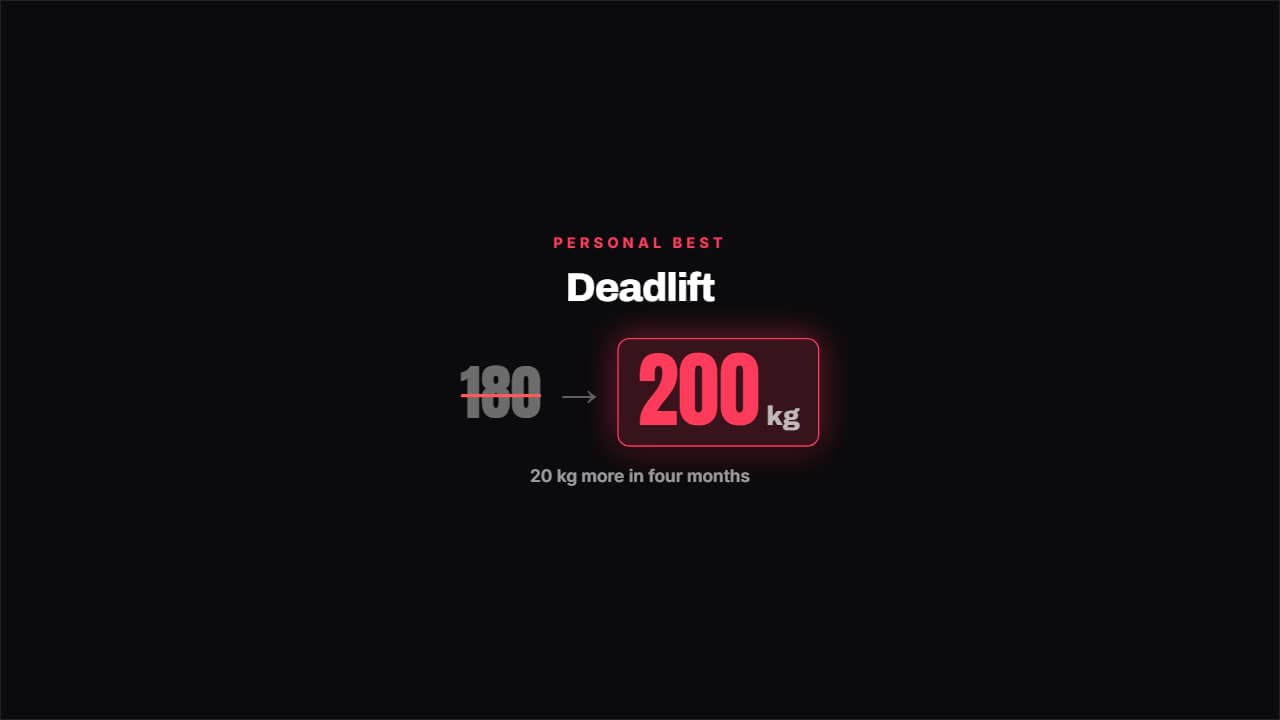 Personal best beatenThe old best gets crossed out in red and the new one bounces in with its unit.
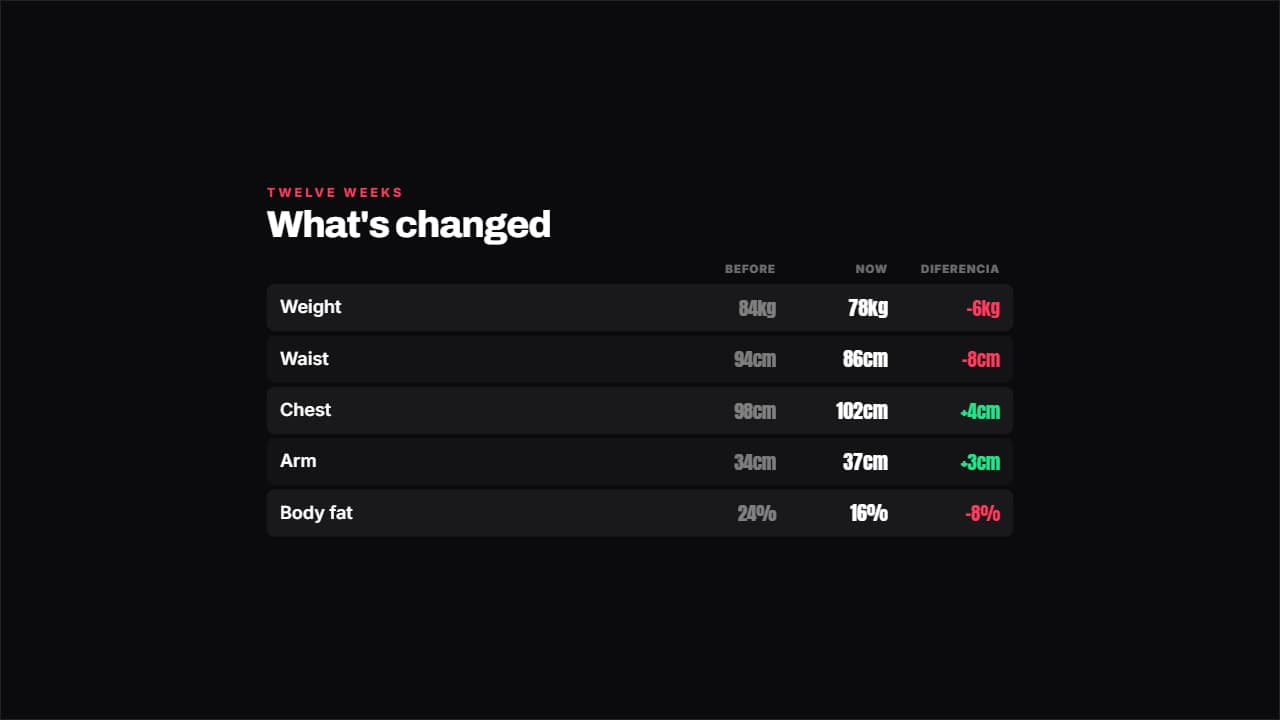 Before and after in numbersWeight, measurements or any figure in two columns, and the difference is WORKED OUT for you with its color.
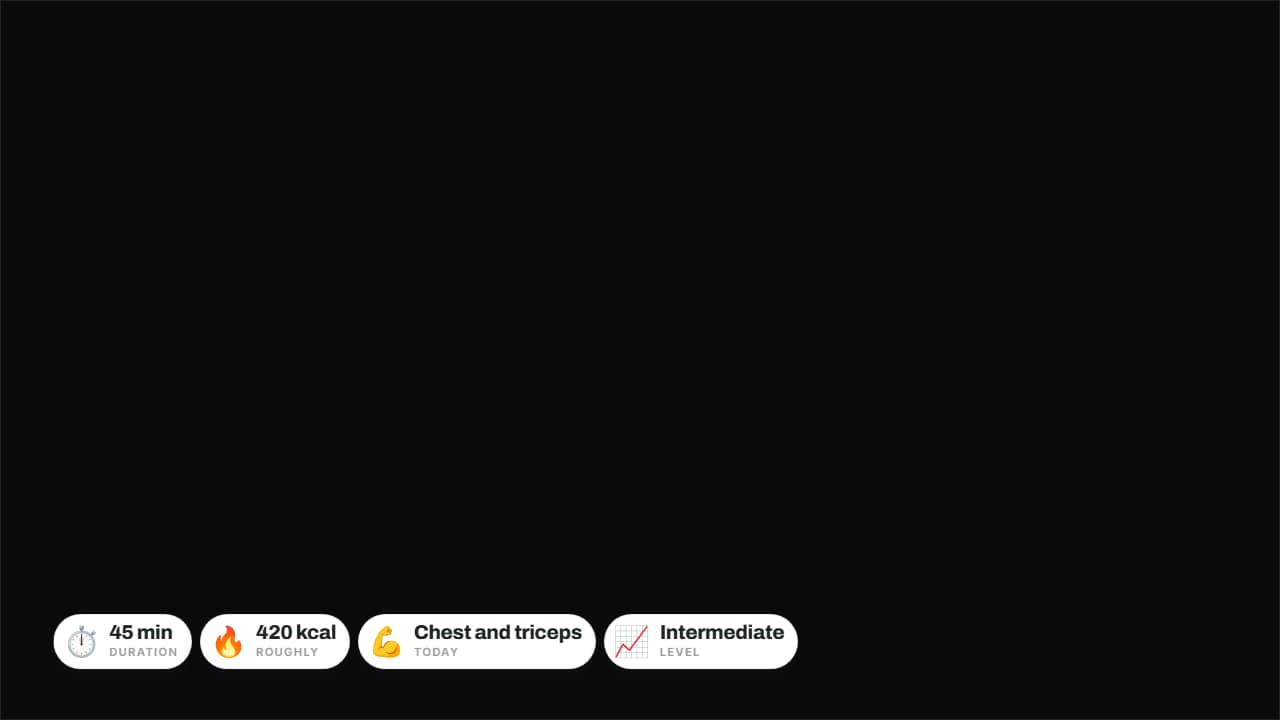 Today's sessionDuration, calories, muscle group and level on badges over the video.
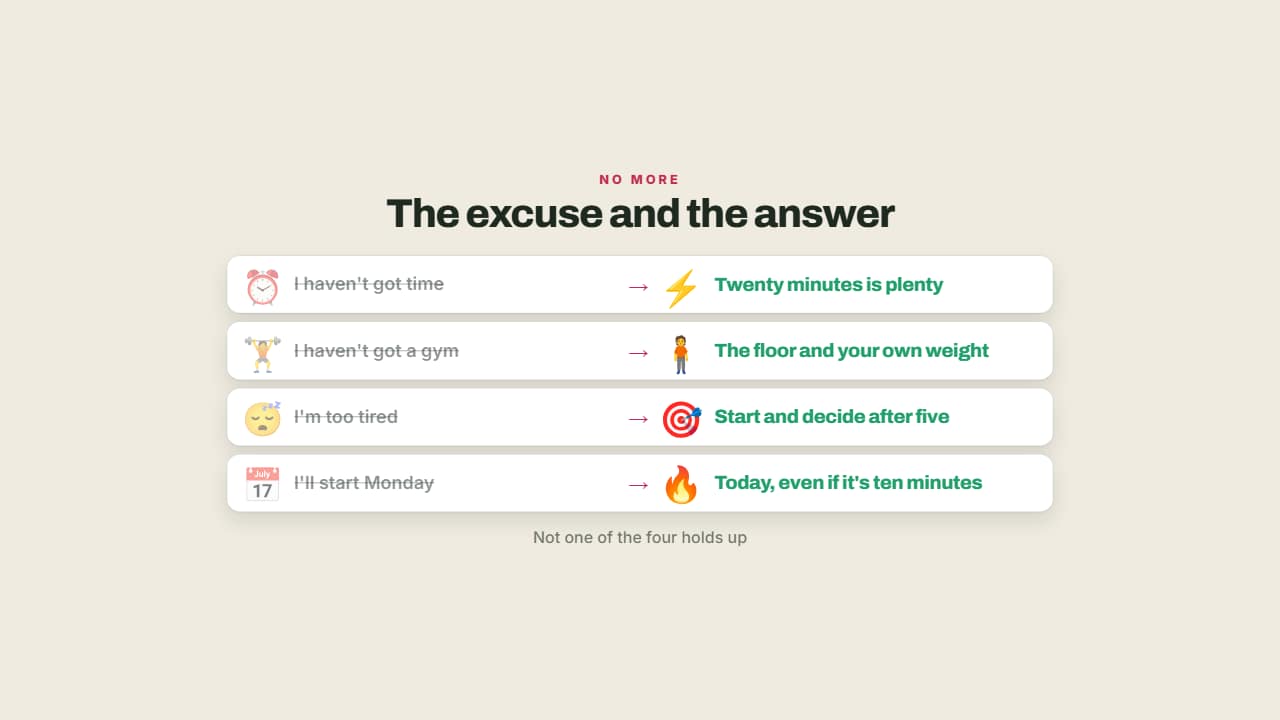 The excuse and the answerThe usual excuse crossed out and what you can do instead lit up.
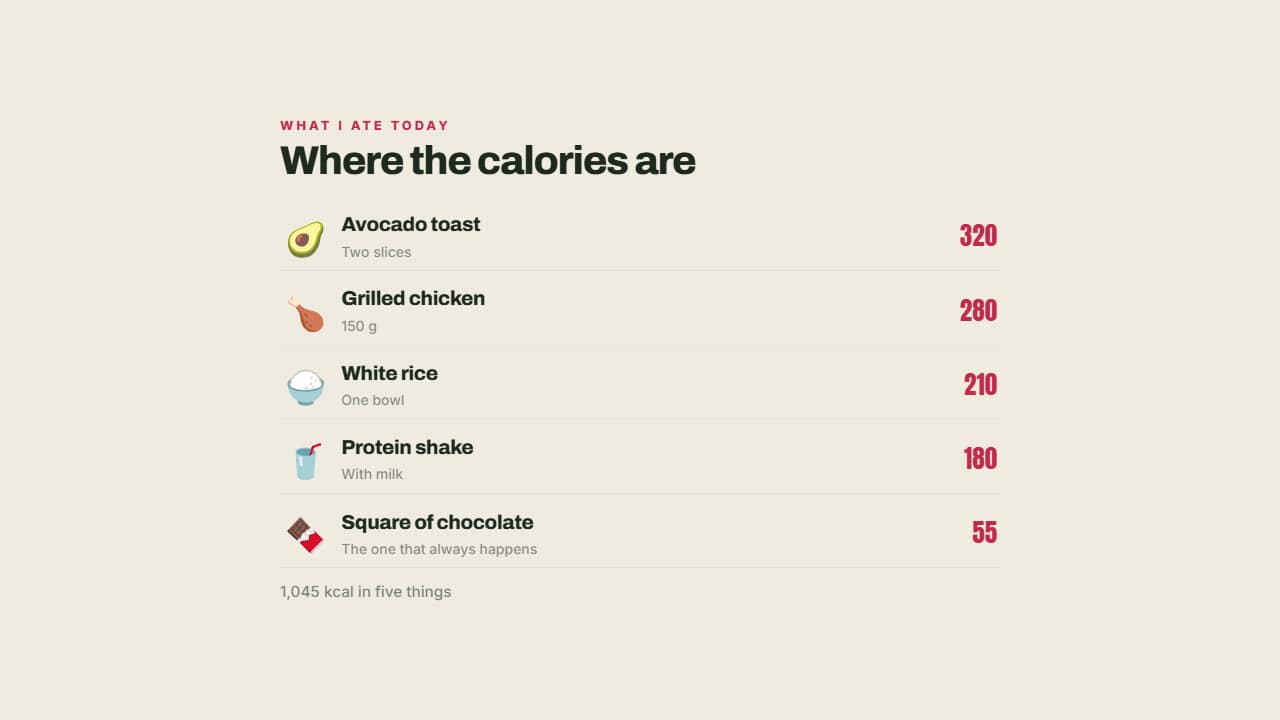 What you're carryingEach food with its emoji, its portion and its calories aligned right.
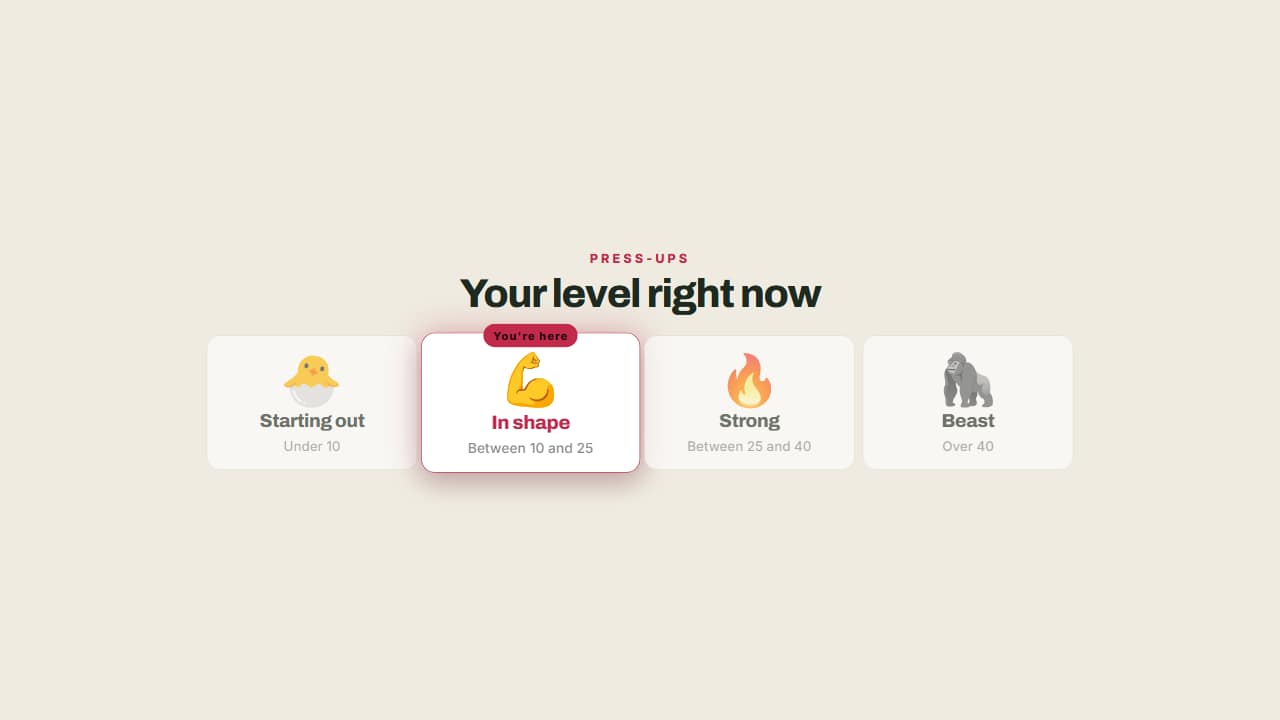 Your level right nowFrom beginner to advanced, with a badge marking where you are and what each step involves.
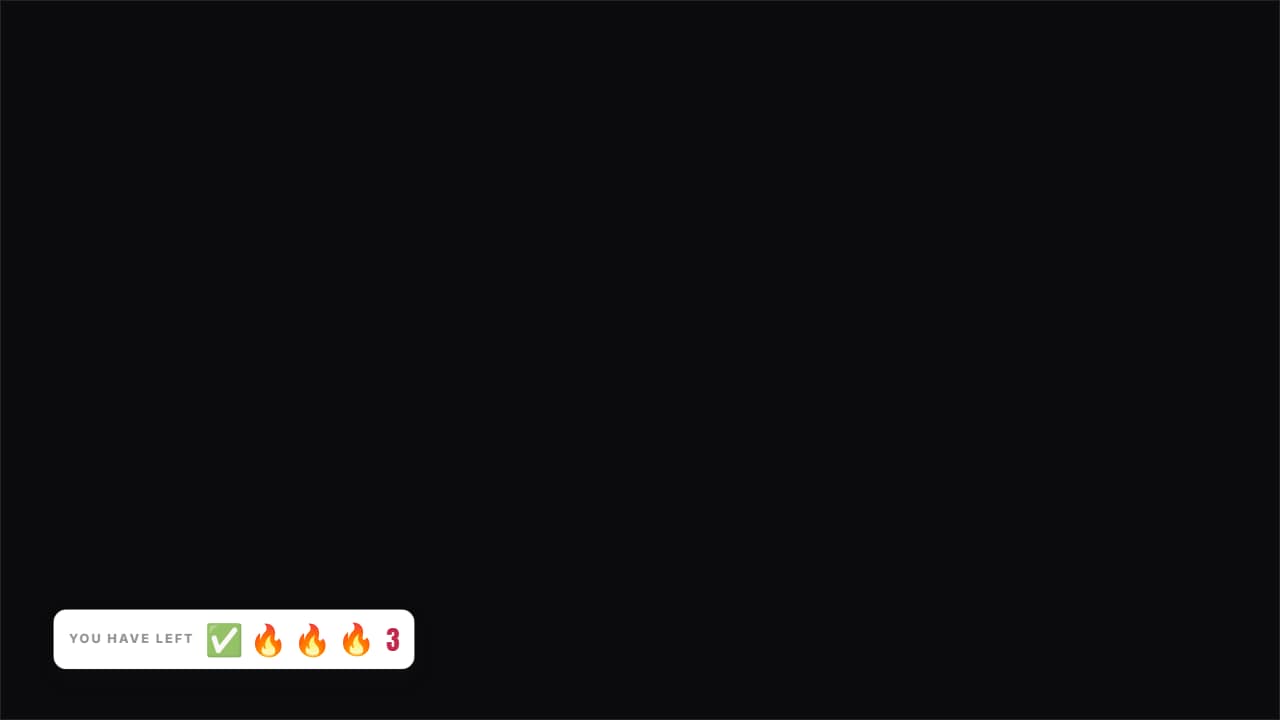 Sets you have leftThe icons for the sets you've done stay gray and the ones left stay lit, with the count beside them.
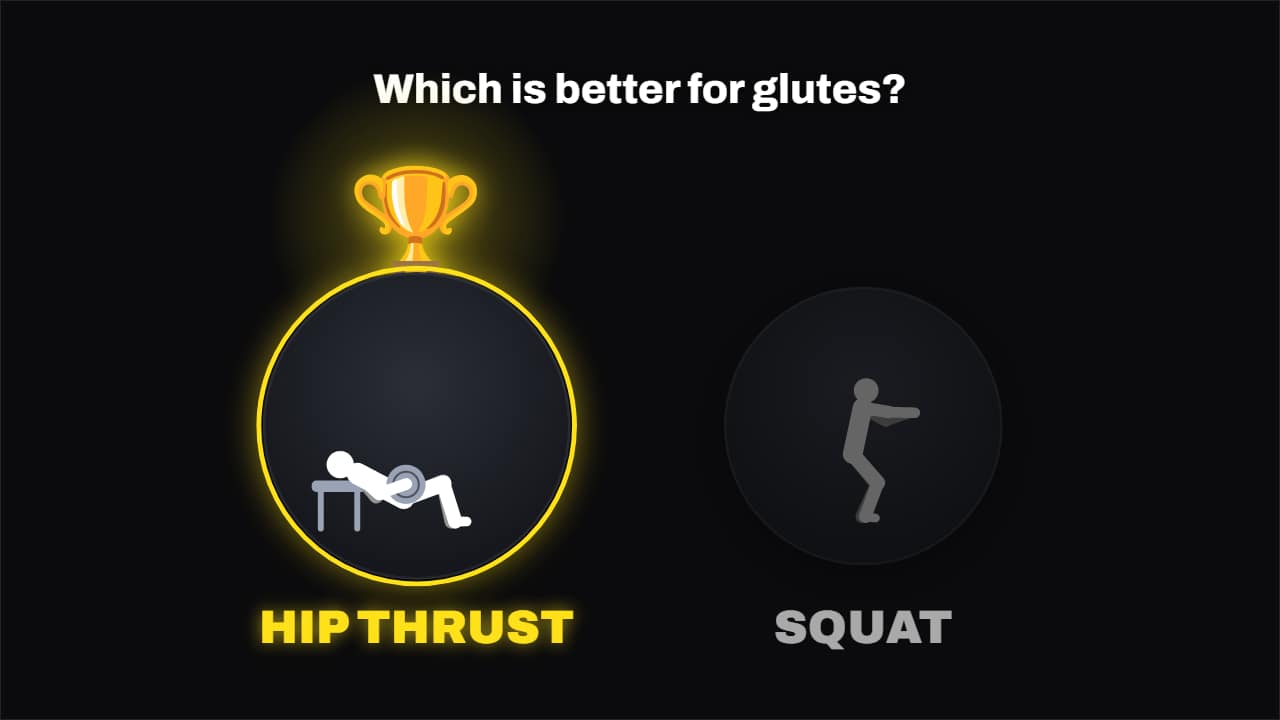 Which one is better?Two or three exercises, each one doing its rep, and the winner gets the glowing trophy dropped on it while…
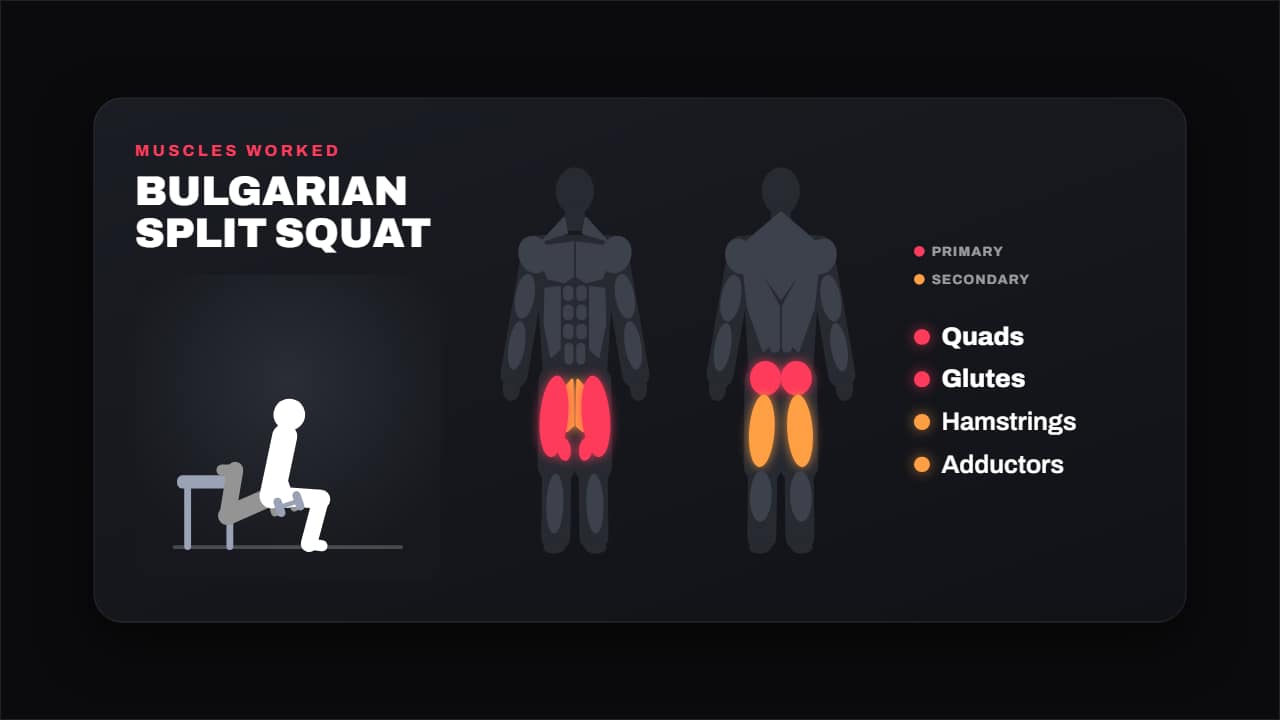 Muscles workedThe exercise doing its rep next to a front and back body with its muscles lit up: primary in one color…
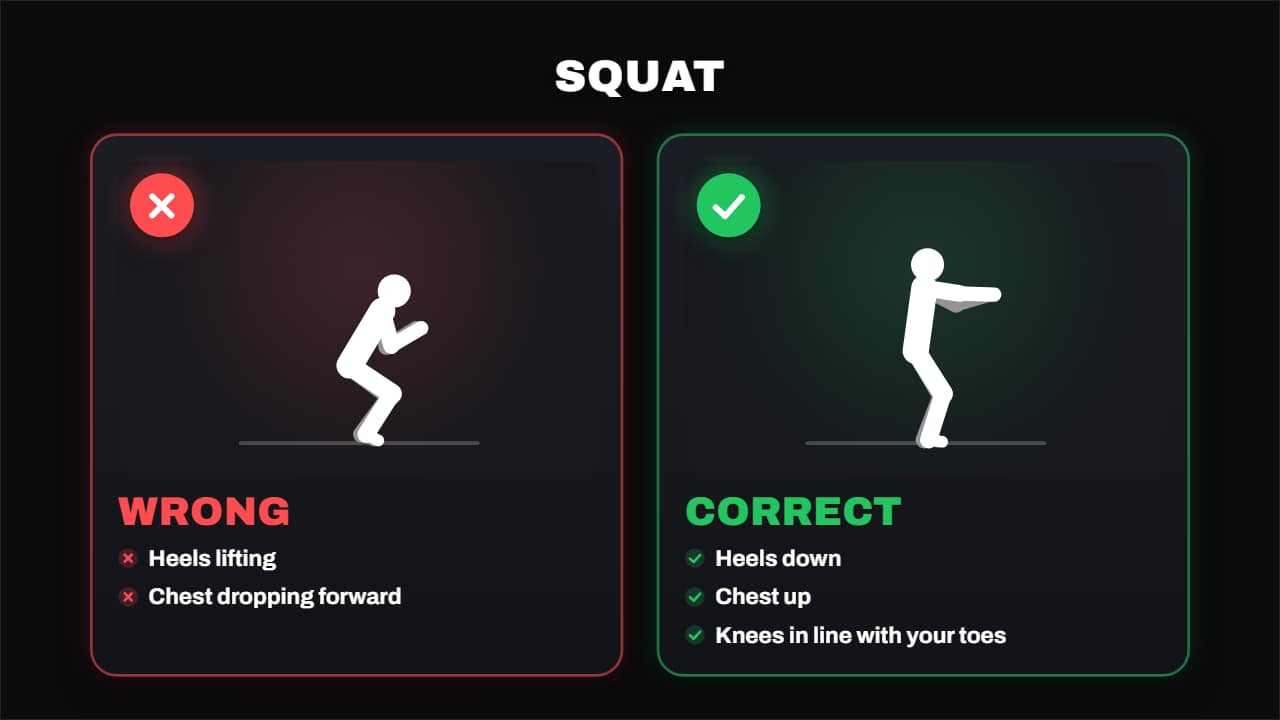 Right vs wrong formThe wrong form next to the right one, each with its mark drawing itself — the cross and the tick — and its…
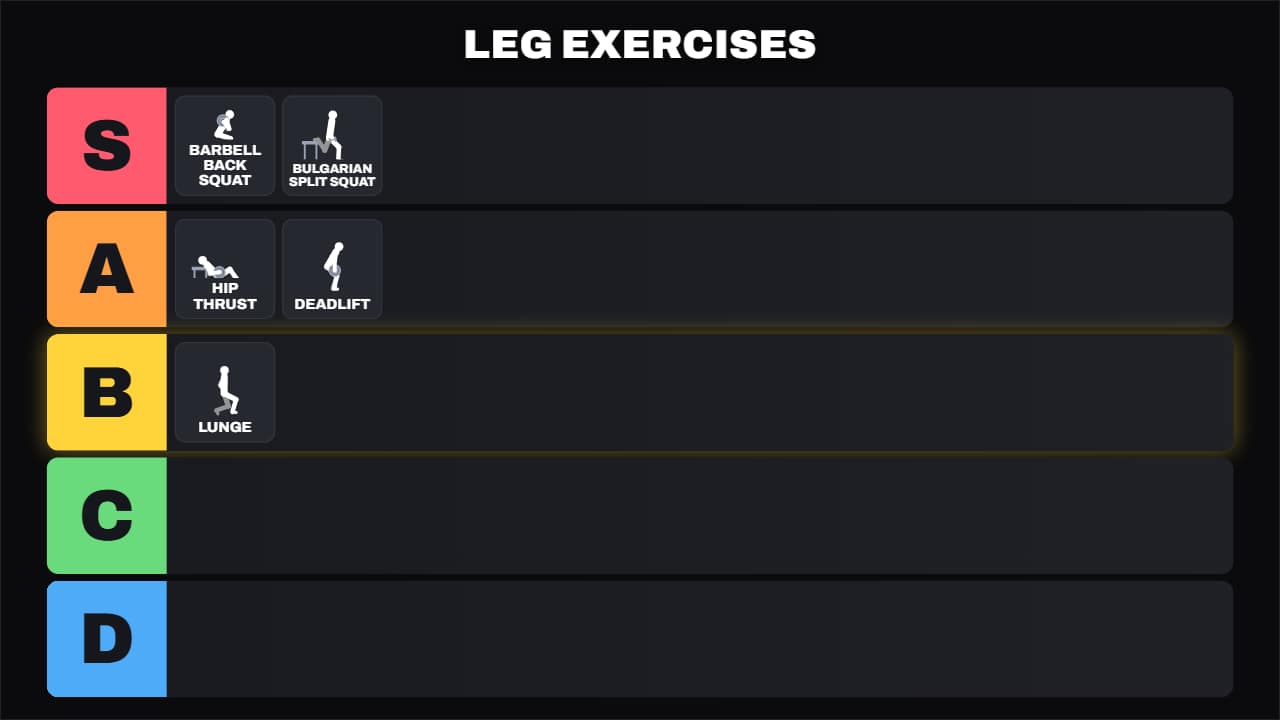 Exercise tier listThe S-to-D tier board with every exercise dropping into its row: first it shows up big in the middle, so you…
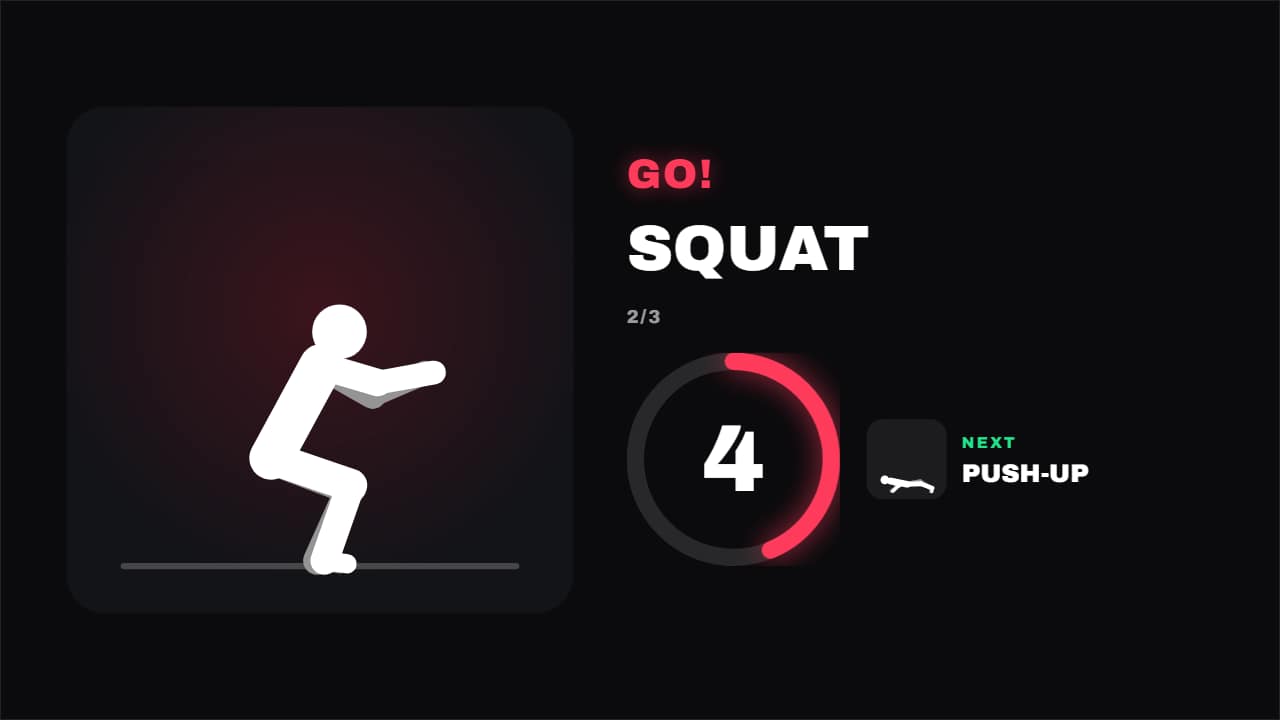 Guided workoutEvery exercise with its time and the rest in between: the current one doing its reps, the countdown in its…
Questions
- Do I need my own footage of the exercises?
- No. Some templates include drawn figures doing the exercise. If you prefer, you can upload your own photo or clip and it replaces the drawing.
- Does the interval timer count real seconds?
- Yes. It alternates work and rest at real speed with the ring emptying, so you can follow along with it.
- Do I need After Effects?
- No. Every template is edited in your browser: type your text, choose colors and format (16:9, 9:16 or 1:1), watch the live preview and export.
- What do I export, and does it work in my editor?
- Most templates export as a ProRes 4444 .mov with a transparent background, which you place on a track above your clip in CapCut, Premiere Pro, DaVinci Resolve or Final Cut Pro. You can also export an MP4 with your own clip behind it. Always in Full HD.
- Is it free?
- Editing and previewing are free and need no account. To export you sign in with Google; during the open beta, new accounts get export credits at no cost.