Video Transition Templates — Wipes, Paper Rip, Glitch
A transition covers the cut between two clips so the change of shot feels intentional. These are built to sit on a track above the cut: they fill the frame at the midpoint, so whatever is underneath changes while it is hidden.
Three layers of shapes sweep across in your brand colors, a sheet of paper slides up with its torn edge, a few frames of broken signal split the colors, a comic burst explodes with ink outlines, or three brush strokes paint across the screen. Set your colors and export without a background.
5 templates · 16:9 · 9:16 · 1:1Open them in the library
 Shape wipeThe brand transition: three layers in your colors sweep across the screen one after another, cover it…
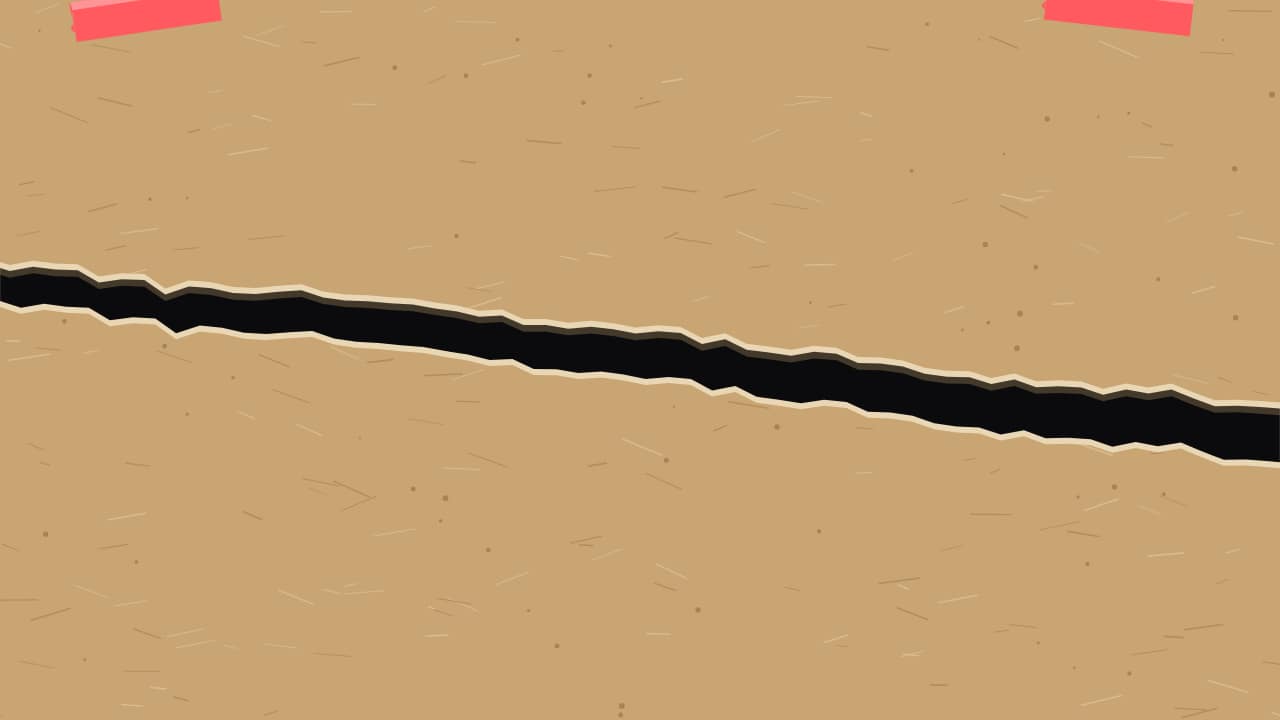 Paper ripA sheet slides up and covers the shot with its torn top edge; in the middle it RIPS diagonally and the two…
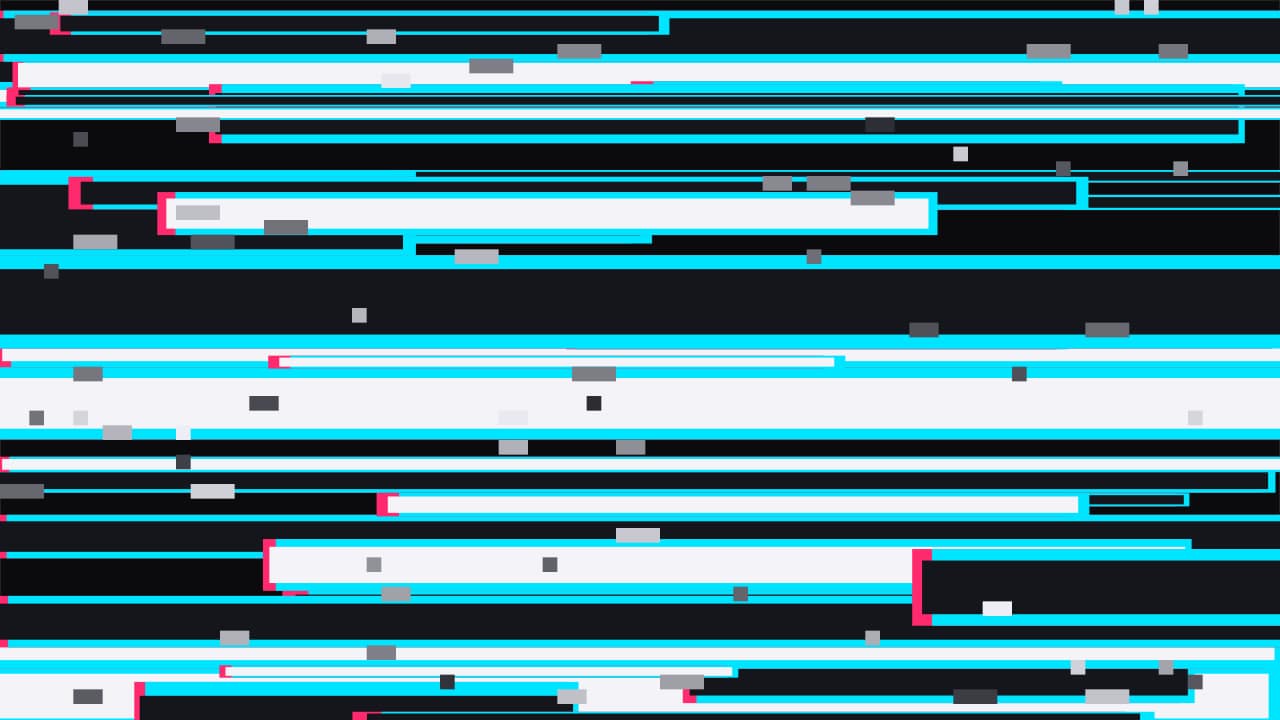 Glitch hitA few frames of broken signal: displaced stripes with split colors and block noise fill the screen, cover it…
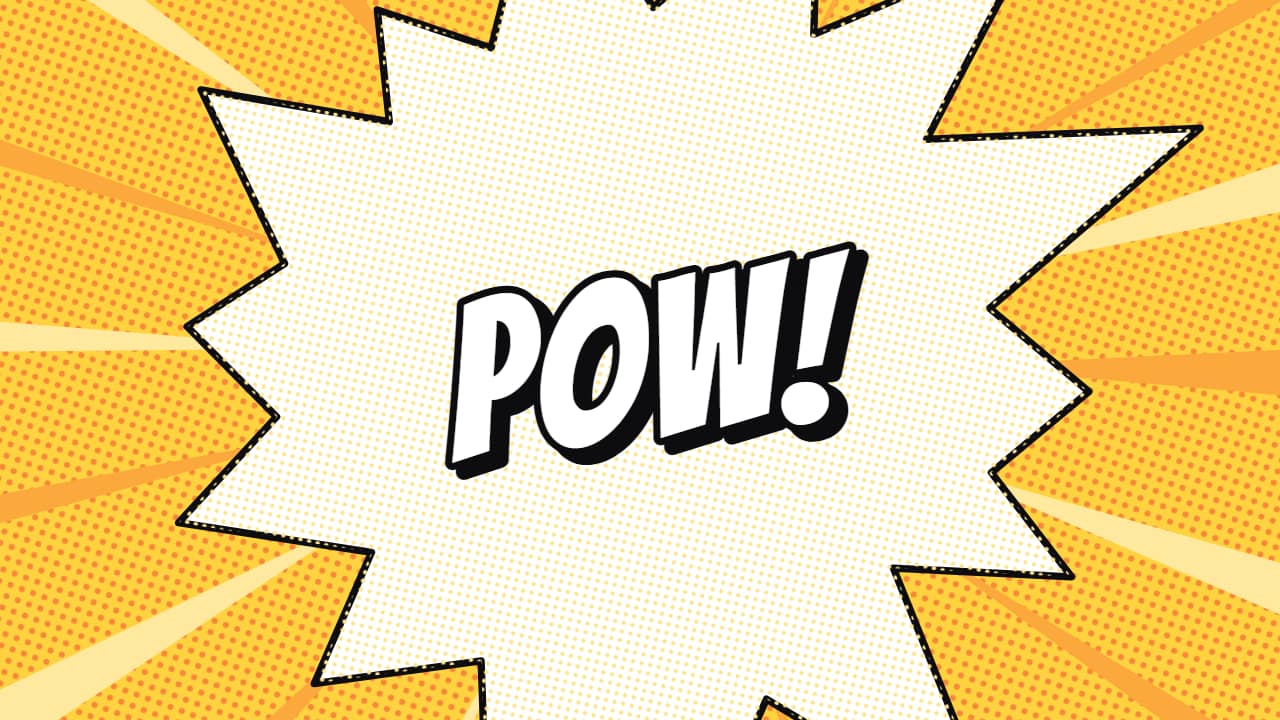 Comic burstA comic-panel explosion: spiky bursts with ink outlines and halftone dots grow from the center, cover the…
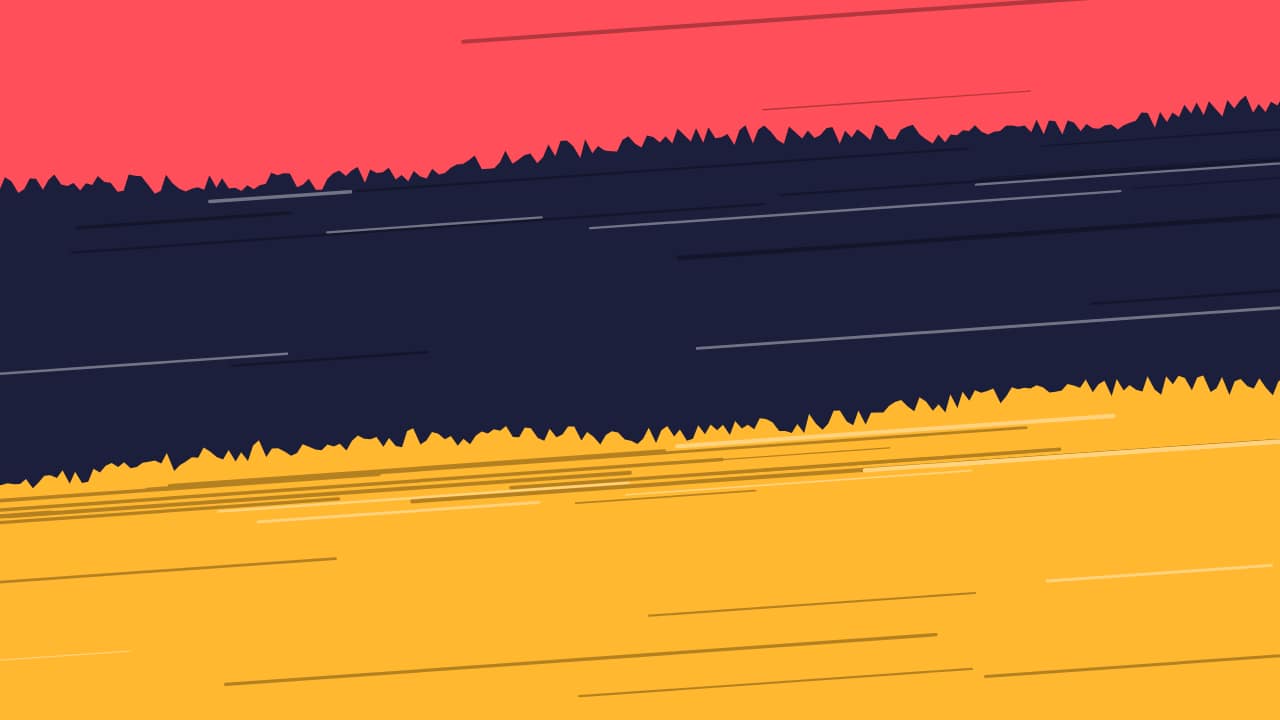 Brush strokesThree brush strokes in your colors sweep across the screen one after another with their rough edge and…
Questions
- How do I use a transition in my editor?
- Place the transparent .mov on the track above your two clips, centered on the cut. At its midpoint it covers the whole frame, which hides the change of shot.
- Can I use my brand colors?
- Yes. The colors of the shapes, strokes and paper are fields.
- Do I need After Effects?
- No. Every template is edited in your browser: type your text, choose colors and format (16:9, 9:16 or 1:1), watch the live preview and export.
- What do I export, and does it work in my editor?
- Most templates export as a ProRes 4444 .mov with a transparent background, which you place on a track above your clip in CapCut, Premiere Pro, DaVinci Resolve or Final Cut Pro. You can also export an MP4 with your own clip behind it. Always in Full HD.
- Is it free?
- Editing and previewing are free and need no account. To export you sign in with Google; during the open beta, new accounts get export credits at no cost.