Bar chart race maker
Paste a small table, one row per name and one column per year, and watch your numbers race right here: the bars grow, swap places and the year counts up. The same data also fills a top 5 countdown, a league table, racing bars and a podium.
Make your bar chart race
5 rows × 6 periods (2000 → 2025)
The checkerboard is the transparent part: only the chart ends up on top of your video.
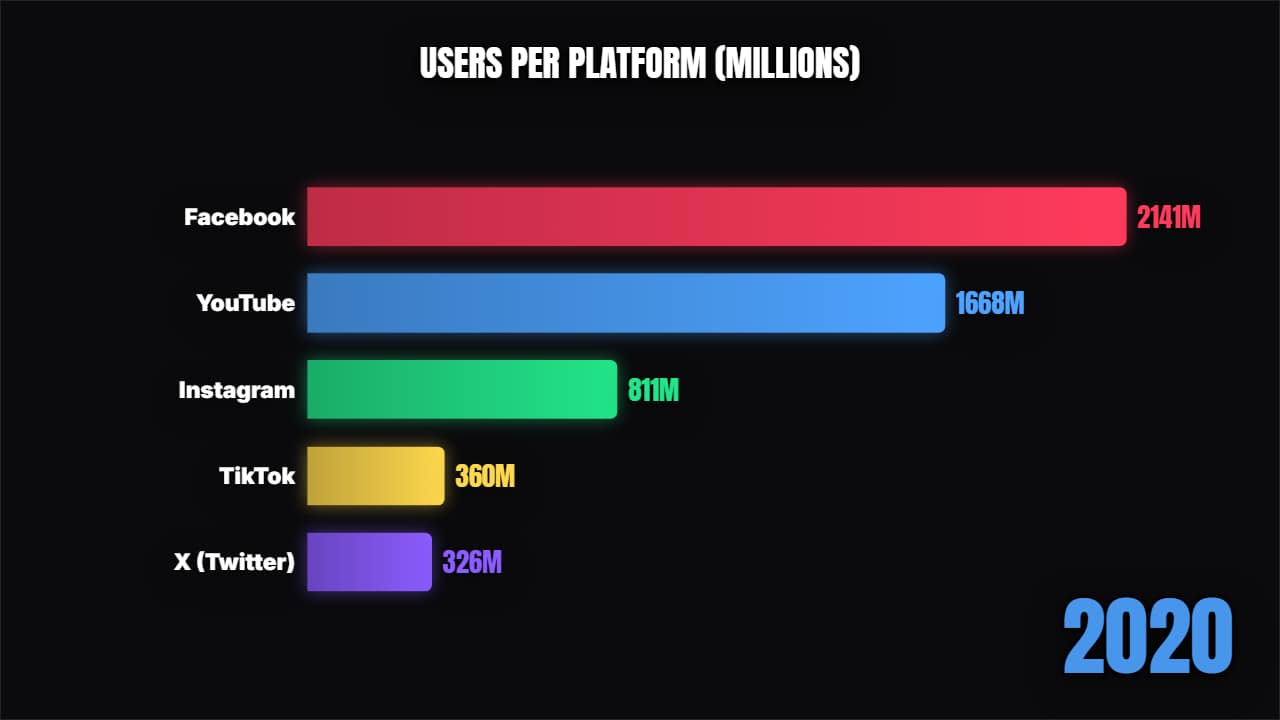
Bar chart race
Customize & export — free
Top countdown
Customize & export — free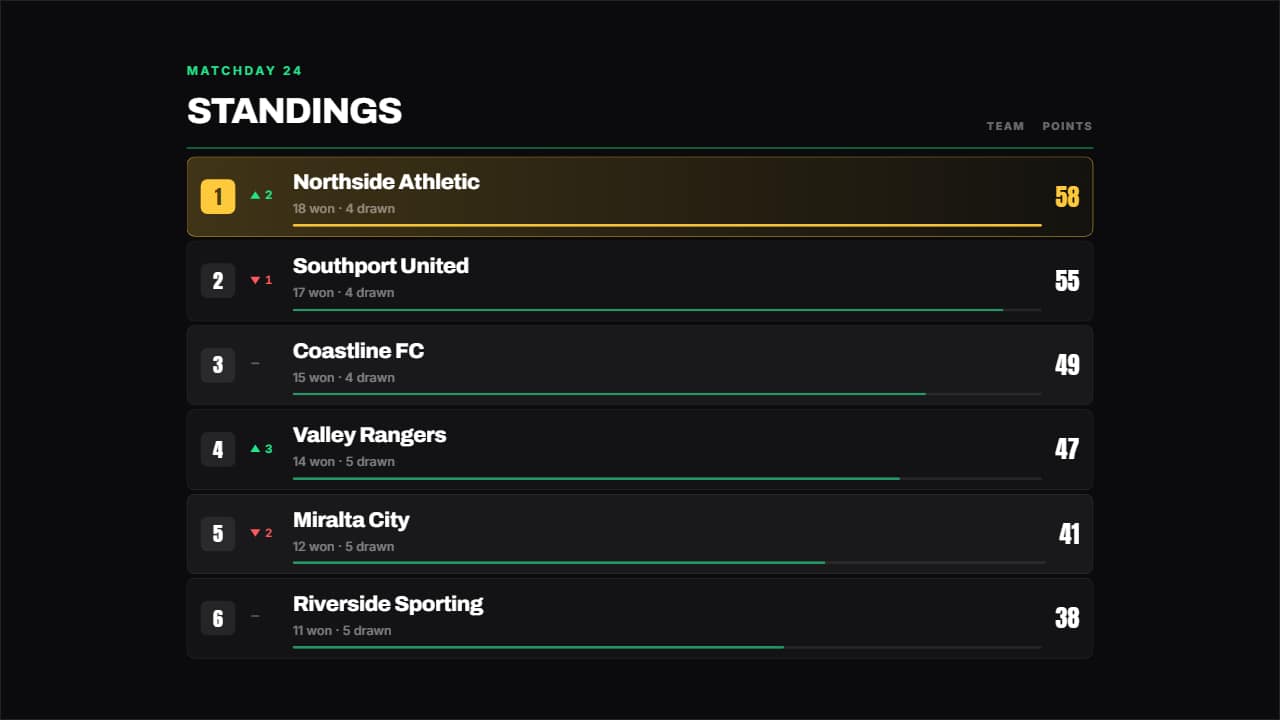
League table
Customize & export — free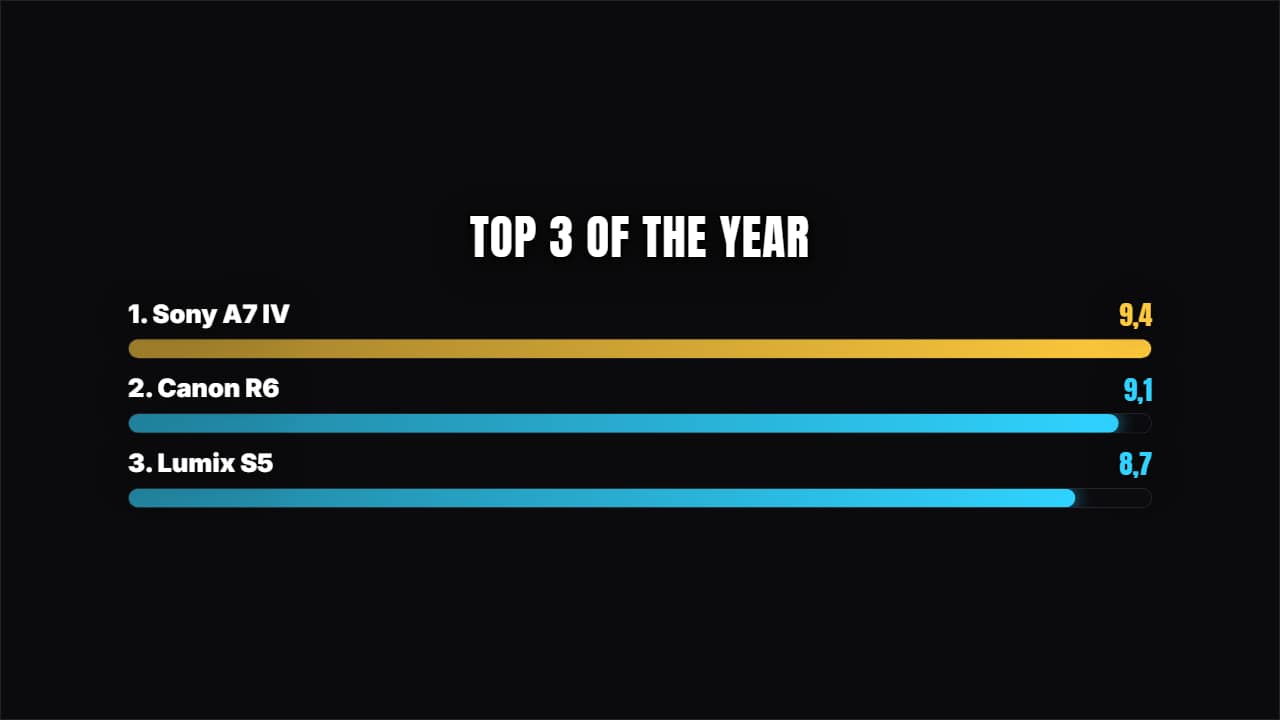
Racing bars
Customize & export — free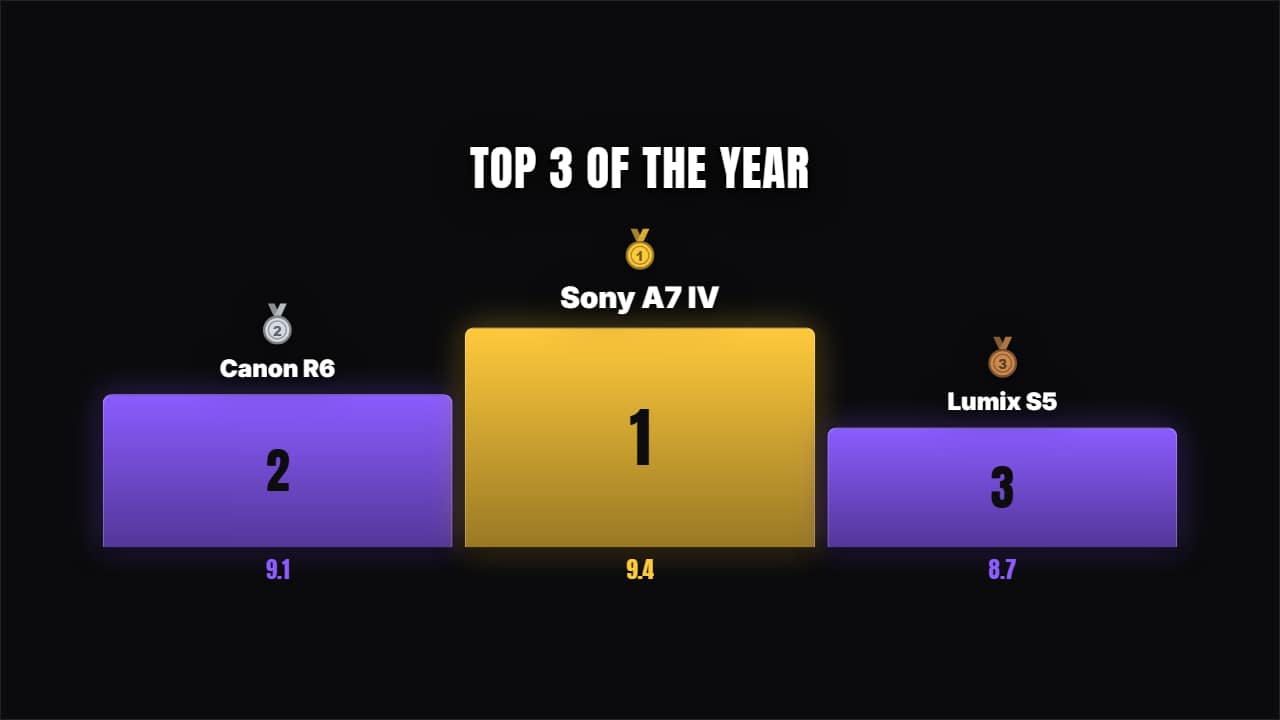
Podium 1-2-3
Customize & export — free
How to format your data
The easiest way is to copy the cells straight from Google Sheets or Excel and paste them in the box. The first row holds the periods (years, months, seasons) and the first column the names. Typing it works too: one line per name, with the values separated by commas.
Use up to 12 rows and 12 periods. Write plain numbers (2700) and put the unit (M, %, km) in its own box. The race rounds to whole numbers, so scale small decimals up first.
A bar chart race template you can actually edit
Every preview is a real template from the AnimateMyVideo library, not a screenshot. Click «Customize & export» and the full editor opens with your table already in it: change the title, how many bars are visible, the colors, the format (16:9 for YouTube, 9:16 for Shorts, TikTok and Reels, or 1:1) and the length. Always in Full HD.
Exported without a background it's a ProRes 4444 .mov with a real alpha channel, so the chart sits on top of your footage. You can also export an MP4 with your own clip behind it.
How to use it in your editor
CapCut
- On desktop, drag the .mov to a track above your clip. On the phone, use Overlay → Add overlay.
- If your app shows a black background, export «with your clip» and use the MP4 instead.
Premiere Pro
- File → Import the .mov and drag it to V2, above your footage on V1.
- Trim it so the race ends on the beat you want: the transparency is kept.
DaVinci Resolve
- Import the .mov into the Media Pool and place it on Video 2, above your clip.
- If you see black instead of your clip: right-click → Clip Attributes → Alpha Mode: Premultiplied.
Questions
- Is this bar chart race generator free?
- Pasting your data and watching the previews is free and needs no account. To download the video you sign in with Google; during the open beta, new accounts get export credits at no cost.
- Do I need Flourish, Python or After Effects?
- No. Paste the table, pick a template and export a video file. Nothing to install.
- Can I make a ranking video with a single year?
- Yes. With one column the bars grow into their final order, and the other four templates work the same.
Want a different style? See all animated chart templates