Aspect ratio1920×1080this is how it downloads
Preview doesn't change the file
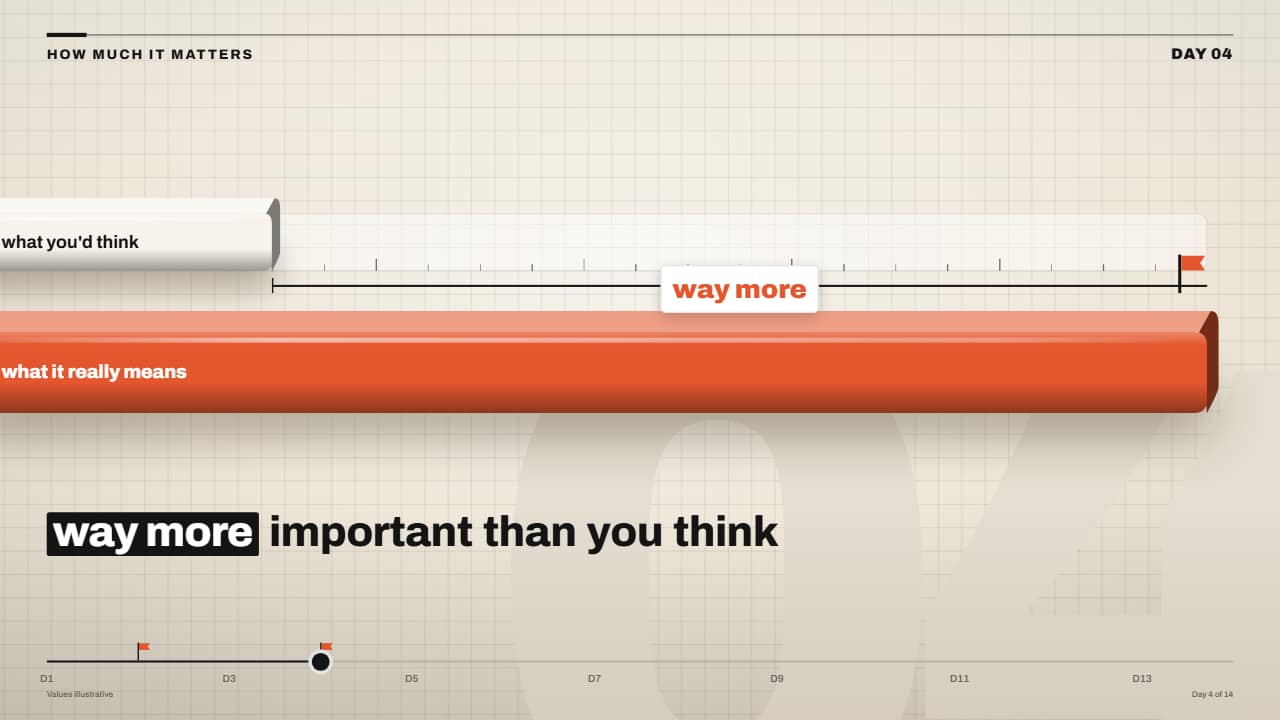
You'll download 1920×1080, 3.5 s, with no background (.mov).
BetaFree during the beta: create an account and export at no cost. No credit card.How it works →Free during the beta · no card →
You'll download 1920×1080, 3.5 s, with no background (.mov).
A short light bar with a dashed marker («what you'd think») and a chunky orange bar («what it really means») that grows, breaks through the marker and shatters it: black chips flying and spinning out with orange confetti. When it lands, the «way more» bracket with its flag. For the «it matters more than you think» beat of explainer channels. Texts, how many times longer and speed are editable.
Plus the typeface and an optional letter outline, in every template.
Export it without background and put it on a track above your clip: the animation plays over your video.
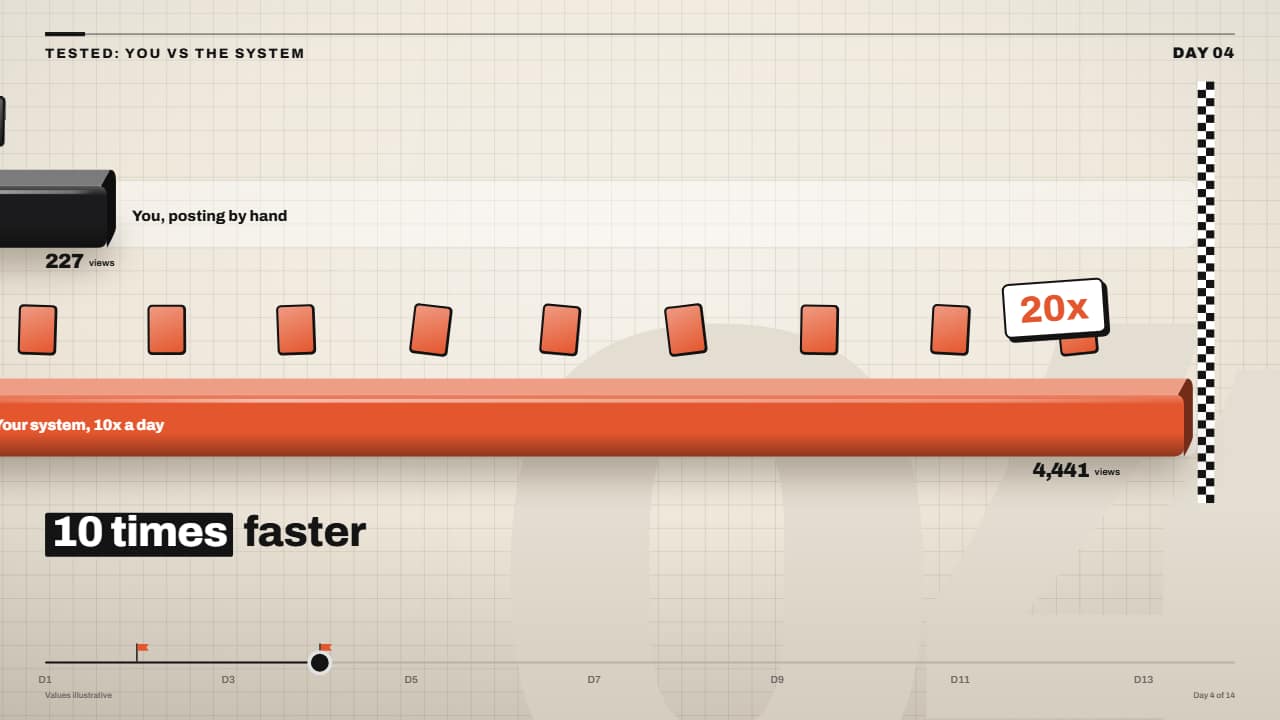 You vs them race lanes with finish lineTwo or three lanes, each with its 3D bar: every bar moves at its own pace and drops little cards (each one a…
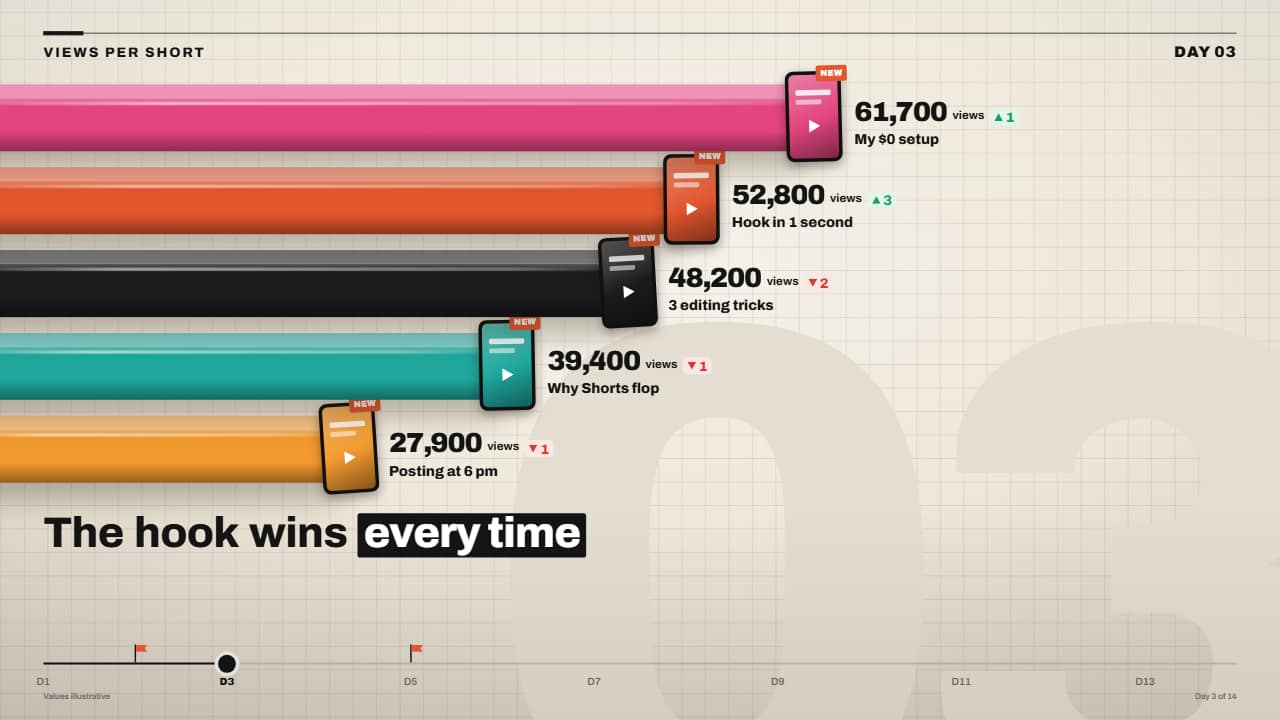 3D bar race with rolling numbersChunky, glossy 3D bars that grow from the edge and overtake each other in a tenth of a second, each with its…
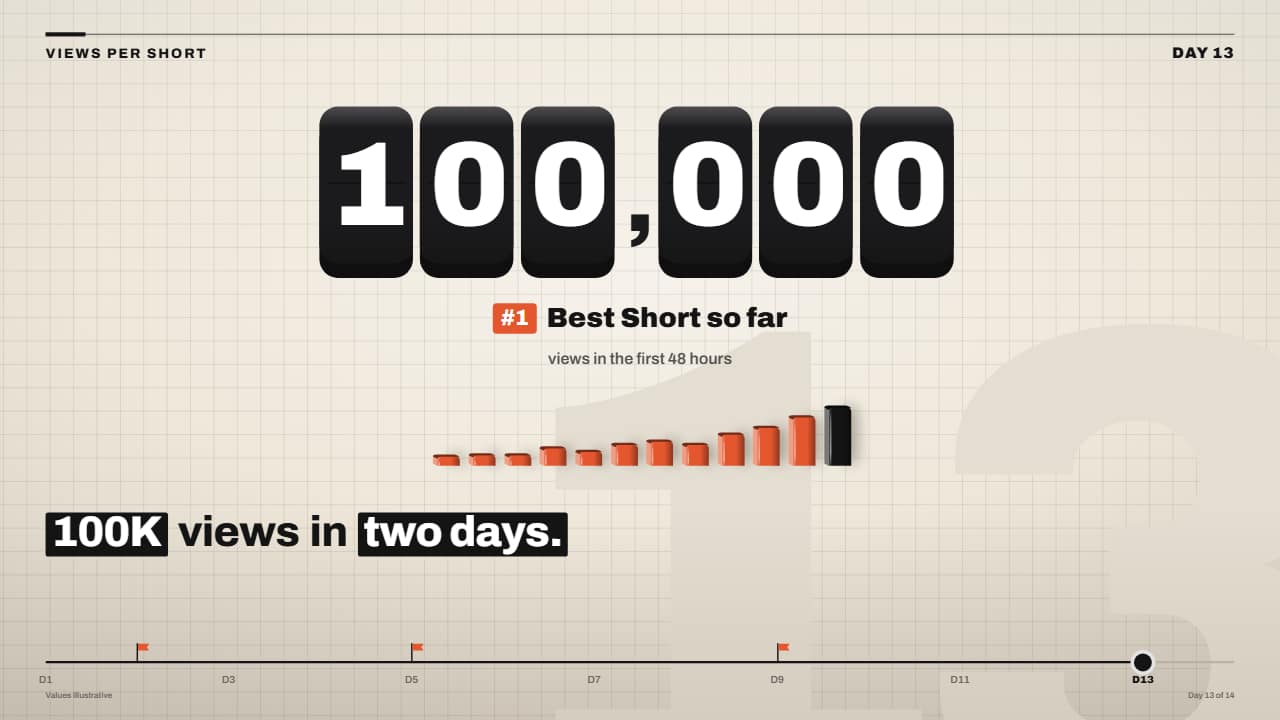 Giant odometer counter on 3D keysThe big number on black 3D keys, one rolling wheel per key: the right ones spin so fast they blur and the…
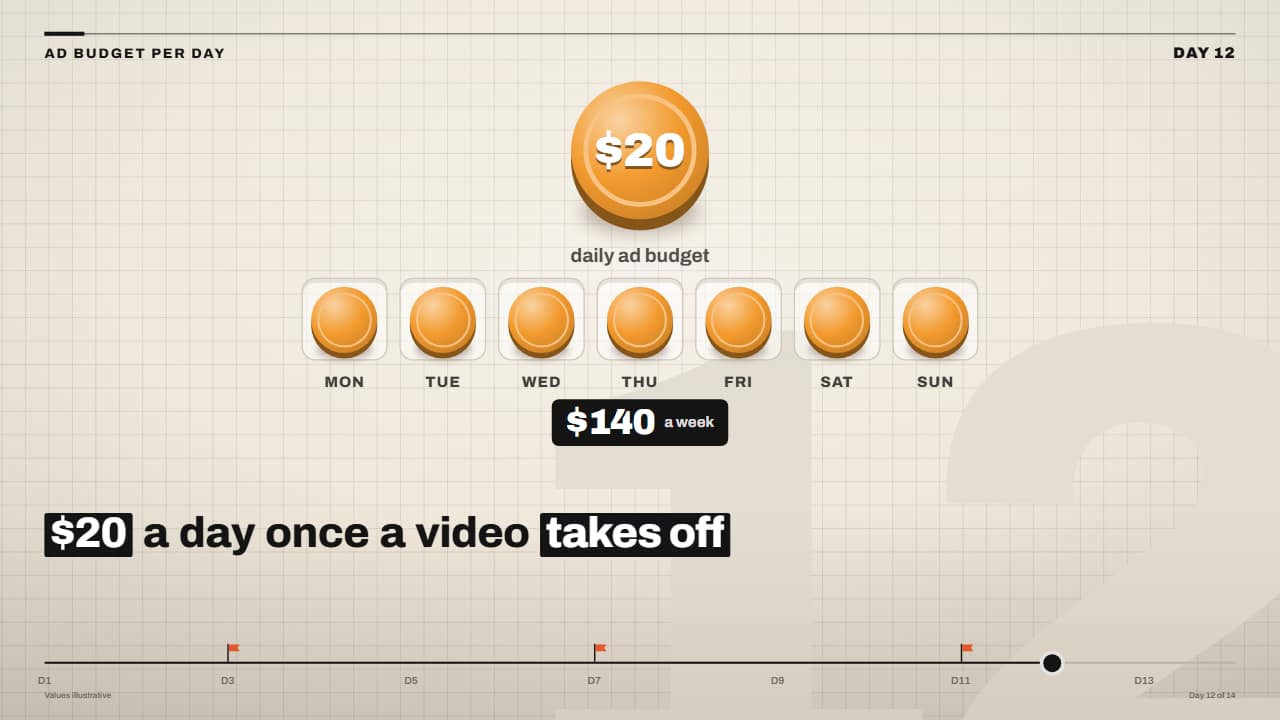 Daily budget coins filling the weekThe big coin with the amount drops in spinning and, one after another, a coin jumps into each slot of the…
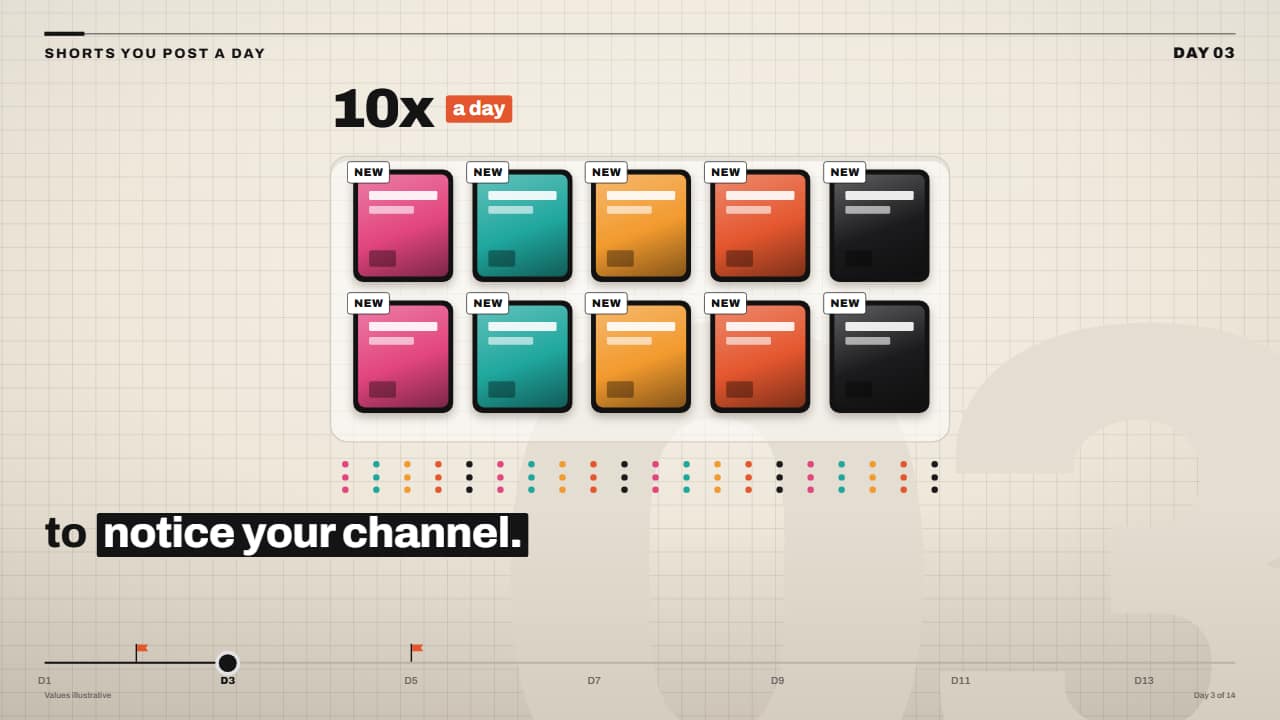 «10x a day» card tray with counterA tray with slots where video cards drop in one by one, each with its tag, while the number on top rolls up…
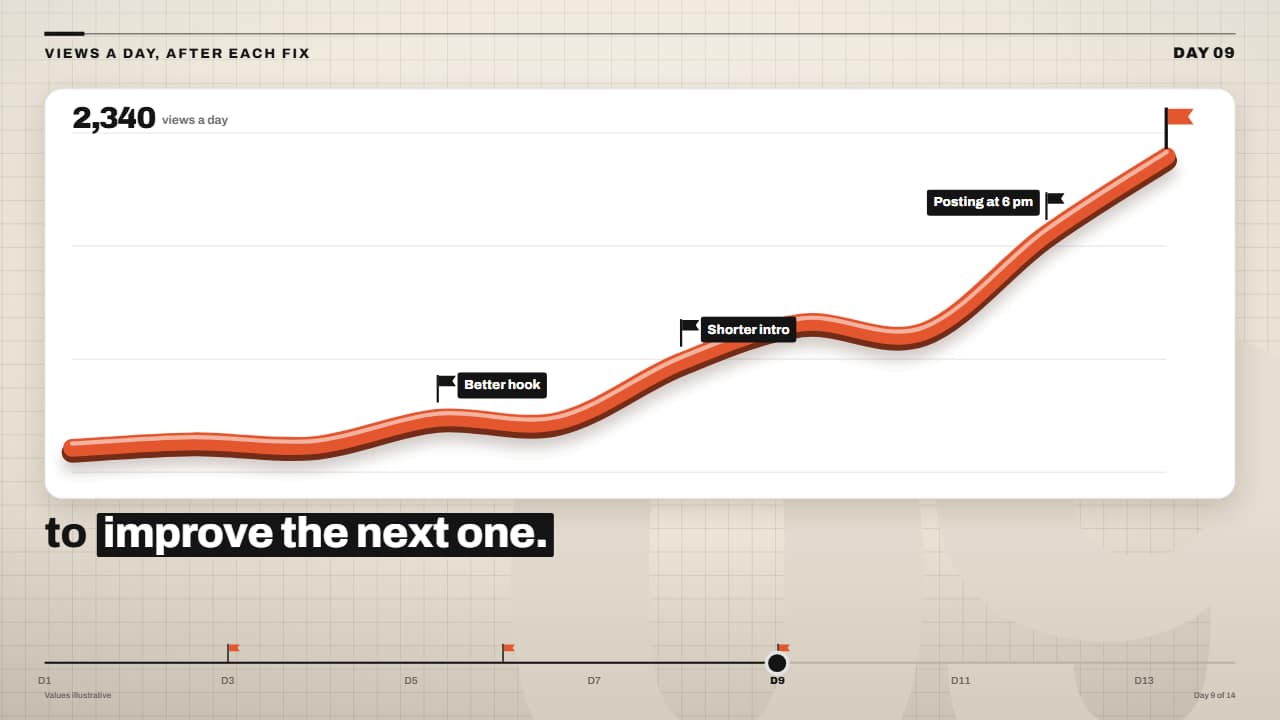 3D ribbon line chart rising after each fixA thick line like an orange tube (dark edge, colored face and a highlight) drawn over a white stats card; at…
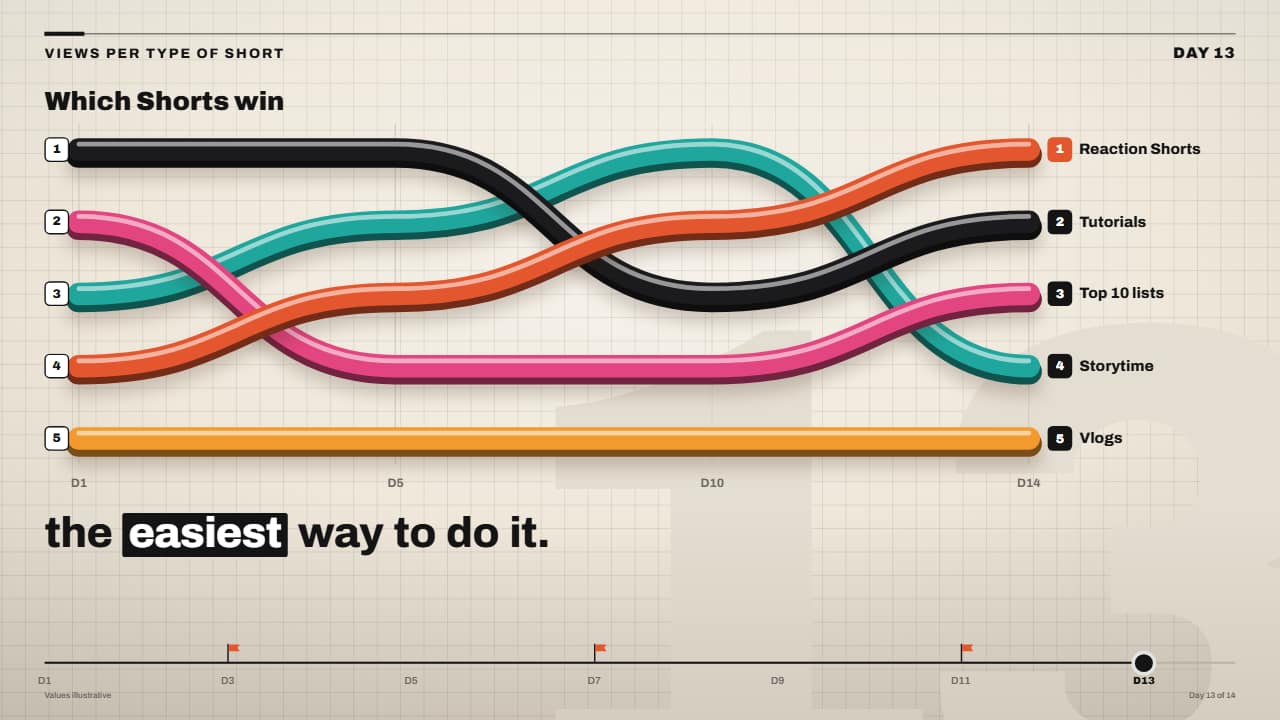 3D ribbon bump chart rankingA ranking over time made of colorful 3D tubes: each ribbon goes from its rank in one period to the next with…
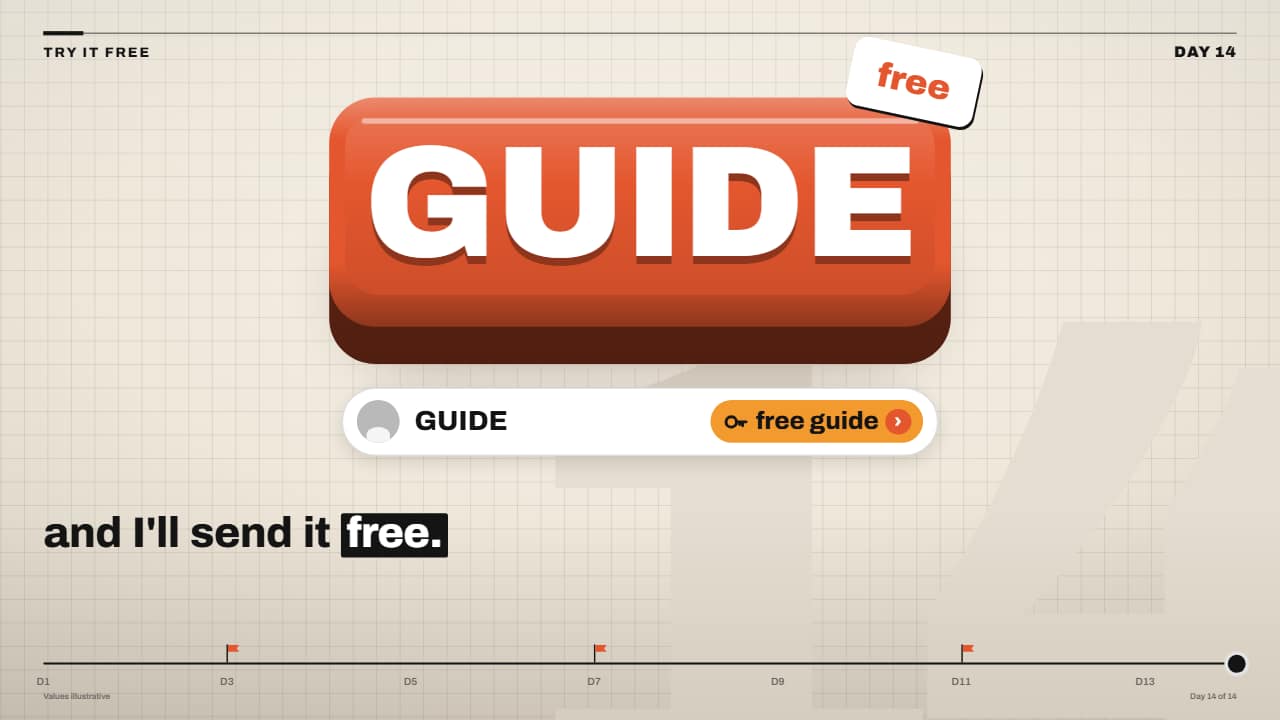 «Comment the keyword» 3D keycap CTAThe faceless channel call to action: a giant orange keycap with the keyword drops and presses down, the…