Aspect ratio1920×1080this is how it downloads
Preview doesn't change the file
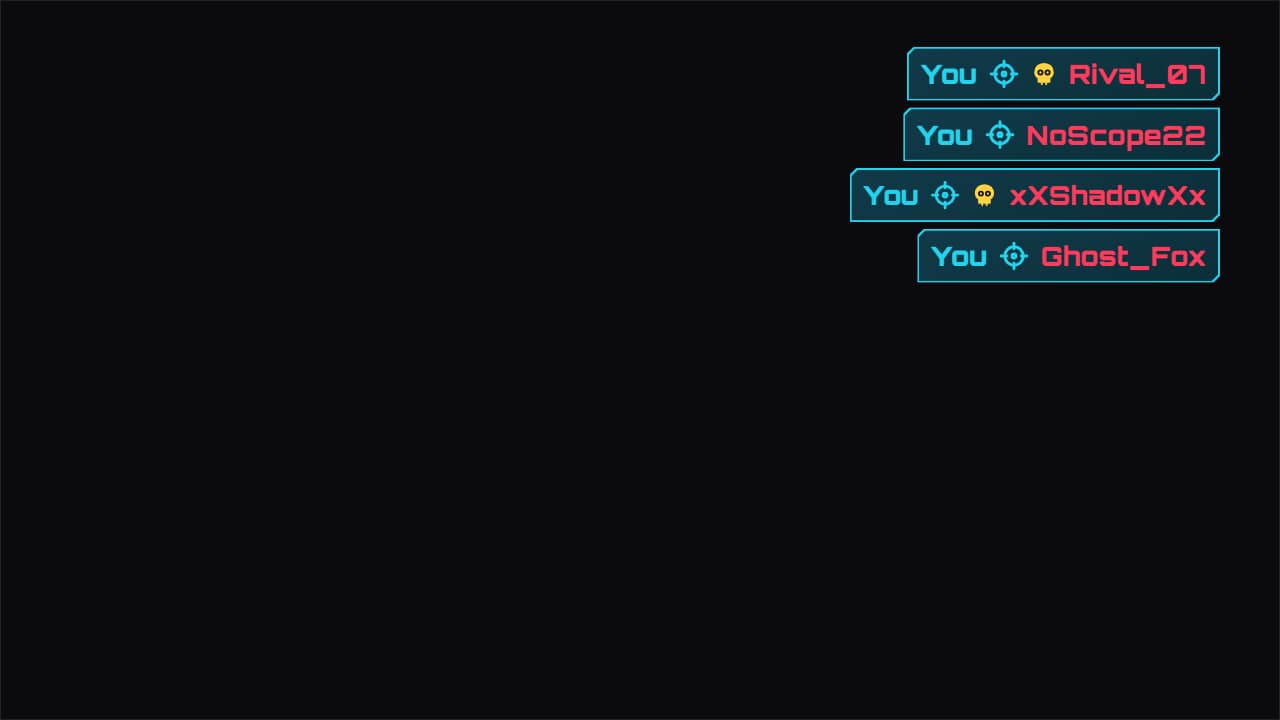
You'll download 1920×1080, 3.5 s, with no background (.mov).
BetaFree during the beta: create an account and export at no cost. No credit card.How it works →Free during the beta · no card →
You'll download 1920×1080, 3.5 s, with no background (.mov).
The shooter-style elimination feed, for your best plays: each line slides in from the side, your name is highlighted in your color, the crosshair sits between the two and a skull marks a headshot. Write «who | whom | headshot» one per line. Generic, from no game. Three styles: future, pixel and clean.
Plus the typeface and an optional letter outline, in every template.
Export it without background and put it on a track above your clip: the animation plays over your video.
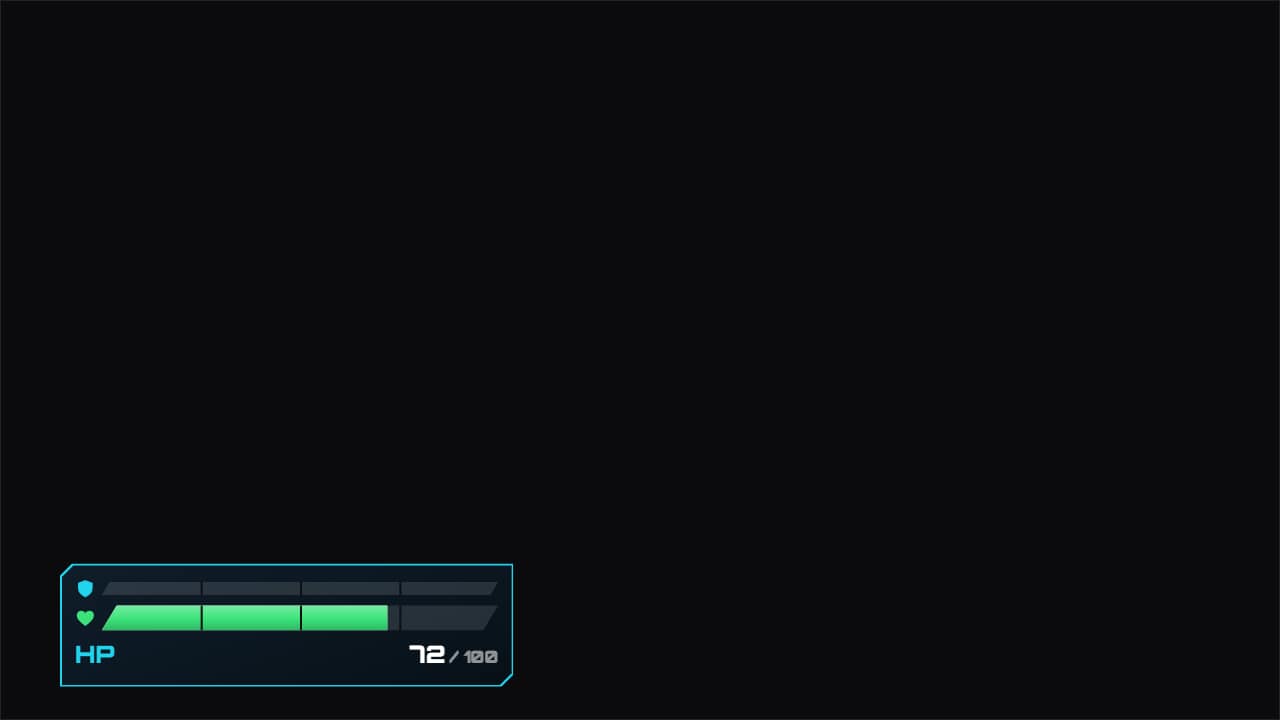 Health and shield barHealth and shield bars that take the hits you write («second | health | shield»): the bar drops instantly, a…
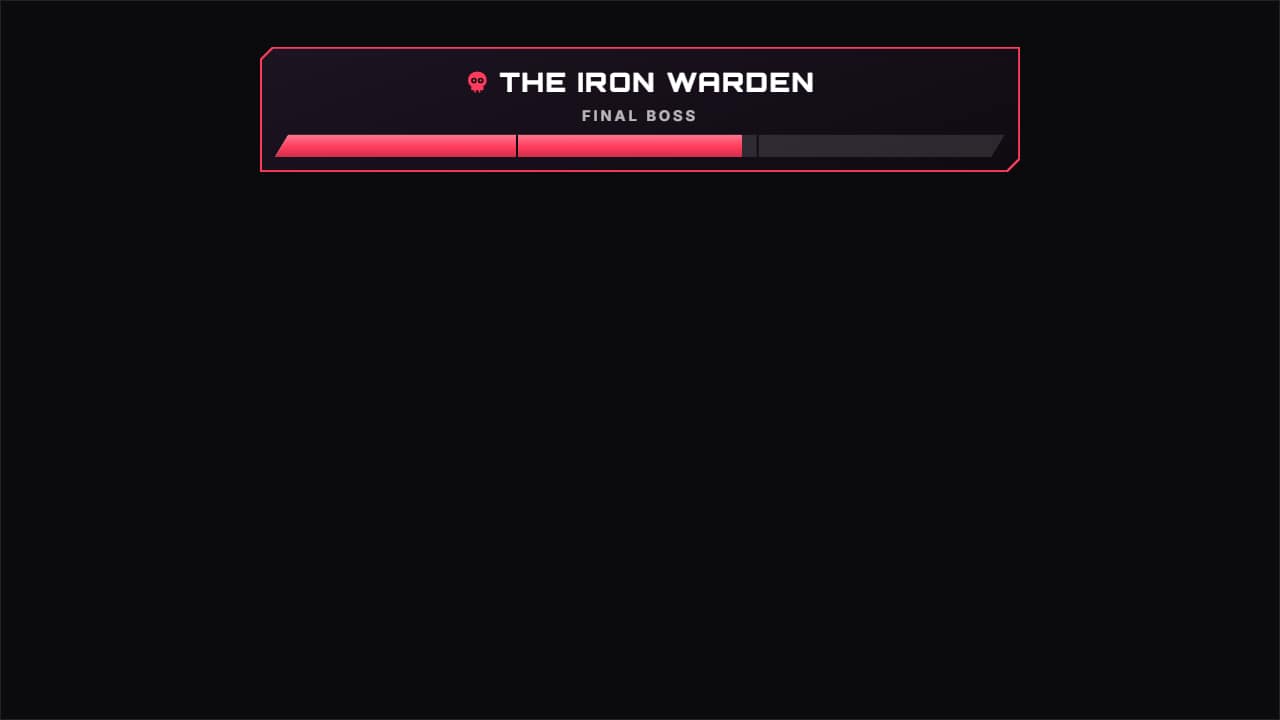 Boss health barThe long final-boss bar at the top, with its name and a subtitle, the phase marks and the hits that drain it…
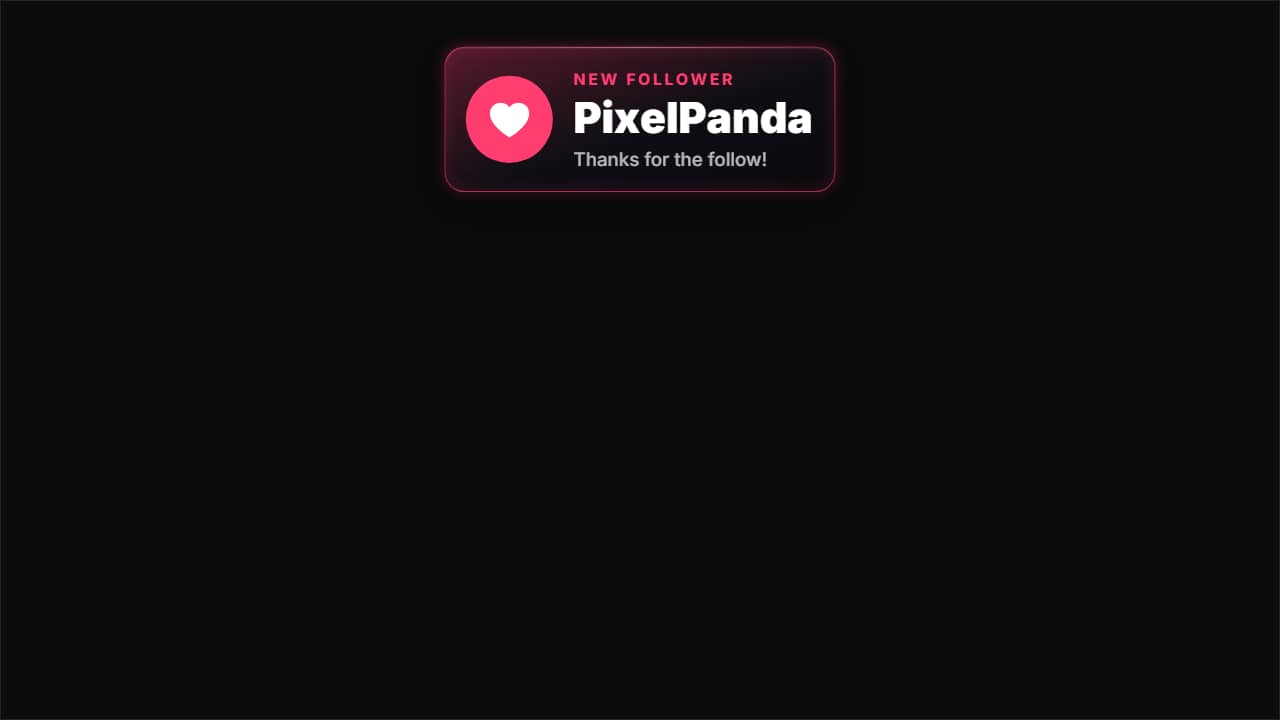 New follower alertThe alert that pops up on streams and in gaming clips: the card drops from the top, the heart bounces on its…
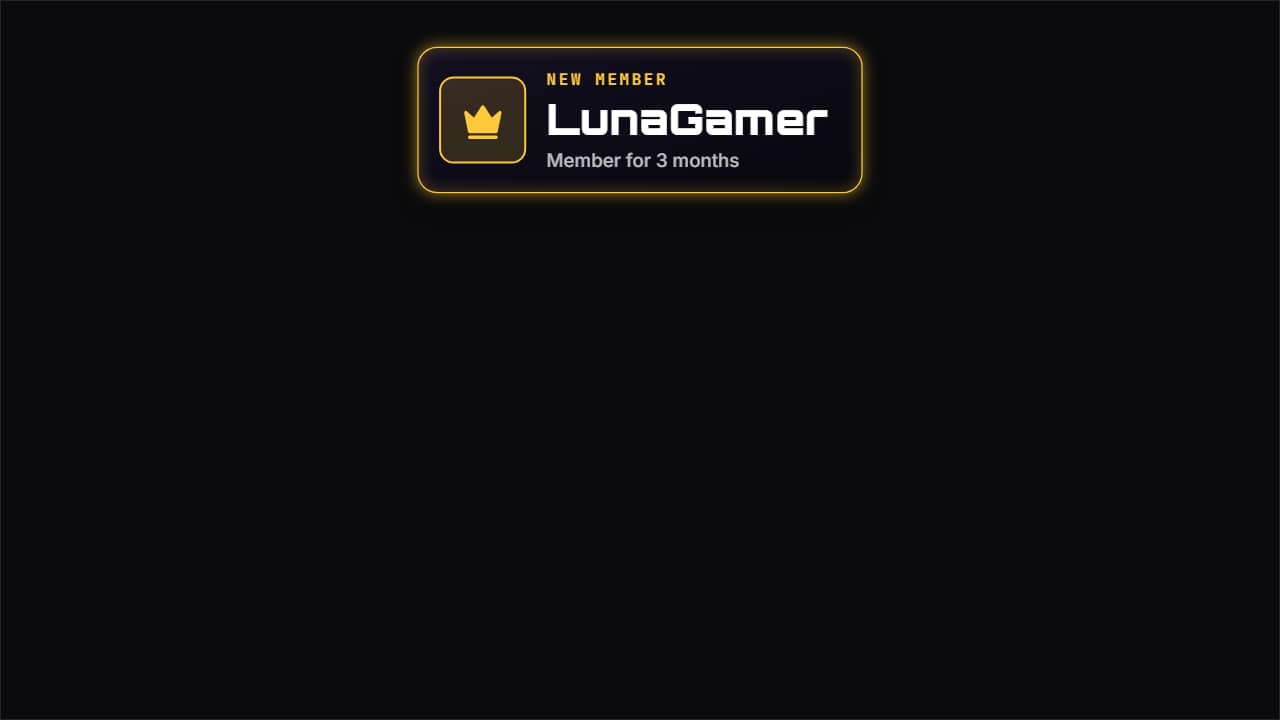 New member alertTo thank someone who joins as a member or paid subscriber: the crown bounces on its tile with a burst, «NEW…
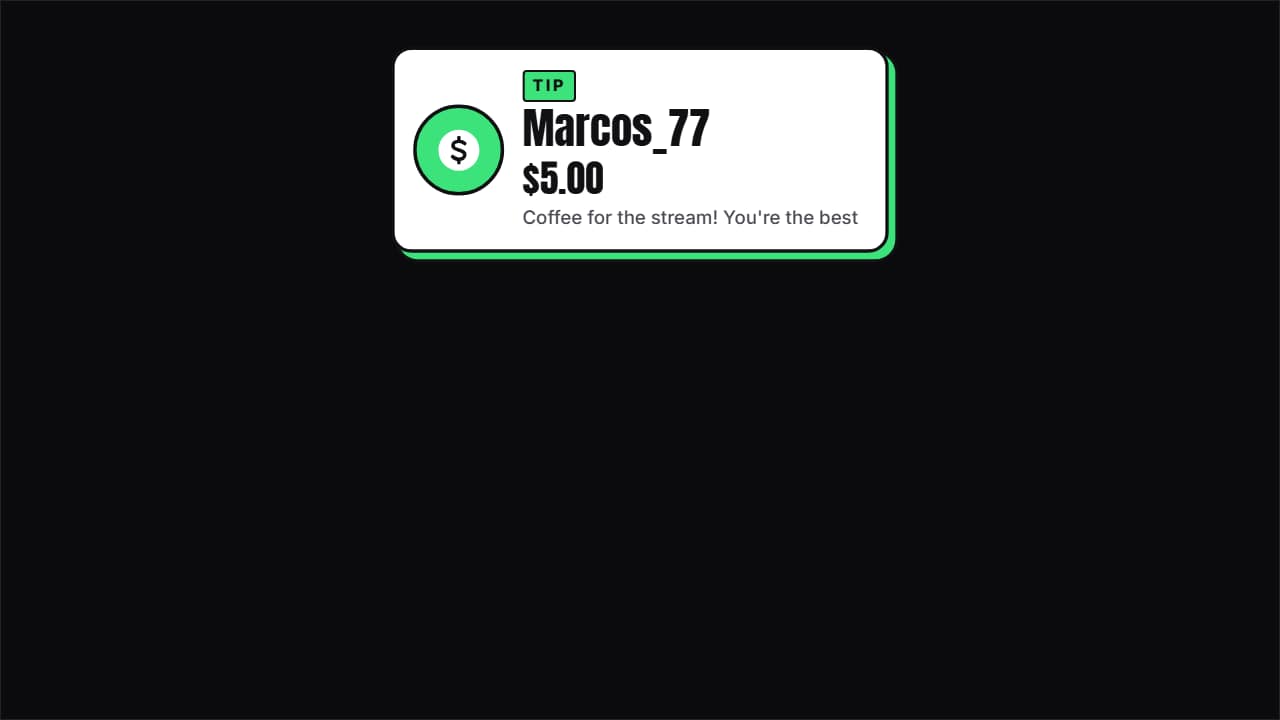 Tip and donation alertThe donation with its amount: the coin bounces, the name comes in letter by letter, the amount ROLLS up to…
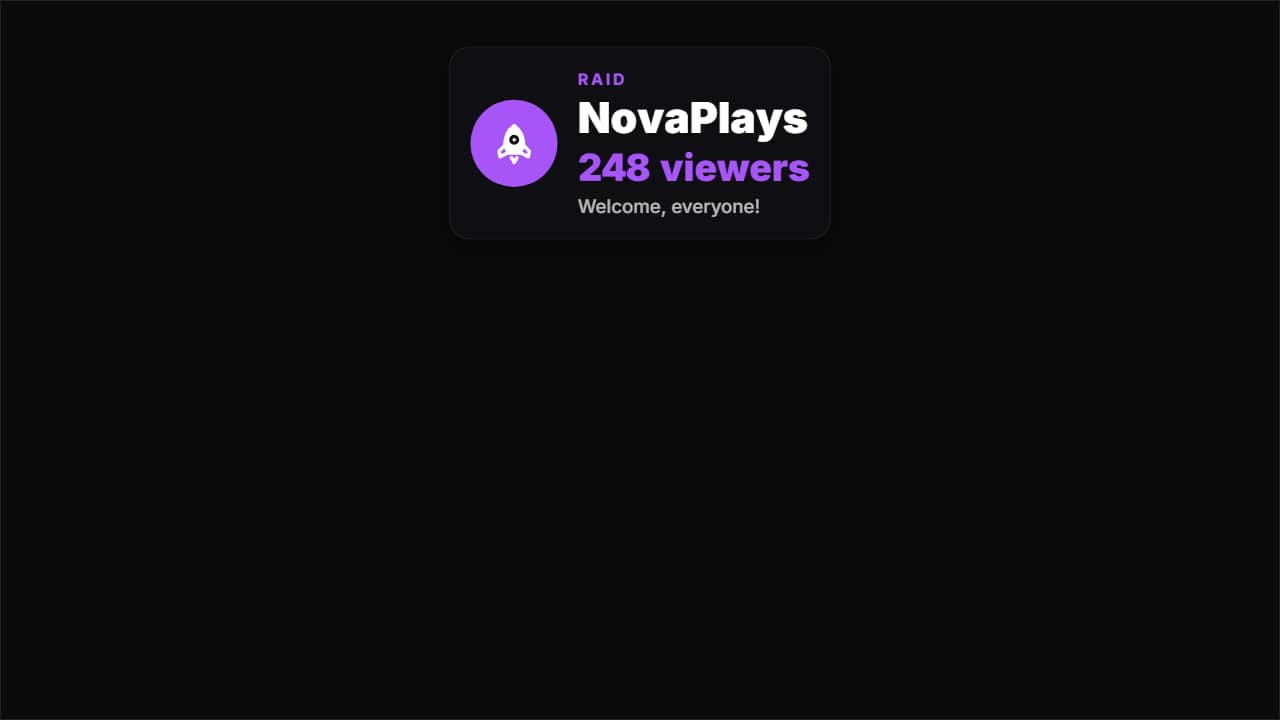 Raid alertWhen another channel shows up with its viewers: the rocket bounces, «RAID», the channel name letter by…
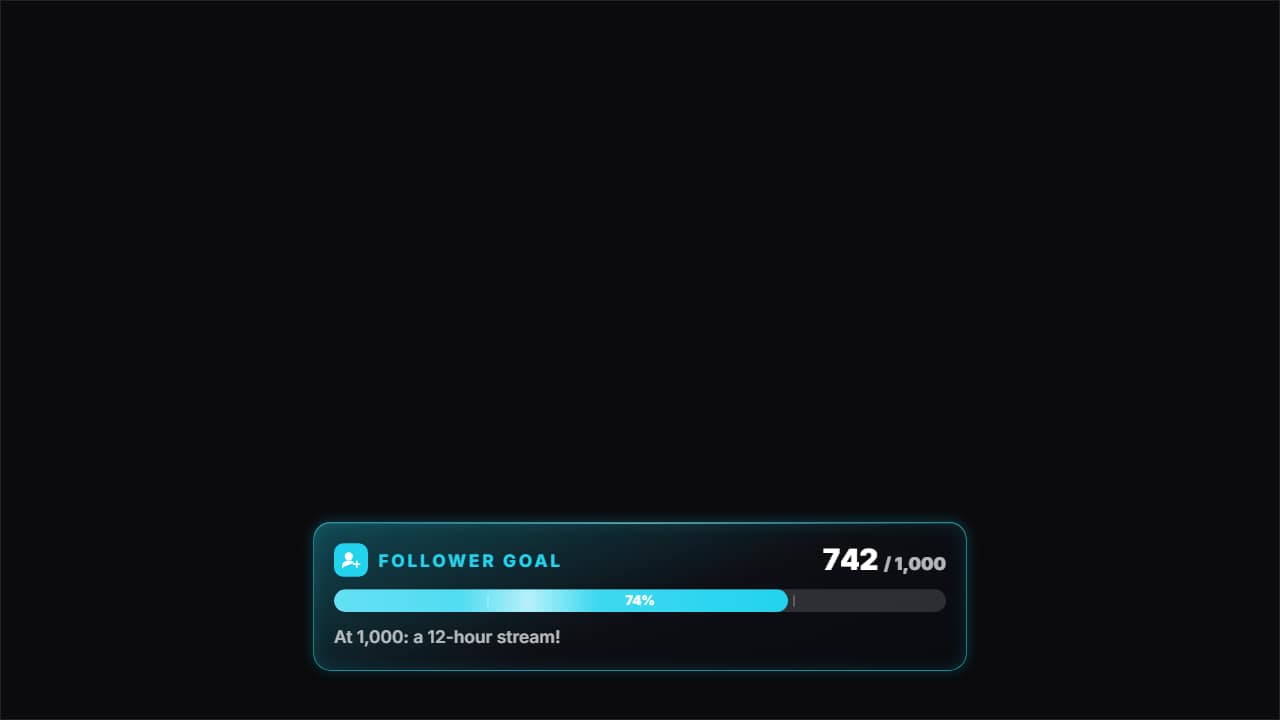 Stream goal barThe goal bar: «FOLLOWER GOAL» with its icon, «742 / 1,000» rolling and the bar filling from where it was to…
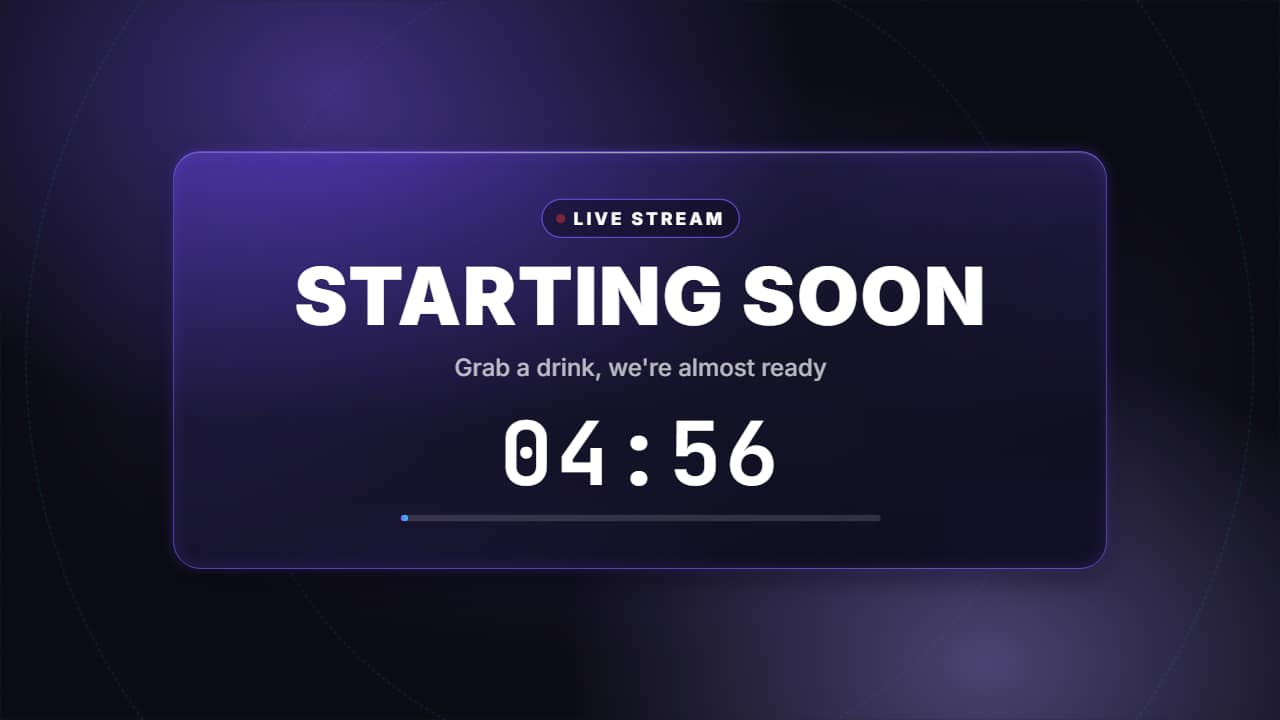 Starting soon screen with countdownThe screen before a stream or a premiere: the «LIVE» pill with its pulsing dot, «STARTING SOON» in big…