Format (important)1920×1080this is how it downloads
Preview doesn't change the file
You'll download 1920×1080, 3.5 s, with no background (.mov).
You'll download 1920×1080, 3.5 s, with no background (.mov).
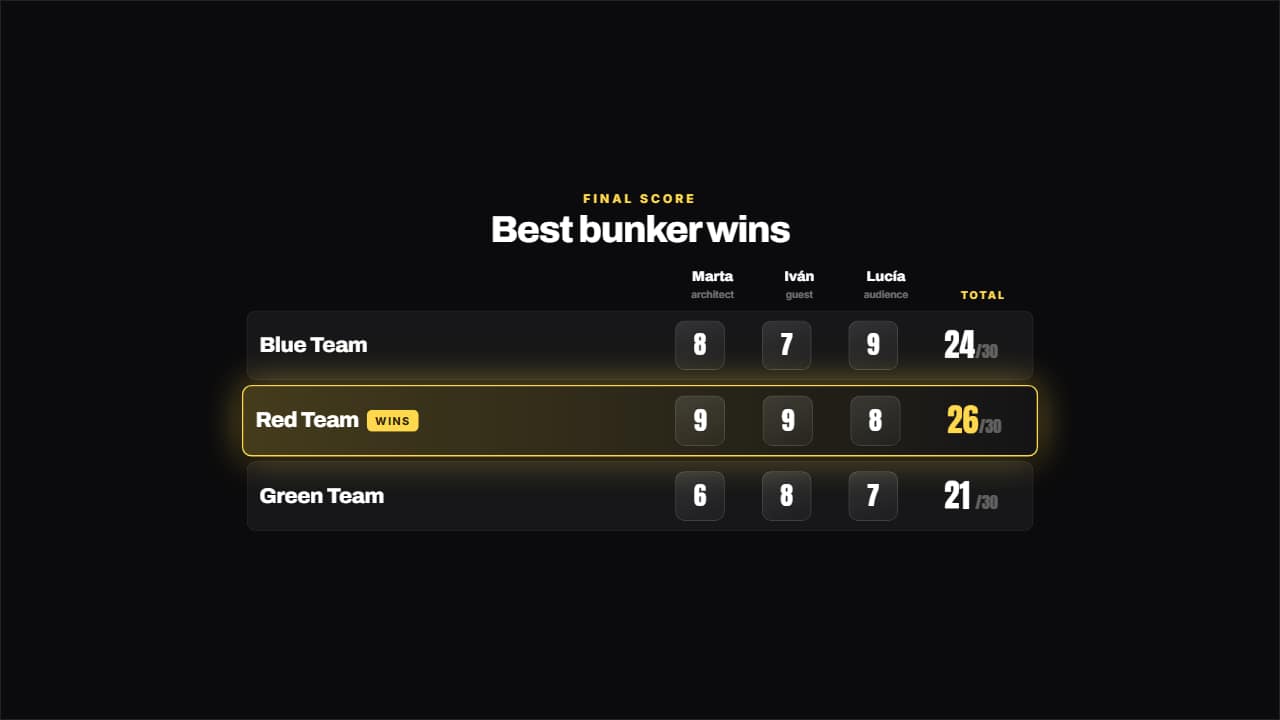
The scores land like a STAMP — they come in big and crooked and plant themselves —, the total adds itself up on the odometer and at the end the winner's row lights up with its badge. A score that fades in doesn't read as a score; stamped, it does. It's the compulsory closer of the five "BEST … WINS" videos.
Plus the typeface and an optional letter outline, in every template.
Export it without background and put it on a track above your clip: the animation plays over your video.
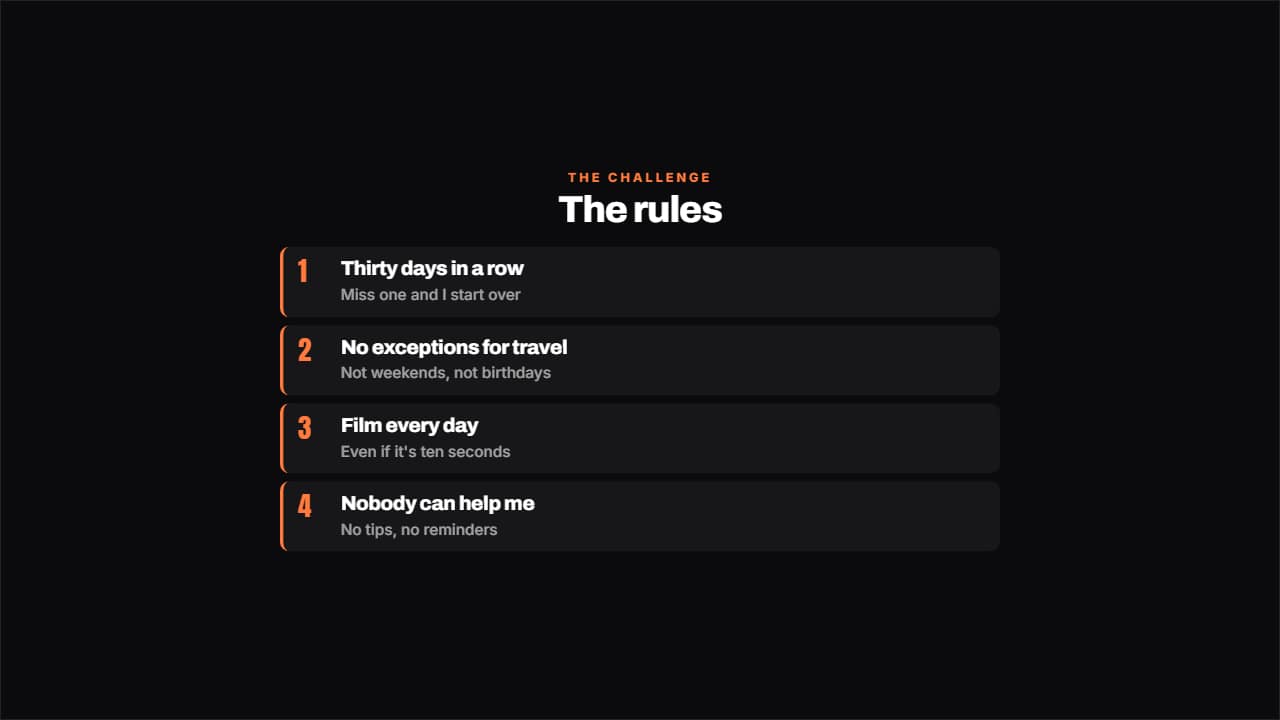 The rules of the challengeThe rules numbered, each with its small explanation underneath.
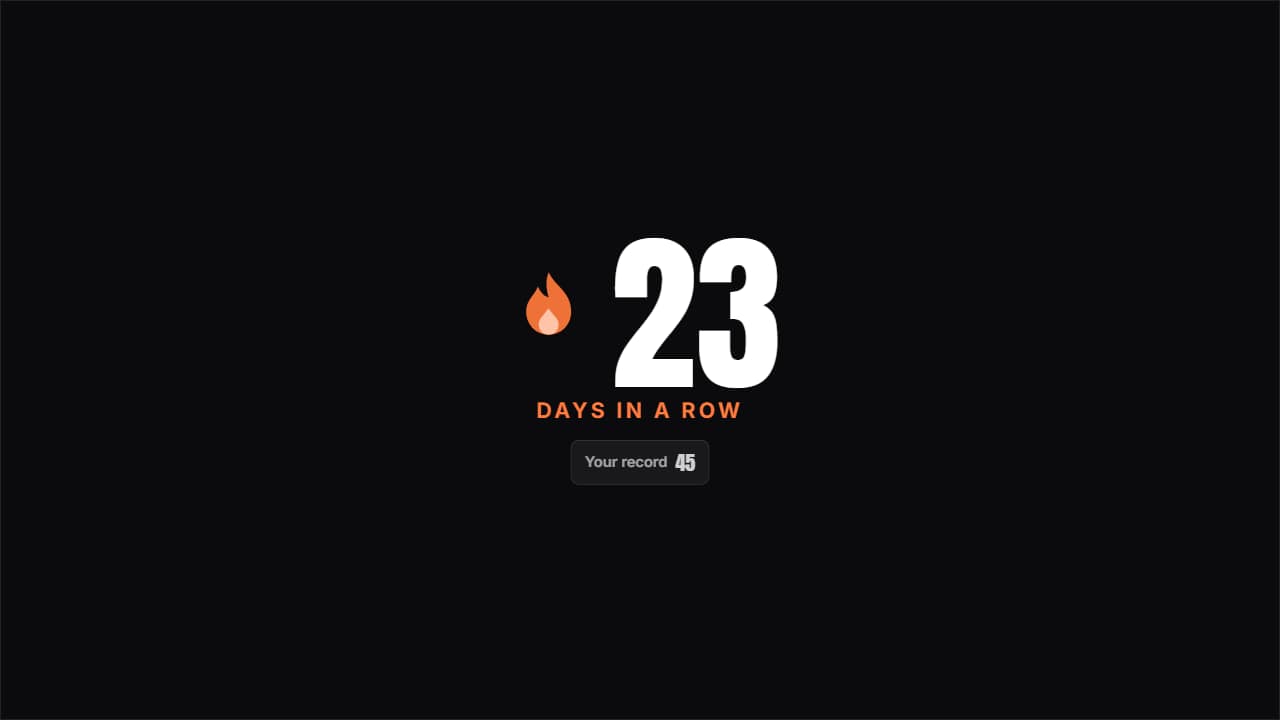 Day streakThe huge number with the flame pulsing beside it and the previous record underneath; beat it and it turns…
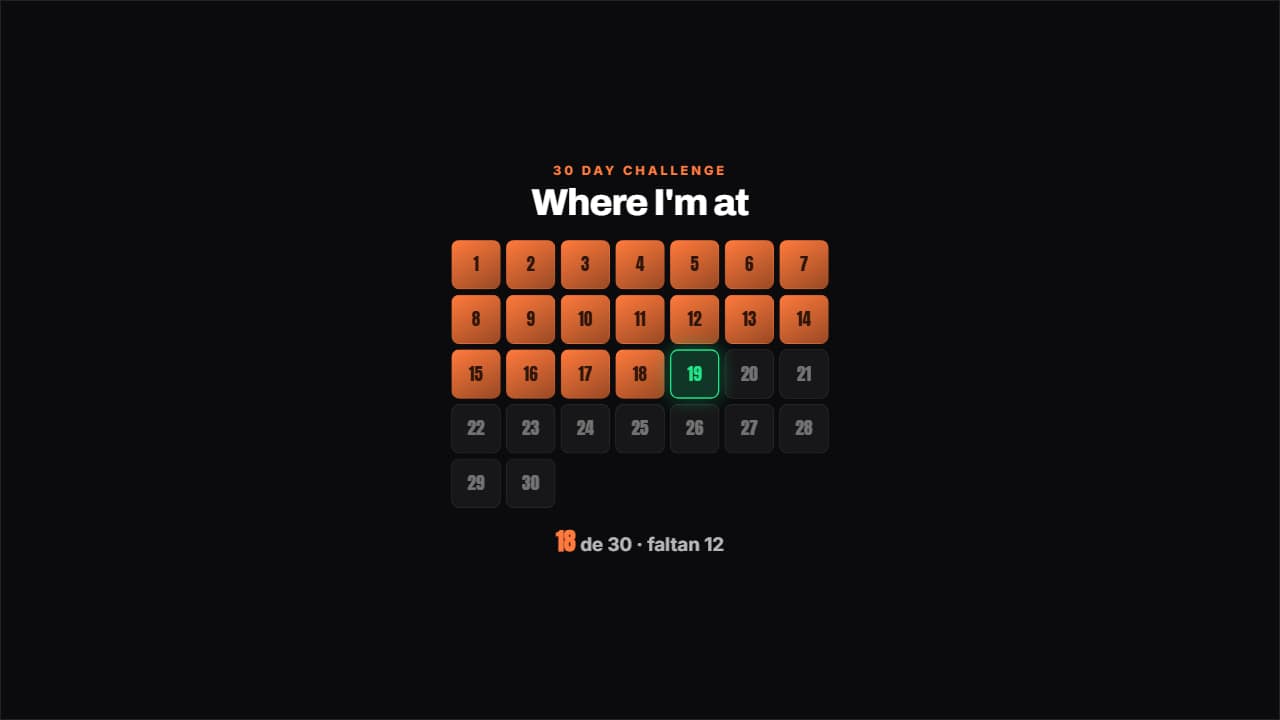 Challenge gridThe days of the challenge in a grid: the done ones filled, today pulsing with its outline and the ones left…
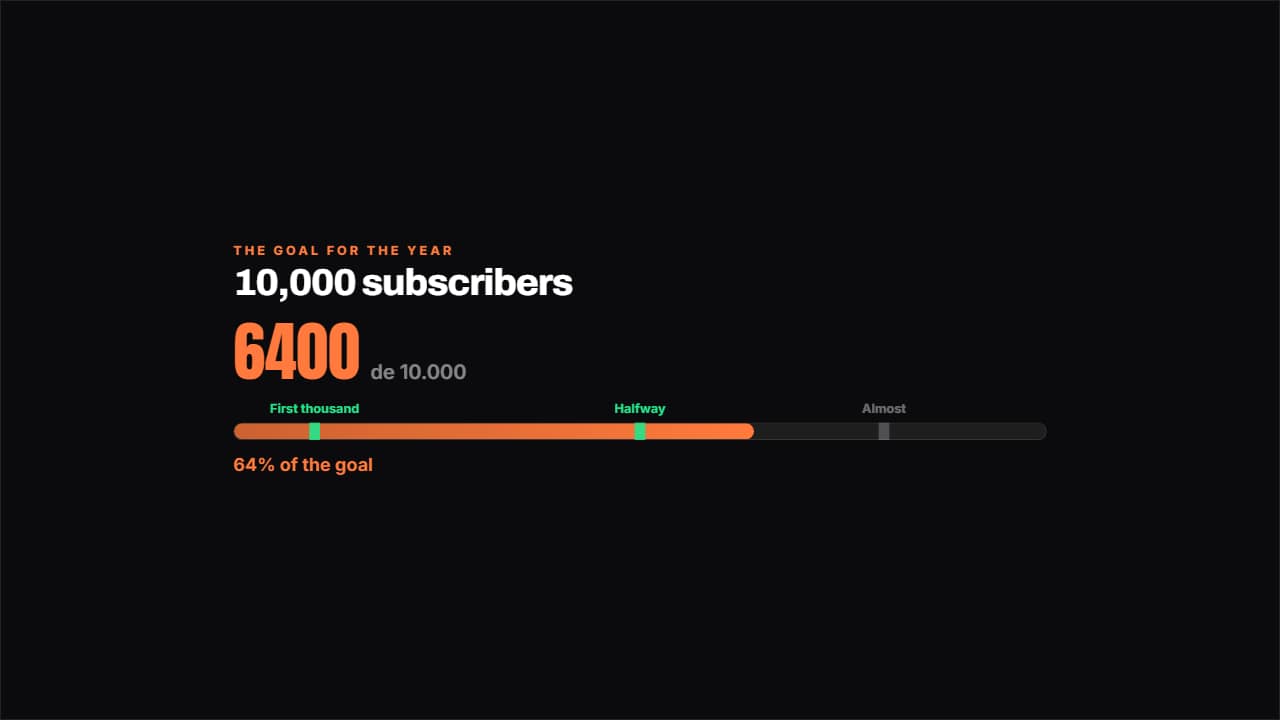 Road to the goalA bar towards the goal with the milestones marked along it: the ones you've passed light up.
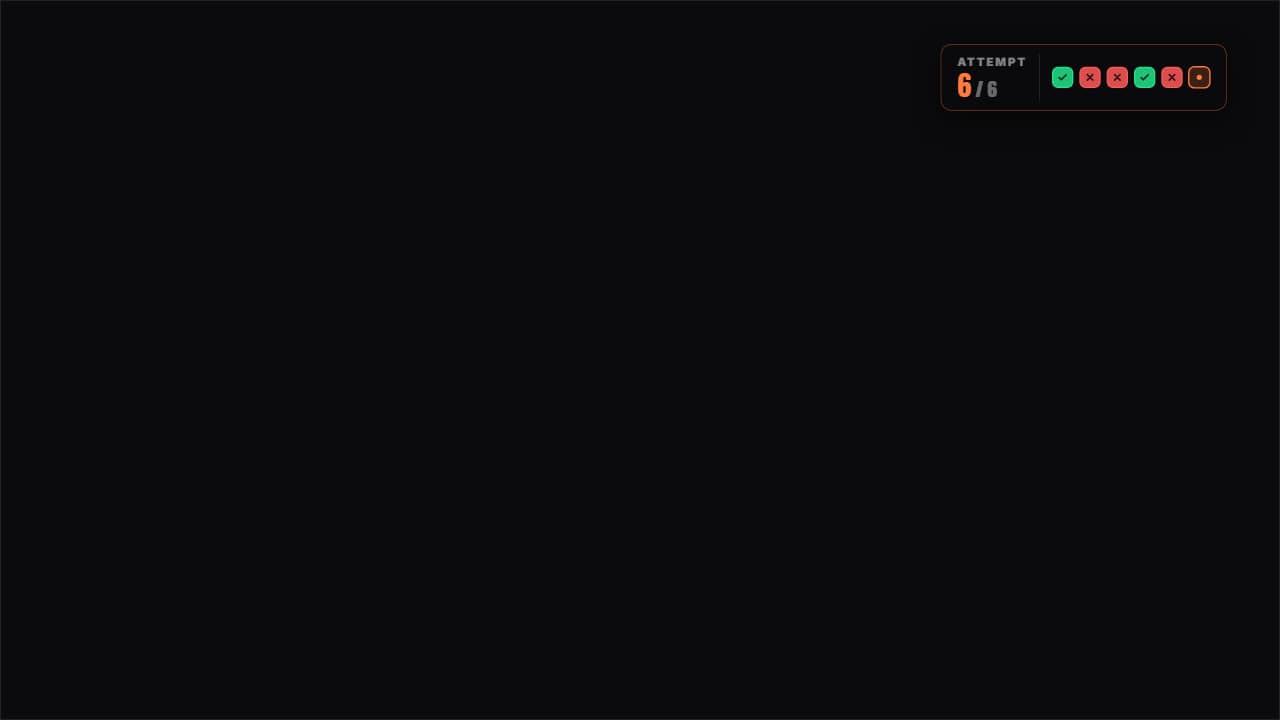 Attempts counterThe attempts as boxes: green for the one that worked, red for the one that failed and the current one pulsing.
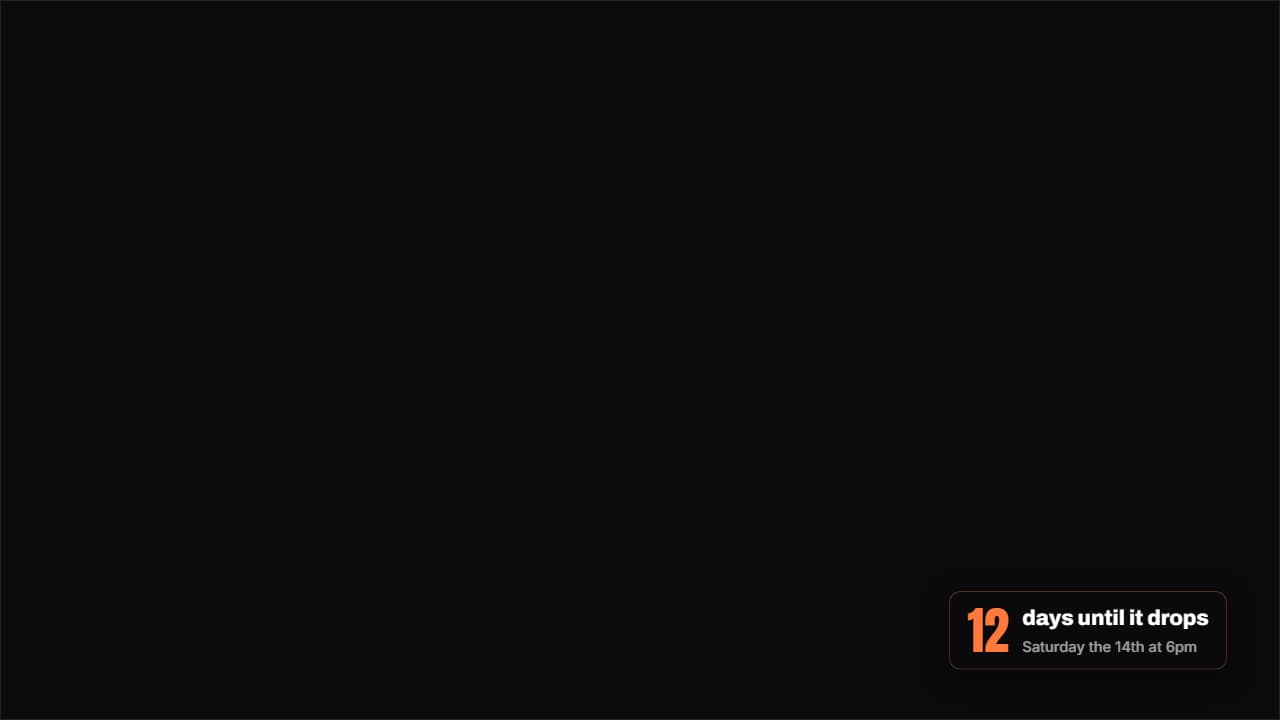 How much is leftA badge with the days (or hours) left until a date, with the number counting as it lands.
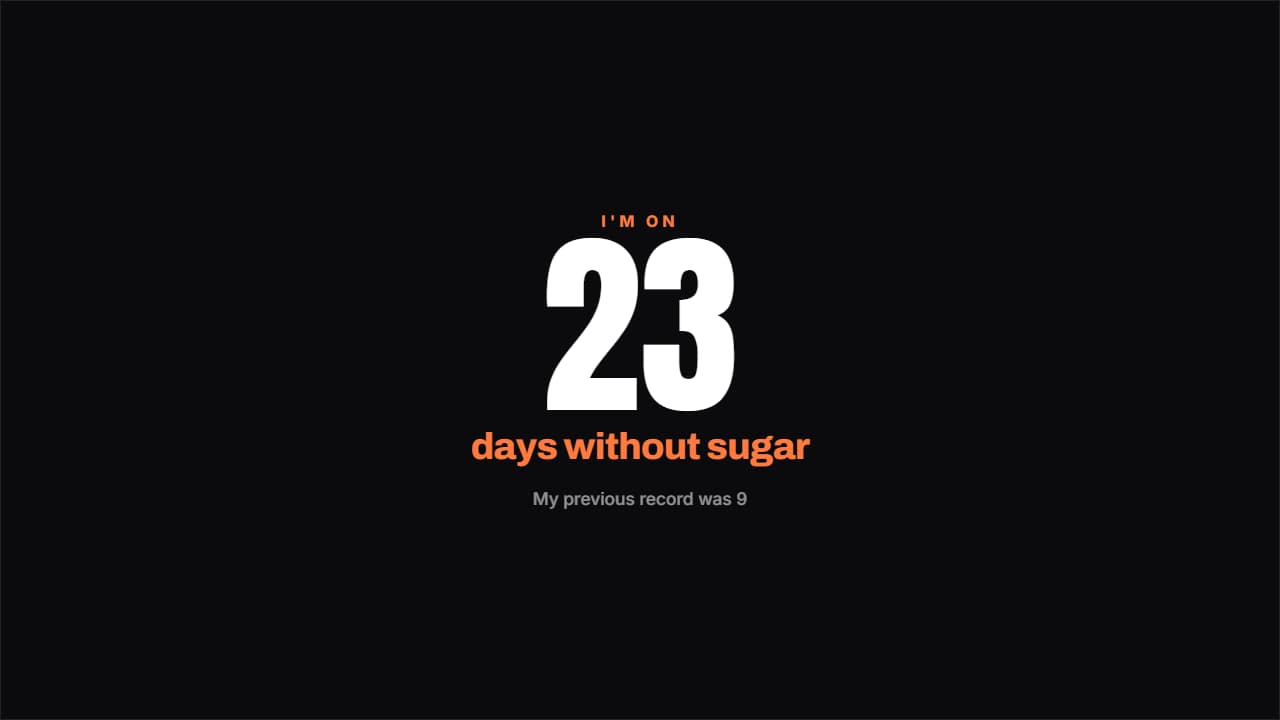 Days without…The counter that hurts most to break: a giant number, what you've gone without and a note underneath.
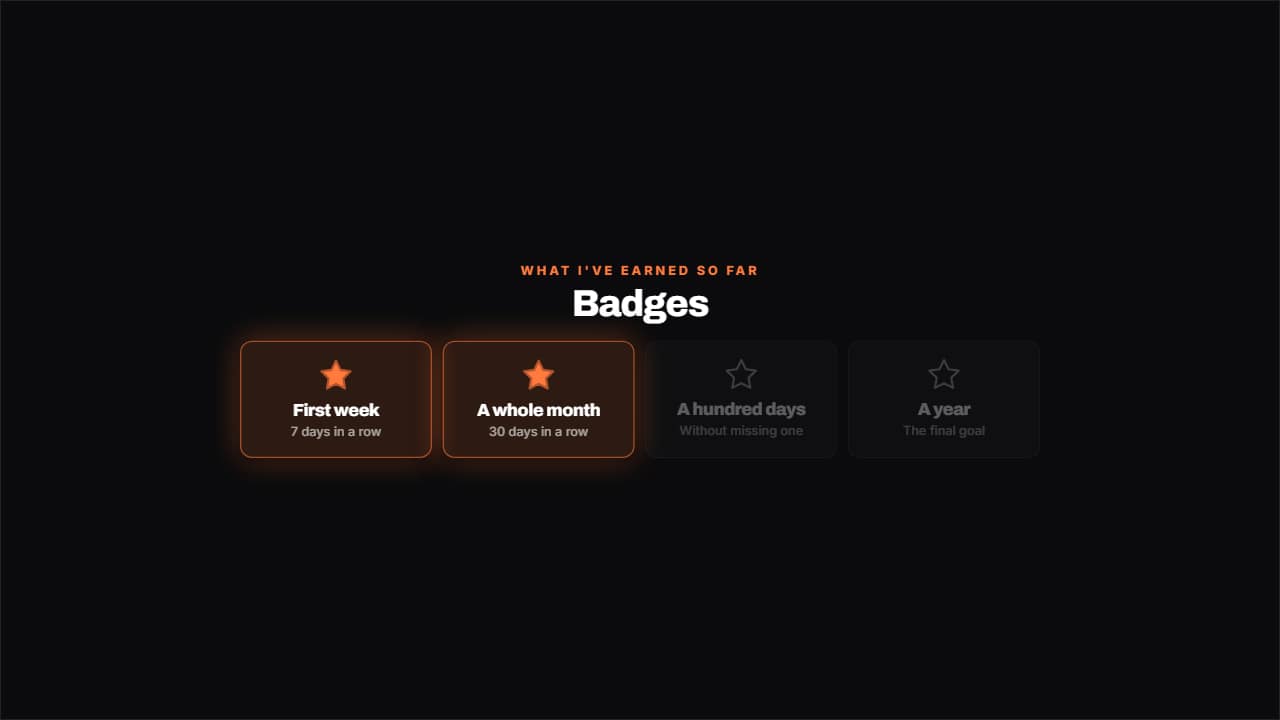 Badges unlockedWhat you've earned lit with its star and what's left dimmed, in a grid.