Format (important)1920×1080this is how it downloads
Preview doesn't change the file
You'll download 1920×1080, 3.5 s, with no background (.mov).
You'll download 1920×1080, 3.5 s, with no background (.mov).
Blue against pink, you against him. Two names with their color, and whoever's ahead lifts and lights up so it reads out of the corner of your eye. You can set both numbers by hand or hand it the list of points with their timings, and then the score counts itself and every point lands with a bounce.
Plus the typeface and an optional letter outline, in every template.
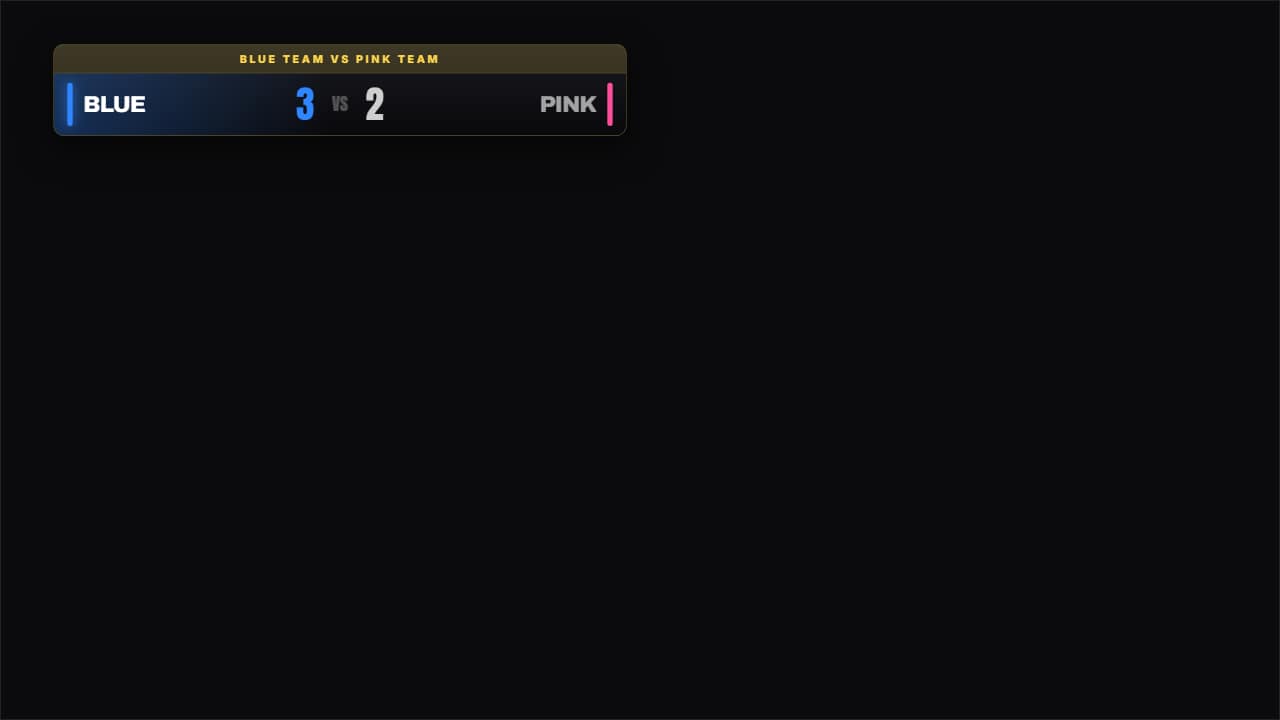
Export it without background and put it on a track above your clip: the animation plays over your video.
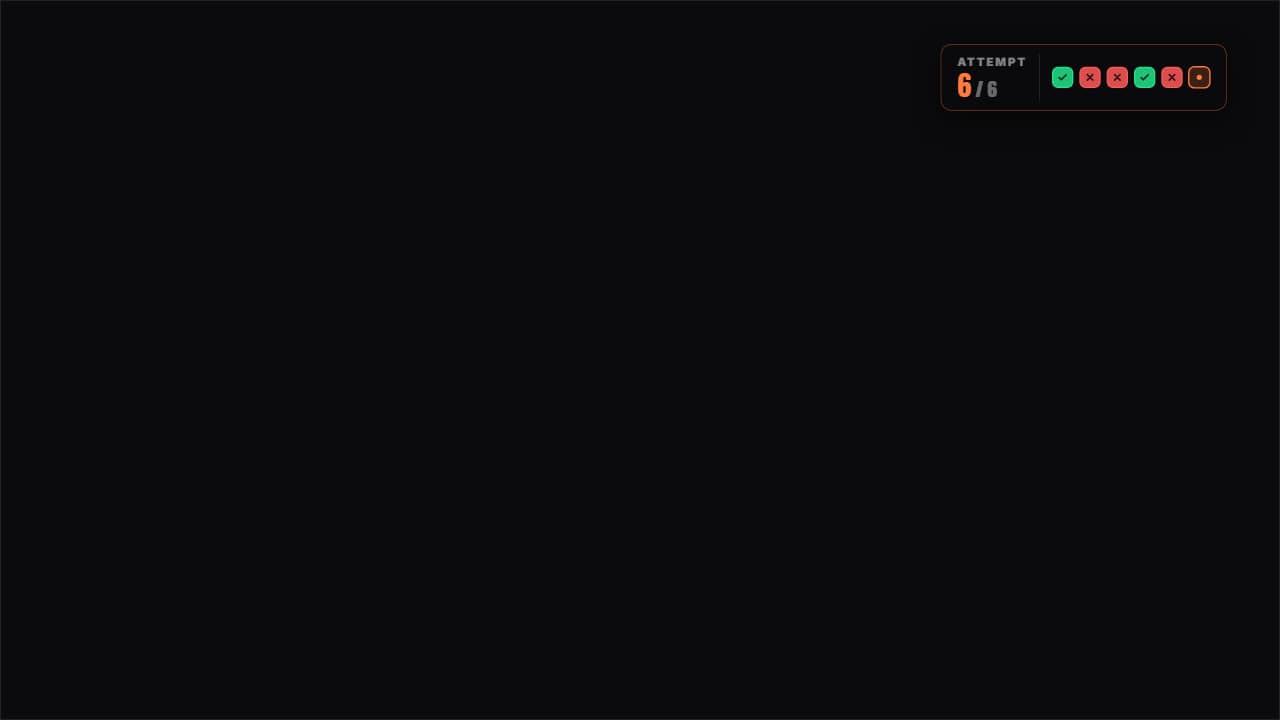 Attempts counterThe attempts as boxes: green for the one that worked, red for the one that failed and the current one pulsing.
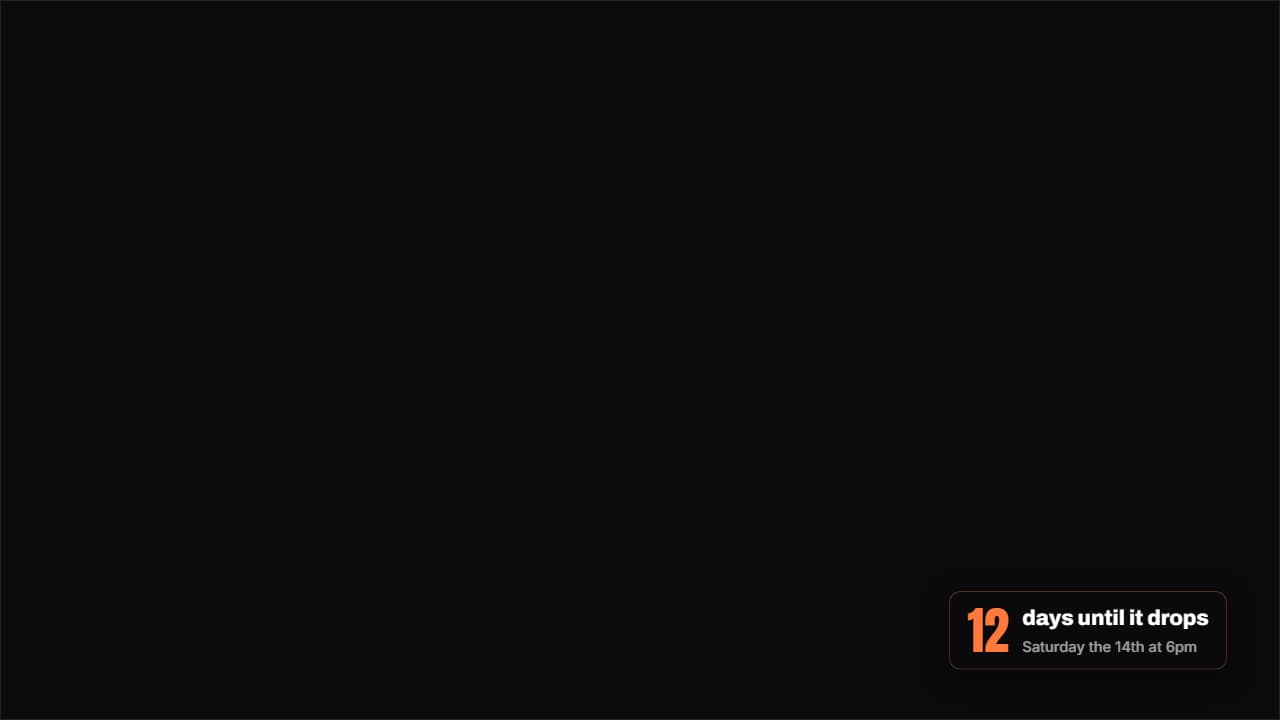 How much is leftA badge with the days (or hours) left until a date, with the number counting as it lands.
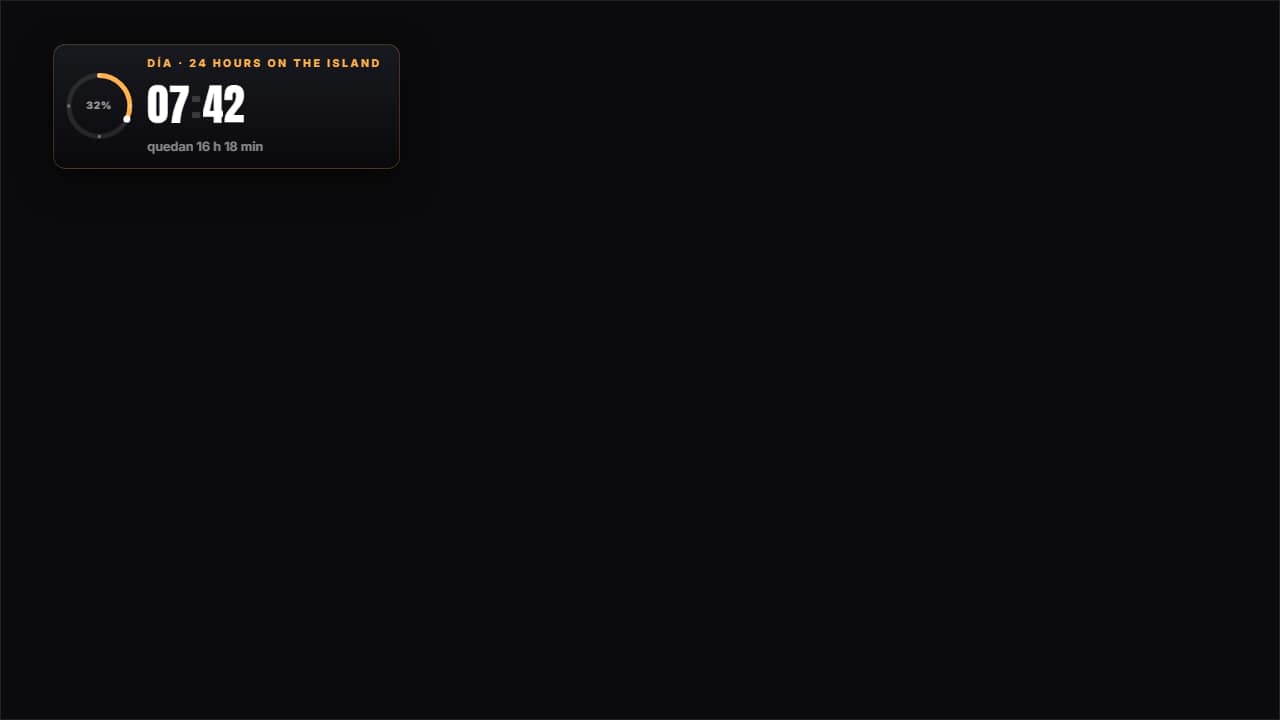 24-hour challenge clockThe CHALLENGE clock, not the video's: fifteen minutes of edit cover twenty-four hours, so you either set the…
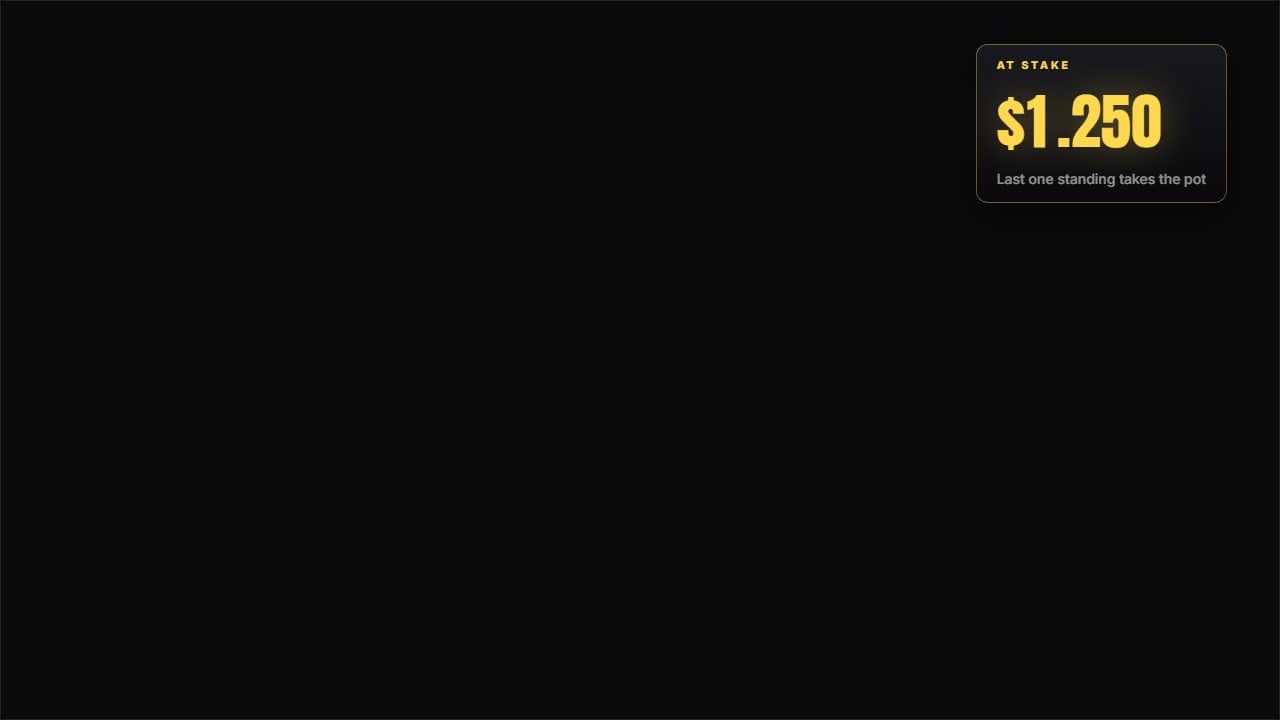 Prize pot at stakeNot a fixed figure: a line of events. Each entry adds or subtracts at its own second, the odometer wheel…
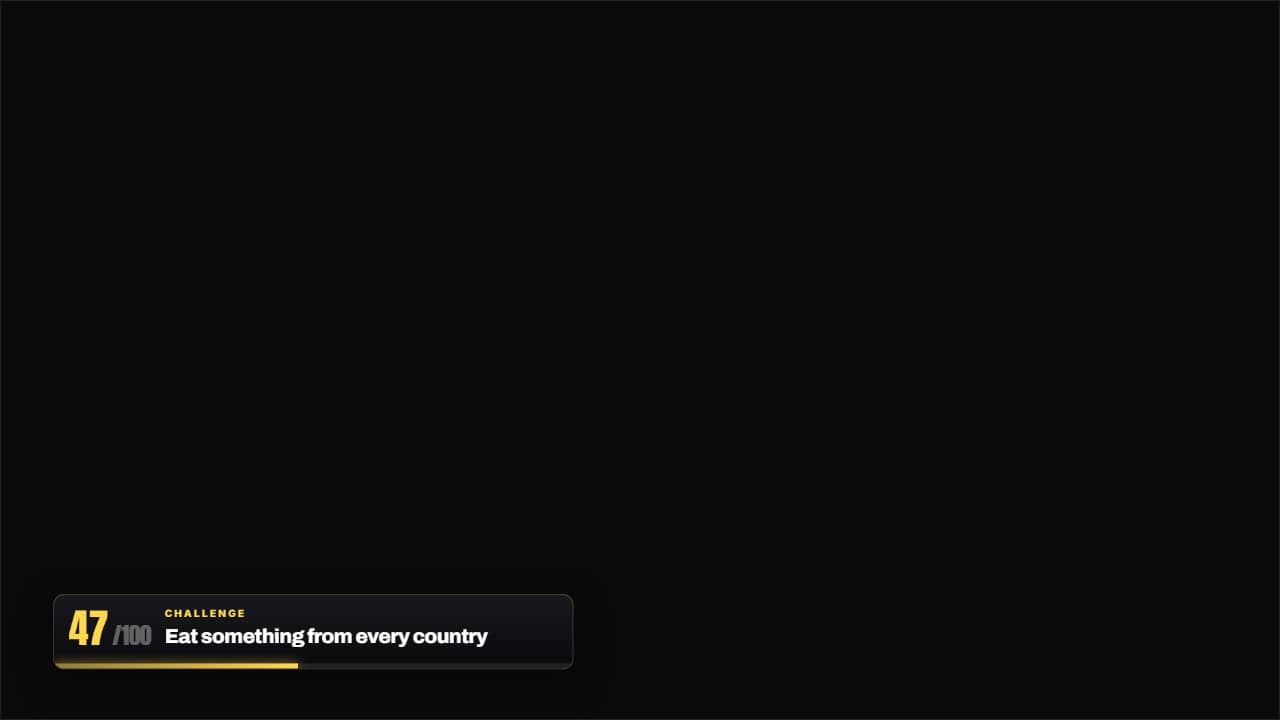 Challenge 47 of 100The thin bar with the number of the challenge you're on and the name of the current one.
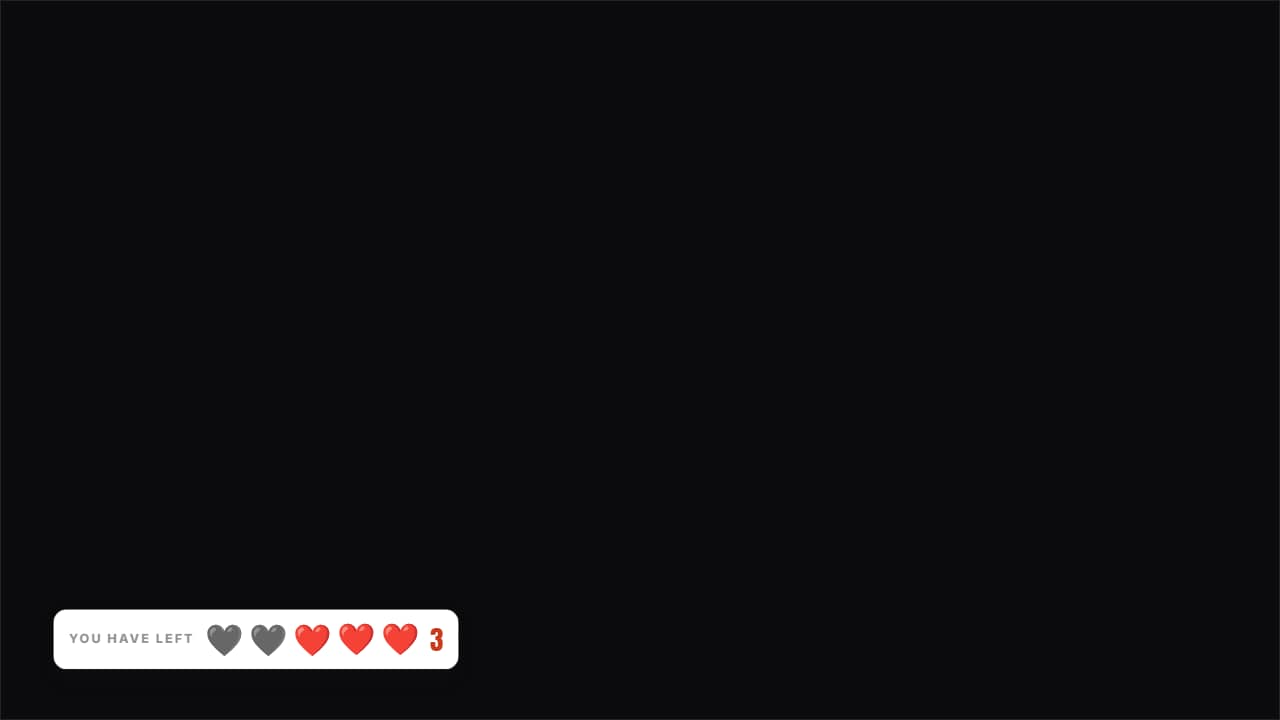 Lives you have leftHearts (or whatever you like) over the video: the used ones stay on screen in gray, they don't disappear.
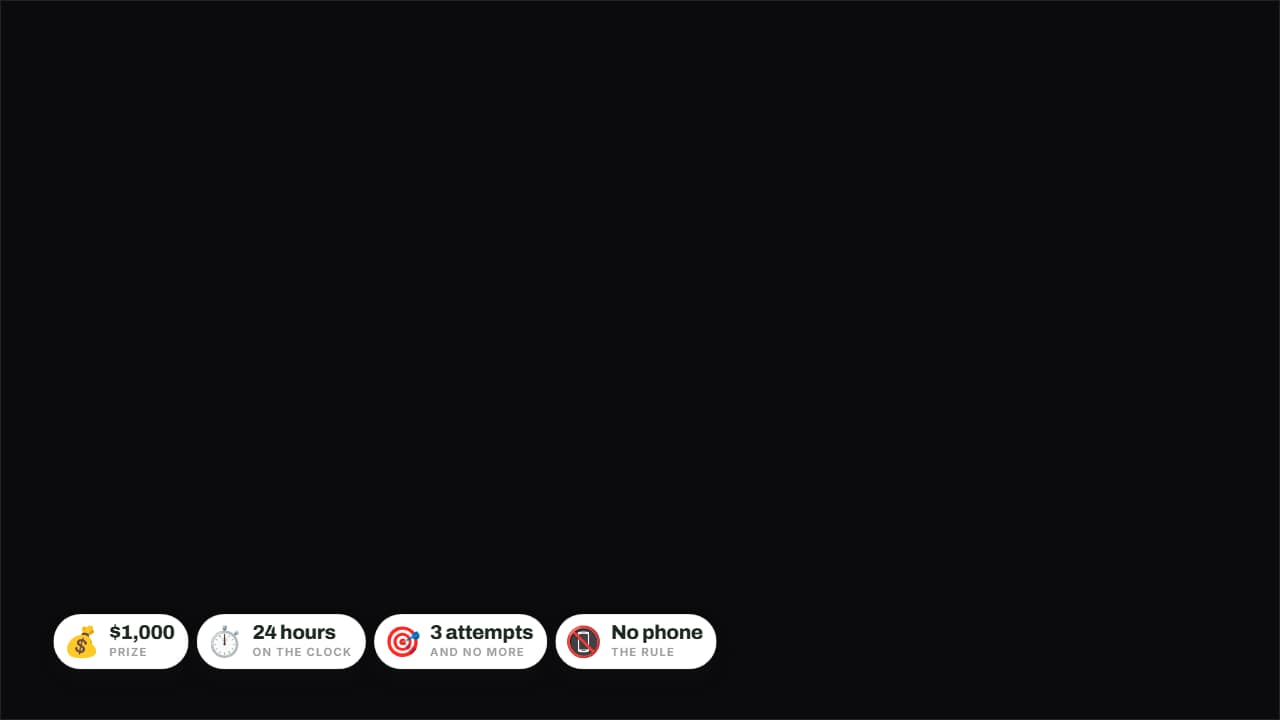 The rules in badgesPrize, time, attempts and forfeit on badges over the image.
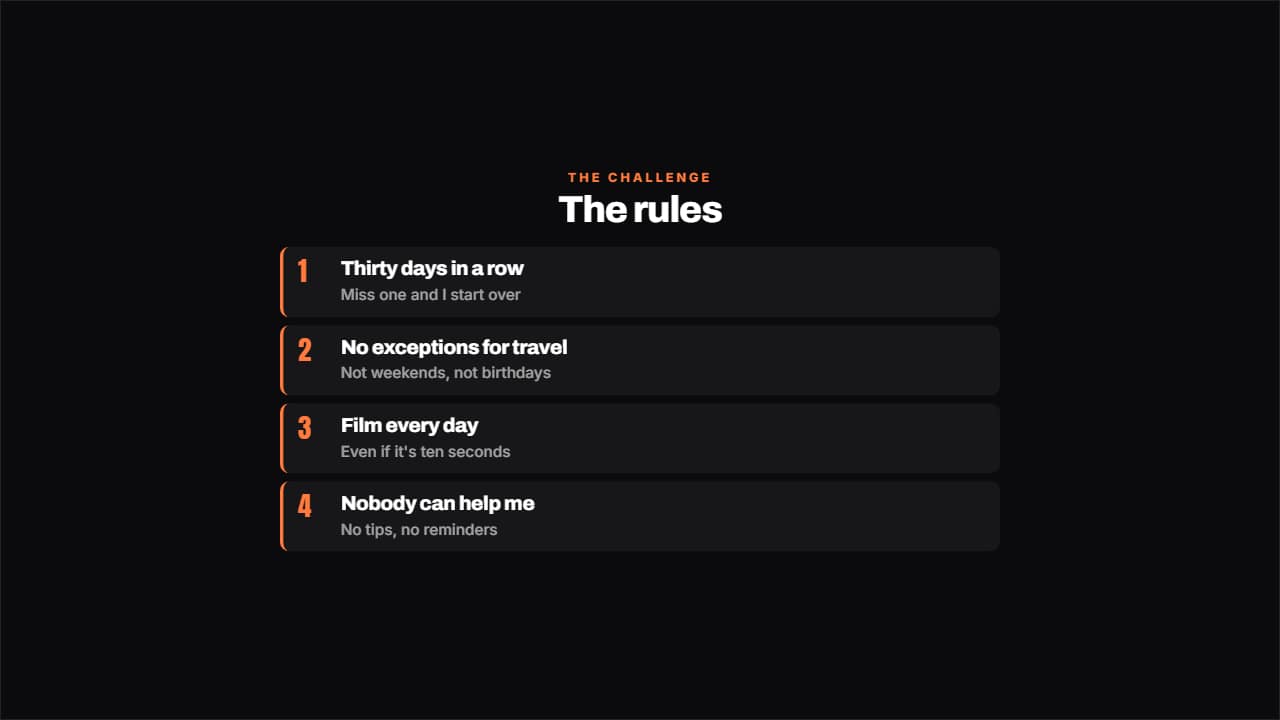 The rules of the challengeThe rules numbered, each with its small explanation underneath.