Format (important)1920×1080this is how it downloads
Preview doesn't change the file
You'll download 1920×1080, 3.5 s, with no background (.mov).
You'll download 1920×1080, 3.5 s, with no background (.mov).
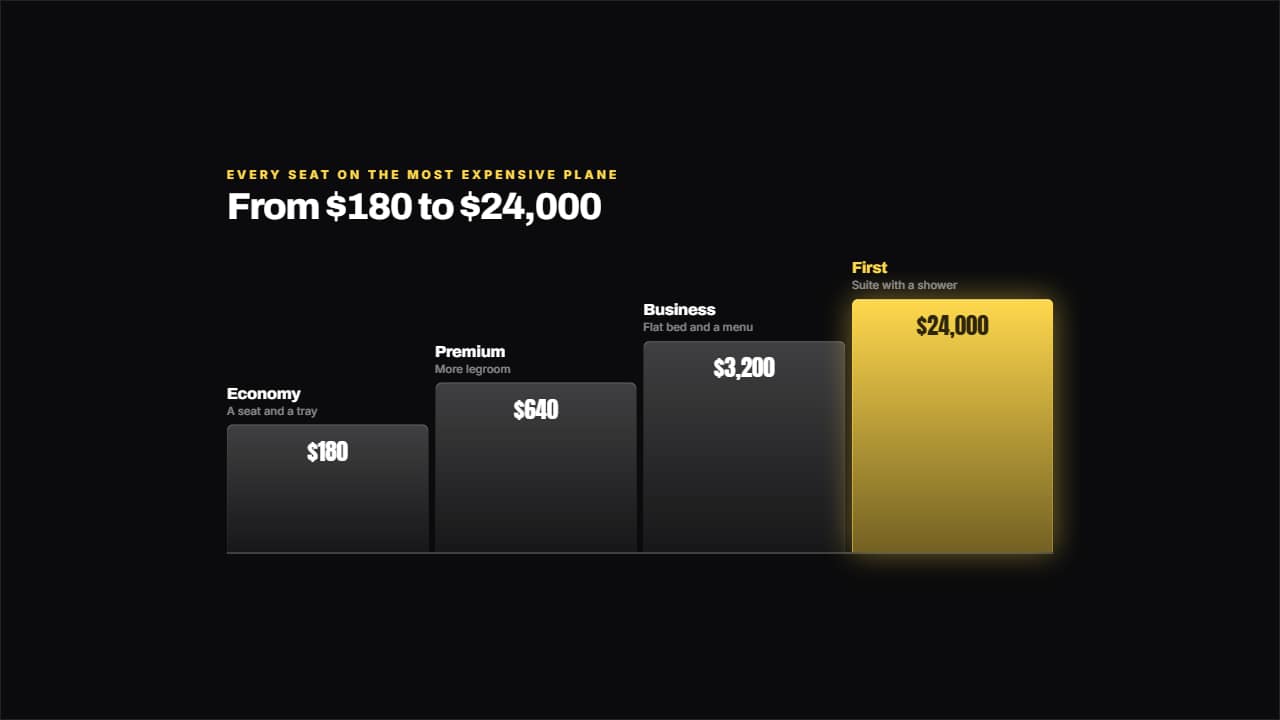
From cheapest to most expensive, with steps that genuinely grow and the price inside each one. You get it before you read it, which is what you need when the video moves fast. The mold for "I tried every seat on the most expensive plane": 69.8 million views on its own.
Plus the typeface and an optional letter outline, in every template.
Export it without background and put it on a track above your clip: the animation plays over your video.
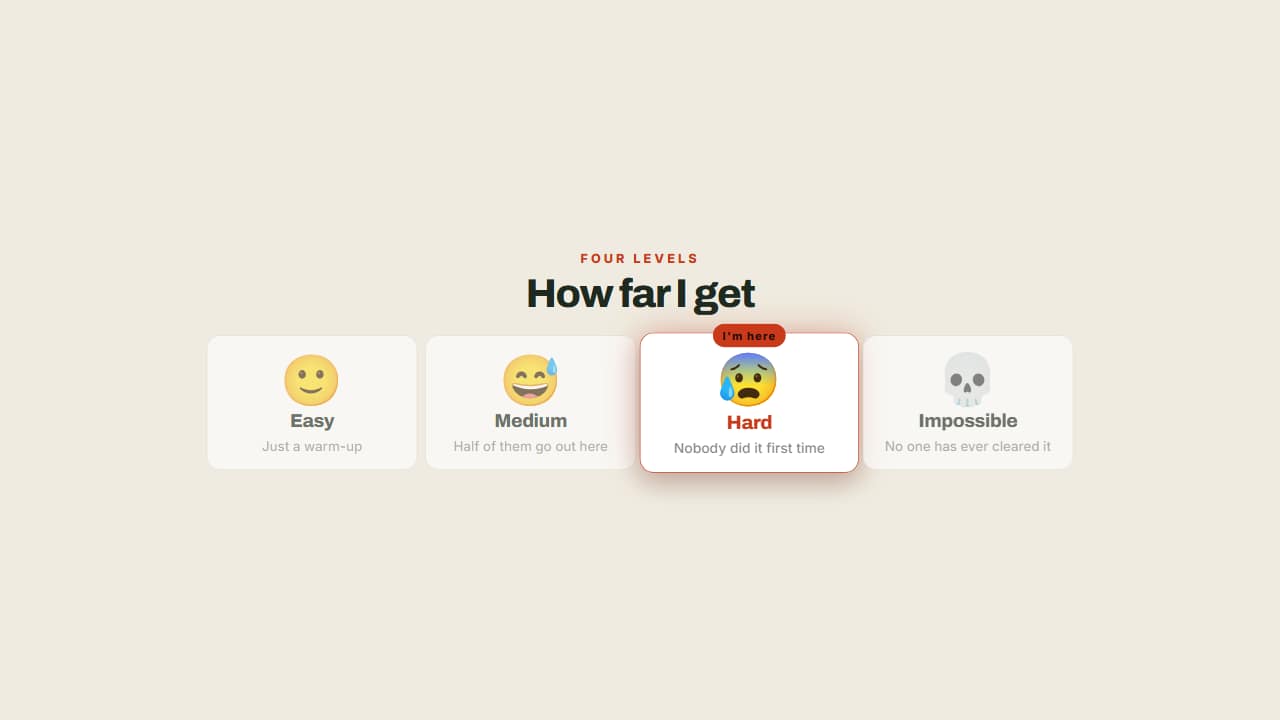 The levels of the challengeFrom easy to impossible, with a badge marking which one you're on.
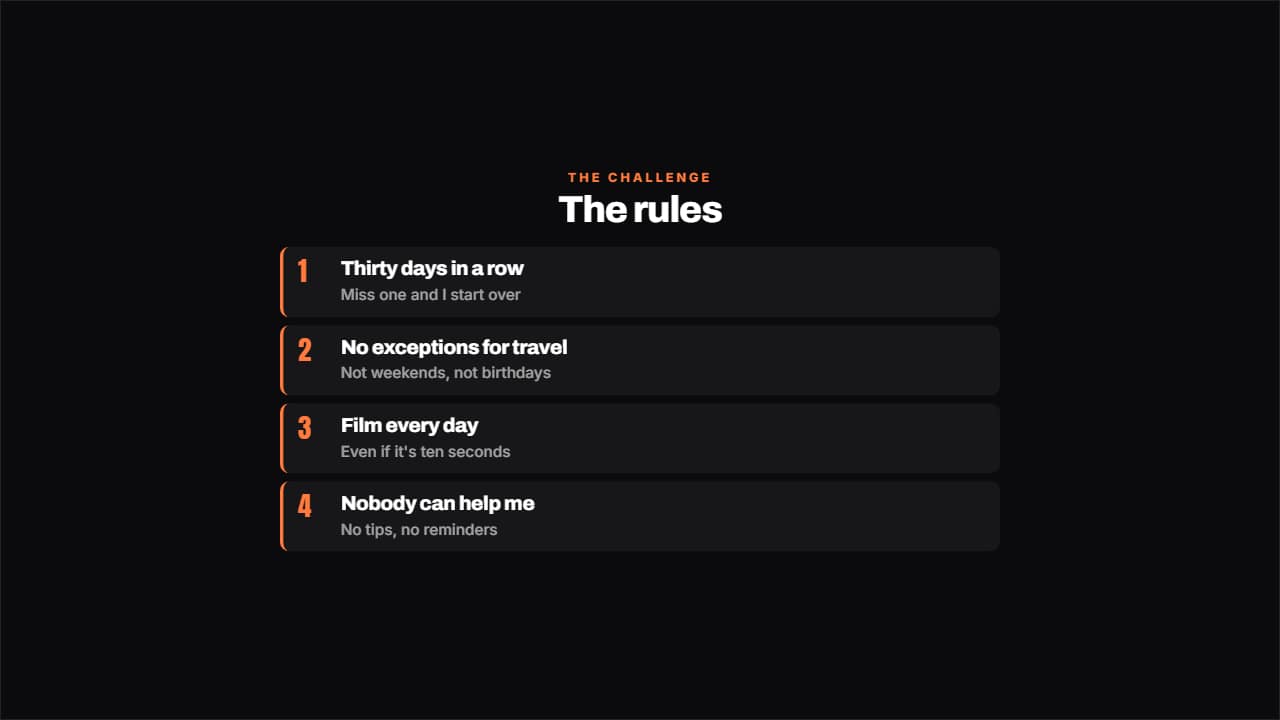 The rules of the challengeThe rules numbered, each with its small explanation underneath.
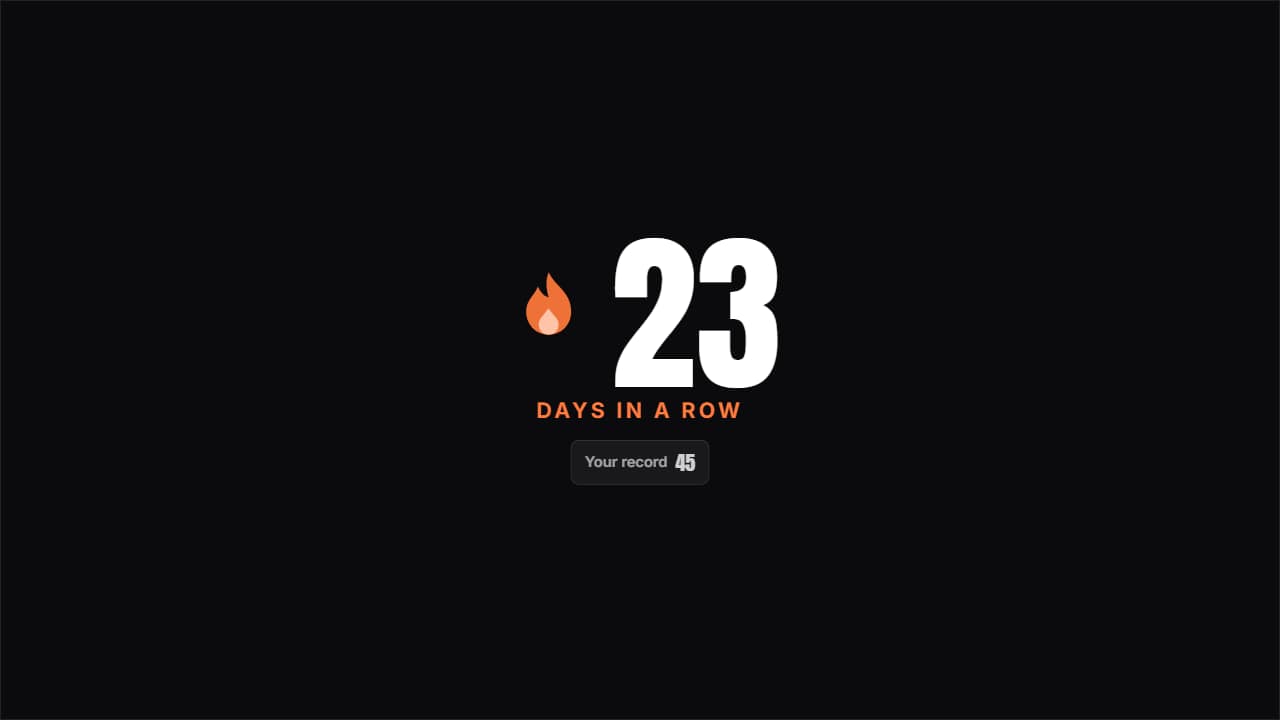 Day streakThe huge number with the flame pulsing beside it and the previous record underneath; beat it and it turns…
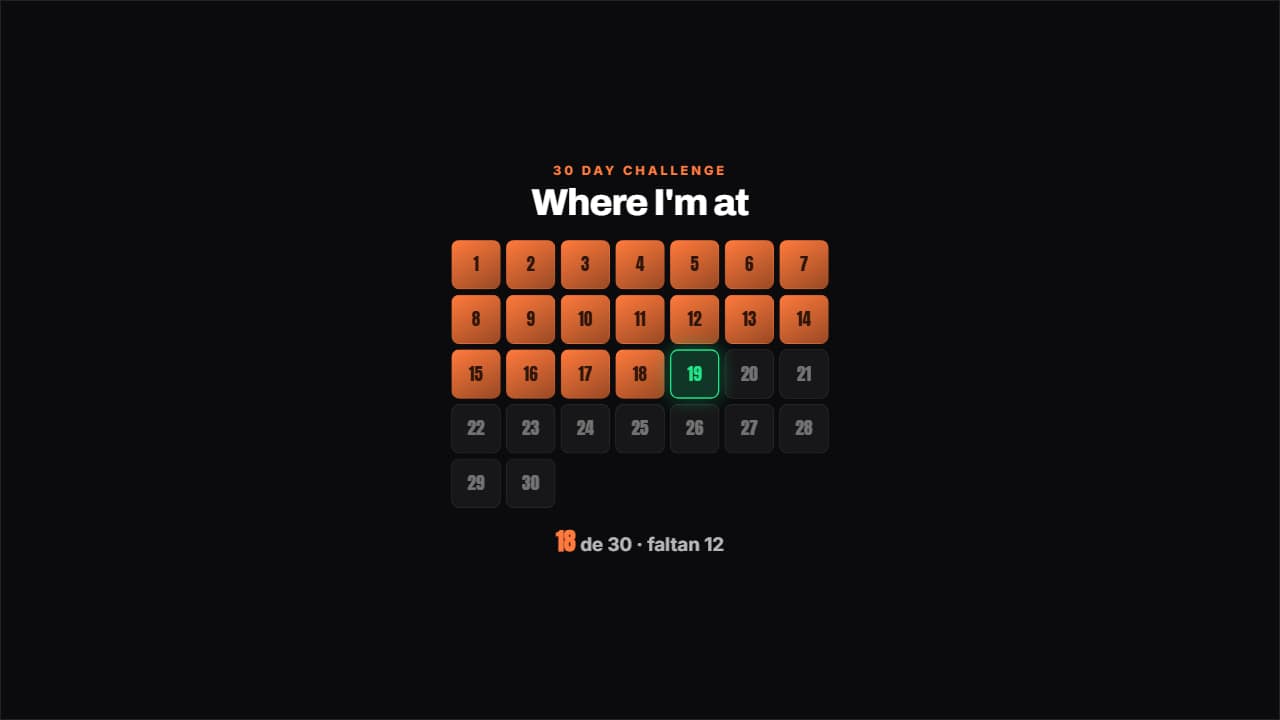 Challenge gridThe days of the challenge in a grid: the done ones filled, today pulsing with its outline and the ones left…
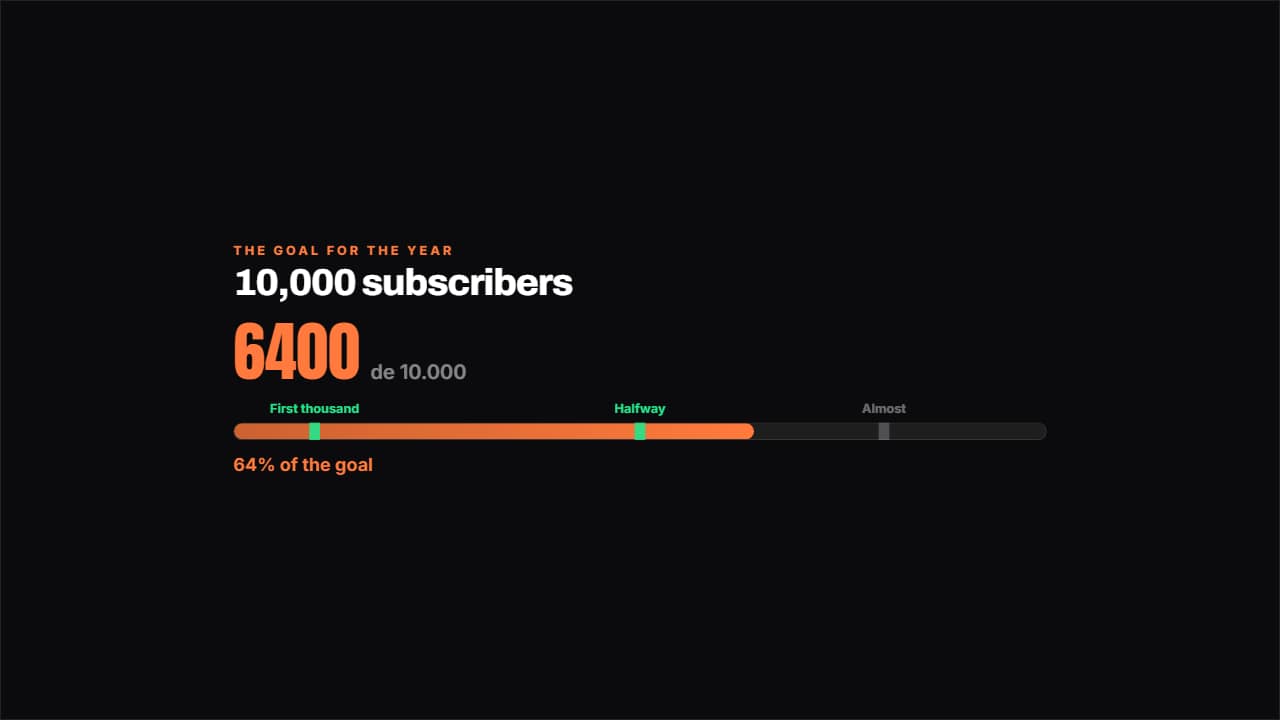 Road to the goalA bar towards the goal with the milestones marked along it: the ones you've passed light up.
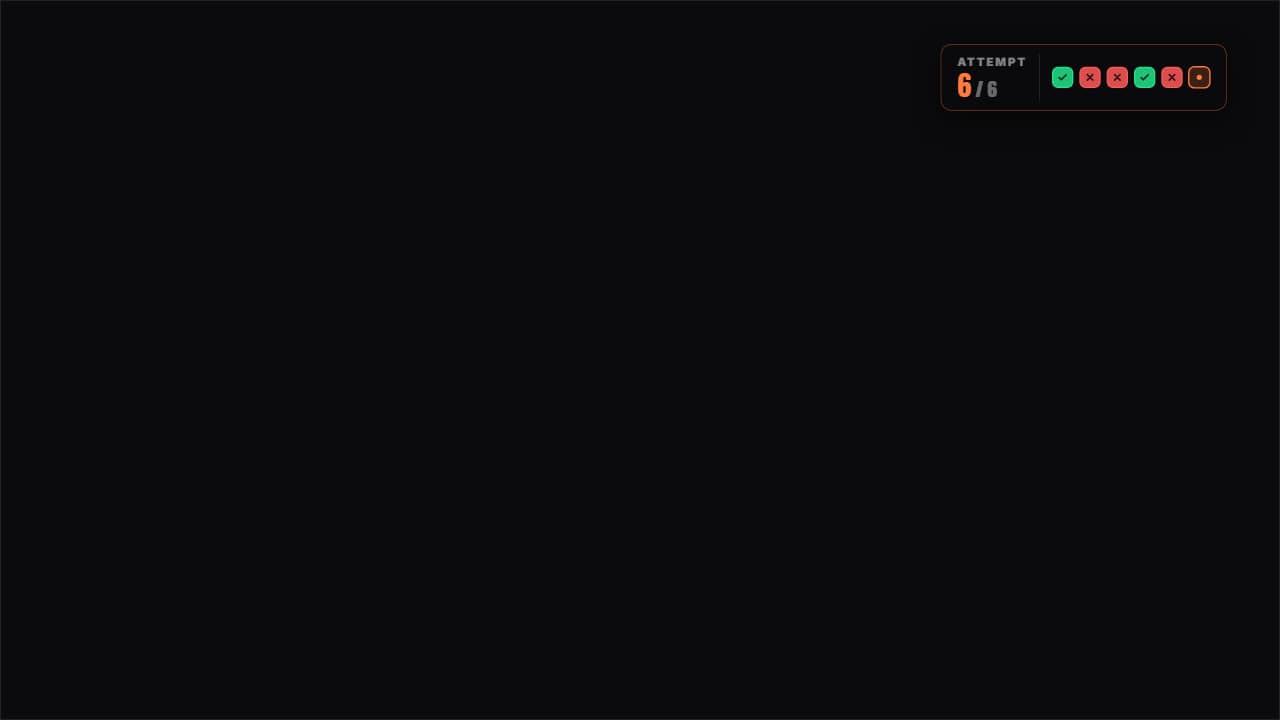 Attempts counterThe attempts as boxes: green for the one that worked, red for the one that failed and the current one pulsing.
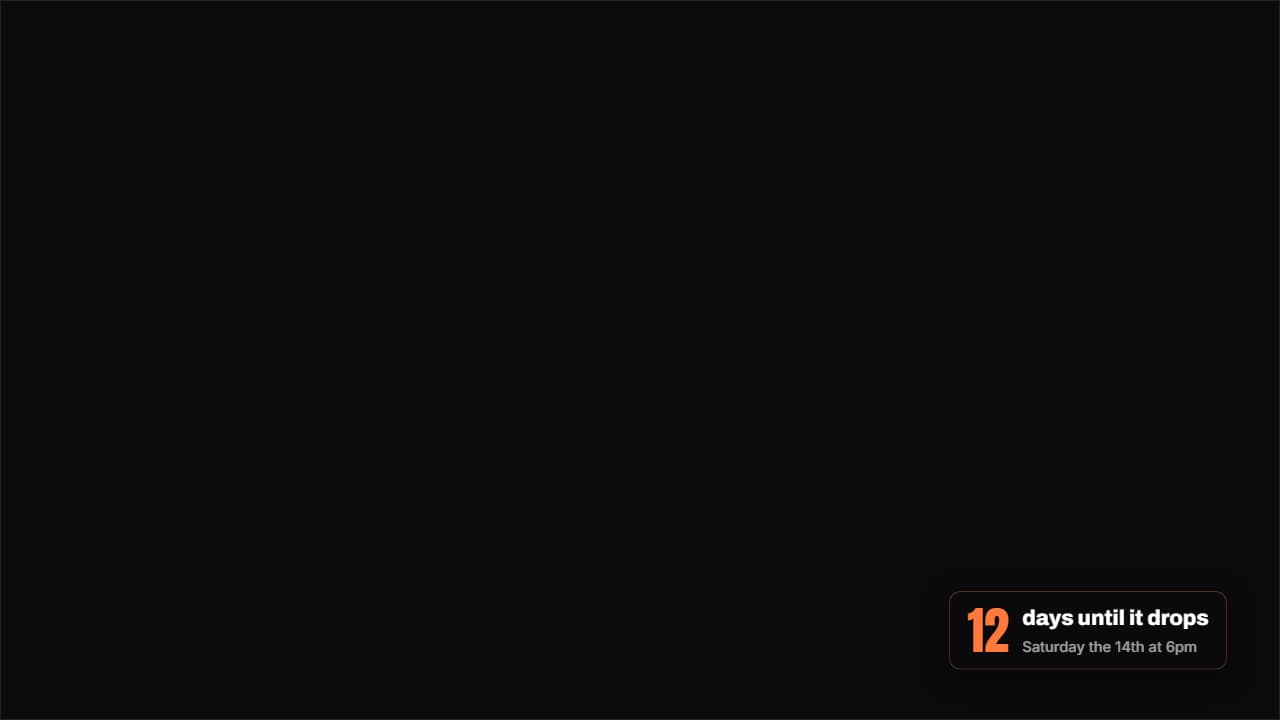 How much is leftA badge with the days (or hours) left until a date, with the number counting as it lands.
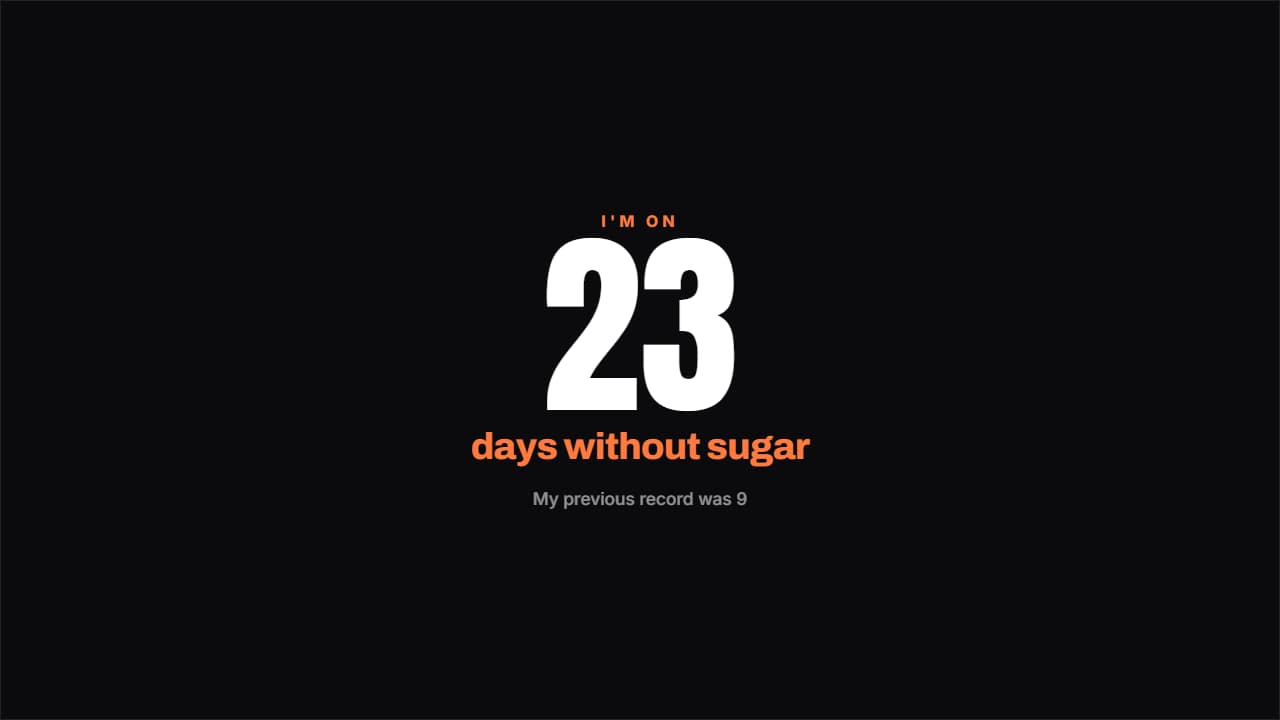 Days without…The counter that hurts most to break: a giant number, what you've gone without and a note underneath.