YouTube Shorts Templates — Hooks, Captions and Follow Cards in 9:16
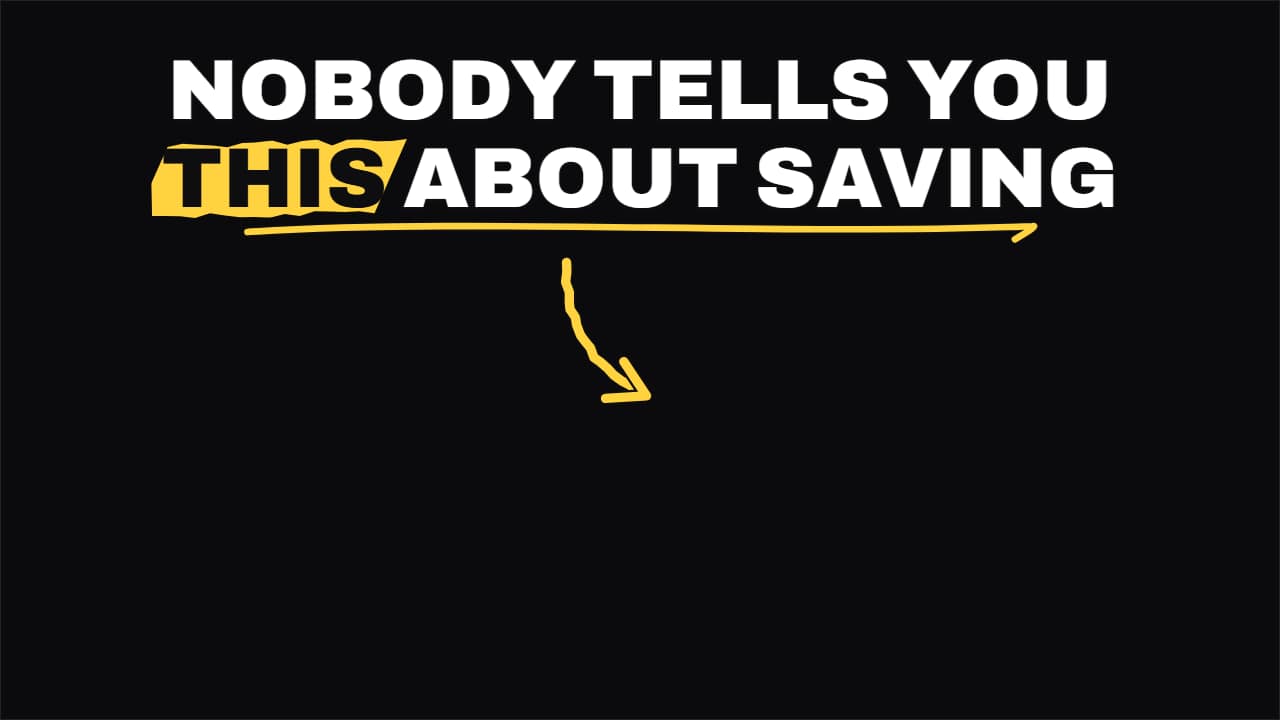 Shorts hook headline
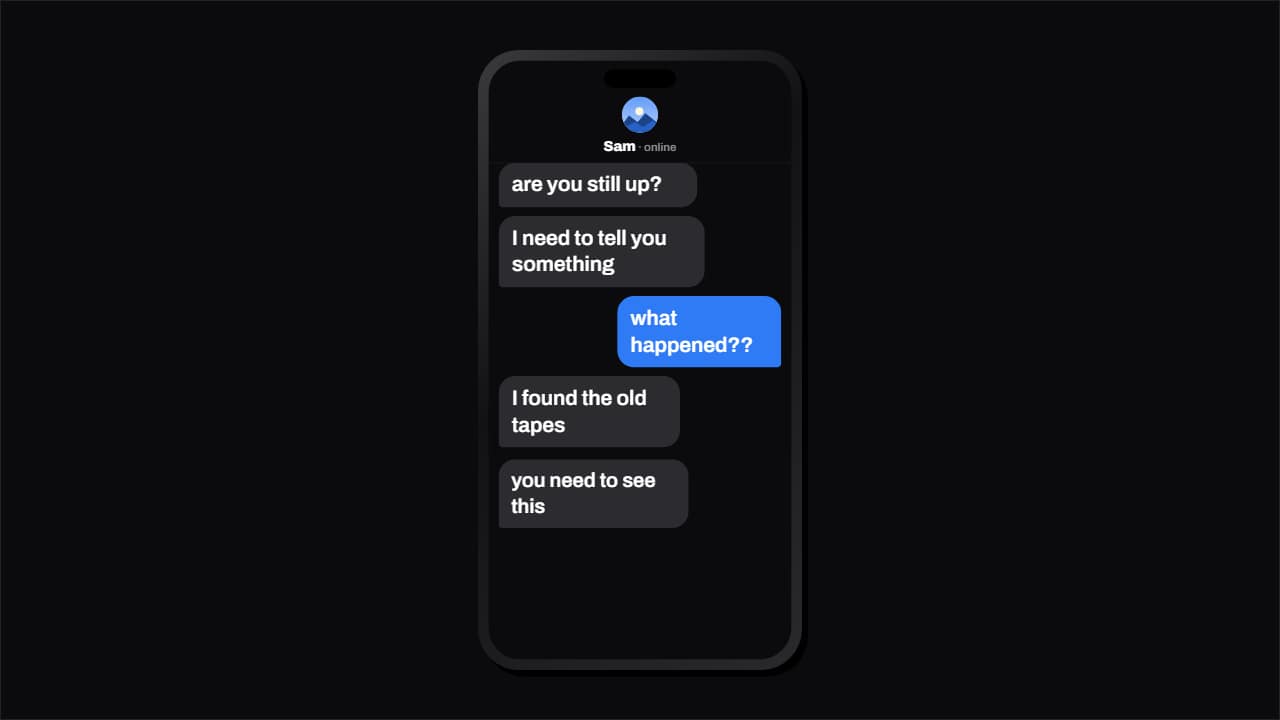 Text message conversation that types itself
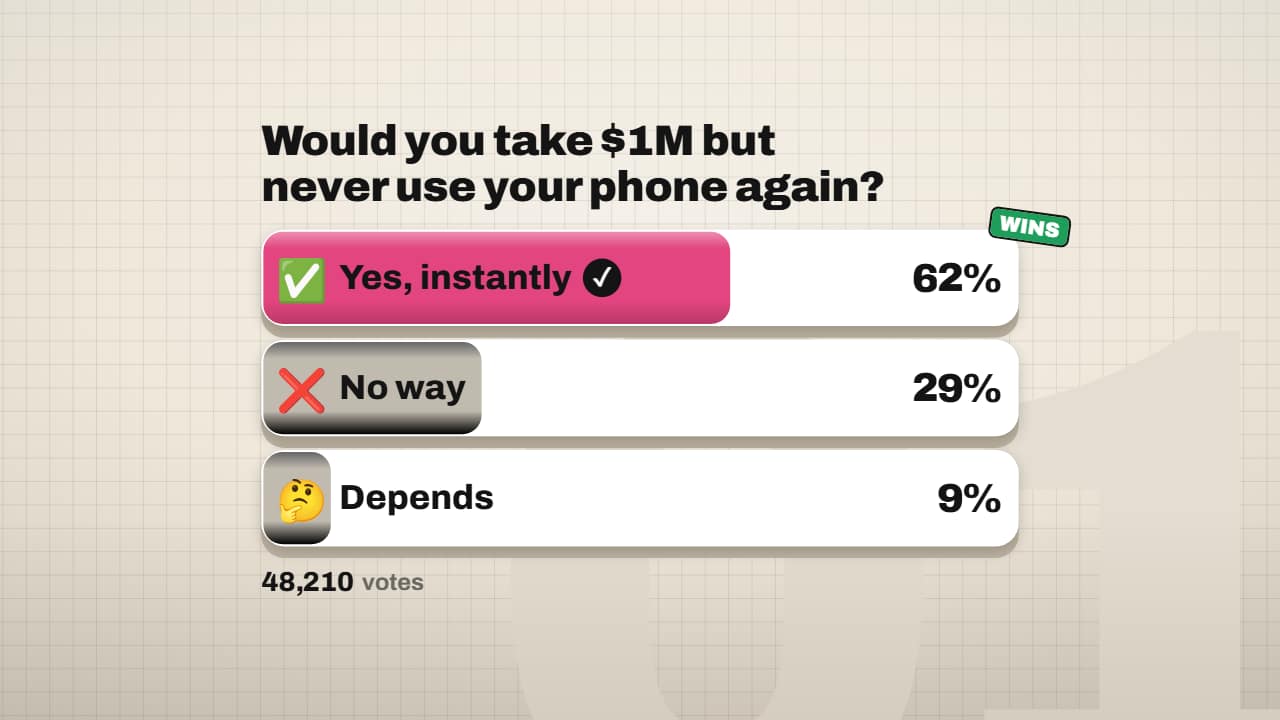 3D poll with rolling percentages
 TikTok caption
A Short has about two seconds to earn the next ten, and the pieces that do it are always the same. This collection puts them in order. It starts with the hook headline, which comes in word by word in the top safe zone, makes your key word stand out and points an arrow down at the video. Then the captions: the thick, condensed TikTok style where the spoken word jumps and takes color, one giant word at a time for motivational edits, and the slam captions where the word you mark with asterisks hits on its own line.
For the middle of the clip there is «wait for it», a bar that fills up to the exact second of the moment and counts down the last three seconds, and the reply-to-comment sticker with the commenter's @ and a comment that types itself. Podcast clippers get the full vertical package: hook, speaker strap, voice wave and progress bar. If your footage is landscape, the «video on top, text below» layout fits it into 9:16.
To close a series, the «Part 2» card rolls the number up and asks people to follow; the follow pill does the same in one move. Every template exports at 1080 × 1920 and, without a background, sits over your own clip.
12 templates · 16:9 · 9:16 · 1:1
Free tool: Shorts safe zone checker — Drop in a vertical frame and see what the Shorts, TikTok and Reels buttons cover. Download the safe-zone PNG.
- Shorts hook headlineThe headline for the first two seconds of a Short: it comes in word by word in the top safe zone, the key…
- Text message conversation that types itselfThe chat that types itself, like storytime and text-message Shorts: the other person's «…» before each…
- 3D poll with rolling percentagesYour audience question in the Editorial 3D style: each option is a white card with a 3D edge that fills with…
- TikTok captionCondensed, thick outline, and the word being spoken jumps and takes color.
 One word at a timeA single giant word in the middle, at the pace of your voice: the motivational Shorts format.
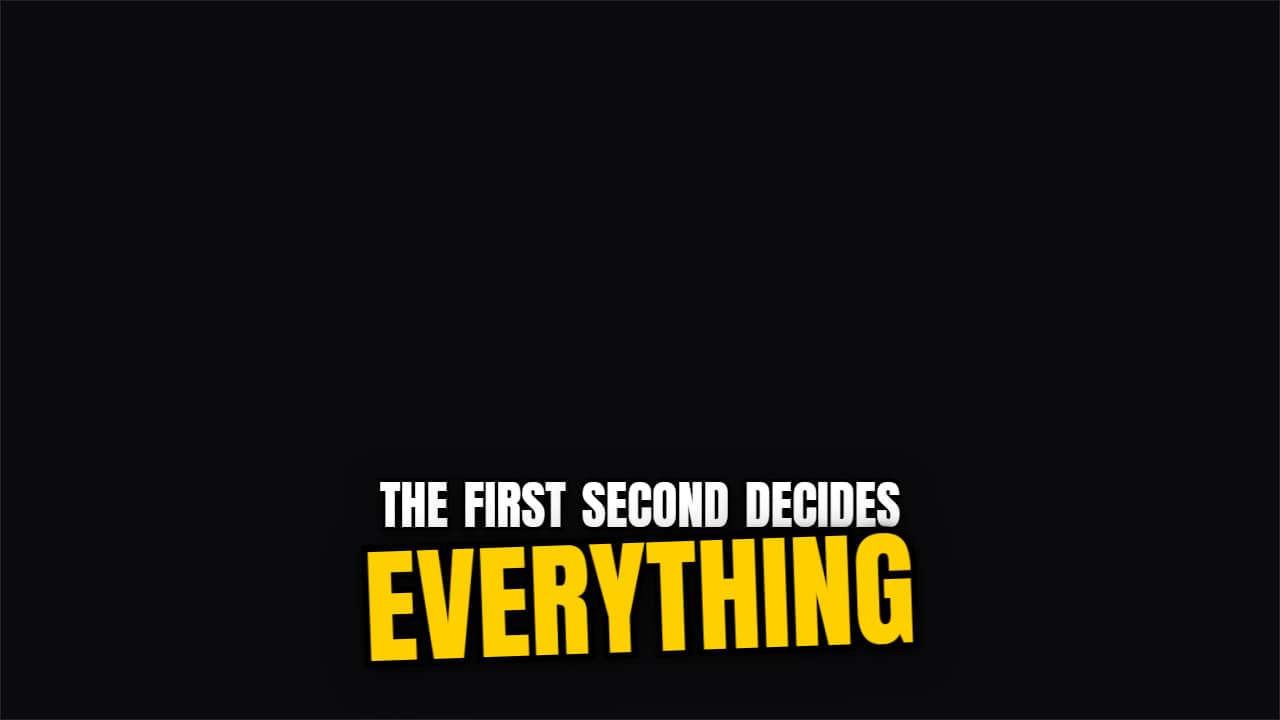 Keyword slam captionsA caption that writes itself word by word and, when the word you mark with *asterisks* arrives, it slams in…
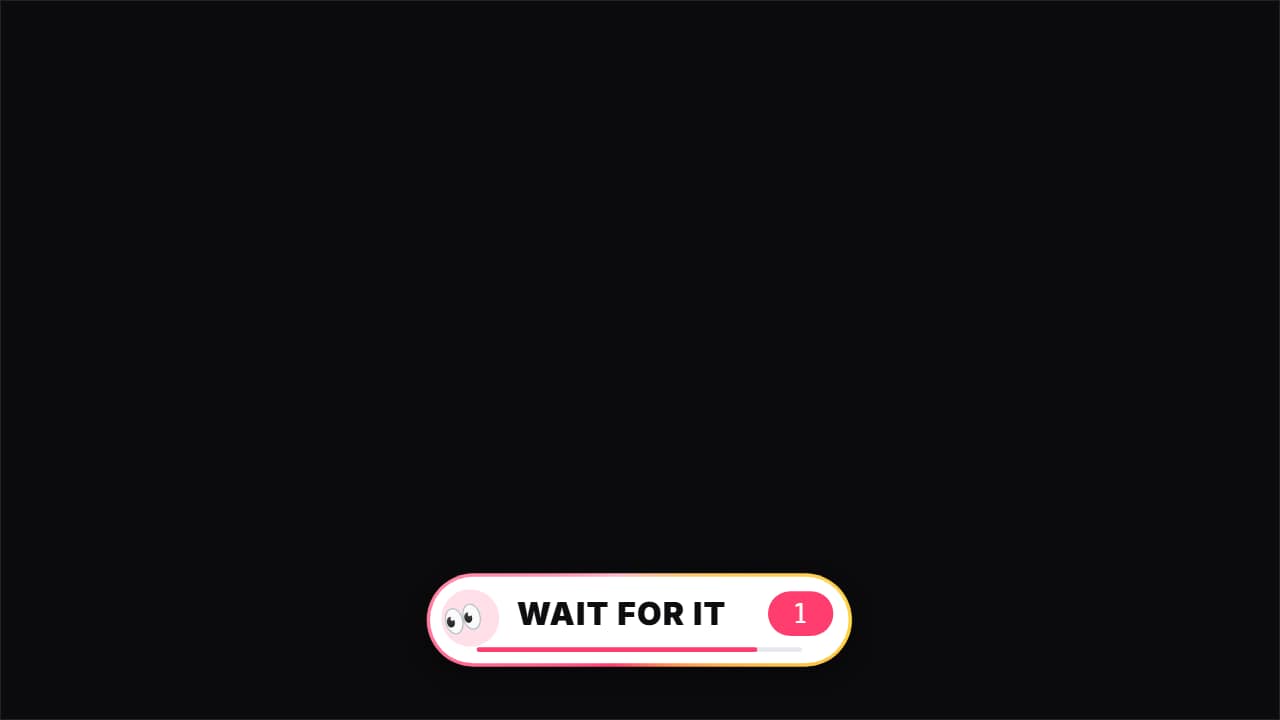 Wait for it«👀 Wait for it…»: a bar that fills up to THE second of the key moment (the fail, the twist, the hit), with…
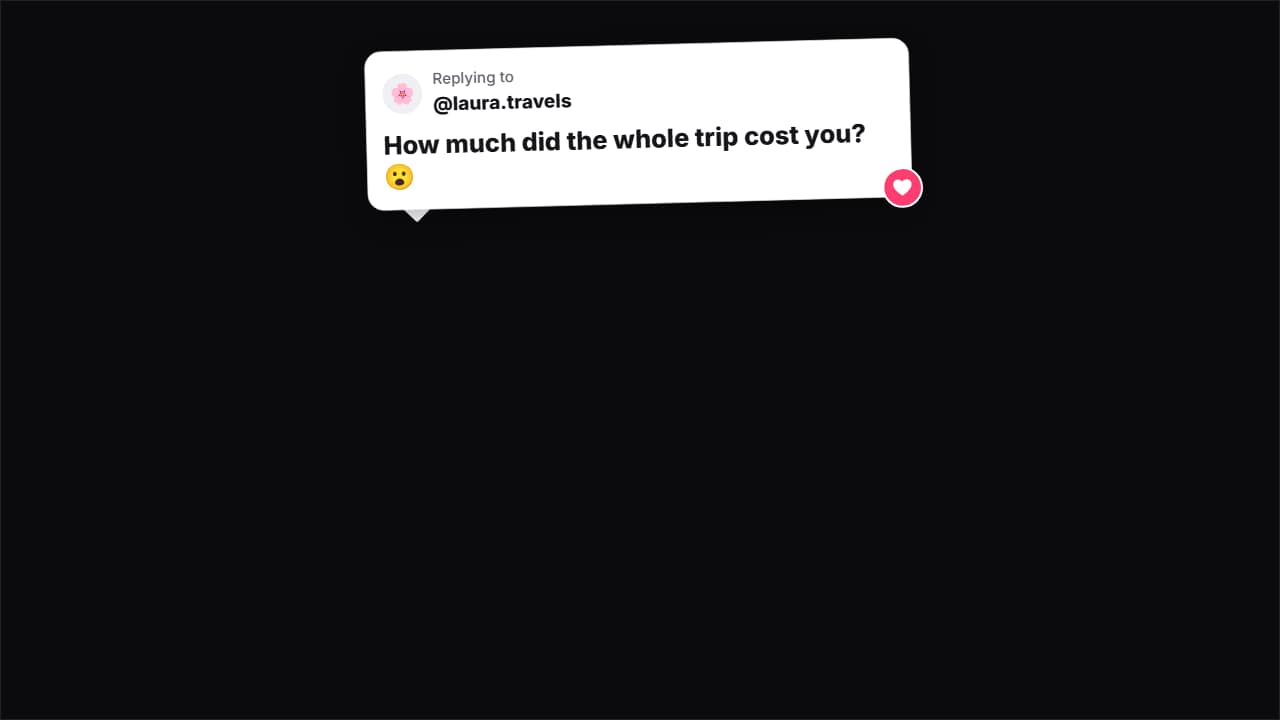 Reply to comment stickerThe sticker from Shorts that reply to a comment: the card with the commenter's avatar and @ pops in with a…
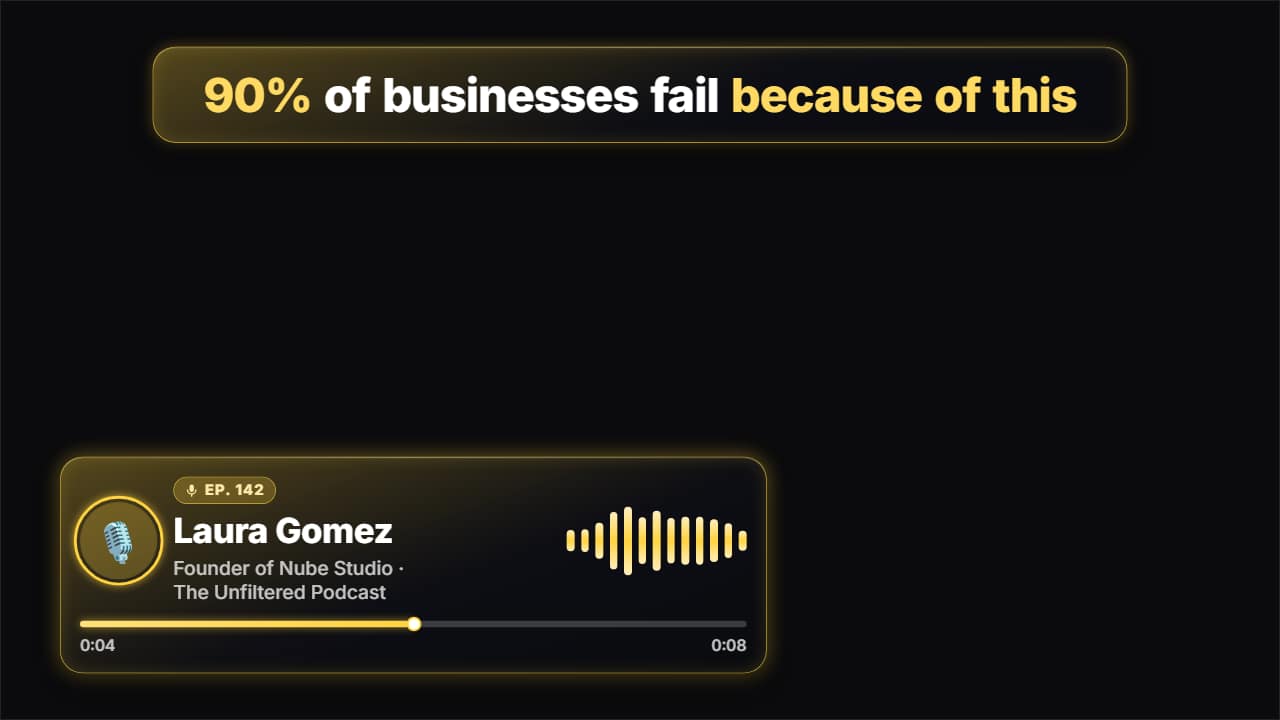 Podcast clipEverything that goes on top of a podcast clip for Shorts, TikTok and Reels: the hook at the top coming in…
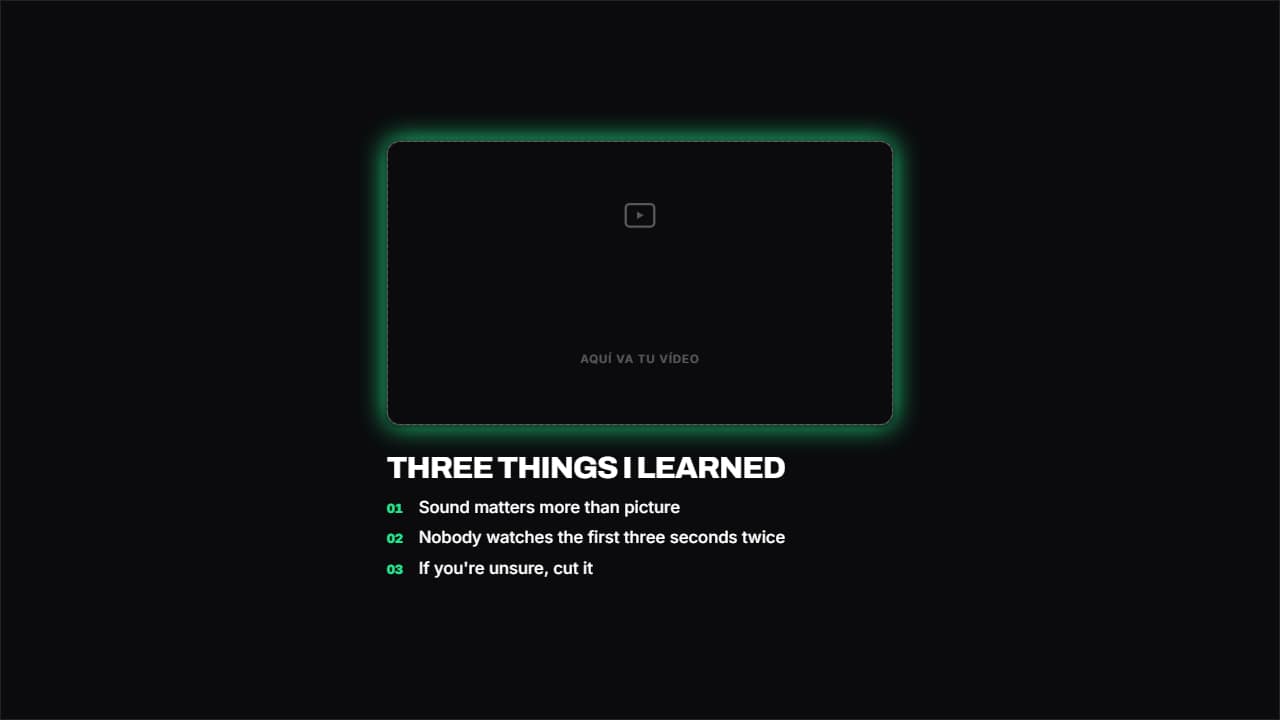 Your video on top, text belowThe frame on top and the content below. The one that works best in Shorts and Reels, where there's no room…
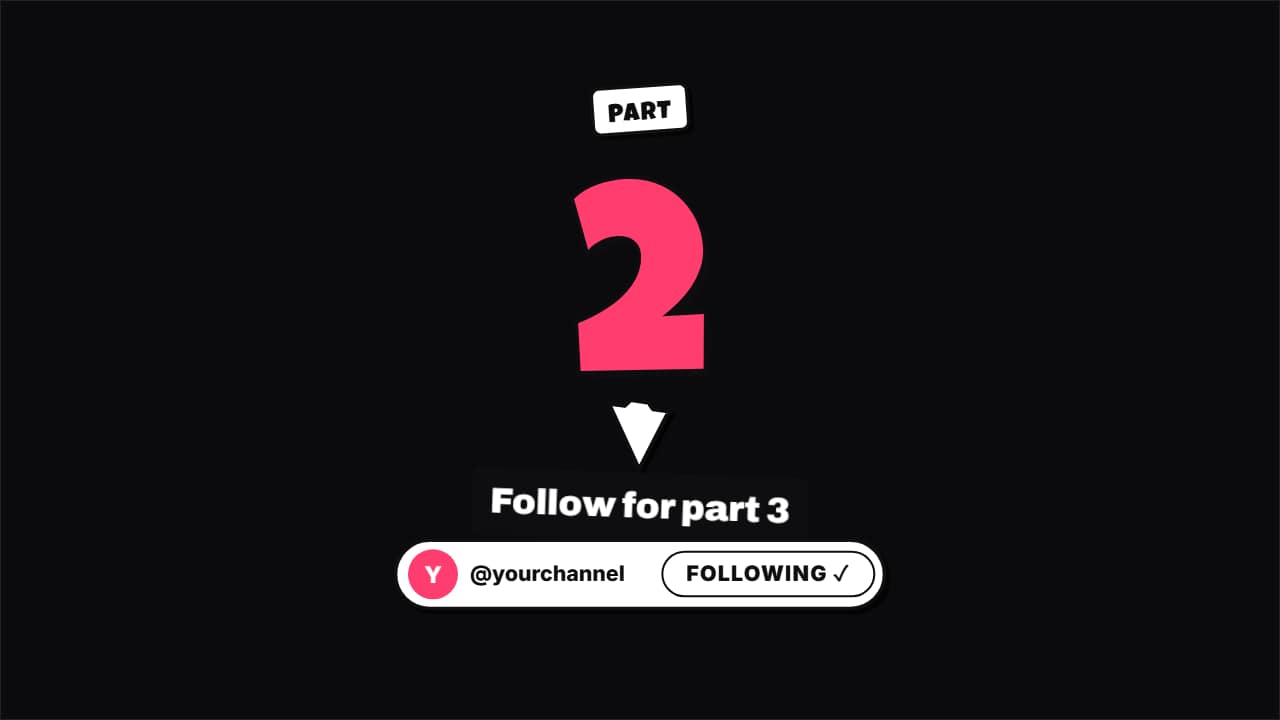 Part 2 · follow for the next oneThe end card of a Short in a series: the part number rolls up from the previous one (1 → 2), an arrow…
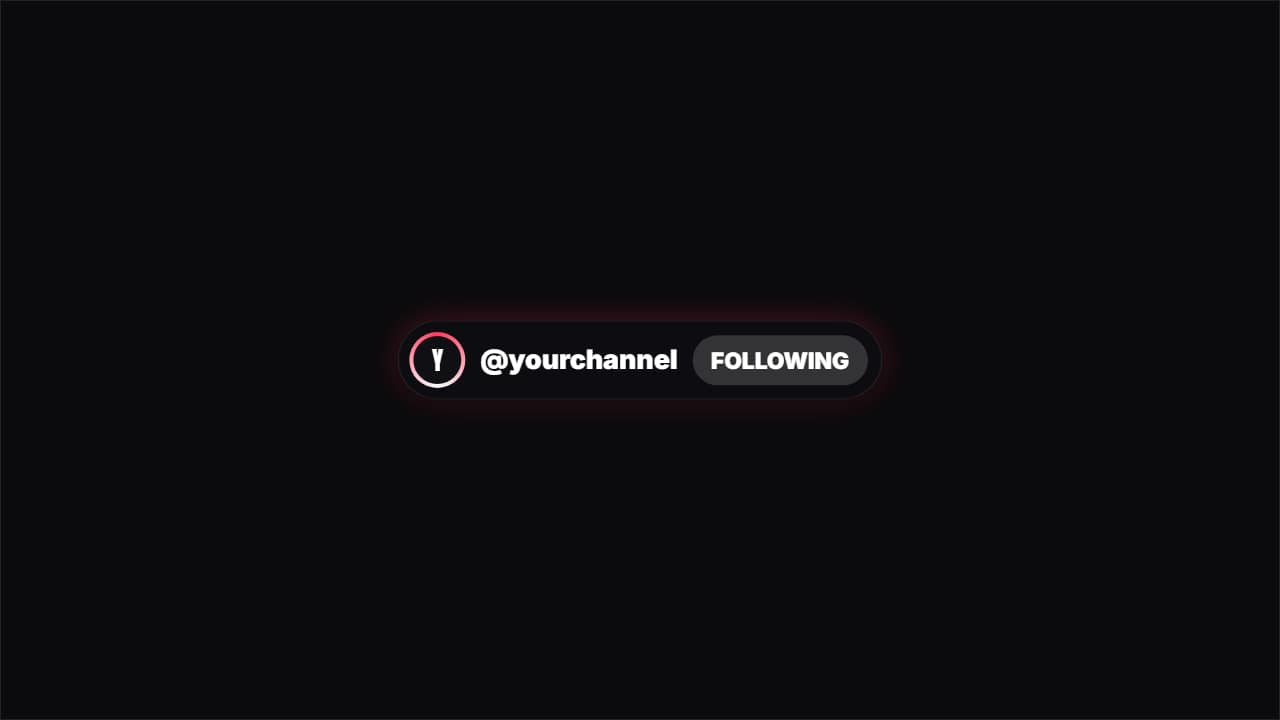 FollowA "FOLLOW" pill turning into "FOLLOWING" with the colored ring around the avatar. For TikTok and Instagram.
Questions
- Will the app's buttons cover the text?
- The hook and captions are placed away from the bottom and the right edge, where the Shorts and TikTok buttons sit. You can check any frame with the free safe zone checker before uploading.
- Can I use these for TikTok and Instagram Reels too?
- Yes. They are plain 9:16 video files with your text, so they work on any vertical platform. The follow pill and the «part 2» card are generic, without any app's logo.
- Do I need After Effects?
- No. Every template is edited in your browser: type your text, choose colors and format (16:9, 9:16 or 1:1), watch the live preview and export.
- What do I export, and does it work in my editor?
- Most templates export as a ProRes 4444 .mov with a transparent background, which you place on a track above your clip in CapCut, Premiere Pro, DaVinci Resolve or Final Cut Pro. You can also export an MP4 with your own clip behind it. Always in Full HD.
- Is it free?
- Editing and previewing are free and need no account. To export you sign in with Google; during the open beta, new accounts get export credits at no cost.