Aspect ratio1920×1080this is how it downloads
Preview doesn't change the file
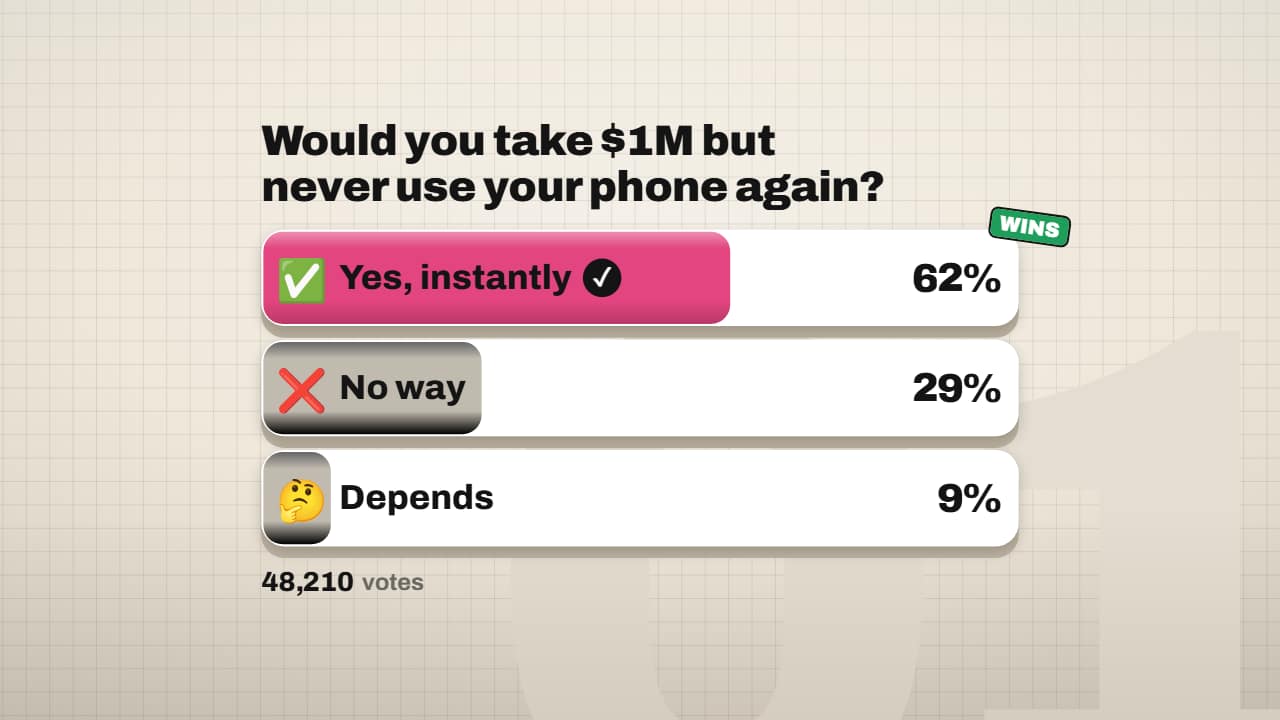
You'll download 1920×1080, 3.5 s, with no background (.mov).
BetaFree during the beta: create an account and export at no cost. No credit card.How it works →Free during the beta · no card →
You'll download 1920×1080, 3.5 s, with no background (.mov).
Your audience question in the Editorial 3D style: each option is a white card with a 3D edge that fills with its color while its % rolls on the wheels, the cursor taps your vote (the card sinks and keeps its ✓), at the end one wins with shards and its chip and the rest fade to grey; below, the total votes. Type the votes or % for each option (they're shared out automatically). Up to 5 options. For «what would you do?» Shorts, debates and poll results. Transparent it sits clean over your video.
Collection: YouTube Shorts templates
Plus the typeface and an optional letter outline, in every template.
Export it without background and put it on a track above your clip: the animation plays over your video.
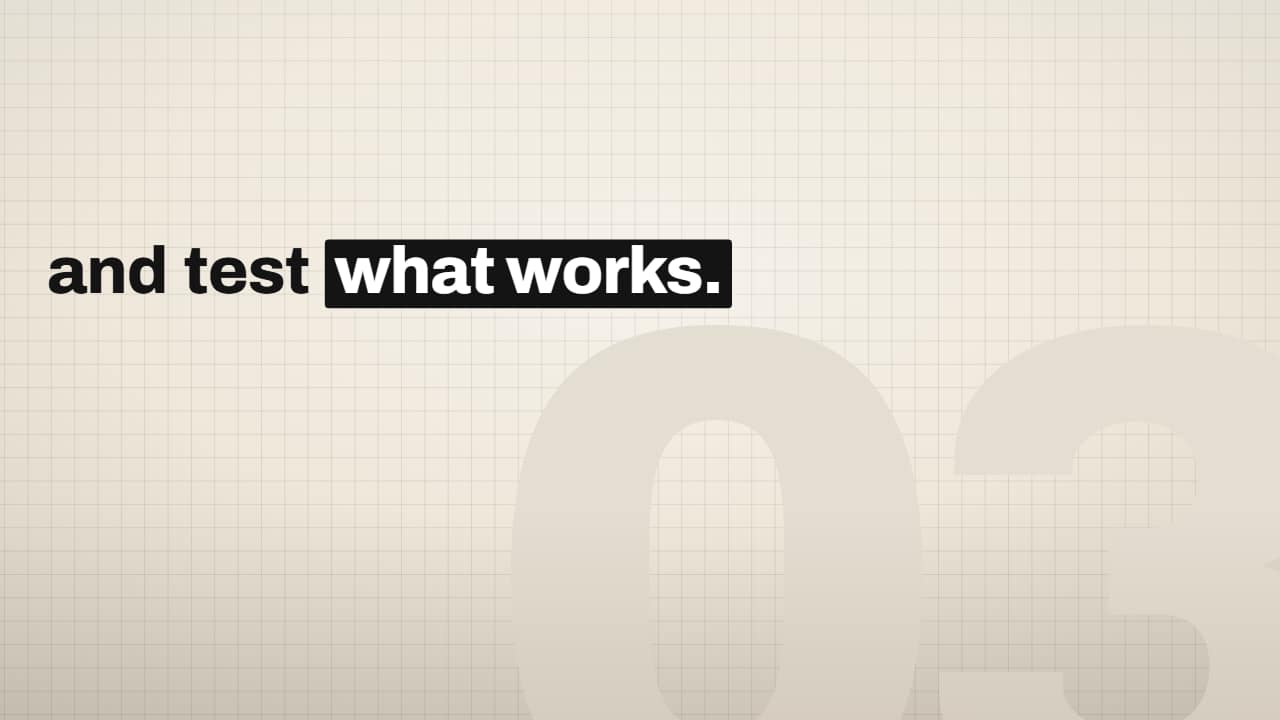 Editorial word-by-word caption with highlight boxPaste your sentence and mark the key words with *asterisks*: every word lands grey and slightly low, then…
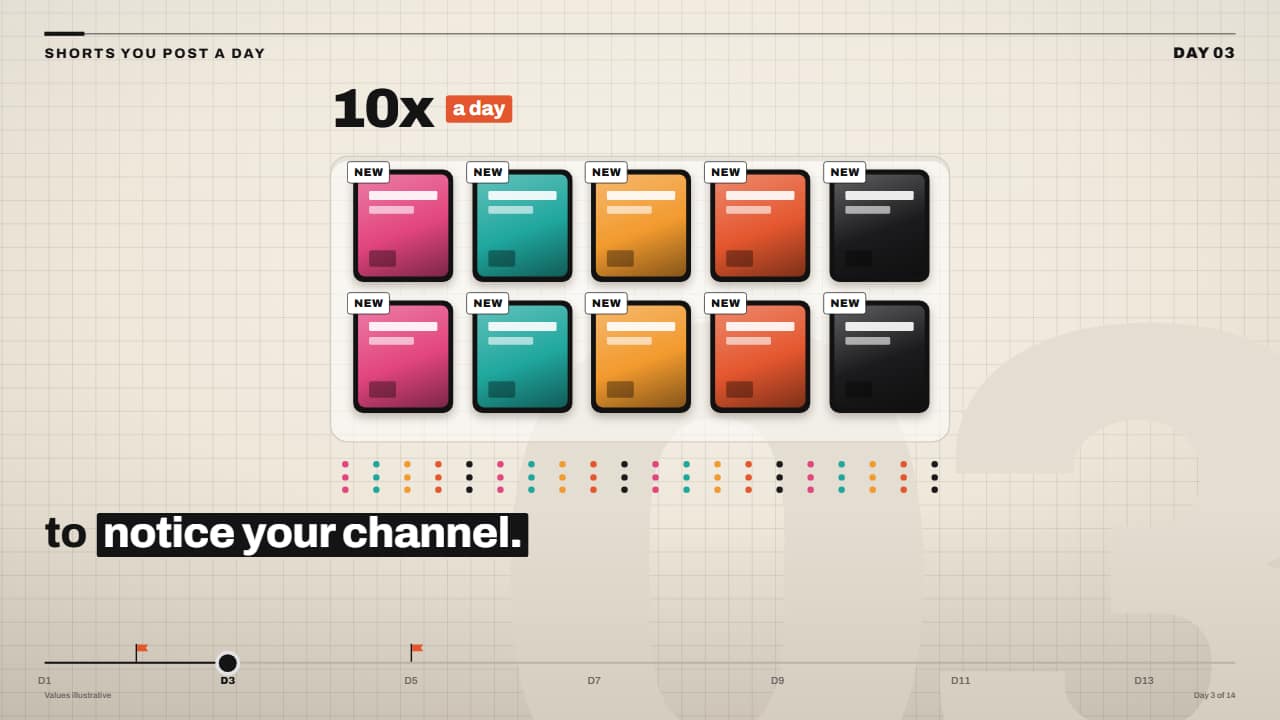 «10x a day» card tray with counterA tray with slots where video cards drop in one by one, each with its tag, while the number on top rolls up…
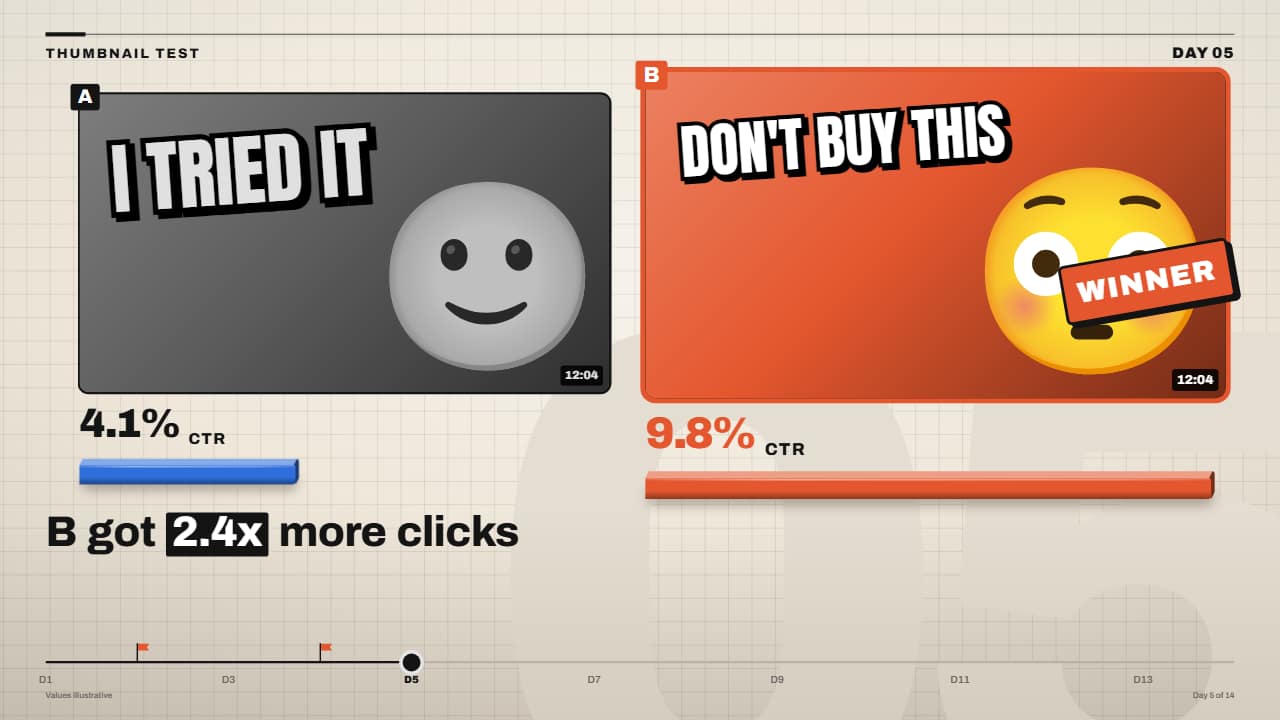 Thumbnail A/B testTwo thumbnails side by side: each click-through rate rolls on its wheels, a 3D bar per thumbnail, and at the…
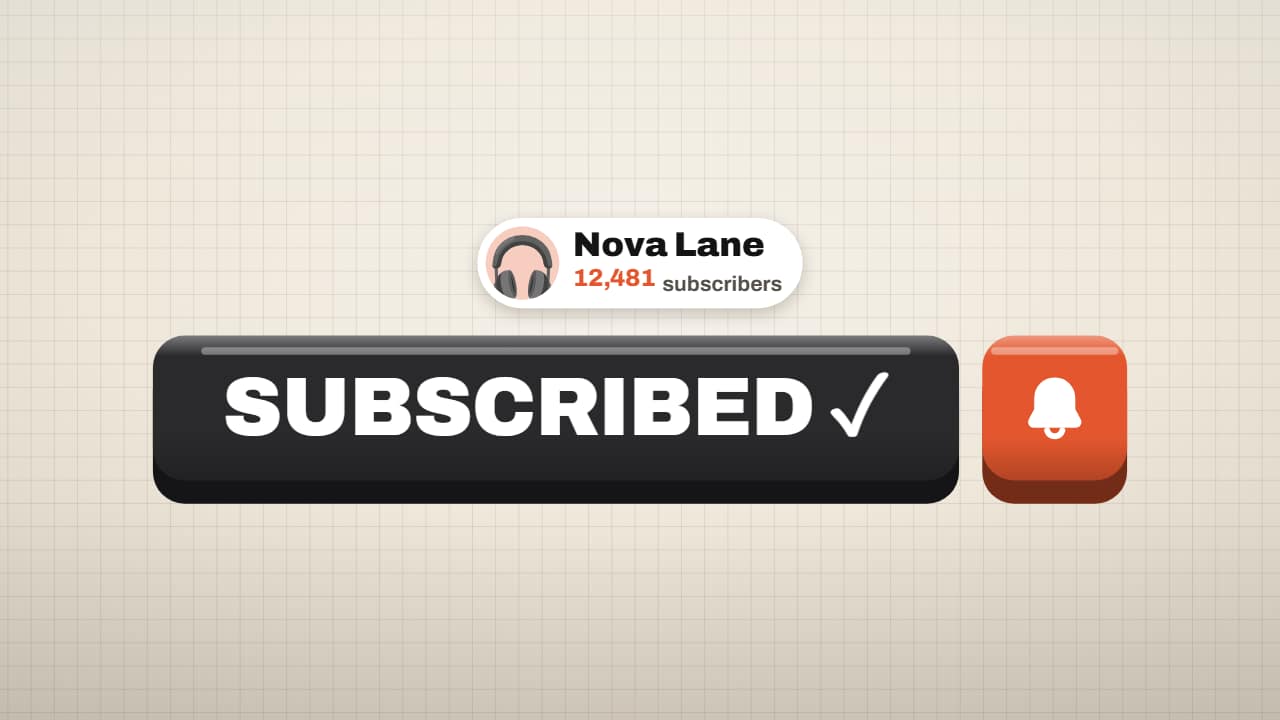 Subscribe button on a 3D keyThe subscribe button in the Editorial 3D style: the giant orange key, the cursor arrives in an arc, the key…
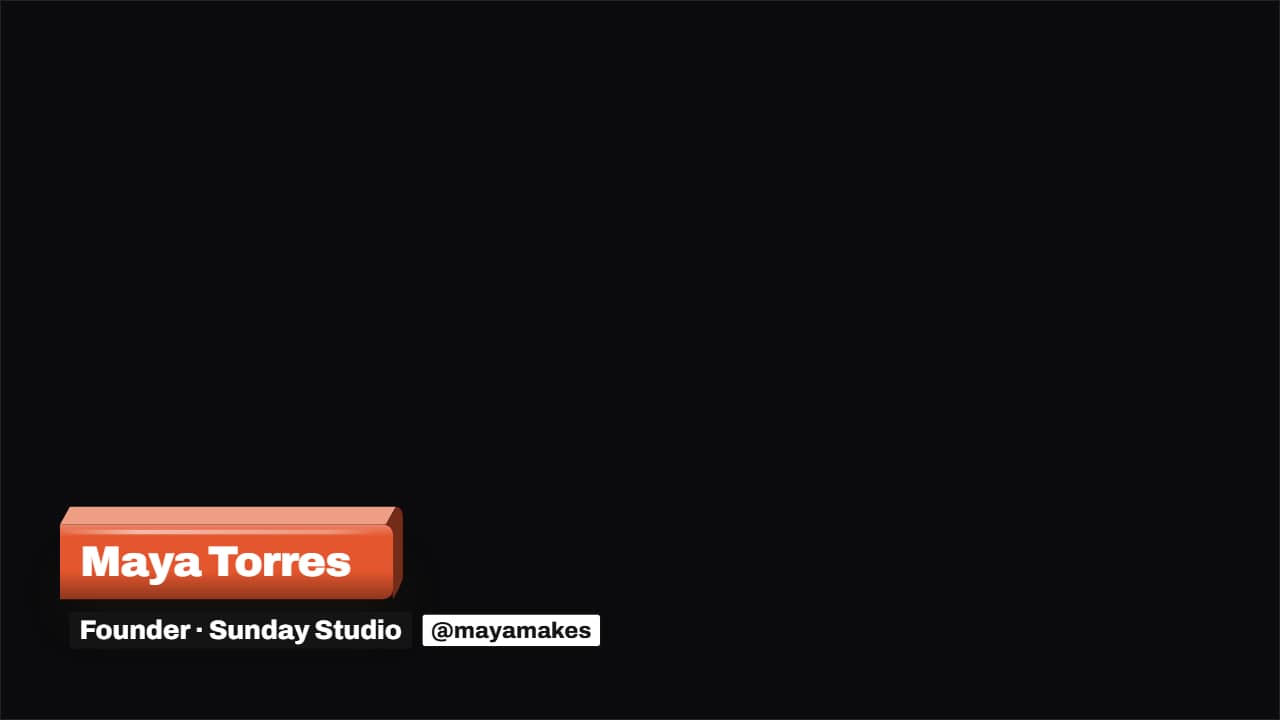 3D lower third: slab, stack or cardThe name lower third in the Editorial 3D style. Three styles: the slab in your color that whips in with the…
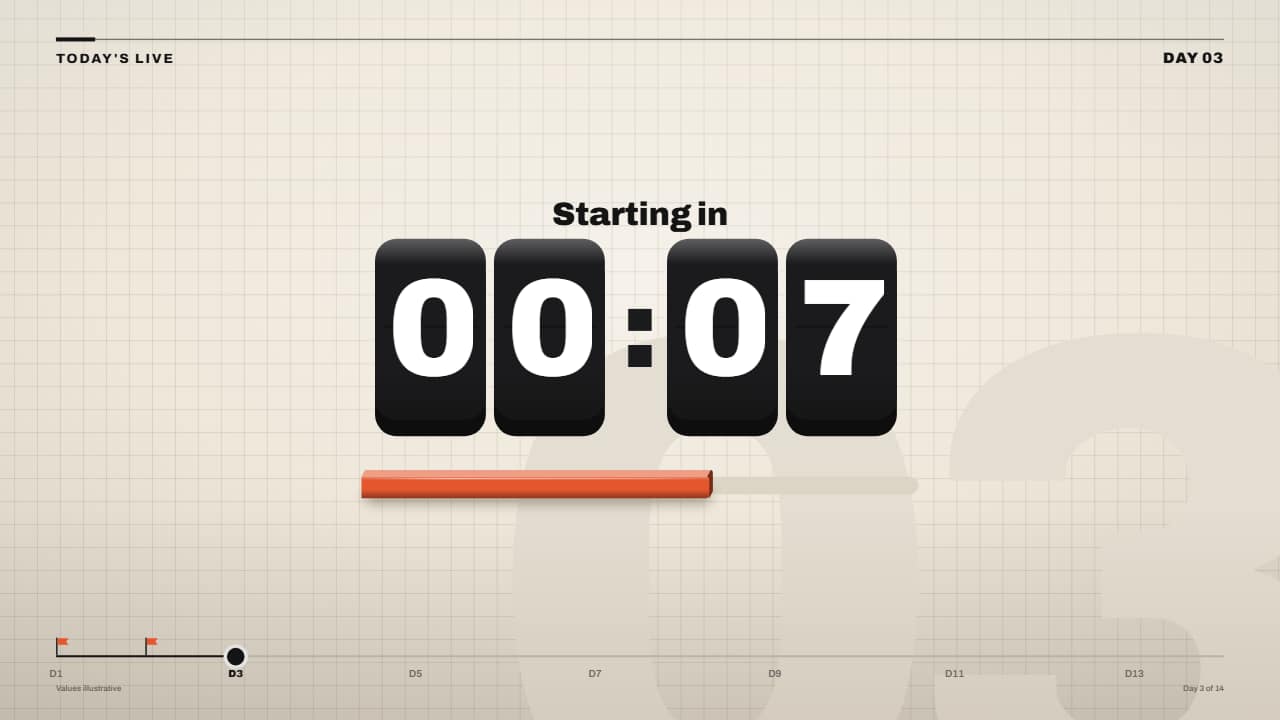 Countdown timer on 3D keysMinutes and seconds on black 3D keys: each wheel rolls down at the last instant of its second (with motion…
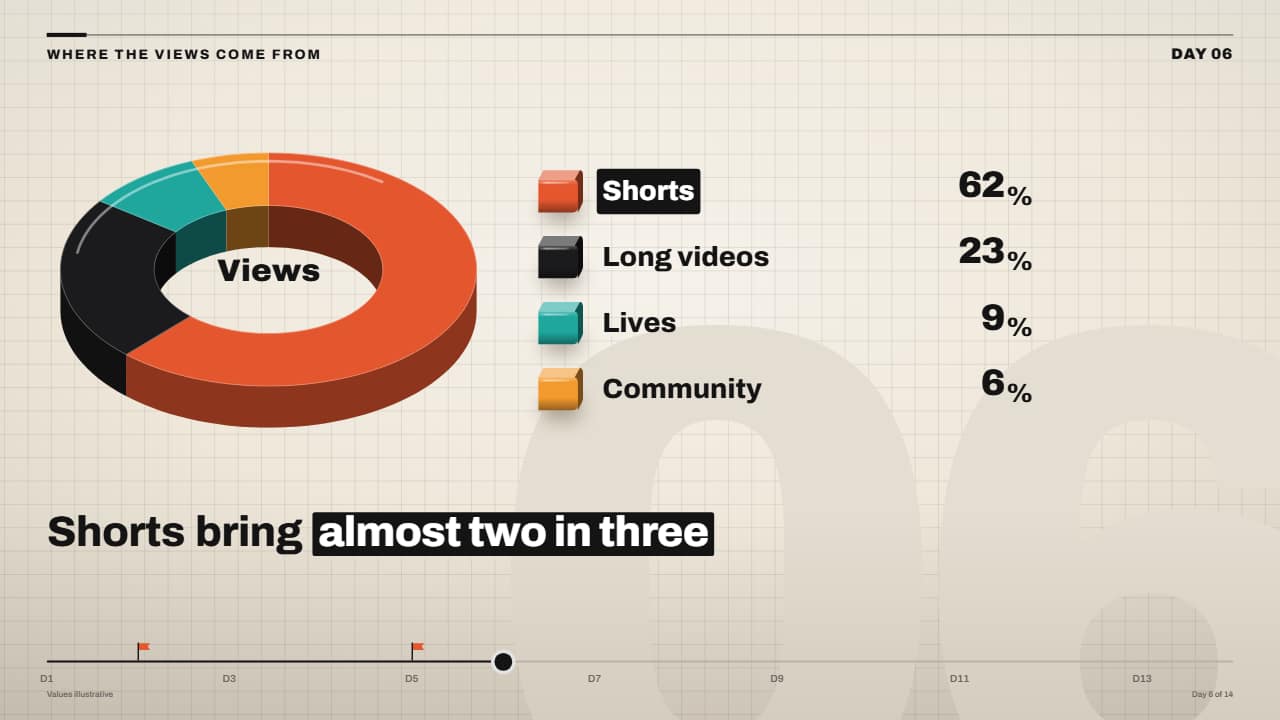 3D pie (donut) chart with rolling percentagesThe missing pie chart: a 3D donut with an edge where each slice sweeps its angle one after another, a legend…
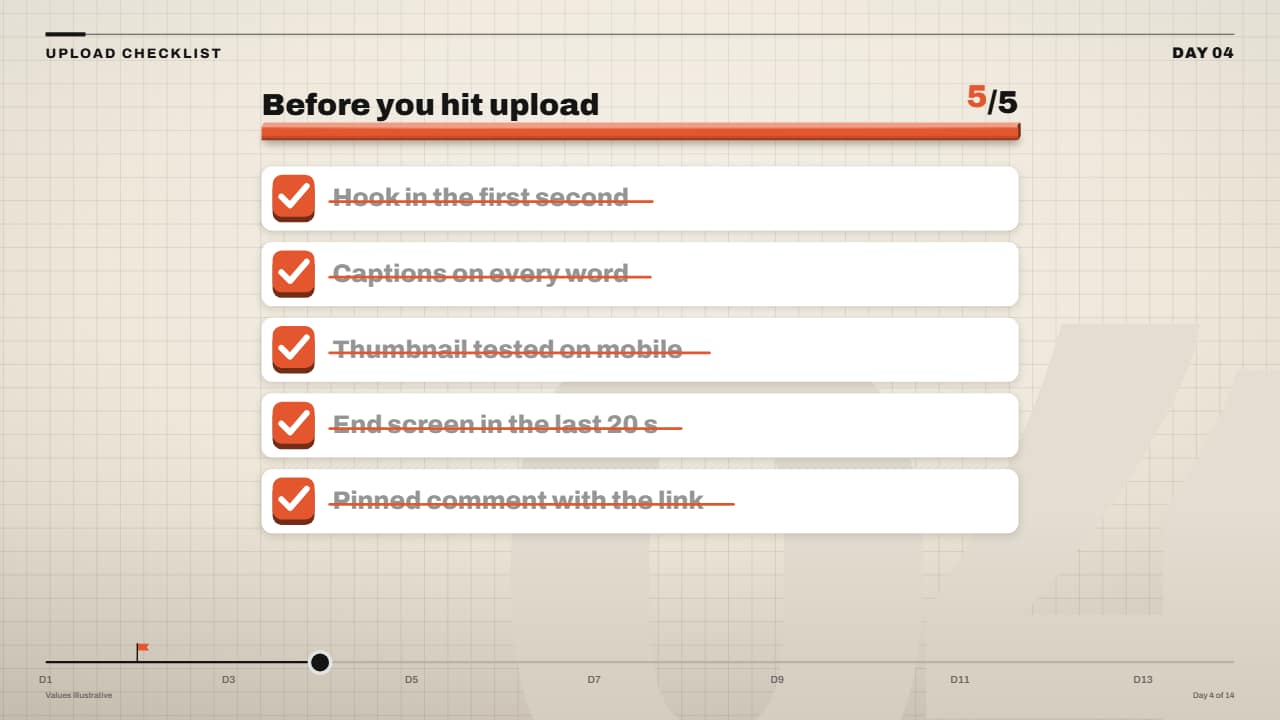 Checklist that ticks off (3D checkboxes)Each task on its white card with a checkbox that is a 3D key: on its turn it sinks, the tick draws itself, a…