Achievement Unlocked Overlays and Milestone Animations
The «achievement unlocked» pop-up is a joke everyone gets: it turns a small win into a moment. This one has a generic look, with no console's interface: an icon inside a ring that fills and bursts, the points rolling up, the achievement name and its rarity underneath. Choose a white capsule with confetti, an 8-bit style with a pixel trophy and typed lettering, or a dark card with a hexagonal medal.
Around it are the other ways to celebrate progress. A badge grid shows what you have earned lit up and what is still missing dimmed. The day streak keeps a flame next to the number and turns green when you beat your record; the personal-best card crosses out the old figure in red and bounces in the new one. The milestone counter rolls from an untidy number up to a round one, like 98,450 to 100,000, before the confetti fires, and the streak badge ticks over to the next day.
Gaming and challenge channels can add the HUD panel with a level and counters, or hearts for the lives left, where the used ones stay gray. Kids' channels have a spinning star for «prize unlocked». All of them export with a transparent background to drop over gameplay or footage.
9 templates · 16:9 · 9:16 · 1:1
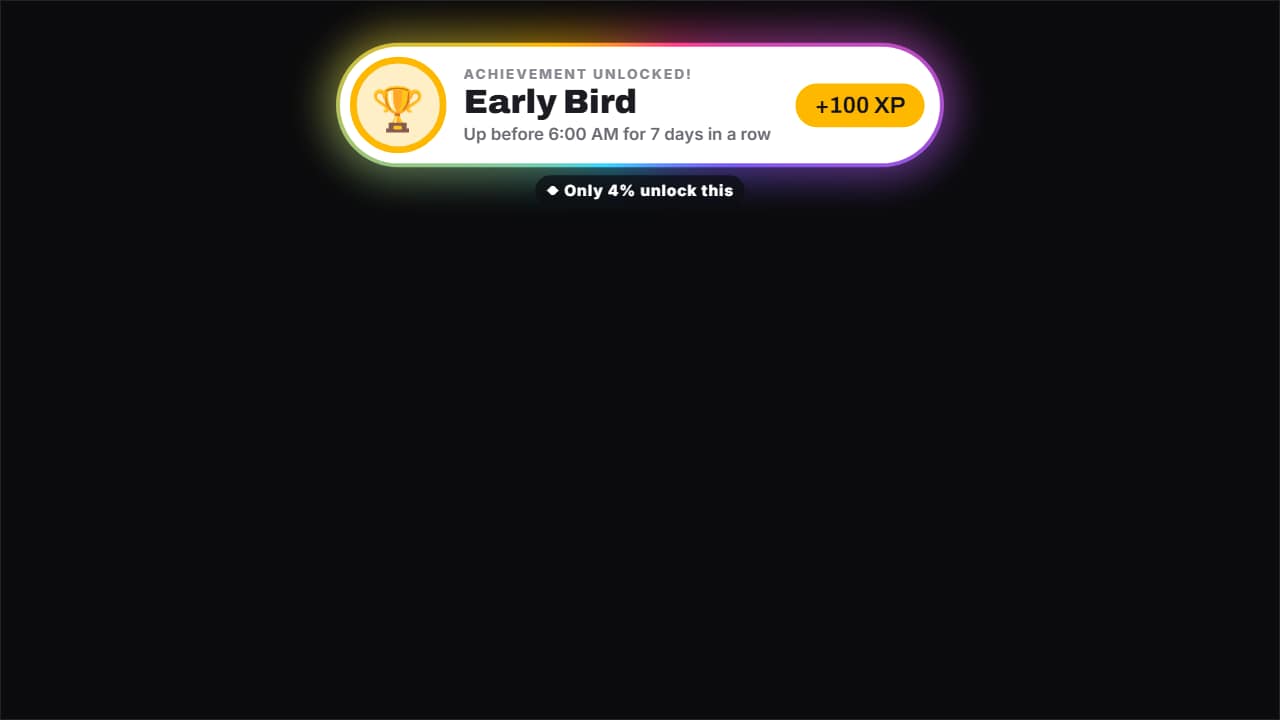 Achievement unlockedThe «achievement unlocked» pop-up, for real or as a joke («Early Bird: 7 days in a row up before 6 AM»): the…
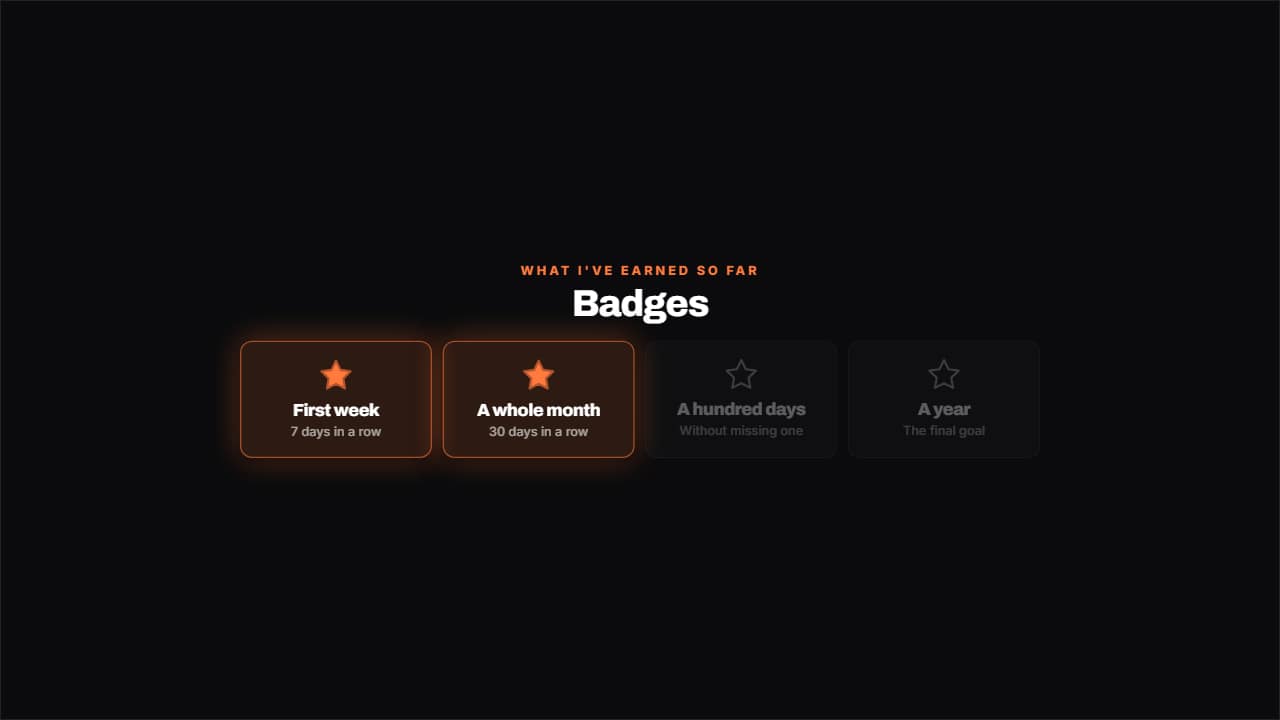 Badges unlockedWhat you've earned lit with its star and what's left dimmed, in a grid.
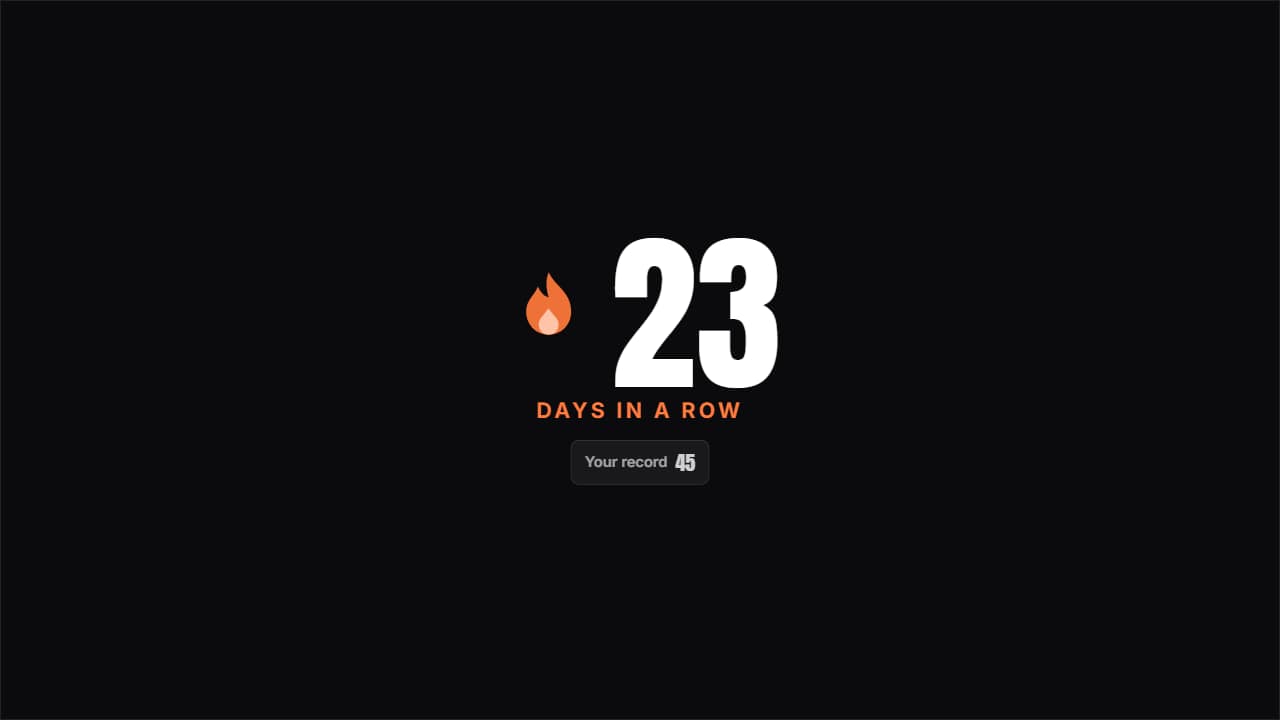 Day streakThe huge number with the flame pulsing beside it and the previous record underneath; beat it and it turns…
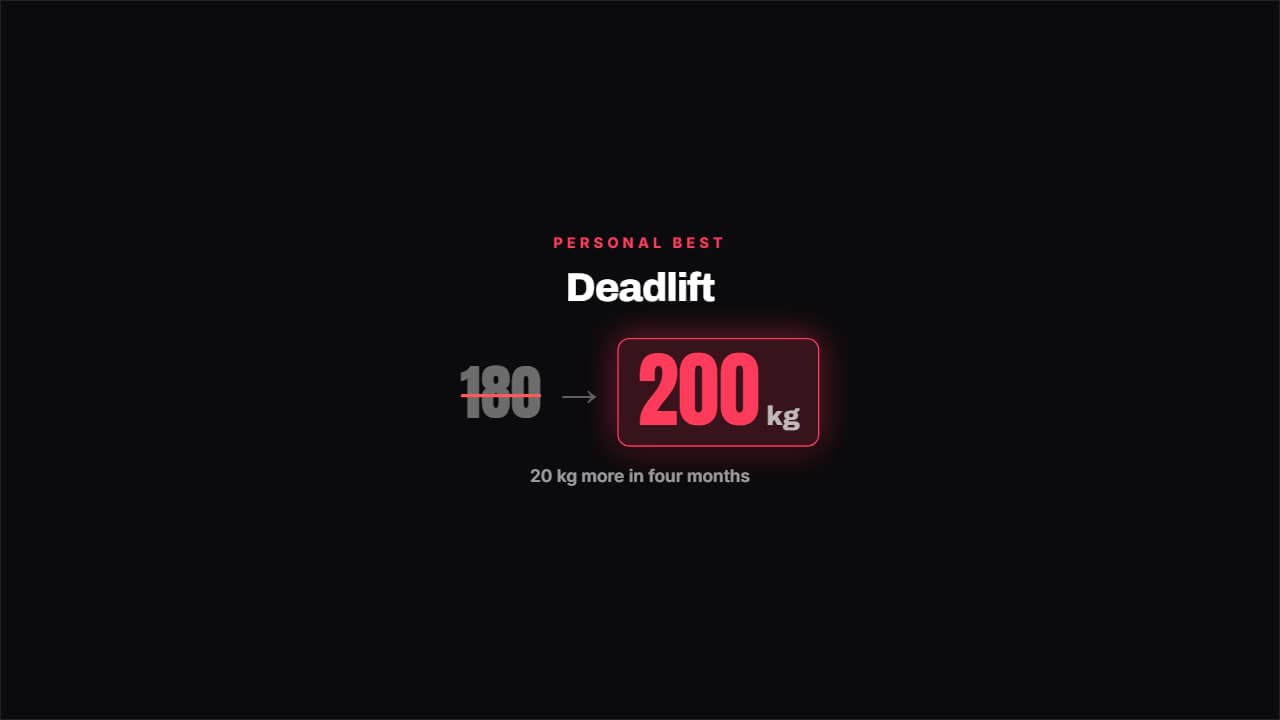 Personal best beatenThe old best gets crossed out in red and the new one bounces in with its unit.
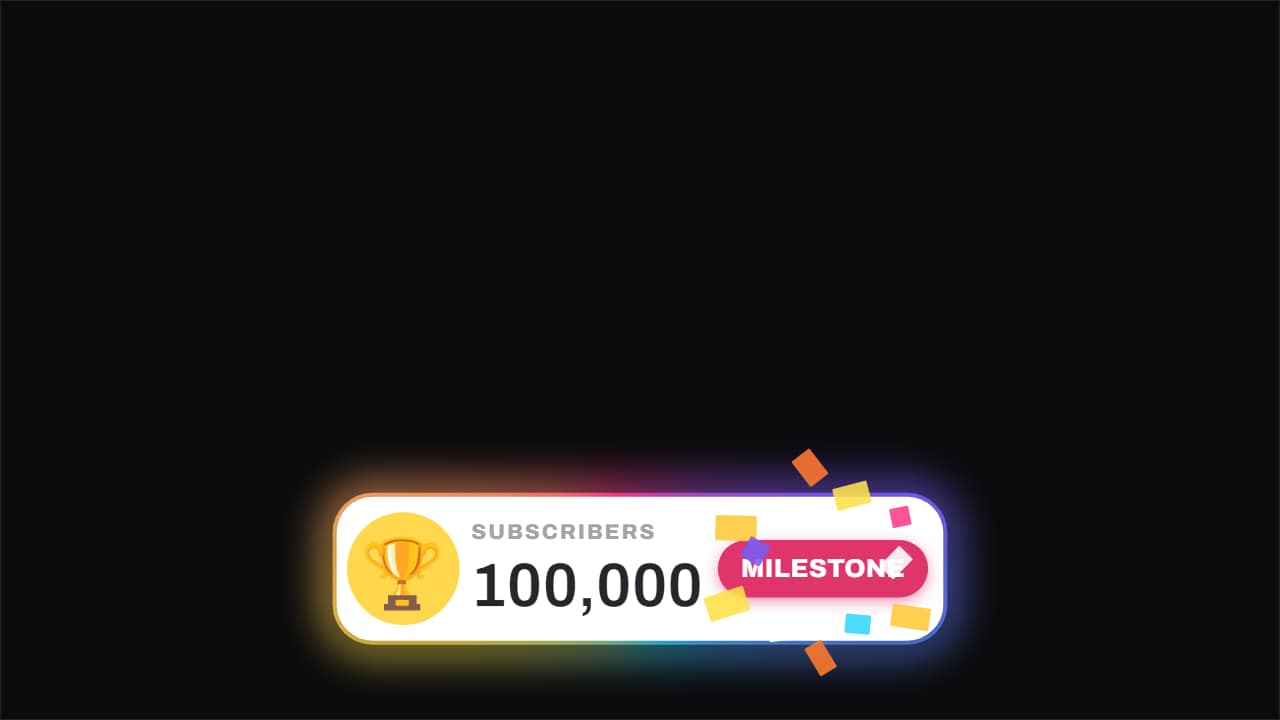 Milestone · the counter lands roundThe counter rolls on an odometer from an ugly figure up to the round one, and when it hits it the confetti…
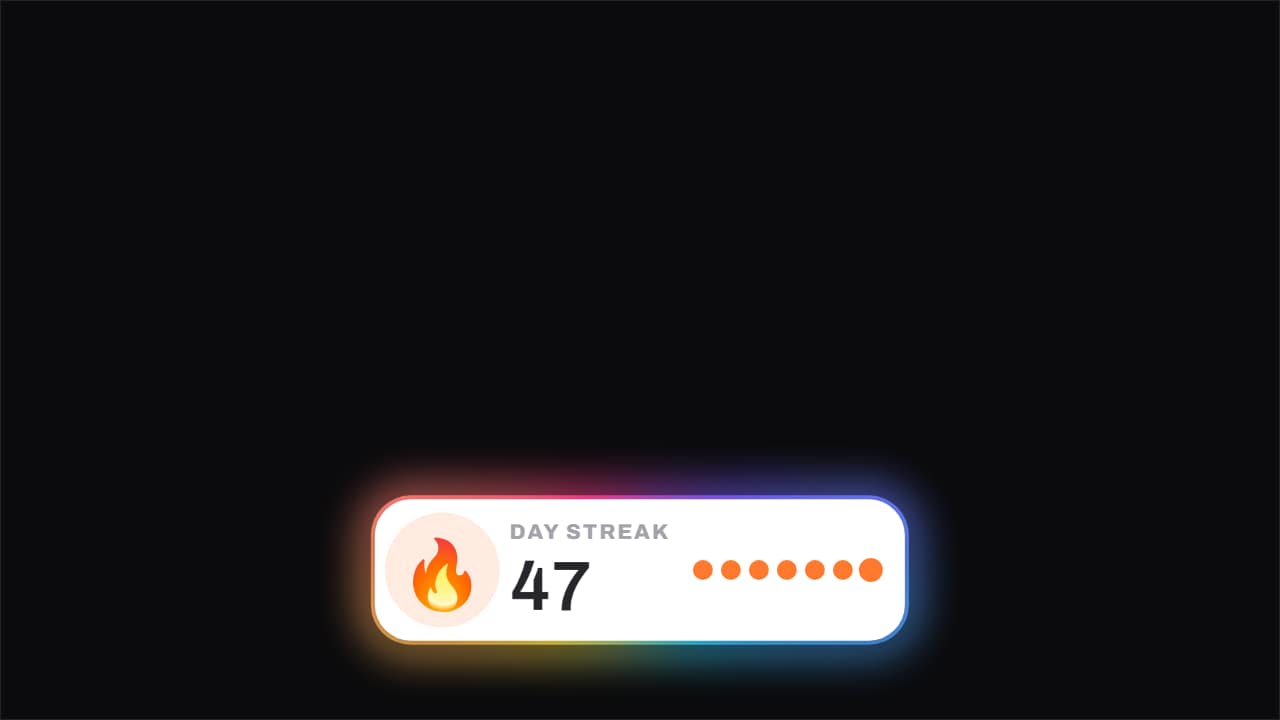 Streak · the day that ticks overThe flame breathes the whole time and the number ticks over on its frame, with the week's dots filling and a…
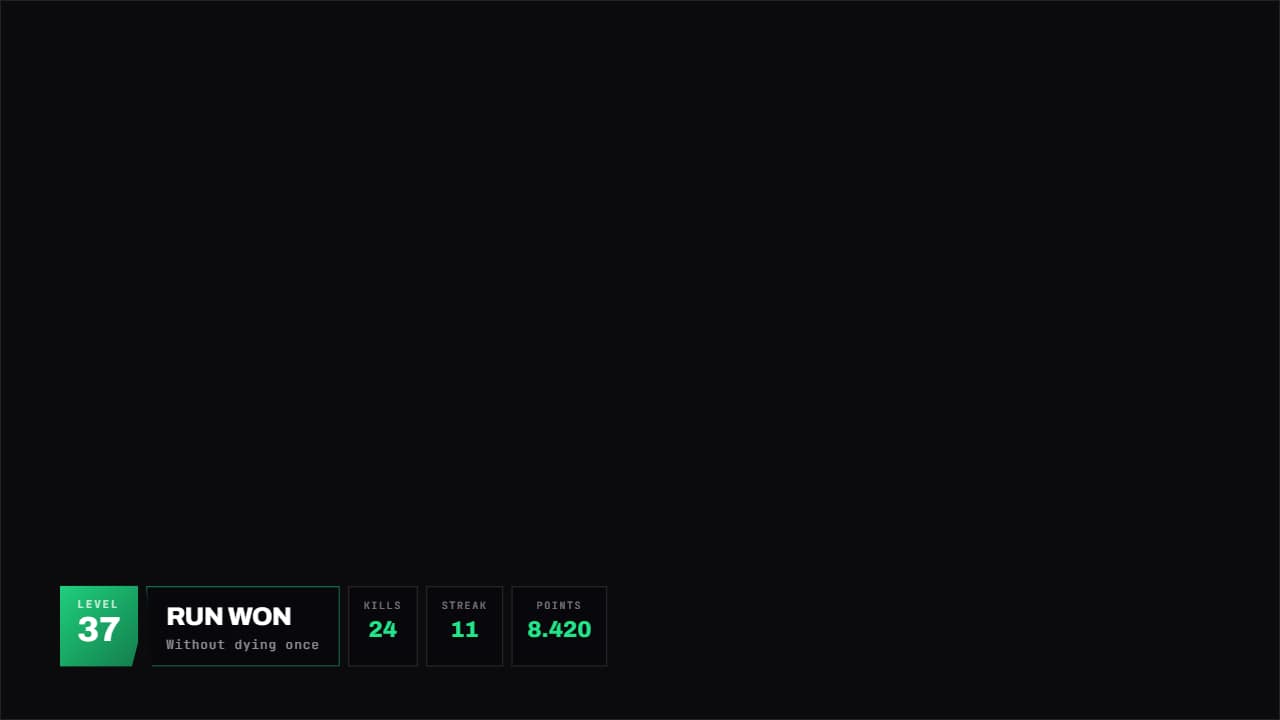 Gaming panelA HUD panel with corners cut on the diagonal: level large on one side, title in the middle and whatever…
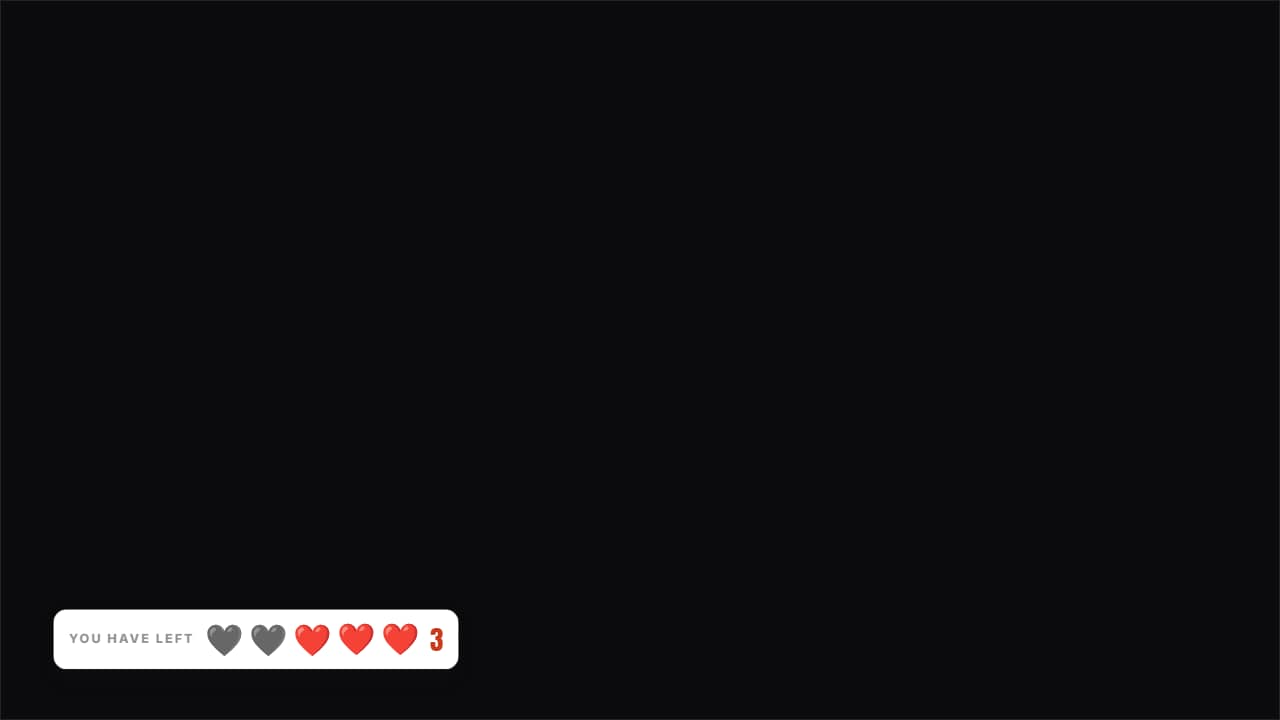 Lives you have leftHearts (or whatever you like) over the video: the used ones stay on screen in gray, they don't disappear.
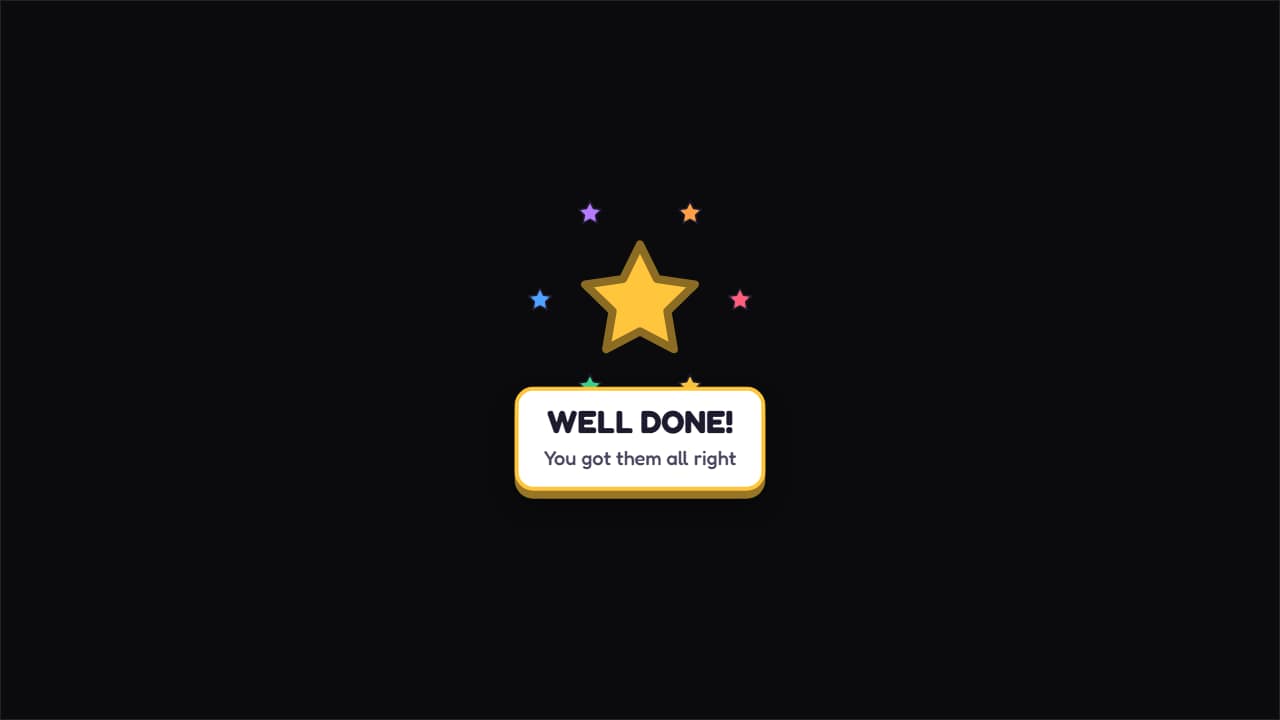 Prize unlocked!A big star spinning as it lands, with colorful sparkles around it and the message underneath.
Questions
- Does it look like an Xbox or PlayStation achievement?
- No. The pop-up is deliberately generic, so it fits any video without copying a console's interface. You choose the icon, the text, the points, the rarity and the color.
- Can I write a funny achievement?
- Yes, that is how most people use it («Early Bird: 7 days in a row up before 6 AM»). The label, the achievement name, the description, the points and the rarity are all text fields.
- Do I need After Effects?
- No. Every template is edited in your browser: type your text, choose colors and format (16:9, 9:16 or 1:1), watch the live preview and export.
- What do I export, and does it work in my editor?
- Most templates export as a ProRes 4444 .mov with a transparent background, which you place on a track above your clip in CapCut, Premiere Pro, DaVinci Resolve or Final Cut Pro. You can also export an MP4 with your own clip behind it. Always in Full HD.
- Is it free?
- Editing and previewing are free and need no account. To export you sign in with Google; during the open beta, new accounts get export credits at no cost.