Countdown Timer Overlays for Videos
A countdown only works if the seconds are real. Every timer here counts at actual speed: you set where it starts and how long each number lasts, and the template does the arithmetic, so a ten-second timer lasts ten seconds in your edit and you can cut it straight over the action.
For openers and reveals there are three 3-2-1 styles: a ring that empties around the number, a full-screen flash with a shockwave on every tick, and clean sports digits with a progress bar. For longer waits, the cooking timer sits in a corner and turns red in the last stretch, the circuit timer alternates work and rest, and the «days left» badge counts down to a launch, a premiere or a giveaway.
Challenge channels get two 24-hour pieces: one runs down to zero and changes color as time runs out, the other is the challenge clock that shows what time it is in the story, with a speed in hours per second of video. And for December 31st there is a midnight countdown that ends in confetti, fireworks and the new year. All of them export with a transparent background in 16:9, 9:16 or 1:1.
9 templates · 16:9 · 9:16 · 1:1
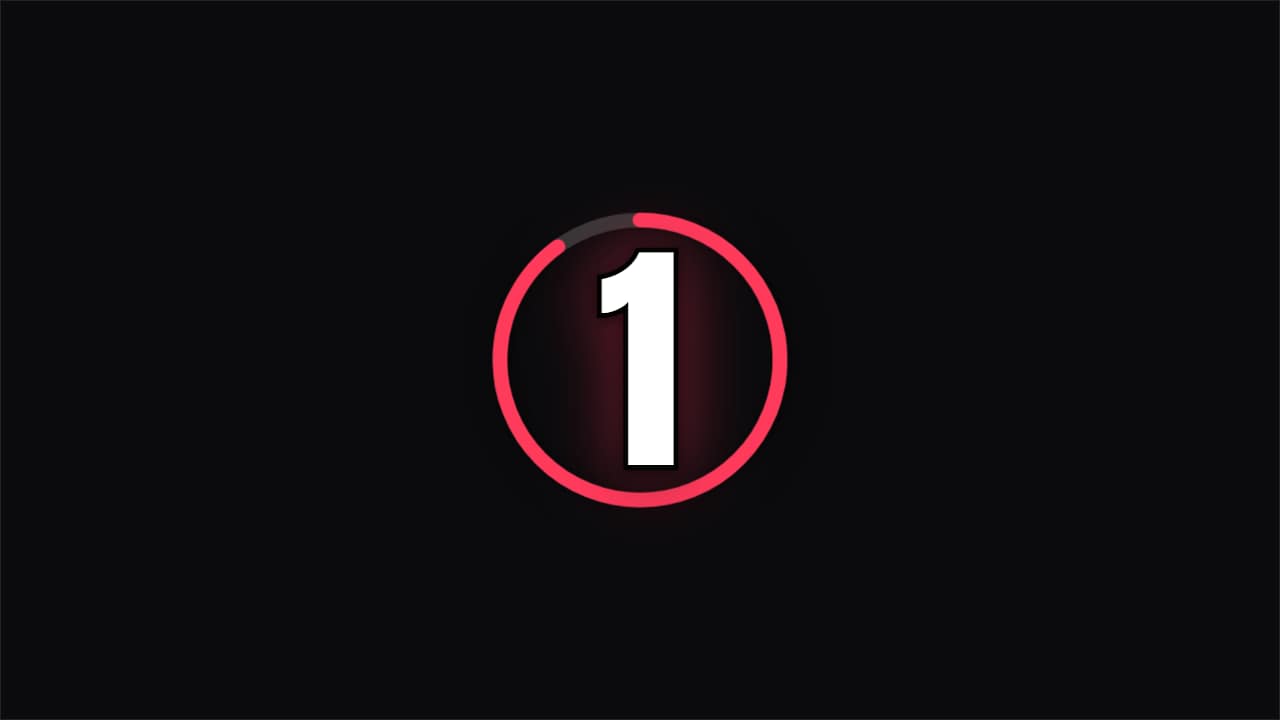 Countdown · RingA ring emptying each second with the number inside and a final flourish. For challenges and openers.
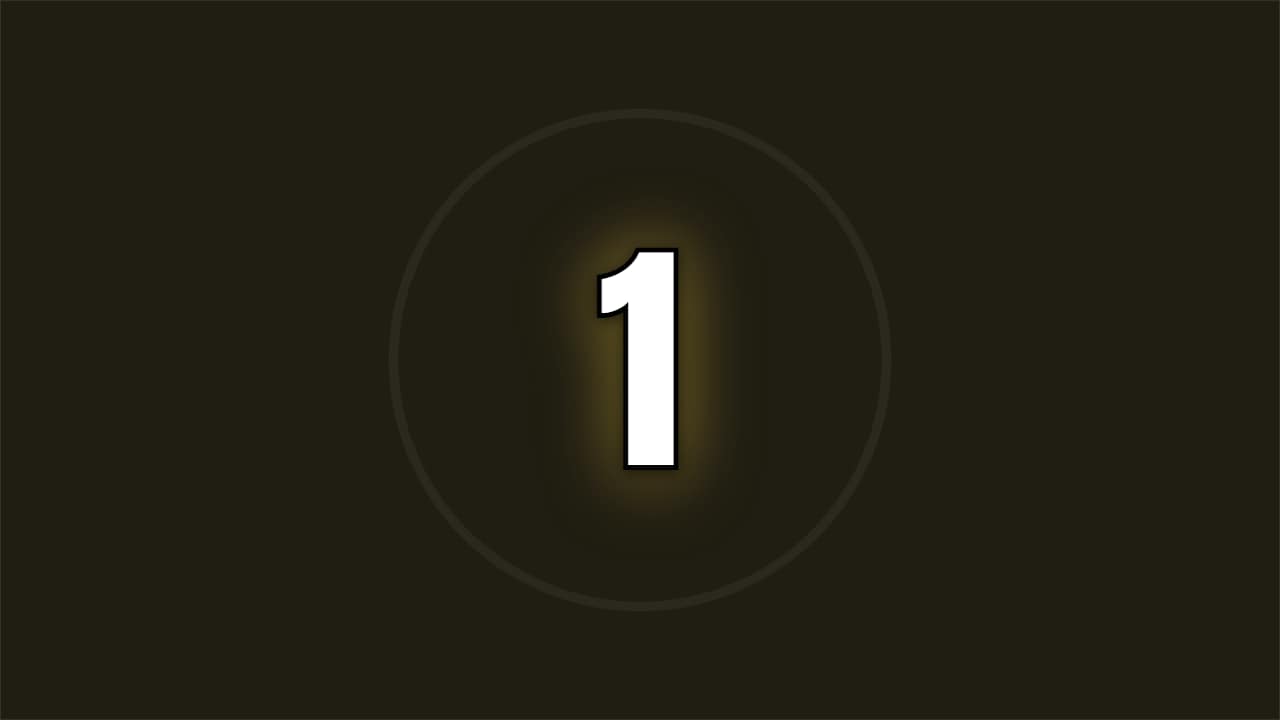 Countdown · FlashA full-screen number with a color hit and a shockwave on every tick. Maximum energy before the key moment.
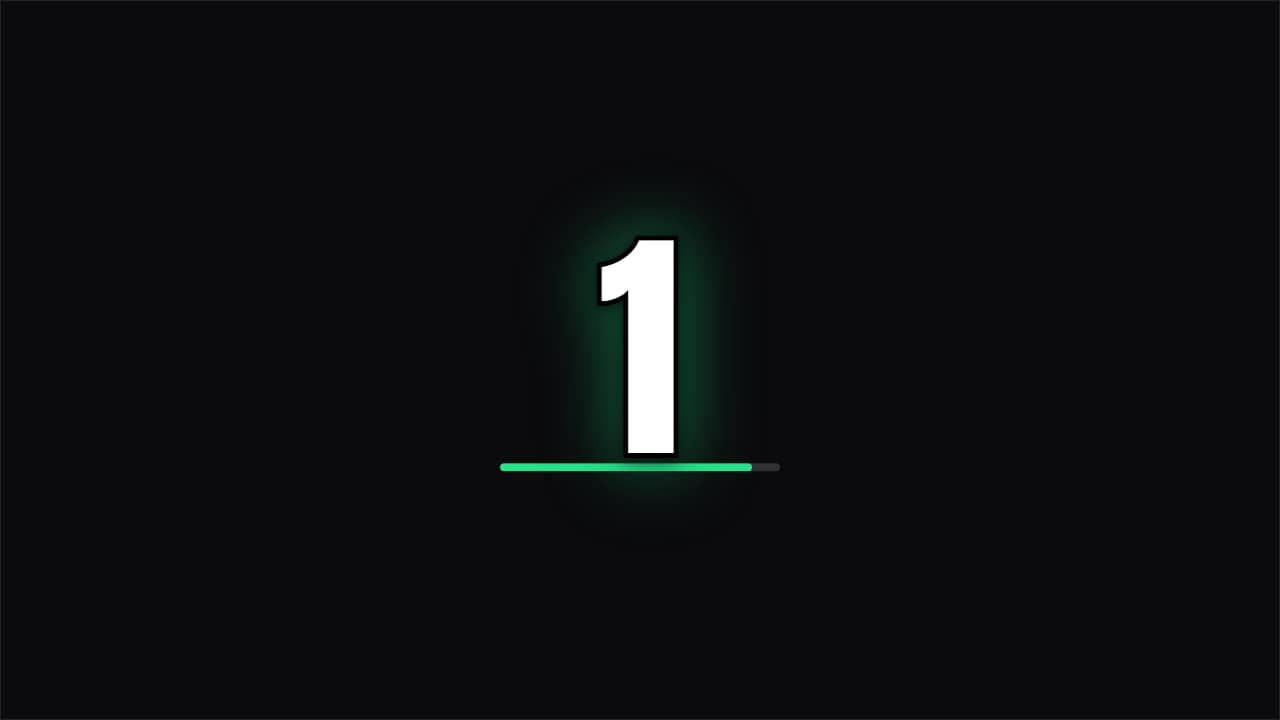 Countdown · SportsA clean number with a progress bar per second. Understated, fits any video.
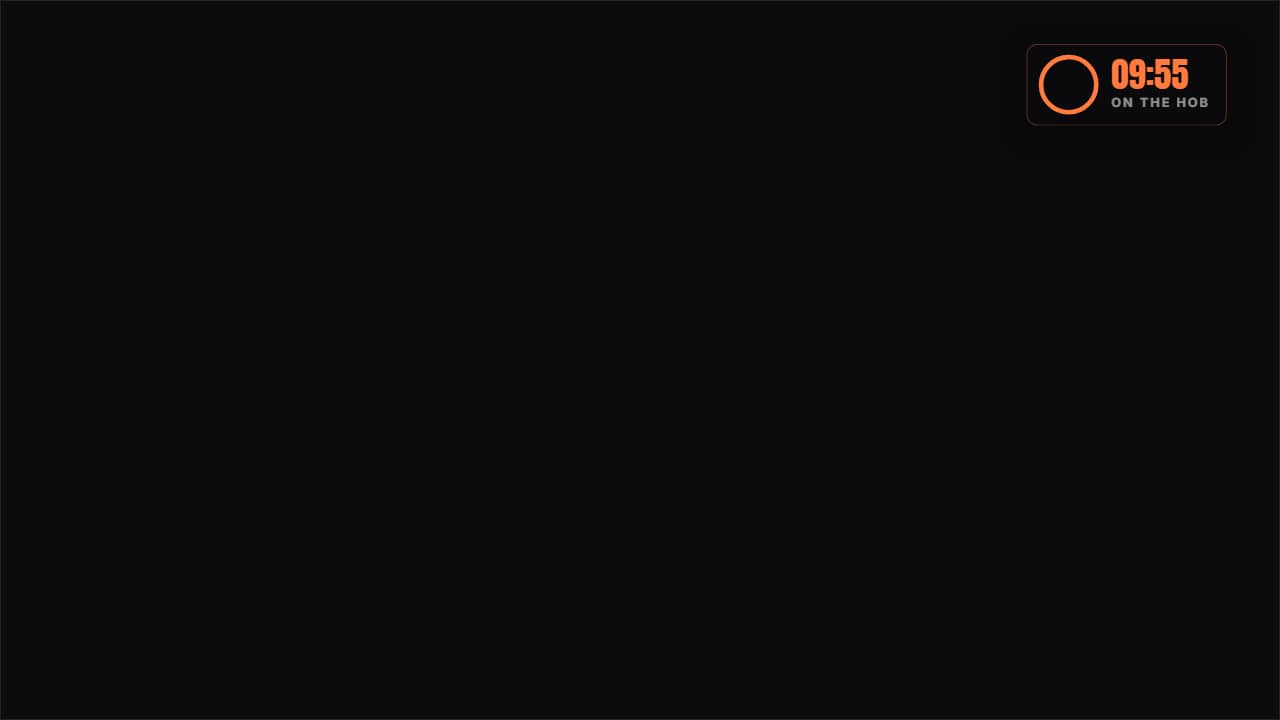 Cooking timerA real countdown in a corner: the ring empties at actual speed and the last stretch turns red, which is when…
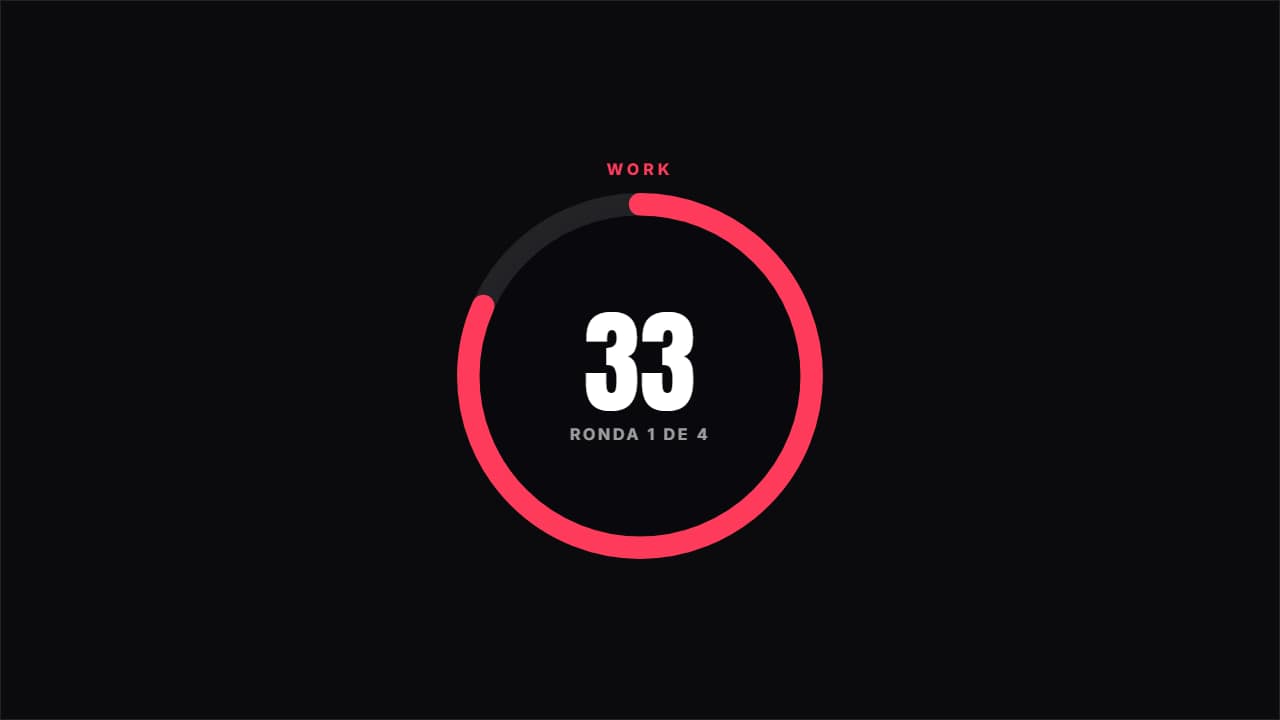 Circuit timerAlternates work and rest at real speed, with the ring emptying, the color changing and the round you're on.
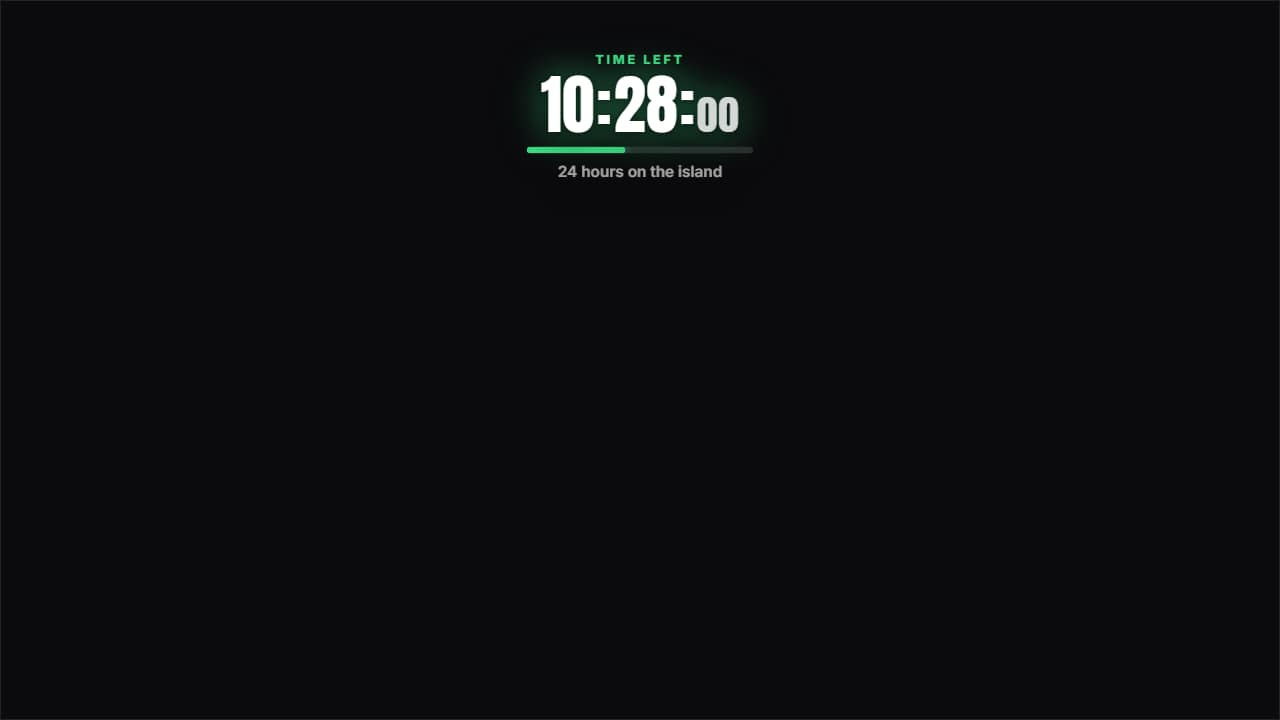 24-hour countdownThe clock running DOWN to zero, which is not the same as the challenge clock: one tells you what time it is…
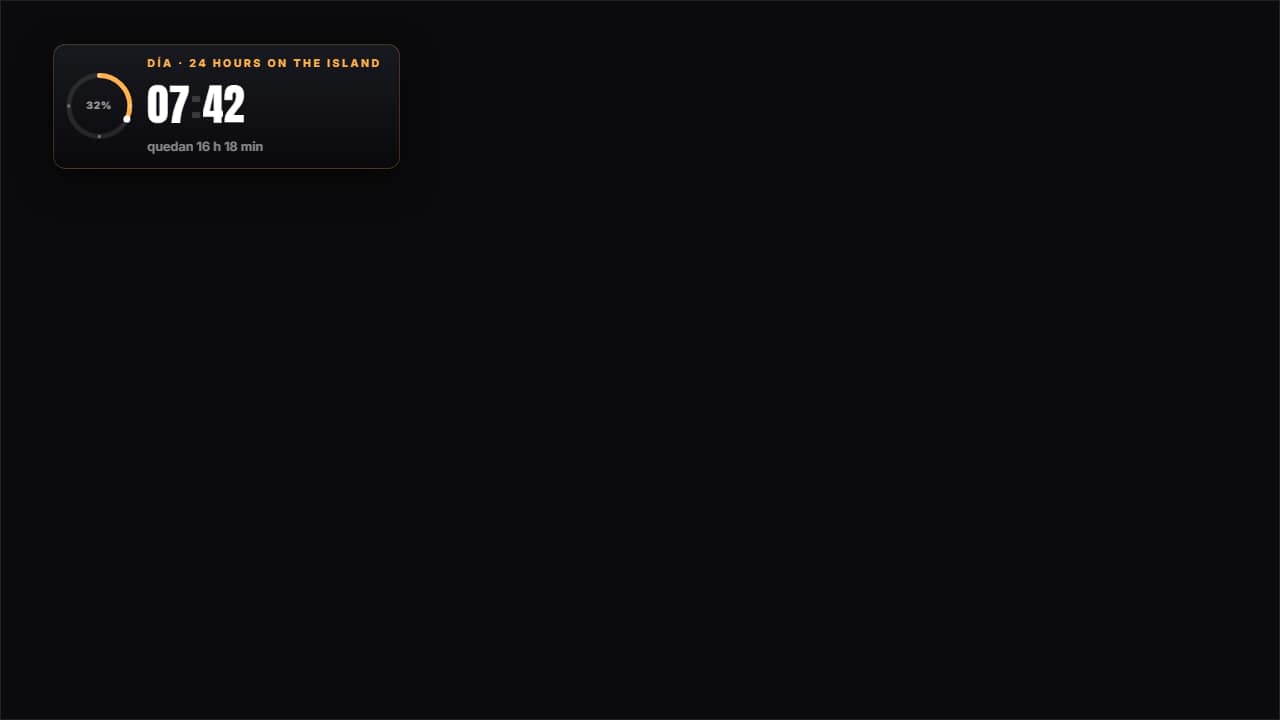 24-hour challenge clockThe CHALLENGE clock, not the video's: fifteen minutes of edit cover twenty-four hours, so you either set the…
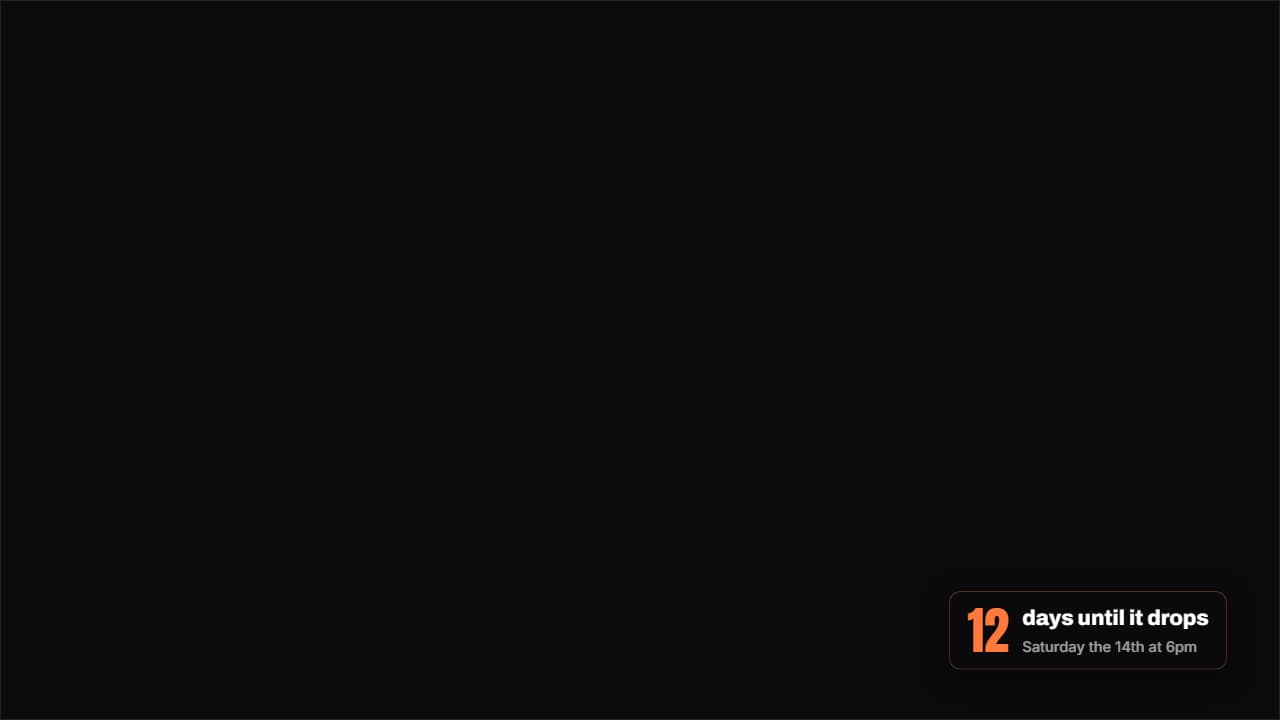 How much is leftA badge with the days (or hours) left until a date, with the number counting as it lands.
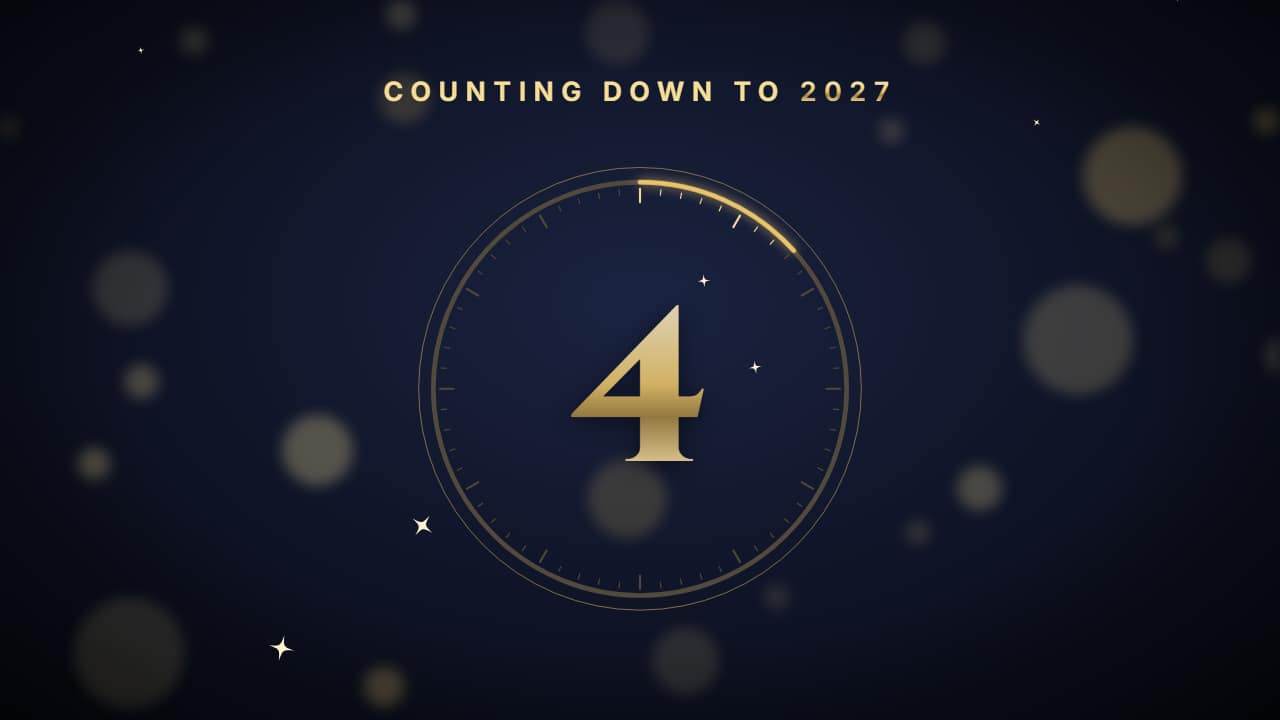 New Year countdownThe midnight countdown: 10… 9… 8… big in the middle, inside a ring that drains every second like a clock…
Questions
- Does the timer count in real seconds?
- Yes. You choose the starting number and the seconds per number (or, in the 24-hour pieces, how many hours of the challenge pass per second of video). What you see in the preview is what you get in the file.
- Can I change the word at zero?
- In the 3-2-1 countdowns the word that appears at zero is a field («Final word»), and so is the label above the number. The New Year countdown lets you change the year and the line at zero.
- Do I need After Effects?
- No. Every template is edited in your browser: type your text, choose colors and format (16:9, 9:16 or 1:1), watch the live preview and export.
- What do I export, and does it work in my editor?
- Most templates export as a ProRes 4444 .mov with a transparent background, which you place on a track above your clip in CapCut, Premiere Pro, DaVinci Resolve or Final Cut Pro. You can also export an MP4 with your own clip behind it. Always in Full HD.
- Is it free?
- Editing and previewing are free and need no account. To export you sign in with Google; during the open beta, new accounts get export credits at no cost.