Animated Arrows, Circles and Callouts to Point at Anything
Sometimes the whole edit depends on one detail: a number on a screen, a face in a crowd, a line in a document. These templates make people look there. The curved arrow draws itself from its label to the spot, the hand-drawn circle goes around whatever you choose, and the callout line starts from a pulsing dot and elbows out to its label; the panel version puts that label in a solid box so it reads over busy footage.
For vlogs and comedy there is the «that's me» arrow: a circle around the person, an arrow out of the label and an optional freeze-frame flash in black and white. The spotlight darkens and drains the color from everything except one area, closes like an iris and can jump to a second area when you say. For text, the marker stroke draws itself behind a key word and the highlighter captions swipe under each word as you speak.
Documentary editors get two more: upload a screenshot of an article, a study or a post and the camera pushes in while a highlighter, box or underline marks the line; or use the press clipping that tilts in with its key sentence highlighted. All of them export without a background, at 1080p, in 16:9, 9:16 or 1:1.
11 templates · 16:9 · 9:16 · 1:1
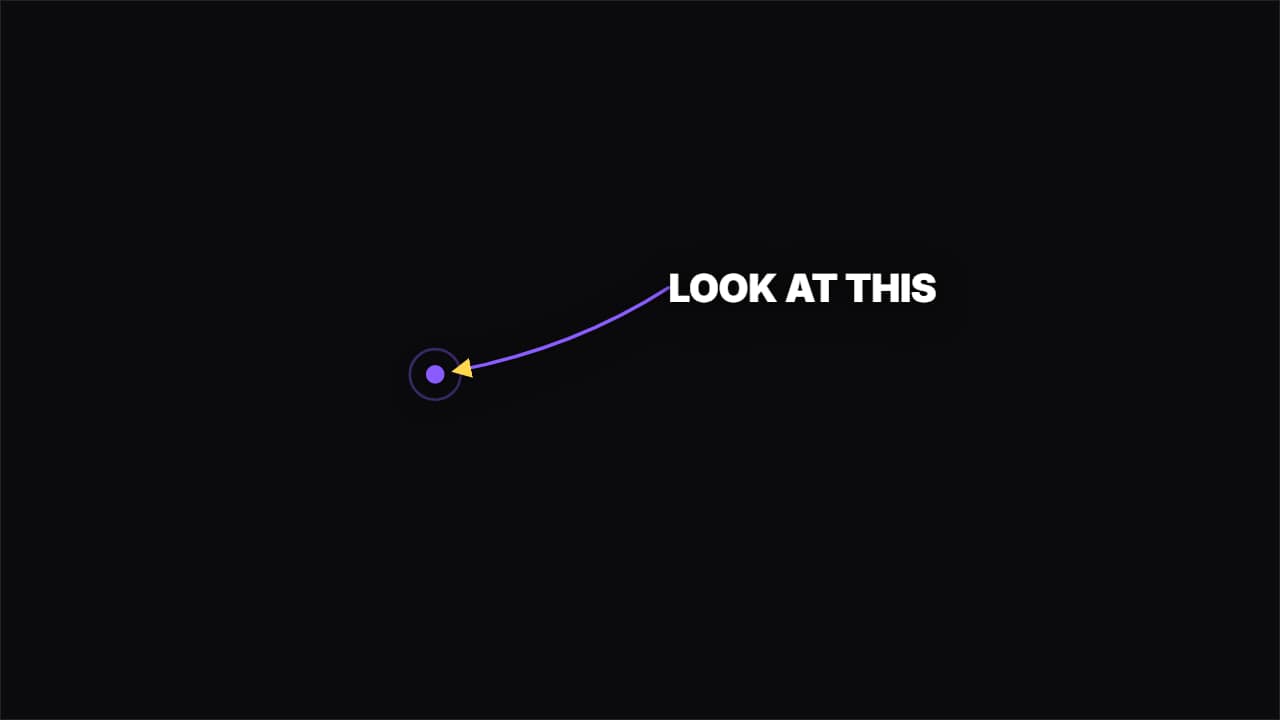 Curved arrowAn arrow drawing itself in a curve from the label to the spot. Directs the eye without covering the shot.
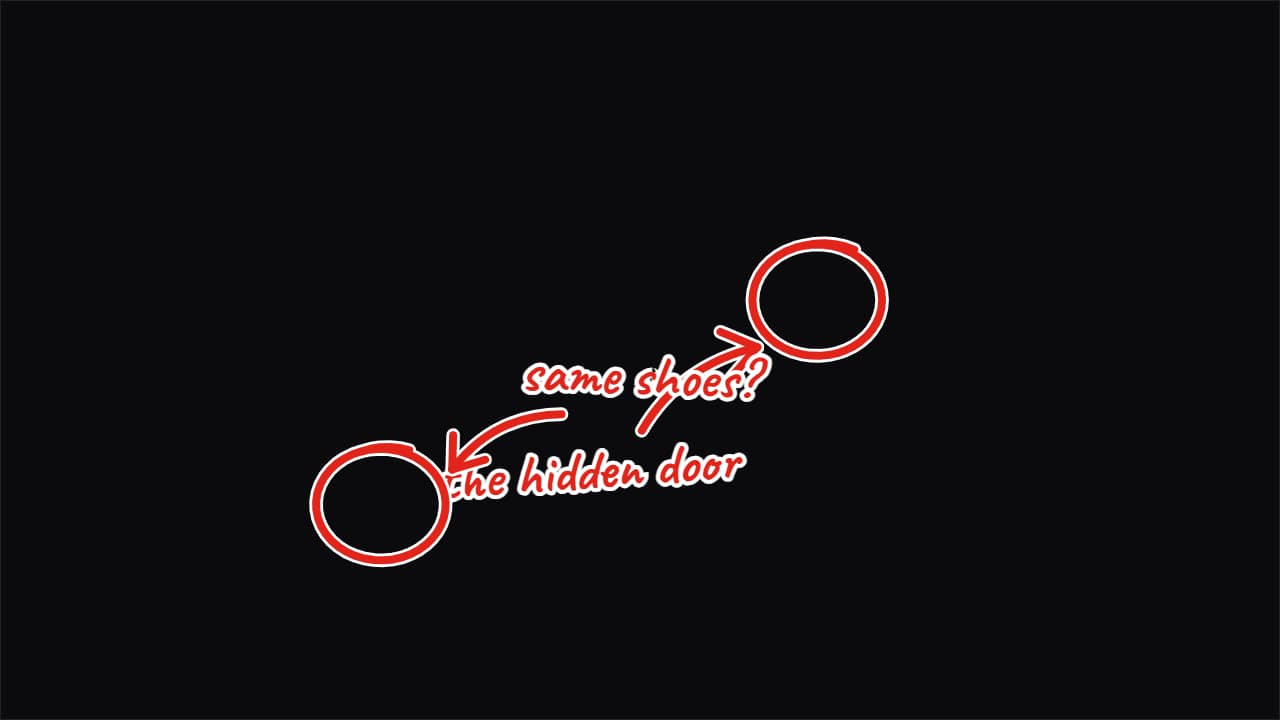 «Look here» marker arrow and circle calloutThe big-channel gesture for pointing at something in your video: the marker circle looping around the thing…
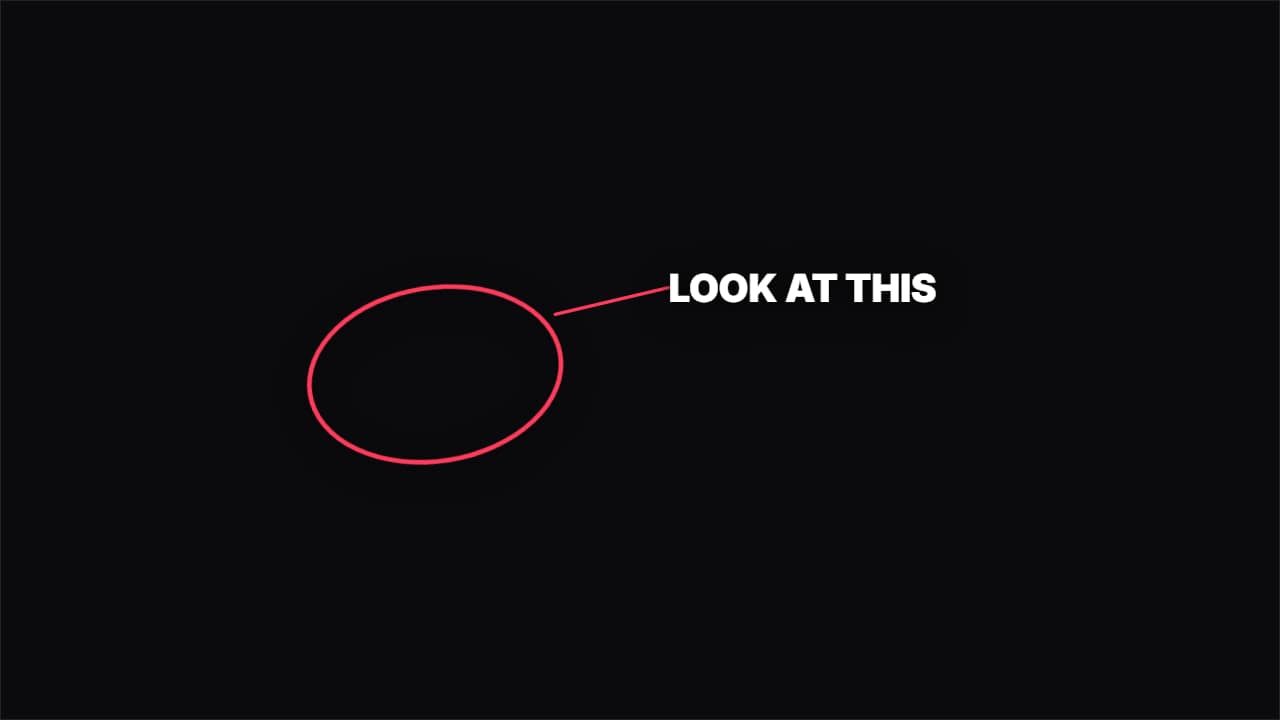 Hand-drawn circleA hand-drawn circle around whatever you want people to look at, with its label beside it.
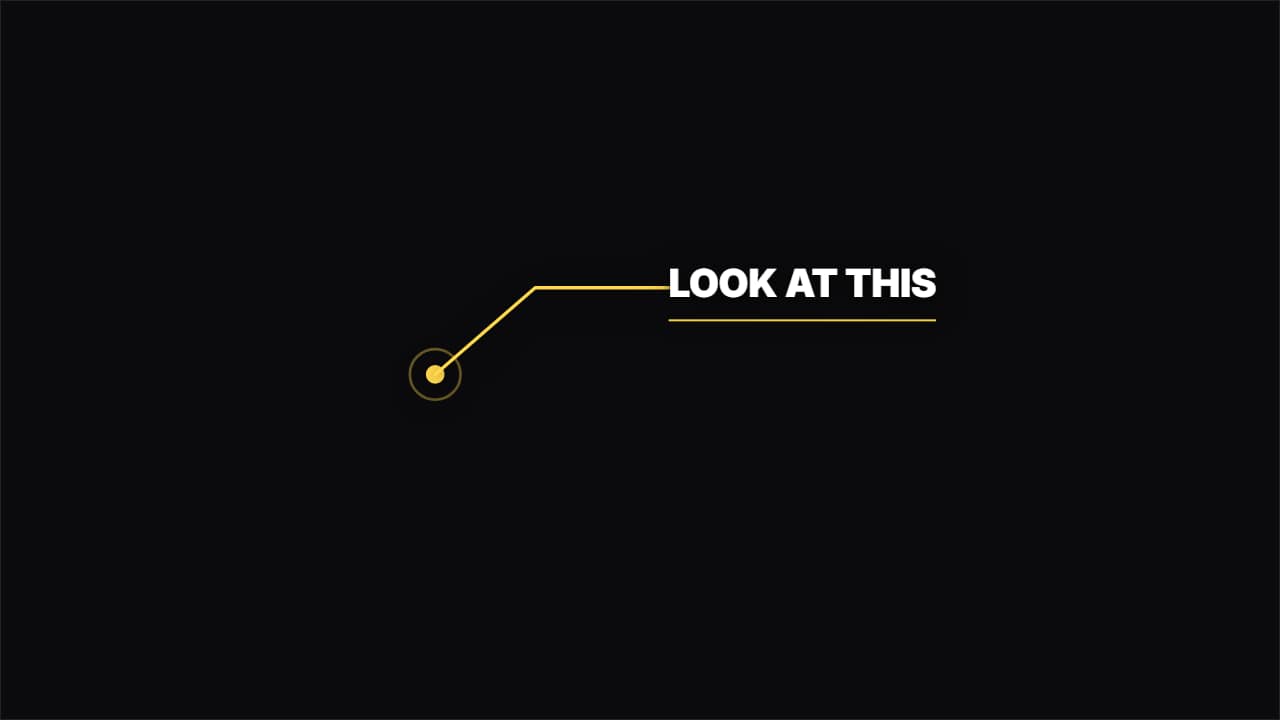 Callout with a lineA dot pulsing on the object and an elbowed line drawing itself out to the label. For pointing at details.
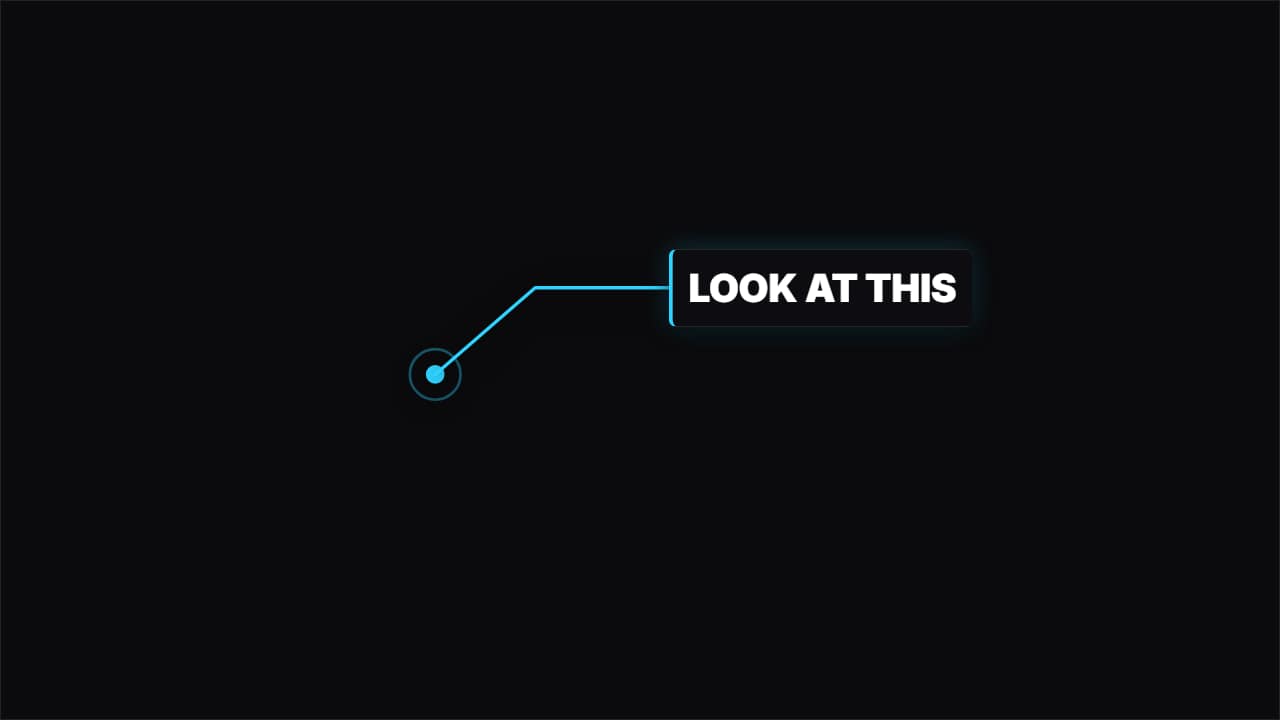 Callout with a panelThe same, but the label sits inside a solid panel with an accent bar: it reads over any background.
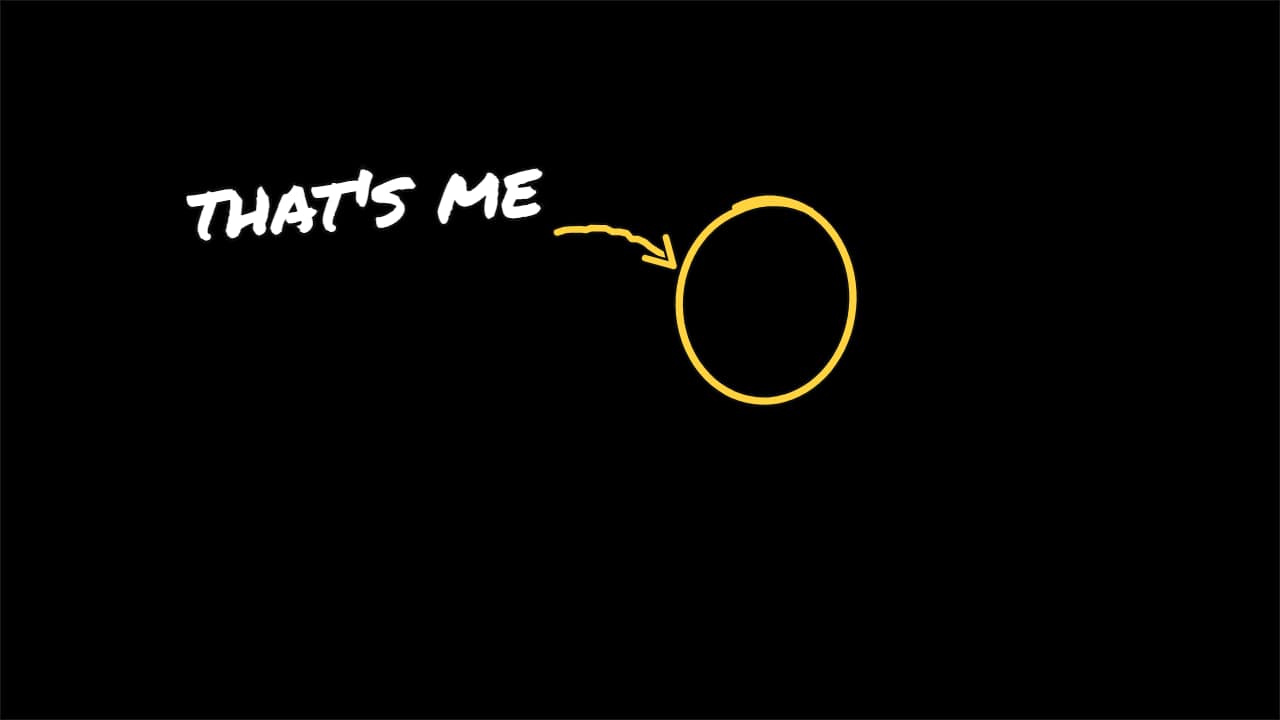 «That's me» arrowThe vlog and comedy move: a circle goes around the person, a hand-drawn arrow comes out of the label and…
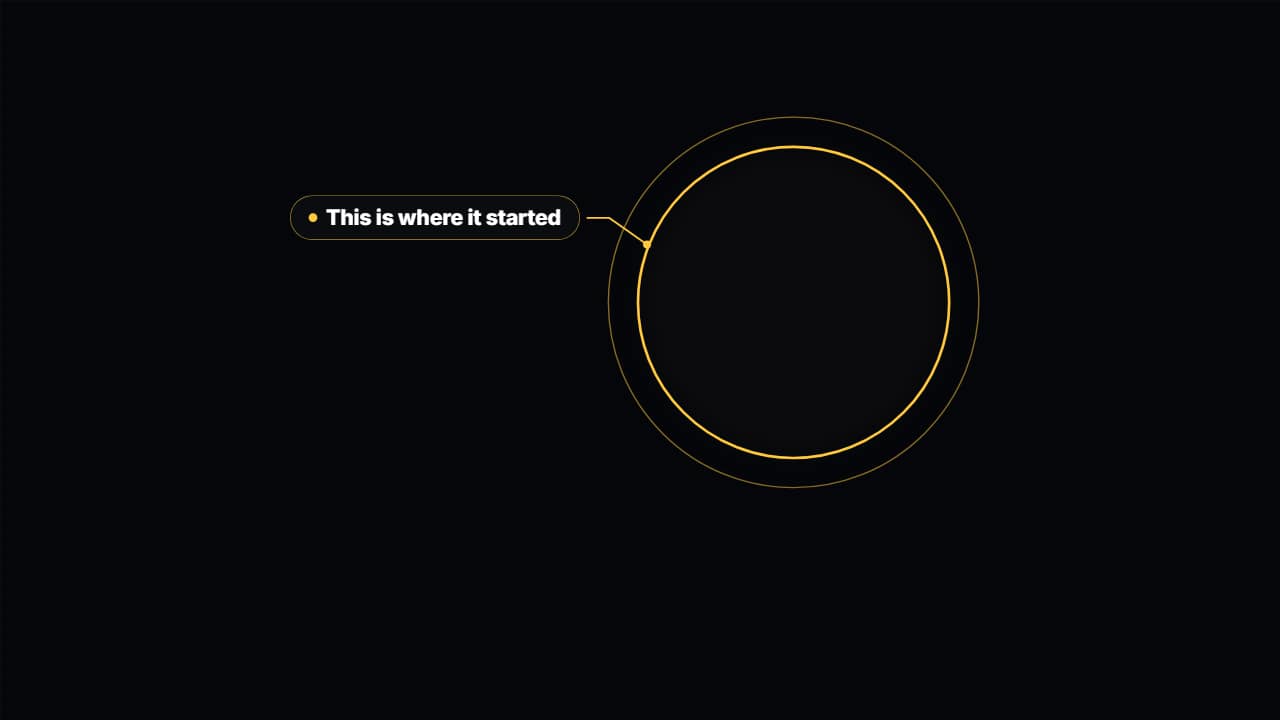 Spotlight on your videoDarkens and drains the color from everything around an area of your video —a face, a number on screen, a…
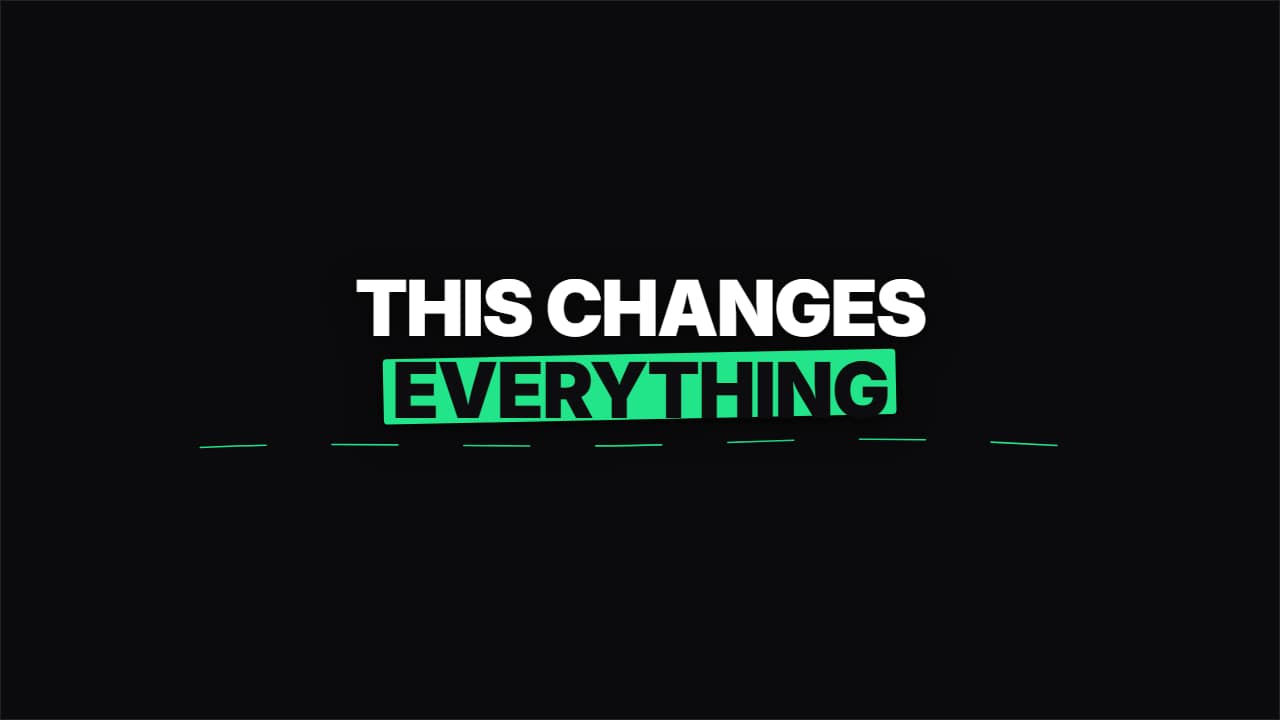 MarkerClean text and a marker stroke drawing itself behind the key word, plus the hand-drawn underline.
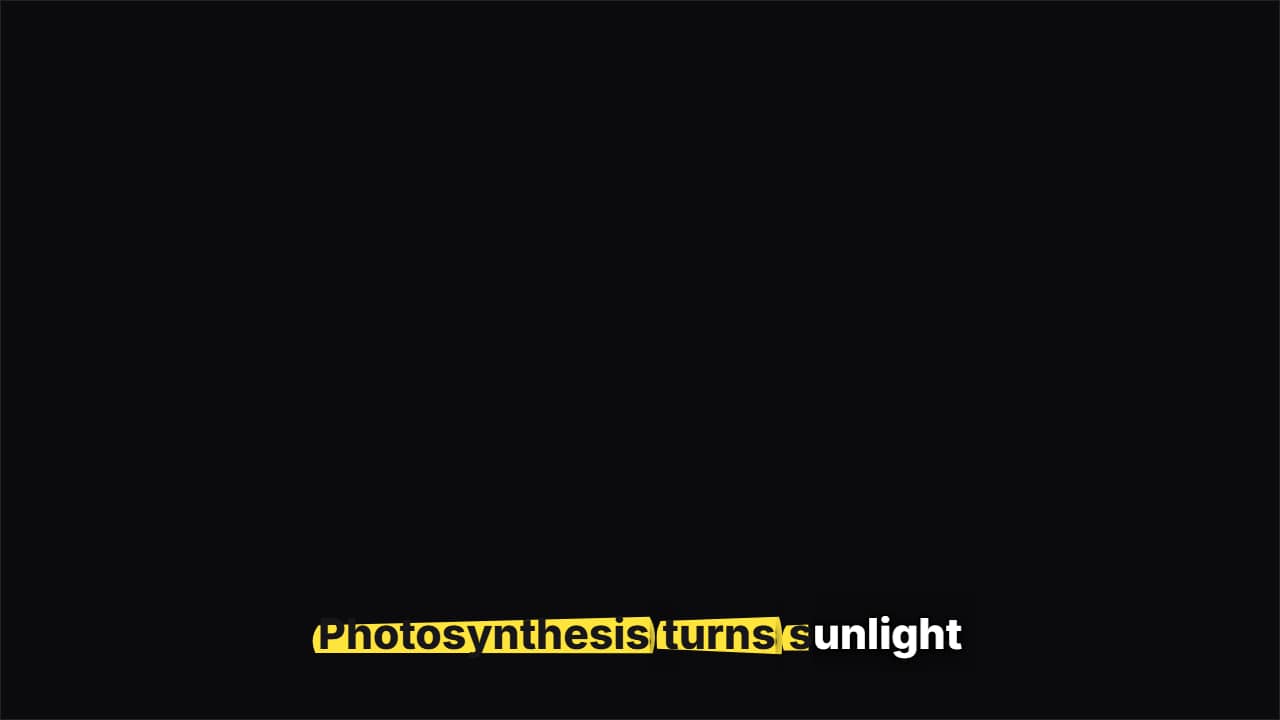 Highlighter captionsA highlighter swipes under each word as you say it and the letters turn to ink, like study notes.
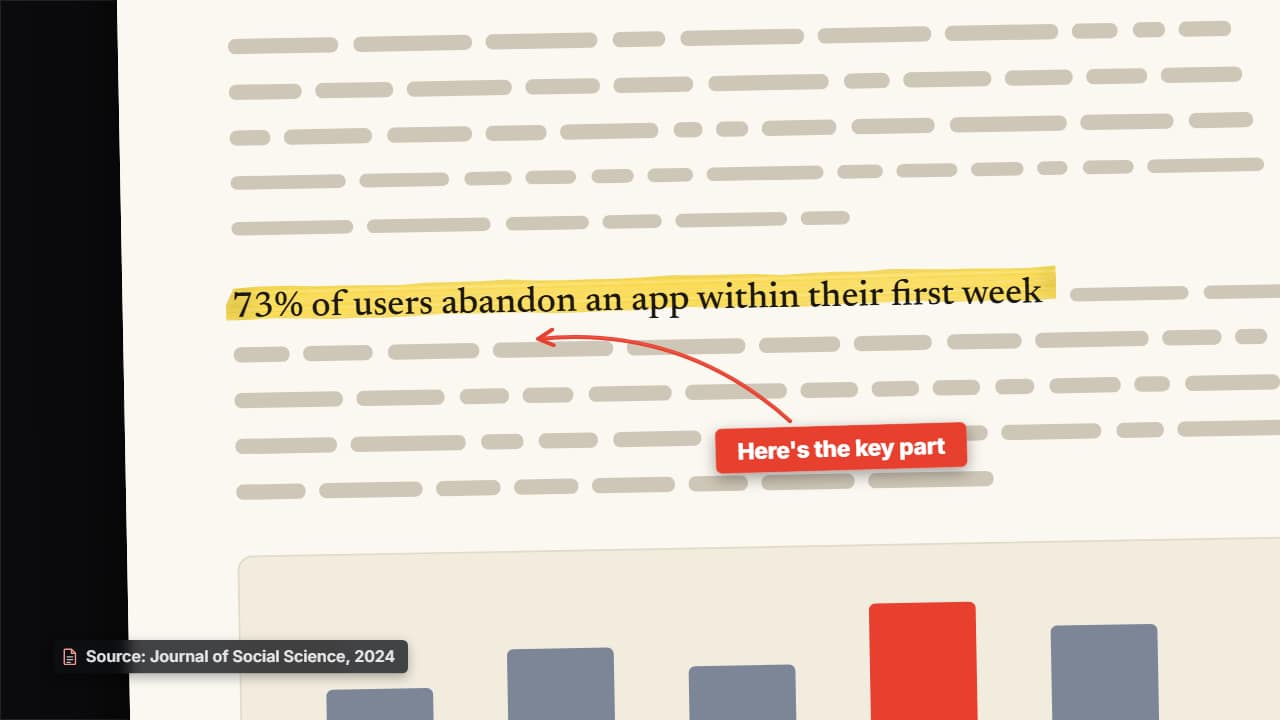 Your screenshot, highlightedUpload a screenshot of a study, an article, a document or a tweet: it comes in as a sheet with a shadow and…
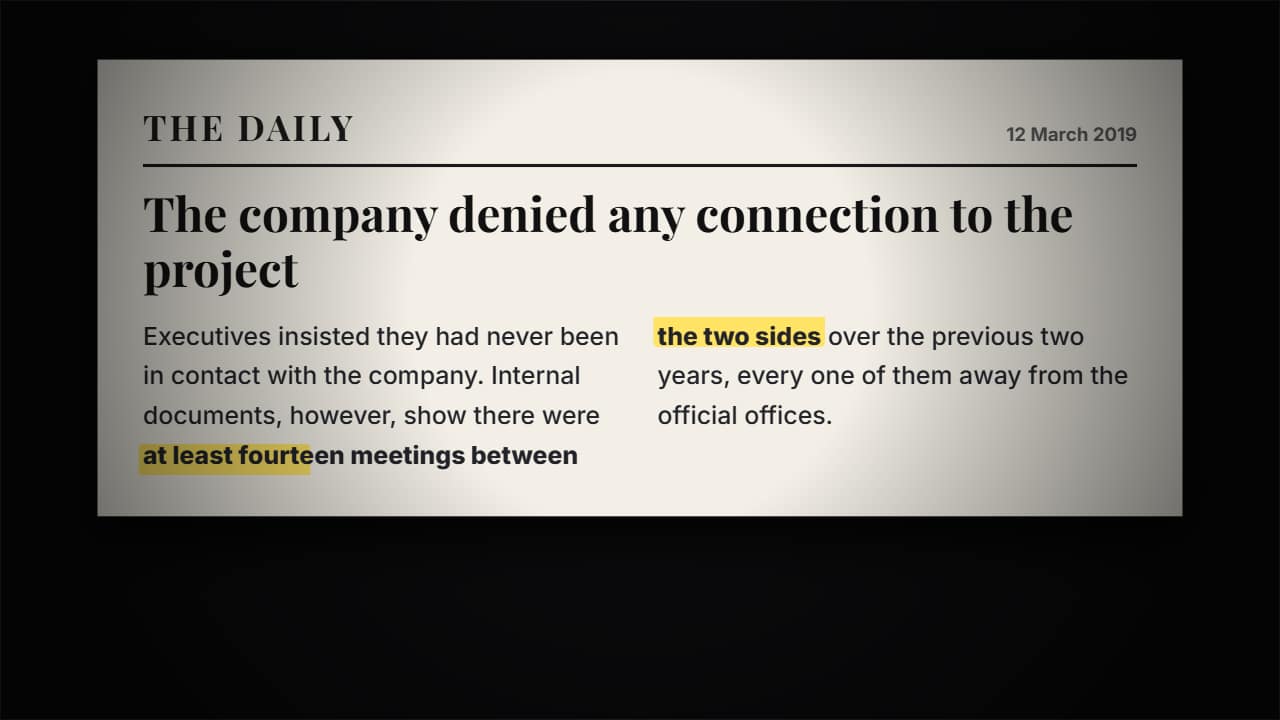 Article with a highlighted lineThe press clipping comes in tilted, the camera pushes in and the key line gets highlighted with a marker.
Questions
- Can I choose where the arrow or circle points?
- Yes. The arrow, circle and line callouts have X and Y fields for the spot they point at and a choice of the side the label comes out on, and the preview plays as you change them. In the spotlight you can also set a second area and the moment it moves there.
- Do they cover my video?
- No. They export as a transparent .mov, so only the arrow, circle or label is drawn and your footage shows everywhere else. The spotlight is the one that dims the rest on purpose.
- Do I need After Effects?
- No. Every template is edited in your browser: type your text, choose colors and format (16:9, 9:16 or 1:1), watch the live preview and export.
- What do I export, and does it work in my editor?
- Most templates export as a ProRes 4444 .mov with a transparent background, which you place on a track above your clip in CapCut, Premiere Pro, DaVinci Resolve or Final Cut Pro. You can also export an MP4 with your own clip behind it. Always in Full HD.
- Is it free?
- Editing and previewing are free and need no account. To export you sign in with Google; during the open beta, new accounts get export credits at no cost.