Progress Bar Overlays for YouTube Videos and Shorts
A progress bar answers the viewer's quiet question: how much is left? The video progress bar fills at a steady pace over the duration you set in the editor, with optional chapter marks that pop as it passes them, an emoji or icon riding the tip and, if you want, the percentage, the time left or the time elapsed. It comes in four styles, thin, thick with shine, segmented and glass, and in vertical it stays inside the safe zones.
The chapters bar works like a player interface: the playhead crosses the chapters and a tooltip names the one it is in. «Wait for it» fills up to the exact second of your key moment, counts 3-2-1 and bursts when it arrives. For goals there is a road-to-the-goal bar with milestones that light up as you pass them, a savings goal marked in quarters, and a «47 of 100» counter for list challenges.
History and explainer videos can use the timeline bar, which carries the current year between two dates, and data videos the simple label-and-value bar or the percentage ring. Set your numbers, pick the color and export it without background to sit over your footage.
9 templates · 16:9 · 9:16 · 1:1
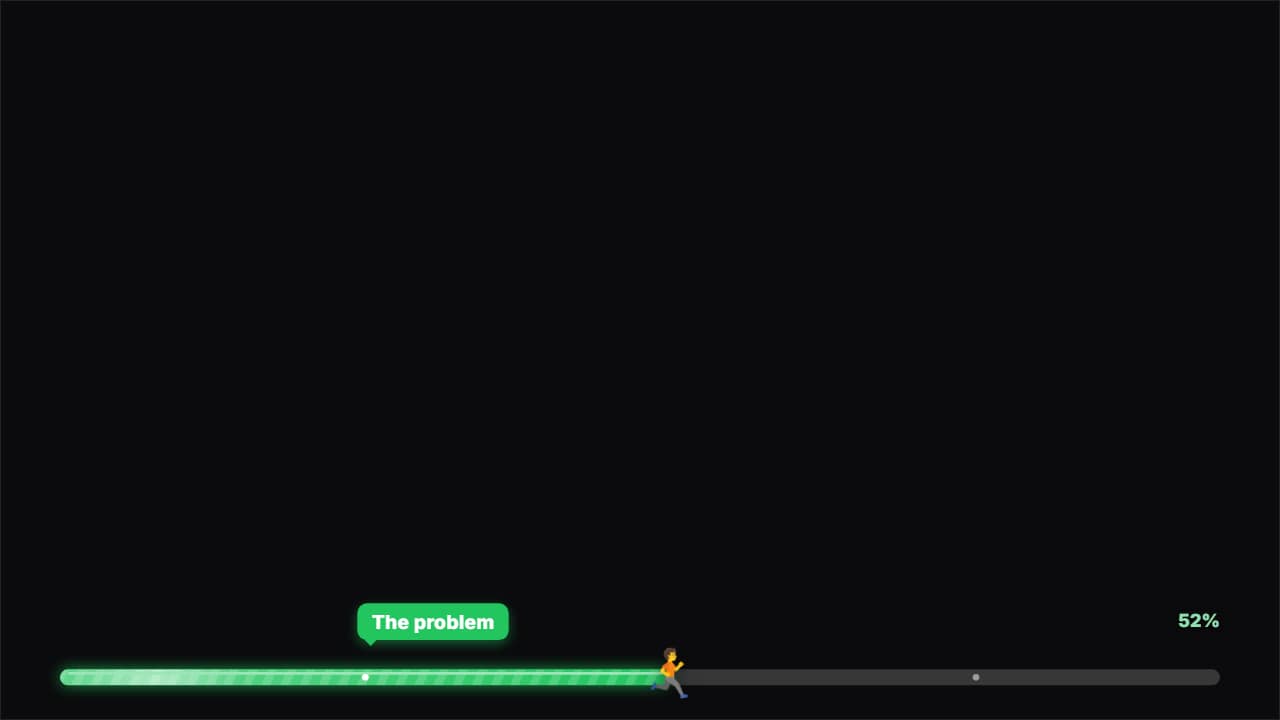 Progress barA bar at the top or the bottom that fills across the WHOLE video at a steady pace (it never slows down: it…
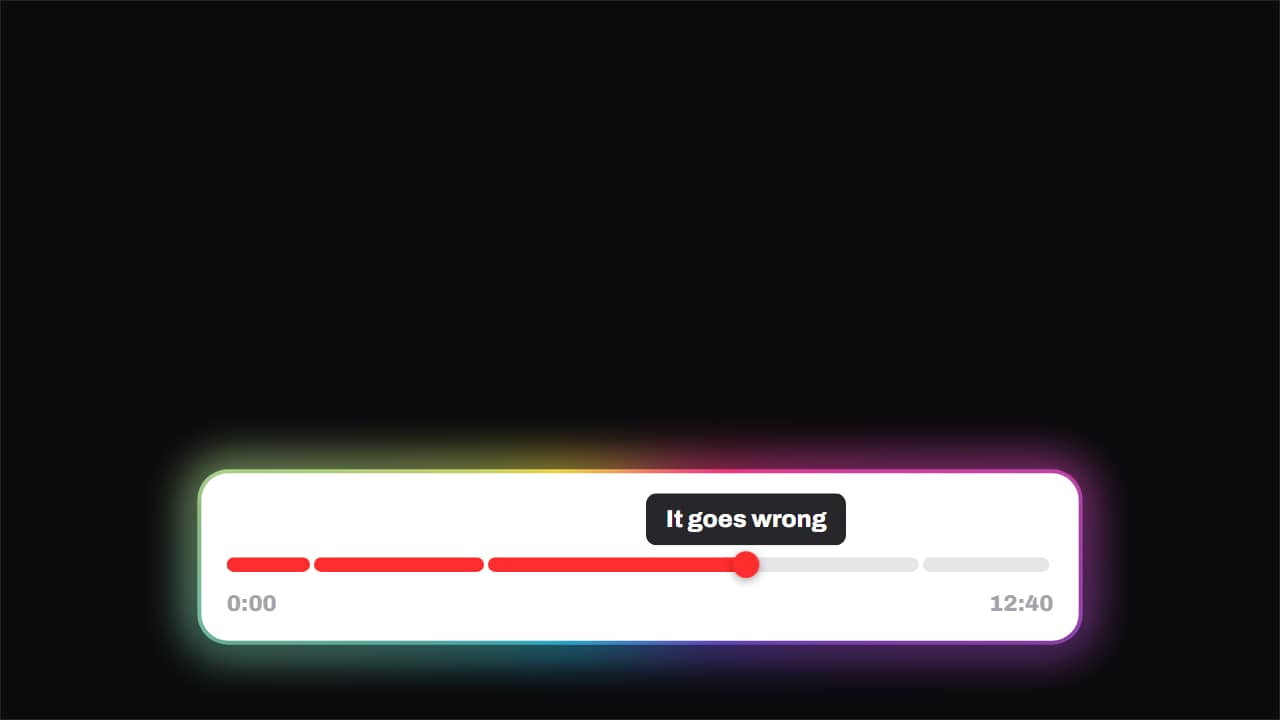 Chapters · the playhead runs the videoThe progress bar split into chapters, with the playhead genuinely crossing it and a tooltip above naming the…
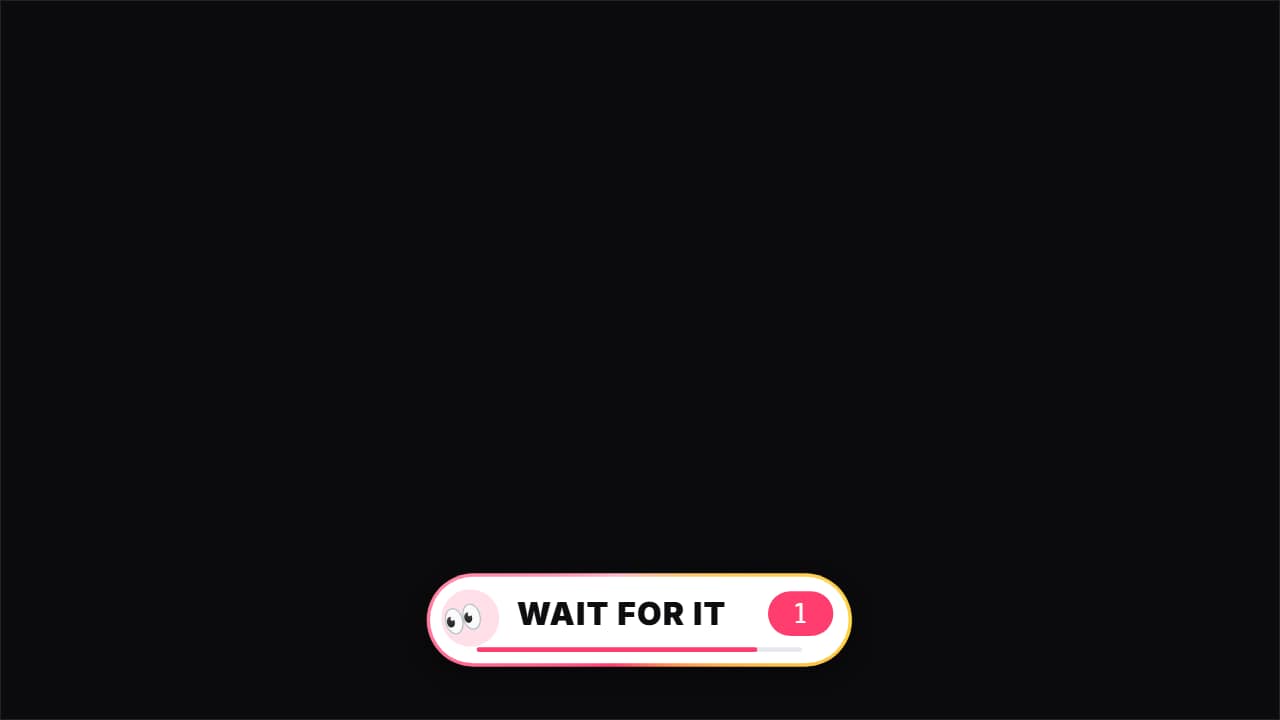 Wait for it«👀 Wait for it…»: a bar that fills up to THE second of the key moment (the fail, the twist, the hit), with…
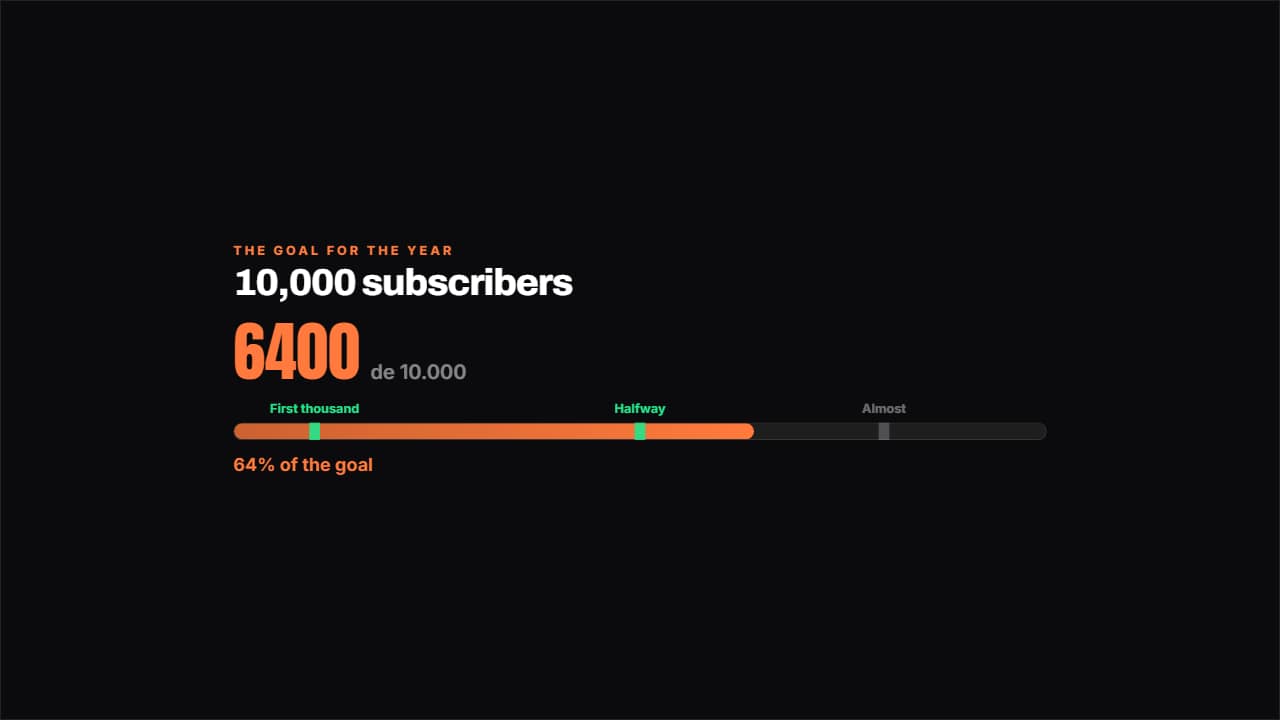 Road to the goalA bar towards the goal with the milestones marked along it: the ones you've passed light up.
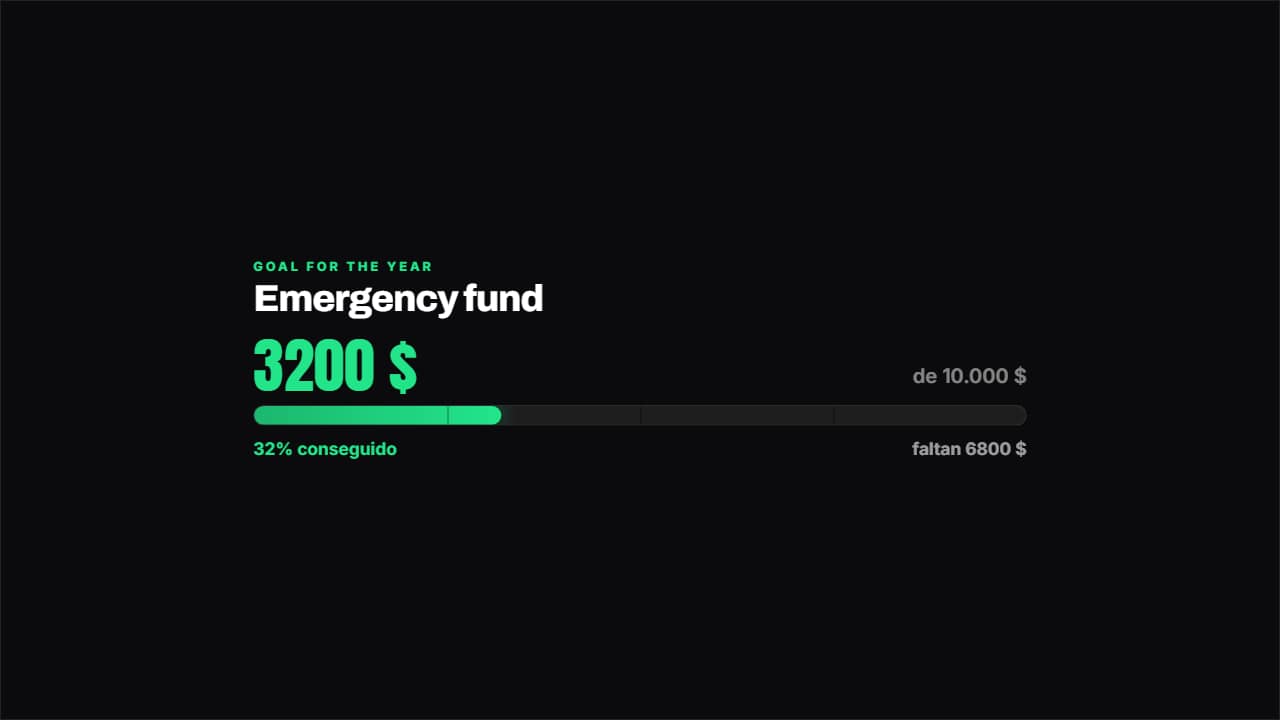 Savings goalHow much you've got, how much is left and what percentage that is, with the bar marked in quarters.
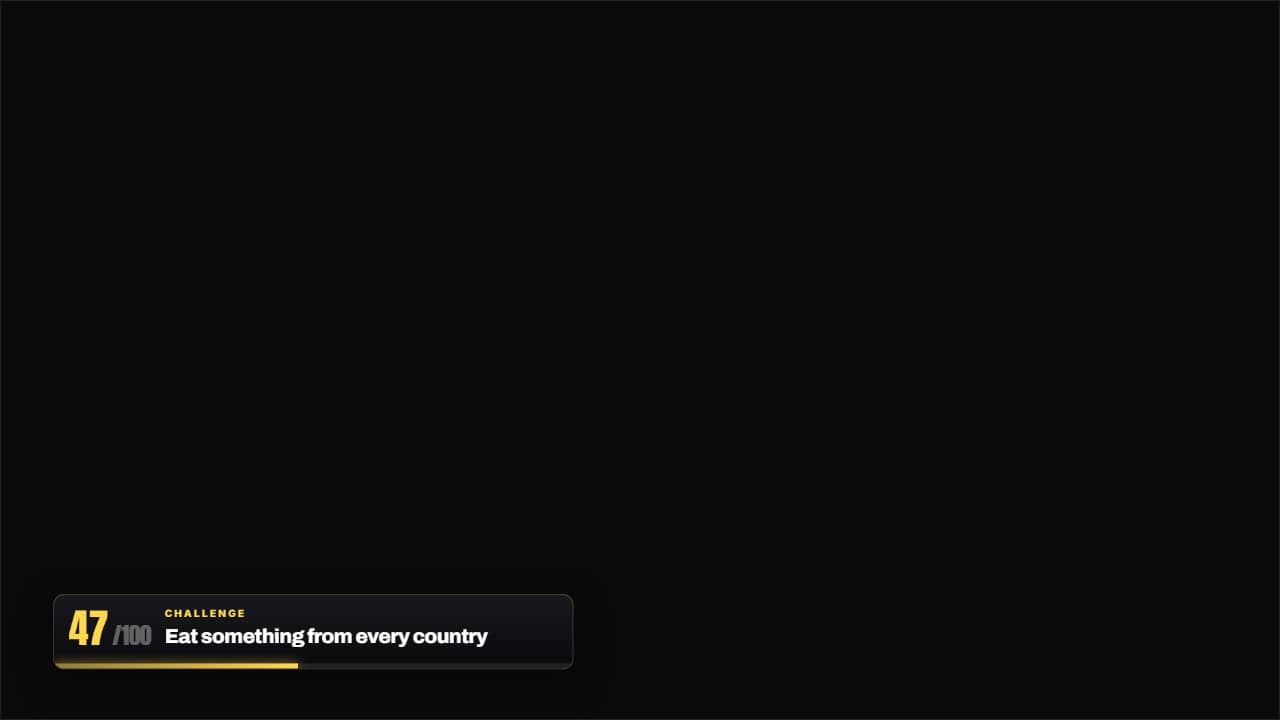 Challenge 47 of 100The thin bar with the number of the challenge you're on and the name of the current one.
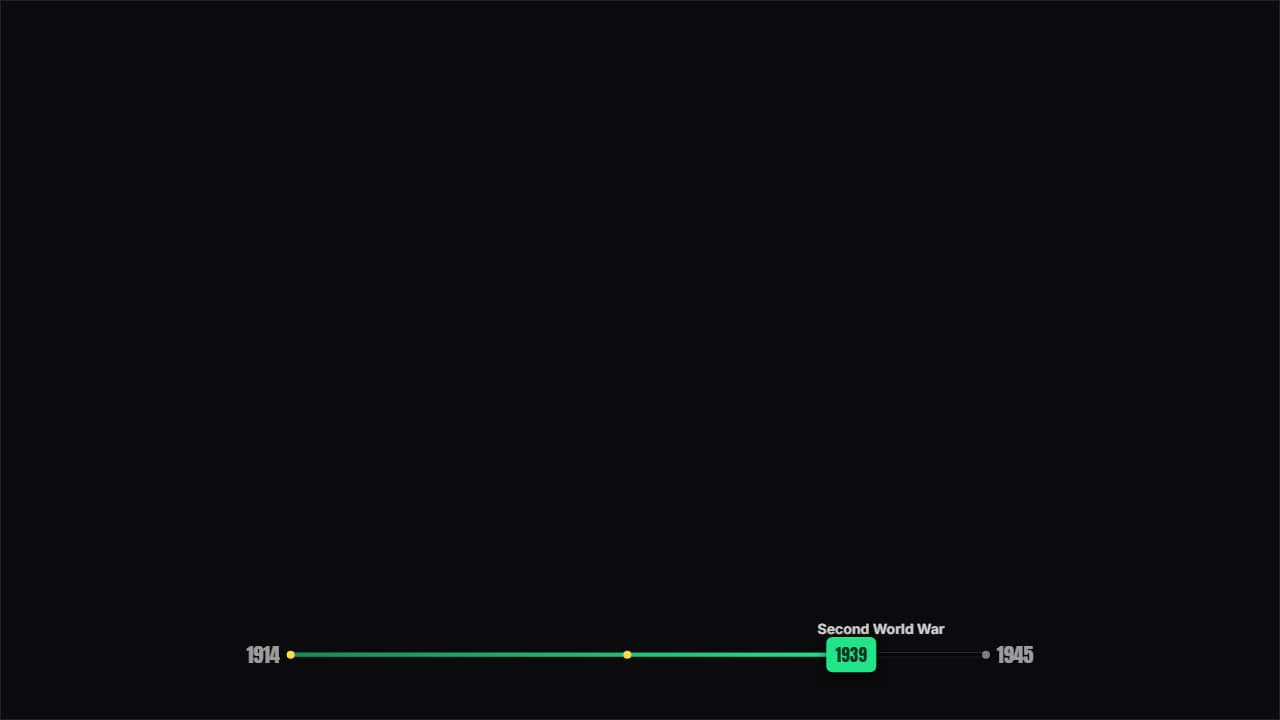 Timeline barA thin bar over the video showing where the story is between two years, with the stops marked and the cursor…
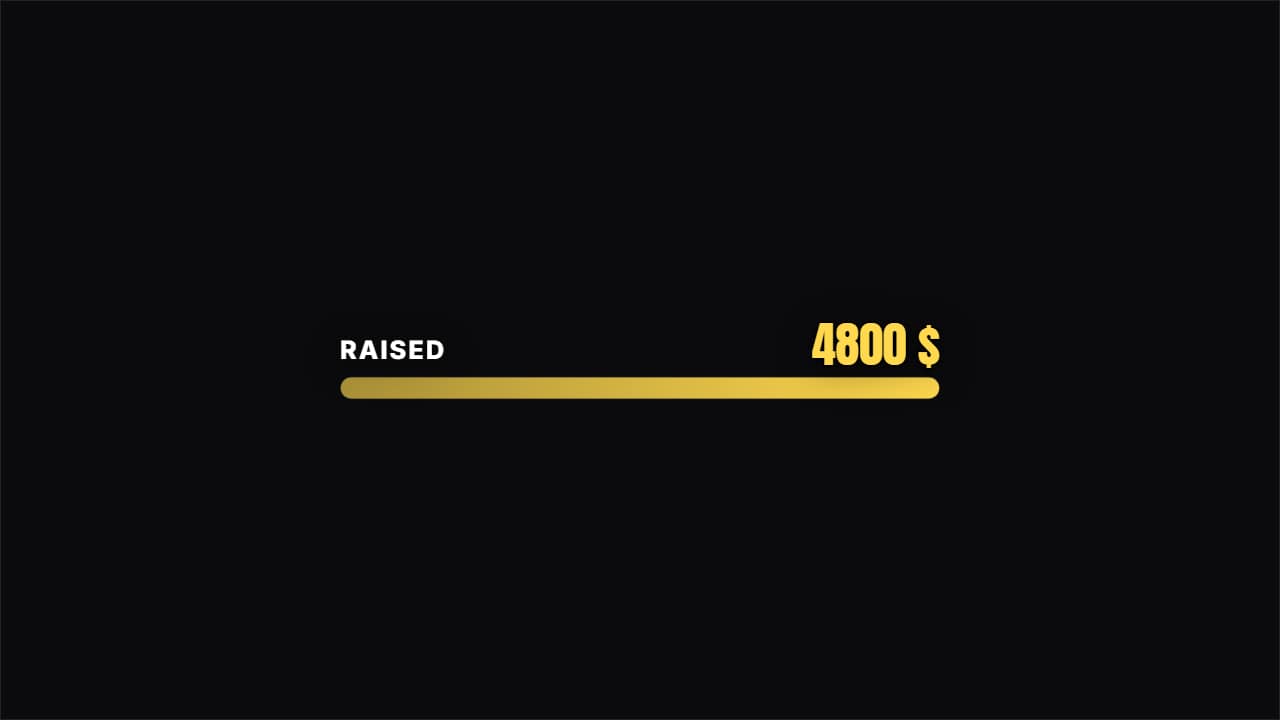 Data barLabel on the left, figure on the right and a bar filling up. Fits in a corner without stealing the shot.
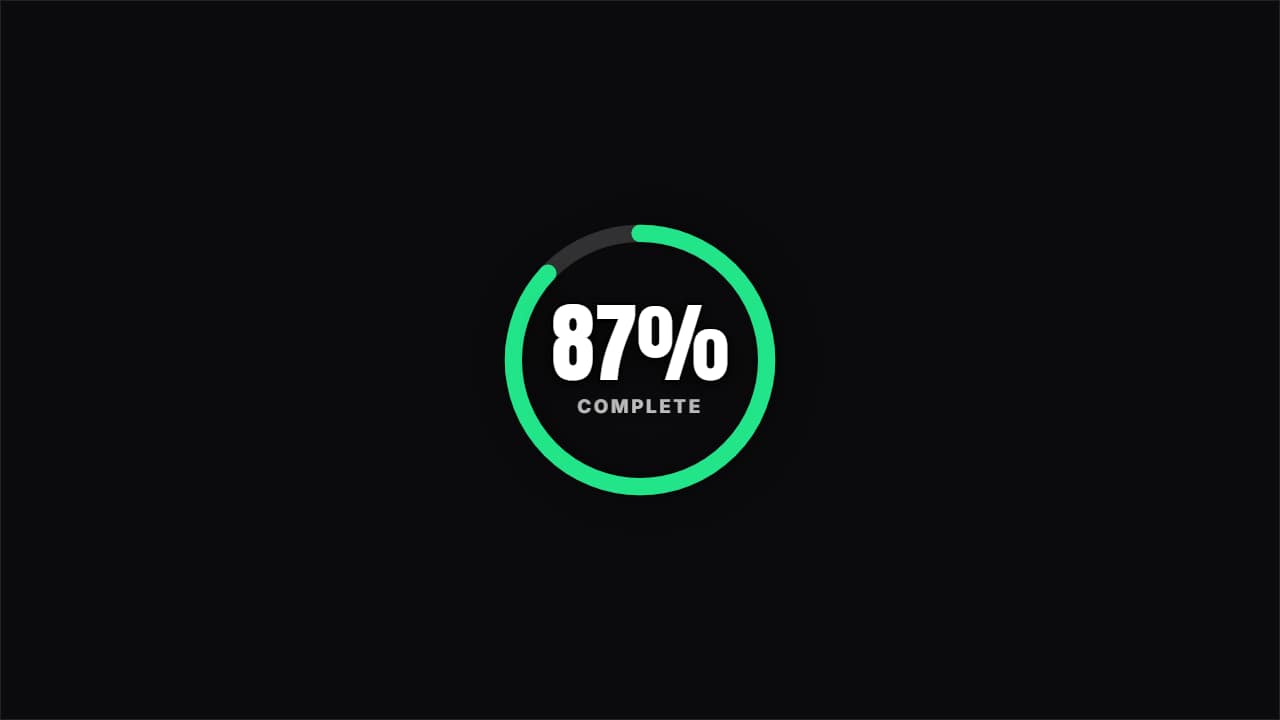 Percentage ringA circle filling to the percentage given, with the figure inside. Clean and very readable.
Questions
- How do I make the bar last as long as my video?
- The video progress bar fills over the duration you set in the editor, so set the duration to the length of the video or of the section it covers, and it reaches the end at the same time.
- Can I mark chapters on the bar?
- Yes. Write each chapter as «second | name» in the Chapters field: the mark pops as the bar passes it and its name appears. The chapters bar shows them as segments with a tooltip.
- Do I need After Effects?
- No. Every template is edited in your browser: type your text, choose colors and format (16:9, 9:16 or 1:1), watch the live preview and export.
- What do I export, and does it work in my editor?
- Most templates export as a ProRes 4444 .mov with a transparent background, which you place on a track above your clip in CapCut, Premiere Pro, DaVinci Resolve or Final Cut Pro. You can also export an MP4 with your own clip behind it. Always in Full HD.
- Is it free?
- Editing and previewing are free and need no account. To export you sign in with Google; during the open beta, new accounts get export credits at no cost.