Workout Timer Overlays — Intervals, Sets and Reps
If someone is following your workout from the floor, the phone is three meters away and they can only glance at it. These overlays are built for that: big numbers, high contrast, and the information that stops people pausing the video to ask how many reps it was.
The circuit timer alternates work and rest at real speed, changes color between the two and shows the round you are on. The guided workout goes further: you list the exercises with their seconds, and it plays the current one with its countdown in a ring, then shows what comes next during the rest so there is time to get set. It can run full screen, as a clock in a corner over your video or as a bar along the bottom.
For strength videos, the exercise badge puts the name, the sets and a form tip over the shot; the sets tracker grays out the sets you have done and keeps the ones left lit; the routine card lists the day's exercises with sets, reps and rest; and the session card shows duration, calories, muscle group and level before you start. Add the 3-2-1 ring before each block if you want a get-ready count.
7 templates · 16:9 · 9:16 · 1:1
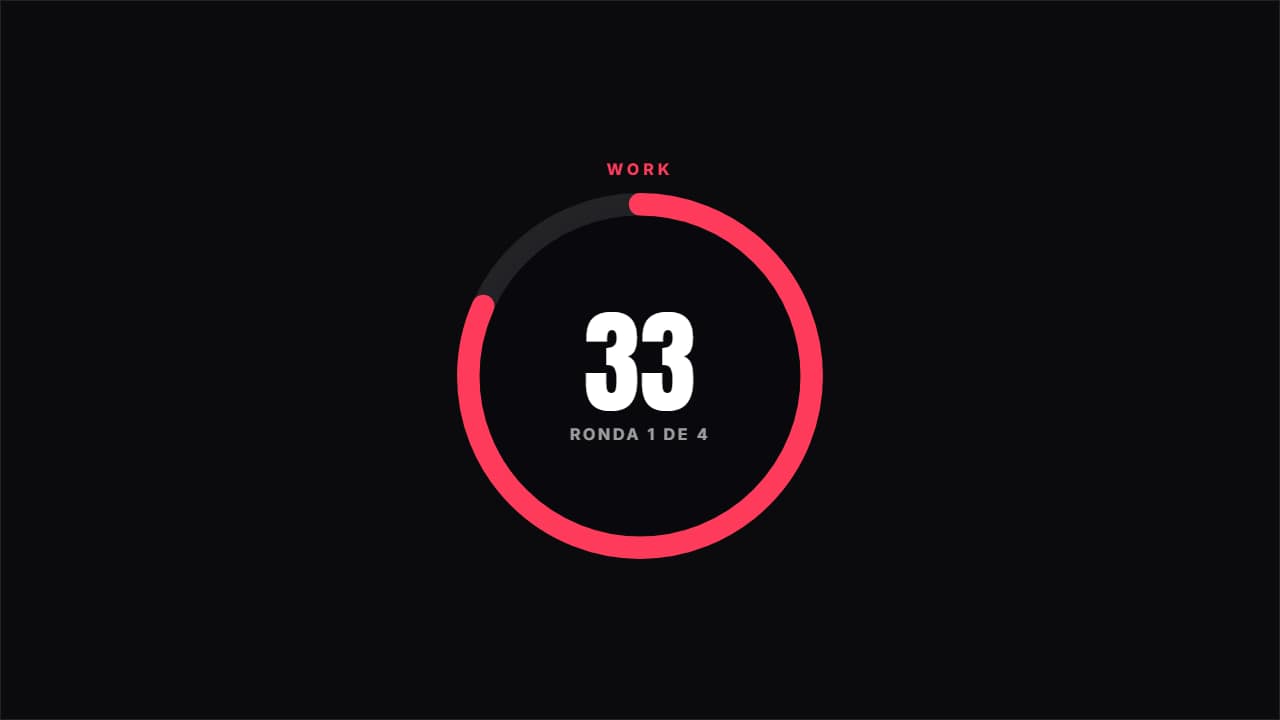 Circuit timerAlternates work and rest at real speed, with the ring emptying, the color changing and the round you're on.
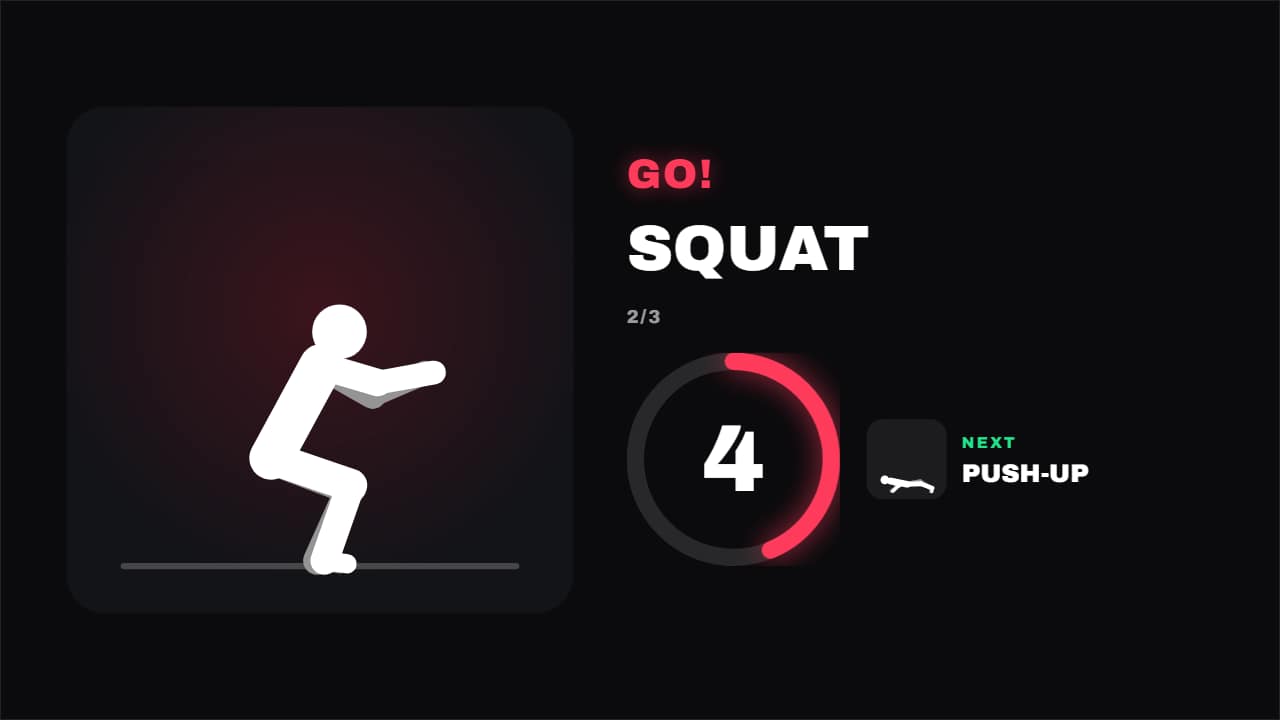 Guided workoutEvery exercise with its time and the rest in between: the current one doing its reps, the countdown in its…
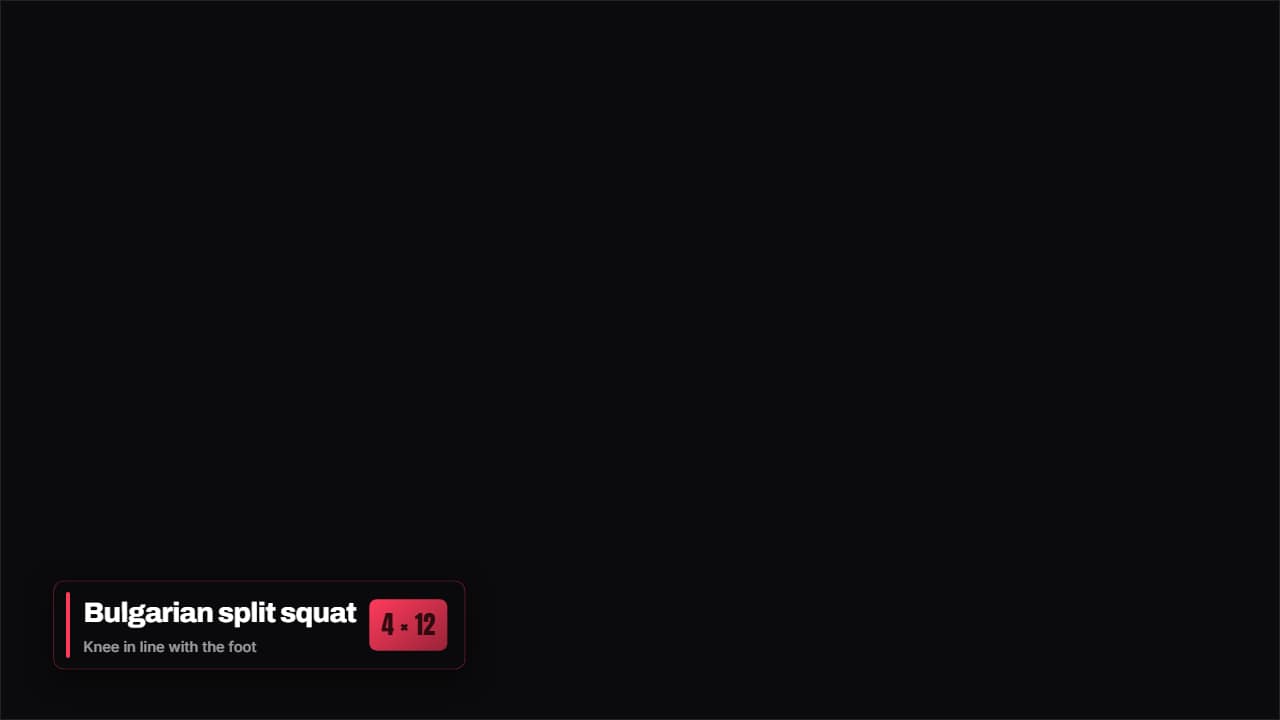 Exercise badgeThe exercise name, the sets and a form tip, on a badge that stays over the video while you do it.
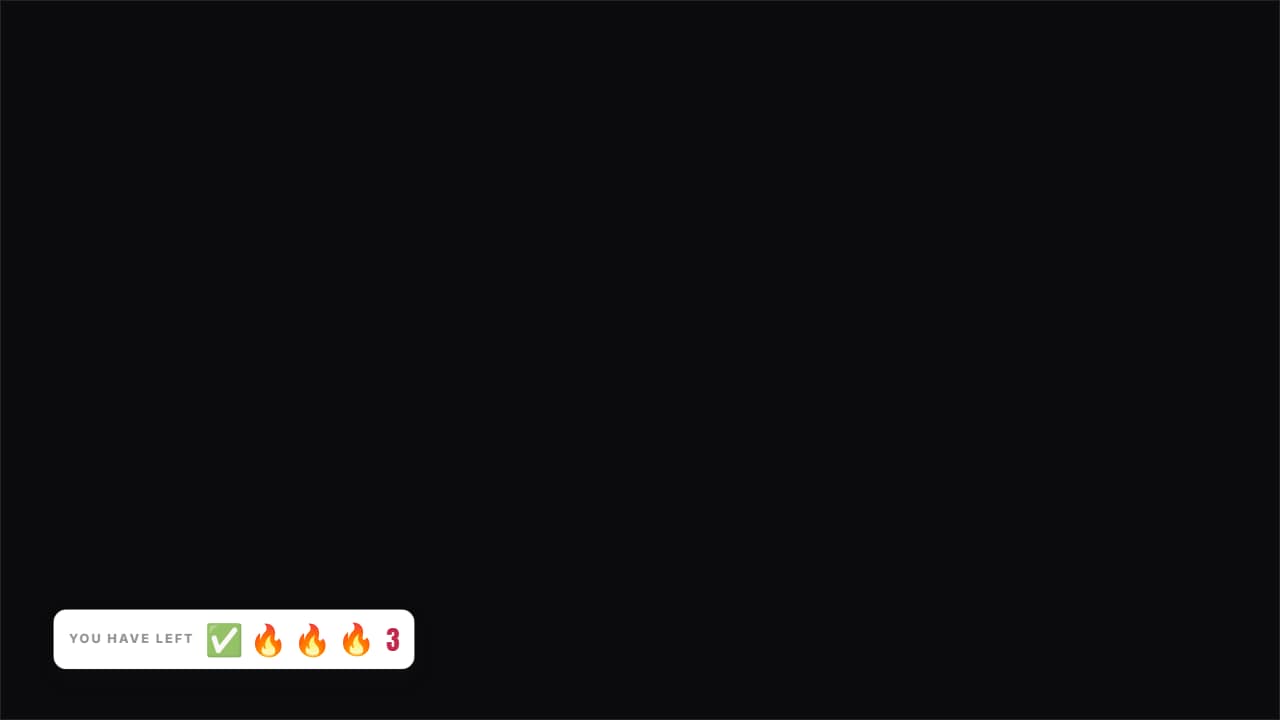 Sets you have leftThe icons for the sets you've done stay gray and the ones left stay lit, with the count beside them.
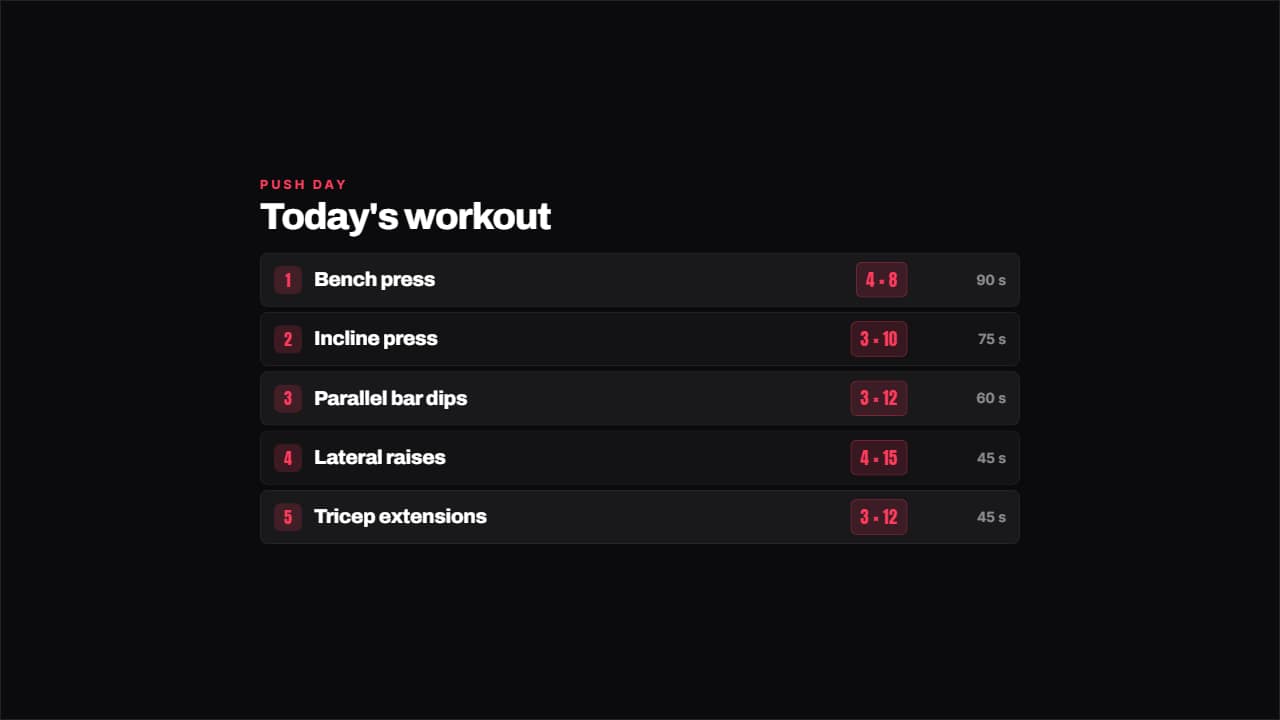 Workout with setsThe day's exercises with their sets by reps on a colored badge and the rest on the right.
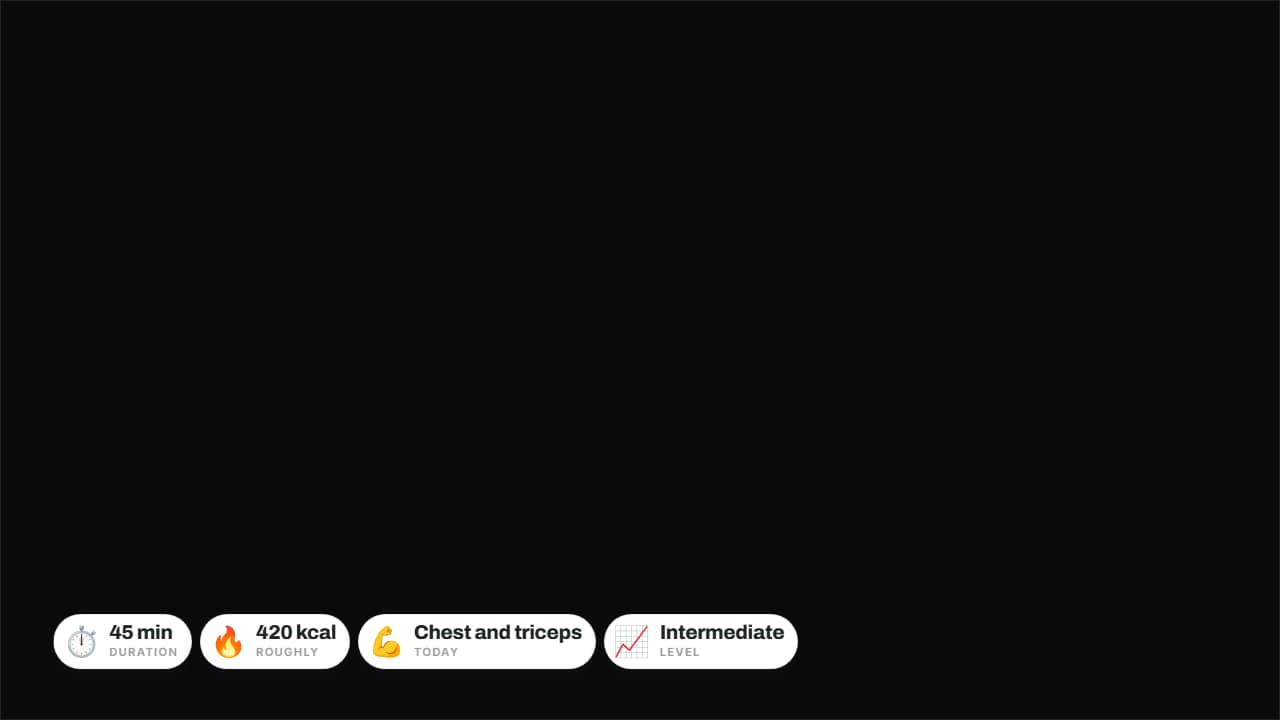 Today's sessionDuration, calories, muscle group and level on badges over the video.
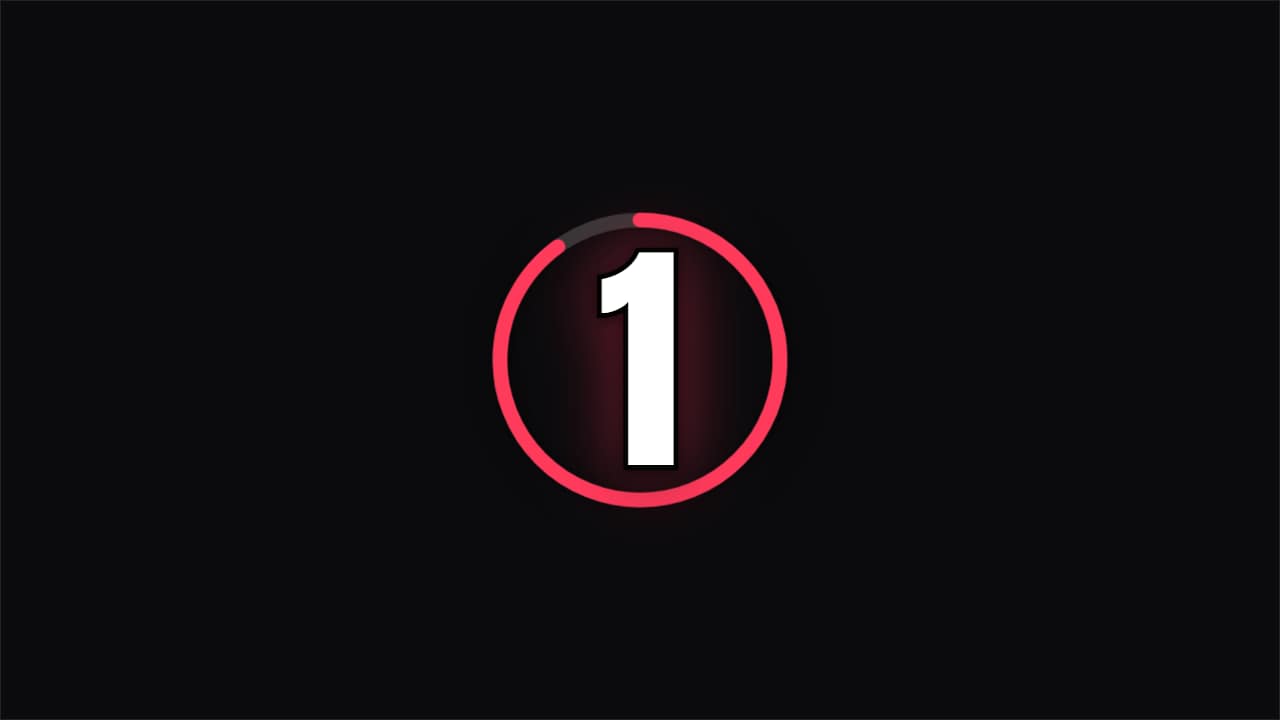 Countdown · RingA ring emptying each second with the number inside and a final flourish. For challenges and openers.
Questions
- Can the timer follow my real intervals, like 40 seconds on and 20 off?
- Yes. The circuit timer has fields for work seconds, rest seconds and rounds, and it runs at real speed, so it lines up with your footage when you place it where the set starts.
- Will it work in a vertical video for Shorts or Reels?
- Yes. Every template exports in 9:16 as well as 16:9 and 1:1, with the same fields, and the numbers are sized to read on a phone.
- Do I need After Effects?
- No. Every template is edited in your browser: type your text, choose colors and format (16:9, 9:16 or 1:1), watch the live preview and export.
- What do I export, and does it work in my editor?
- Most templates export as a ProRes 4444 .mov with a transparent background, which you place on a track above your clip in CapCut, Premiere Pro, DaVinci Resolve or Final Cut Pro. You can also export an MP4 with your own clip behind it. Always in Full HD.
- Is it free?
- Editing and previewing are free and need no account. To export you sign in with Google; during the open beta, new accounts get export credits at no cost.