Social Media Post Templates for Videos — Posts, Chats and Notifications
Stories told from a post, a chat or a notification need that post on screen, and a screenshot just sits there. These templates rebuild it with a generic look and animate it: the text arrives, the counters climb, the messages drop in. You type the content, so there is nothing to blur or crop.
The forum post card is the format of the narrated story videos on Shorts and TikTok: community, username, flair, a title that comes in word by word and a reading mode where the text appears sentence by sentence at the pace of the voice-over. The social post card is a tweet-style post with avatar, verified badge, hashtags and counters rolling up. The phone chat drops messages in one by one with read ticks, and the lock-screen notification falls from the top with a small bounce.
For the «and then I got this» moment there are glass notifications that stack up, a viewer comment that the channel hearts, an AI chat where the question types itself and the answer appears word by word, and a stack of receipts with the key line highlighted and a stamp at the end. None of them use a platform's logo: they borrow the layout people recognise, with your names, avatars and colors.
9 templates · 16:9 · 9:16 · 1:1
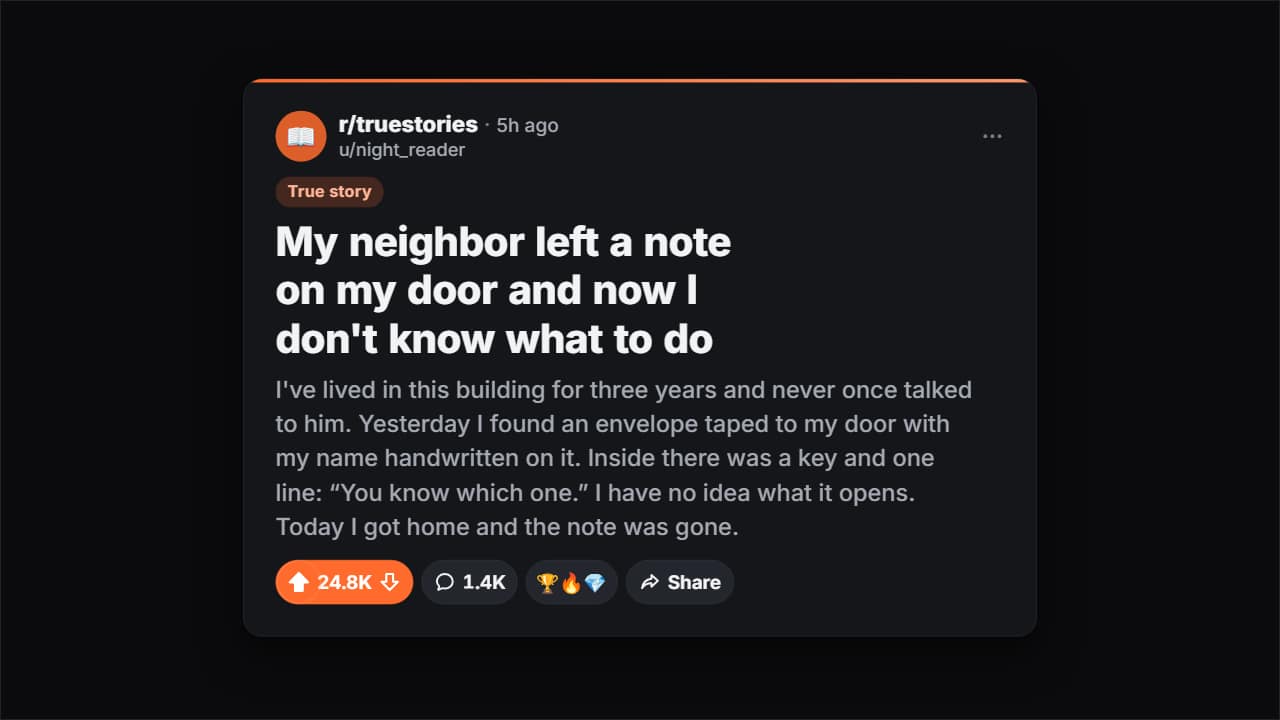 Forum post cardThe card from the «Reddit stories» on Shorts and TikTok, with a generic look: the community and its icon…
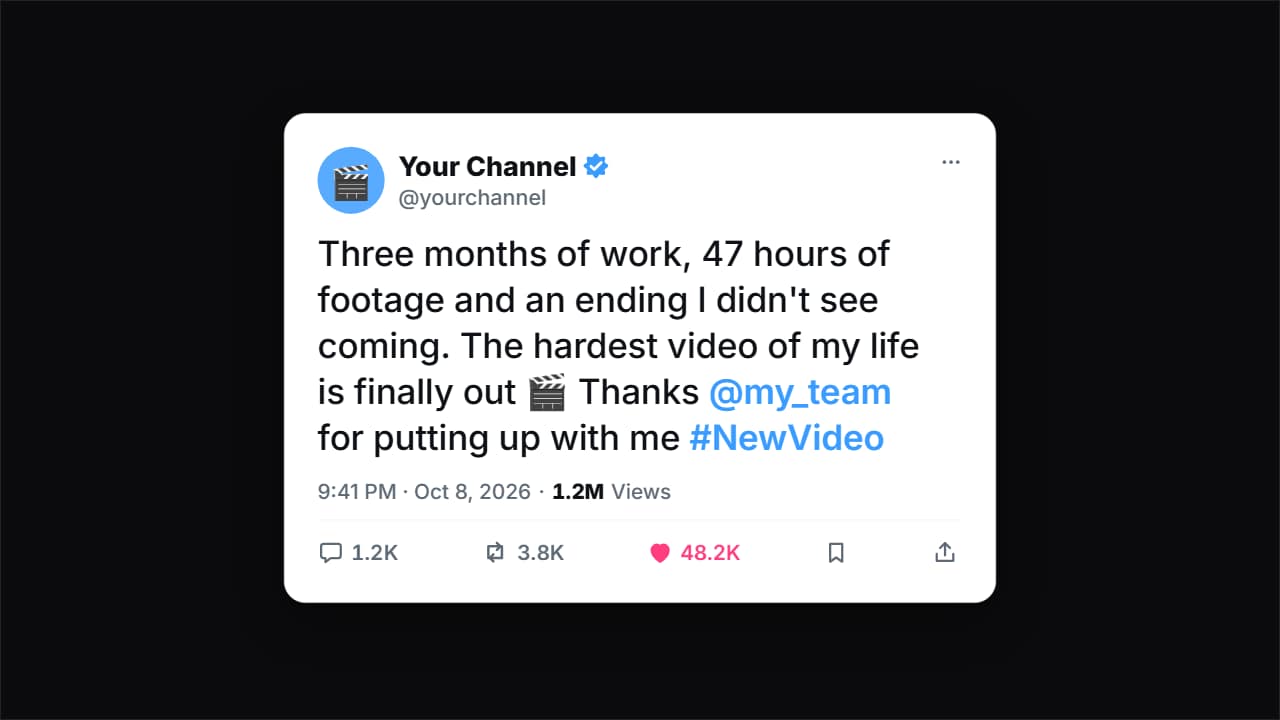 Social post cardA tweet card (X/Twitter style) with a generic look: your avatar, your name with the verified badge (editable…
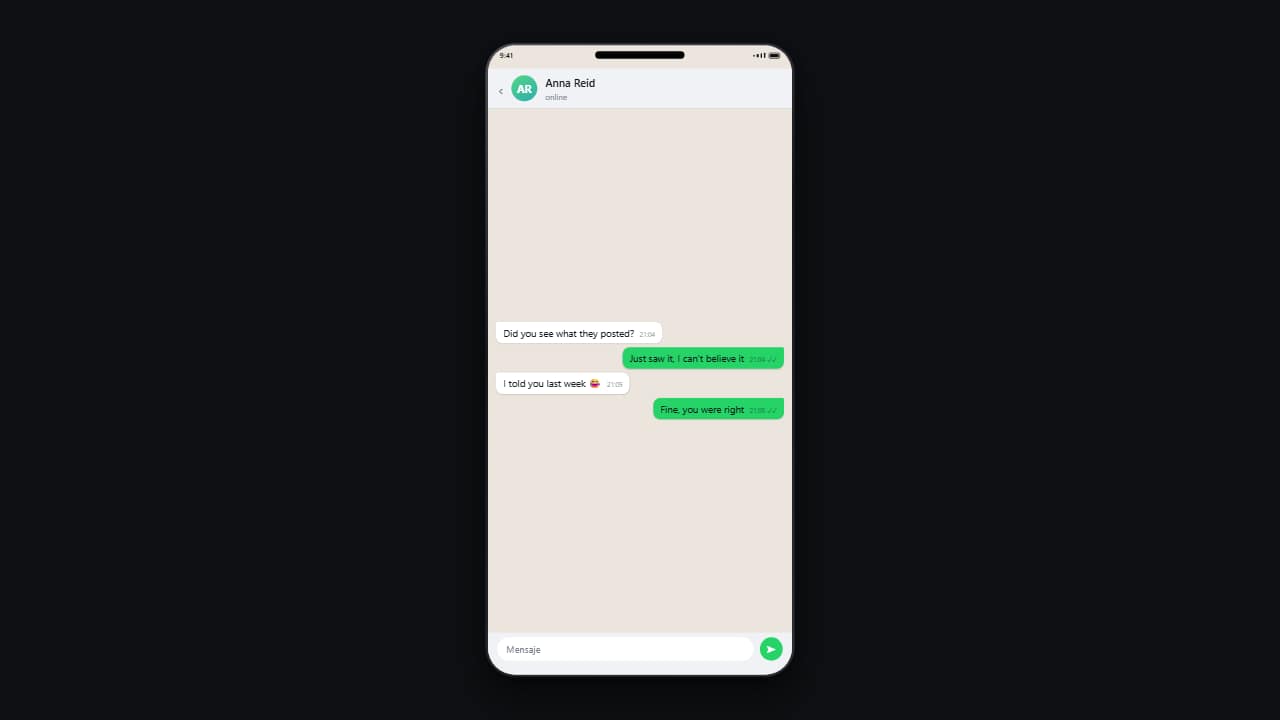 Phone conversationMessages drop in one by one on a phone, with their timestamps and read ticks.
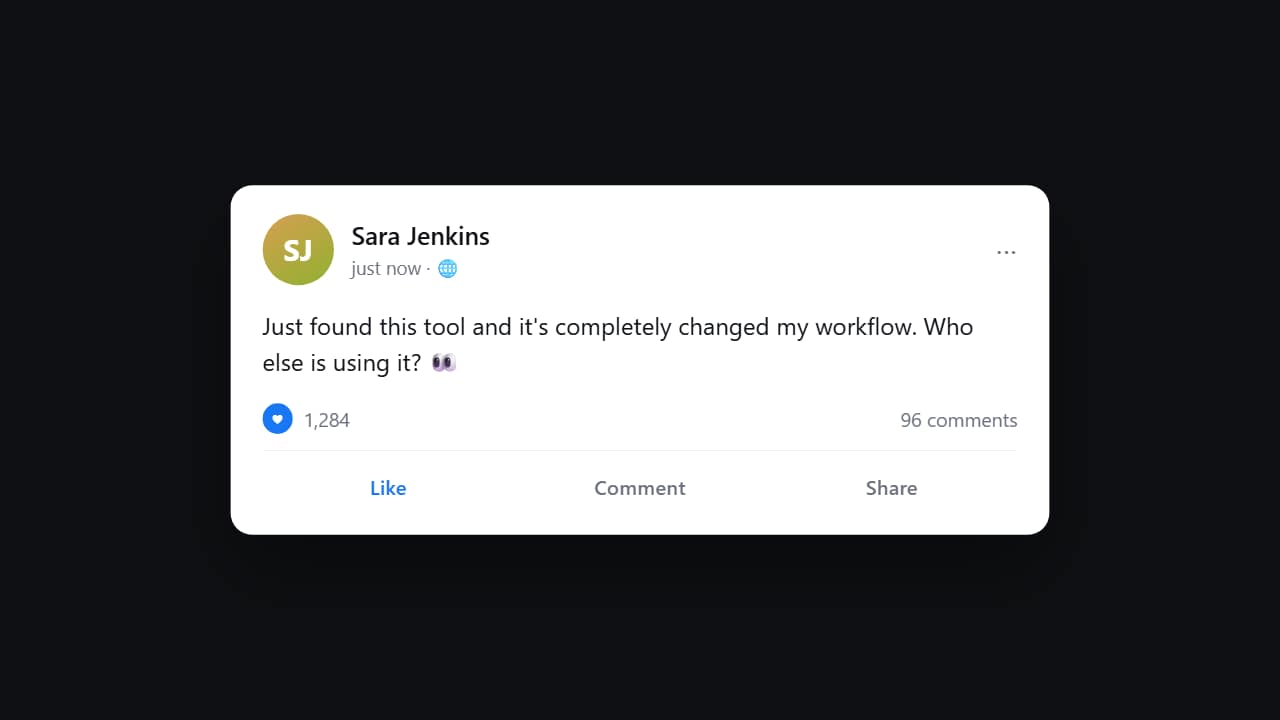 Social media postThe card comes in, the text appears behind it, and the reaction counter CLIMBS while you watch.
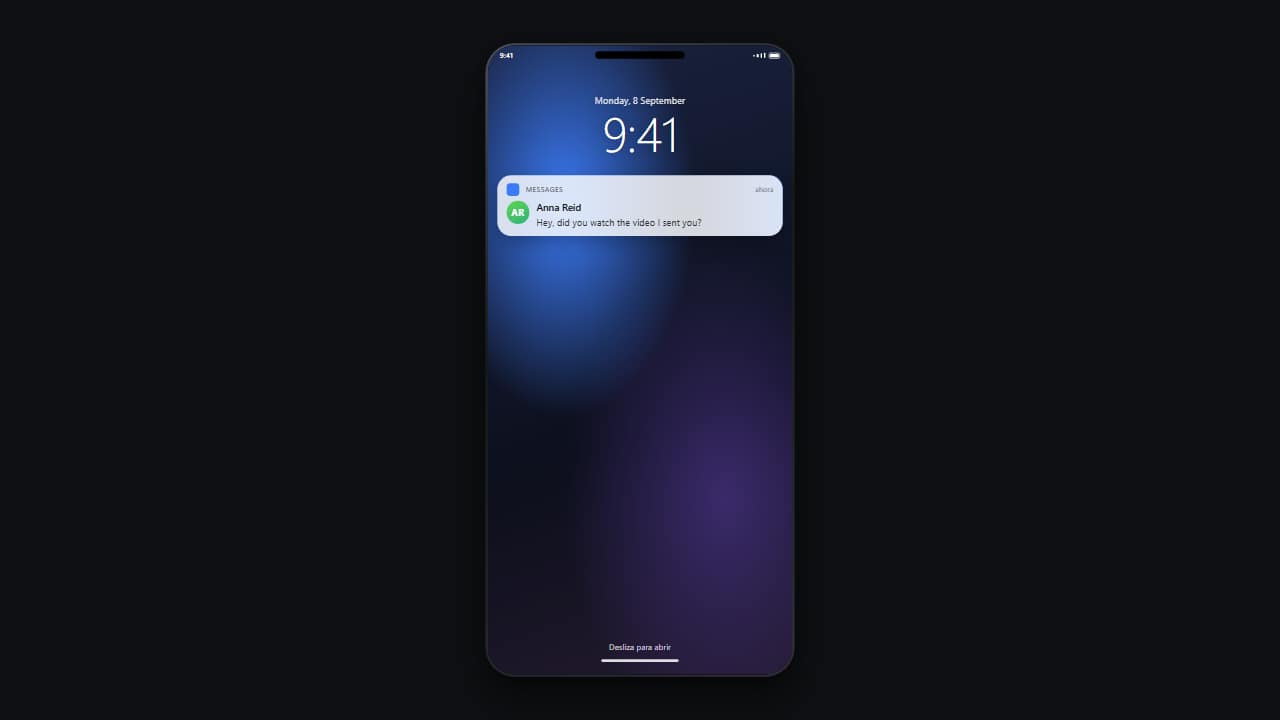 Lock-screen notificationThe locked phone with its big clock, and the notification dropping in from the top with a small bounce.
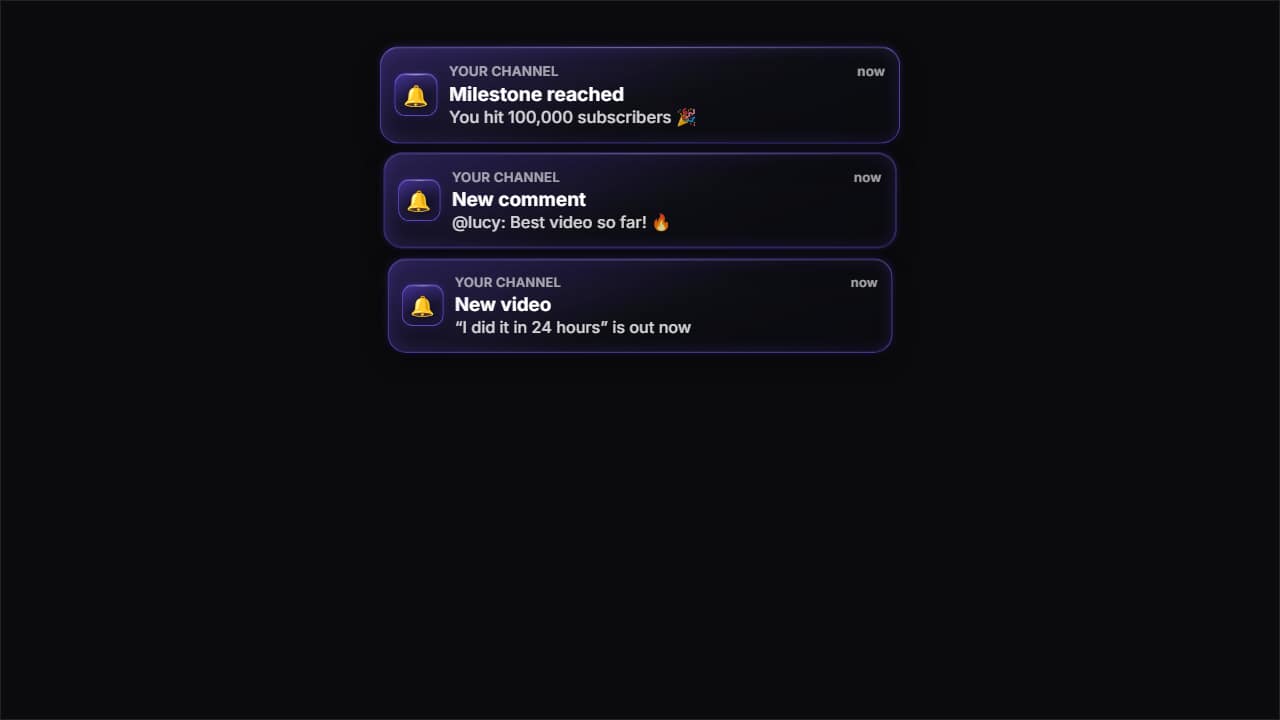 Glass notificationsPhone notifications in glass: they drop in from the top one by one and stack up, newest on top.
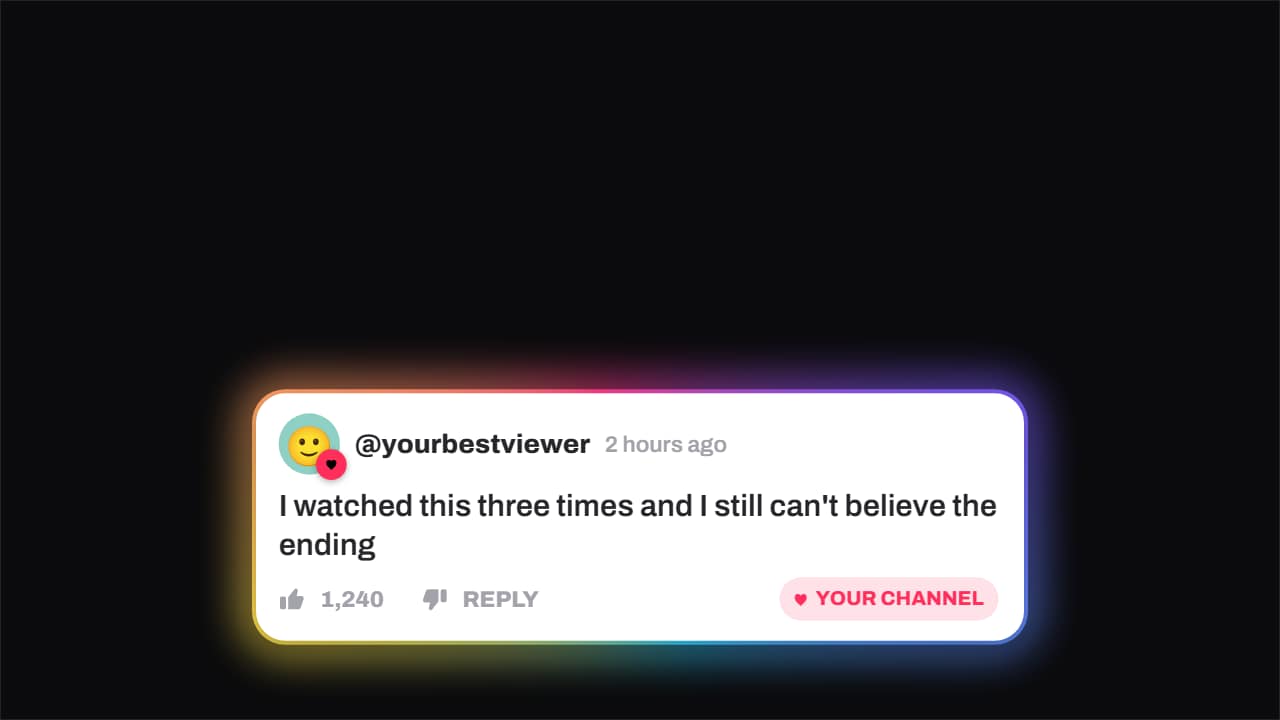 Comment · hearted by the channelA viewer's comment — avatar, timestamp, like count — and the moment the channel hearts it: the badge pops…
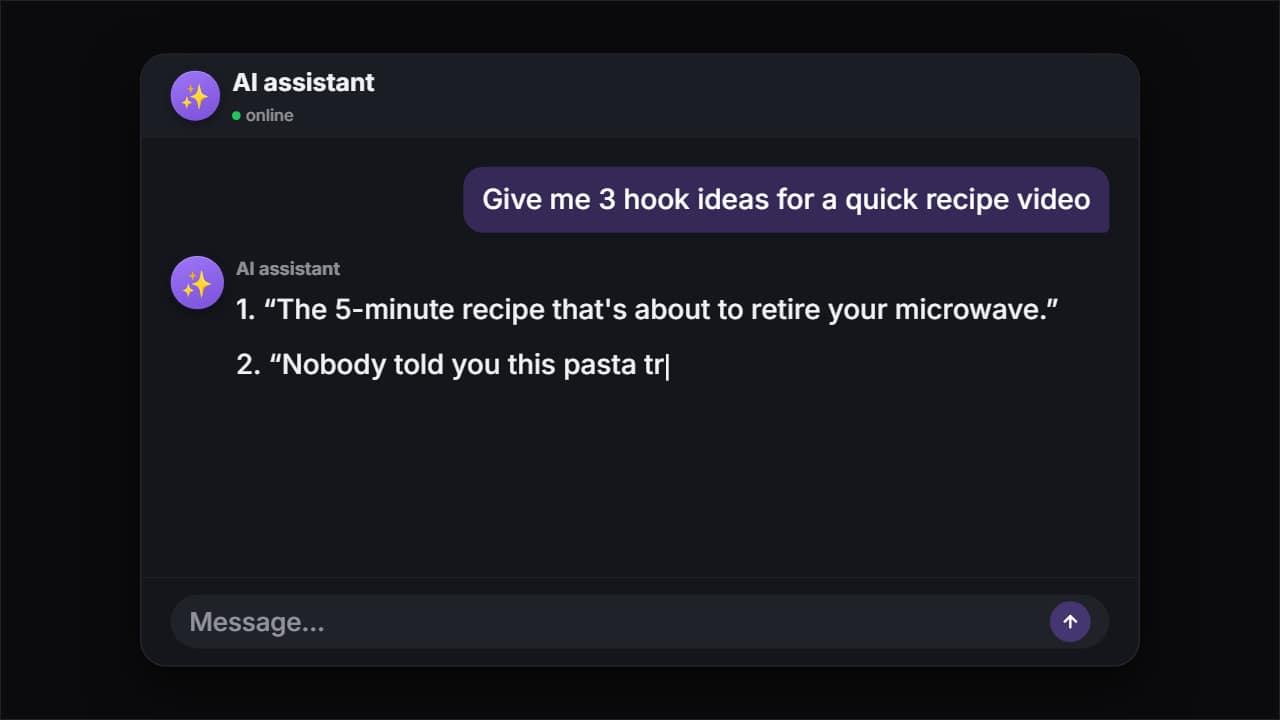 AI chatThe question types itself letter by letter, gets sent, the model thinks and the answer appears word by word…
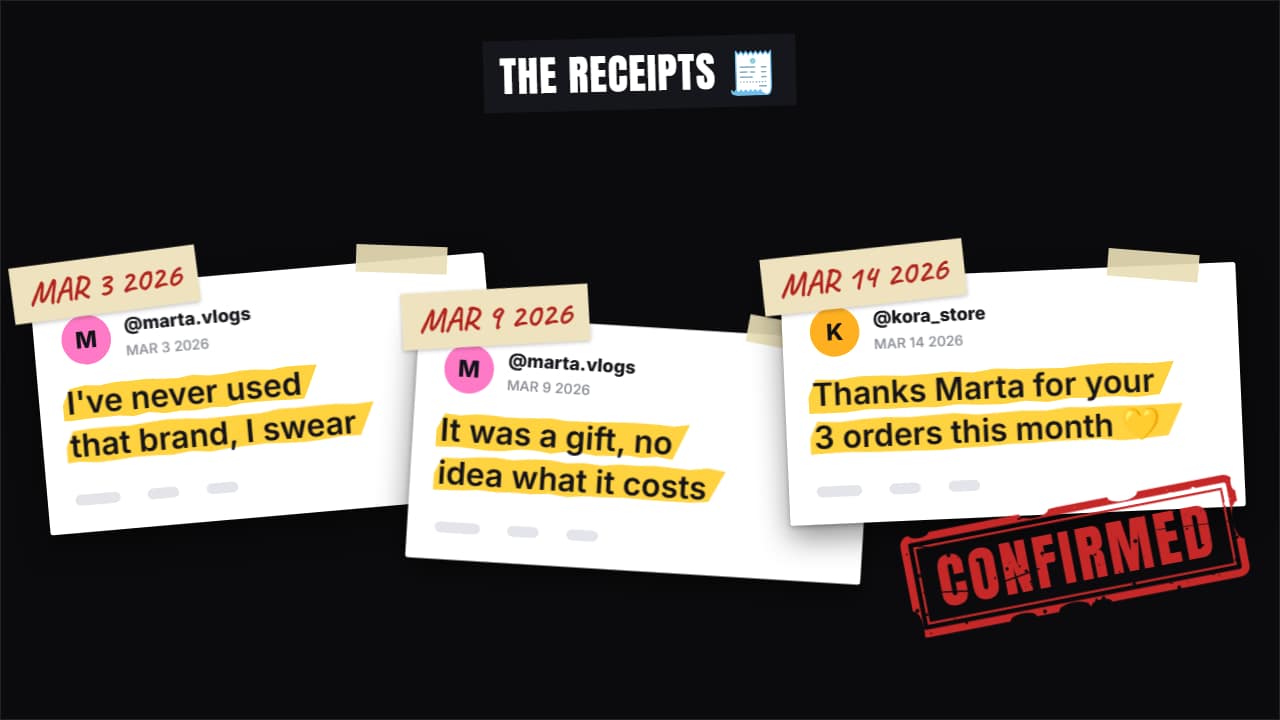 Receipts stack«Here are the receipts»: up to four screenshots drop in one after another and stack up (fanned out in…
Questions
- Can I make a Reddit-style story video?
- Yes. The forum post card has the community, the username, the flair, the title and the text, plus a reading mode that reveals the text sentence by sentence at the speed of your voice-over (in words per second). In vertical it fills the usable width without touching the app's buttons.
- Do they use the real logos of the apps?
- No. They imitate the layout people recognise with a generic look, and you set the names, the avatars, the numbers and the colors.
- Do I need After Effects?
- No. Every template is edited in your browser: type your text, choose colors and format (16:9, 9:16 or 1:1), watch the live preview and export.
- What do I export, and does it work in my editor?
- Most templates export as a ProRes 4444 .mov with a transparent background, which you place on a track above your clip in CapCut, Premiere Pro, DaVinci Resolve or Final Cut Pro. You can also export an MP4 with your own clip behind it. Always in Full HD.
- Is it free?
- Editing and previewing are free and need no account. To export you sign in with Google; during the open beta, new accounts get export credits at no cost.