Text Message and Phone Notification Animations for Videos
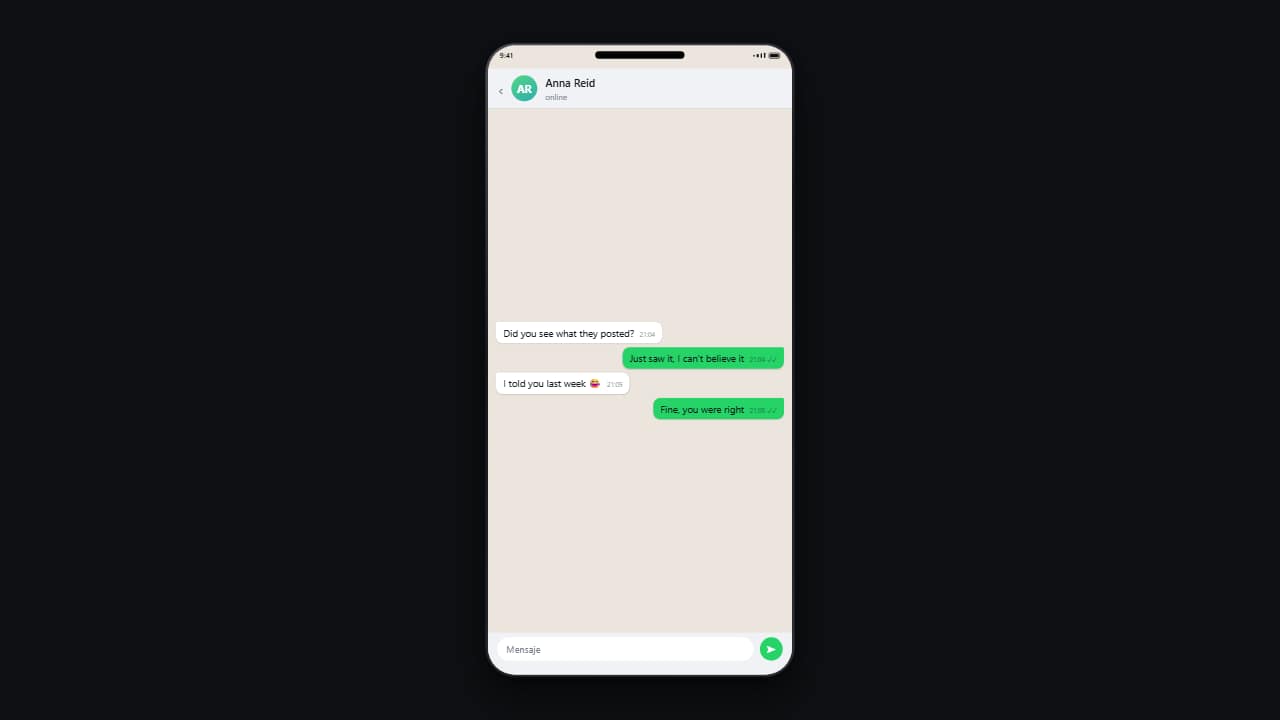 Phone conversation
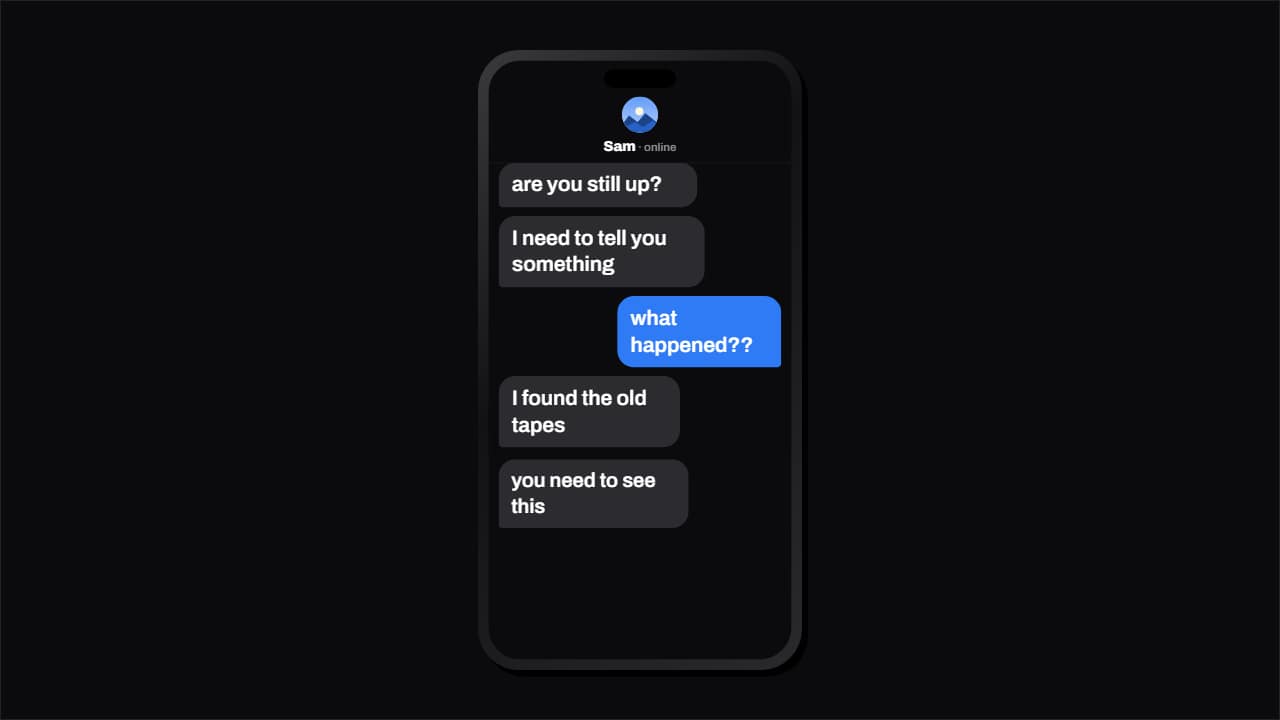 Text message conversation that types itself
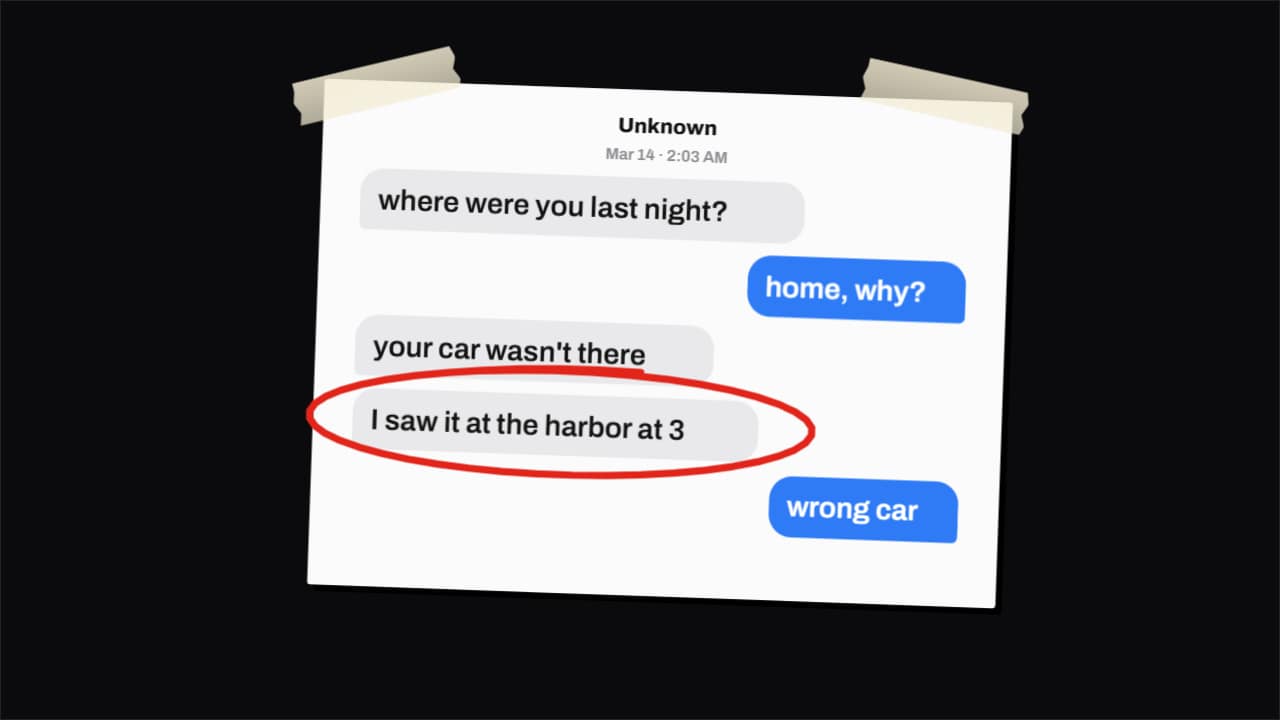 Text message screenshot as evidence (true crime)
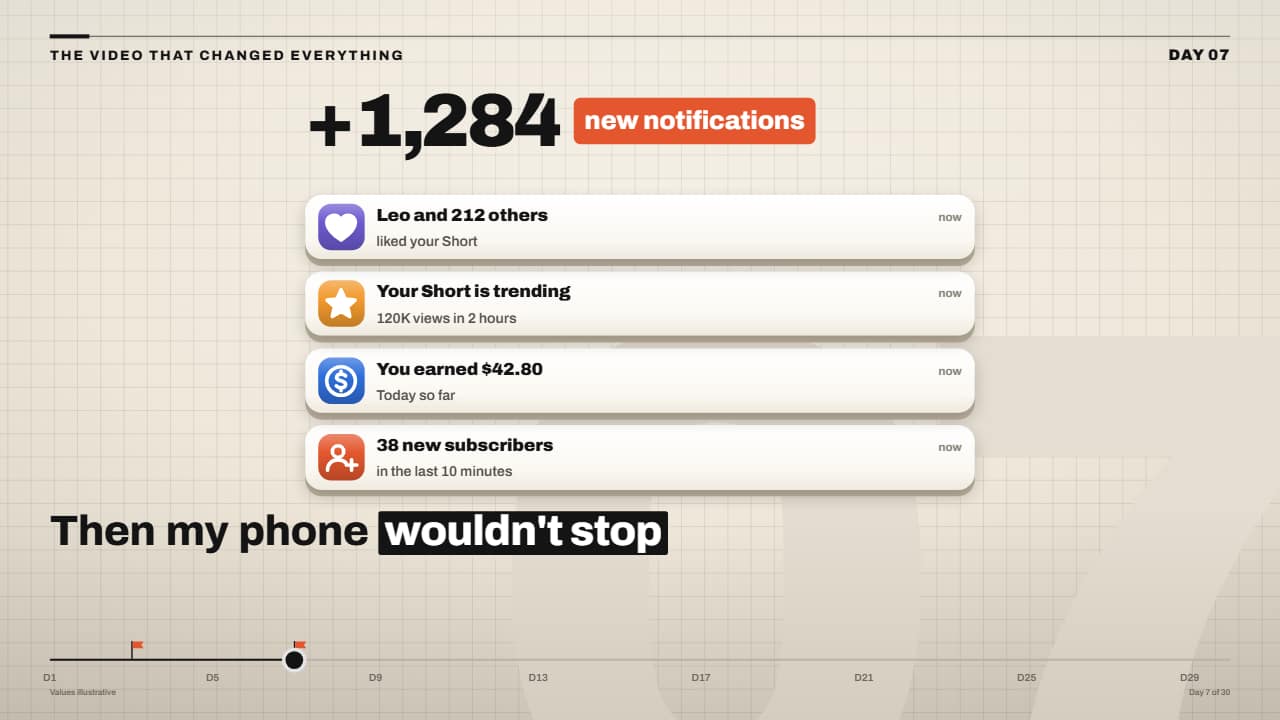 Phone blowing up: 3D notification stack
Storytime, true crime and «and then I got this message» videos all need the same shot: the conversation, readable, at the pace of your voice. The phone conversation drops messages in one by one with timestamps and read ticks; they sit at the bottom and push the old ones up, like a real app. If you just need the exchange without a phone, the chat bubbles alternate sides with their tails pointing at whoever is talking.
For the moment something arrives, the lock-screen notification falls in from the top with a small bounce over the big clock, and the glass notifications stack up to three at a time, newest on top. The voice message plays with its waveform lighting up as the time runs, and the emergency call shows a transcript next to a recording clock, in a serious tone.
Streamers can show a live chat where a paid message drops on top, sellers a run of «new sale» notifications with the day's total rolling up, and anyone the keyboard seen from above, keys sinking as the text appears. Everything is generic, with no app's logo, and exports transparent so it sits over your footage or your own phone shot.
12 templates · 16:9 · 9:16 · 1:1
- Phone conversationMessages drop in one by one on a phone, with their timestamps and read ticks.
- Text message conversation that types itselfThe chat that types itself, like storytime and text-message Shorts: the other person's «…» before each…
- Text message screenshot as evidence (true crime)The screenshot from true crime documentaries and drama videos: the PRINTED conversation drops onto the desk…
- Phone blowing up: 3D notification stackThe «my phone blew up» moment in the Editorial 3D style: white cards with a 3D edge drop one after another…
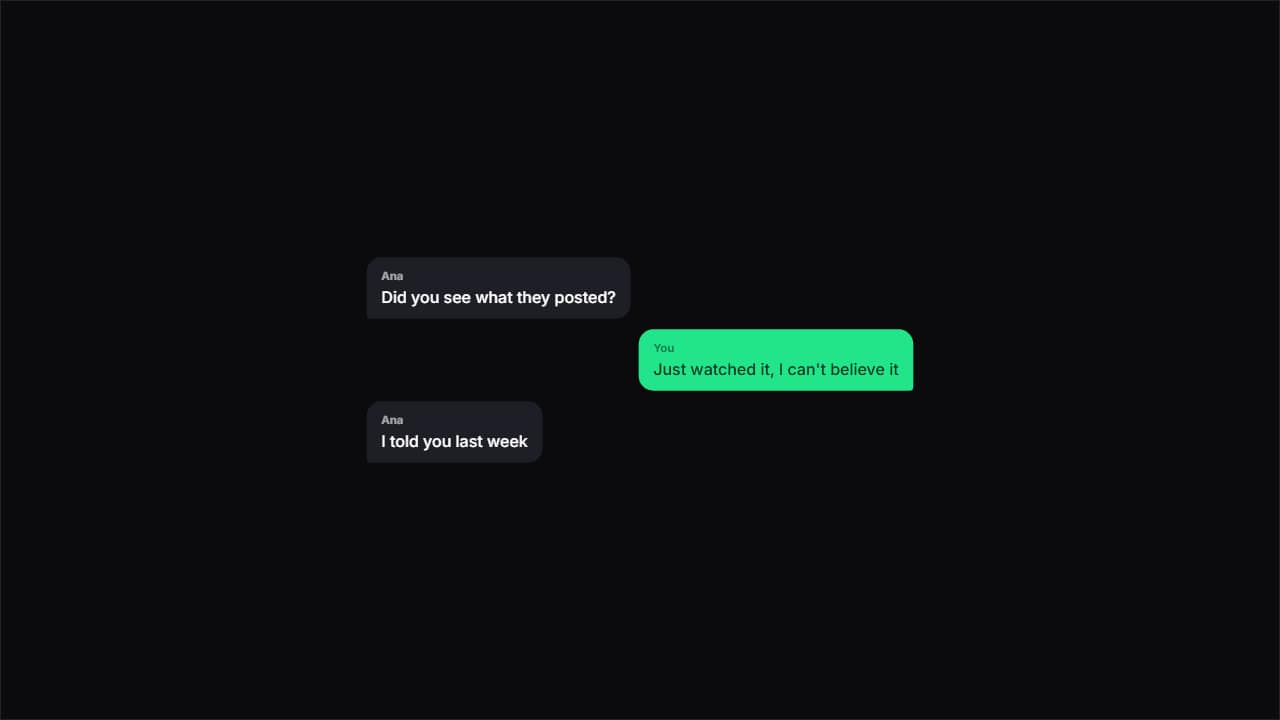 Chat bubblesChat bubbles alternating sides, with the tail pointing at whoever's talking.
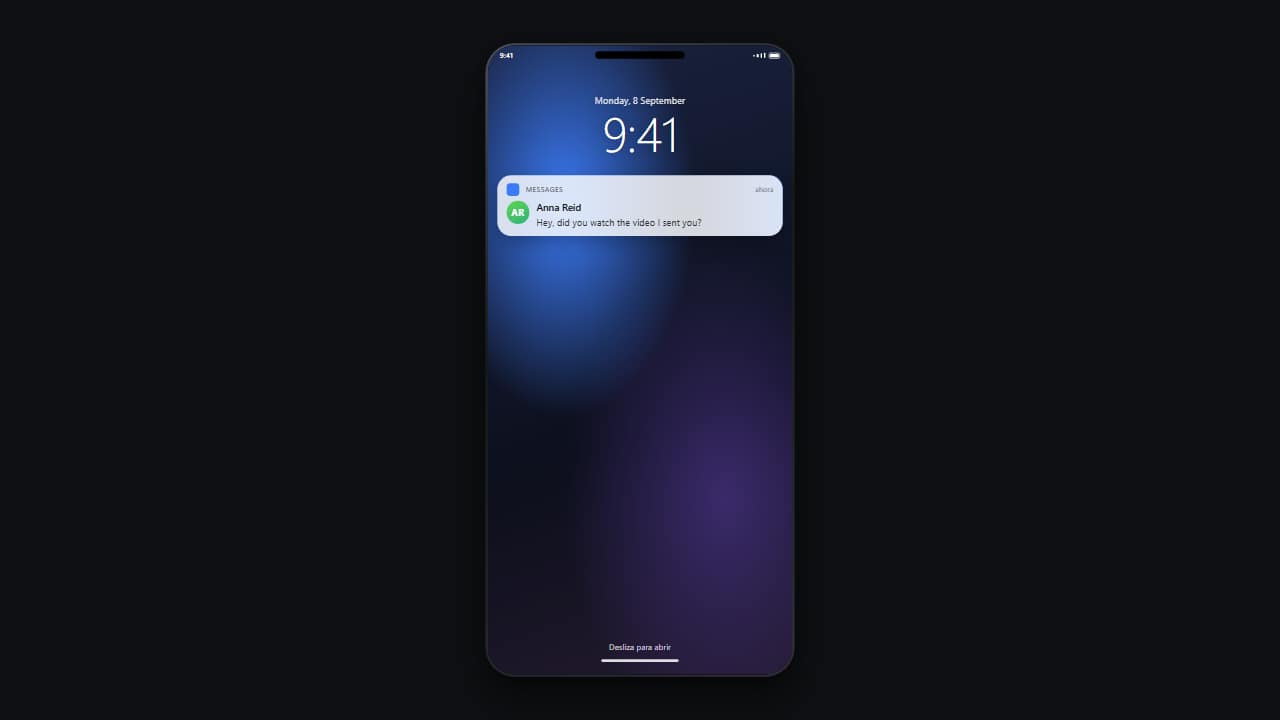 Lock-screen notificationThe locked phone with its big clock, and the notification dropping in from the top with a small bounce.
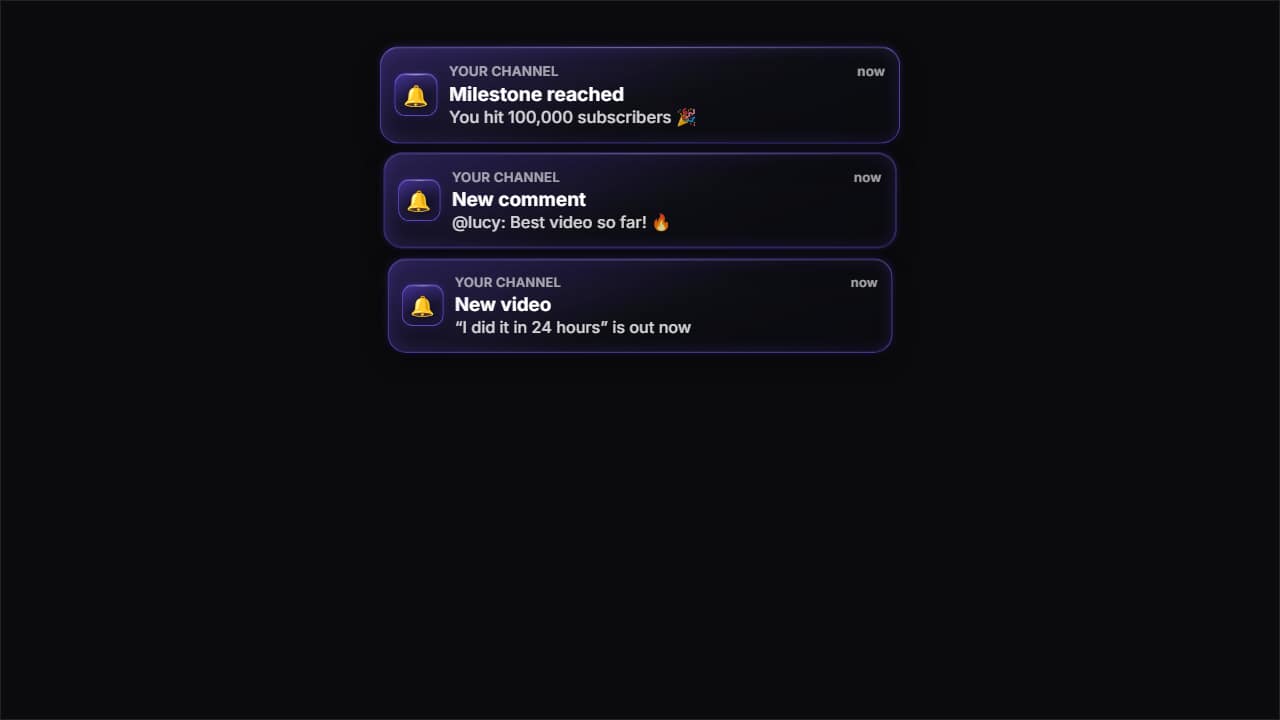 Glass notificationsPhone notifications in glass: they drop in from the top one by one and stack up, newest on top.
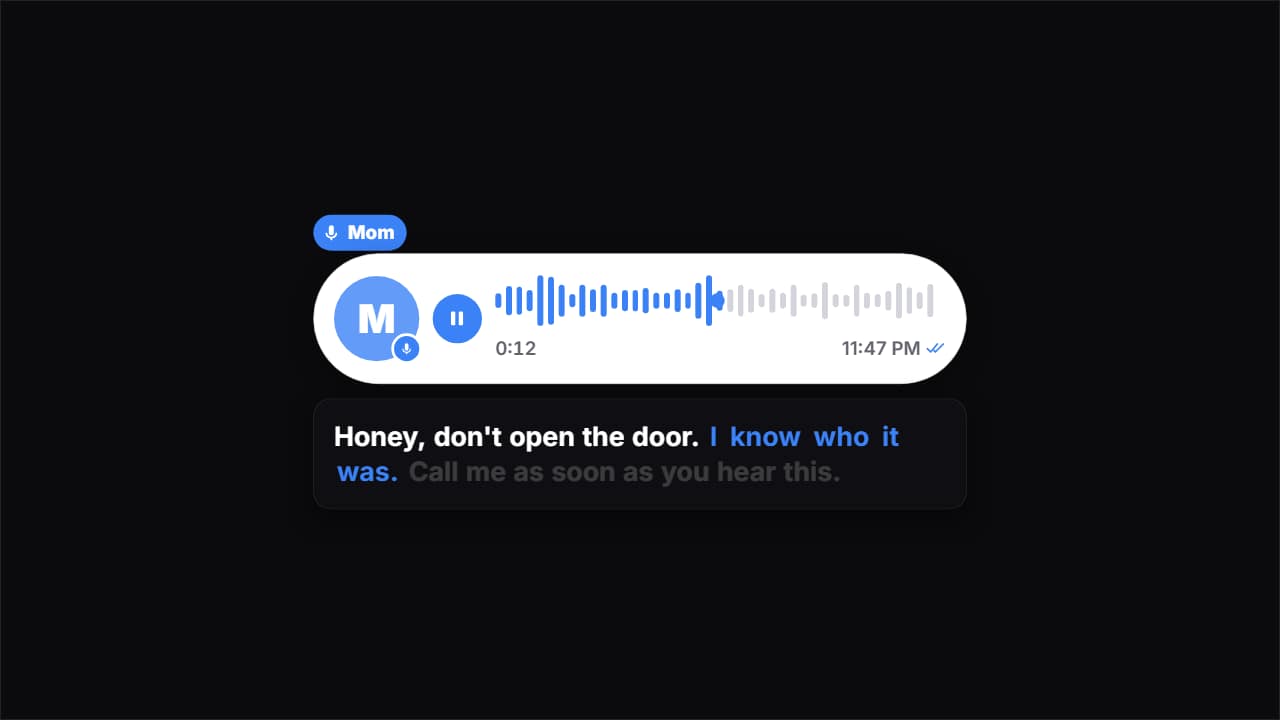 Voice message playingThe voice message that changed everything, the way true crime documentaries and storytime videos show it…
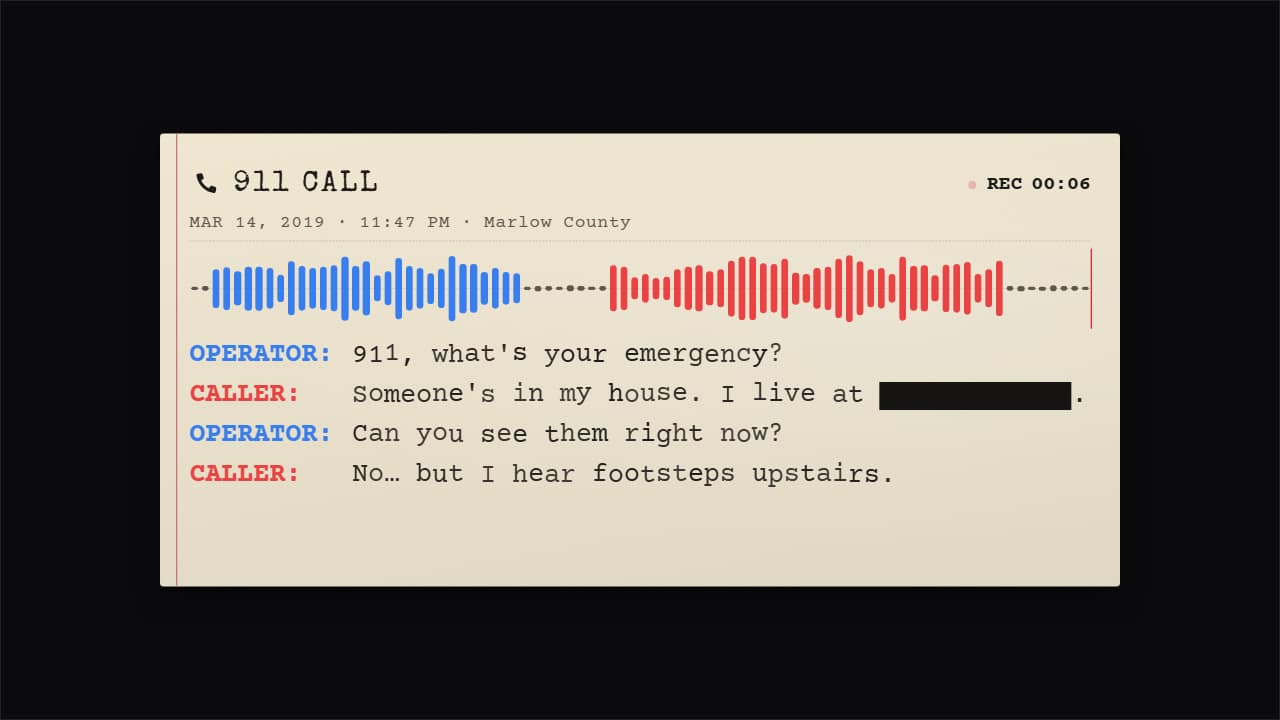 The 911 call (true crime)The emergency call with its transcript, in a serious tone: header («911 CALL»), date, time and place, a…
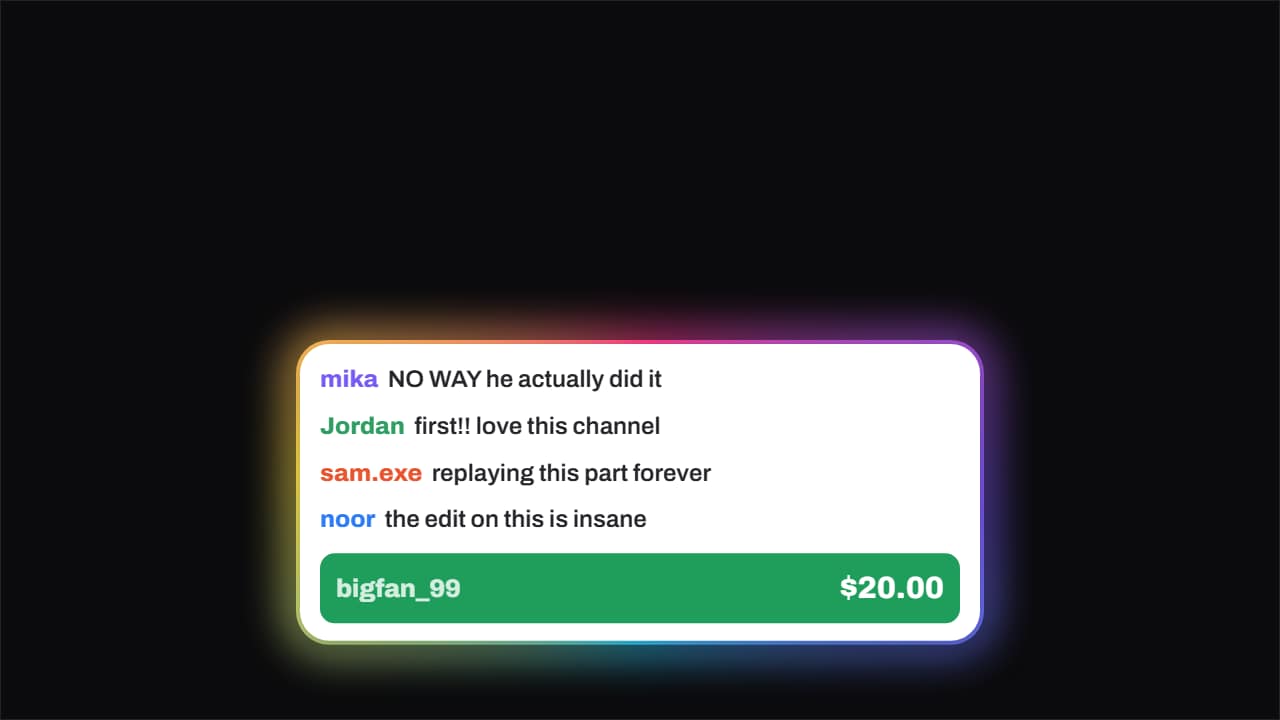 Live chat · with a donationChat messages slide in one after another from the left and, once there is a rhythm, the paid message drops…
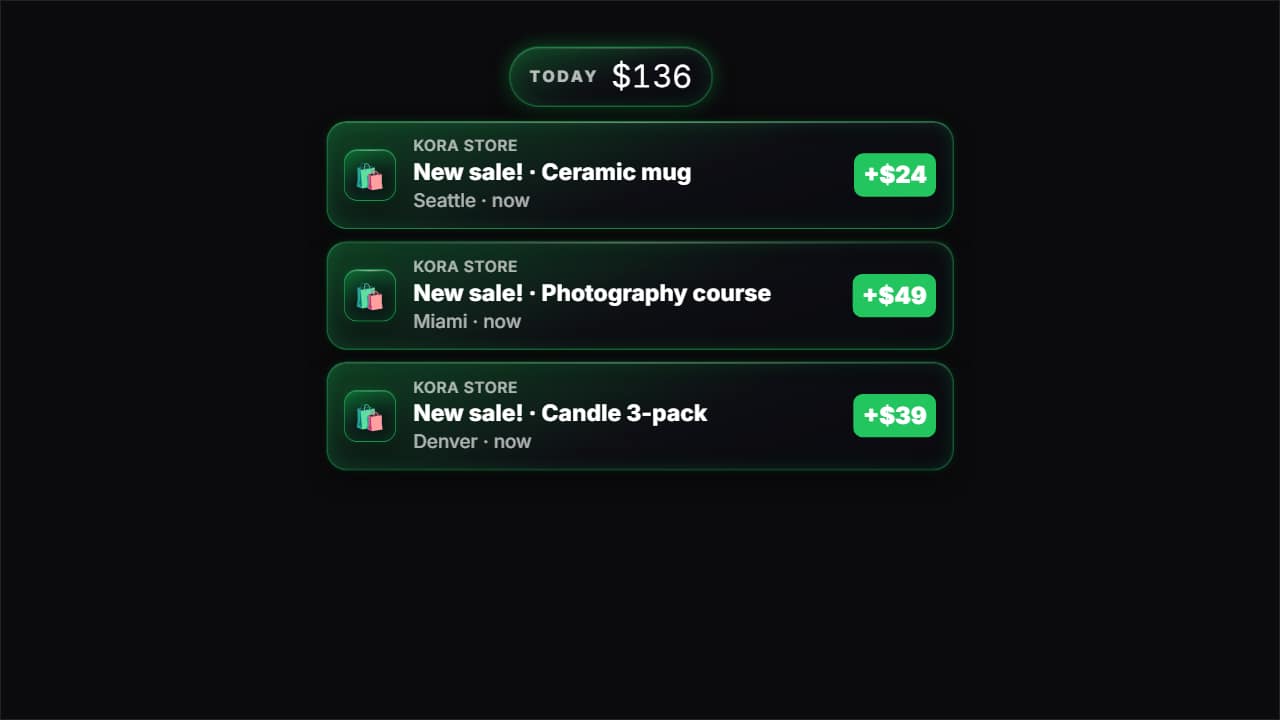 Sale notification«New sale!» notifications from an online store dropping in one after another, each with its product, city…
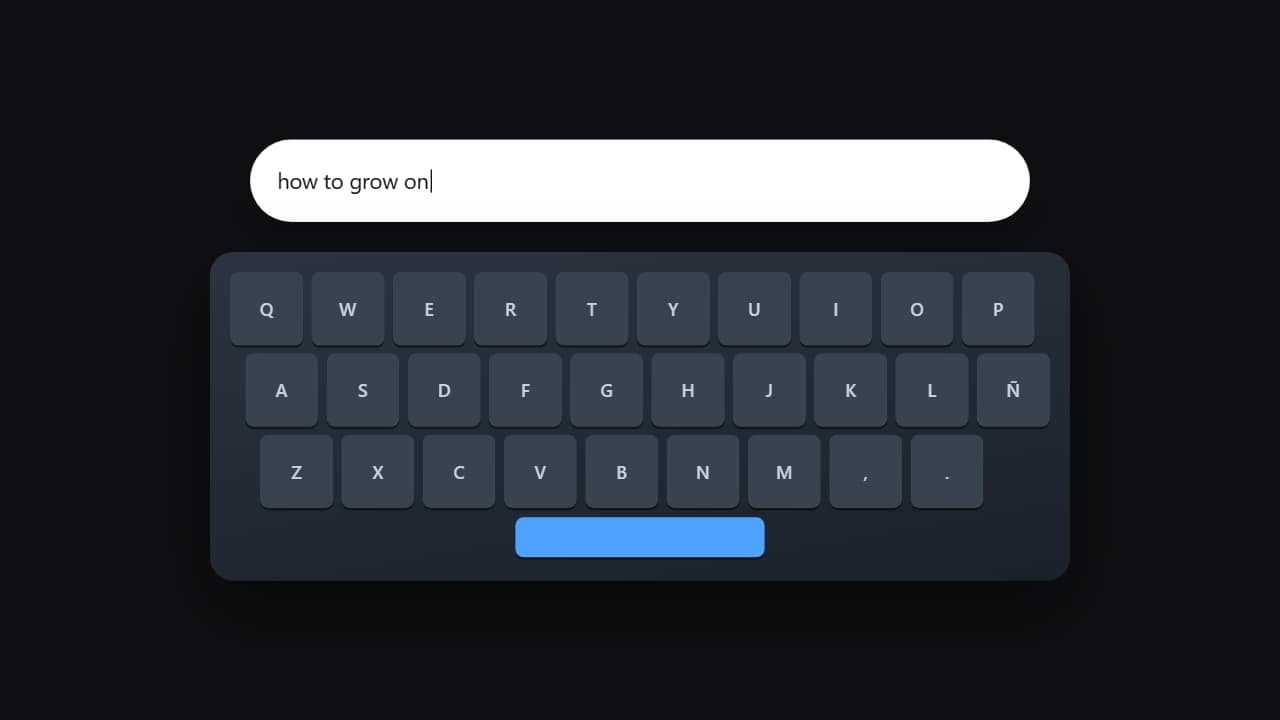 Typing on the keyboardThe keyboard from above with the keys lighting up one by one while the text appears in the field.
Questions
- Can I write the whole conversation?
- Yes. You type each message and choose who sends it; the animation spaces them out so they can be read. Long chats keep scrolling up like a real phone.
- Do they look like a specific app?
- No, on purpose: they are generic designs without logos or brand colors, so you can use them in any video without pretending to be a real screenshot.
- Do I need After Effects?
- No. Every template is edited in your browser: type your text, choose colors and format (16:9, 9:16 or 1:1), watch the live preview and export.
- What do I export, and does it work in my editor?
- Most templates export as a ProRes 4444 .mov with a transparent background, which you place on a track above your clip in CapCut, Premiere Pro, DaVinci Resolve or Final Cut Pro. You can also export an MP4 with your own clip behind it. Always in Full HD.
- Is it free?
- Editing and previewing are free and need no account. To export you sign in with Google; during the open beta, new accounts get export credits at no cost.