Aspect ratio1920×1080this is how it downloads
Preview doesn't change the file
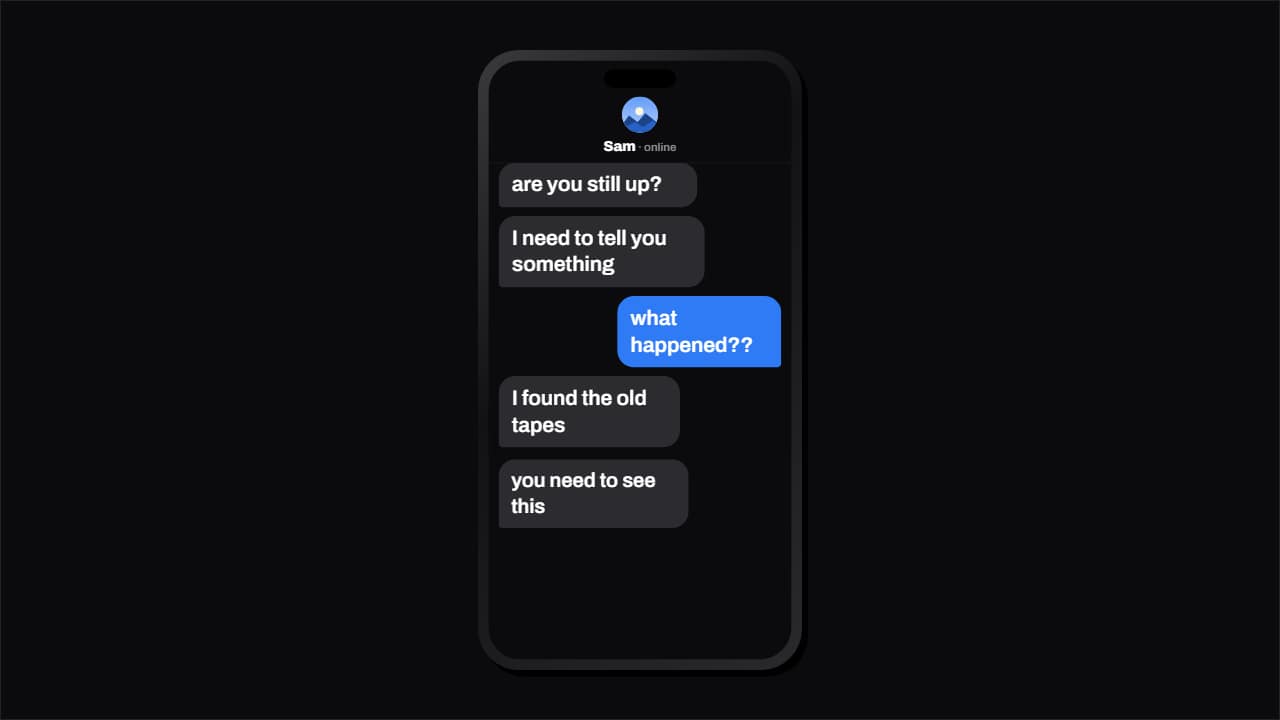
You'll download 1920×1080, 3.5 s, with no background (.mov).
BetaFree during the beta: create an account and export at no cost. No credit card.How it works →Free during the beta · no card →
You'll download 1920×1080, 3.5 s, with no background (.mov).
The chat that types itself, like storytime and text-message Shorts: the other person's «…» before each message, the bubble popping from its corner, «Read» under yours and the chat scrolling up when it's full. Three styles: dark phone and light phone (drawn and generic, no real app) or Editorial 3D (bubbles with a 3D edge on cream paper, no phone). Write «A | …» for them and «B | …» for you; up to 14 messages. Works transparent too.
Collection: YouTube Shorts templates · Text message animations
Plus the typeface and an optional letter outline, in every template.
Export it without background and put it on a track above your clip: the animation plays over your video.
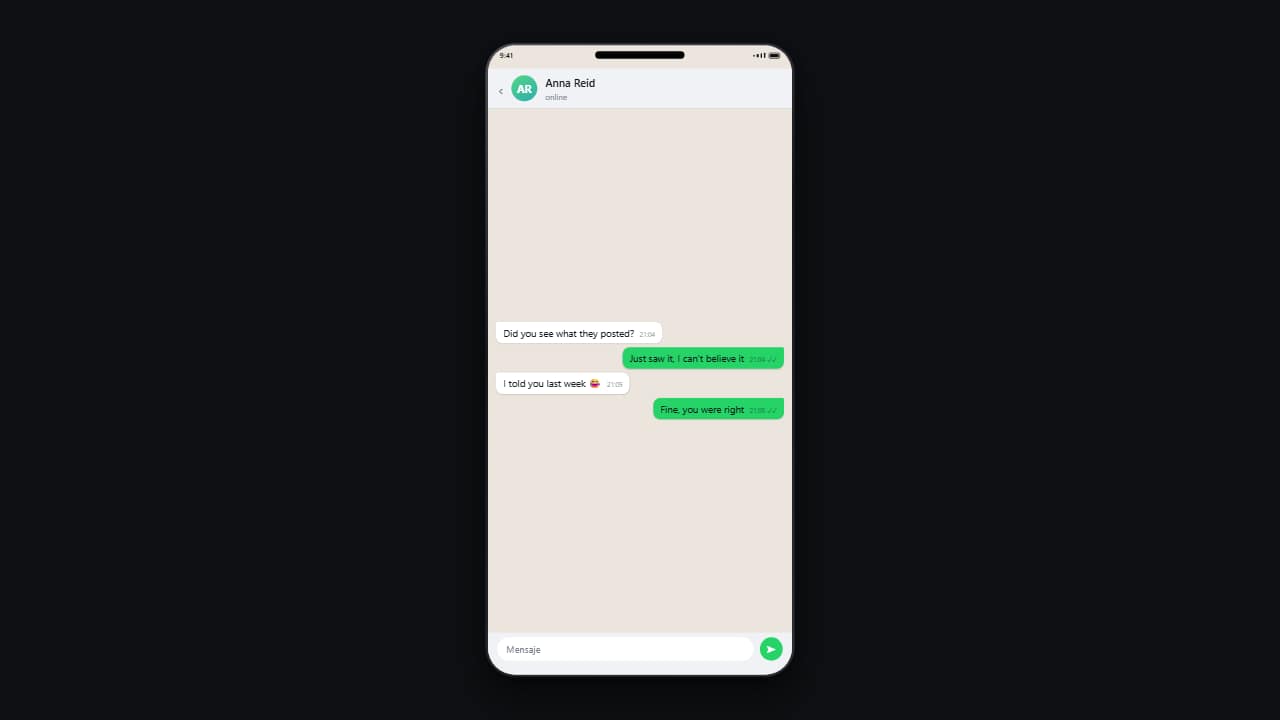 Phone conversationMessages drop in one by one on a phone, with their timestamps and read ticks.
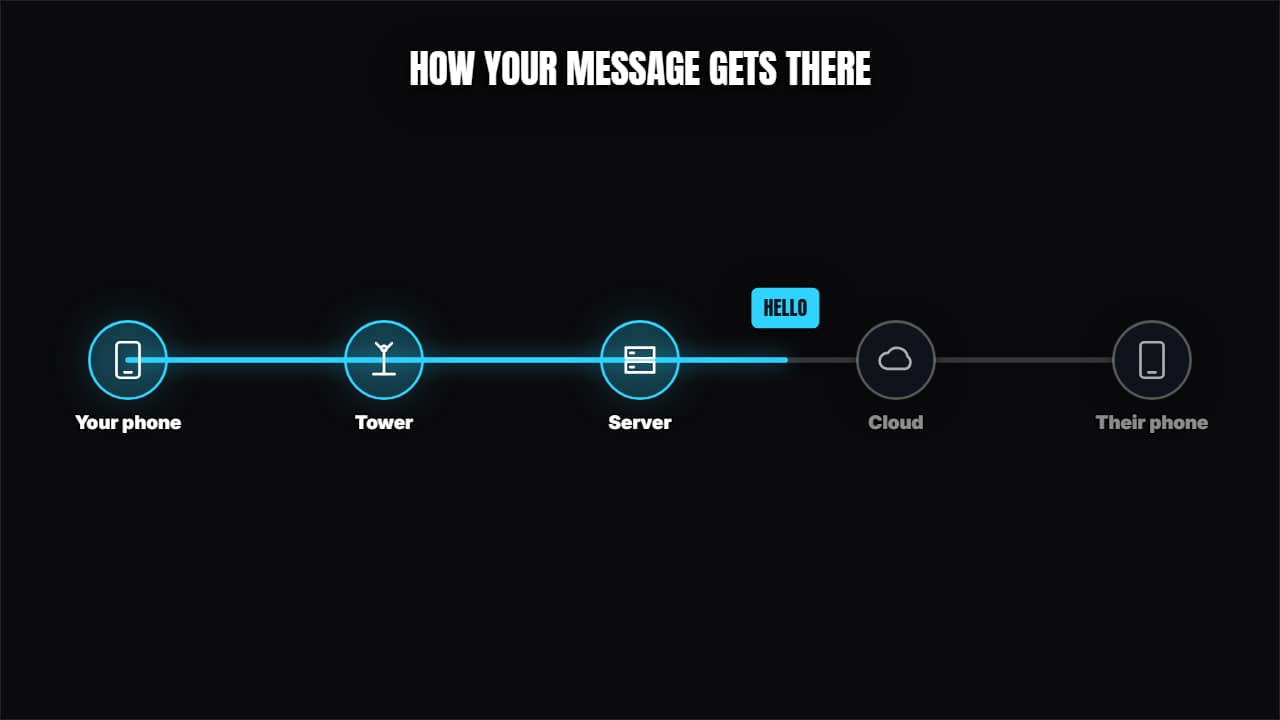 How a message travelsNodes with icons joined by cables and a packet traveling through, lighting them up.
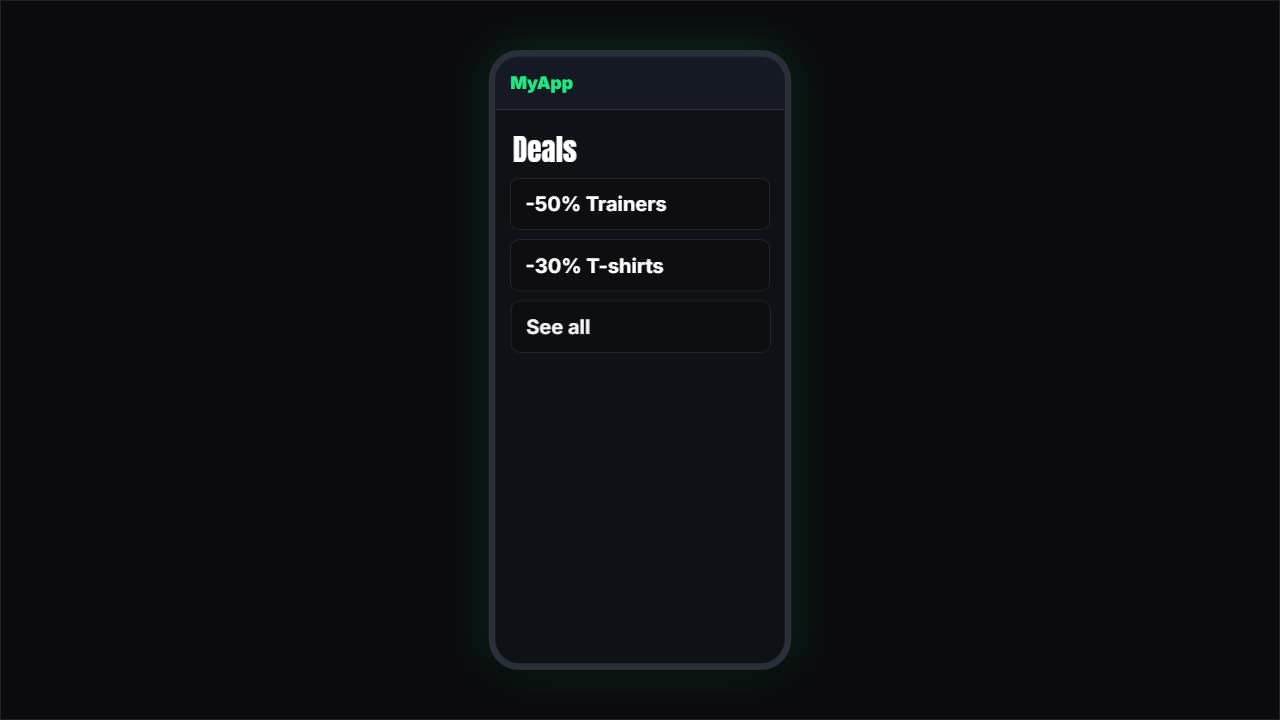 App or web demoA simulated phone (or browser) where a finger taps and the screens change.
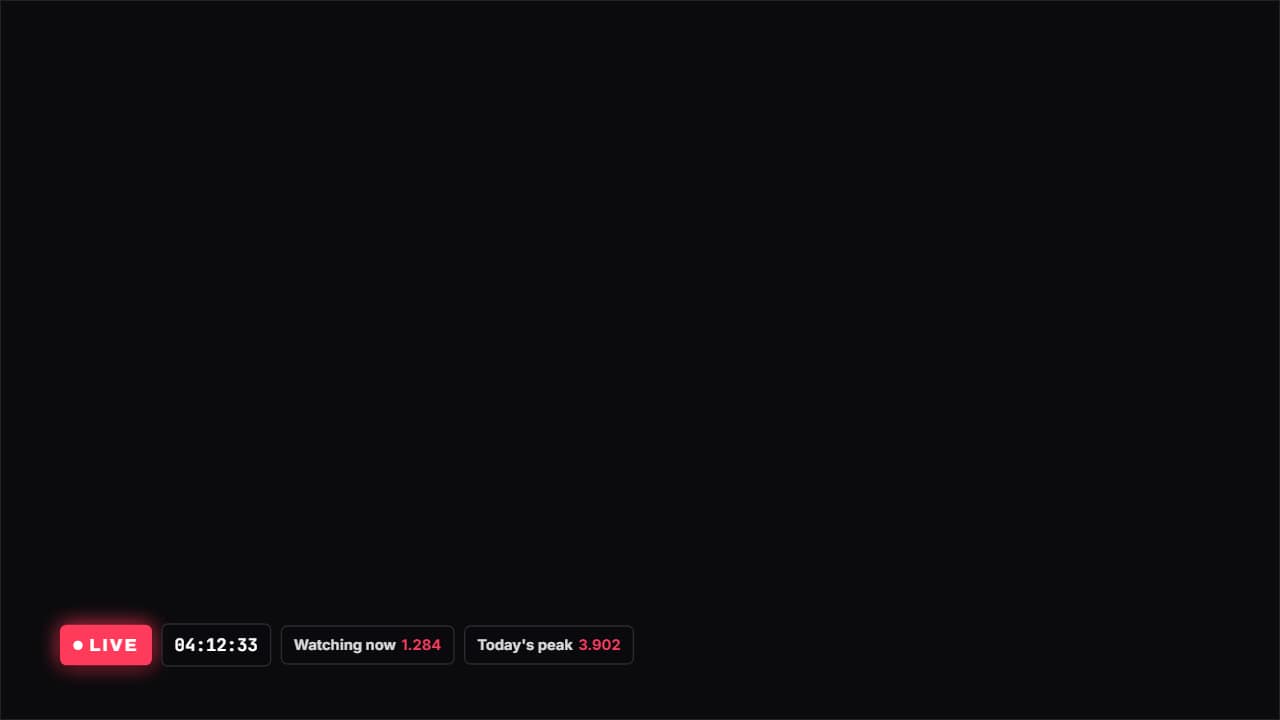 Live with a stopwatchA LIVE badge with the red dot pulsing, a stopwatch and whatever figures you want beside it (viewers…
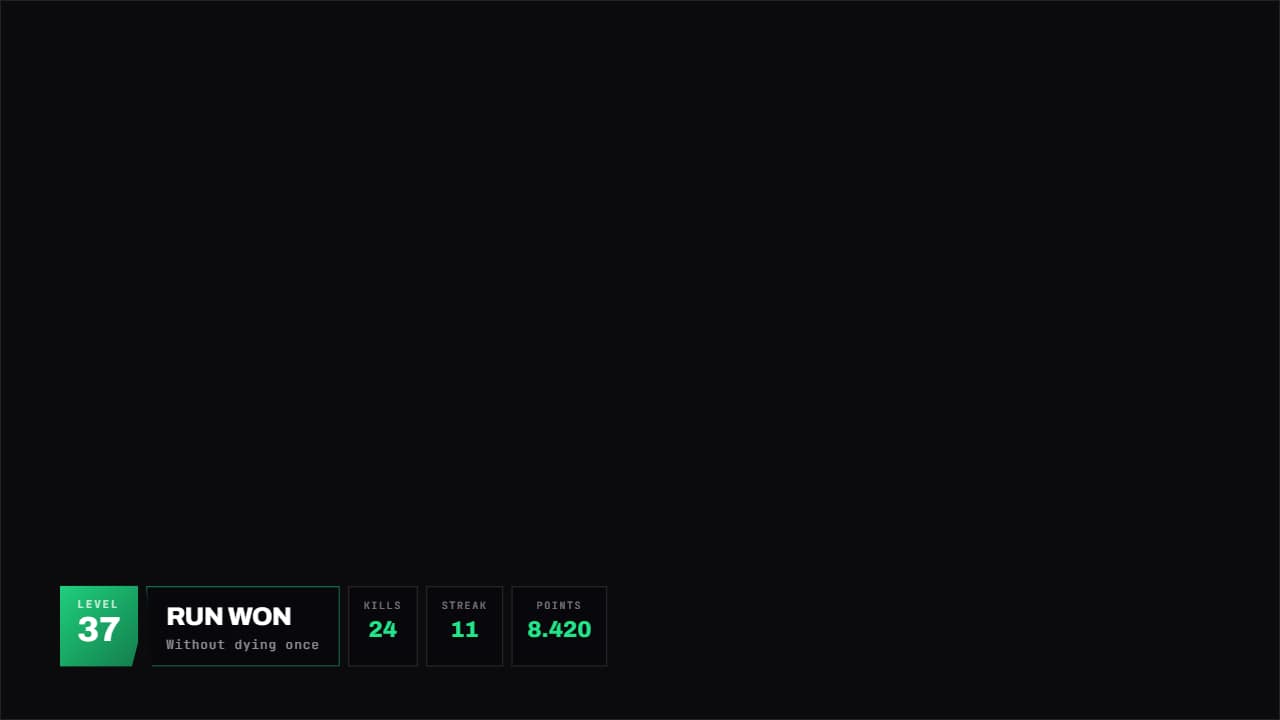 Gaming panelA HUD panel with corners cut on the diagonal: level large on one side, title in the middle and whatever…
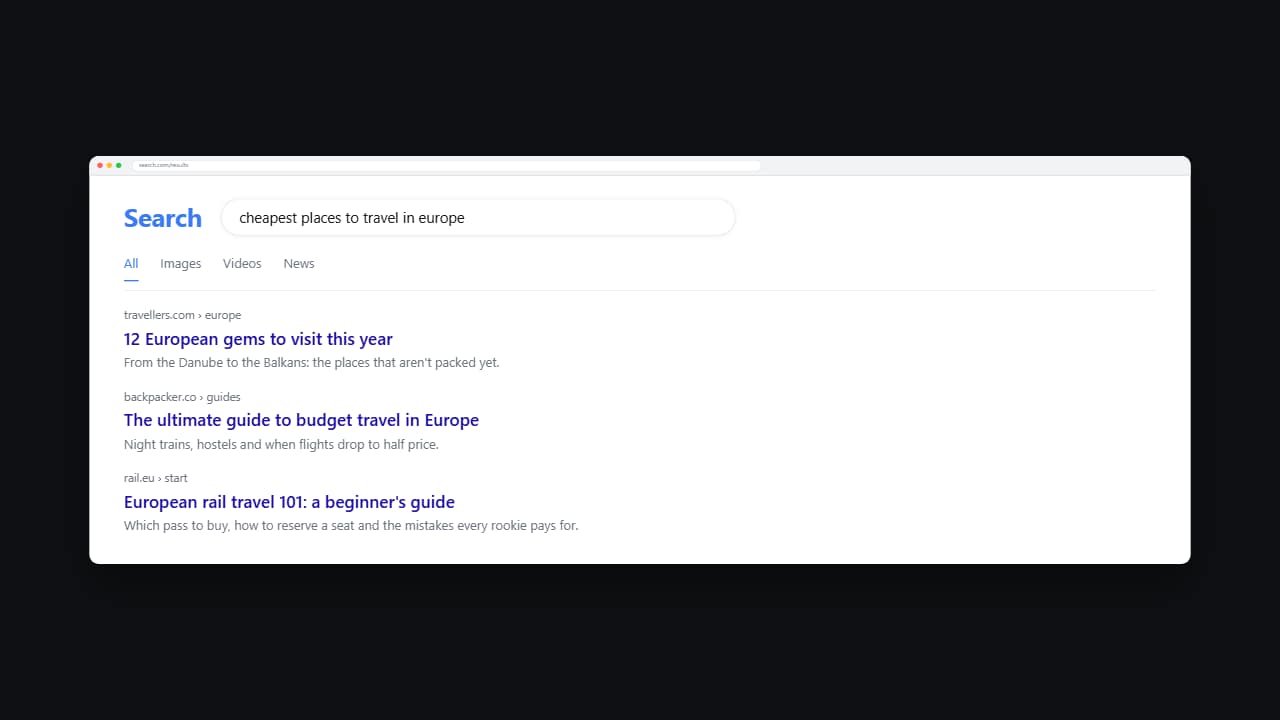 Web searchThe query types itself into the box letter by letter and then the results come in from the top.
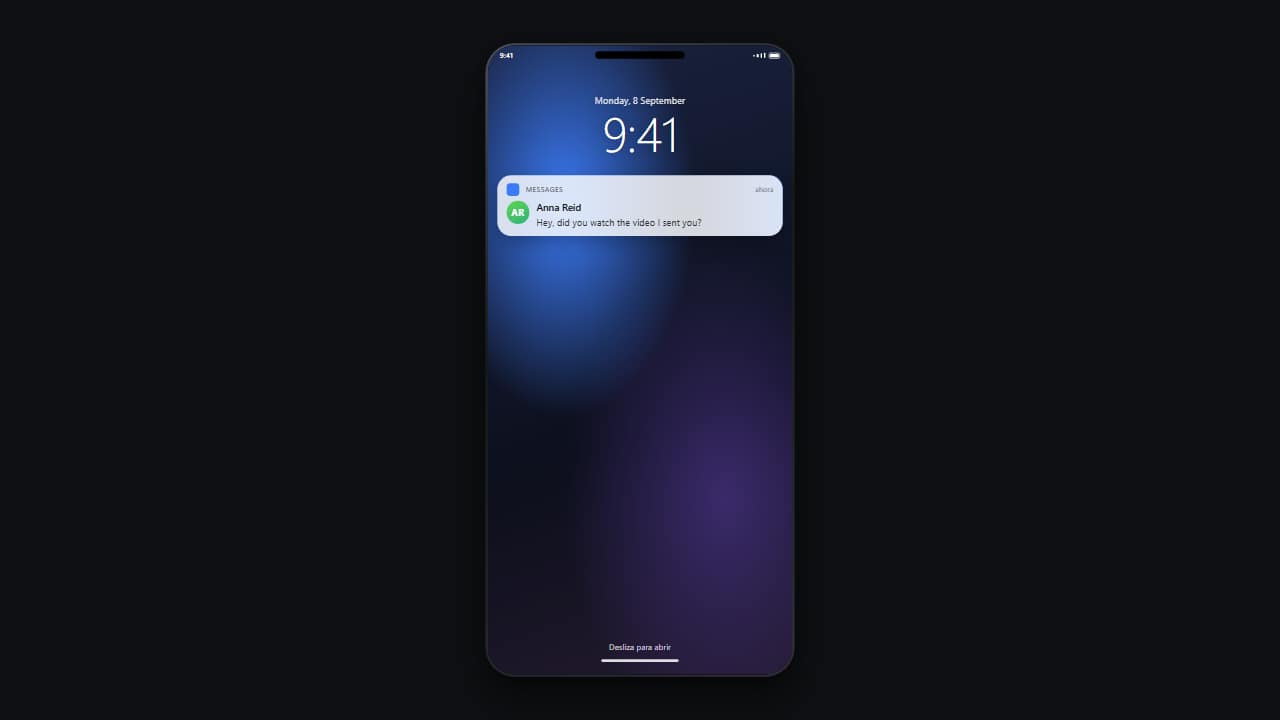 Lock-screen notificationThe locked phone with its big clock, and the notification dropping in from the top with a small bounce.
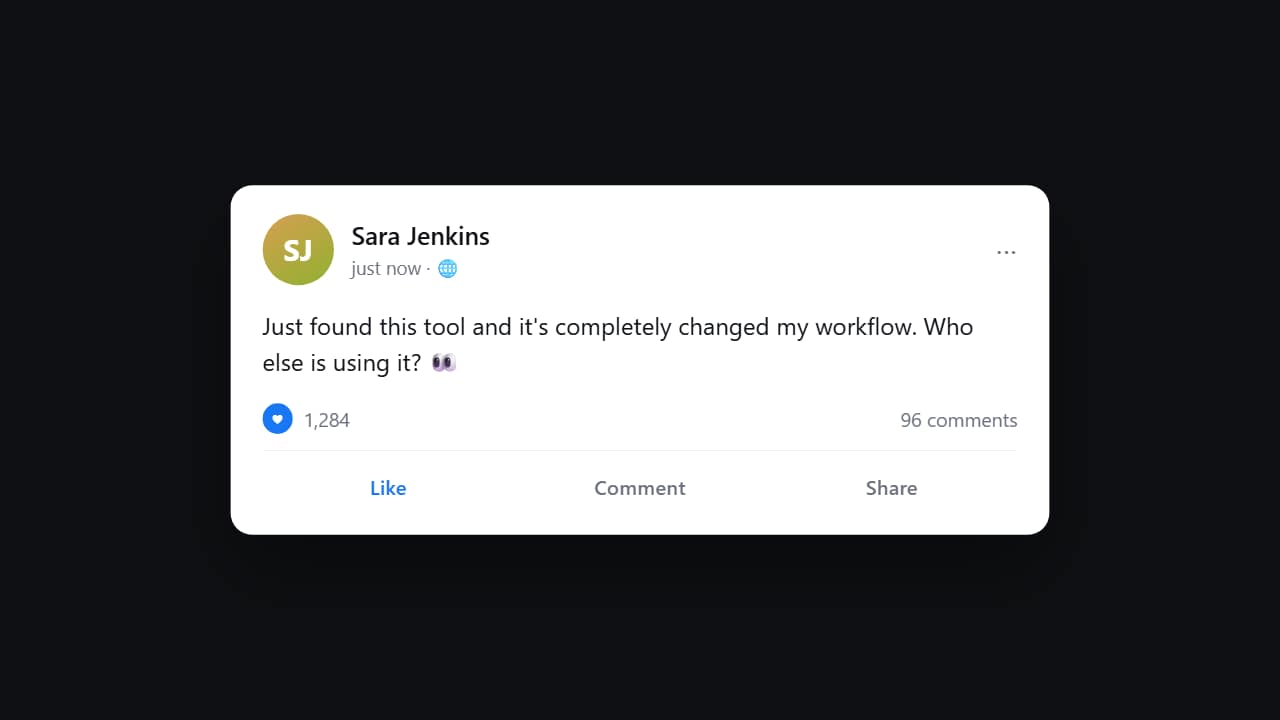 Social media postThe card comes in, the text appears behind it, and the reaction counter CLIMBS while you watch.