3D Globe Animations — Zoom from Space to Any Country
Type a country and the camera travels there: the Earth turns slowly against black space, pushes in, the border draws itself and the flag fills the shape. It is a real orthographic projection over Natural Earth geometry, so the coastlines are the real coastlines. You decide how close it gets, whether the flag fills the country and whether the meridians show.
There are four globe templates. The full version takes its time, for intros and documentary openings. The fast one lands on the country in a little over a second, made to drop in mid-sentence when you name a place. The loose globe has no stars and no background, to park the turning Earth in a corner of your own footage. And «from one country to the world» flies down to your country and then sends arcing arrows out in three waves, to the neighbors, across the continent and to the rest of the world: for migrations, exports or where your audience comes from.
The flight route, network, spread and empire maps have a «Map type» field: set it to Globe and they draw on the sphere instead of a flat map. If you need to get down to a city rather than a country, the world-to-city zoom does it in one continuous move.
9 templates · 16:9 · 9:16 · 1:1
Step-by-step guide: How to make a 3D globe zoom to country animation
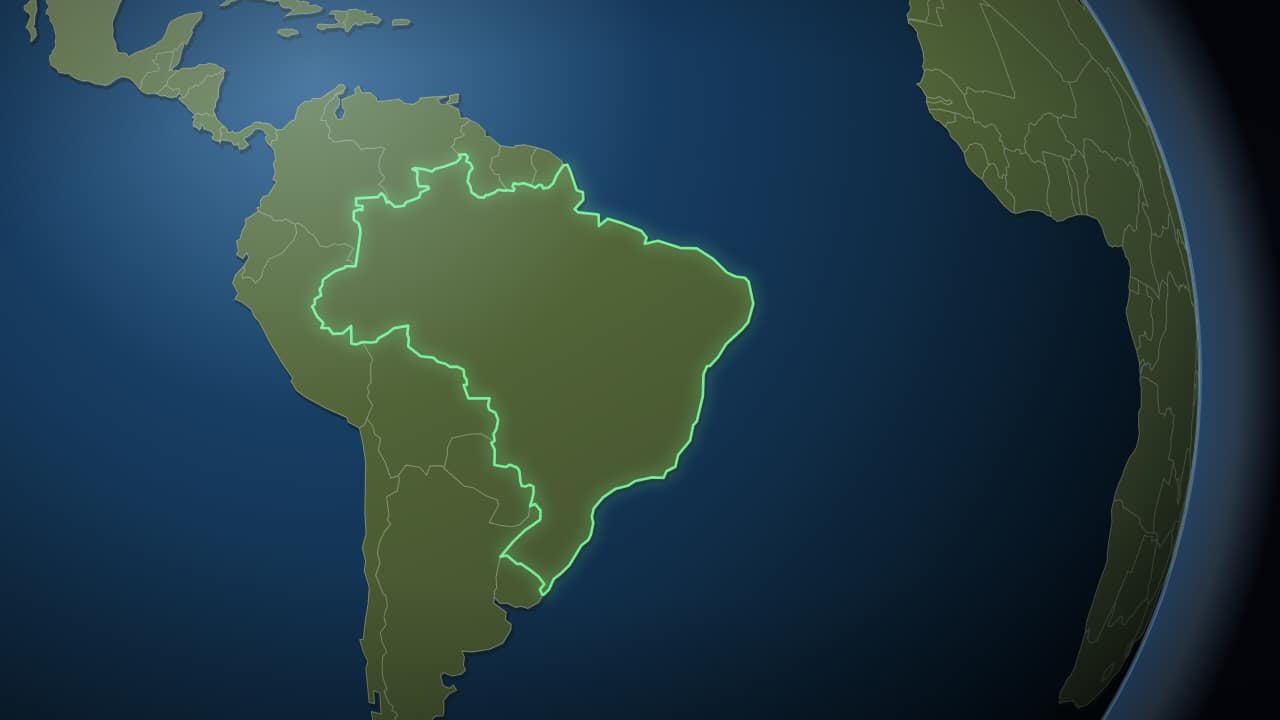 From space to your countryThe Earth small against the black, turning slowly, and then the camera pushes in to the country: its border…
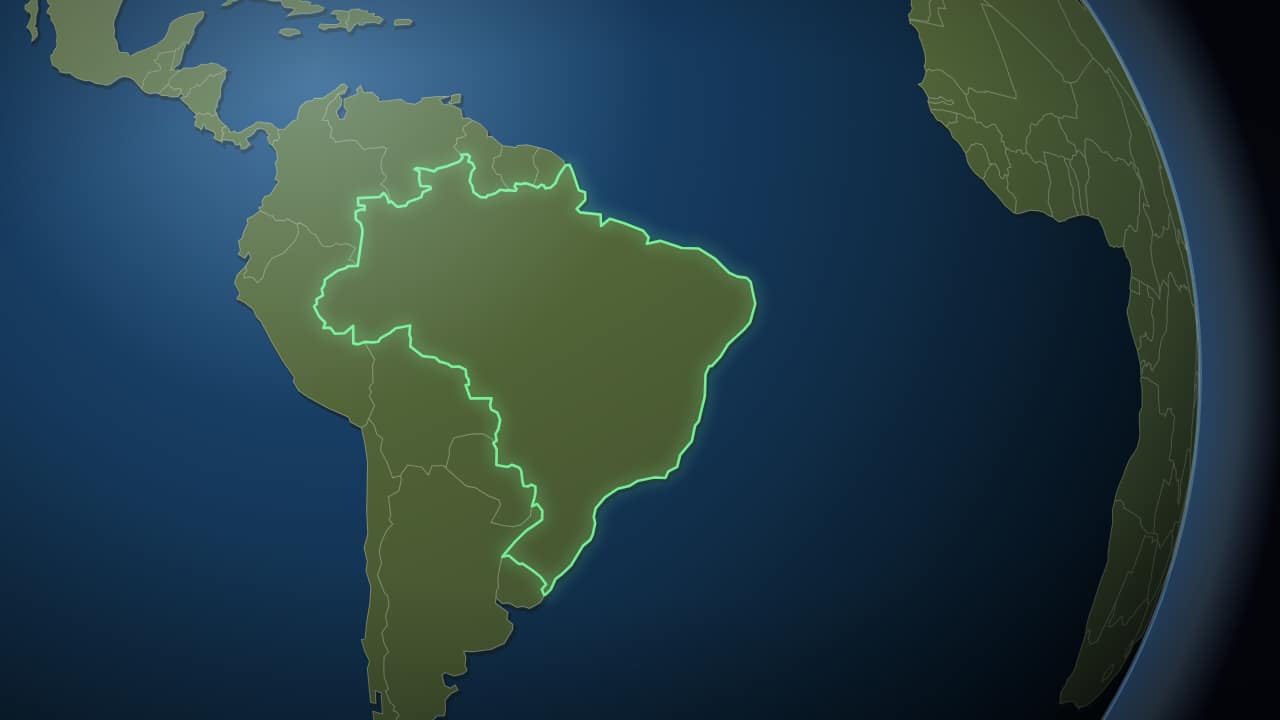 To the country, in two secondsThe same trip without the wait: the camera sets off almost immediately and lands on the country in a little…
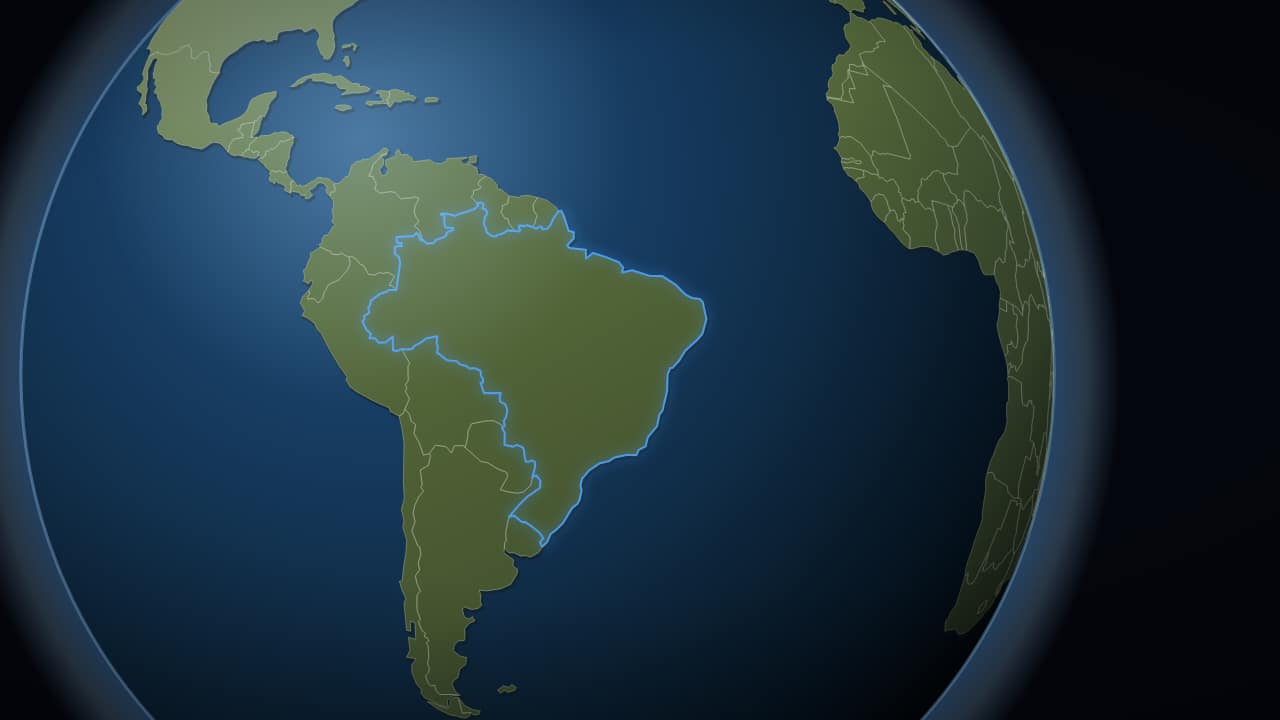 The globe, with no space behind itJust the planet, no stars and no background, to export with an alpha channel and drop over your own footage.
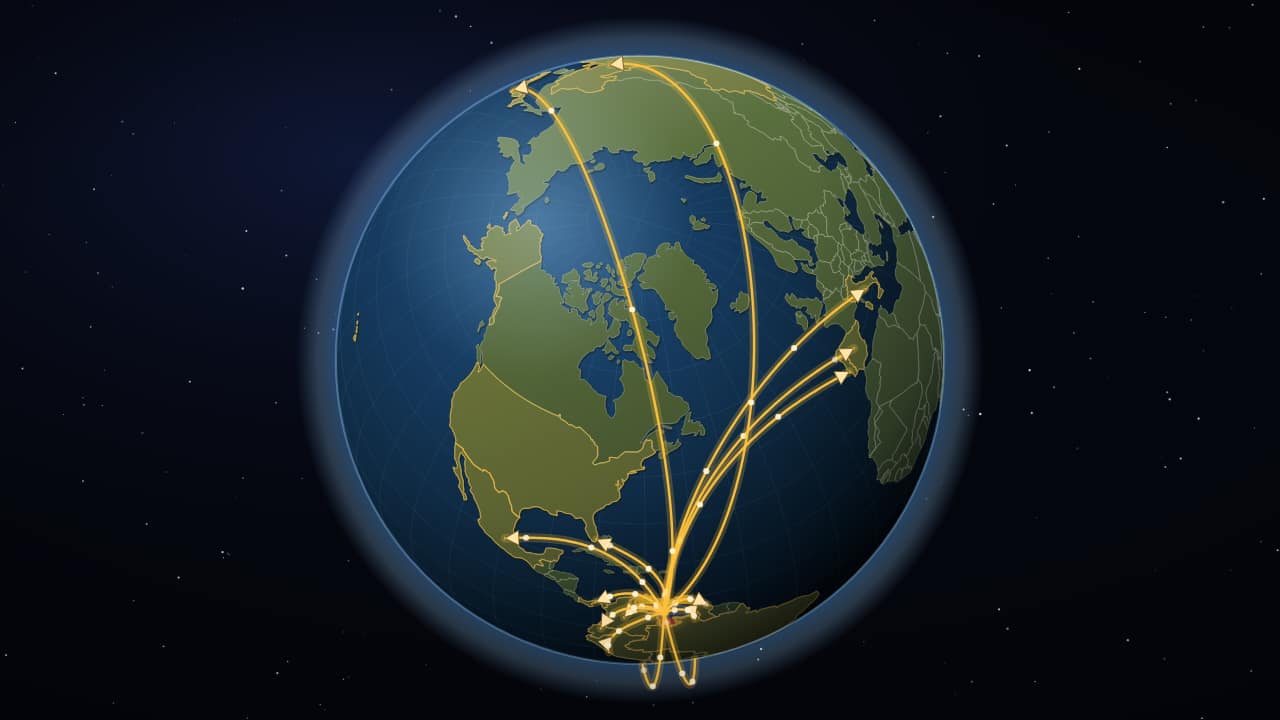 From one country to the worldThe same trip from space down to your country, and from there arcing arrows go out in three waves: first to…
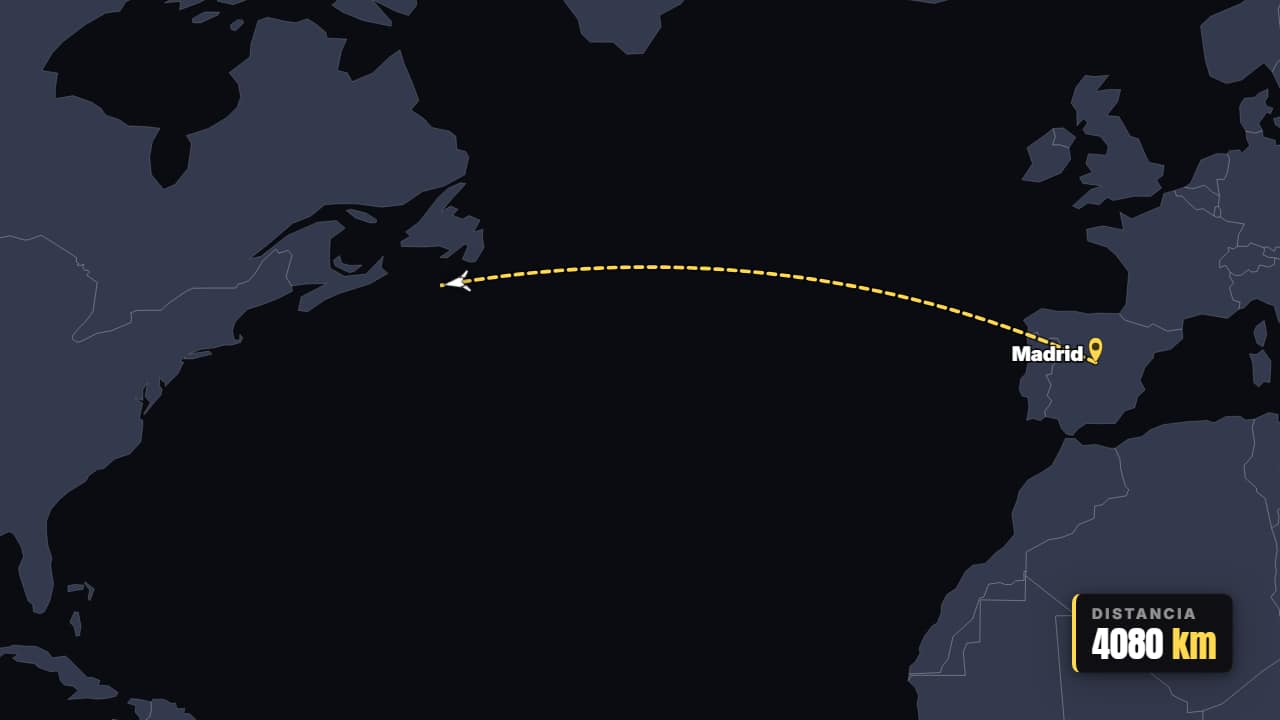 Flight A → BThe plane takes off and traces the real great-circle route between two cities, with the pins dropping and…
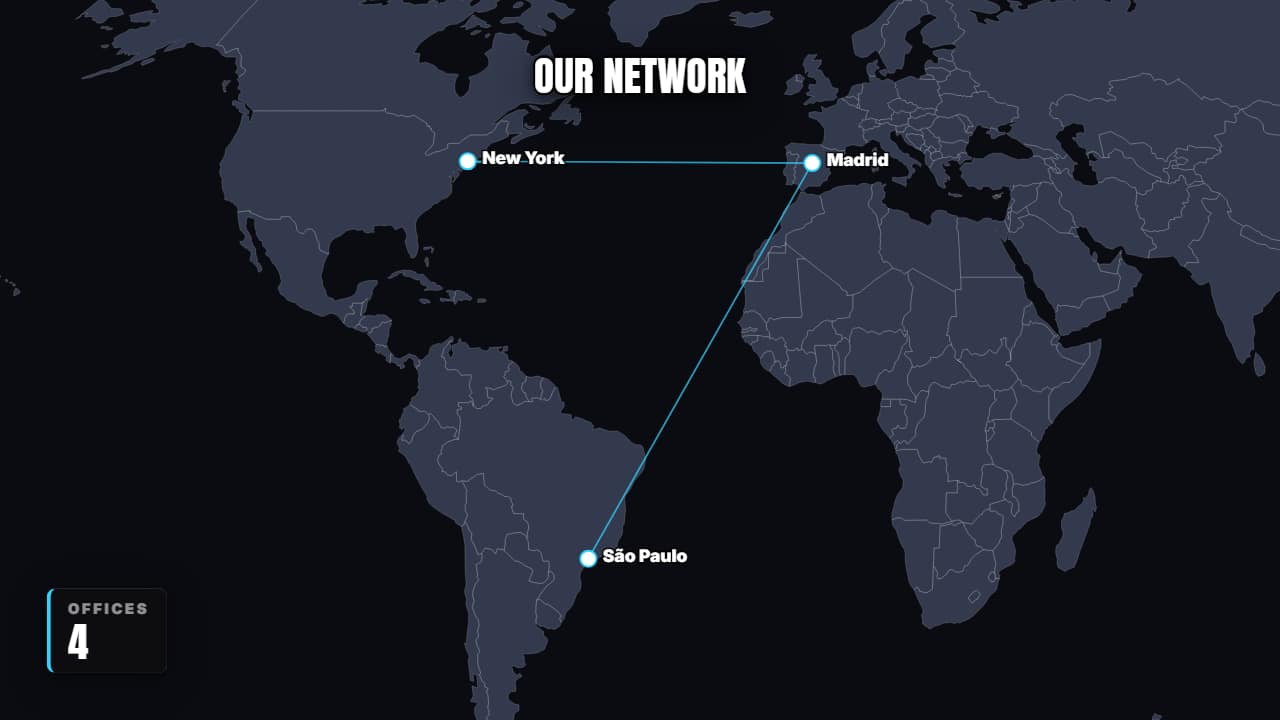 A network that growsDots connecting back to the origin until they form a worldwide network.
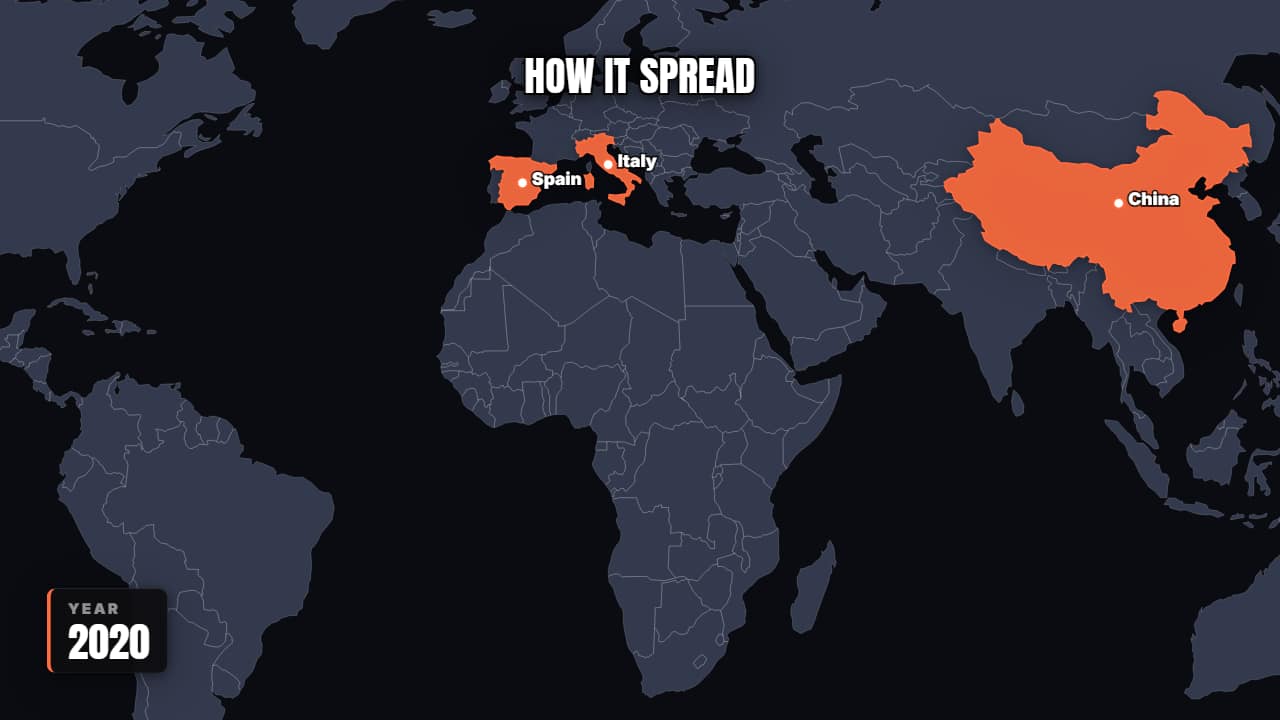 How it spreadWaves spreading from each new source while the map stains. For viruses, trends, technologies or languages.
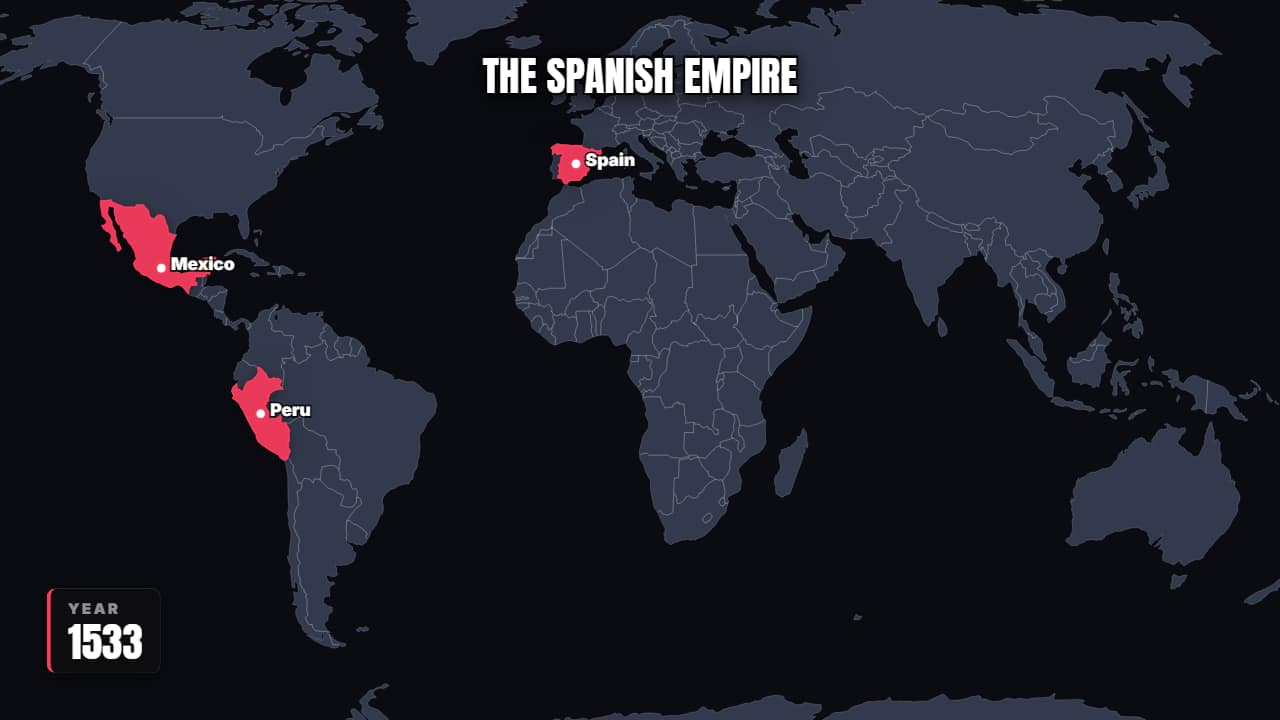 Territory that expandsThe countries color in one by one with the year counting: an empire growing, a company entering markets, an…
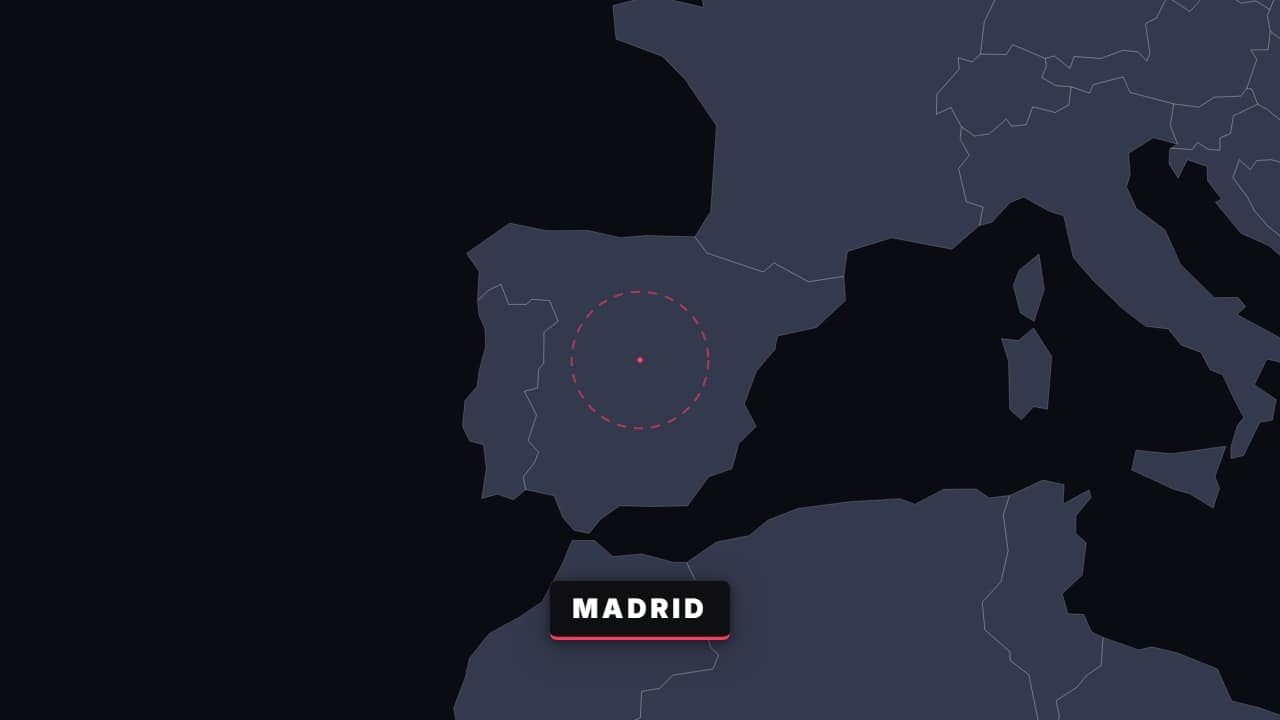 Zoom world → cityOne continuous move from the whole world down to the exact spot, with the labels changing at each level.
Questions
- Can the globe zoom to any country?
- Yes. Type the country's name in the Country field (in English; common Spanish names work too) and the camera frames it on its own and draws its border. About forty common countries, listed under the field, also get their flag filling the shape.
- Can I put the globe over my own video?
- Yes. Export «without background» and the space and stars are removed, so only the Earth plays over your clip. The loose globe is made for that: it has no background at all.
- Do I need After Effects?
- No. Every template is edited in your browser: type your text, choose colors and format (16:9, 9:16 or 1:1), watch the live preview and export.
- What do I export, and does it work in my editor?
- Most templates export as a ProRes 4444 .mov with a transparent background, which you place on a track above your clip in CapCut, Premiere Pro, DaVinci Resolve or Final Cut Pro. You can also export an MP4 with your own clip behind it. Always in Full HD.
- Is it free?
- Editing and previewing are free and need no account. To export you sign in with Google; during the open beta, new accounts get export credits at no cost.