Format (important)1920×1080this is how it downloads
Preview doesn't change the file
You'll download 1920×1080, 3.5 s, with a background (.mp4).
You'll download 1920×1080, 3.5 s, with a background (.mp4).
Darkens and drains the color from everything around an area of your video —a face, a number on screen, a license plate— so that's where people look. The spotlight closes like an iris on the way in and opens on the way out, with a pulsing ring and a label with a leader line. It can move to a second area at the moment you choose. Four styles: circle, viewfinder box, band and hand-drawn marker. It goes over your clip.
Plus the typeface and an optional letter outline, in every template.
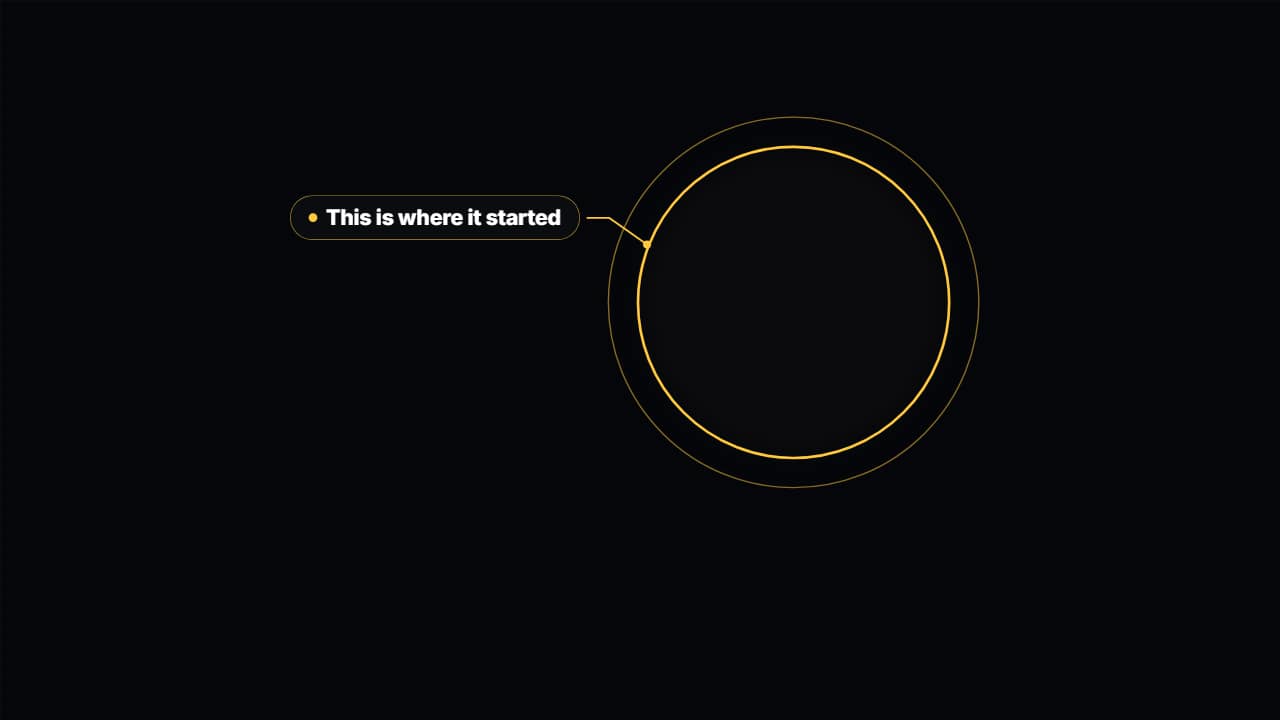
This template is exported with its background, as a regular video.
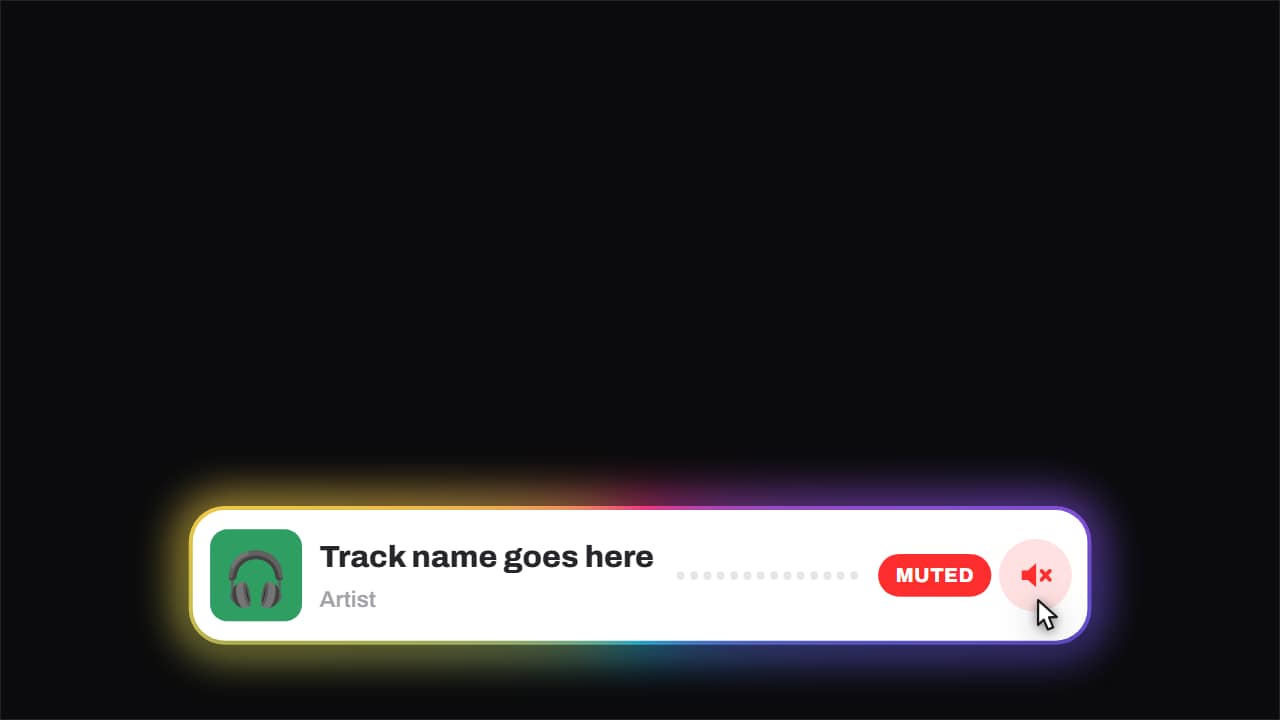 Now playing · and it gets mutedCover, track, artist and an equaliser that genuinely moves — three offset sines, so it looks like sound and…
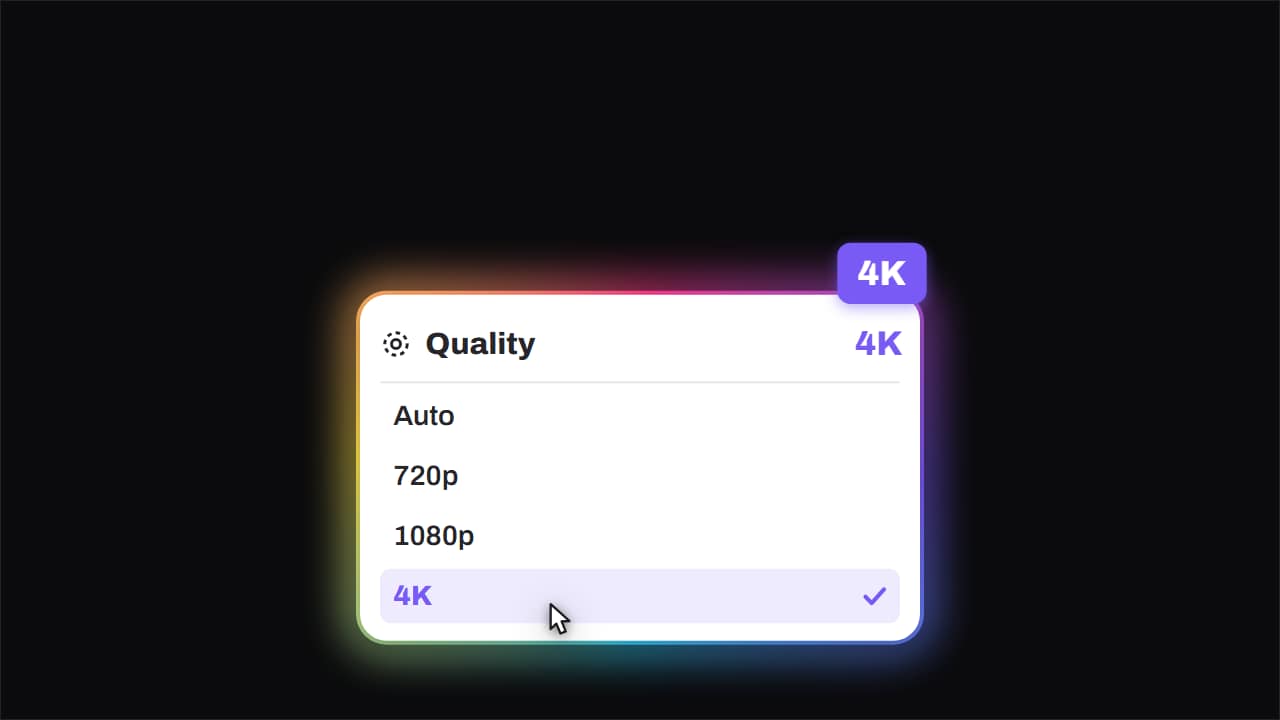 Quality · bumped to 4KThe quality menu opens, the cursor comes down, and the big badge lands rotated in the corner.
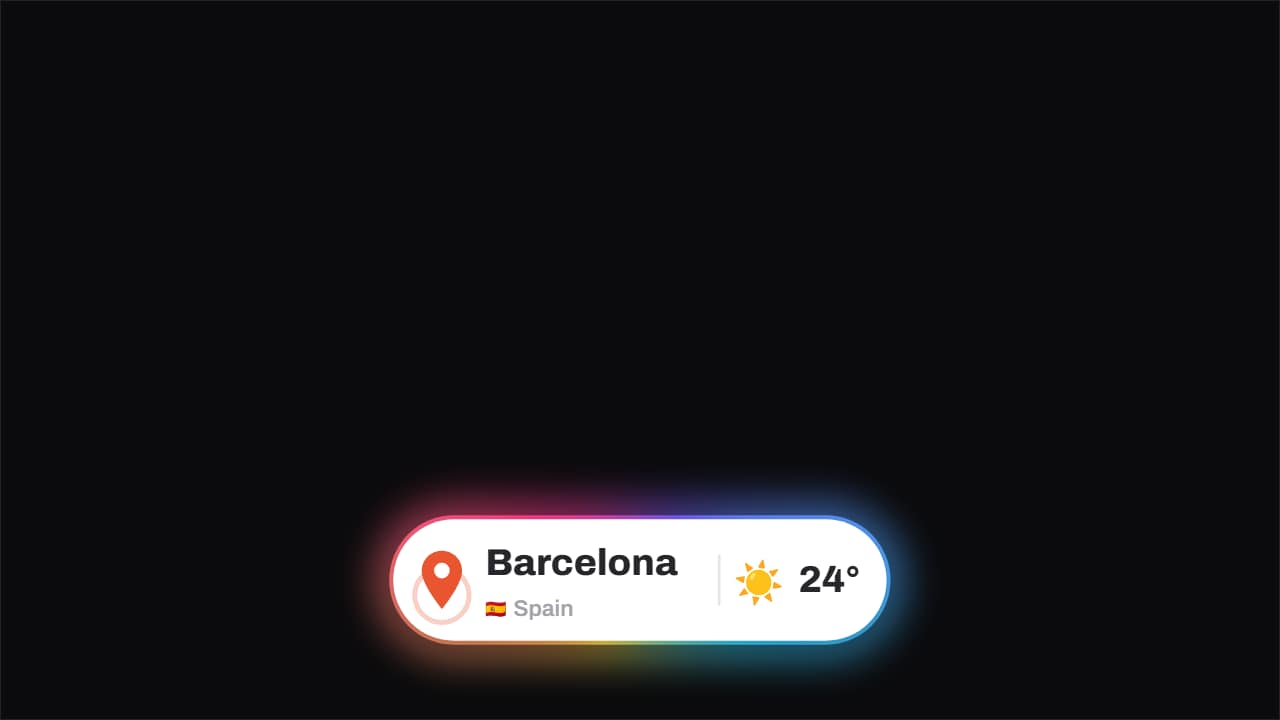 Location · the pin drops and pingsThe pin drops from above with its bounce and keeps ringing out, the place and country with its flag sit…
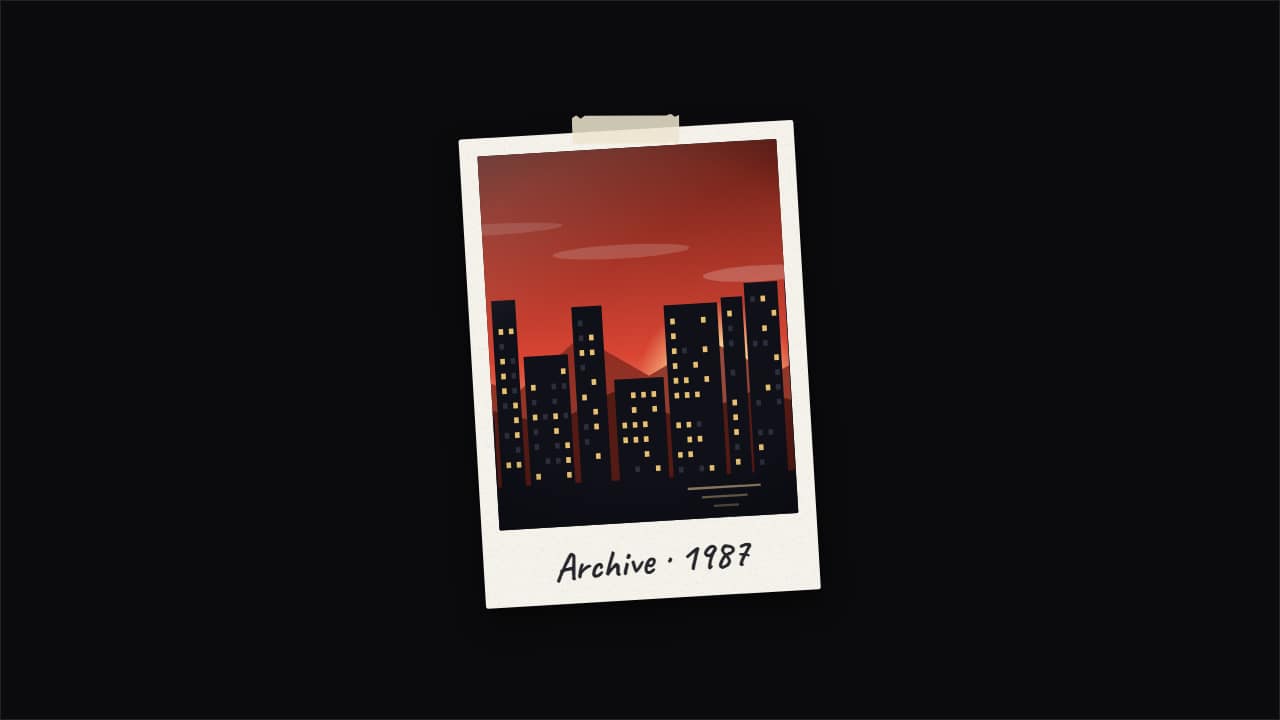 Photo pop-up with echoesThe documentary «pop-up effect»: your photo snaps in and leaves copies that slide out to the sides and fold…
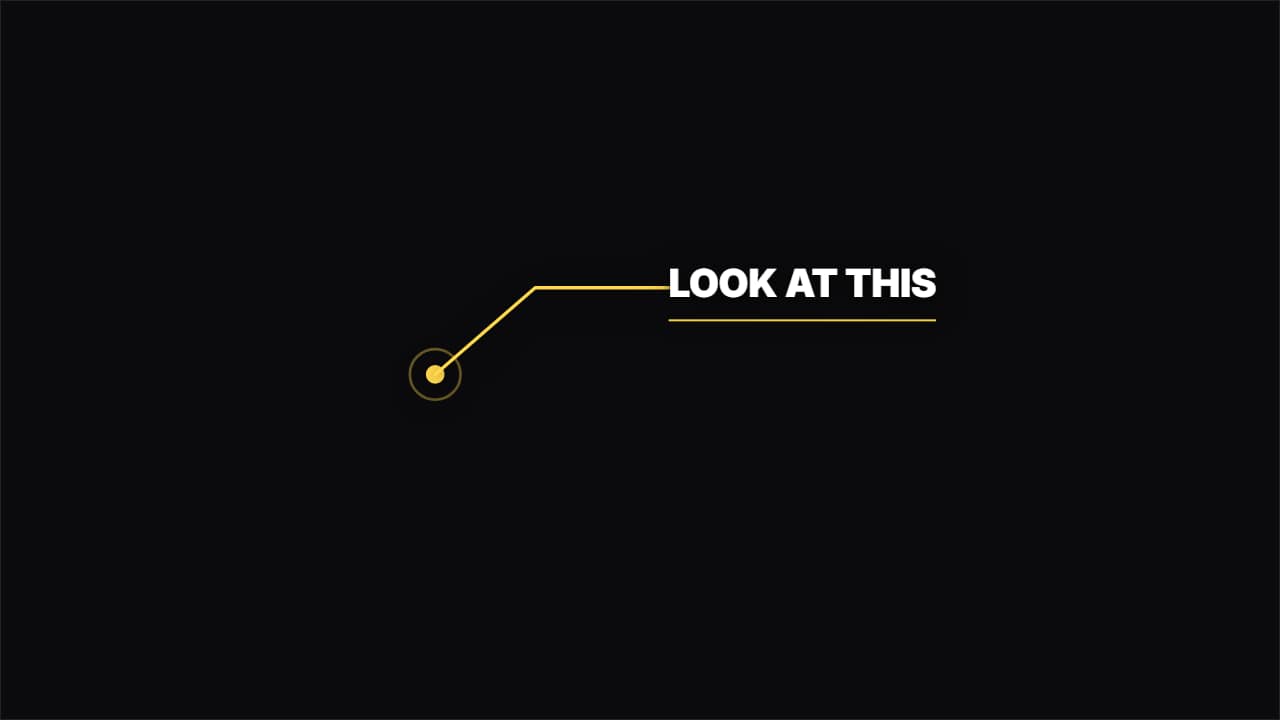 Callout with a lineA dot pulsing on the object and an elbowed line drawing itself out to the label. For pointing at details.
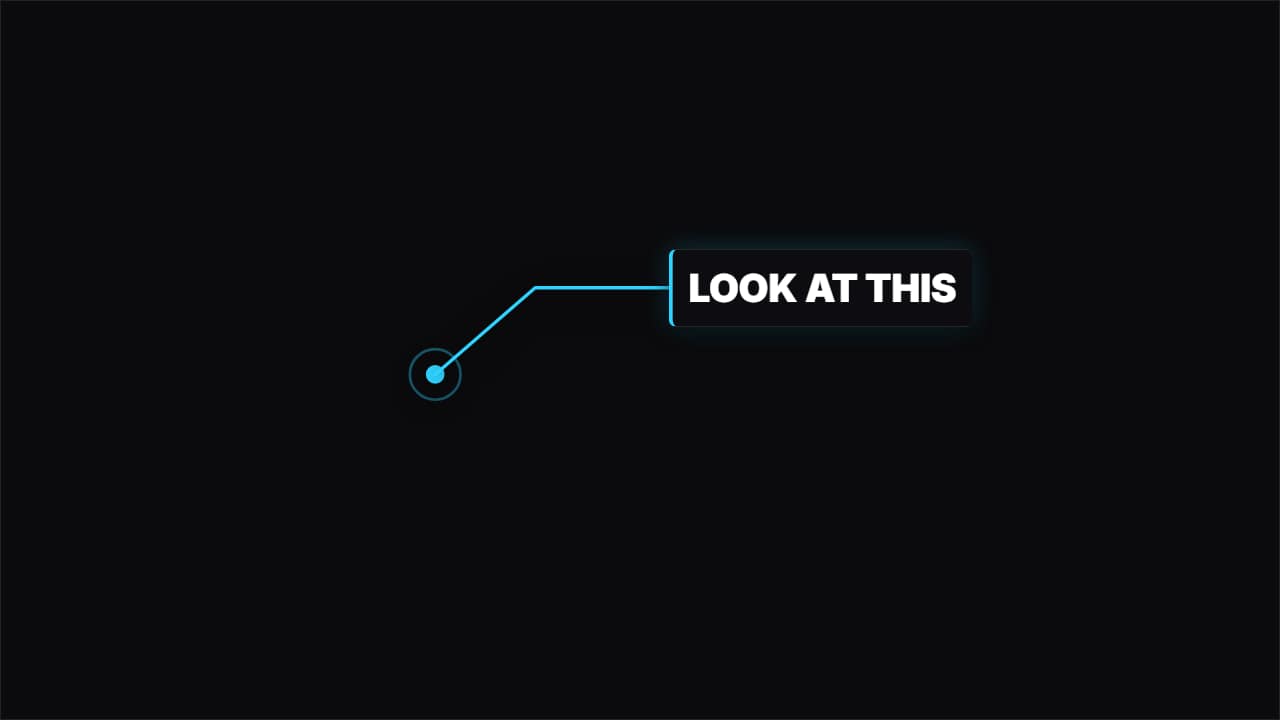 Callout with a panelThe same, but the label sits inside a solid panel with an accent bar: it reads over any background.
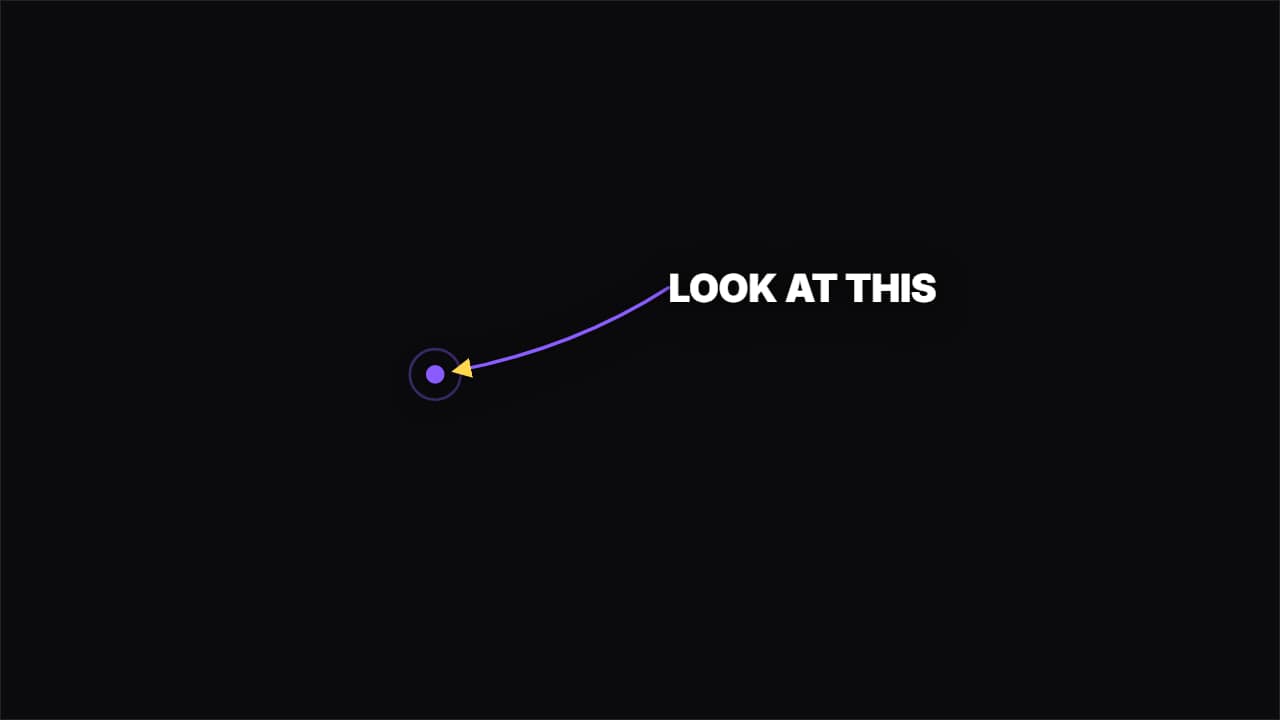 Curved arrowAn arrow drawing itself in a curve from the label to the spot. Directs the eye without covering the shot.
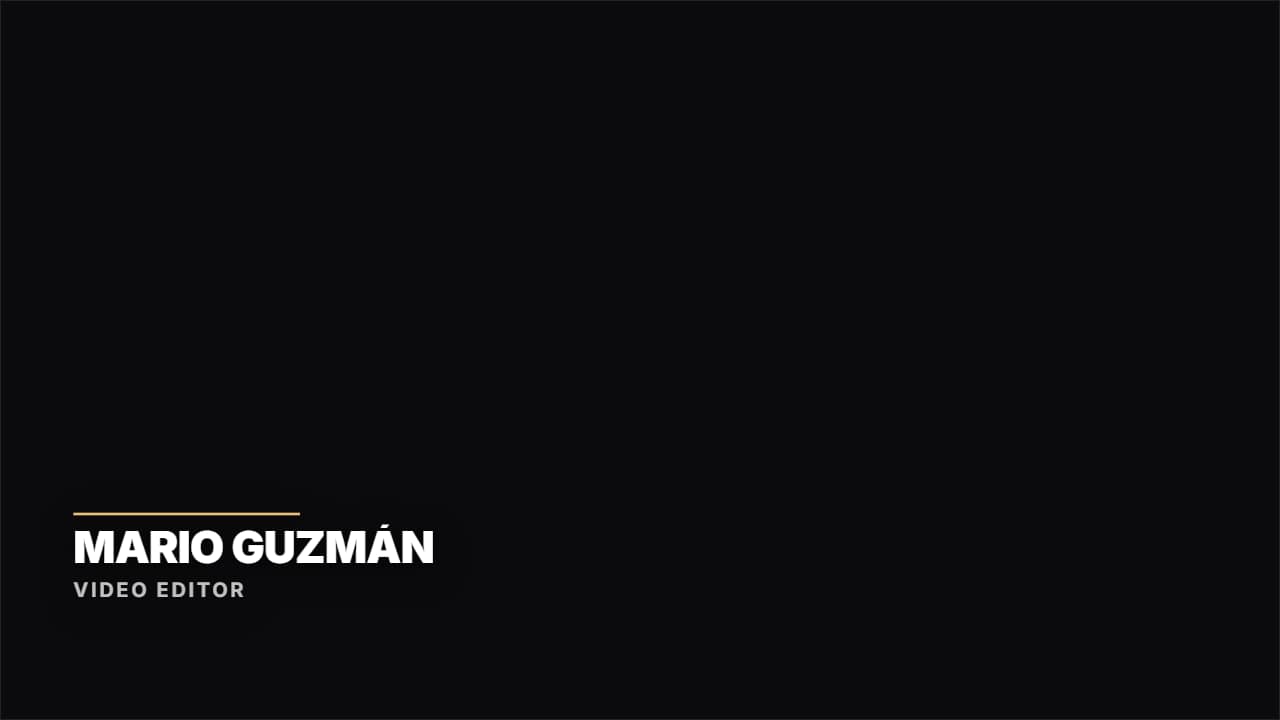 Lower third · HairlineNo box: a colored rule drawing itself and the text rising. Documentary and clean.