Format (important)1920×1080this is how it downloads
Preview doesn't change the file
You'll download 1920×1080, 3.5 s, with no background (.mov).
You'll download 1920×1080, 3.5 s, with no background (.mov).
Chat messages slide in one after another from the left and, once there is a rhythm, the paid message drops on top: a colored block with the name and the amount. It is the only colored block in the stack — exactly as on a real stream, which is why it takes the whole frame.
Plus the typeface and an optional letter outline, in every template.
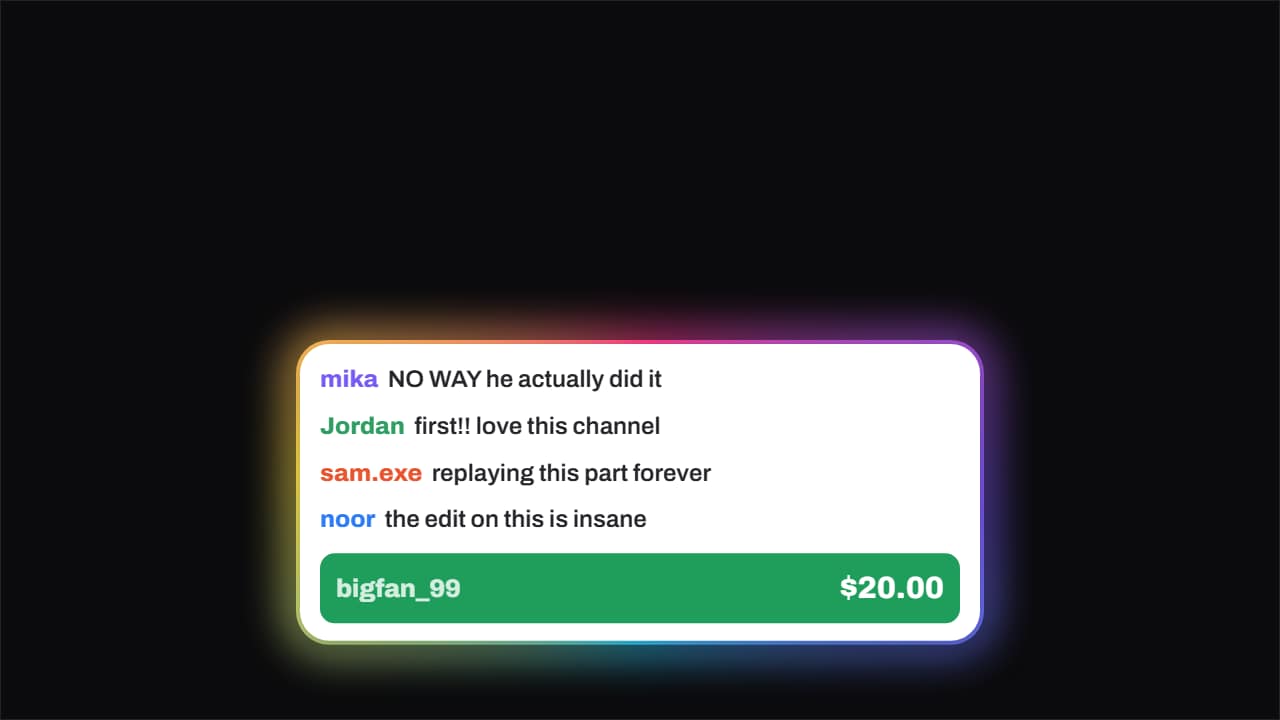
Export it without background and put it on a track above your clip: the animation plays over your video.
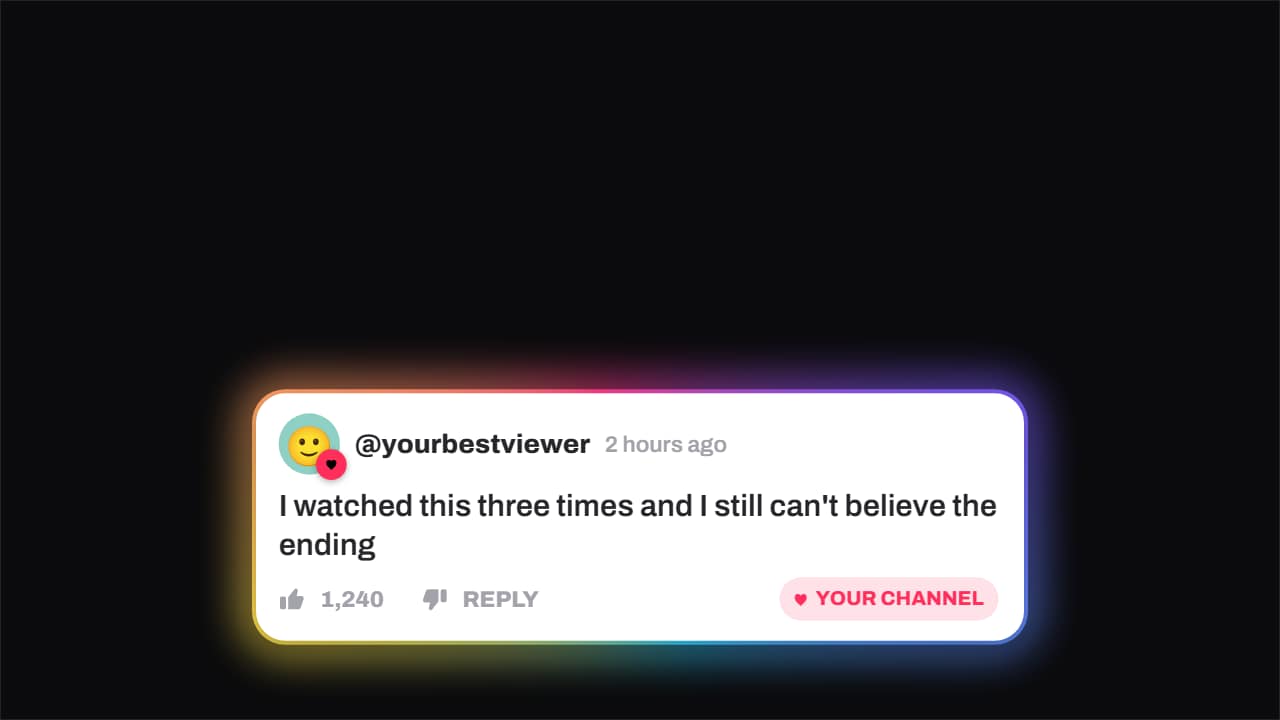 Comment · hearted by the channelA viewer's comment — avatar, timestamp, like count — and the moment the channel hearts it: the badge pops…
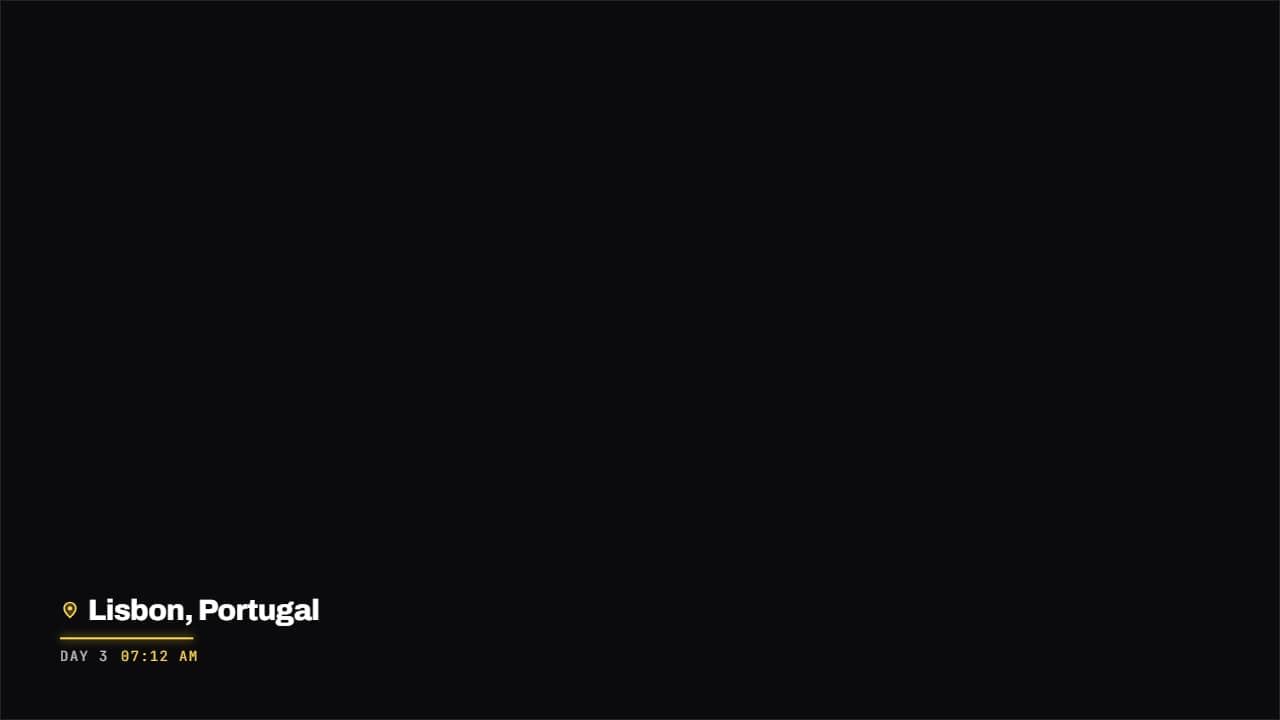 Place and date stampA map pin, the name of the place and the date underneath in monospace, with a colored rule drawing itself.
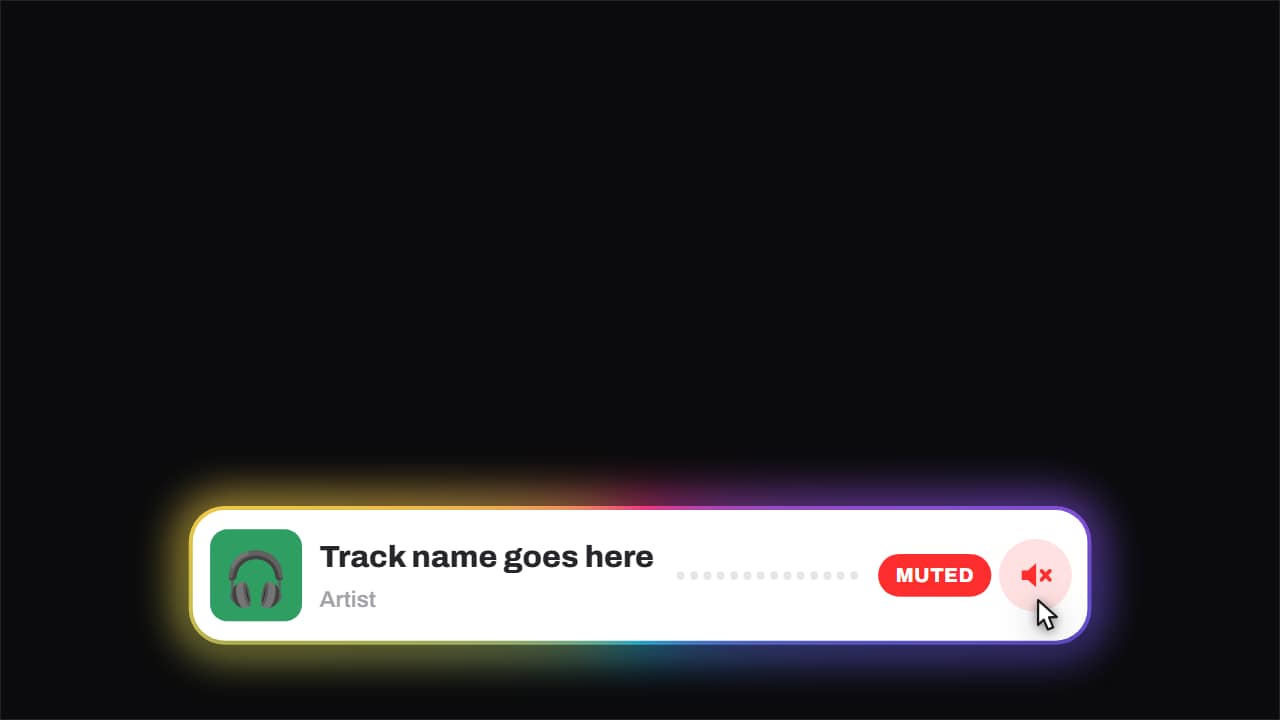 Now playing · and it gets mutedCover, track, artist and an equaliser that genuinely moves — three offset sines, so it looks like sound and…
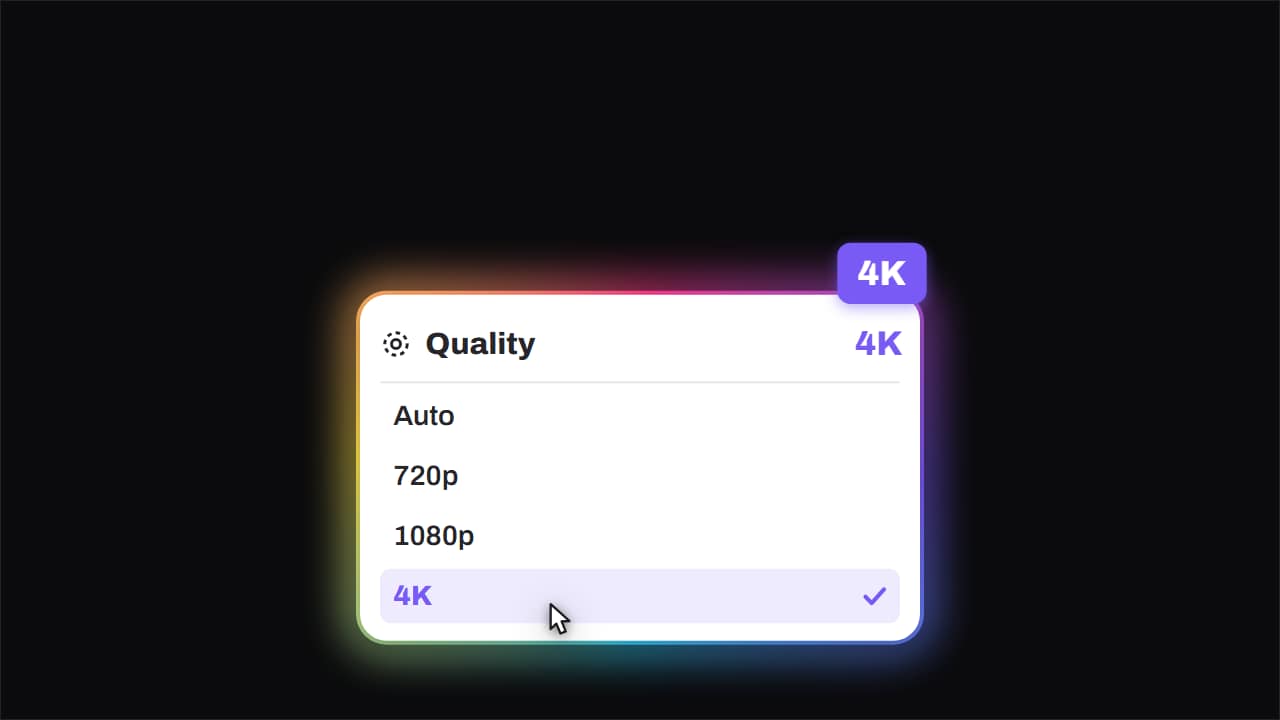 Quality · bumped to 4KThe quality menu opens, the cursor comes down, and the big badge lands rotated in the corner.
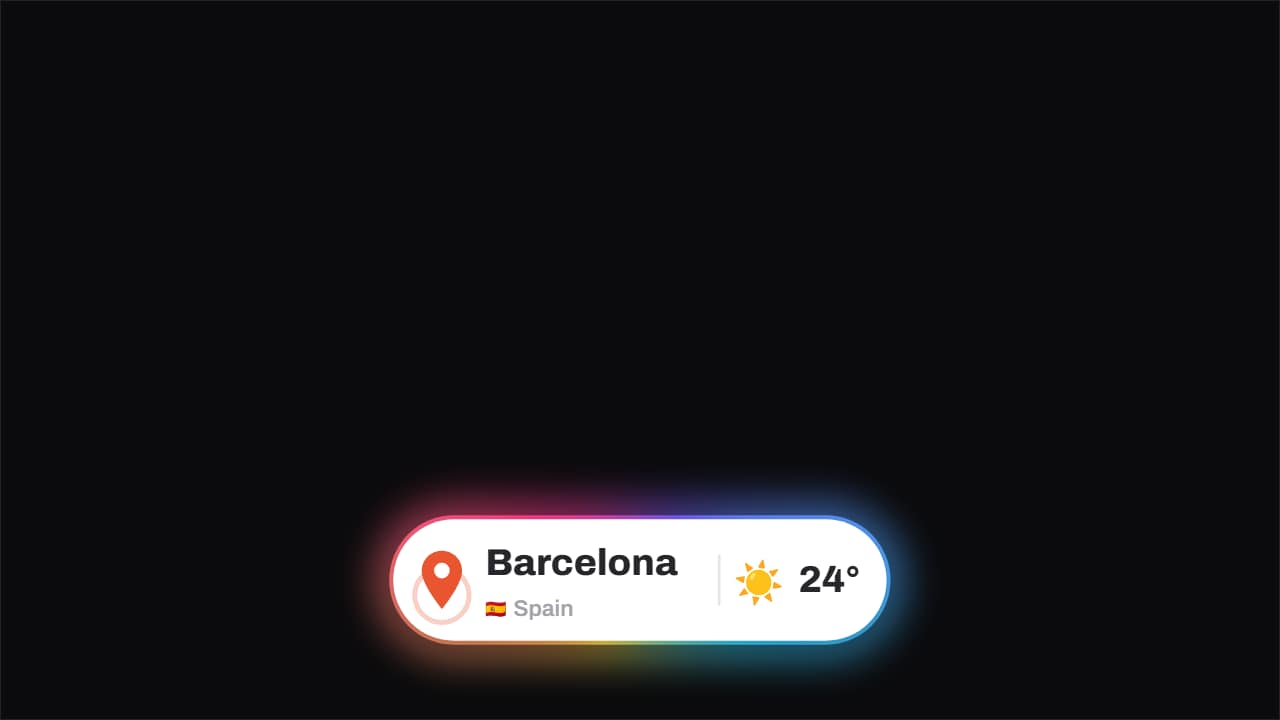 Location · the pin drops and pingsThe pin drops from above with its bounce and keeps ringing out, the place and country with its flag sit…
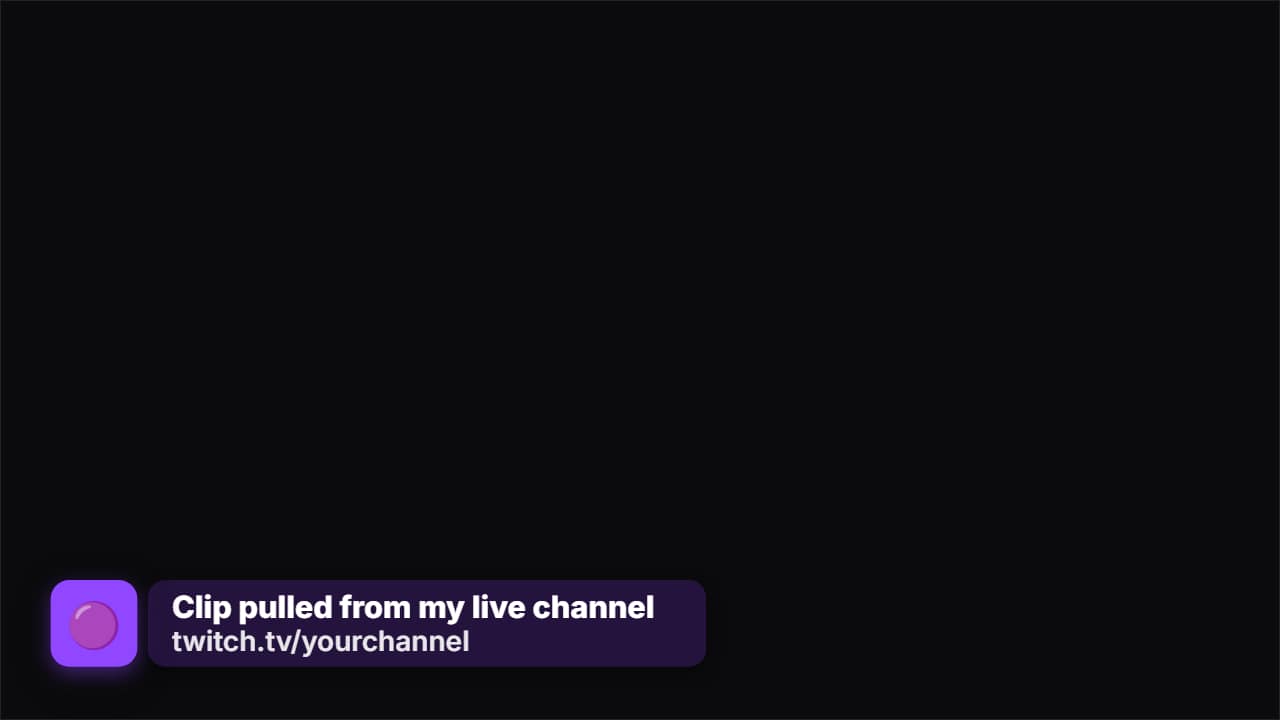 Source creditThe strap that says where the clip came from. First only the badge with the logo appears, it waits a beat…
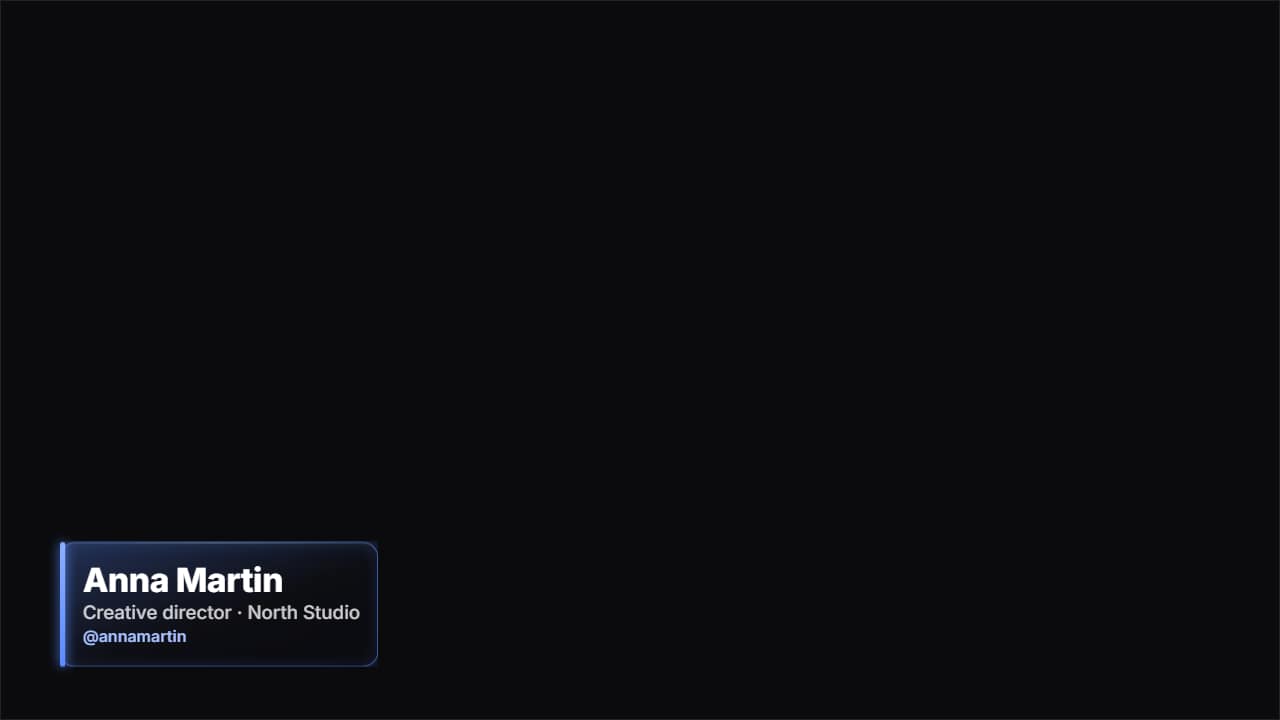 Glass name lower thirdThe «who's talking» strap in glass: name, role and your handle.
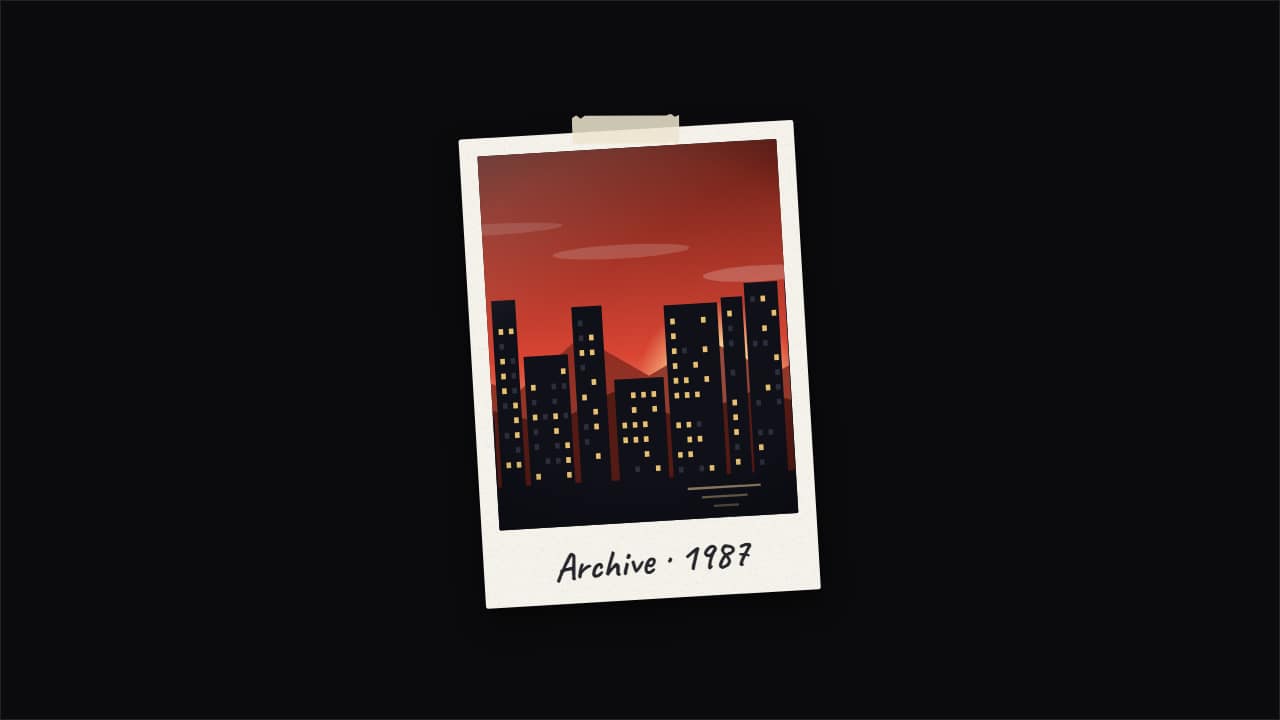 Photo pop-up with echoesThe documentary «pop-up effect»: your photo snaps in and leaves copies that slide out to the sides and fold…