Format (important)1920×1080this is how it downloads
Preview doesn't change the file
You'll download 1920×1080, 3.5 s, with no background (.mov).
You'll download 1920×1080, 3.5 s, with no background (.mov).
Your photo or clip, stuck on top of your video by hand: with a cut-out border, tape on the corners and a tilt, it comes in in jumps like stop-motion; then a marker arrow draws itself to it with a handwritten note, and a few hand-drawn sparkles finish it off. With a handwritten caption. Four styles: white cut-out border, torn magazine paper, taped polaroid and sticker. Without a photo, it shows a drawn landscape.
Plus the typeface and an optional letter outline, in every template.
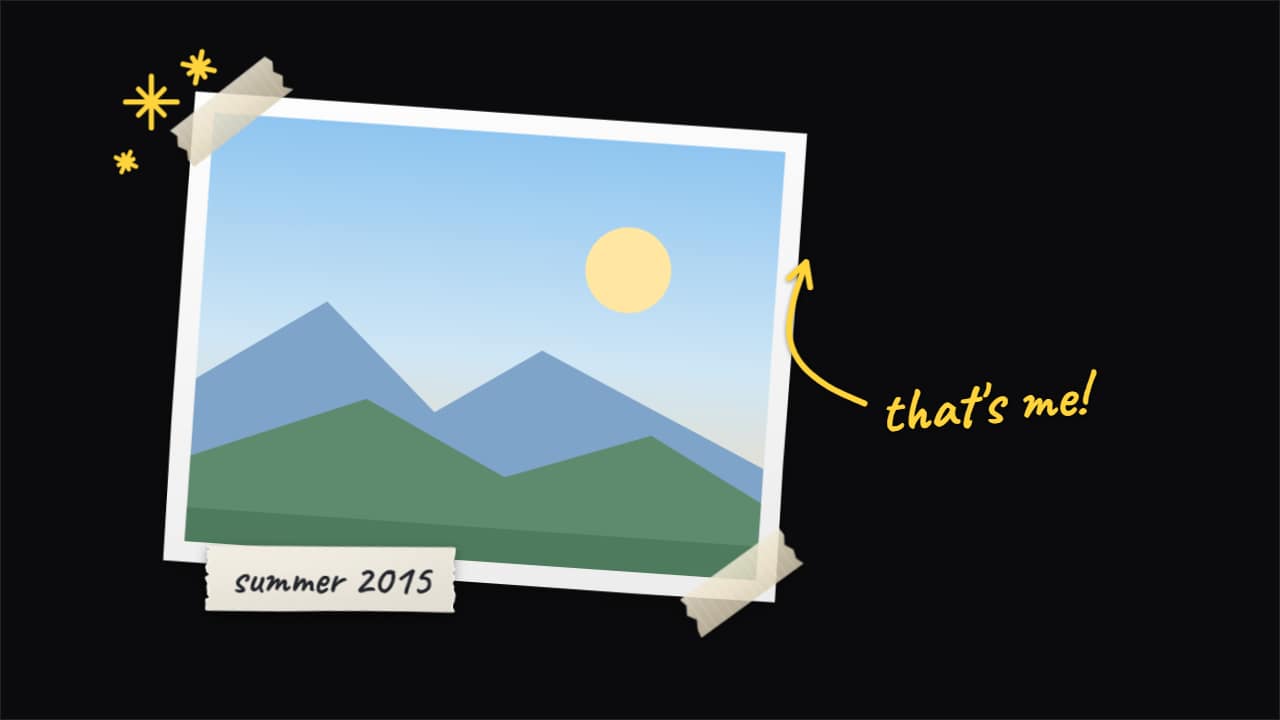
Export it without background and put it on a track above your clip: the animation plays over your video.
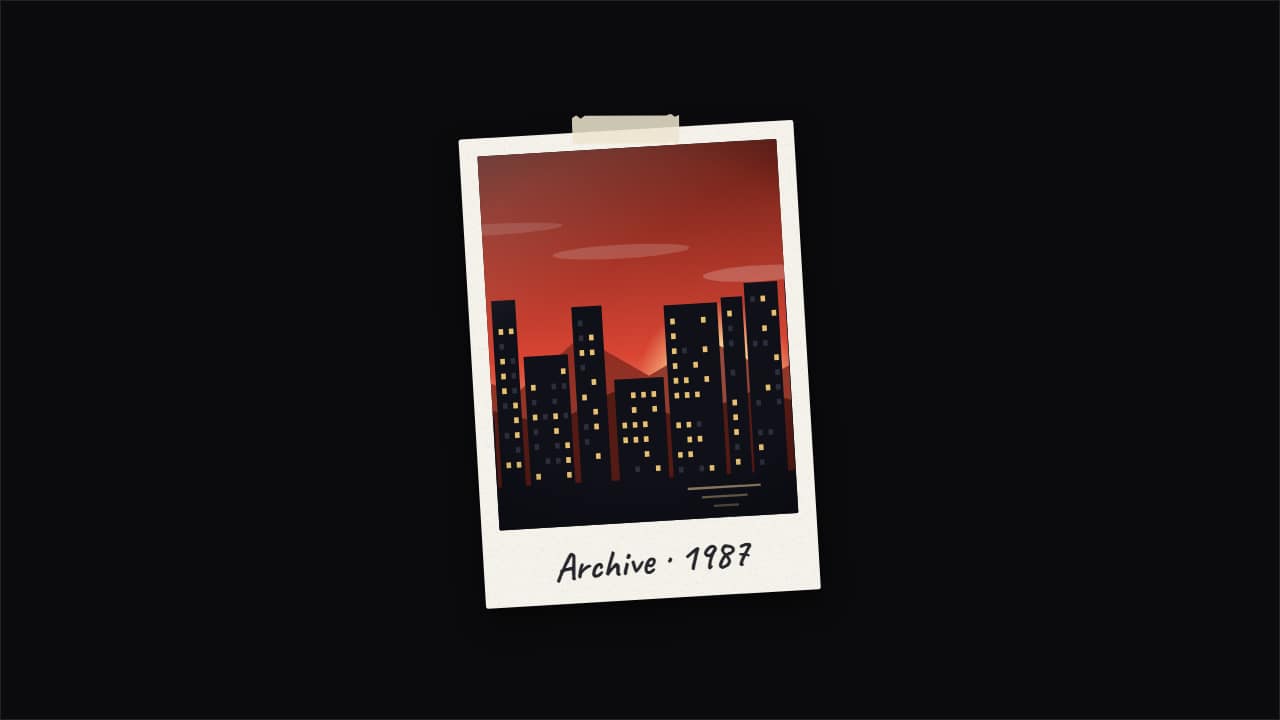 Photo pop-up with echoesThe documentary «pop-up effect»: your photo snaps in and leaves copies that slide out to the sides and fold…
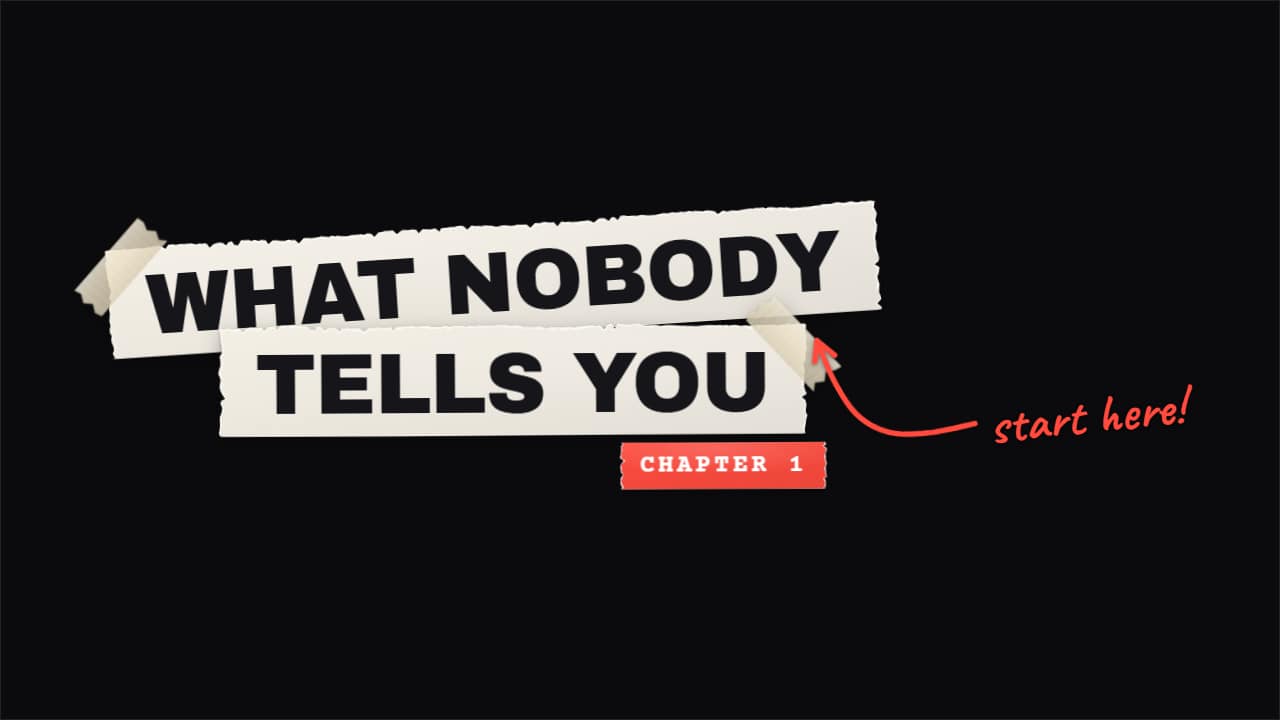 Torn paper titleYour title, made by hand: every line on its own strip of paper with a torn edge and white fibers showing…
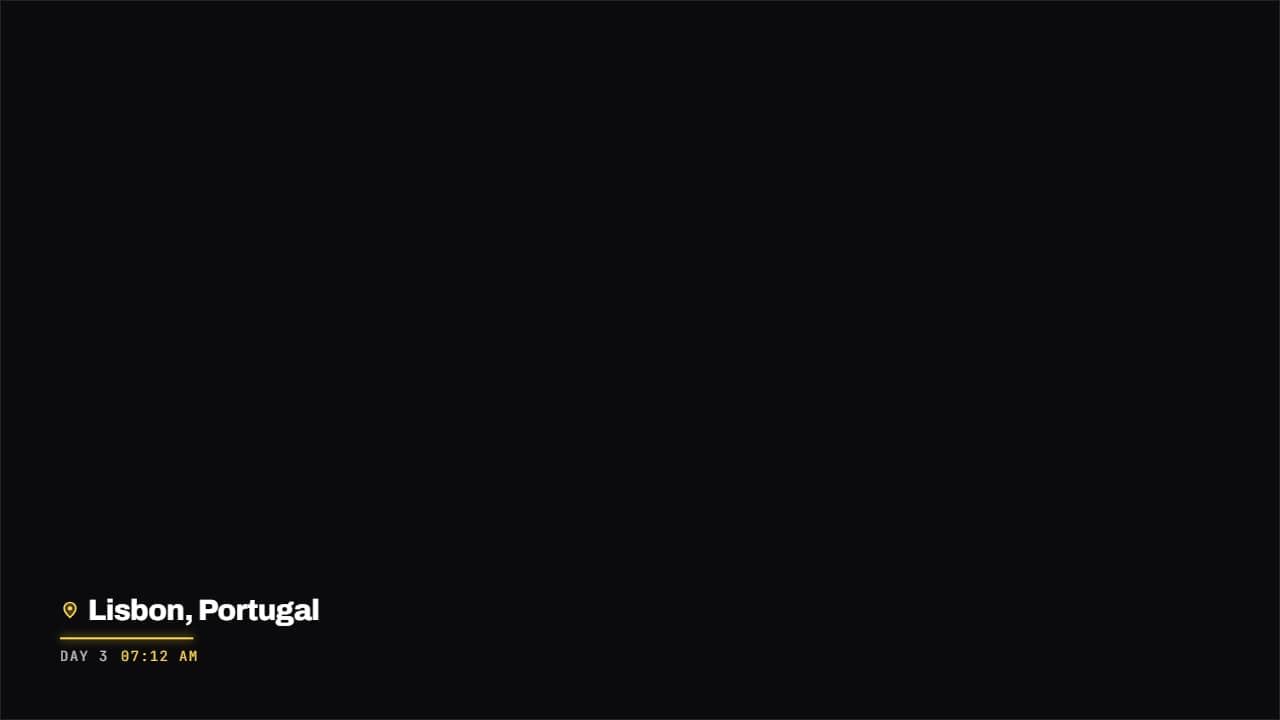 Place and date stampA map pin, the name of the place and the date underneath in monospace, with a colored rule drawing itself.
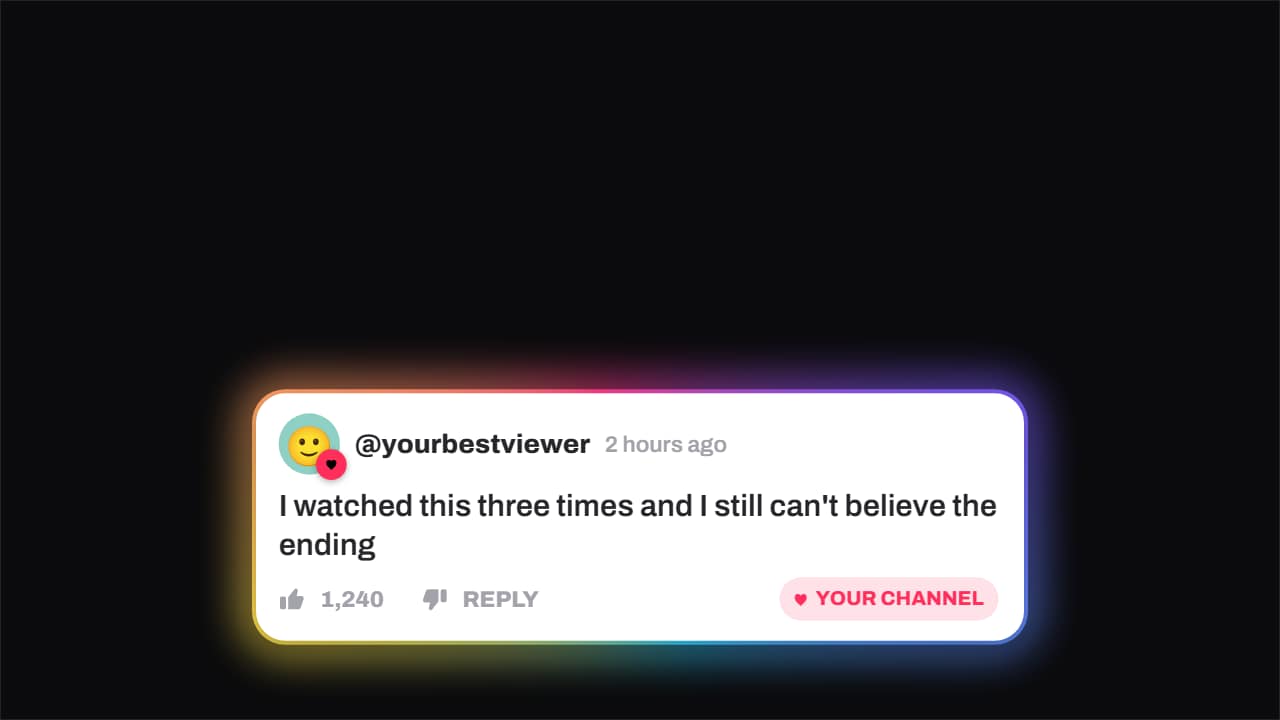 Comment · hearted by the channelA viewer's comment — avatar, timestamp, like count — and the moment the channel hearts it: the badge pops…
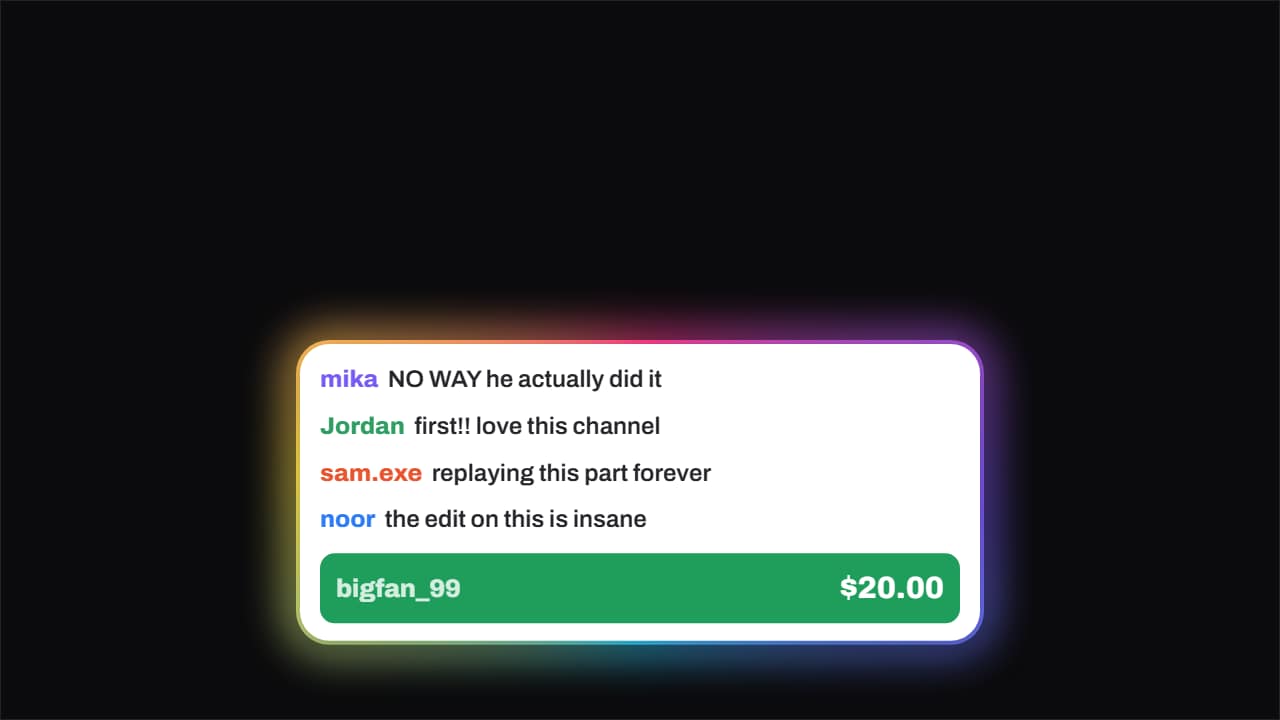 Live chat · with a donationChat messages slide in one after another from the left and, once there is a rhythm, the paid message drops…
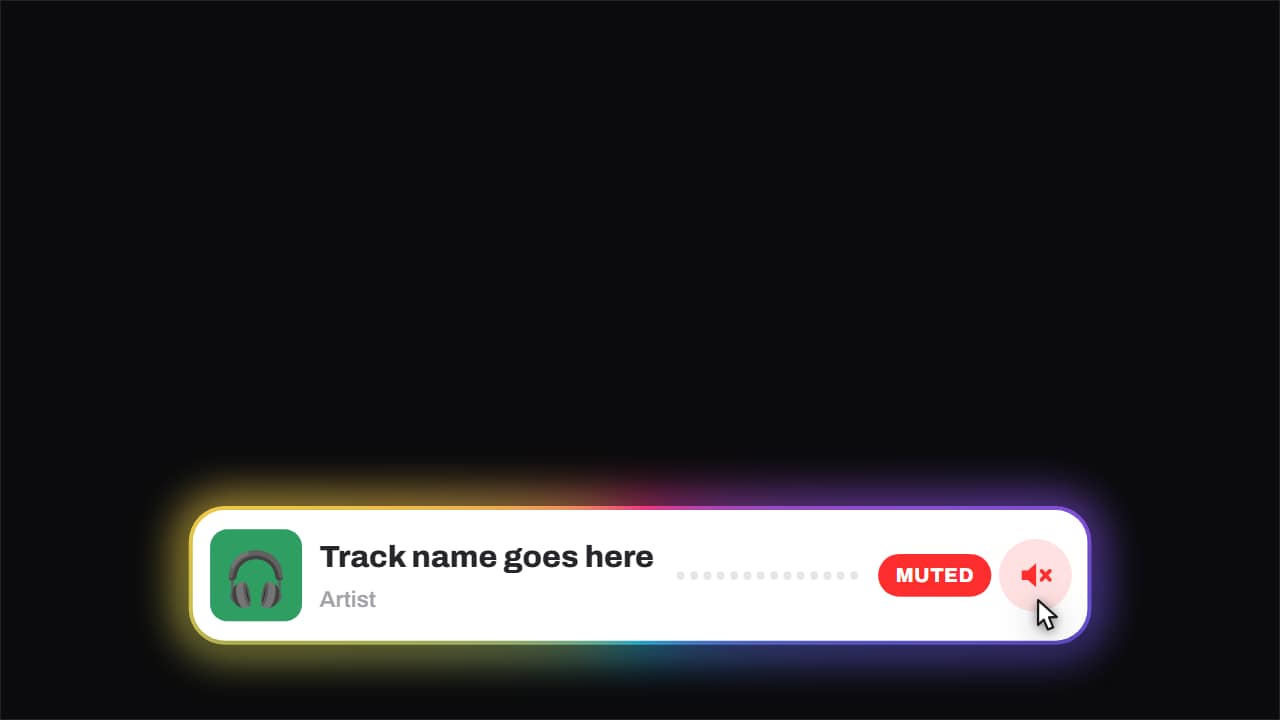 Now playing · and it gets mutedCover, track, artist and an equaliser that genuinely moves — three offset sines, so it looks like sound and…
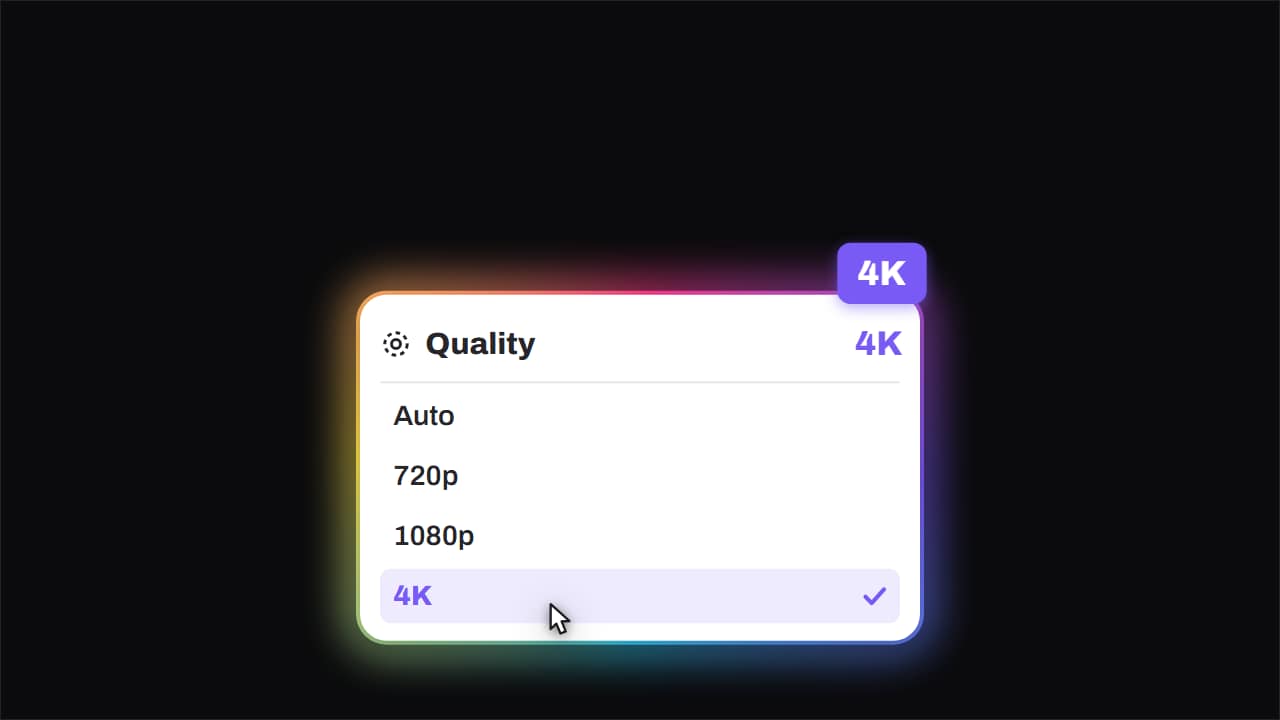 Quality · bumped to 4KThe quality menu opens, the cursor comes down, and the big badge lands rotated in the corner.
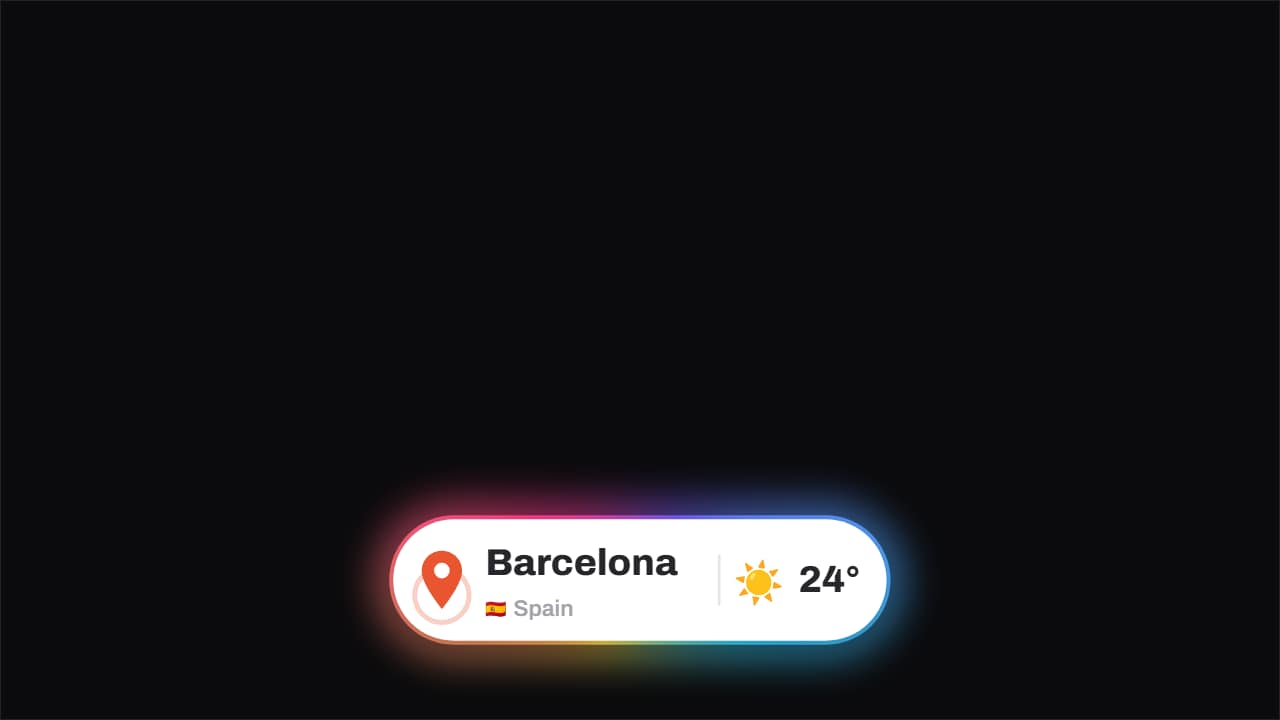 Location · the pin drops and pingsThe pin drops from above with its bounce and keeps ringing out, the place and country with its flag sit…